
Bambu Academy PETG Translucent
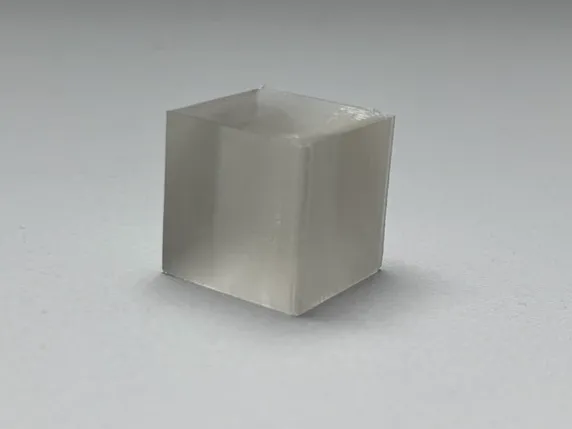
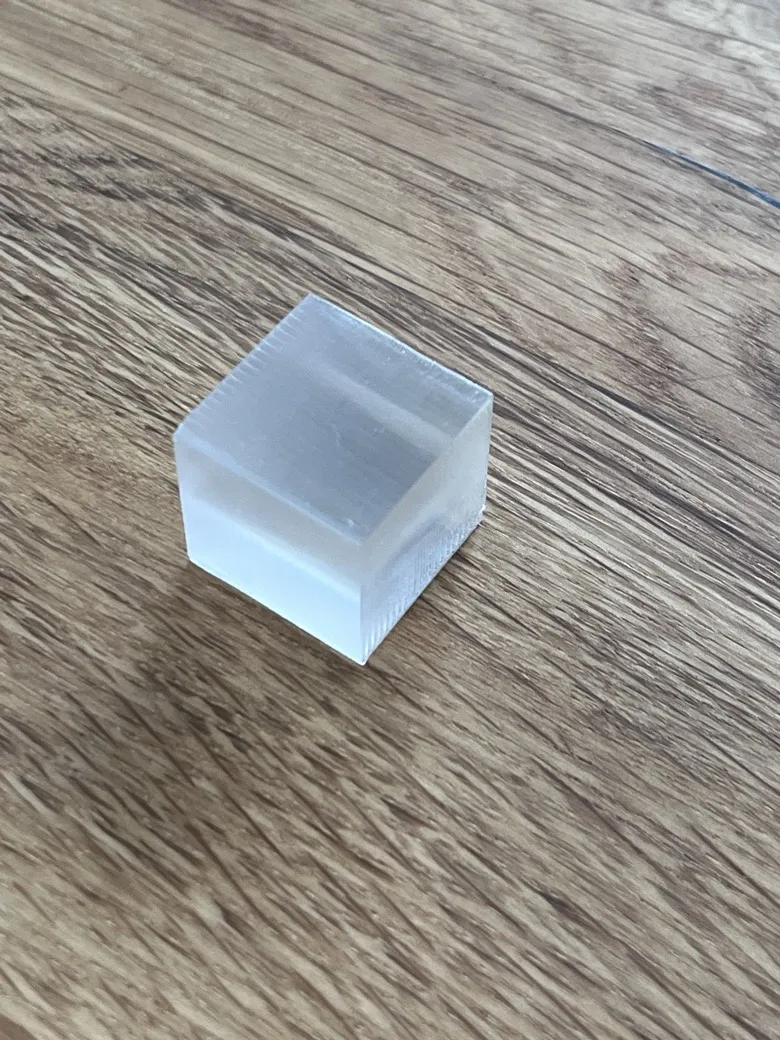
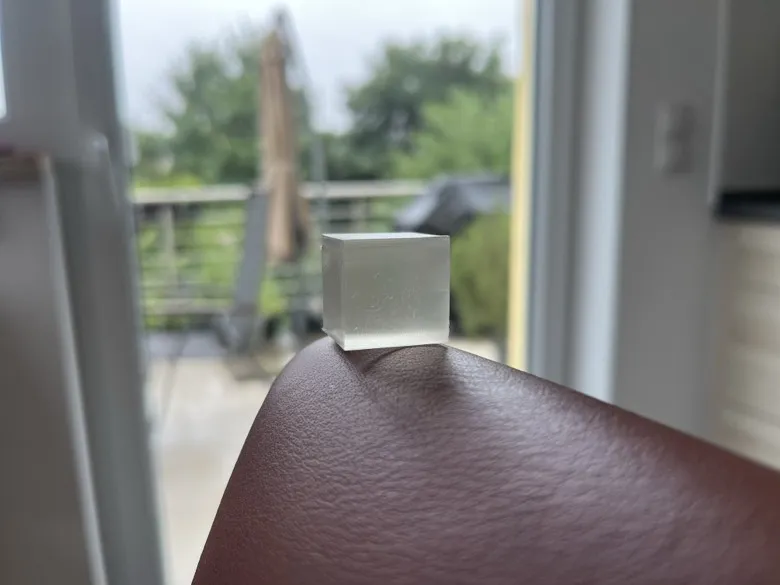
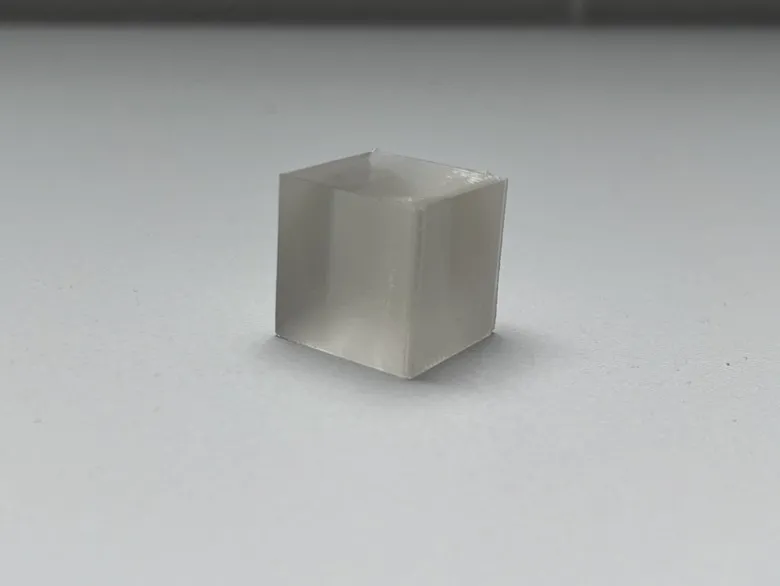
Print Profile(1)

Description
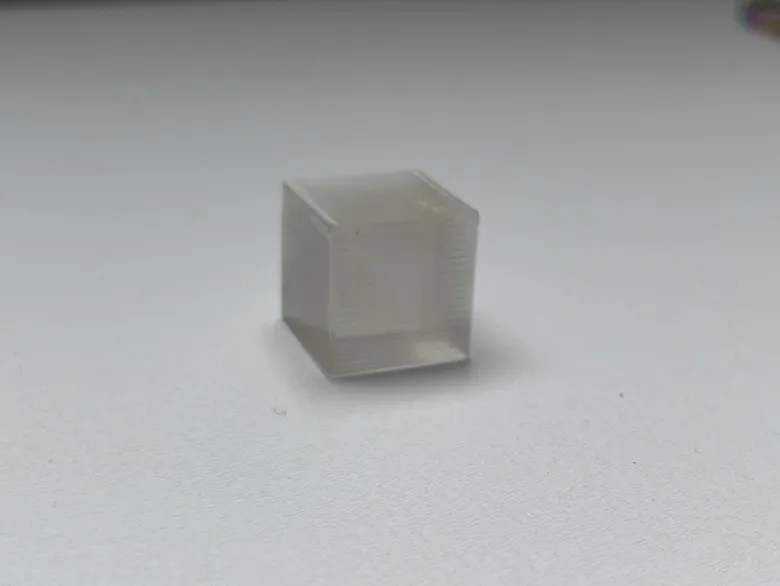
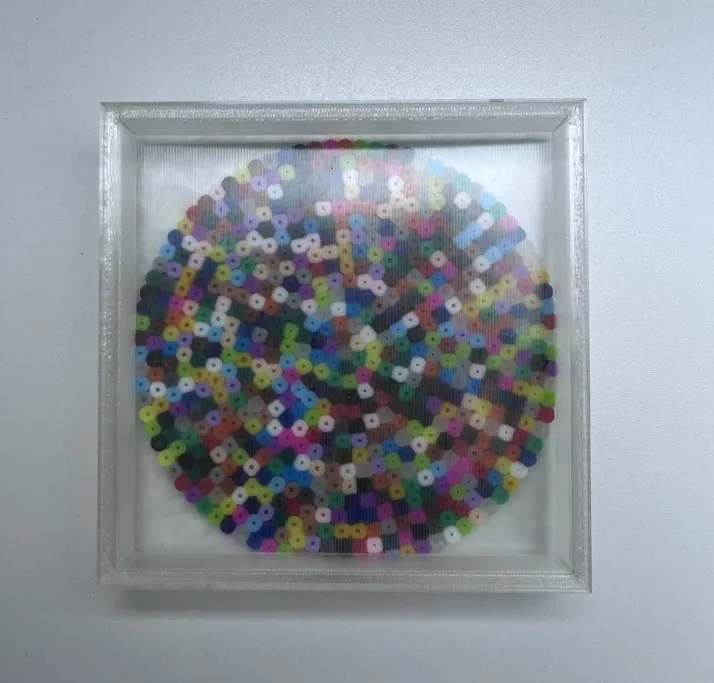
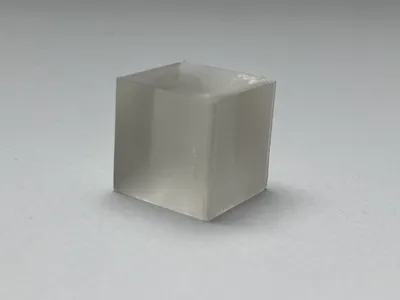
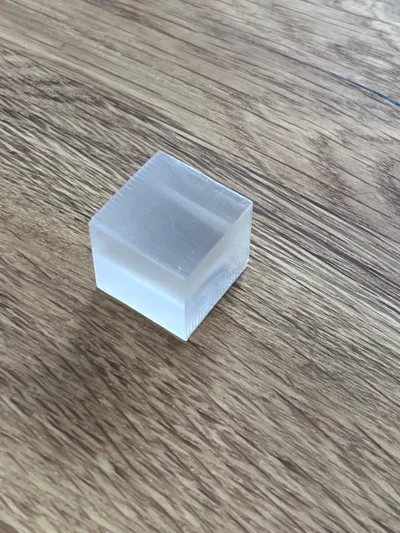
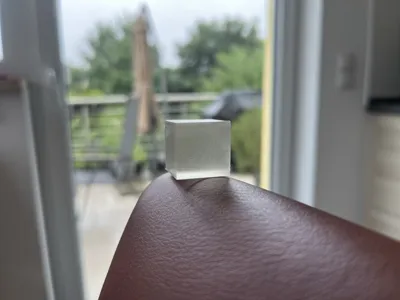
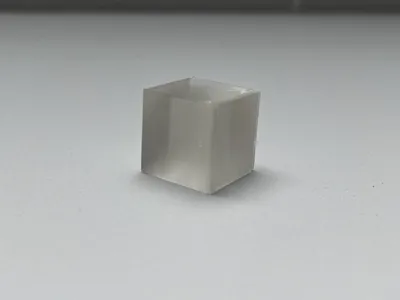
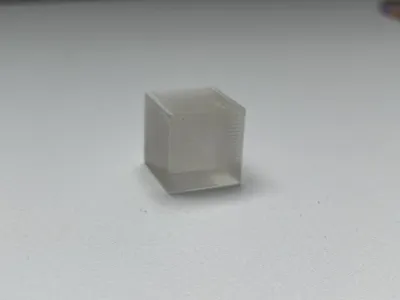
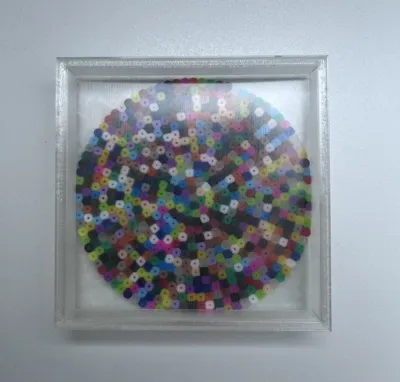
Bambu Academy PETG Transparency
PETG Transparency Settings - adopted from the Advanced Bambu Academy Recommendations
These have been minimally adjusted (e.g., Flow Ratio) as this yielded superior results for my purposes
Important: Ensure that the filament has been thoroughly dried
When altering the filament, endeavor to adopt my prescribed settings - the software should prompt you for this
Should it not, configure the following for your filament
- Filament
- Increase Flow Rate to 1.0
- Set Nozzle Temperature for Initial Layer and Other Layers to 270°C
- Cooling
- Set Minimum and Maximum Fan Speed Threshold to 0%
- Set Fan Speed for Overhangs to 0%
- Setting Overrides
- Set Retraction Length to 0.3mm
Set Z hop when retract to 0mm
Boost Me (for free)
A boost would be greatly appreciated
License

You shall not share, sub-license, sell, rent, host, transfer, or distribute in any way the digital or 3D printed versions of this object, nor any other derivative work of this object in its digital or physical format (including - but not limited to - remixes of this object, and hosting on other digital platforms). The objects may not be used without permission in any way whatsoever in which you charge money, or collect fees.


Comment & Rating (16)