Search models, users, collections, and posts

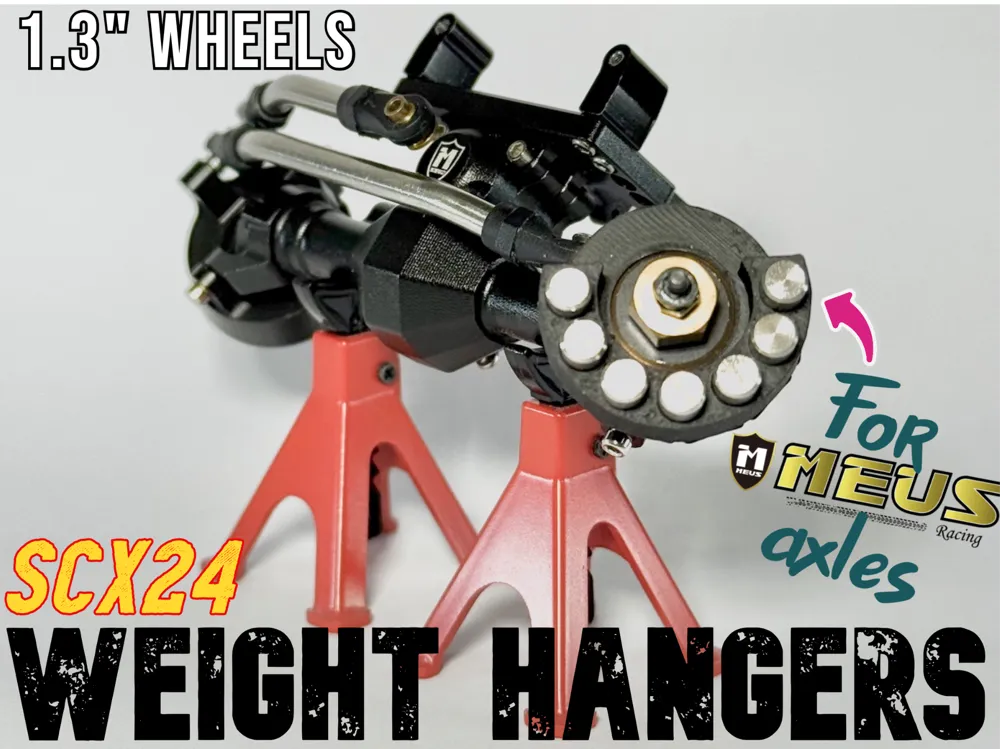
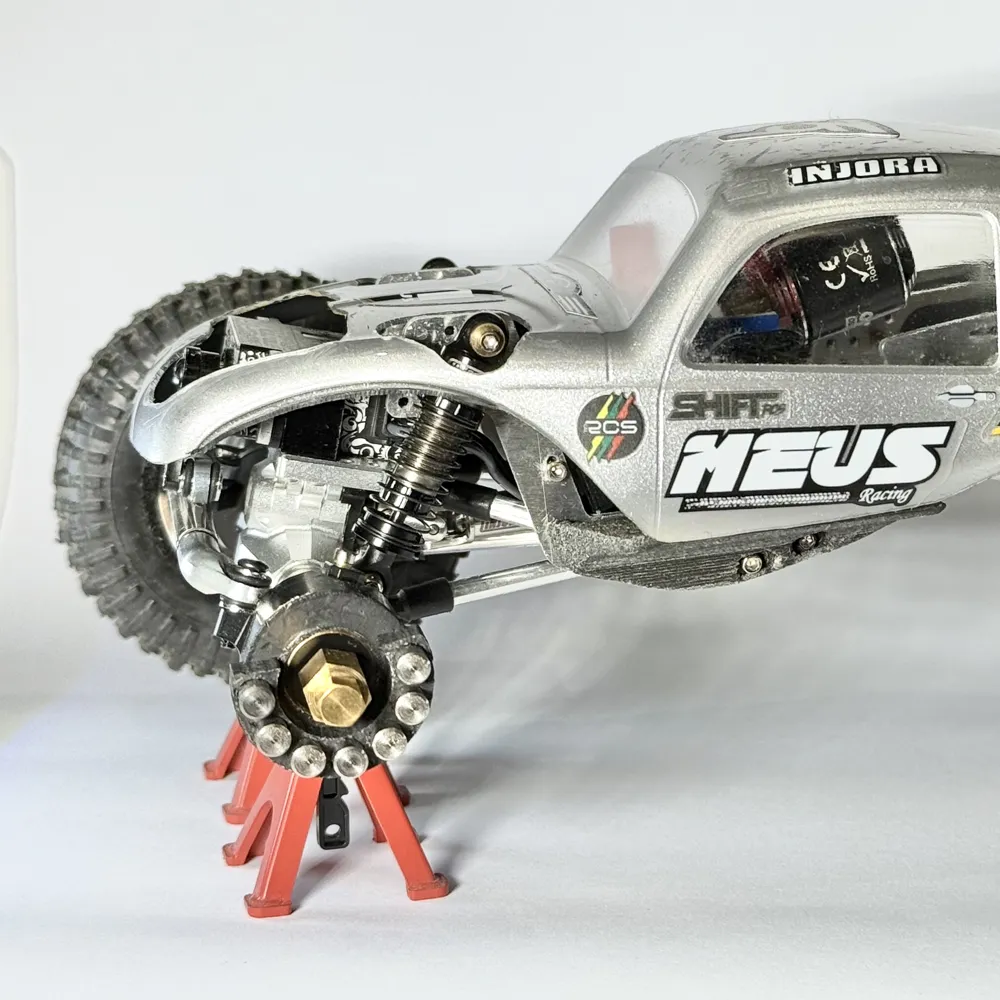
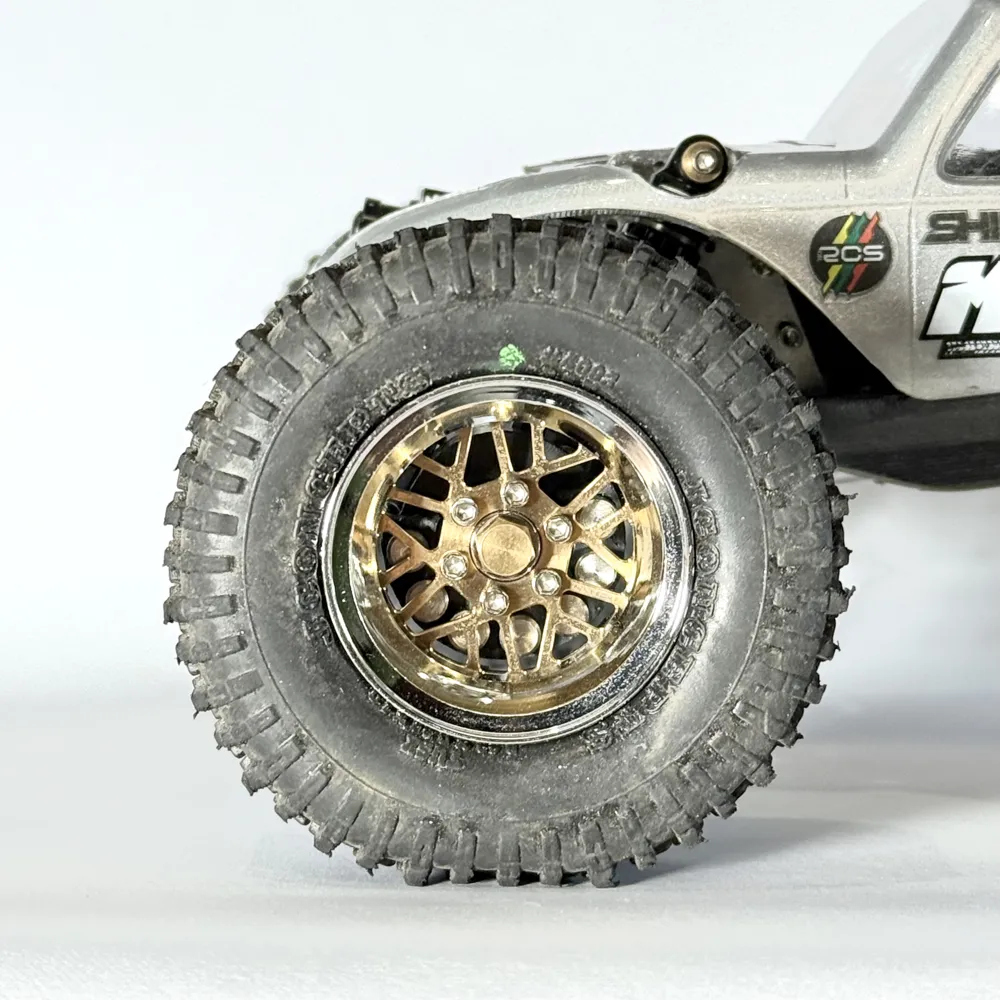
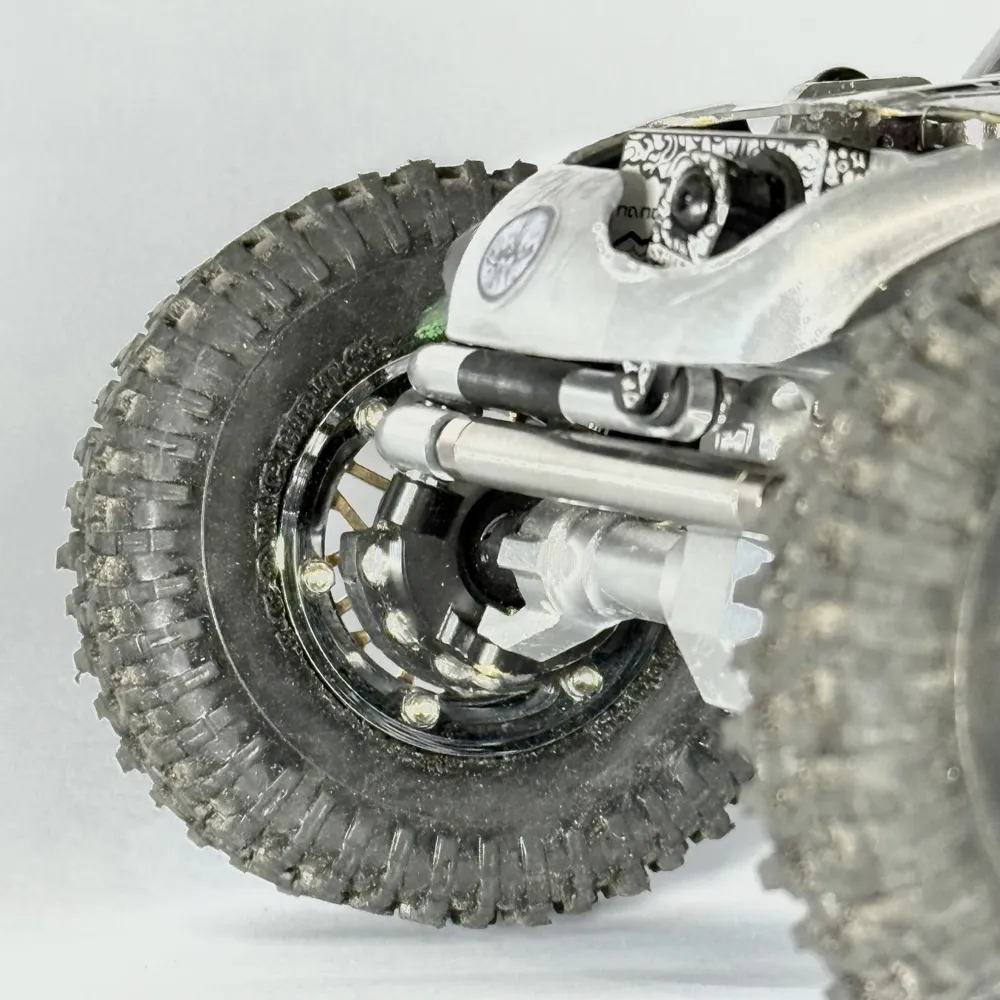
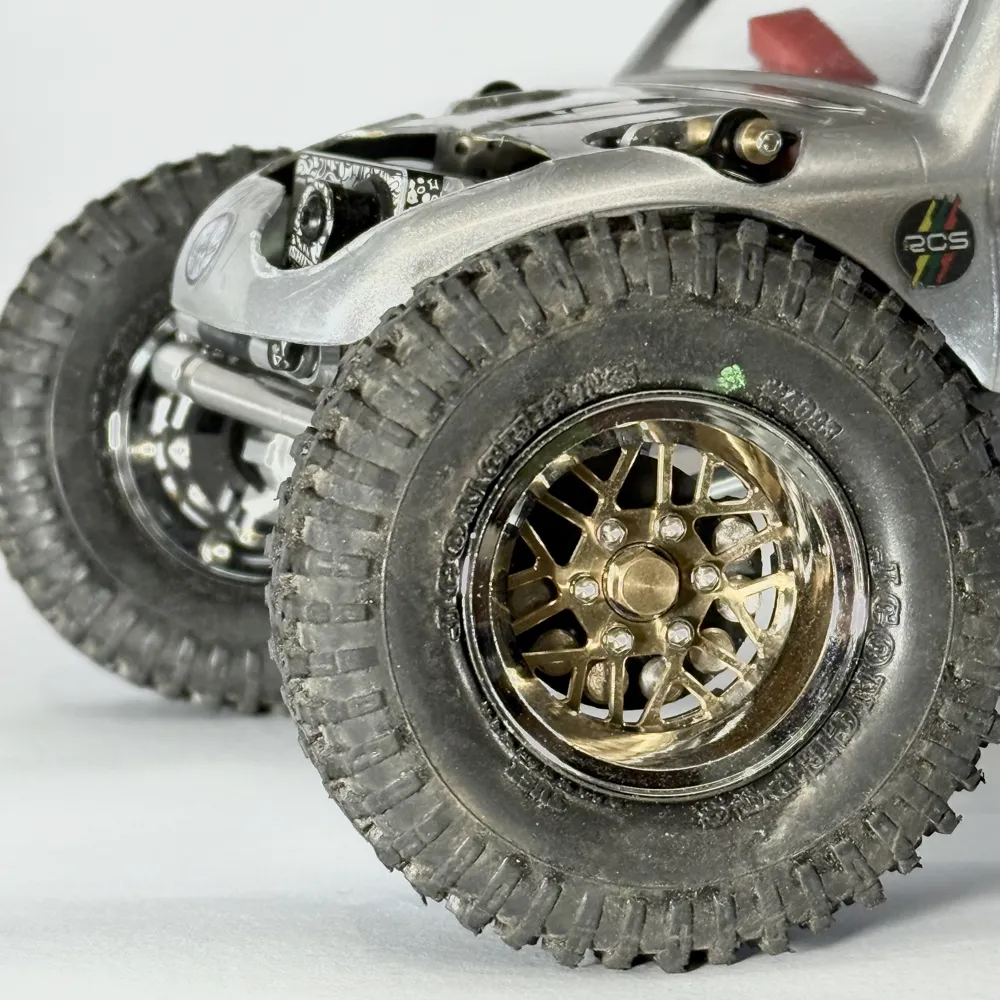
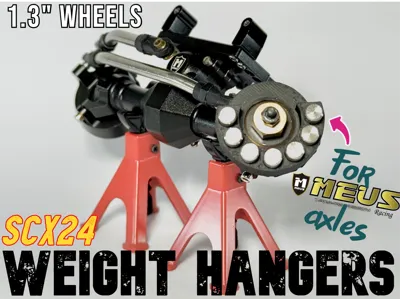
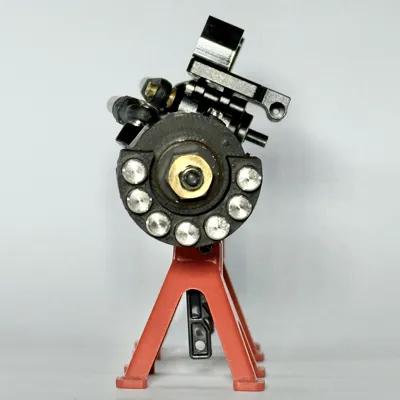
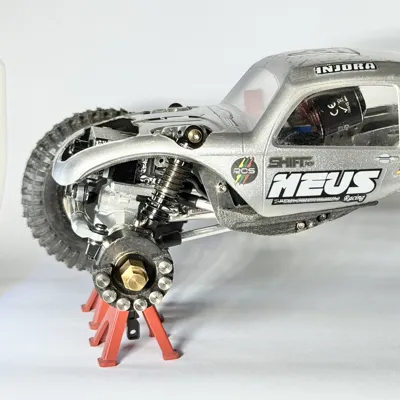
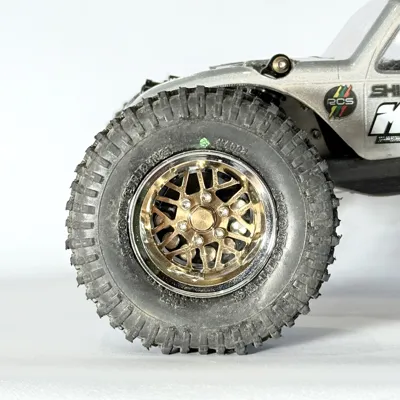
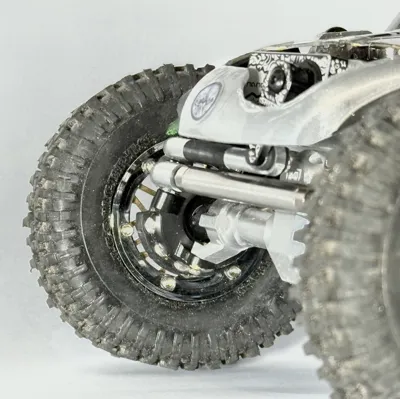
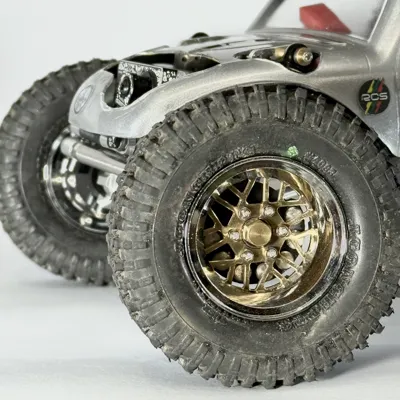
SCX24 MEUS axle weight hangers for 1.3" wheels
IP Report
Print Profile(2)

Simple Weight Hangers
Designer
18 min
1 plate
Faux Disc Brake Weight Hangers
Designer
1.3 h
1 plate
Open in Bambu Studio
Boost
102
289
22
10
358
162
Released
Description
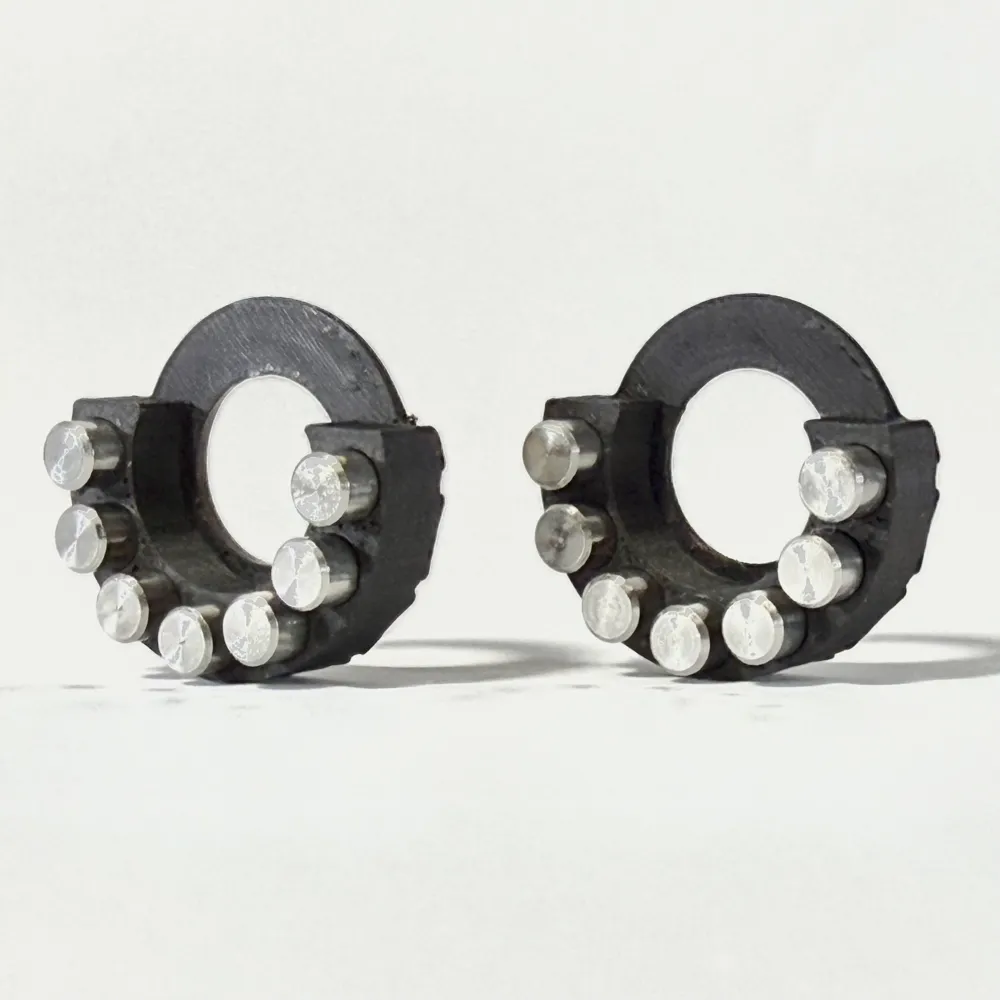
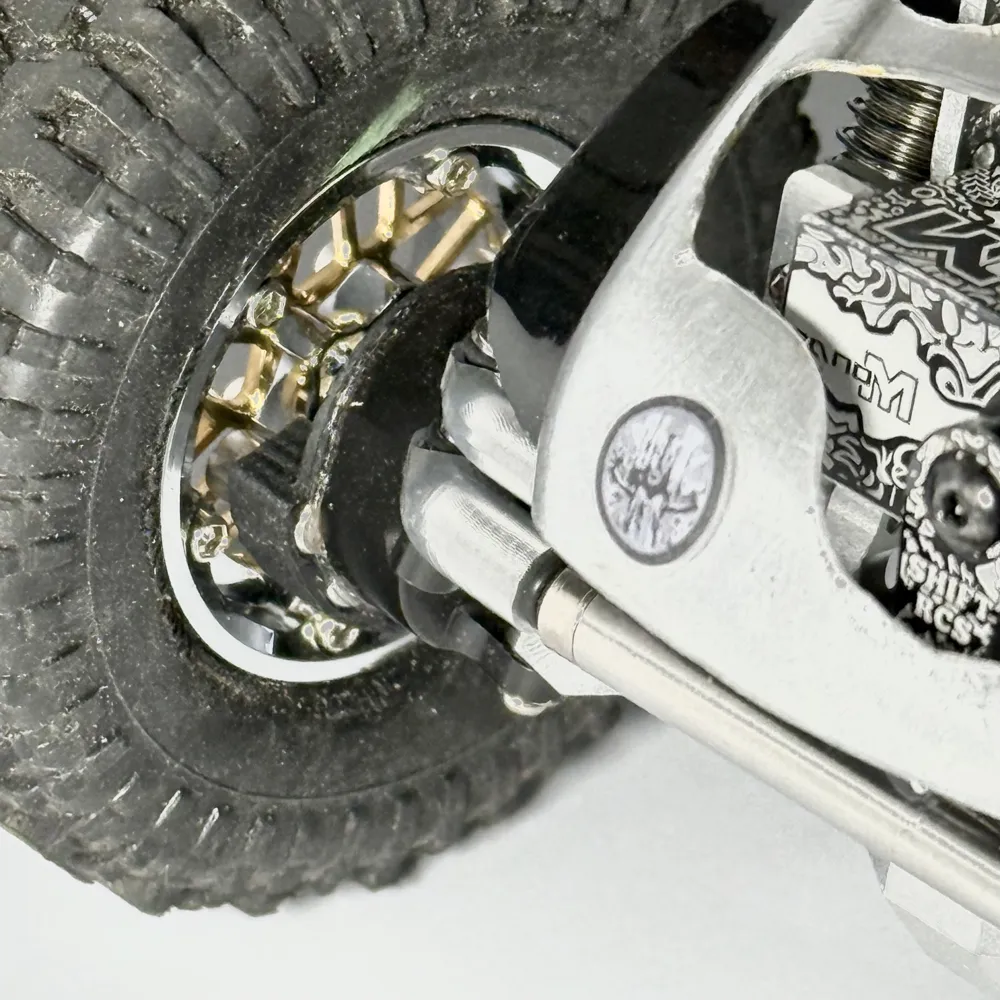
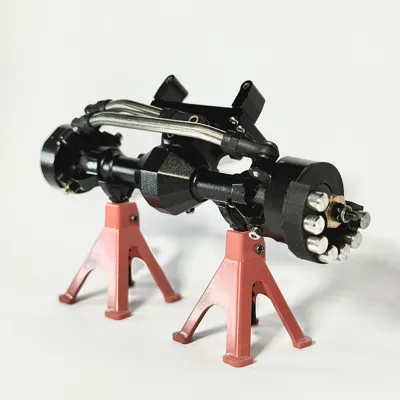
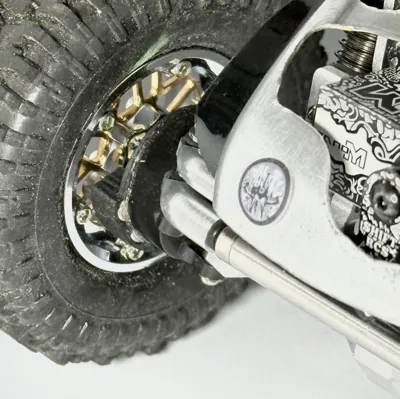
SCX24 MEUS Isokinetic axle knuckle weight hangers for 1.3" wheels (dowel type)
Application:
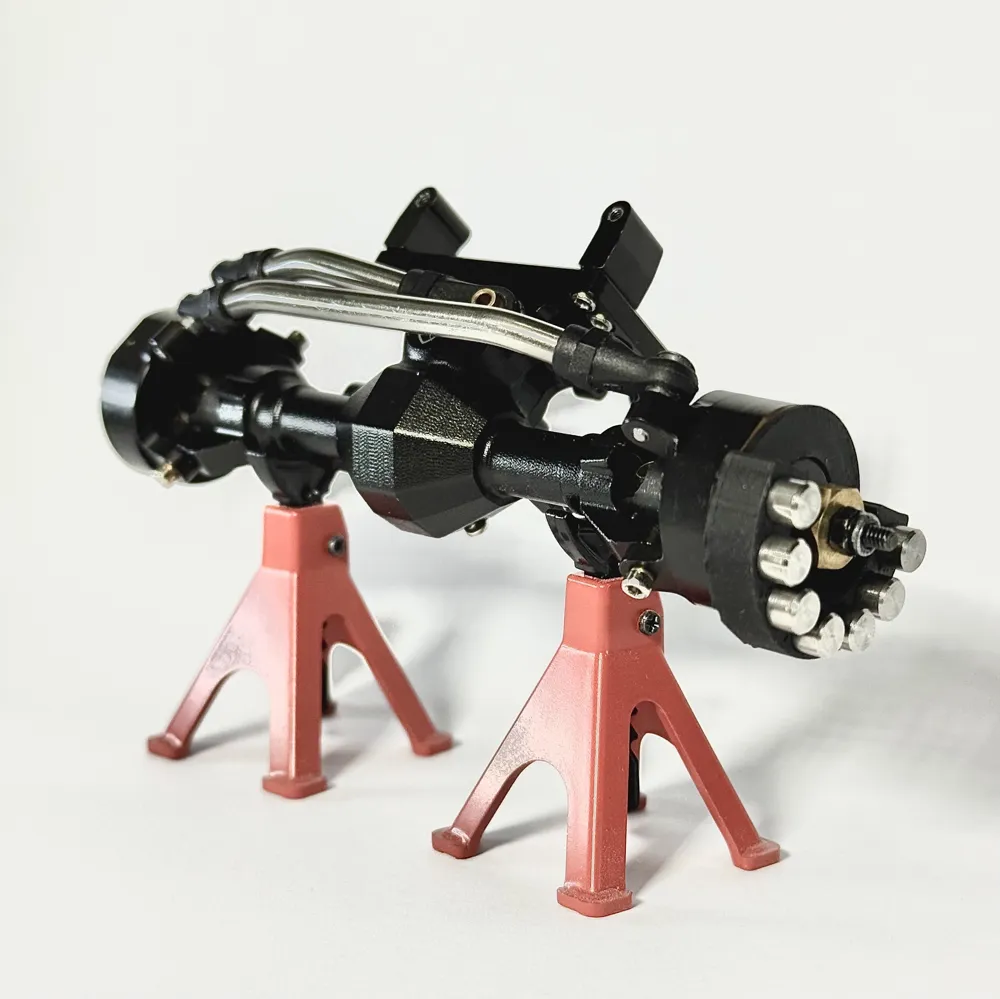
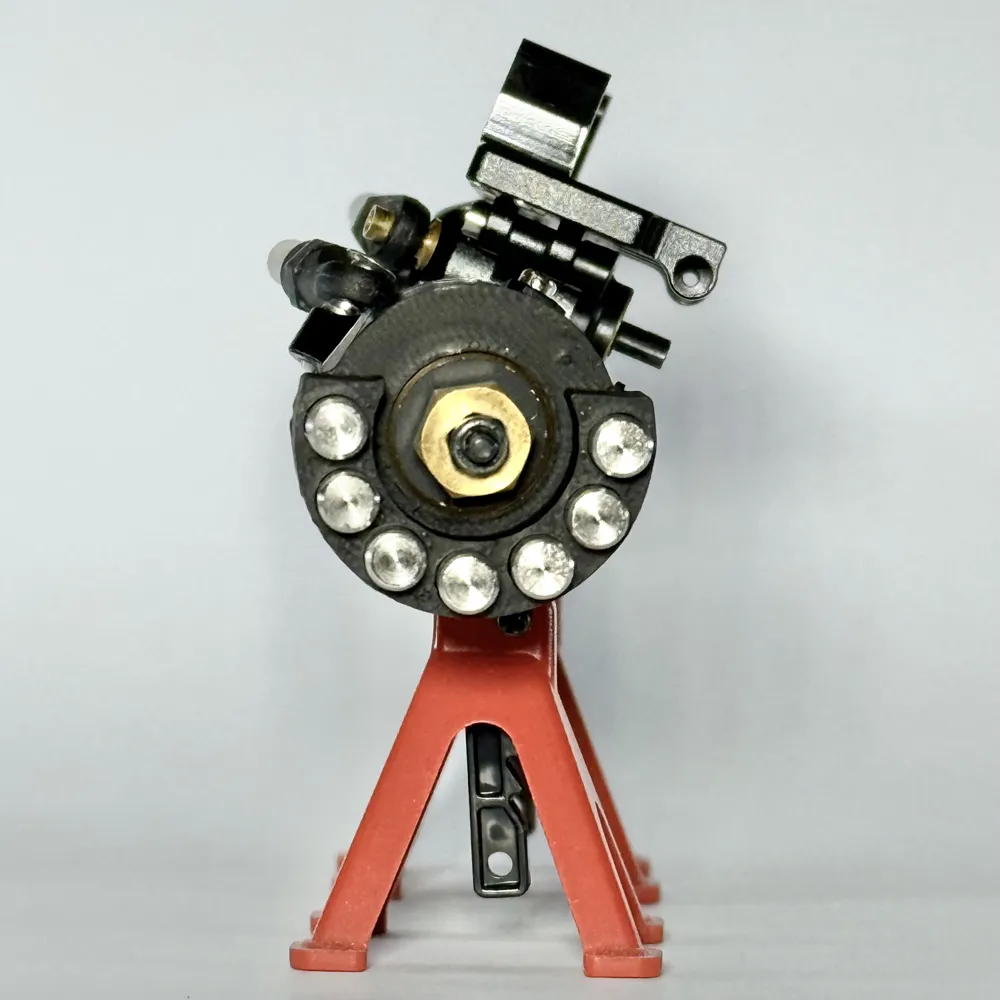
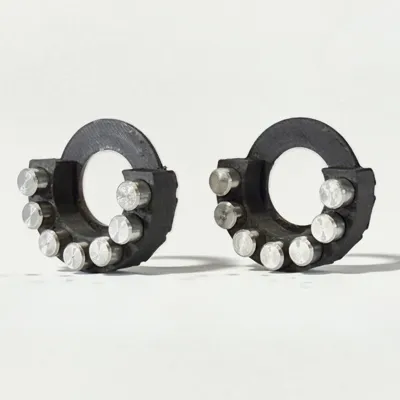
These simple weight hangers are designed to occupy the empty space behind the face of Injora 1.3” ModuWheels and the knuckles of a MEUS isokinetic front axle. They use metal dowels in 4mm diameter to add weight under the axle for optimium front-end weight bias.
Here's a YouTube video of my SCX24 Class 2 comp build featuring these weight hangers.
Prerequisities:
- MEUS isokinetic front axles
- Injora 1.3” ModuWheels
- I’ve not tested other wheels. It’s possible other 1.3” wheels are compatible.
Weights:
- Dowel weights with 4mm diameter
- Example shown in photos: 4 x 8 mm (diameter x height)
- Buy them here: https://amzn.to/4eBCS5G
- This size of stainless steel weights add a combined 12g.
- Tungsten weights add much more.
- Weights of this size require 4~5mm wheel hex adapters.
Installation:
- Install the weight hangers as a final step, only after you’ve fully set up your SCX24. The reason is because you’ll need have your castor angle set to determine where the lowest point of your knuckle is.
- Clean the knuckles to ensure they are free of grease.
- Lay down a thin strip of E6000 adhesive on the face of the MEUS knuckle.
- Press the printed weight holder onto the face of the knuckle.
- Clock the weight holder to position the bottom at the lowest point of the knuckle.
- Insert dowel weights into the weight holder. No additional glue required.
- Allow the adhesive to dry. Take care not to displace the weight holder!
Additional notes:
- I prefer to install the weight hangers with the knuckles removed. Be sure to mark the lowest point of the knuckles before removing them.
- Ensure your printer is well tuned and accurately calibrated for best results and ease of installation.
- I’ve seen the same print to fit tight on certain knuckle while simultaneously fit loose on another. If you find it difficult to press the weight holder onto the face of the MEUS knuckle, run the shaft of a screwdriver along the inside wall of the circle in the middle of the weight holder to enlarge the hole. Do this little by little as it only takes fraction of a milimeter to go from too tight to too loose.
- Print profile includes narrower line width as the weight holder have thin walls. Change at your own risk.
- Clean your printer’s build plate prior to printing.
I have another weight hanger for 1.8" wheels that hold double the weight, go check it out!
Boost Me (for free)
If you find these weight holders useful, please give me a Boost!
License

This user content is licensed under a
Creative Commons Attribution-Noncommercial-Share Alike


Comment & Rating (22)