
Maker's Supply Hygrometer Chamber Temperature Indicator No Additional Hardware
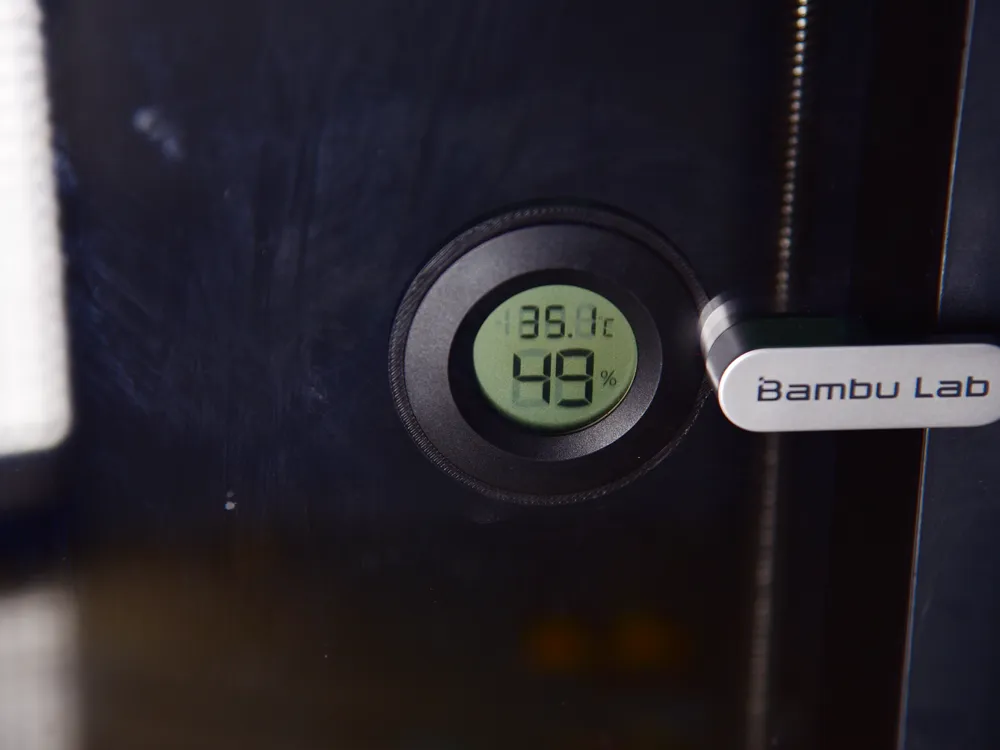
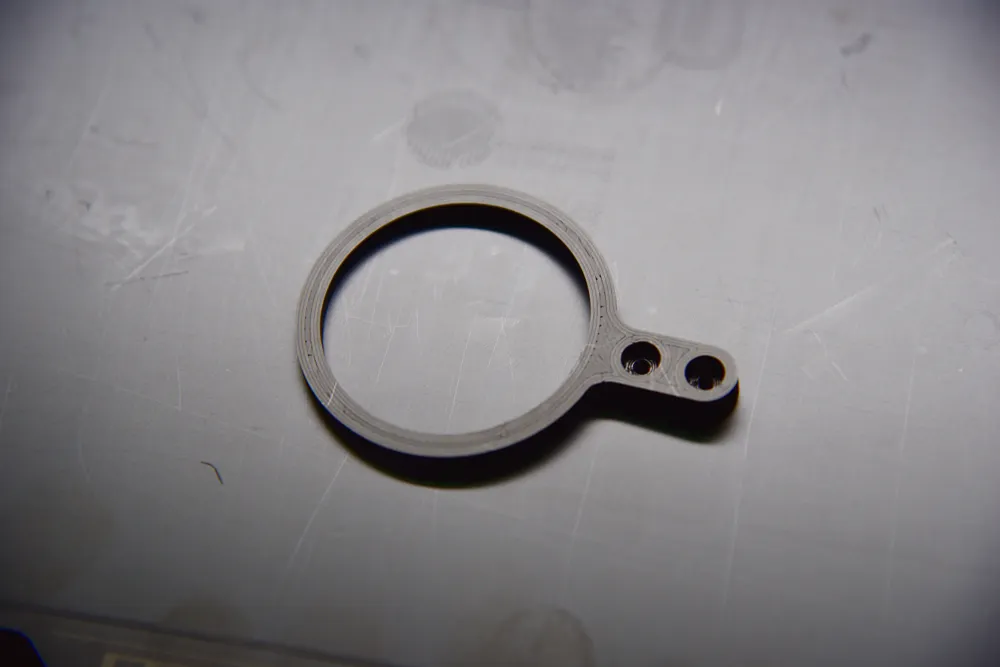
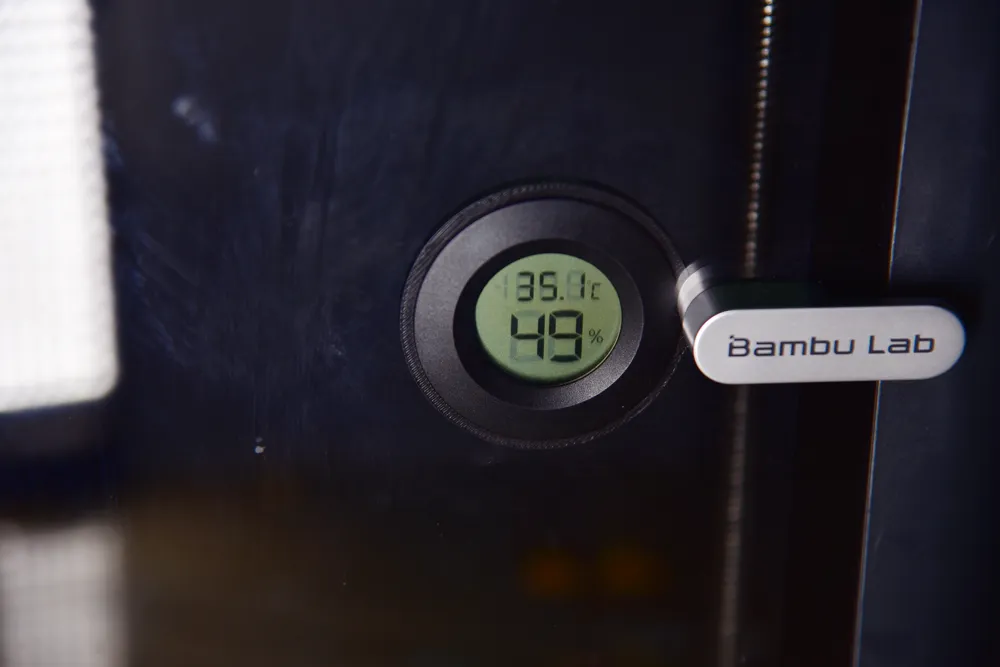
Print Profile(1)

Description
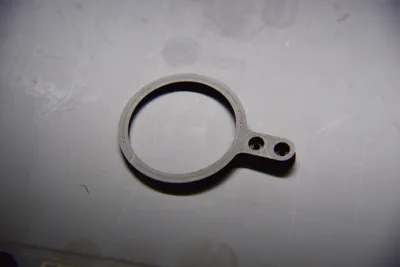
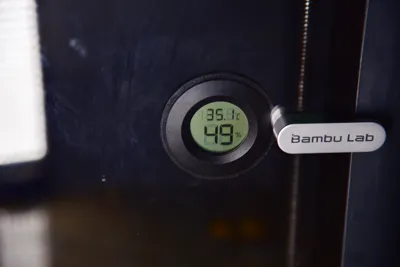
This chamber temperature indicator is designed for Maker's Supply's "Round Embedded Electronic Hygrometer" (XF0001).
This model requires no additional screws; only a hygrometer is needed.
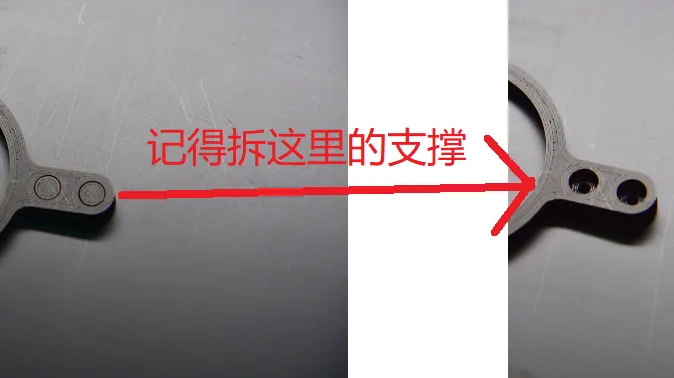
Tweezers or other pointed tools are recommended for support removal.
How to install:
1.Insert the hygrometer into the model (the upward facing side when printed faces away from the printer).
2.Use the M3.0 hex wrench provided with your printer to remove the two screws securing the handle on the printer's glass door.
3.Align the model with the screw holes.
4.Retighten the screws until the handle is secure; be careful not to overtighten to avoid damaging the model.
Boost Me (for free)
Boost me to motivate me to create more models.
License

You shall not share, sub-license, sell, rent, host, transfer, or distribute in any way the digital or 3D printed versions of this object, nor any other derivative work of this object in its digital or physical format (including - but not limited to - remixes of this object, and hosting on other digital platforms). The objects may not be used without permission in any way whatsoever in which you charge money, or collect fees.


Comment & Rating (0)