
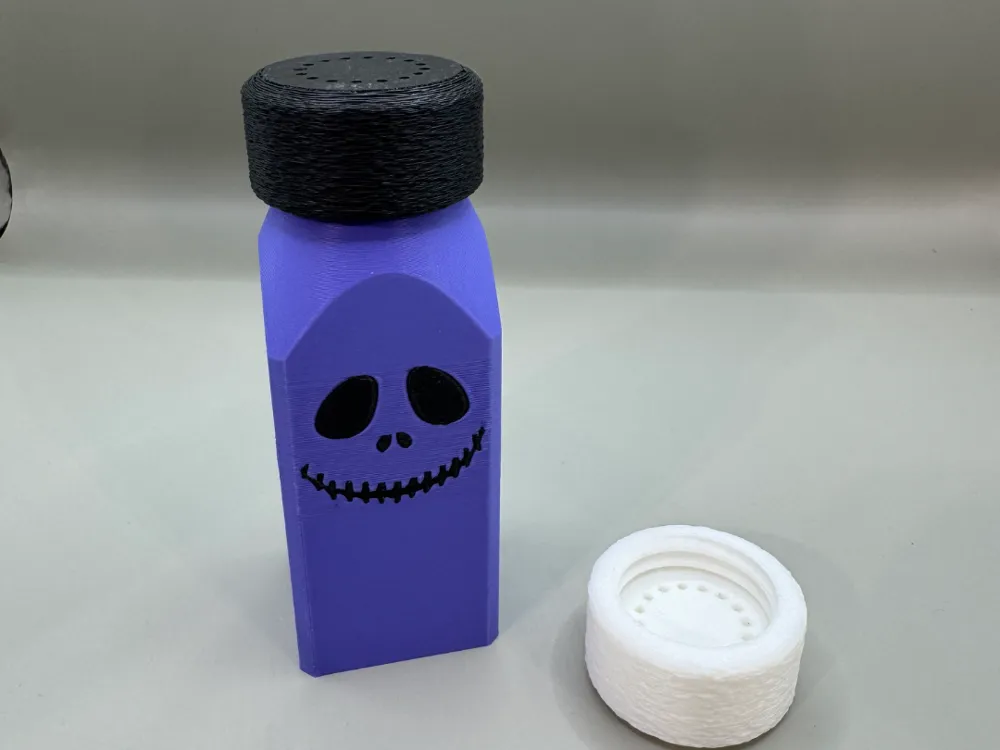
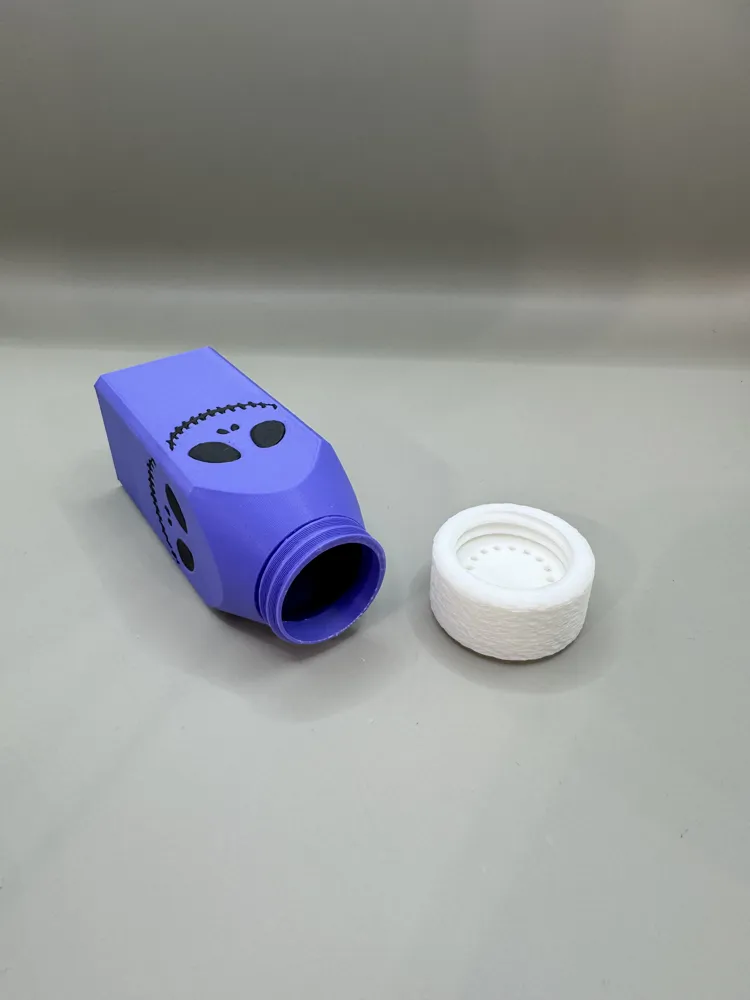
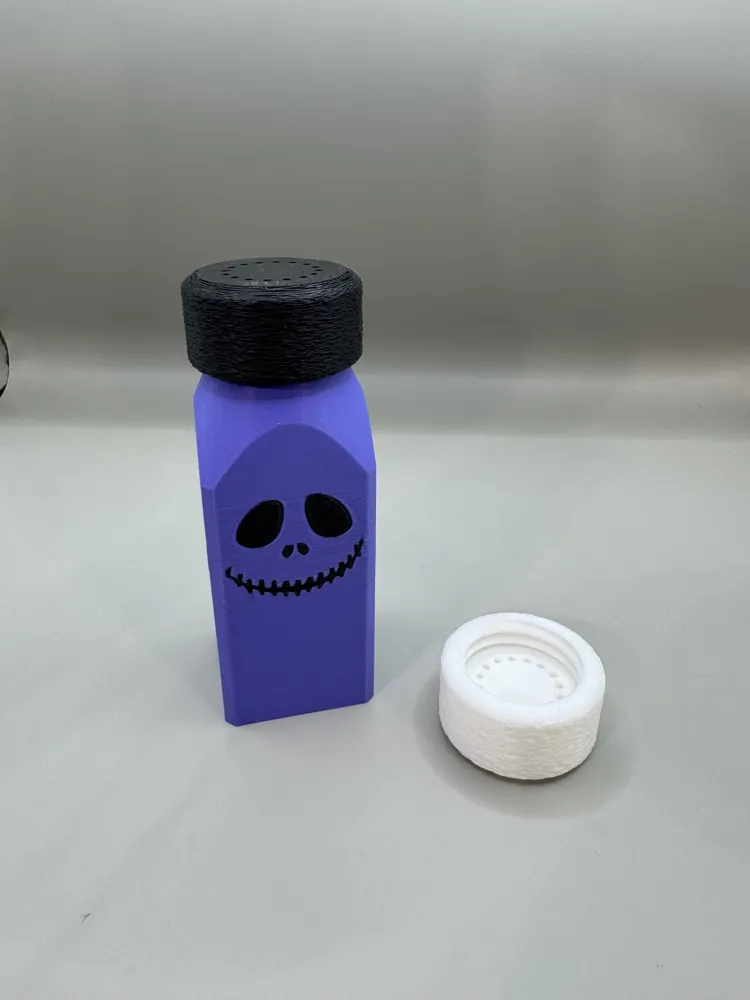
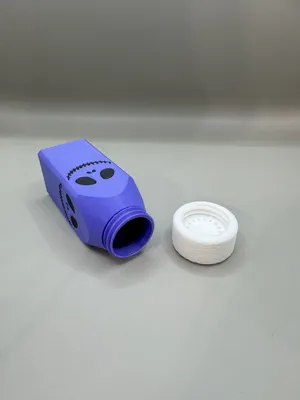
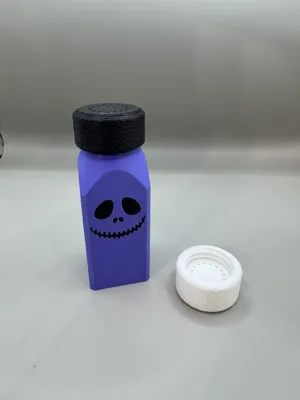
Jack Skellington Salt and Pepper Shakers
Print Profile(1)
Description
Jack Skellington Salt and Pepper Shakers
Printed with Bambu PLA Basic. Purple (10700), Black (10101), Jade White (10100).
Prime tower enabled
Printed using the AMS
No supports needed
Fuzzy skin enabled for the lid to get extra grip.
I highly recommend adding a flushing object to the build plate to turn all the filament waste into a useful fidget toy, etc. Several can be found on Maker World. This significantly cuts down on waste and purge time.
Here's how to use this feature:
- Right-clicking on an object:
- Right-click on the object you want to flush into.
- Select "Flush Options".
- You will be given the choice to "Flush into this objects’ infill", "Flush into objects’ support", and “Flush into this object”. Make sure all of them are checked.
- Click the “Flushing Volumes” button above filaments. Set the multiplier to between 0.4 – 0.6. 0.5 seems to work ok for me.
- Important considerations:
- Object Height: If you're flushing into a different object, ensure the target object is tall enough to receive the purged material, or at least reaches the height of the last color change.
- Prime Tower: This feature may only work when the prime tower is enabled. However, you can enable flushing into objects' infill, then disable the prime tower if you don't need it.
- Color Considerations: For high-contrast prints (like black and white), flushing into an object may require a higher flush rate to prevent color bleeding.
- Potential for Mixed Colors: When flushing into an object, the object may end up with mixed colors, as it will be printed with the transition material.
- Useful Objects: Consider flushing into objects that are less color-sensitive, like internal parts, prototypes, or items where a multi-colored look is desired.
- Optimize Flush Objects: You can strategically place multiple purge objects of different heights on the plate with the multi-colored object to maximize waste reduction.
Remember, while flushing into objects can reduce filament waste, it may also increase print time and overall filament usage because you are adding objects to the build plate.
Thanks for choosing our designs! Show off your work — leave a review and upload a photo of your printed model so others can see what you’ve brought to life.
Membership
If you’d like to sell 3D prints of our designs, you can grab a Commercial License right here on MakerWorld or Patreon. Your support truly helps us continue creating, refining, and expanding our collection of models. Thank you for helping us keep these designs alive and improving!
You can also get a commercial license from our Patreon page here:
https://www.patreon.com/OwlAmazingCrafts
Boost Me (for free)
Love what we’re making? Give us a Boost to help us keep bringing new designs your way. Thanks for the support!
License

You shall not share, sub-license, sell, rent, host, transfer, or distribute in any way the digital or 3D printed versions of this object, nor any other derivative work of this object in its digital or physical format (including - but not limited to - remixes of this object, and hosting on other digital platforms). The objects may not be used without permission in any way whatsoever in which you charge money, or collect fees.


Comment & Rating (3)