Search models, users, collections, and posts

TileJigs | Brick Minifigure Jig for EufyMake E1
Print Profile(3)

All
P1S
H2S
H2D Pro
H2C
X2D
H2D
A1 mini
X1E
P1P
X1
P2S
X1 Carbon
A1
A2L

Single + Connectors
Single + Connectors
Designer
1.4 h
2 plates
5.0(12)

Attached Arms Version
Designer
51 min
1 plate
5.0(3)

x8 Tiles
x8 Tiles
Designer
6.2 h
1 plate

Open in Bambu Studio
Boost
376
923
83
45
636
363
Released 

Description

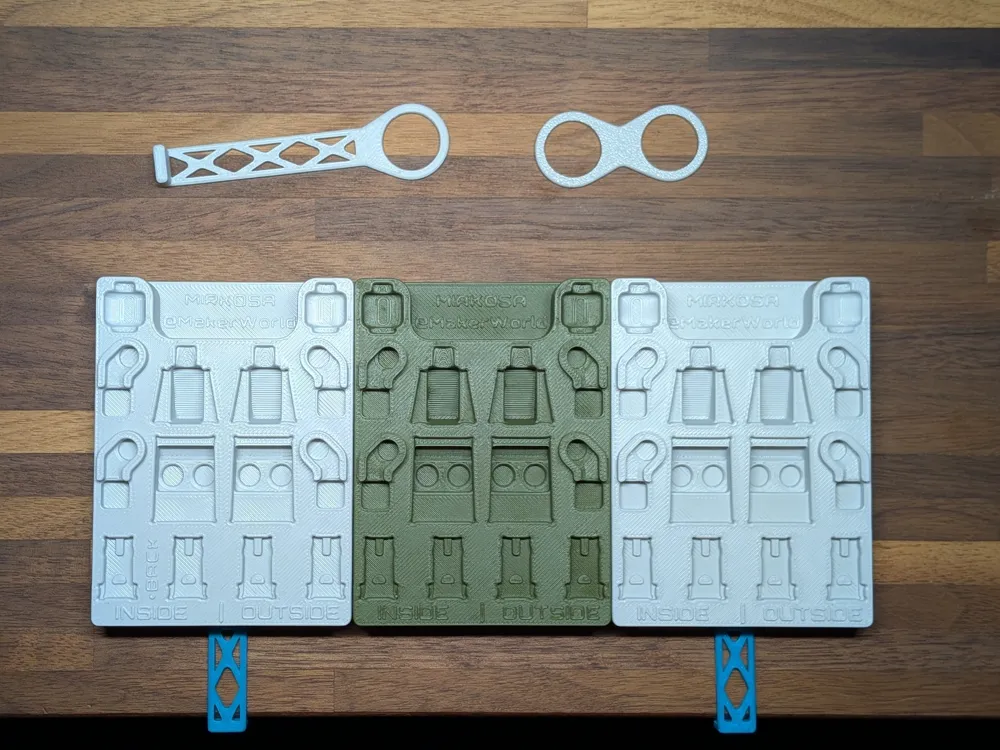
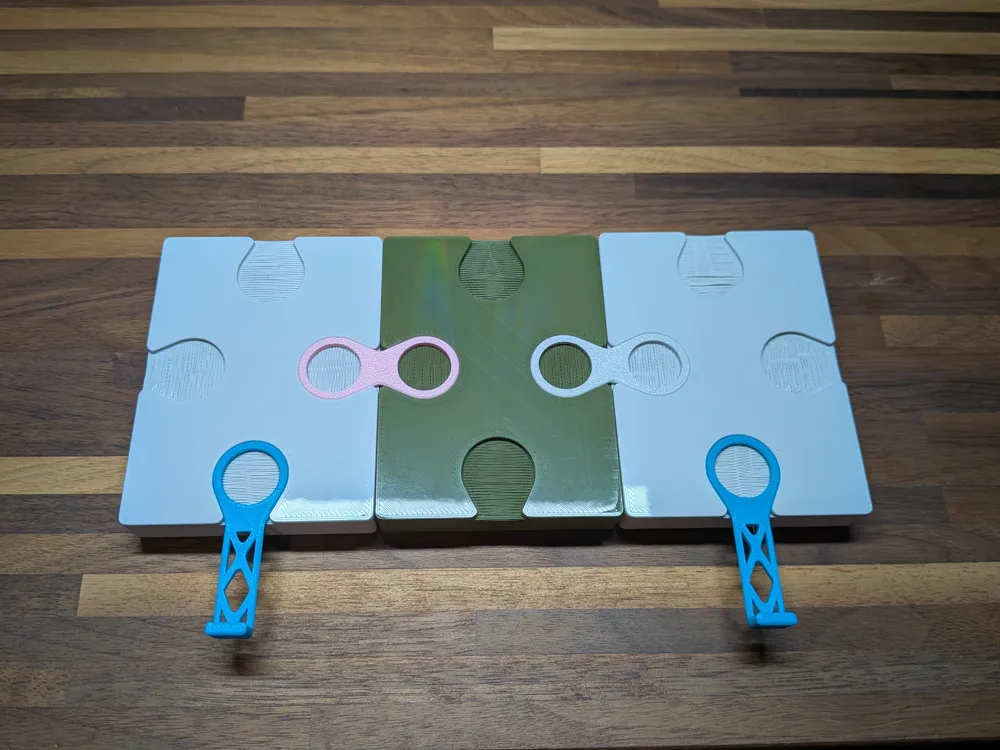
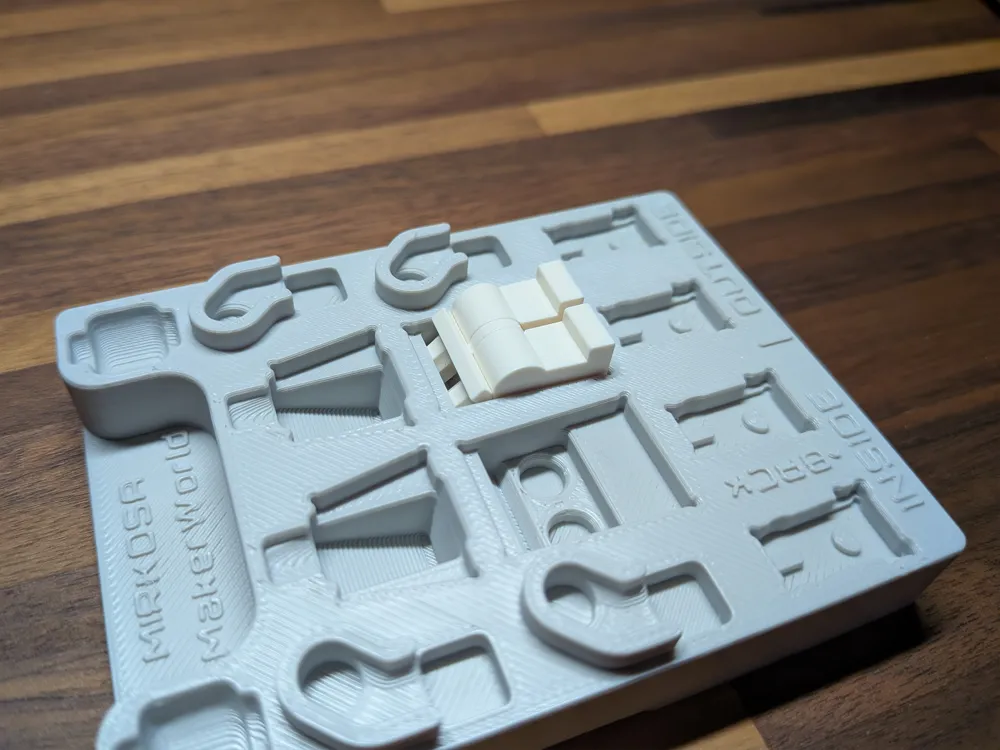
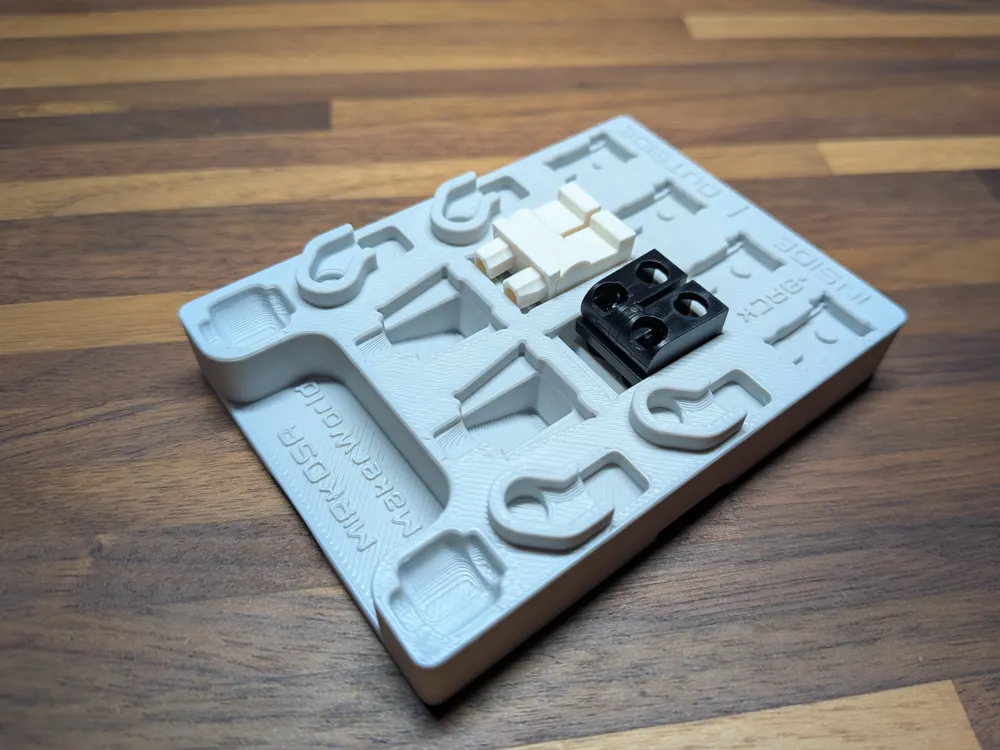
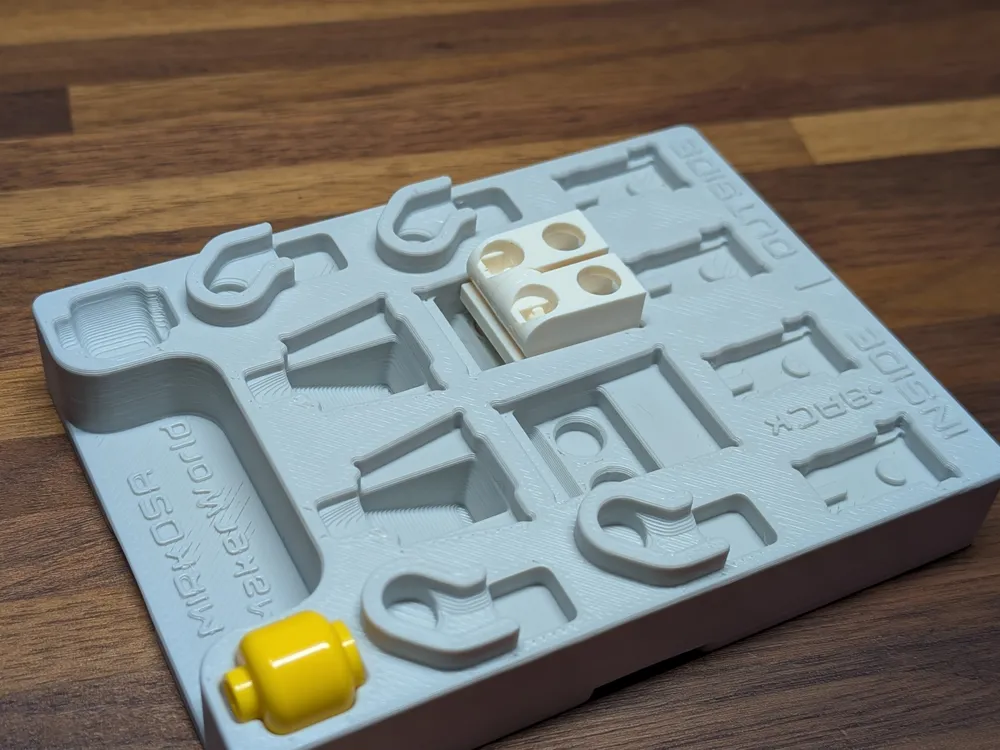
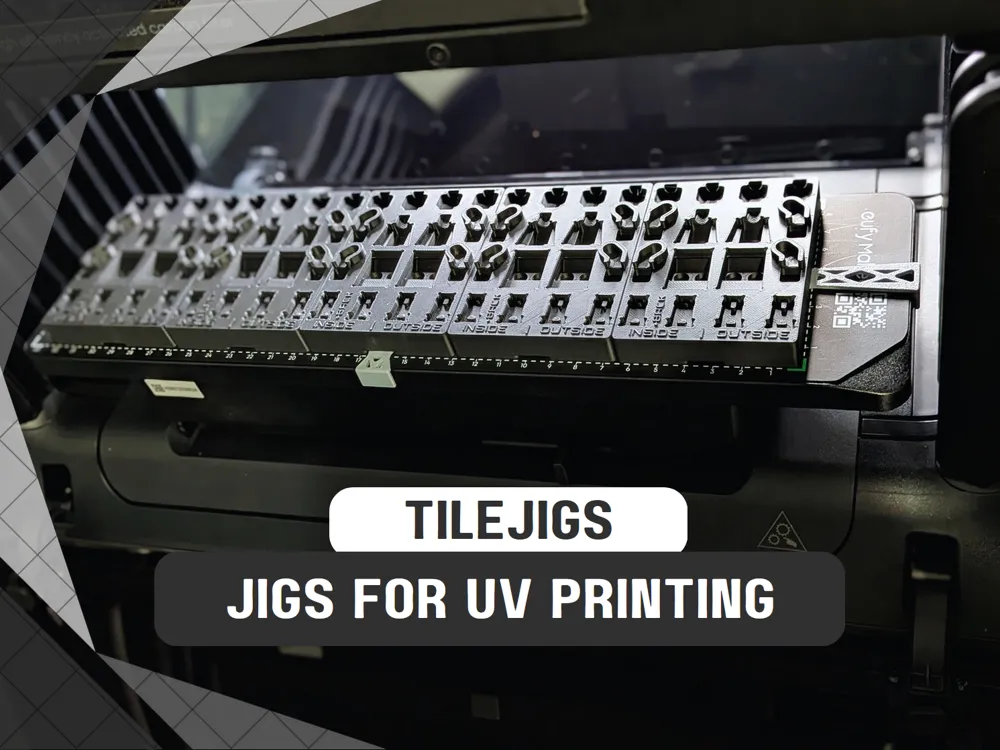
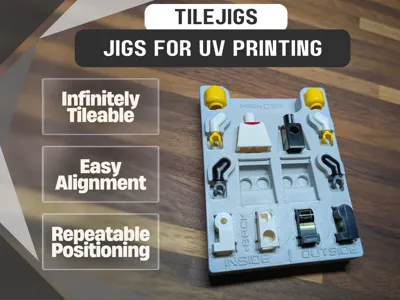
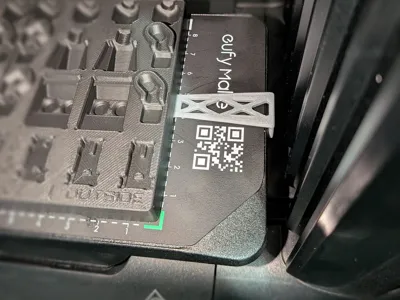
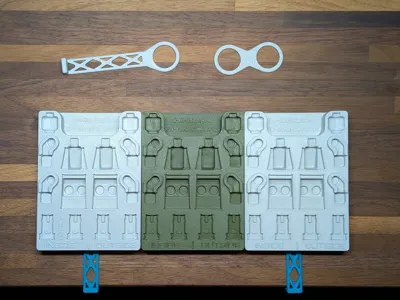
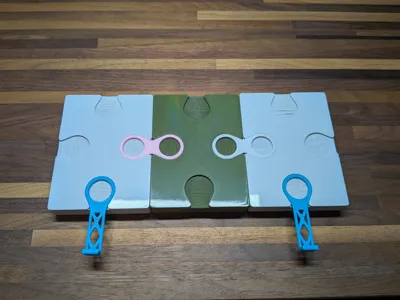
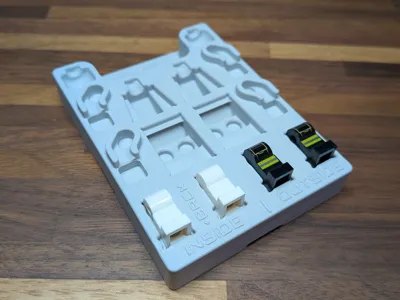
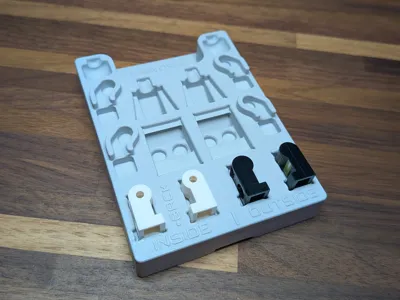
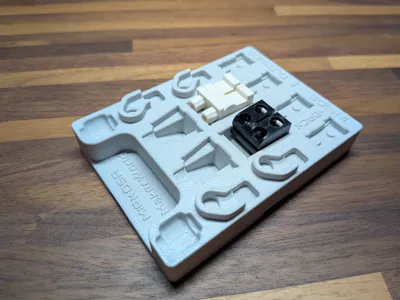
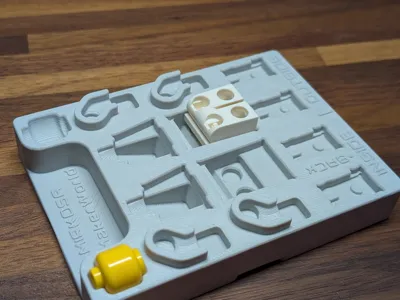
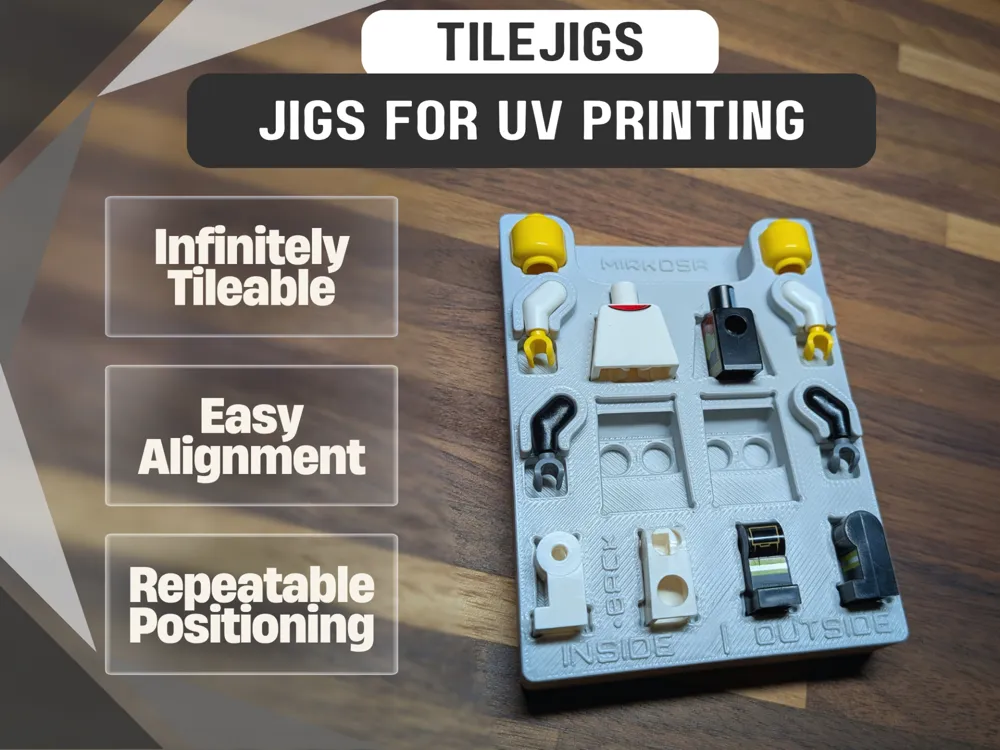
A jig for printing custom minifigures. You can connect them together infinitely to fill the entire bed or just a few. Use the positioning connector to easily align the tiles with the edge of the bed as well as positioning to the corner. Check the file downloads for extra variations as I don't have profiles for all of them.


______________________________________

Update 02/08/26:

I have created a template for easy drag-n-drop alignment for designs. I made it for Affinity as it is a powerful and (most importantly) FREE program very similar to photoshop/illustrator. I also included raw image files that can be used in any other software as well if you don't want to use Affinity.


I considered multiple ways of releasing it, however I've decided to list it on Etsy for sale. I put a lot of time into it and believe it's more than worth the small cost for anyone who wants to sell custom minifigs using my jigs. It's not at all necessary to get good results, but it is a great way to help support me and my work.

If you'd like to purchase it, you can do so here:

https://mirkosa.etsy.com/listing/4487127169
______________________________________

Update 11/10/25:

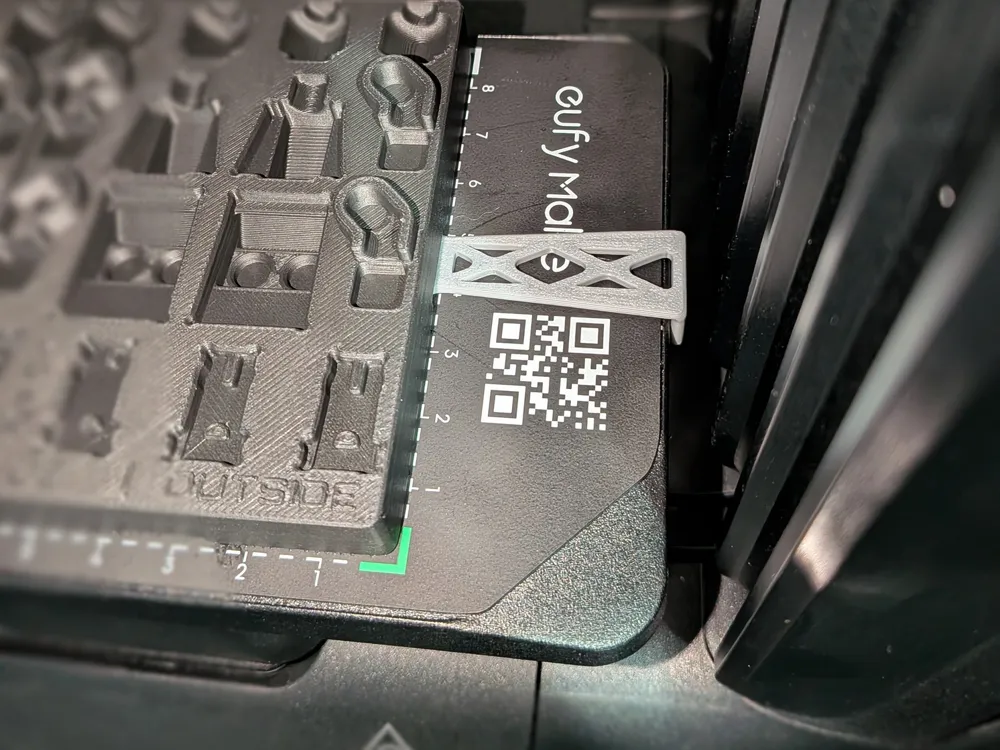
I have updated positioning connectors to have wider tabs for more stability and optimized the lengths to match the E1 print beds for zero-point alignment.

You can customize the connectors and positioners by going to this model page here:

https://makerworld.com/en/models/1600943-connectors-for-tilejigs-v2 


Long Positioner = For the sides of both print beds.

Middle Positioner = For the front edge of the large print bed.

Shortest Positioner = For the front edge of the mini print bed.

______________________________________


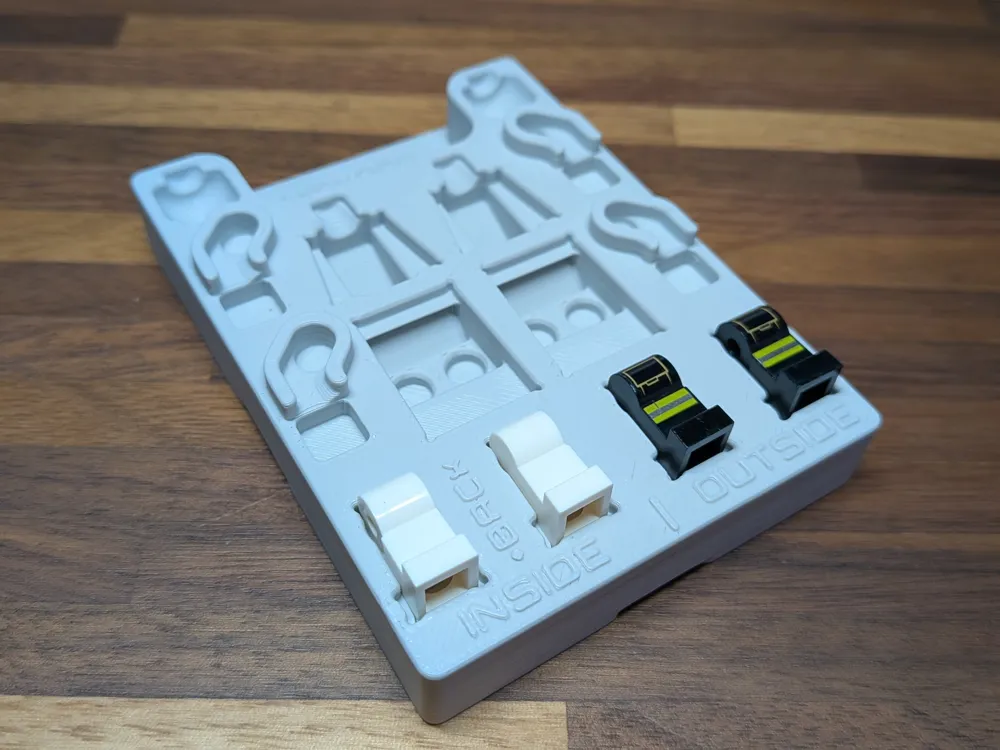
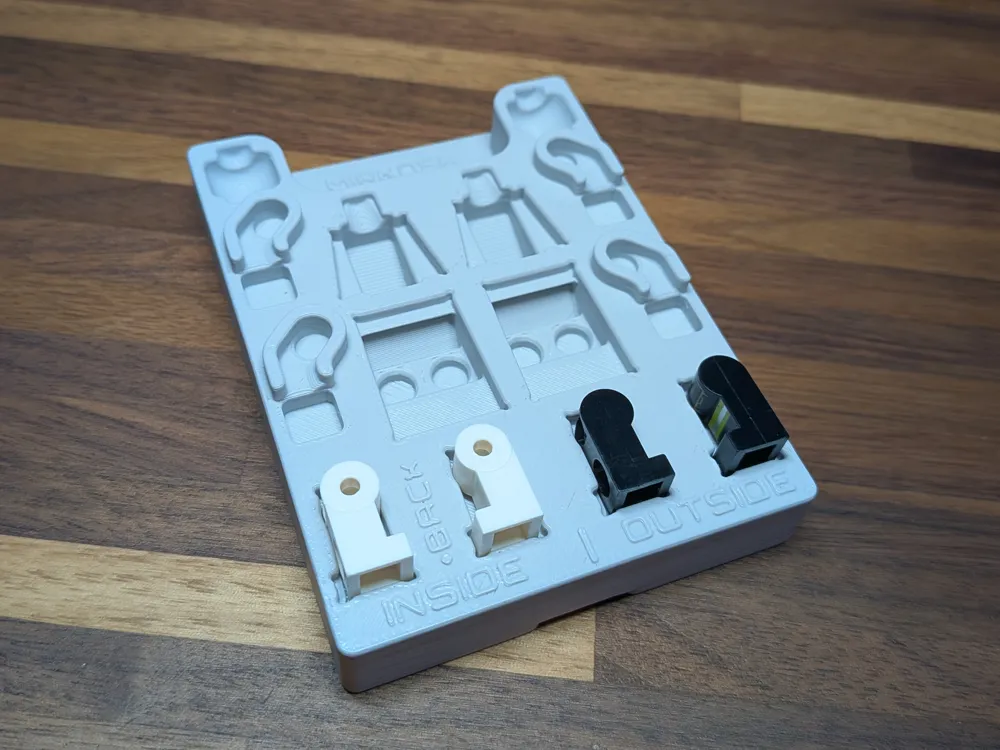
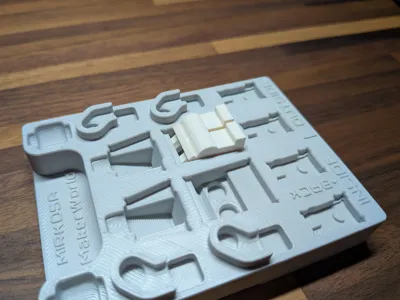
Each piece (except for the arms) can be placed on all sides and will remain level to the rest so that you get the best print quality possible.

Note: The individual leg slots are slightly different for the inside vs outside. You can use any slot to print on any side, but using the correct slots will ensure a more level piece. You can use all 4 slots for the front side of the legs.


______________________________________

Update 11/12/25:

Version 2 is now live. Updated the tile to allow for printing legs with the belt attached sideways while still being level with all other pieces.

______________________________________

Boost Me (for free)

Got a boost? I'll take it off your hands, free of charge!

Comment & Rating (83)

(0/1000)

Print Profile
Single + Connectors
Now I only need to wait for my EufyMake
profile
2
Reply
Print Profile
Single + Connectors
Awesome model, can't wait my uv printer to try it! Stock x1c settings, fillamentum icelandic blue pla.
profile
1
Reply
Boosted
Print Profile
Single + Connectors
printed flawlessly
profile
1
Reply
Boosted
Print Profile
Single + Connectors
Like a glove
0
Reply
This is amazing! I haven’t printed yet cause I am still waiting for my E1. Would you be able to make one just for torsos?
The designer has replied
0
Reply
Yeah that should be easy enough, no promises as to when though, it may be a while before I get to adding new variants.
0
Reply
Replying to @Mirkosa :
Awesome! Thanks for considering it!!
0
Reply
Replying to @surebricks :
I got that uploaded, there's no print profile yet but it's in the downloads as TileJigs_LegoMiniFig_TorsosOnly.stl.
0
Reply
do you have files with multiple heads/torsos/or legs? willing to purchase from you
The designer has replied
0
Reply
I'm not sure what you mean, are you talking about tiles with only heads, or only torsos, etc?
0
Reply
Replying to @Mirkosa :
yes tiles with only heads, I see you have the only torsos on here!
0
Reply
Replying to @2legit2brick :
Yeah there's a torso only one in the files. Eventually I will be adding more, but I don't have a time frame for it atm.
0
Reply
Any chance of getting this jig for torsos with the arms still attached? Removing them if not printing on them can cause stress on the part, breaking it. I'd rather not remove it unless necessary. Thanks!
The designer has replied
0
Reply
@whataslacker That should be easy enough, it may be a while though. I just had a hand injury a couple days ago and using the mouse on my PC is pretty difficult atm.
(Edited)
2
Reply
Replying to @Mirkosa :
no rush, baby that hand...we have a bit of a wait before I can use them anyway. I am working on some brick built and plate built jigs for other lego elements I plan on printing.
0
Reply
Replying to @whataslacker :
@whataslacker I've added this as an alternate version now.
3
Reply
Boosted
You are the GOAT! Where do you source blank minifigs?
The designer has replied
designer
1
Reply
I assume Amazon or AliExpress but I haven't actually looked. It's not something I plan on doing much of personally. I mainly made it for others. I actually had to borrow a couple Lego figures just to make it 😂.
0
Reply
I found the cheapest on Amazon of all places. But if you are just looking for heads or hands, eBay has a ton.
0
Reply
Official parts right from the source on their site), unofficial parts will be hard to find "knock-offs" with this style torso any more, but maybe temu, aliexpress or similar may have something.
0
Reply
Hey there! I love this jig—I'm doing precision UV prints and was wondering if you'd consider sharing an SVG or DXF of the top outline for Illustrator alignment? Tracing the STL wouldn't be accurate enough for me. Totally understand if not possible, but it would be a huge help in testing the accuracy of this jig in my shop. I have been meaning to model something similar for my one-off custom orders and this might be an immediate solution instead of a "never-gonna-get-to-it" do-list item. Thanks again for this great tool!
The designer has replied
0
Reply
It's been so long I can't remember how to export that from fusion. But here's a top down orthographic view, should be good enough to setup an illustrator template.
1
Reply
Replying to @Mirkosa :
You can use Shaper origin plugin to export SVG or DXF.
0
Reply
What is its purpose? Thank you
The designer has replied
Show original
2
Reply
It's a tool to hold lego pieces/blanks all at the same height so that you can print custom designs onto them with something like the new Eufymake E1 UV printer or other UV printers (not resin 3d printers).
(Edited)
4
Reply
Replying to @Mirkosa :
Okay, thank you :) Looking forward to seeing some LEGO creations
Show original
0
Reply

License

This user content is licensed under a Standard Digital File License.

You shall not share, sub-license, sell, rent, host, transfer, or distribute in any way the digital or 3D printed versions of this object, nor any other derivative work of this object in its digital or physical format (including - but not limited to - remixes of this object, and hosting on other digital platforms). The objects may not be used without permission in any way whatsoever in which you charge money, or collect fees.