
Print Profile(3)


Description
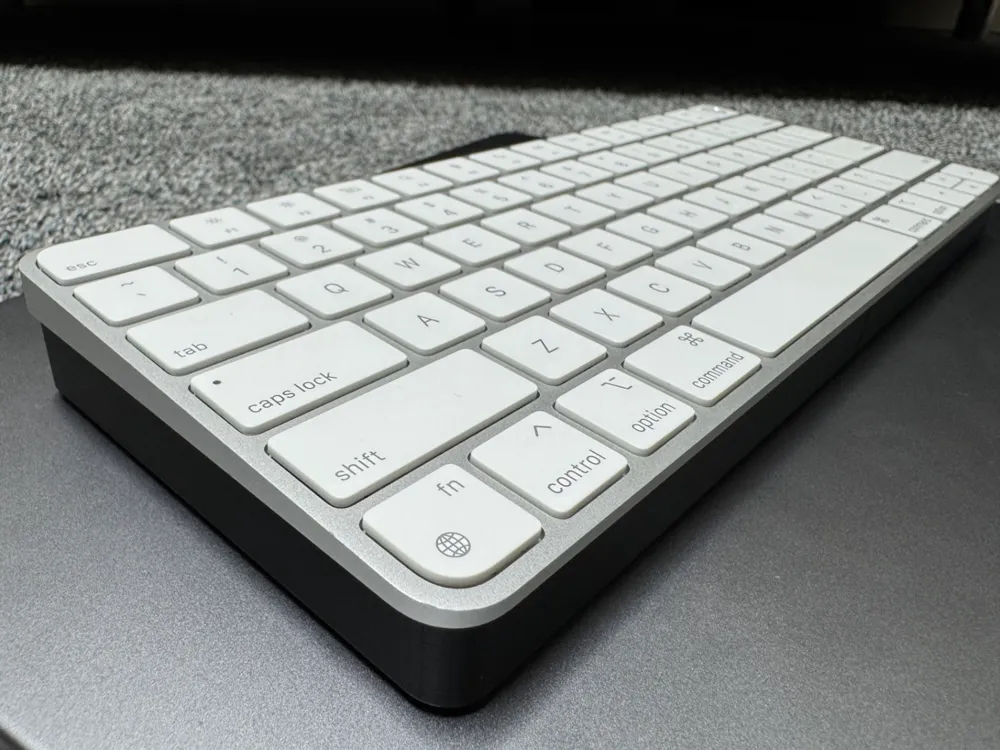
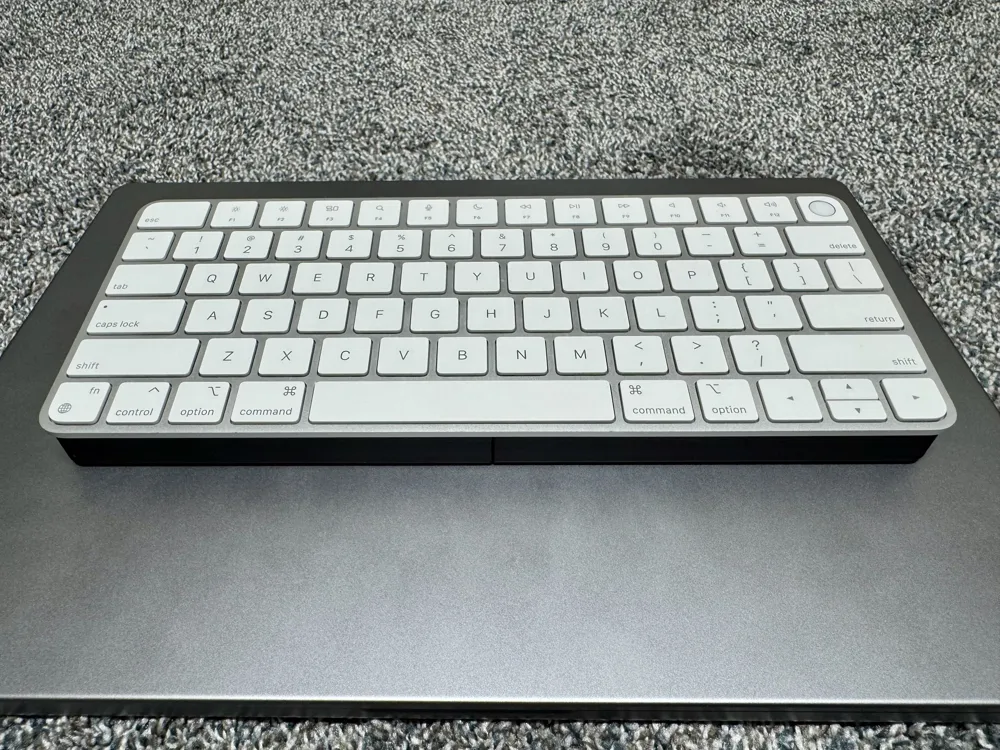
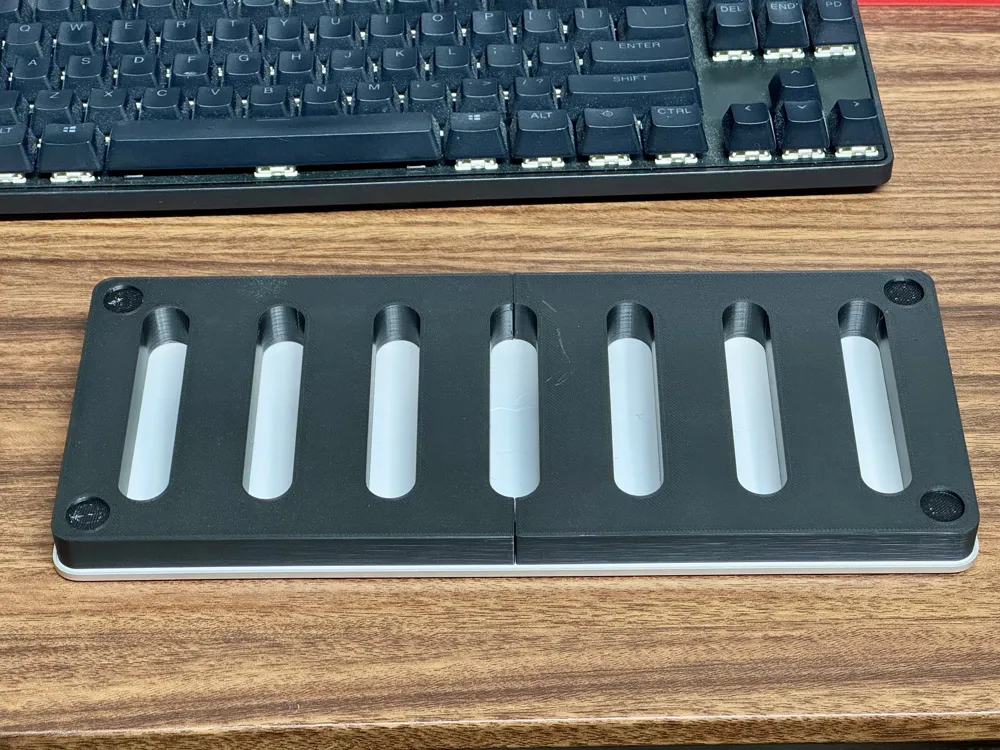
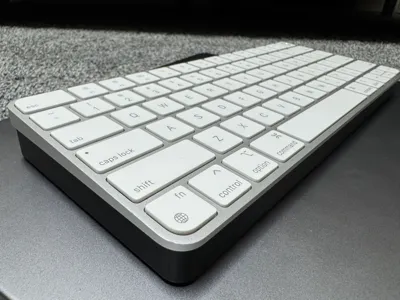
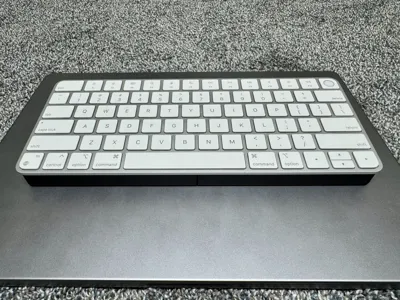
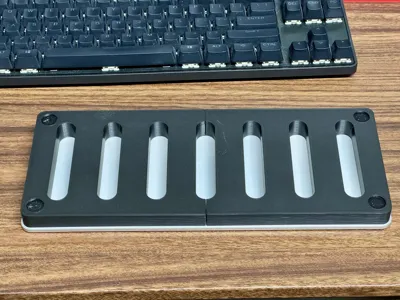
A sleek, functional riser designed specifically for the Apple Magic Keyboard. This stand subtly elevates your keyboard to the height and tilt of standard mechanical keyboards, enhancing typing comfort without disrupting your setup's aesthetic.
Features
- Optimized Footprint: Slightly smaller than the keyboard itself, allowing it to blend in while staying out of your way.
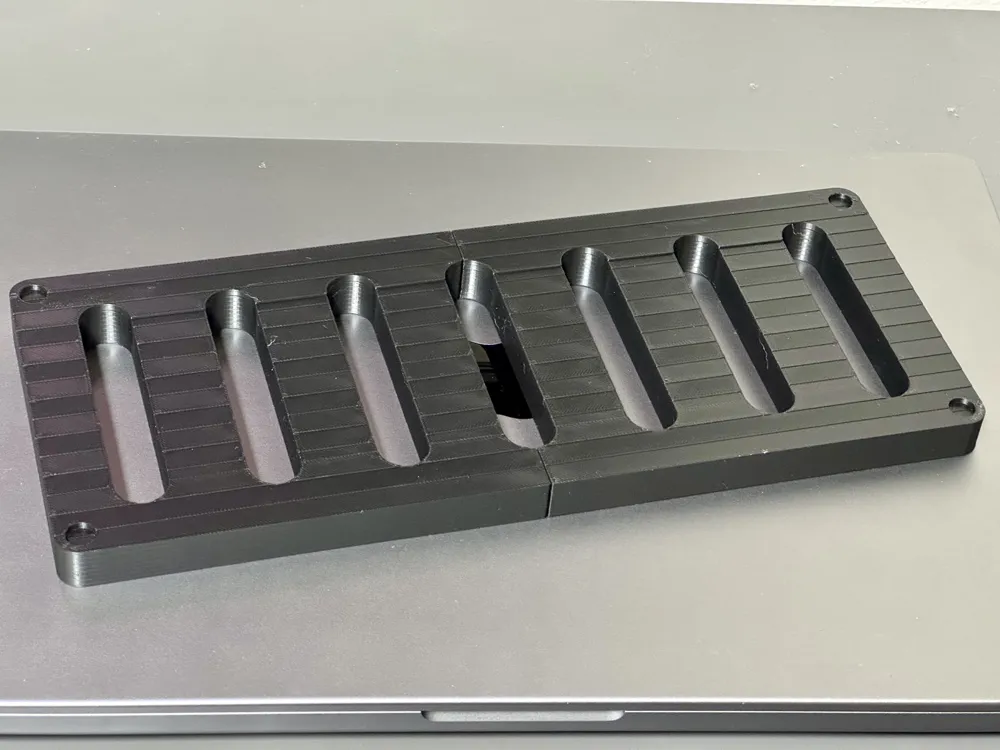
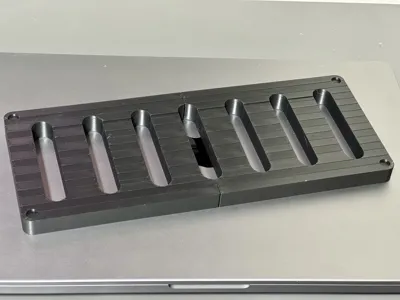
- Modular and Strong: Available in two interlocking parts or a single-piece version for larger printers. Simple, tool-free assembly.
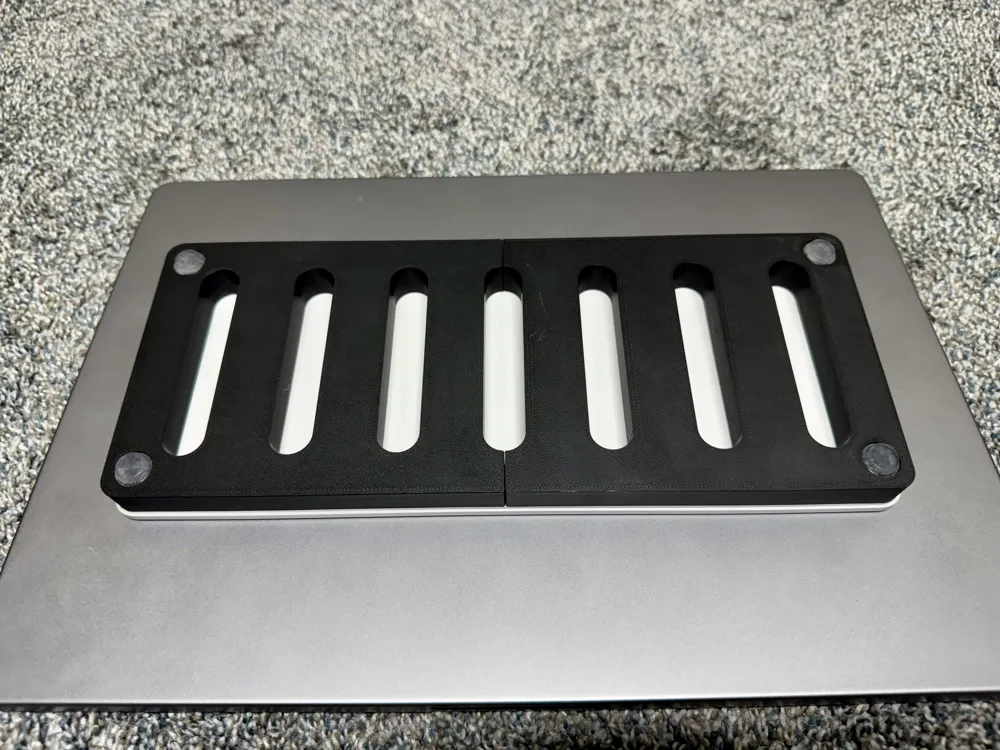
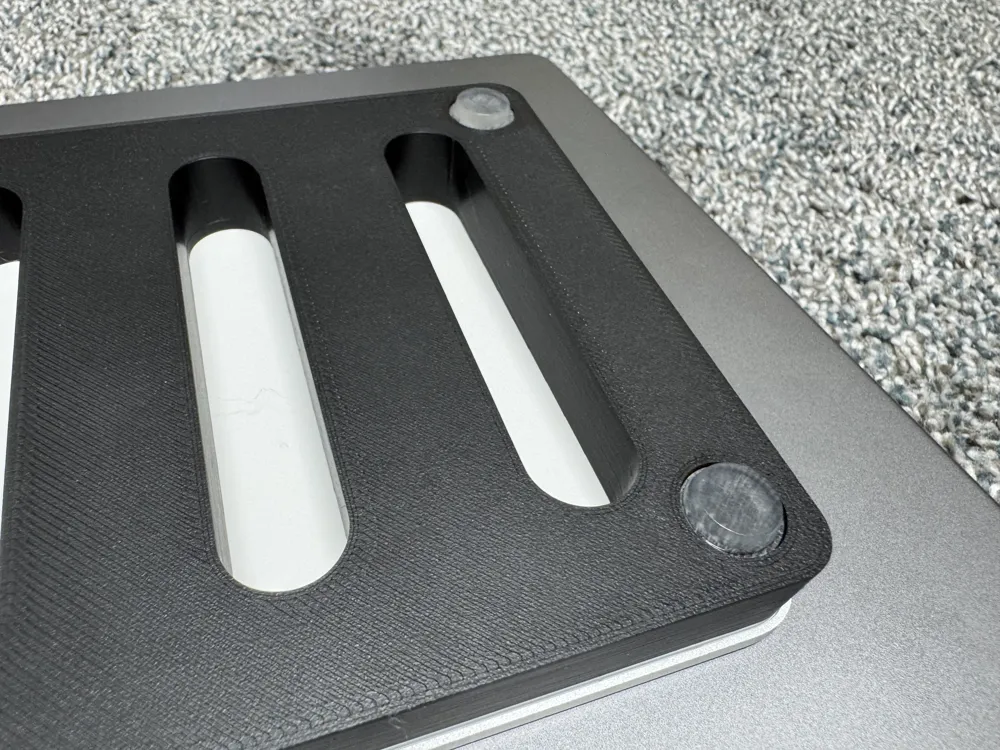
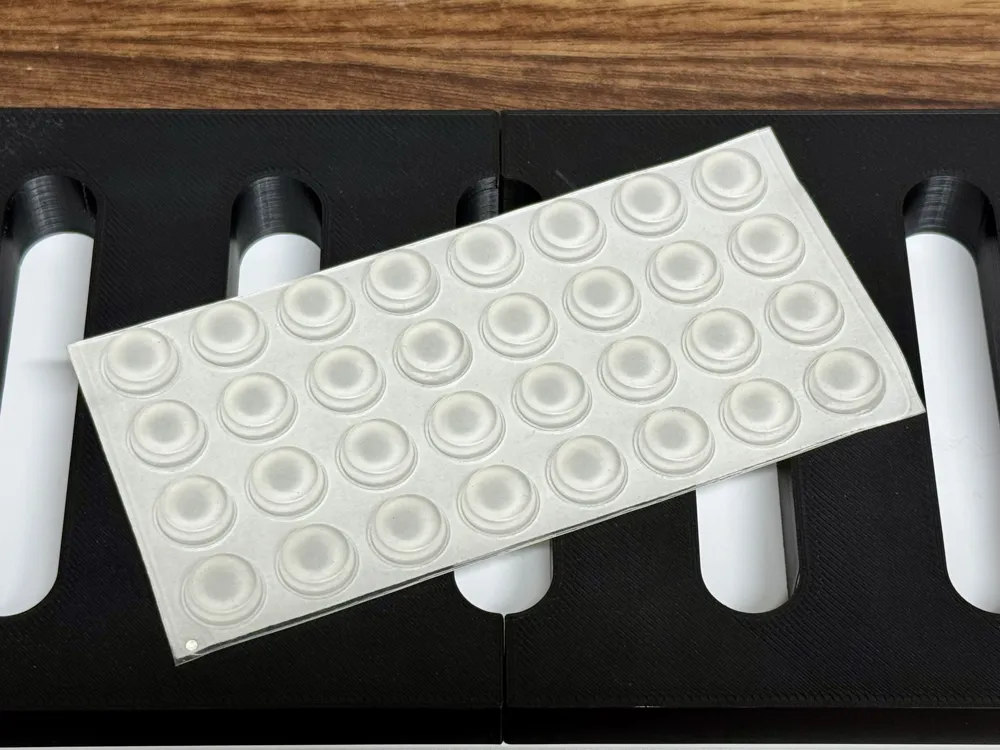
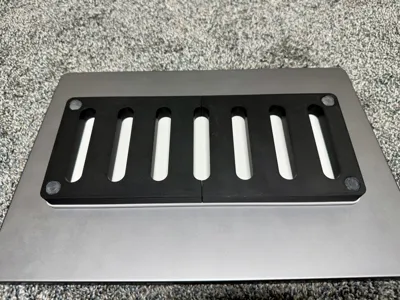
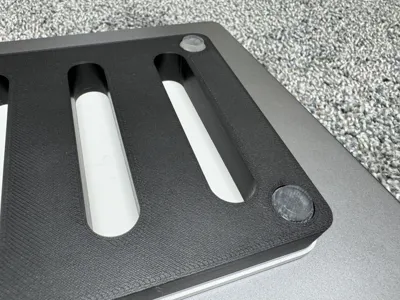
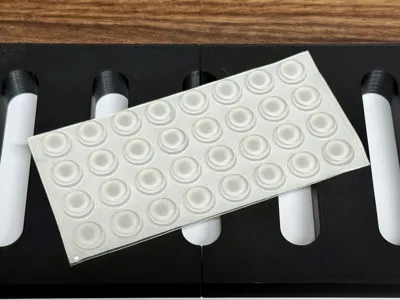
- Stable and Secure: Underside cutouts support large rubber feet, ensuring excellent grip and a premium, non-slip feel.
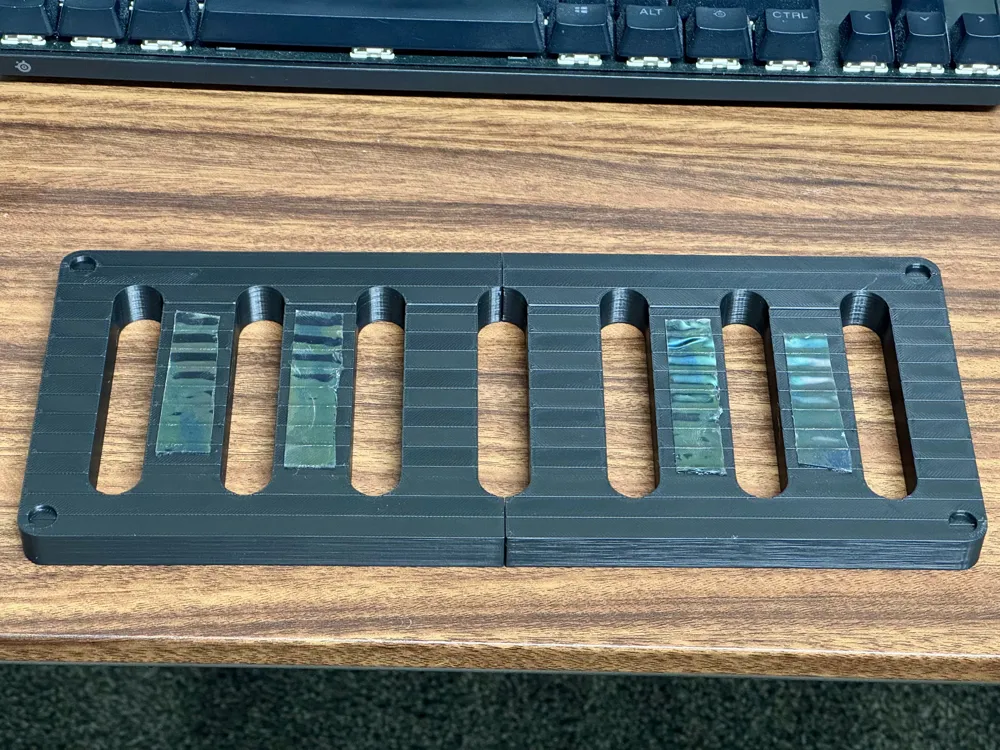
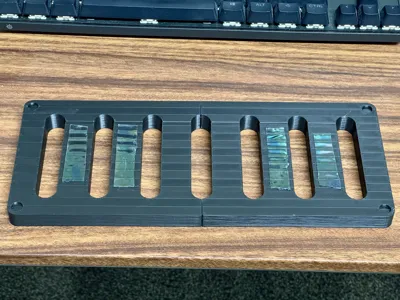
- Damage-Free Attachment: Hidden internal slots for double-sided tape — secure your keyboard without glue or residue.
- Portable by Design: Integrated side slots double as stylish handles for easy pickup and transport.
Print Options
- Heavyweight (200g - Recommended) or Lightweight (125g) variants.
- Designed for easy printability on Bambu Lab X1/P1 series; single-piece version available for printers with larger beds (e.g., H2D).
Boost Me (for free)
Liked this model? Support the creator with a Boost – every click helps fuel future designs!
Assembly Instructions
- Connect the Two Halves
If you're using the two-part version, simply align and press the included dovetail pins into place to join the pieces seamlessly. - Apply Double-Sided Tape
Attach 1mm thick double-sided tape (Amazon US) in the indicated areas (as shown in the images) to help securely hold your keyboard in place. - Mount the Keyboard
Gently place and press your Apple Magic Keyboard onto the taped surface. - Add Rubber Feet
Affix rubber feet (approximately 13mm in diameter | Amazon US) to the bottom of the riser for added grip and a premium, non-slip experience. - You're All Set!
Enjoy the enhanced typing angle and portability.
License

You shall not share, sub-license, sell, rent, host, transfer, or distribute in any way the digital or 3D printed versions of this object, nor any other derivative work of this object in its digital or physical format (including - but not limited to - remixes of this object, and hosting on other digital platforms). The objects may not be used without permission in any way whatsoever in which you charge money, or collect fees.


Comment & Rating (1)