
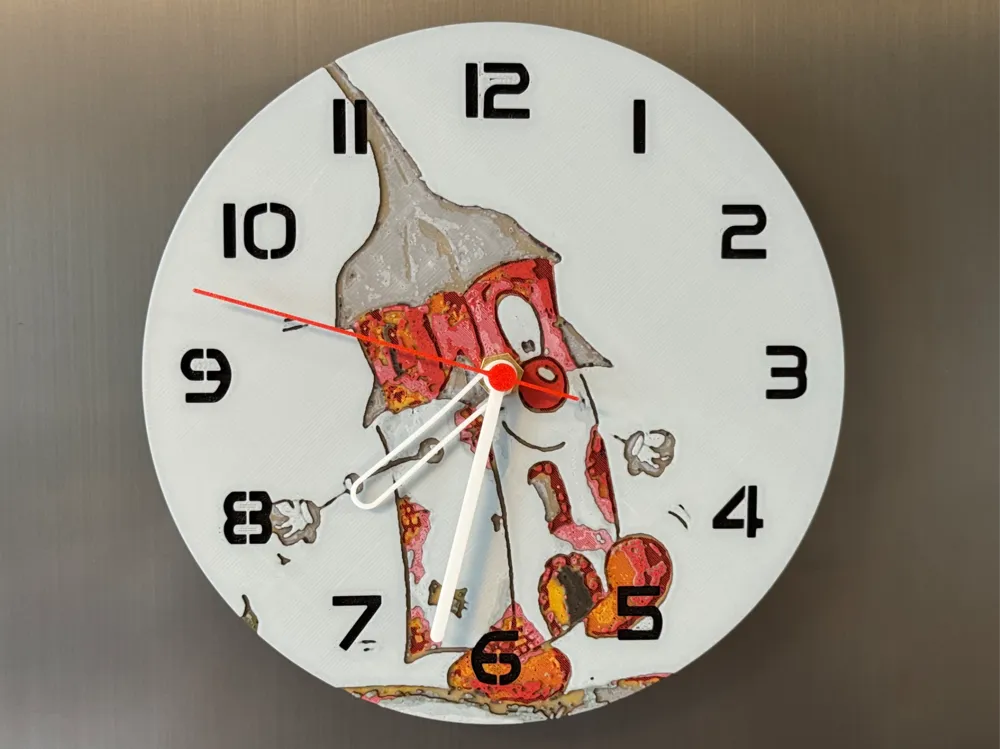
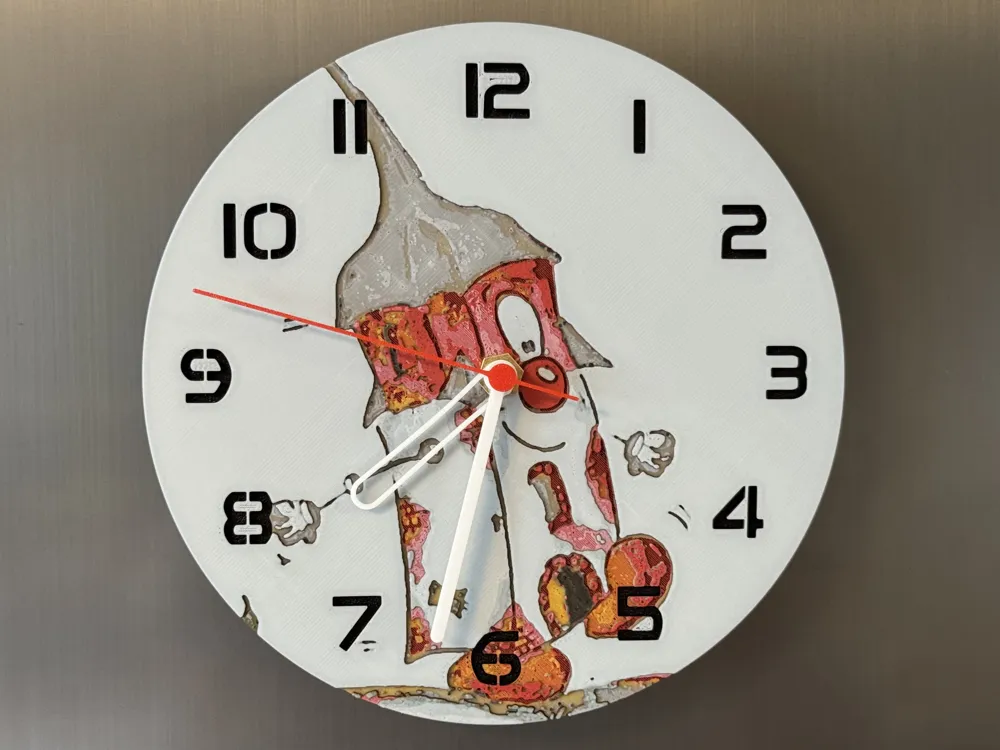
Wall clock, desk clock Halli from Köthen
Print Profile(2)


Bill of Materials




Description
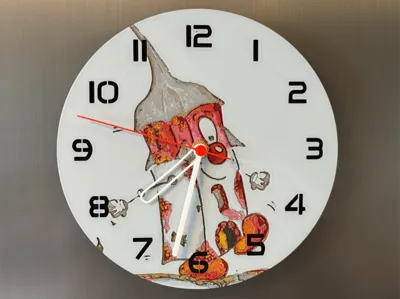
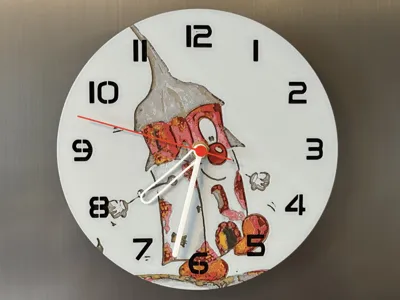
Halli" ist das freundliche Stadtmaskottchen von Köthen (Anhalt), das auf dem Halleschen Turm basiert, einem historischen Bauwerk der Stadt. Der Zeichner Steffen Fischer hat den Turm in einen liebenswerten Charakter verwandelt, der die Stadt repräsentiert und seit dem Sachsen-Anhalt-Tag 2015 offiziell als Maskottchen dient. Der Hallesche Turm ist ein mittelalterlicher Turm in Köthen, der seinen Namen der Lage in Richtung Halle verdankt. Er ist eines der ältesten erhaltenen Bauwerke der Stadt und prägt mit seiner markanten Bauweise das Bild der Altstadt.
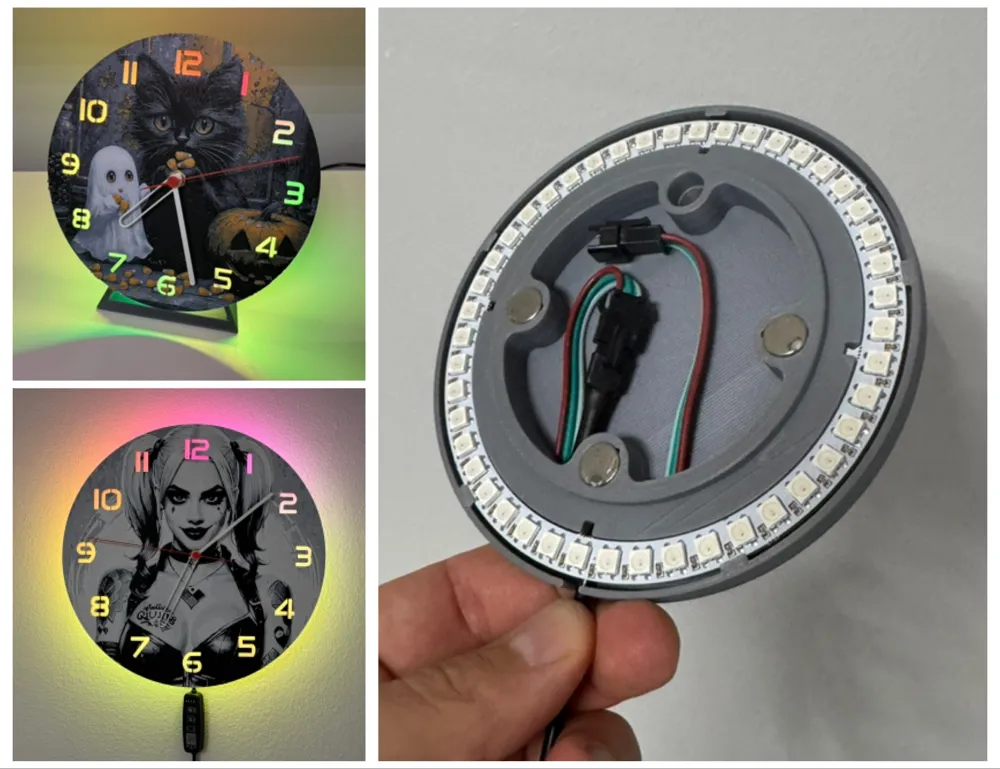
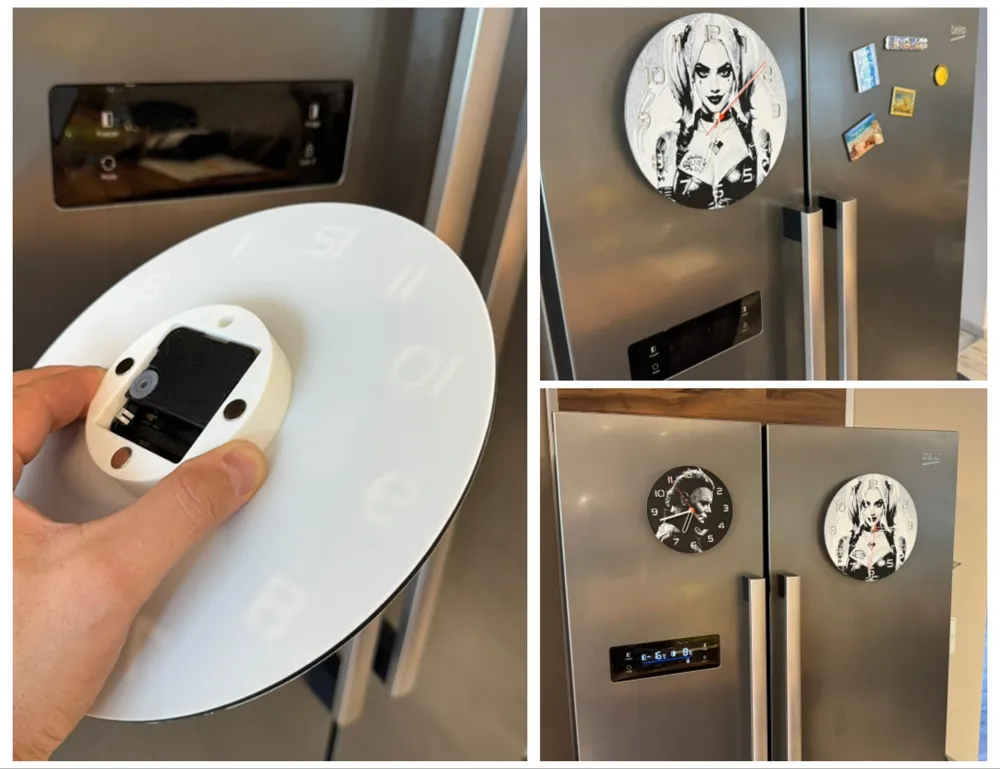
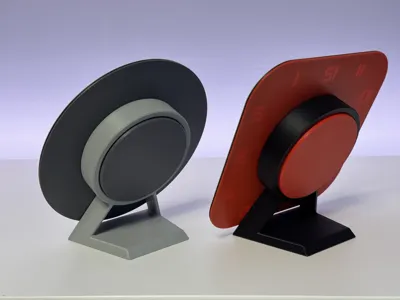
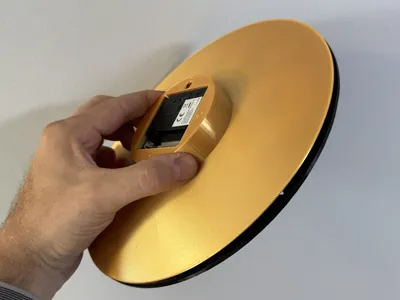
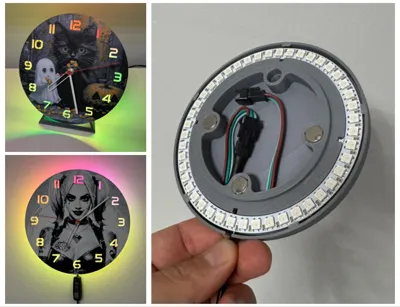
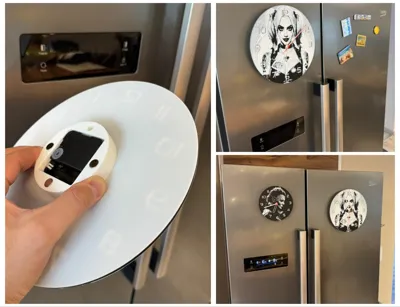
Here you will only find the dials!
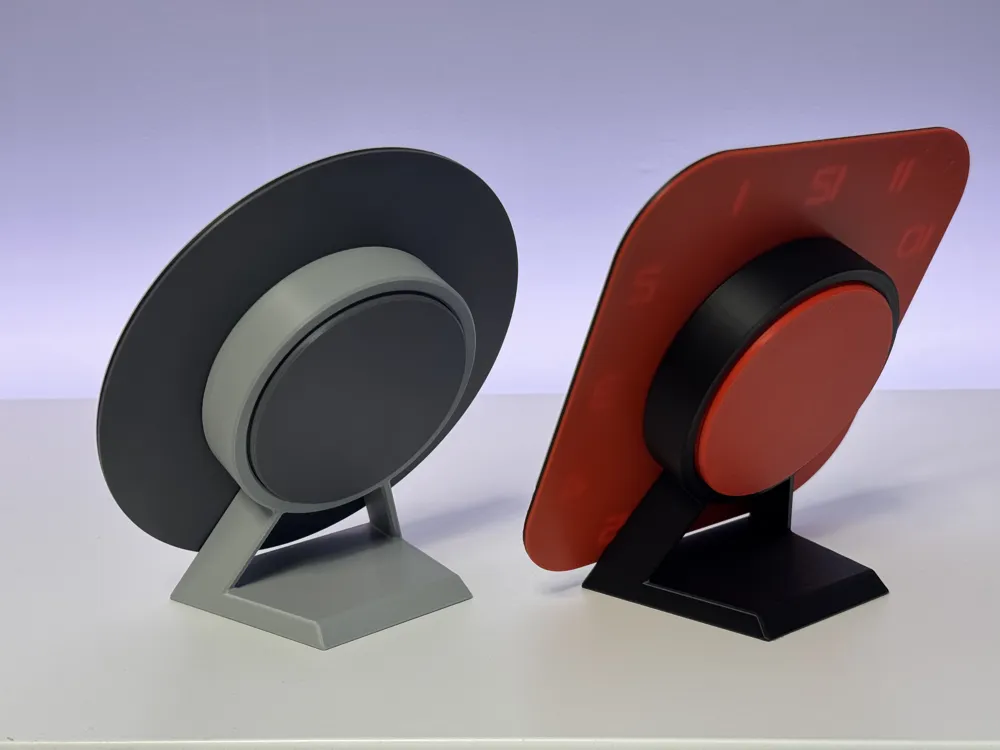
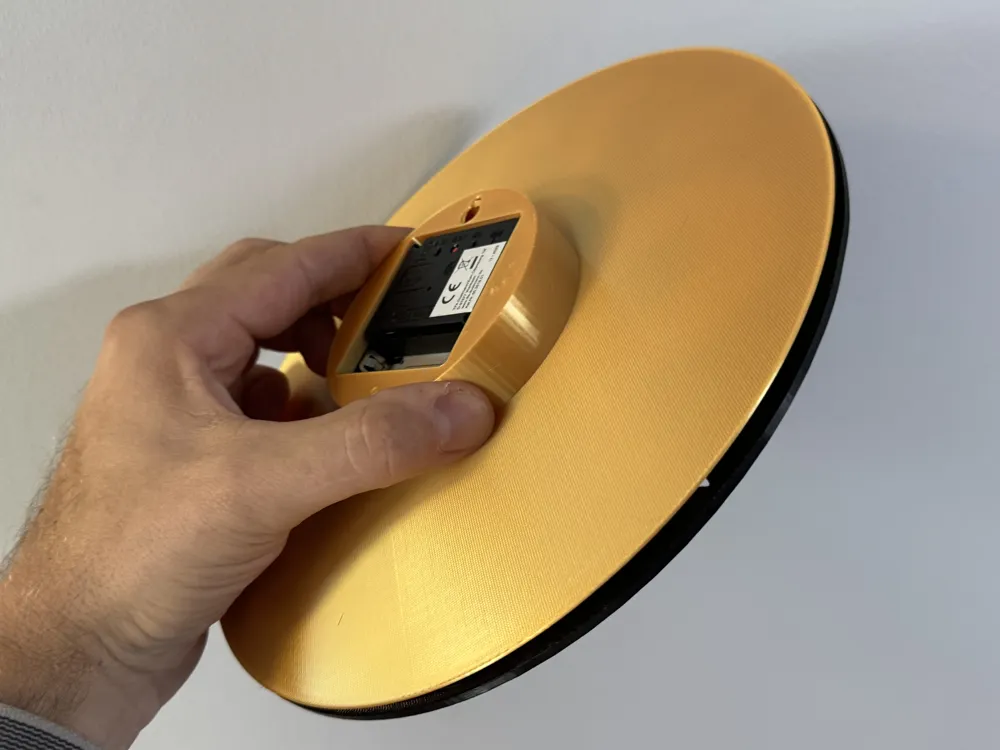
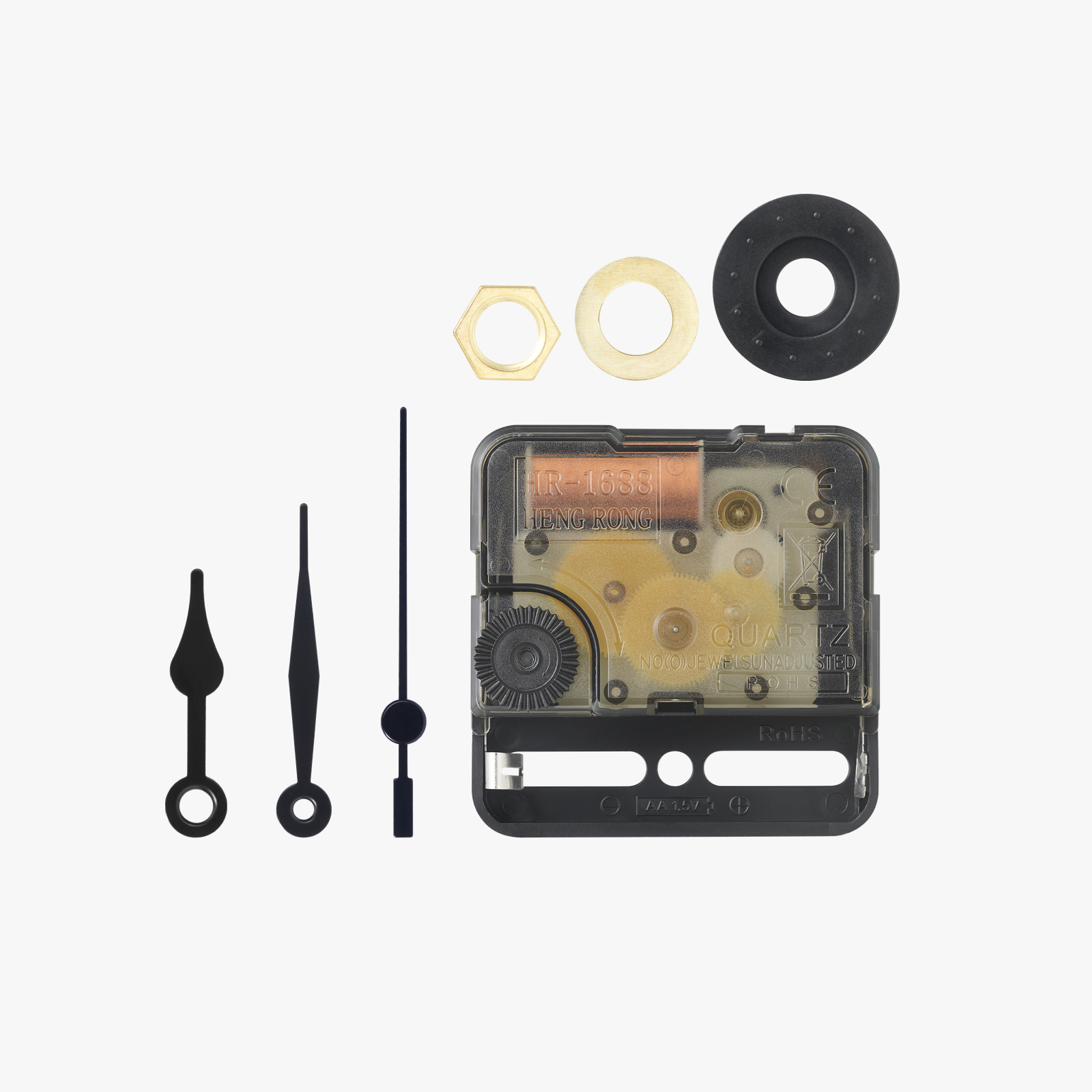
You can find the necessary accessories under the following link:
https://makerworld.com/en/collections/4894074
To minimize print time without compromising quality, I configured height range modifiers in my print profiles. So don't be surprised if the swap instructions don't match the data in the print profile
Print at 100% infill with a layer height of 0.06mm with a base layer of 0.12mm
Swap Instructions:
Start with Black
At layer #16 (1.02mm) swap to Scarlet Red
At layer #18 (1.14mm) swap to Yellow
At layer #21 (1.32mm) swap to Blue Gray
At layer #25 (1.56mm) swap to Jade White
At layer #27 (1.68mm) swap to Black
At layer #28 (1.74mm) swap to Scarlet Red
At layer #30 (1.86mm) swap to Ivory White
At layer #32 (1.98mm) swap to Pine Green
At layer #34 (2.1mm) swap to Ivory White for the rest.
If you get the message with the floating regions when slicing... you can ignore this
Here you can find my other dials collected
https://makerworld.com/en/collections/1715414
Boost Me (for free)
It gives me pleasure to create things for 3D printing. I also hope to be able to bring joy to others, or to offer a great gift for others.
If the object has brought joy to you or your recipient, then you could also give me joy with a boost 😉
Happy printing
License



Comment & Rating (1)