Search models, users, collections, and posts

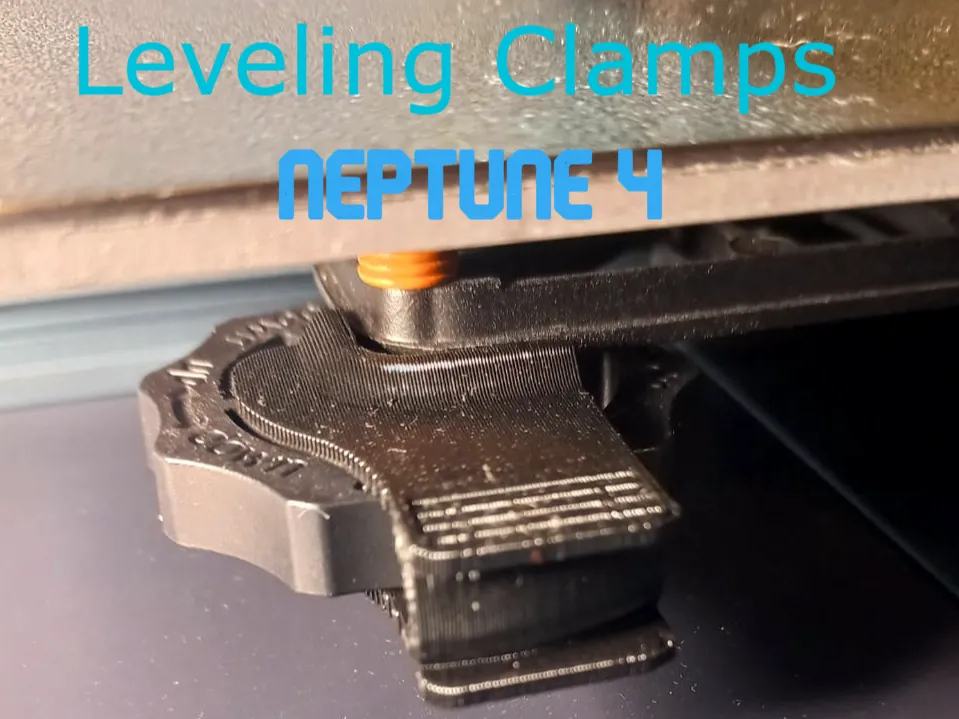
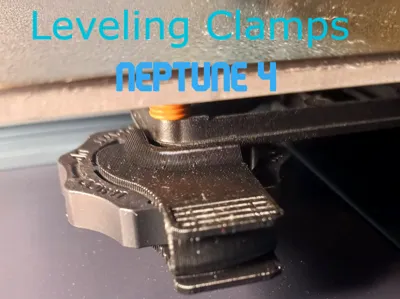
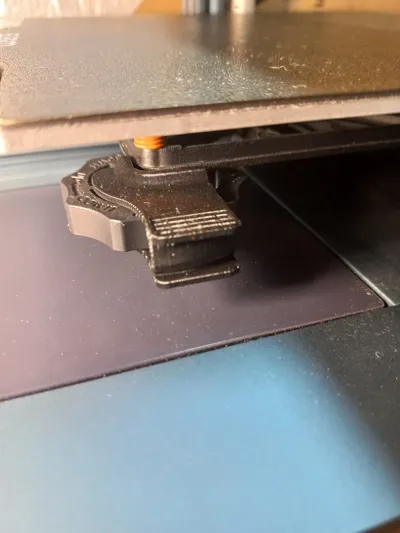
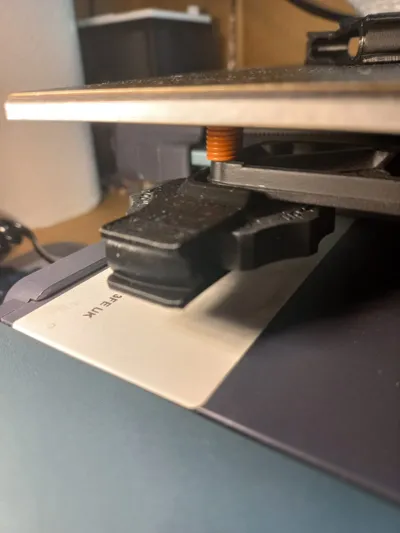
Leveling Clamps Neptune 4
IP Report
Print Profile(3)

Leveling Klemme Neptune 4 v3
Designer
52 min
1 plate

Leveling Clamps Neptune 4
Designer
49 min
1 plate

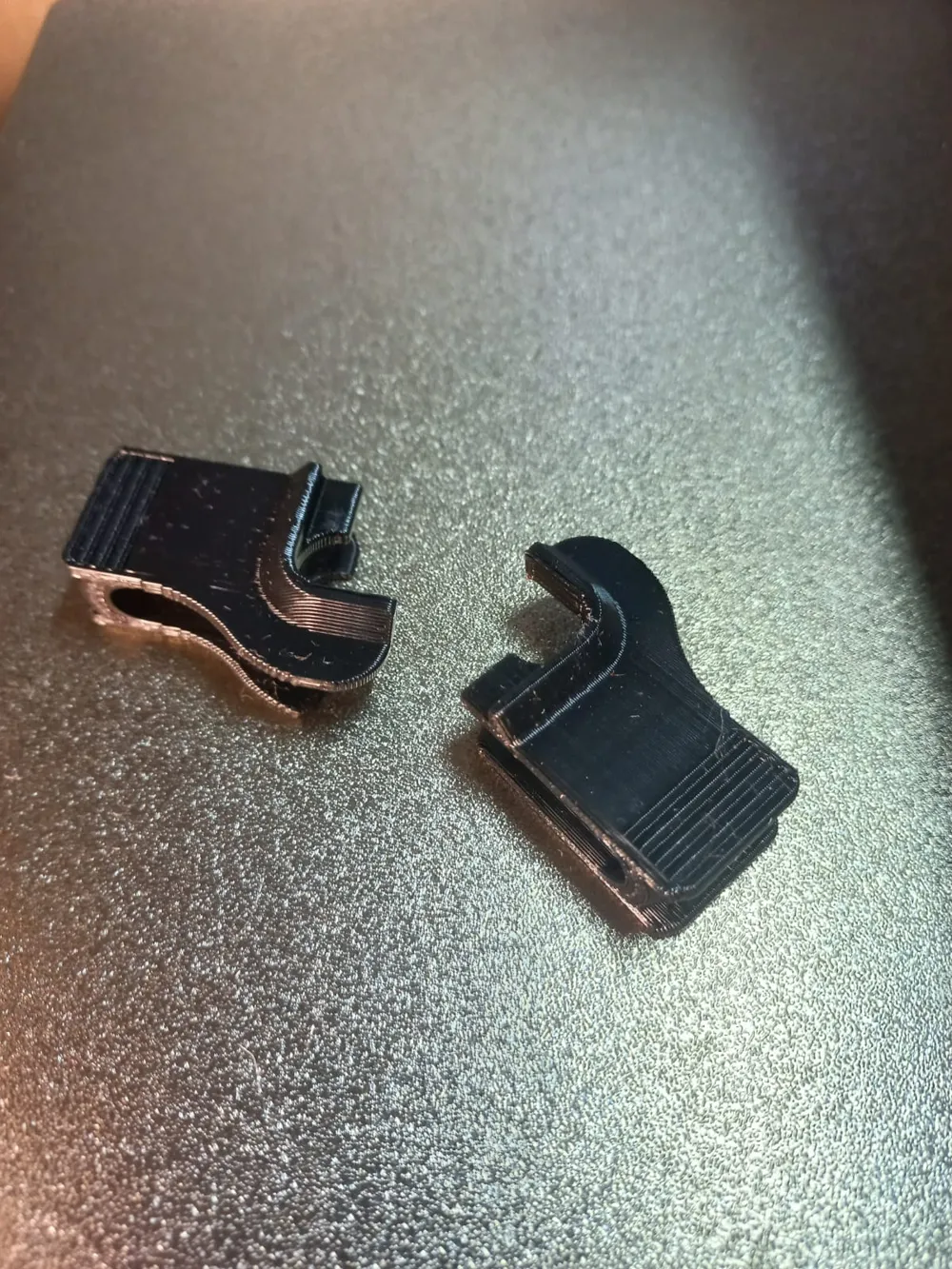
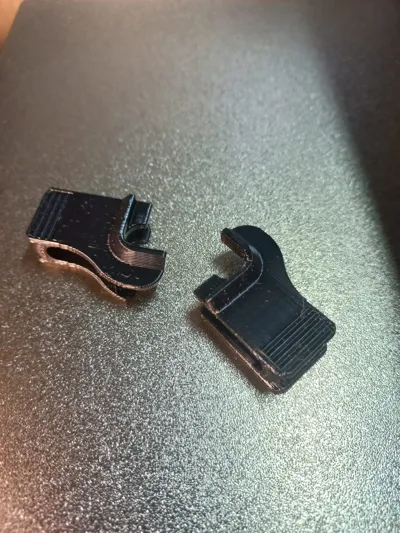
Leveling Klemme Neptune 4 Seperate
Designer
1.6 h
4 plates
Open in Bambu Studio
Boost
31
51
1
0
160
17
Released
Description
- First you need to go trough the leveling process (Manual and Autoleveling).
- Then Check if the Leveling values are in the compensation Range of the printer.
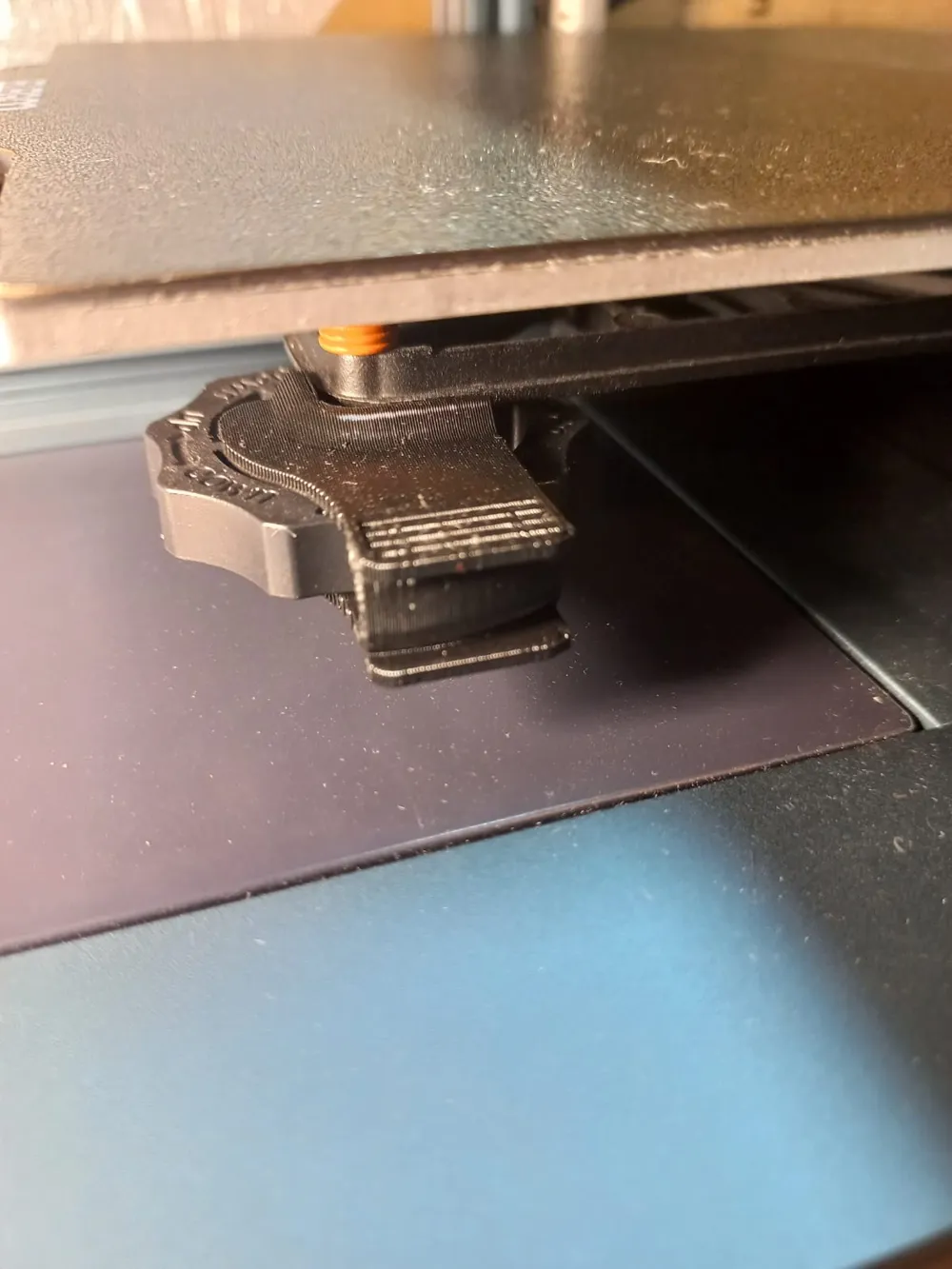
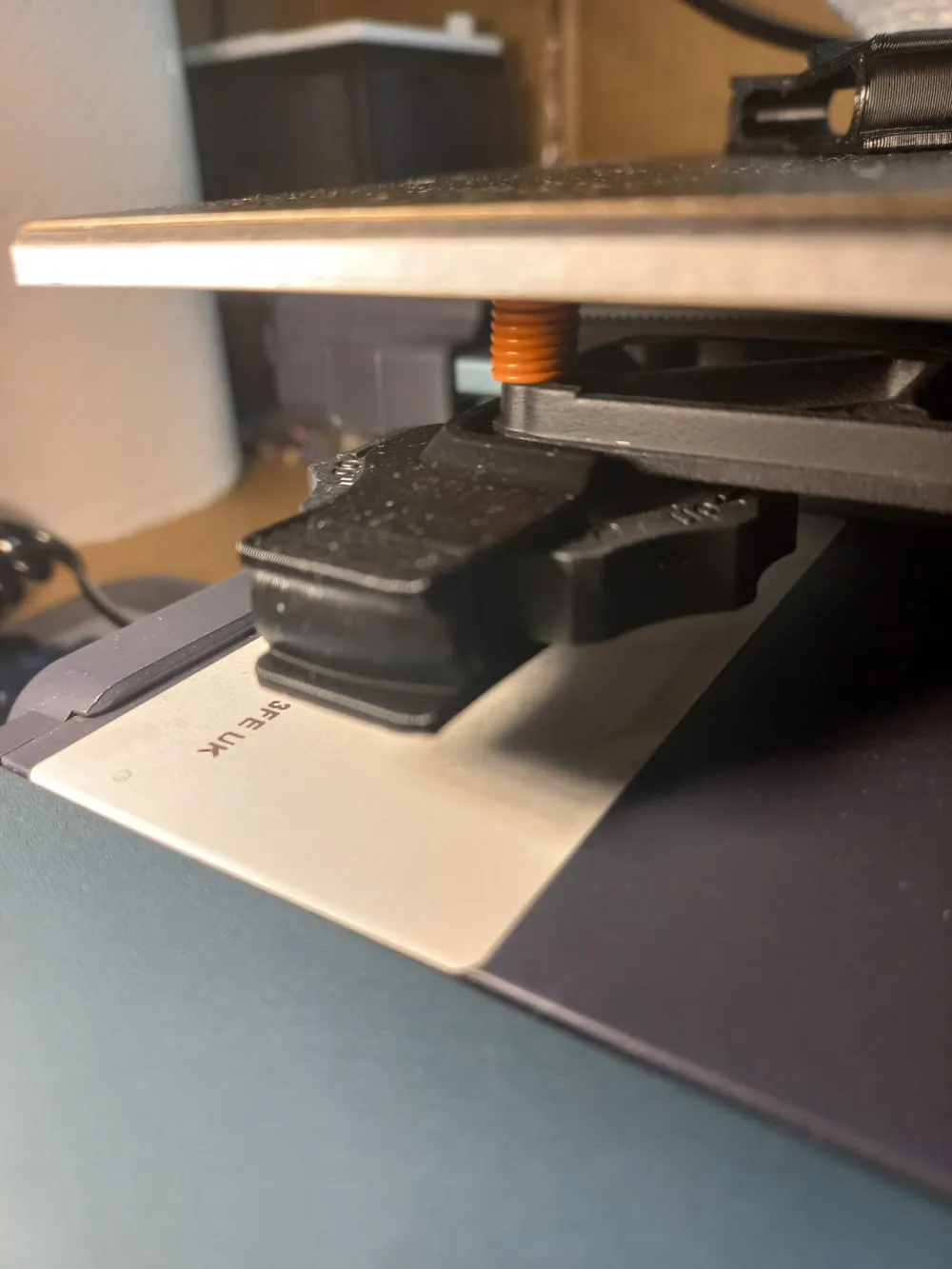
- Then you need to hold the Leveling Screw in place and Push the Clamp on so it fits snug with the metall plate.
License

This user content is licensed under a Standard Digital File License.
You shall not share, sub-license, sell, rent, host, transfer, or distribute in any way the digital or 3D printed versions of this object, nor any other derivative work of this object in its digital or physical format (including - but not limited to - remixes of this object, and hosting on other digital platforms). The objects may not be used without permission in any way whatsoever in which you charge money, or collect fees.


Comment & Rating (1)