
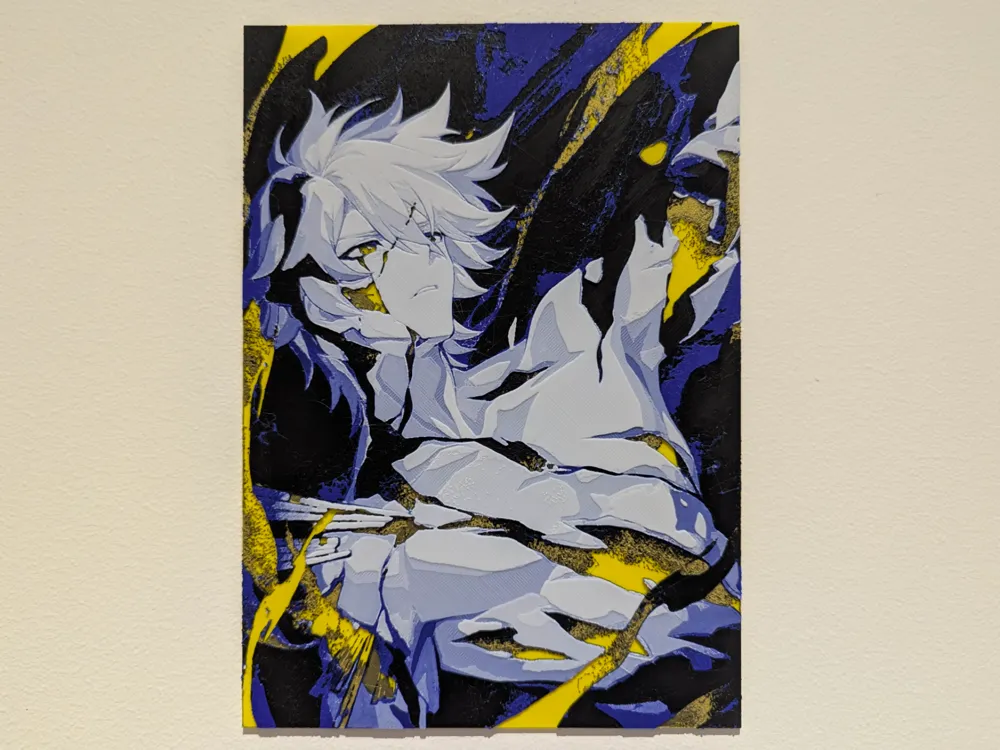
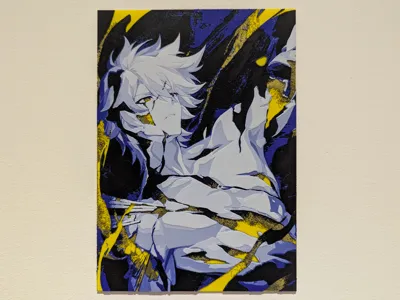
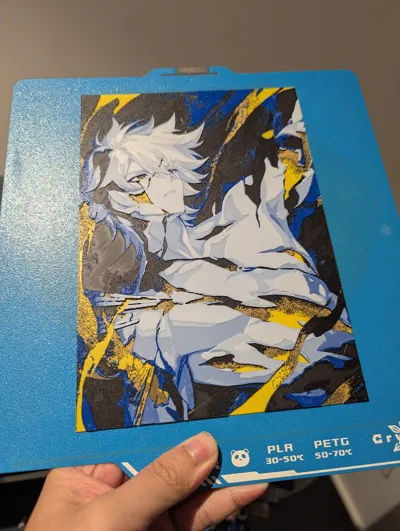
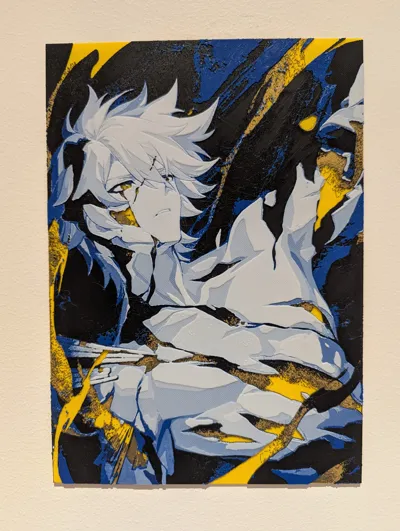
Honkai Star Rail Phainon Light Cone Hueforge
Print Profile(3)



Description
Hello hello,
Oh boy…. my man Phainon (Kaslana) can't catch a break. Looking forward to 3.4 story though, wonder how it would finish off.
Printable versions:
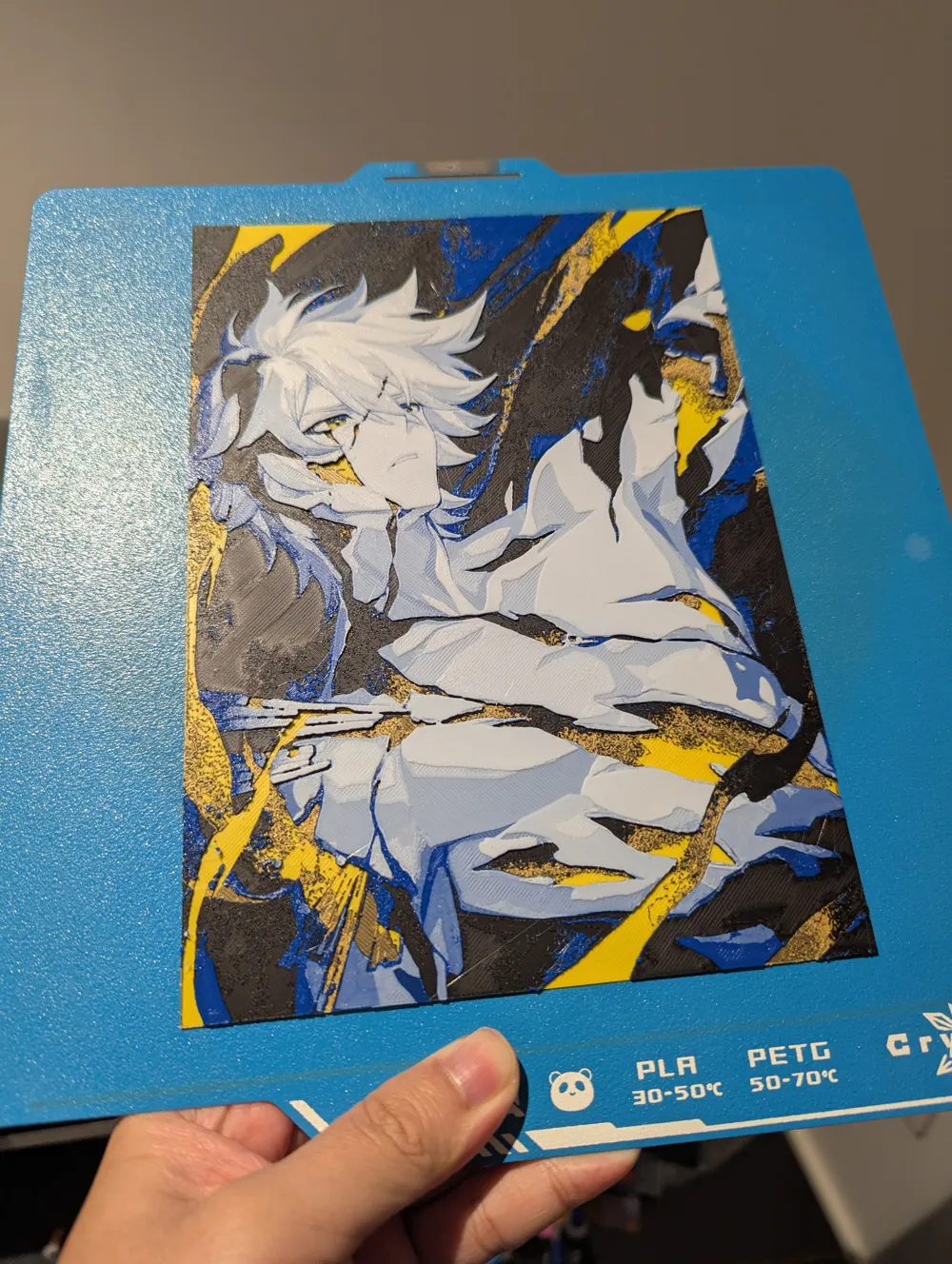
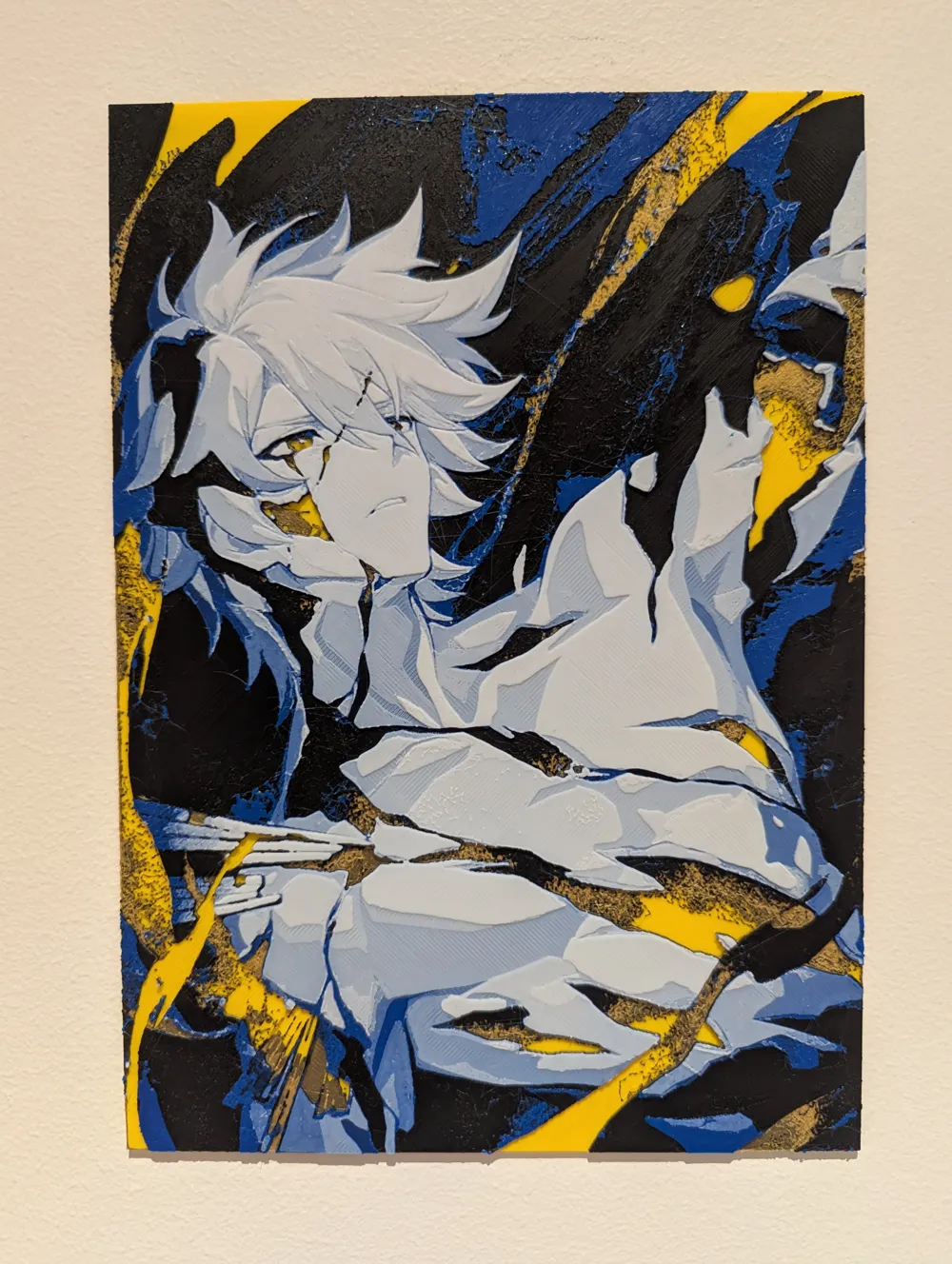
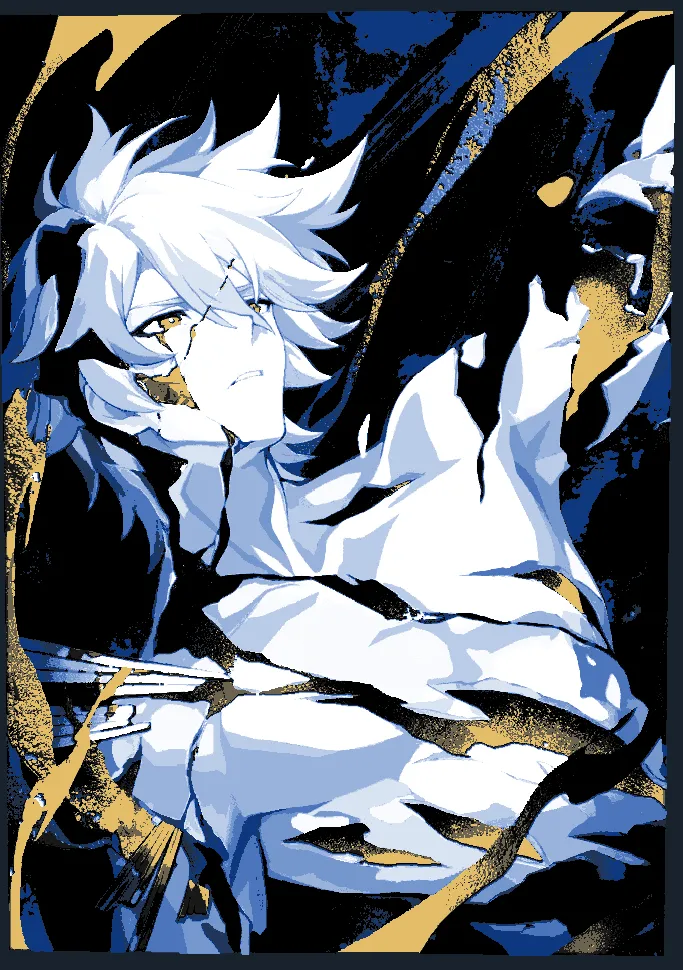
- 4 Colour with Black, white, blue and gold
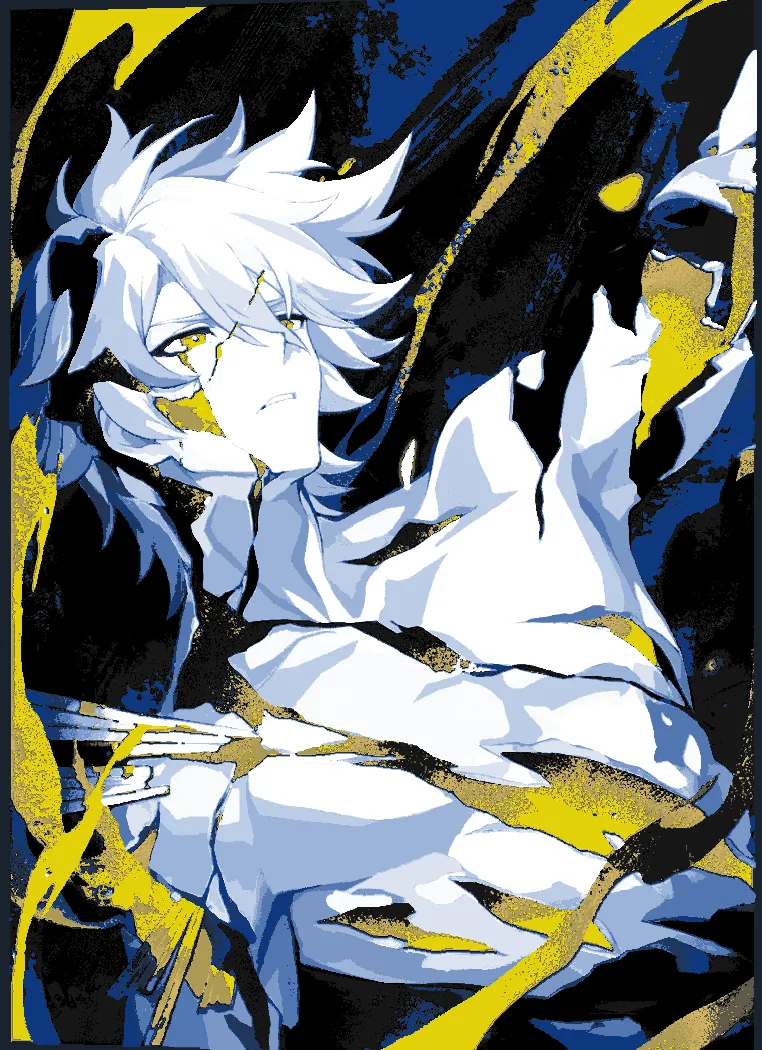
- 5 Colour with Black, white, blue, gold and yellow (The one in the model photo)
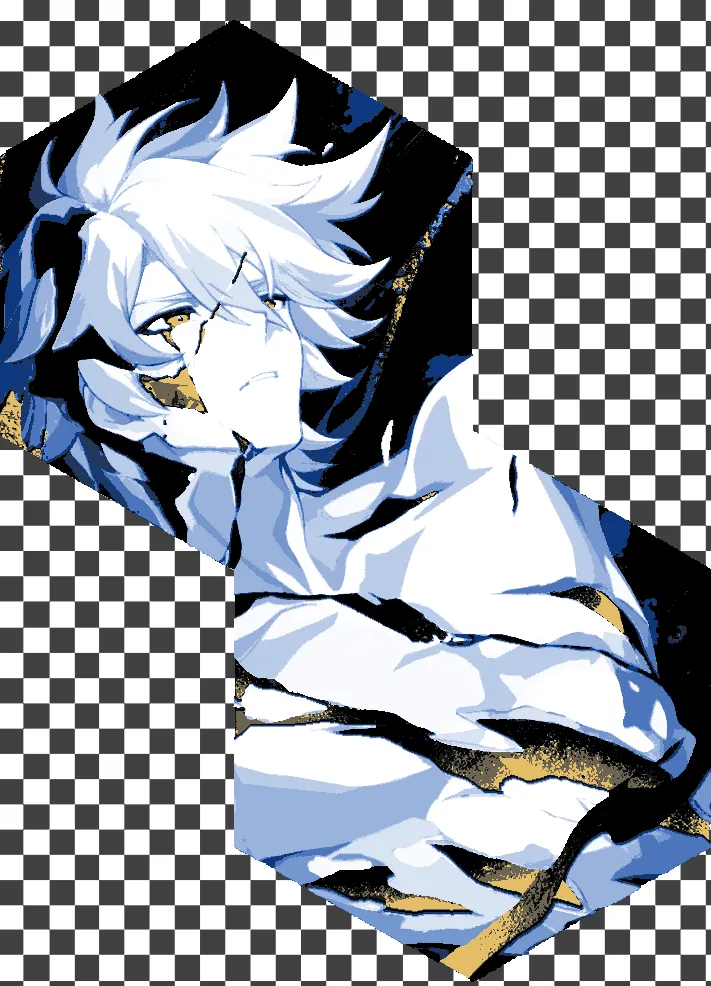
- Hexagonal format which is based off the 4 colour version
 |  | 
|
Notes:
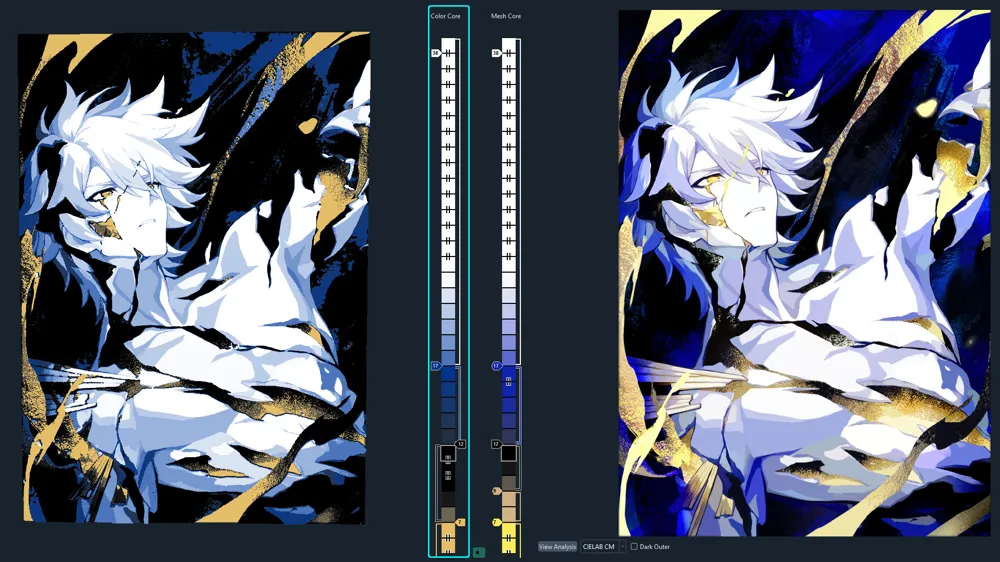
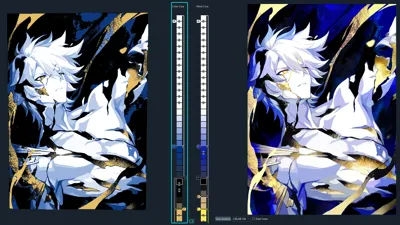
- 4 and 5 colour filament versions will be available to print. Difference colour gradient in the gold stream effect. Using the black as the dark shading to the gold or filament colour of your selection (As shown in the images above)
- 5 Colour version: you can remove filament swap at layer #7 directly if you have darker and/or lower transmission distance filament. Had to do it since Bambu gold was pretty transparent
- Please only scale the X and Y dimension, do not change the Z dimension
- This may take a while to slice due to the amount of detail, please be patient. You can simplify the model but at most at high setting, medium and lower you will see sharp edges and dents on the print.
Filaments Used:
PLA BambuLab Basic Yellow Transmission Distance: 6
PLA BambuLab Basic Black Transmission Distance: 2
PLA BambuLab Basic Gold Transmission Distance: 3.5
PLA BambuLab Basic Blue Transmission Distance: 4
PLA BambuLab Basic Jade White Transmission Distance: 5
This print uses 5 unique filaments
Swap Instructions:
Start with Yellow
At layer #7 (0.64mm) swap to Black (Skip if you have darker filament)
At layer #8 (0.72mm) swap to Gold
At layer #11 (0.96mm) swap to Black
At layer #14 (1.2mm) swap to Blue
At layer #18 (1.52mm) swap to Jade White for the rest.
I want to make sabre next… but its all the same colour palette which is annoying… oh well, we'll see
Catch ya next time, byeeeeee
License



Comment & Rating (16)