Search models, users, collections, and posts

Insulated Can Coolers
Print Profile(4)

All
P1S
A1
X1 Carbon
X1
A1 mini
P1P
H2D
X1E
H2D Pro
H2S
P2S
H2C
X2D
A2L

Standard 12 oz Can
Standard 12 oz Can
Designer
3.9 h
1 plate
5.0(62)

Slim 12 oz Can
Slim 12 oz Can
Designer
4.4 h
1 plate
4.9(35)

Tall 16 oz Can
Tall 16 oz Can
Designer
5 h
1 plate
5.0(23)

TPU Lids (All Sizes)
Designer
3.3 h
3 plates
5.0(5)

Open in Bambu Studio
Boost
773
2041
174
110
1.6 k
995
Released 

Bill of Materials

Bambu Filaments
Select all
Bright Green (10503) / Refill / 1kg
Hot Pink (10204) / Refill / 1kg
Turquoise (10605) / Refill / 1kg
Black (51100) / Filament with spool / 1 kg

Description

Boost Me (for free)

Like the model and want to support the designer? Click the button to boost, it's free! 🚀

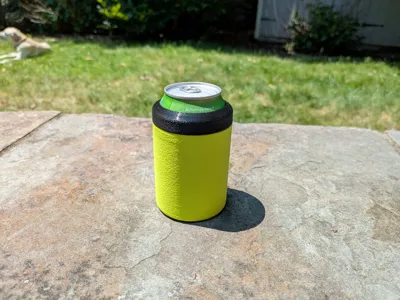
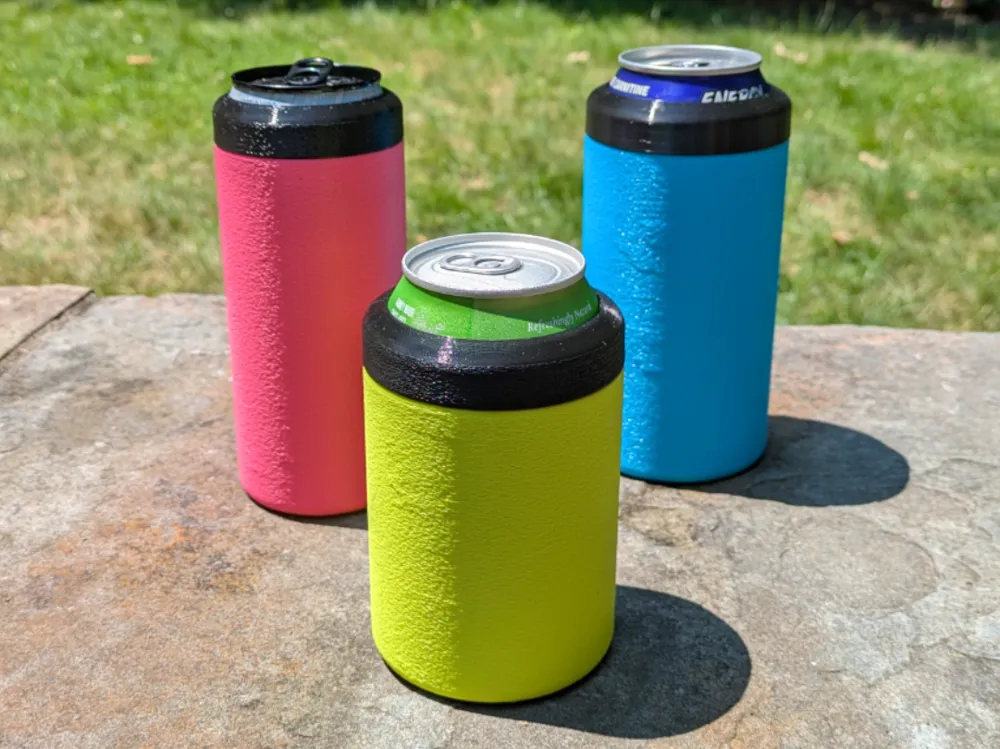
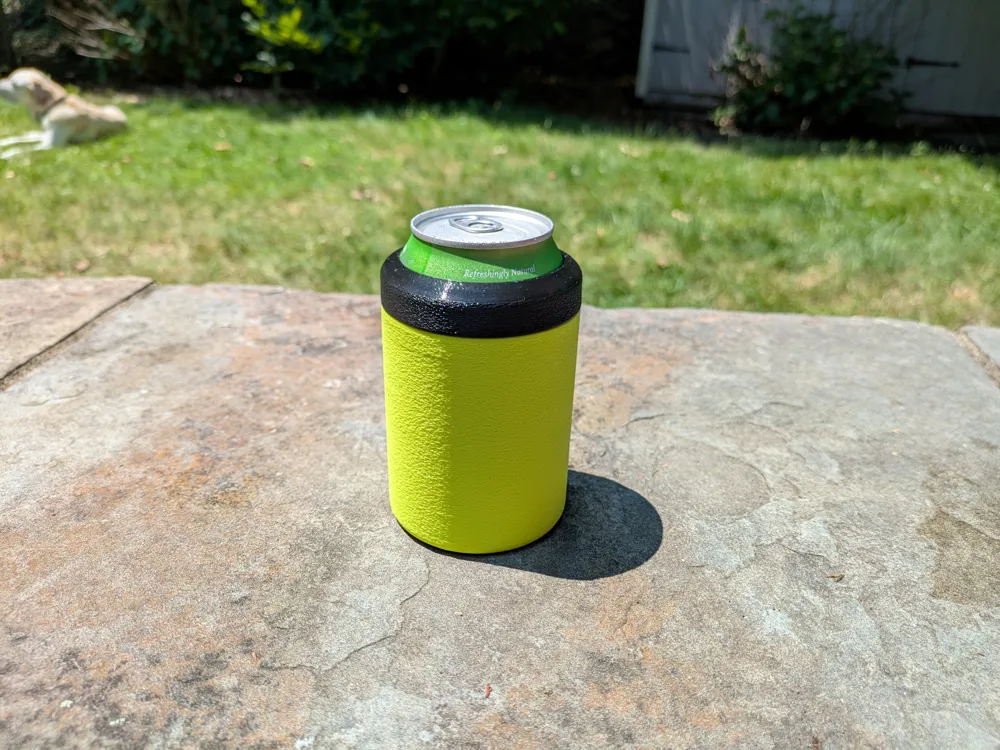
Insulated Can Cooler

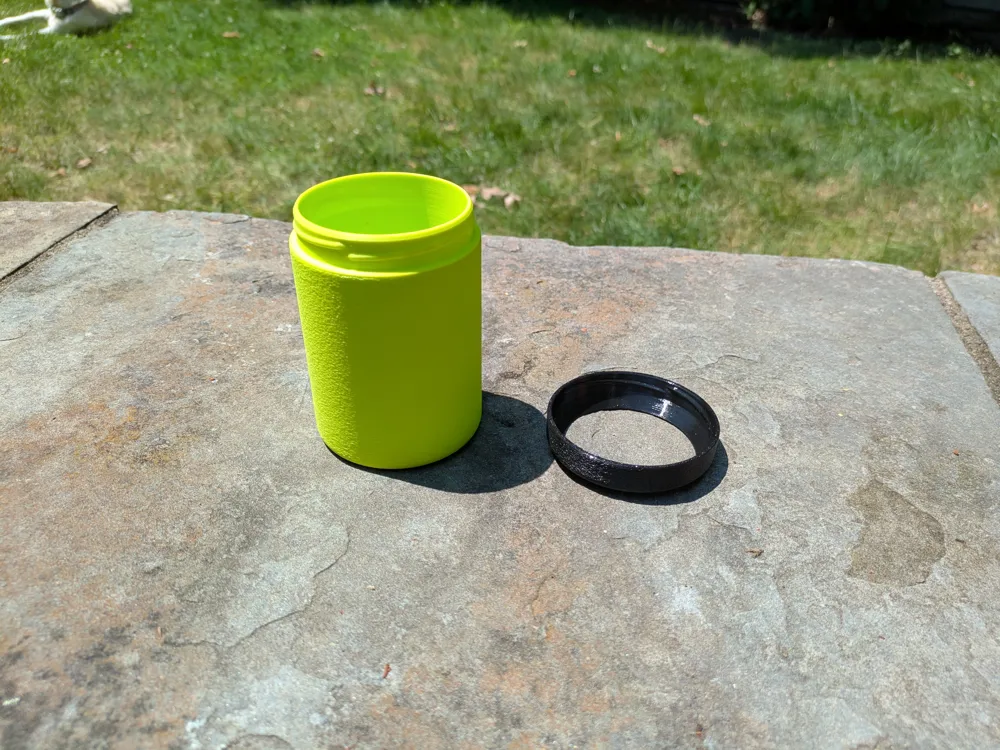
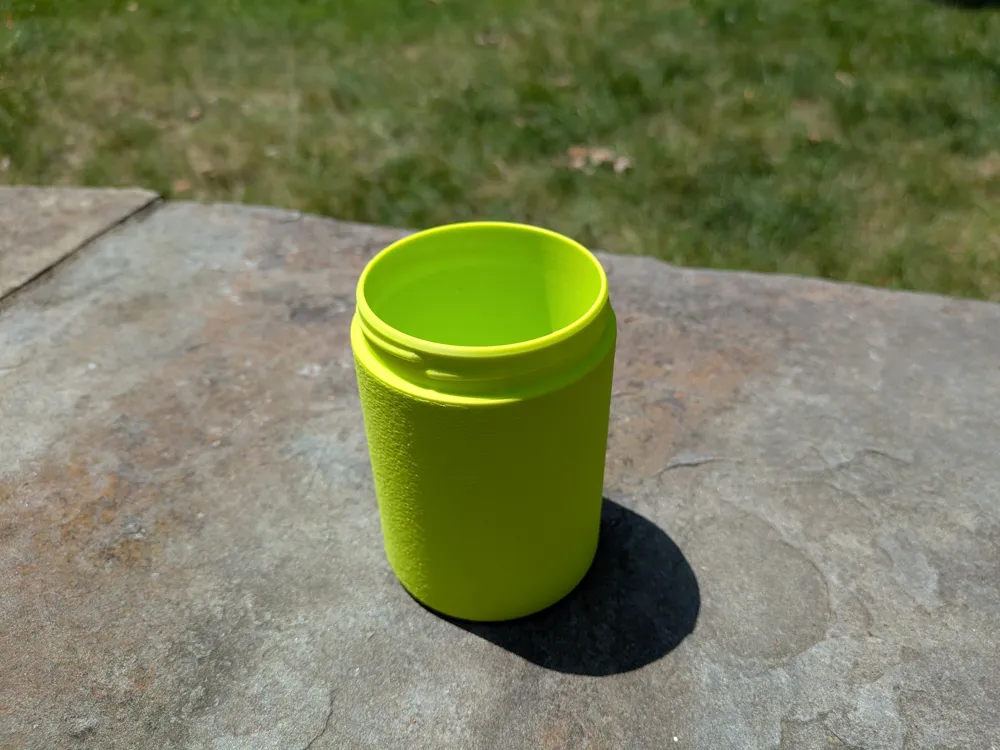
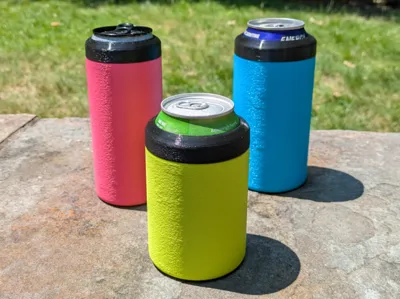
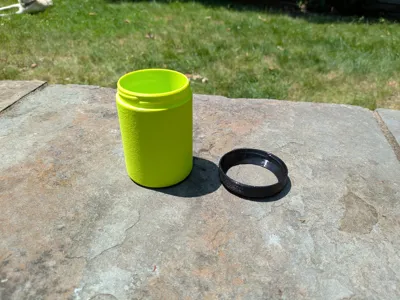
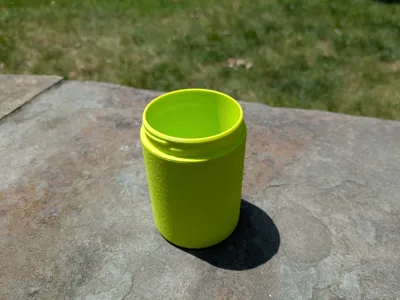
Keep your drinks cool this summer with this easy to print double-walled can cooler! Designed to print in just a few hours on any Bambu Labs printer, this design requires no supports and utilizes fuzzy skin create a textured outer surface. For the absolute coldest drinks be sure to freeze or refrigerate before use!
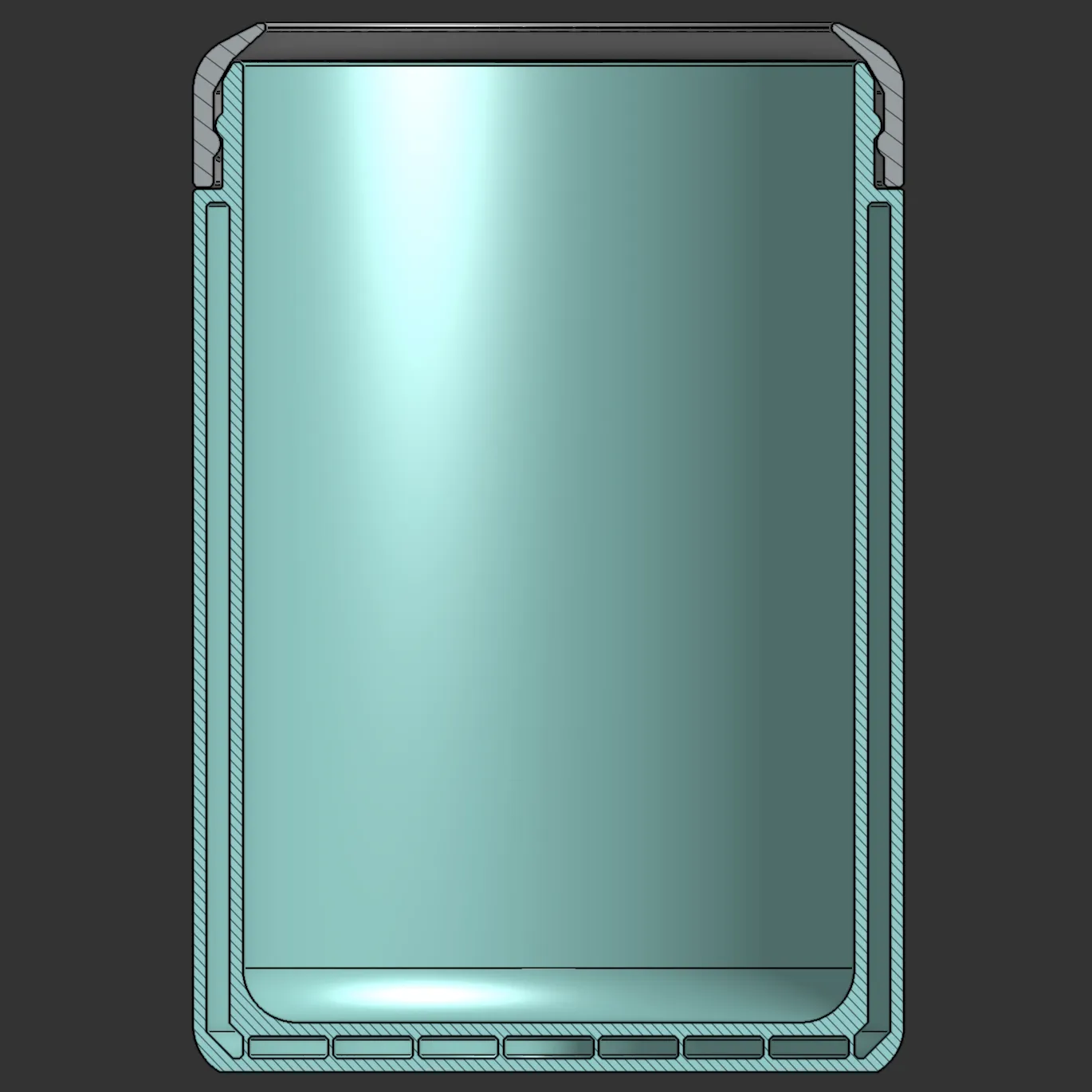
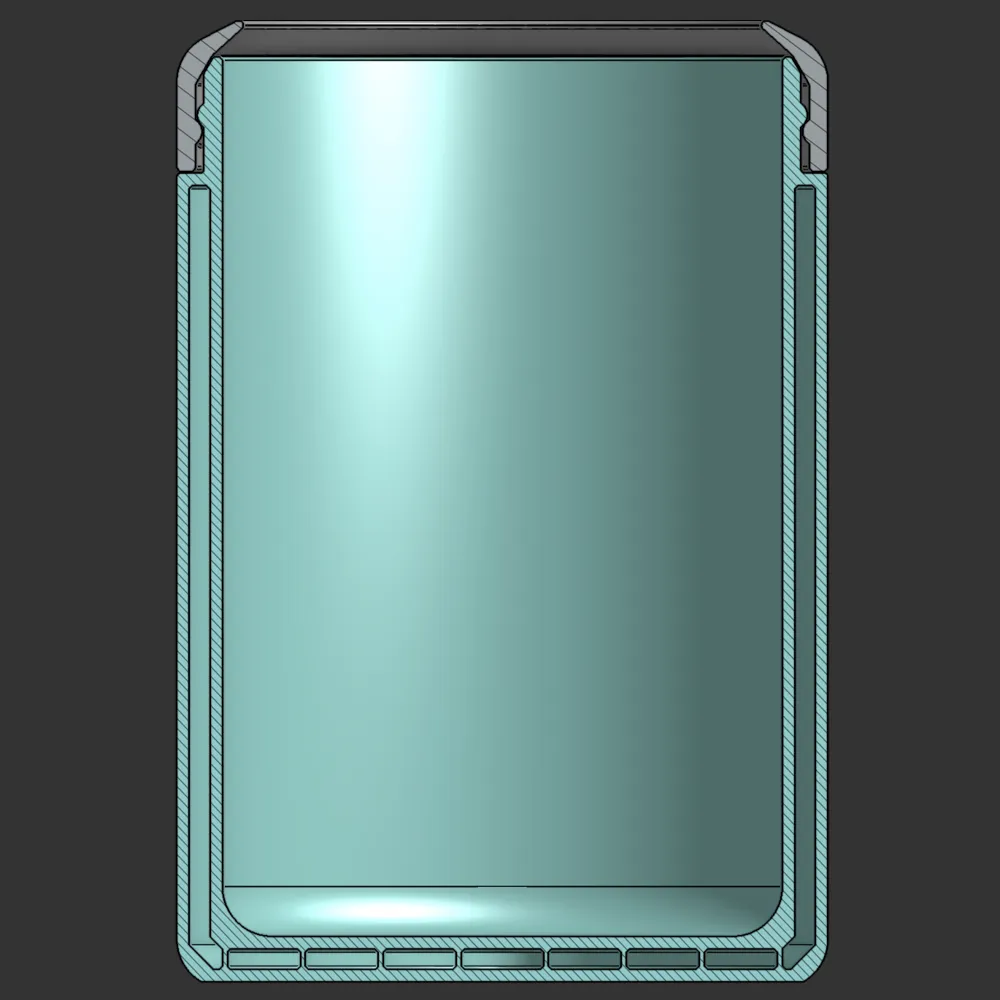
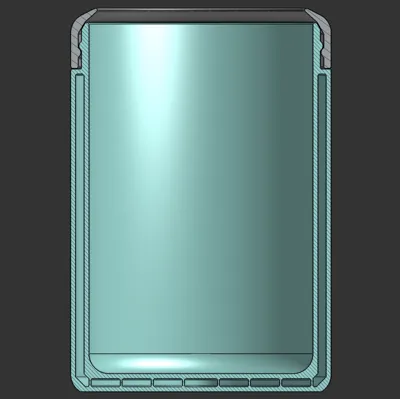
Double-walled design keeps your drinks insulated and cold! Model designed using OnShape

Change Log

  • Jul. 9, 2025 - Added print profile for TPU lids
  • Jul. 8, 2025 - Improved lid geometry and fuzzy skin print profile settings
  • Jul. 6, 2025 - Added print profile for tall 16 oz cans
  • Jul. 1, 2025 - Added print profile for slim 12 oz cans

Comment & Rating (174)

(0/1000)

I ran a totally non-scientific, half-assed experiment comparing this 3D-printed coozie to a Yeti, and the results were actually pretty interesting. In the photos you can see how the Yeti’s vacuum-insulated body barely gains heat, so most of its cold loss happens at the top opening where convection takes over. The 3D print doesn’t have a vacuum layer, so heat transfers through the material more evenly, meaning it warms up faster overall, but in a smooth, uniform way instead of a top-heavy pattern like the Yeti. Even with that, after four hours it was only about 4°F warmer than the Yeti, which is impressive for a simple printed sleeve.
designer
43
Reply
not gonna lie, u was thinking about printing this and filling with great stuff to better insulate it, but if it takes 4 hours to get to room temp and you've got a beer for 4 hours, there's a problem... nice work doing the thermal experiment. fellow mechanical engineer here. I assume you are a well.
11
Reply
🫠🤓🤓
0
Reply
why do one when you can do both I have 8.5 oz slim cans so I made an adapter that also insulates the can while keeping a suction fit
0
Reply
Very cool! (sorry for the pun) I was able to modify it to have a slot and an insert so you only need one cooler to handle both size cans. When the insert is top down (like a "u") then I can still fit in 16 oz cans. When the insert is right side up (like an "n") then I can fit 12 oz cans that rest on the insert. The insert just slides out when you turn the cooler upside down (with the lid off) so you can flip it over. I was just barely able to make everything fit without changing the overall dimensions but it might be better to modify the original model to make it 1-2 mm wider. Here are a few pics of some cuts of the model and the final result showing it setup for a 16 oz can and 12 oz can so you can see what I did. Since I didn't change the overall model size the same lids fit and keep the insert from falling out when there is no can present. Thanks for the model @BrentPeterson !
(Edited)
5
Reply
Neat model. Not a fan of the fuzzy skin on this one, so I printed without. A little wiggle room for the cans I've tested, but cans fit well enough. Top fits well. Haven't tested how thermally effective it is, but it's got to be better than my bare hands warming up the can. Thanks! EDIT: For non-Fuzzy skin... Go to Objects (Next to Process), then select Range in the hierarchy. Then go to the Others tab at the bottom and turn Contour to None.
(Edited)
1
Reply
what settings did you change to get the surface smoother?
0
Reply
Replying to @bta44 :
@awiginton I see "Fuzzy Skin = None" in both Global and for each Object - how did you turn it off?
0
Reply
Replying to @daviddoria :
Go to Objects, then select Range in the hierarchy. Then go to the Others tab at the bottom and turn Contour to None
0
Reply
Print Profile
Slim 12 oz Can
Nice and love the texture but wish it wasn't so tall because it makes it hard to drink & putting a hole on the bottom would help. It was hard to get the can out due to the suction. I ended up drilling a hole on the bottom since it was already printed.
(Edited)
1
Reply
how did you add the logo to it and how did you get the logo to curve and hug the cup that way? I'm new here... trying to learn.
0
Reply
Replying to @King_Jes_87 :
I printed the logo separately and after the print was done I raised to temp of the bed to 100 and placed logo on there for 2 minutes. after that I slid it off and pressed against cup until it cooled and formed the shape. after that I glued it on
(Edited)
1
Reply
this printed great and I really dig it. I had an idea tho, but my imagination is far better than my designing skills. could someone design a section of the bottom that is threaded internally that when you twist the bottom portion, it raises the bottom inside kinda like a Push Pop to better fit 12oz cans? does that rambling even make sense? is that even possible? I dunno...I don't even frekin work here
(Edited)
3
Reply
Print Profile
Standard 12 oz Can
Printed perfectly, couldn't have been easier! Excellent fit and finish, and the texture is satisfying to grip in your hand. Compared with the expensive name brand metal options, cold drinks unsurprisingly warm up significantly faster in this printed version. But, most drinks of this size are consumed within half an hour or so and it certainly helps in that timeframe! Plus in high humidity it stops or contains condensation. Thanks for posting this!
The profile uploader has replied
profile
2
Reply
Thank you for the review and pictures, glad you like the design!
(Edited)
1
Reply
do you have a file to print a taller top screw on section? it fits 355ml perfectly, however the standard 375ml cans in Australia it is too short (see left in pic)
1
Reply
Print Profile
Standard 12 oz Can
Awesome print that came out amazing. Added some text and used two tone filament for the first time. Thank you and great job!
0
Reply
I found out that the 16oz also works very well for 16oz water bottles
0
Reply
perfect fit!! no more cold hands thank you!!
0
Reply

License

This user content is licensed under a Standard Digital File License.

You shall not share, sub-license, sell, rent, host, transfer, or distribute in any way the digital or 3D printed versions of this object, nor any other derivative work of this object in its digital or physical format (including - but not limited to - remixes of this object, and hosting on other digital platforms). The objects may not be used without permission in any way whatsoever in which you charge money, or collect fees.