
DJI Action Camera Action 5 Handheld Camera Super 8 Case v3
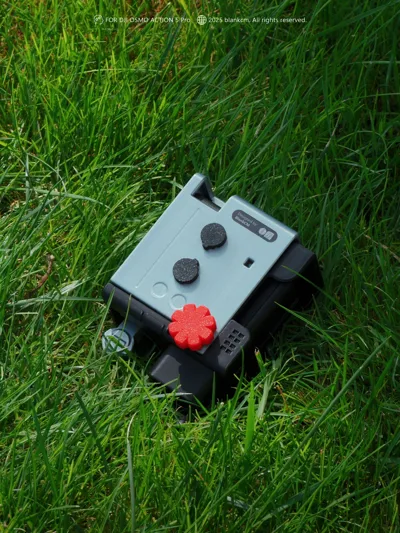
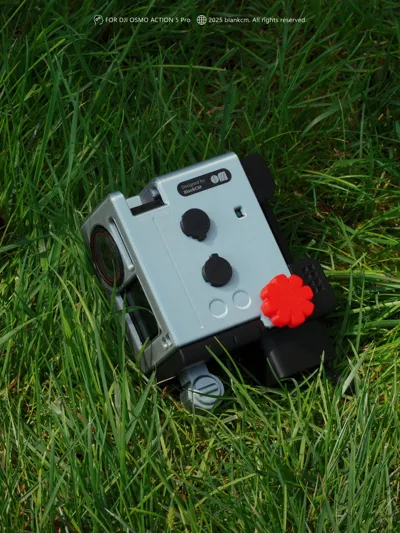
Print Profile(1)

Description
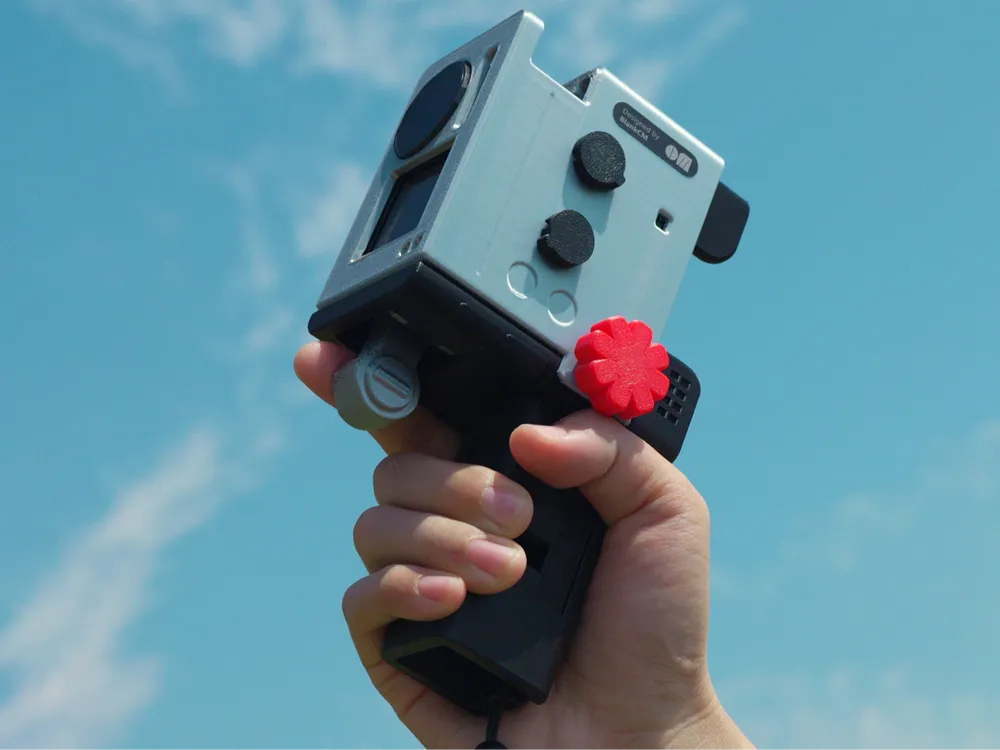
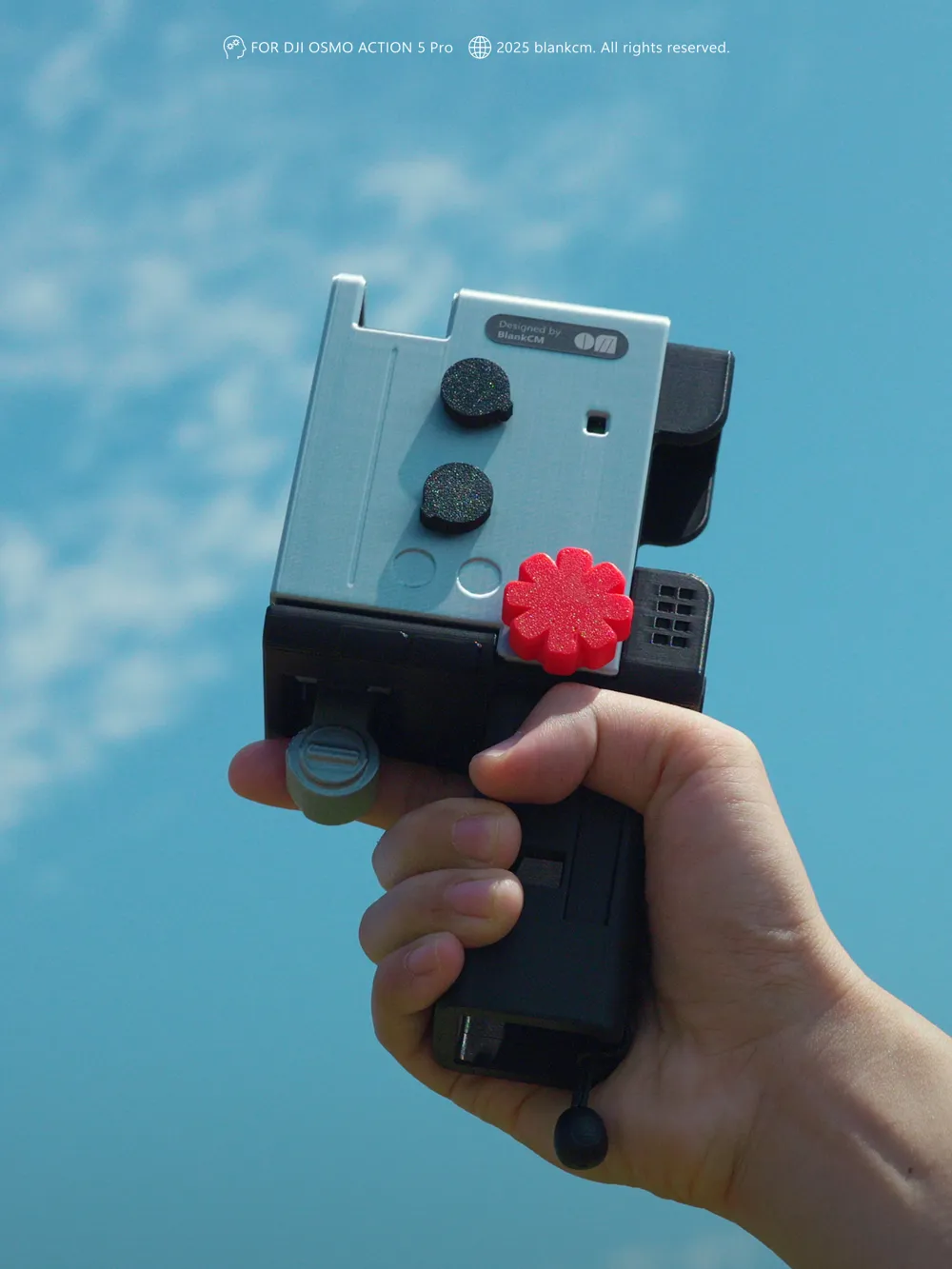
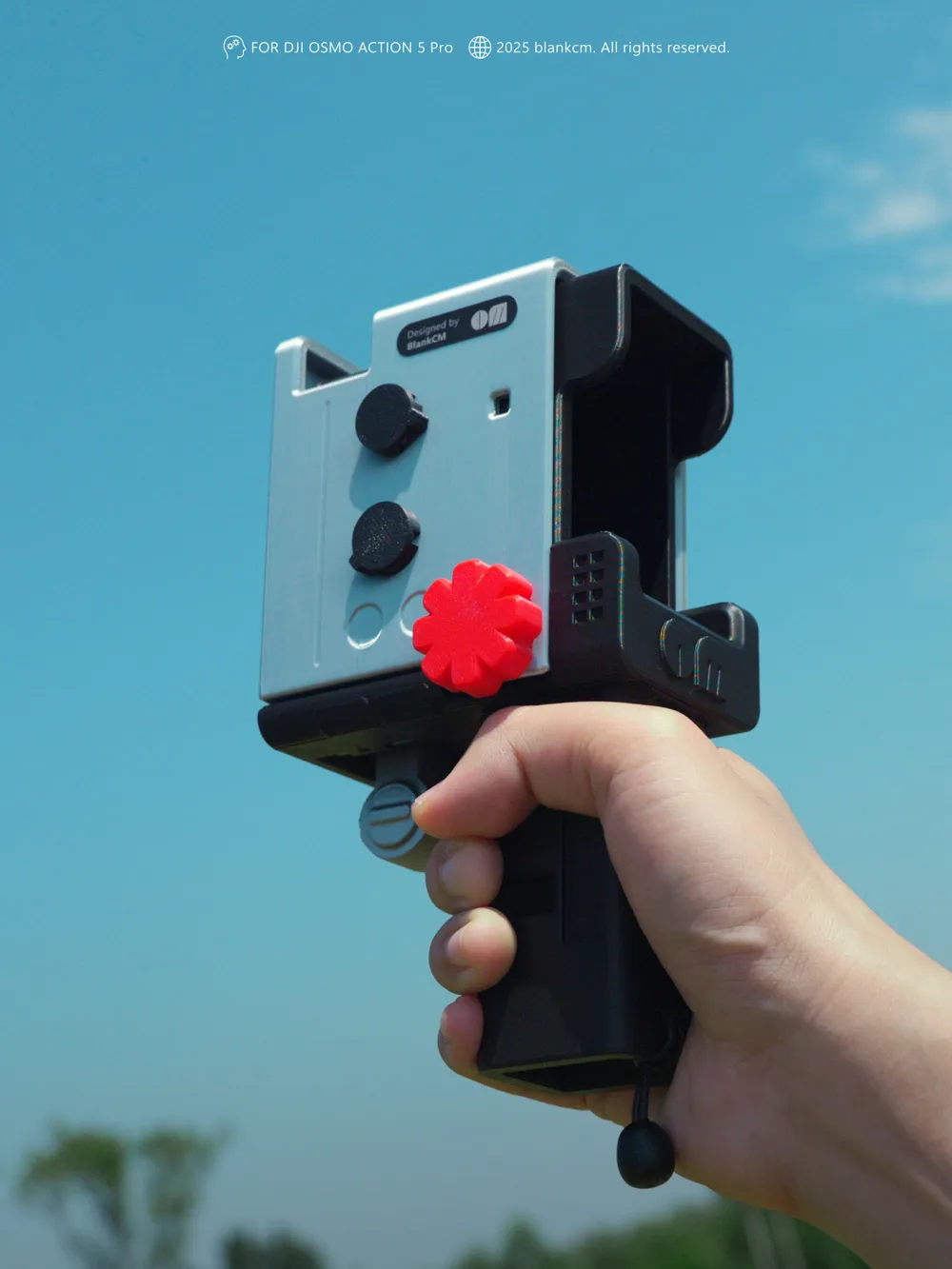
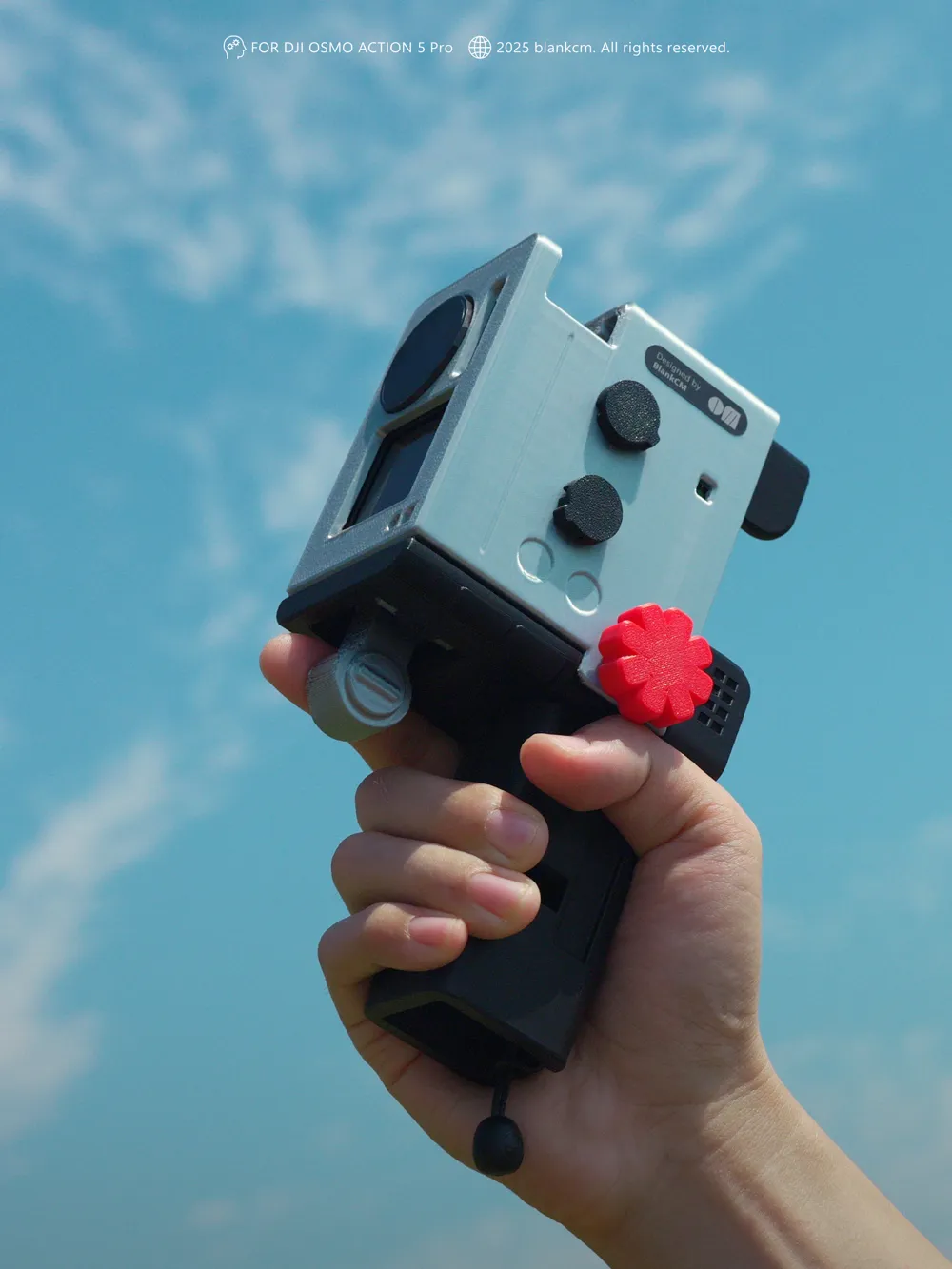
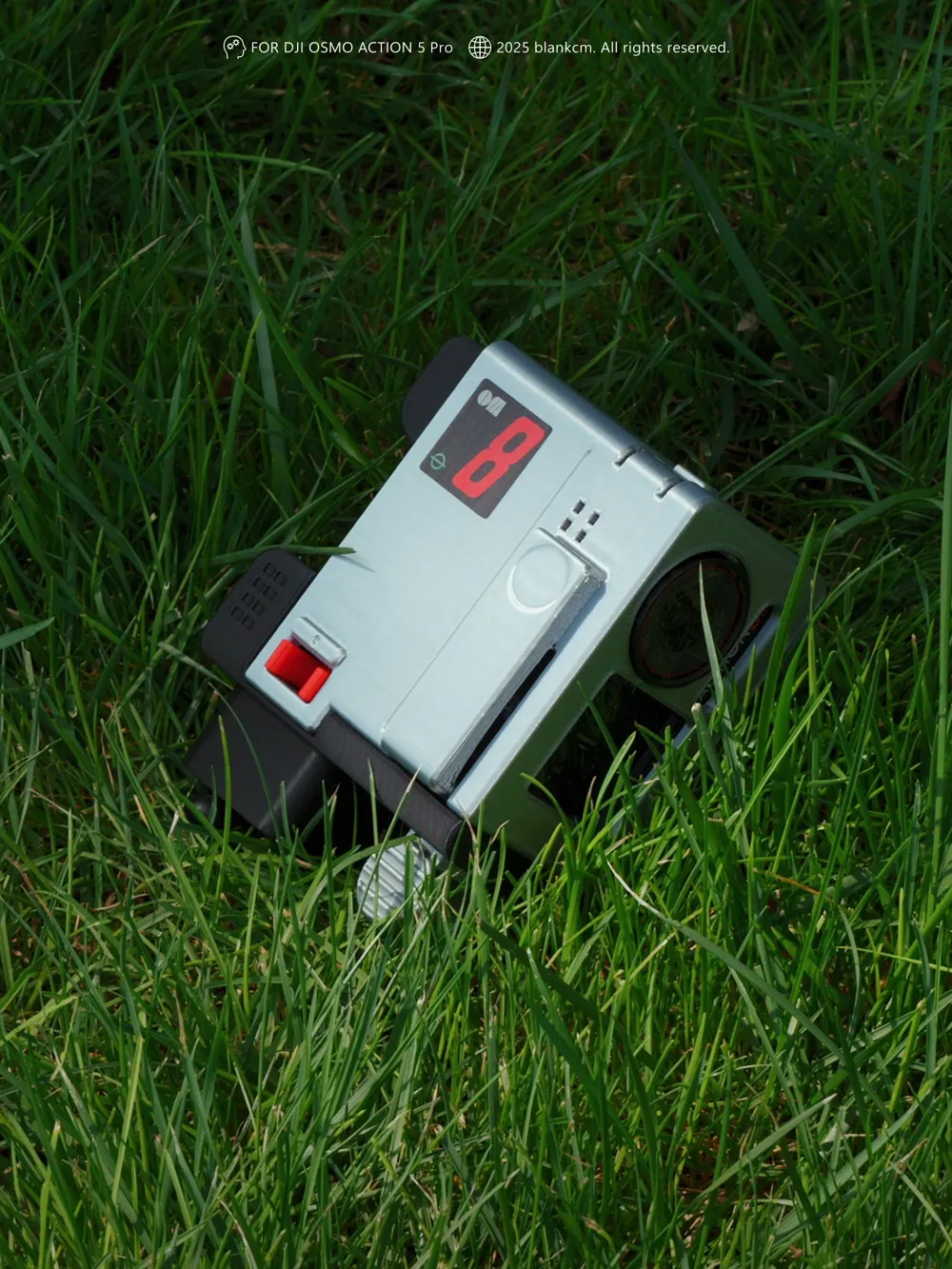
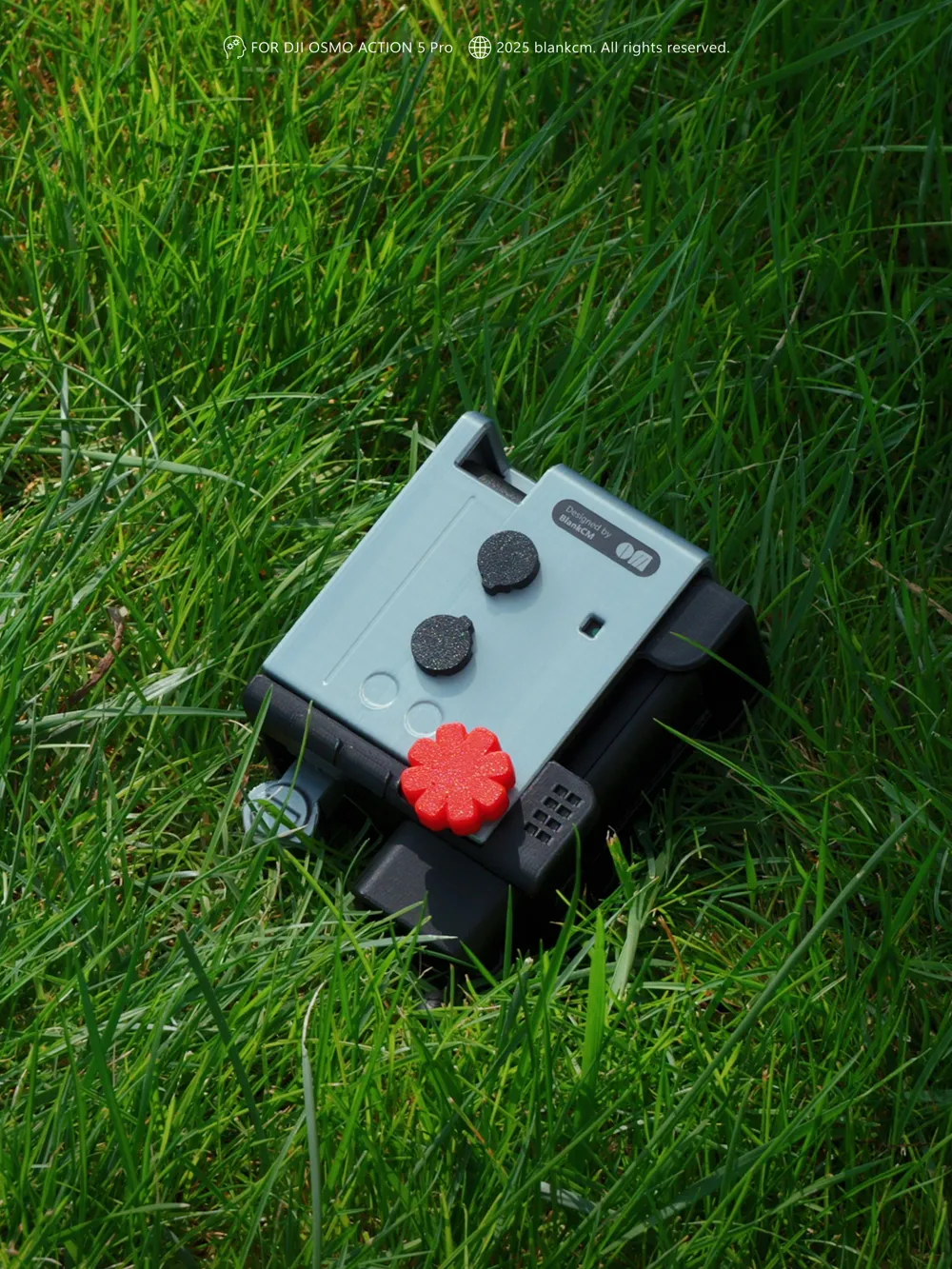
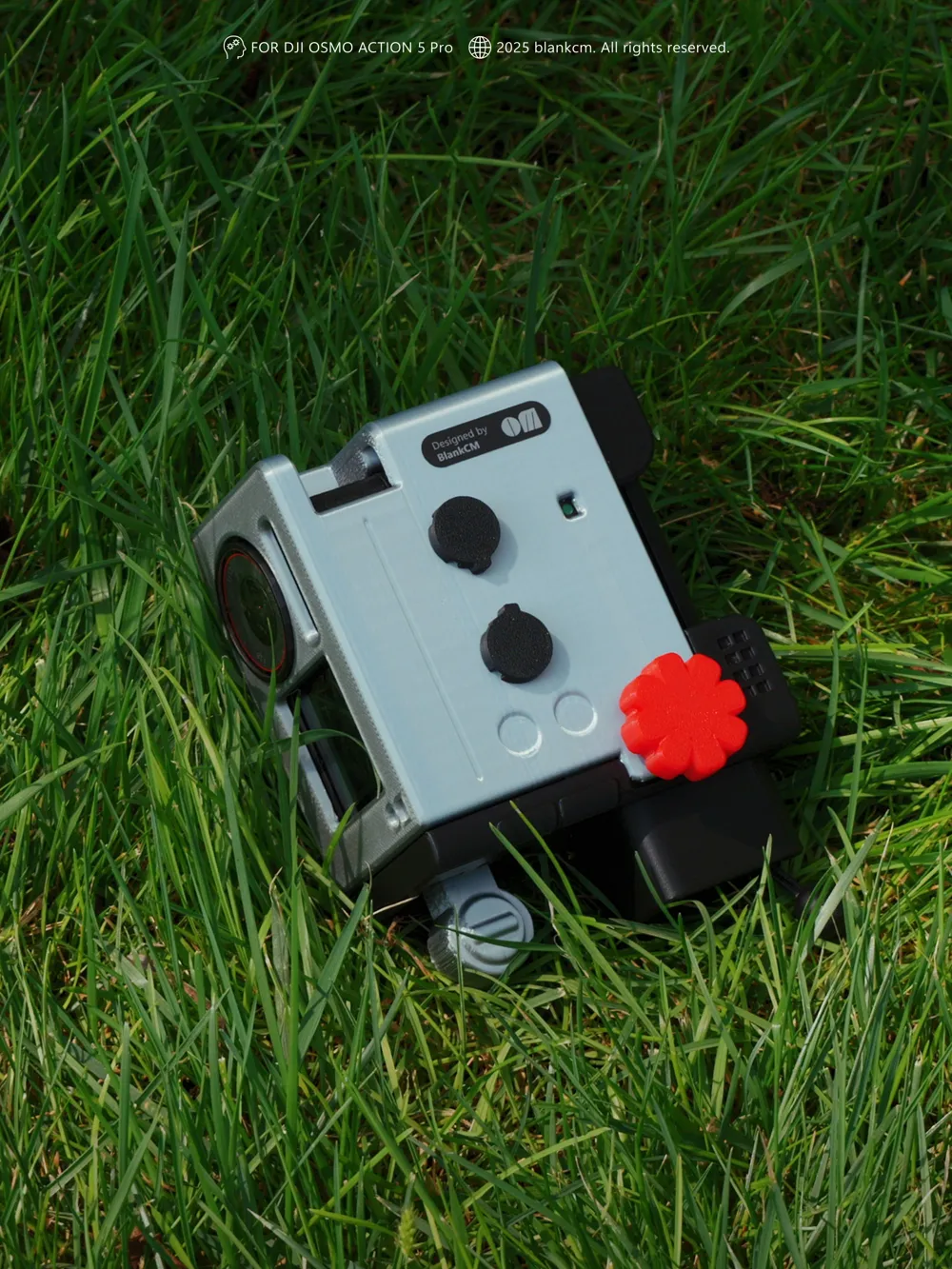
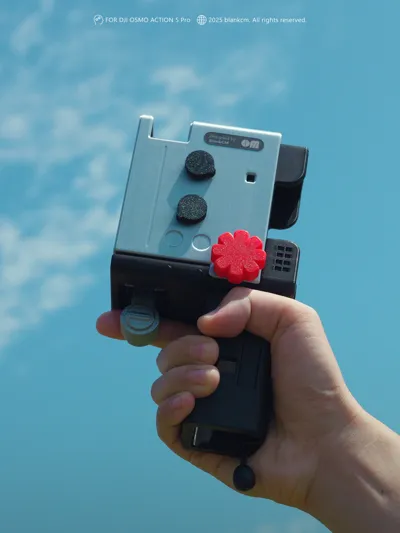
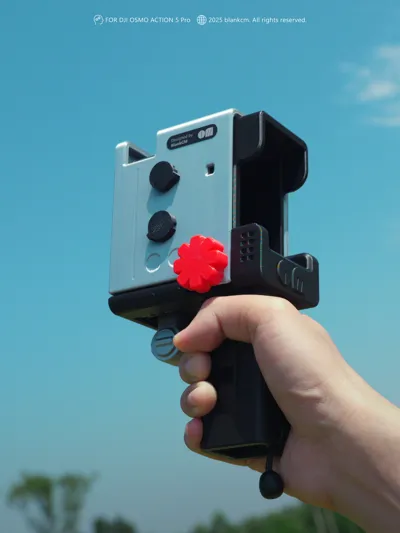
DJI Action 5 action camera handheld Super 8 case
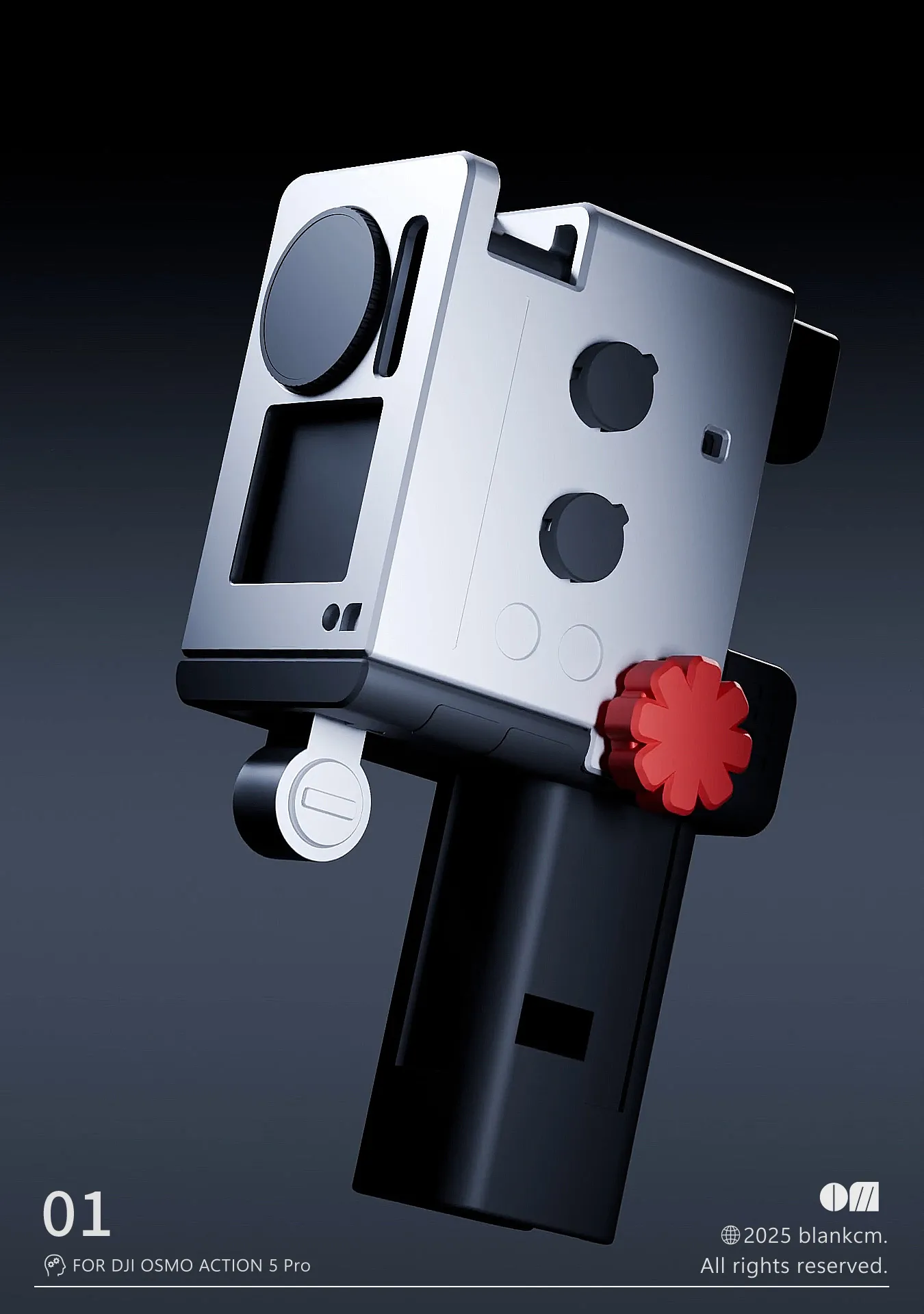
- Inspired by the Braun Nizo Super 8mm film camera design *Note: Commercial use is prohibited!! Patent application in progress in China, thank you for your support
Boost Me (for free)
Braun Nizo established the aesthetic benchmark for film cameras. Today, we inherit this classic, injecting a retro soul into the DJI Action 5, transforming it from a cold tech device into a creative plaything full of fun and style.
Version log:
v1 version was just an inspiration
v2 functionality was available, but there were bugs
v3 version finalized—bugs fixed
v3 modification log:
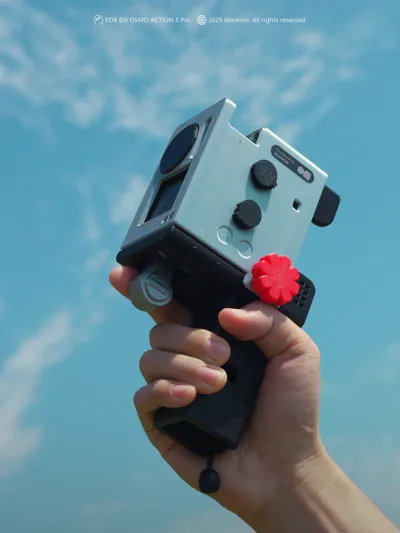
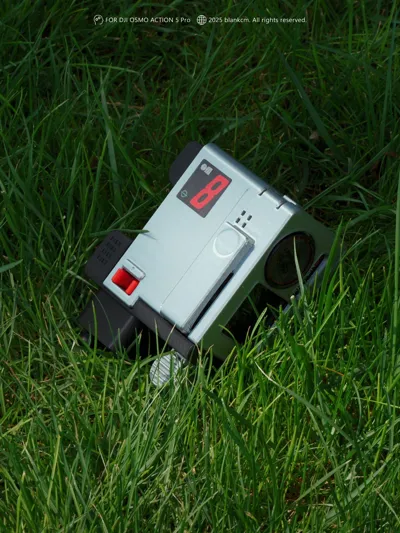
●Rear screen inconvenient to adjust, front screen made accessible for parameter modification
●Charging port left open for convenient charging
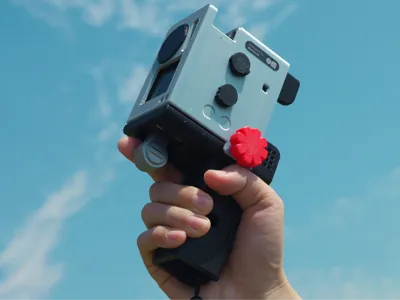
●Foldable handle, smaller volume
●Trigger changed to a regular push-button type
●Two decorative knobs on the side are rotatable
●Extended sunshade part, rear screen visible even in outdoor sunlight
●Added lanyard hole, wrist strap can be attached
Installation & Usage Instructions
p1—p4
1. Insert the machine in this direction
2. Align with the slide rail and insert the handle part
3. Align with the empty holes in sequence and insert the "key"
4. Insert the "key" all the way until you hear a click, check if the opposite side is locked
Do not hold or swing vertically when unlocked
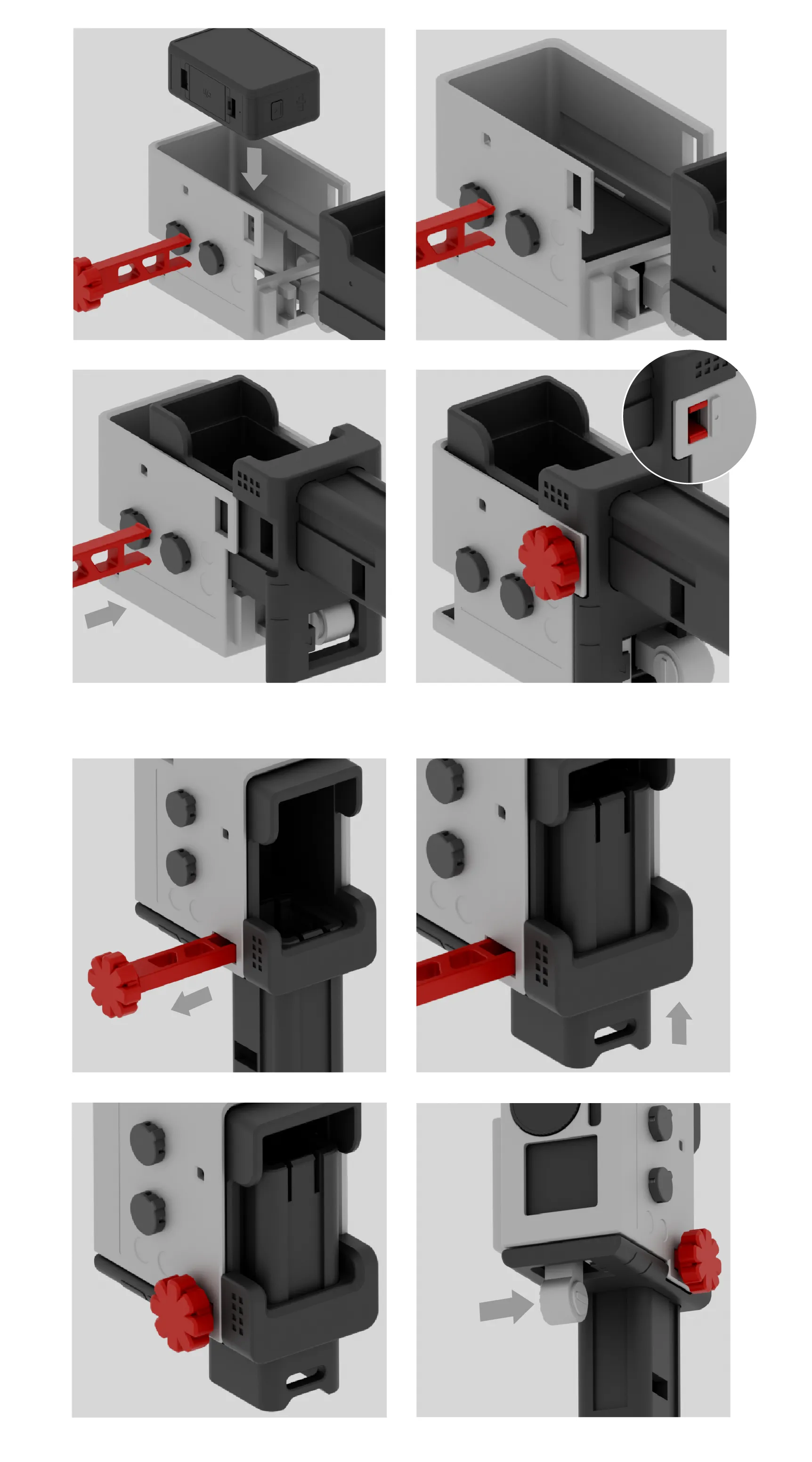
Foldable Handle Usage
p5—p8
5. Pull out the "key" (no need to pull it out completely, just enough not to interfere with pushing the handle)
6. Push the handle
7. Reset the "key" following the installation steps
8. Press in the direction of the arrow to trigger photo & video (if fingers can't press it, use the other hand to assist) If the large screen is inconvenient, parameters can be adjusted on the small screen
Thank you!
License

You shall not share, sub-license, sell, rent, host, transfer, or distribute in any way the digital or 3D printed versions of this object, nor any other derivative work of this object in its digital or physical format (including - but not limited to - remixes of this object, and hosting on other digital platforms). The objects may not be used without permission in any way whatsoever in which you charge money, or collect fees.


Comment & Rating (11)