
NOTchi Mini Robot Companion Accessory
Print Profile(1)

Description
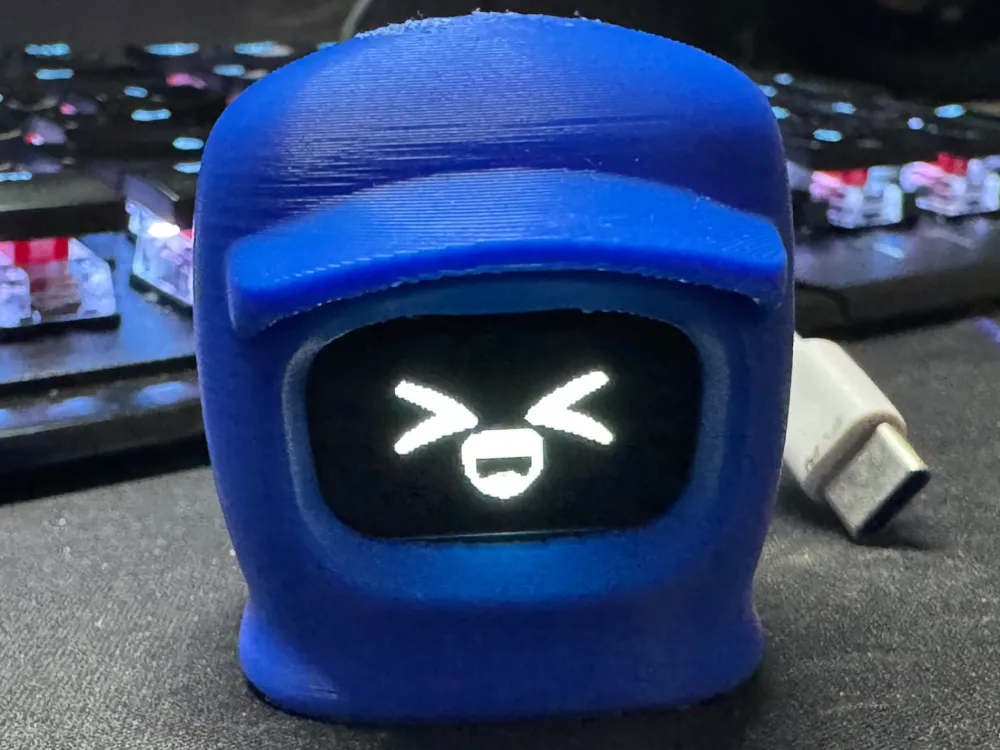
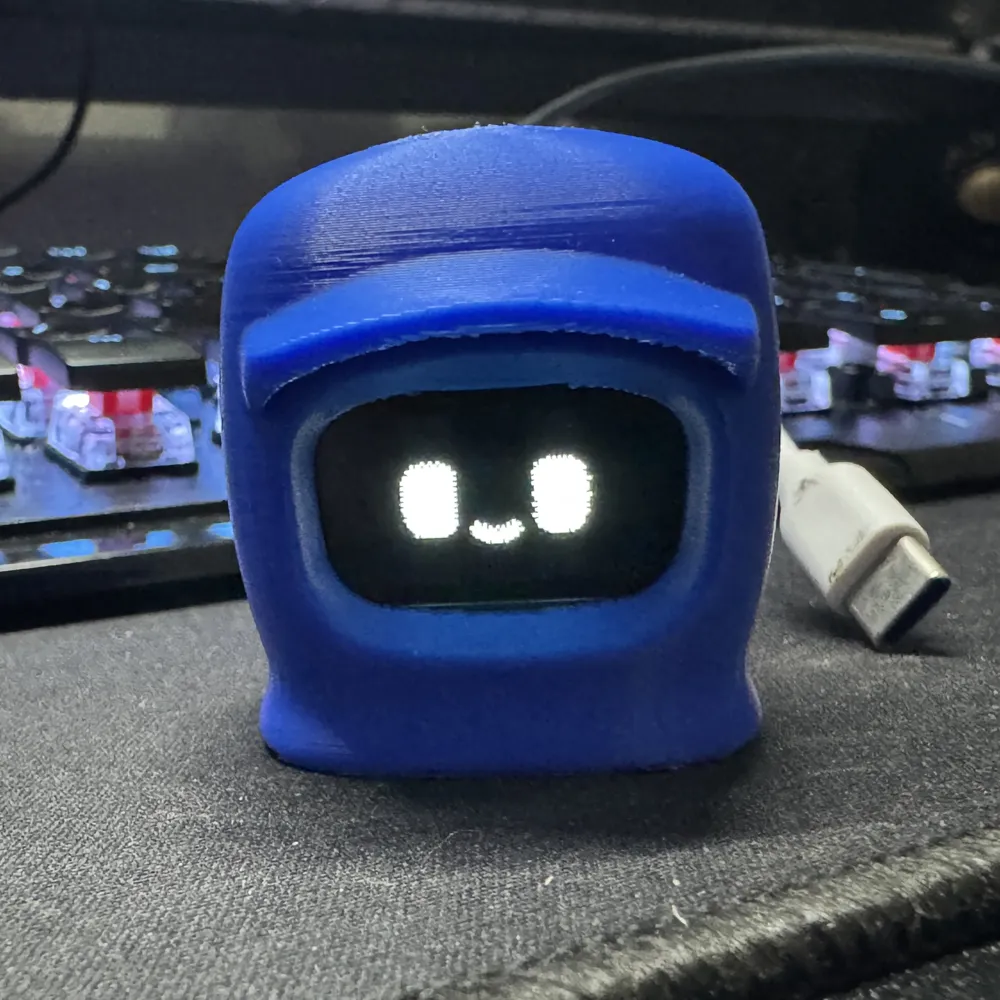
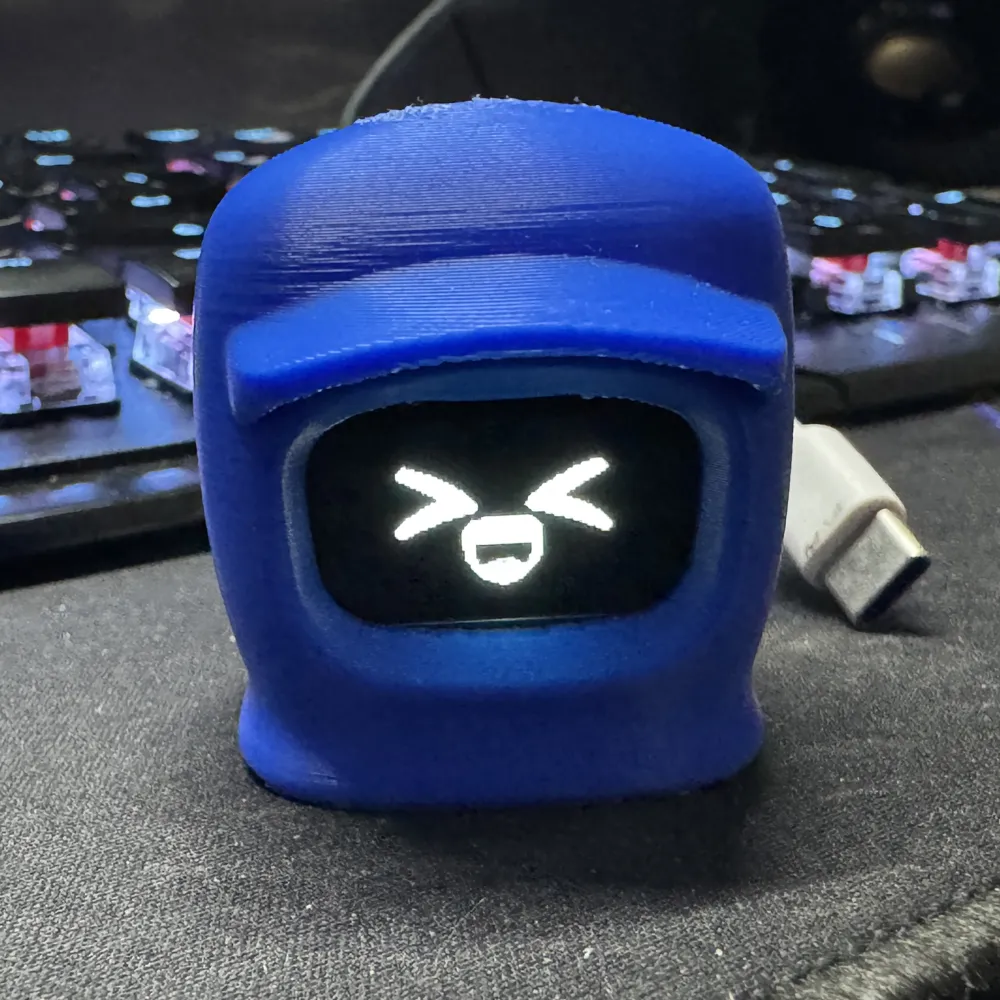
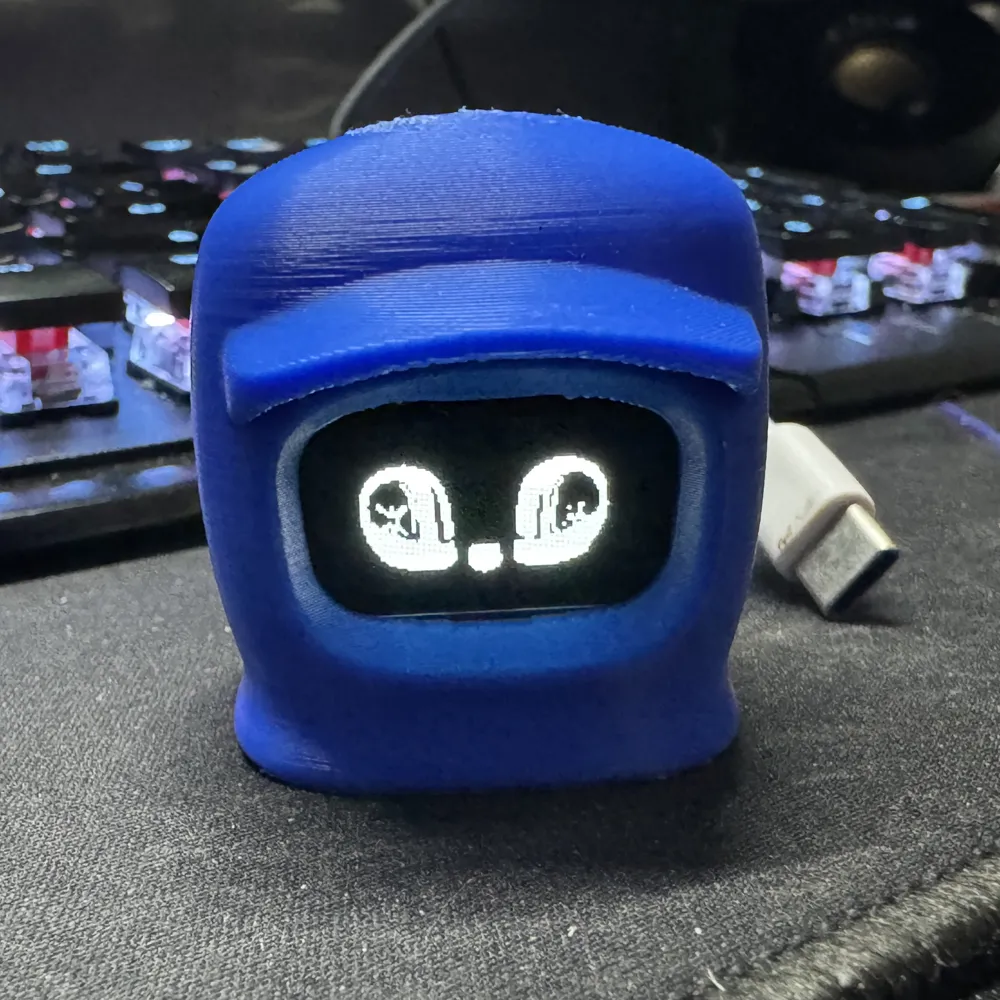
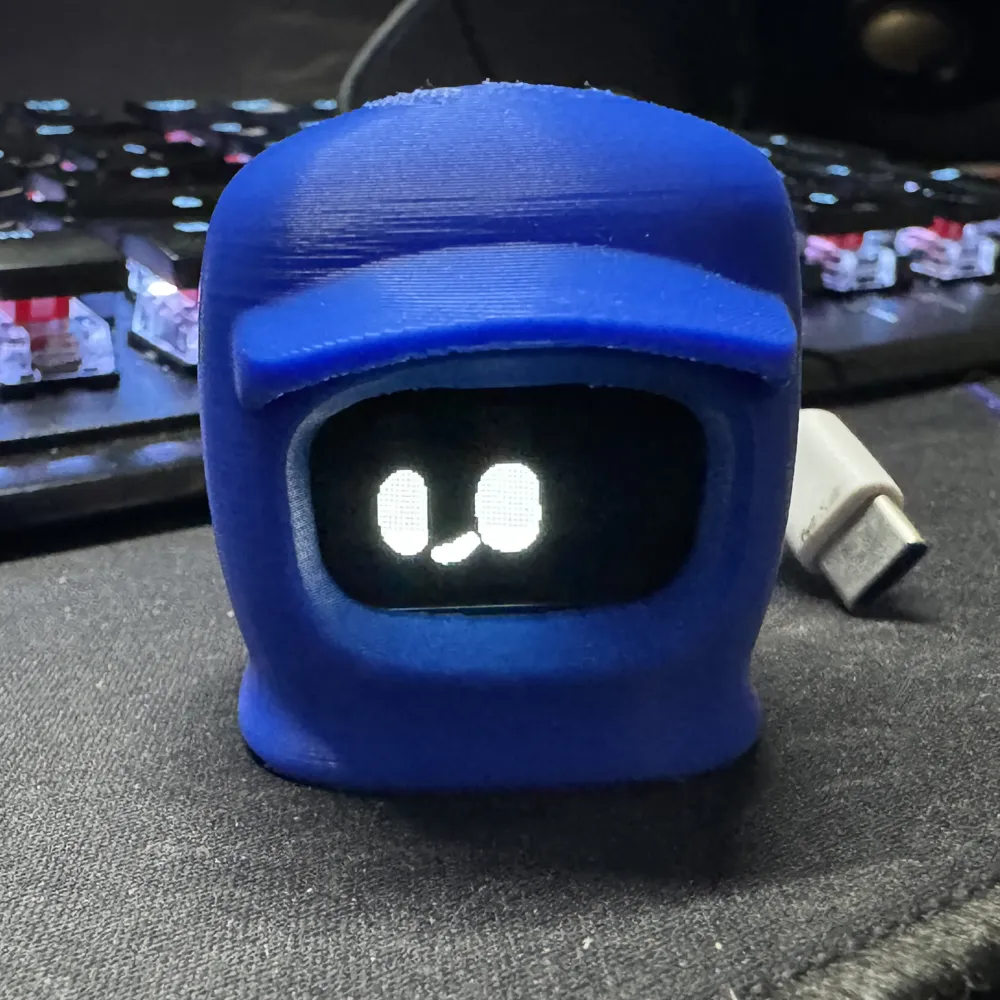
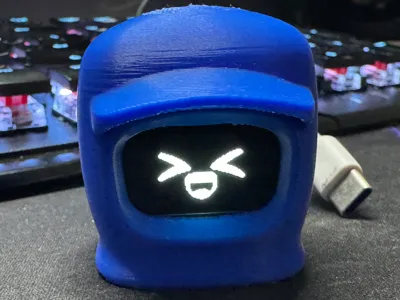
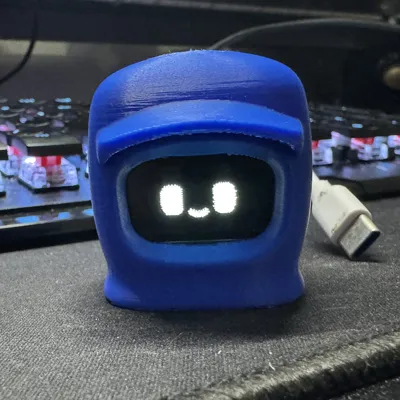
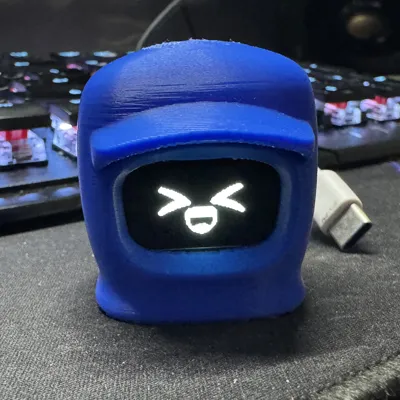
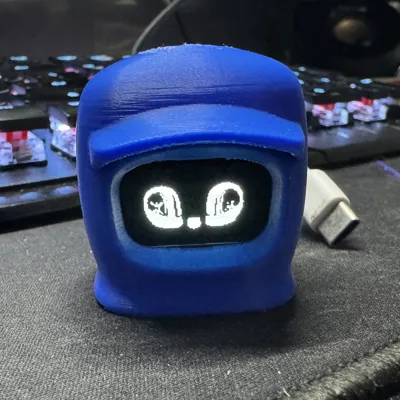
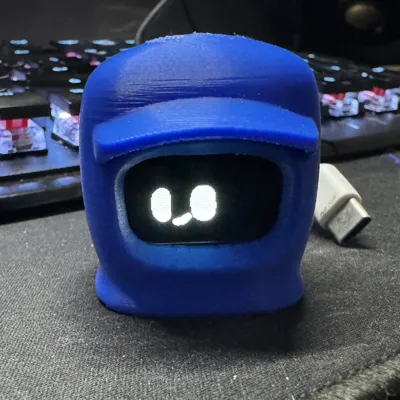
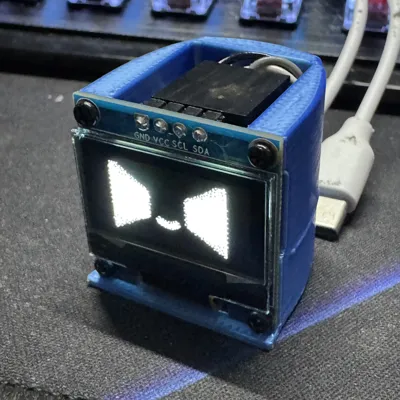
Last year I started seeing a lot of viral videos of the Dasai Mochi along with many clones from other companies. I decided that $50+ for a Mochi is steep given the cost of the parts to make one so I decided to design something similar. Presenting the NOTchi. It runs on an ESP32-C6 powered by a USB-C cable and it displays over 30 gifs at random on a 0.96" OLED screen. The helmet is inspired by a robot from the series Love, Death, and Robots.
Components:
ESP32-C6 Mini - Amazon (Use the ESP32-C6 Mini as I cannot guarantee the code will work on other ESP32's.)
ESP32-C6 Mini - AliExpress (Use the ESP32-C6 Mini as I cannot guarantee the code will work on other ESP32's.)
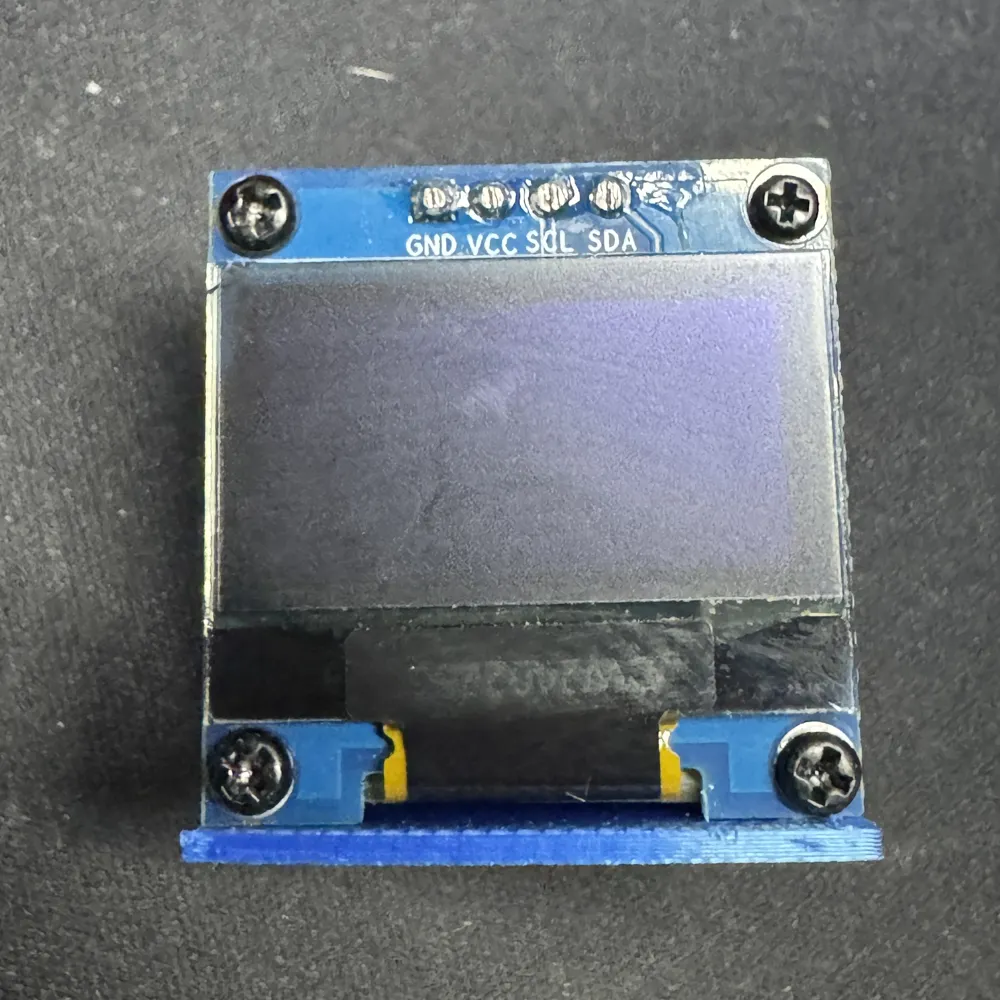
0.96" OLED Display - AliExpress
(The above two are examples. You'll just need four Dupont style female to female short jumper wires.)
Tiny Screws. The four I used came off of an old laptop. Any will work as long as they're about 1.5mm in diameter and less then 5mm long.
Software:
Arduino IDE
Note: I am not the creator of the Arduino Code, but I did have to make quite a few changes to the original so that it would work with the ESP32-C6 and 0.96" OLED Display.
Programming and Assembly:
- Download both folders in the Arduino Code Link above.
- Open Arduino IDE (ensure you have all prerequisites listed at the top of the code, and send it to the ESP32-C6.
- Push the ESP32-C6 into the frame.
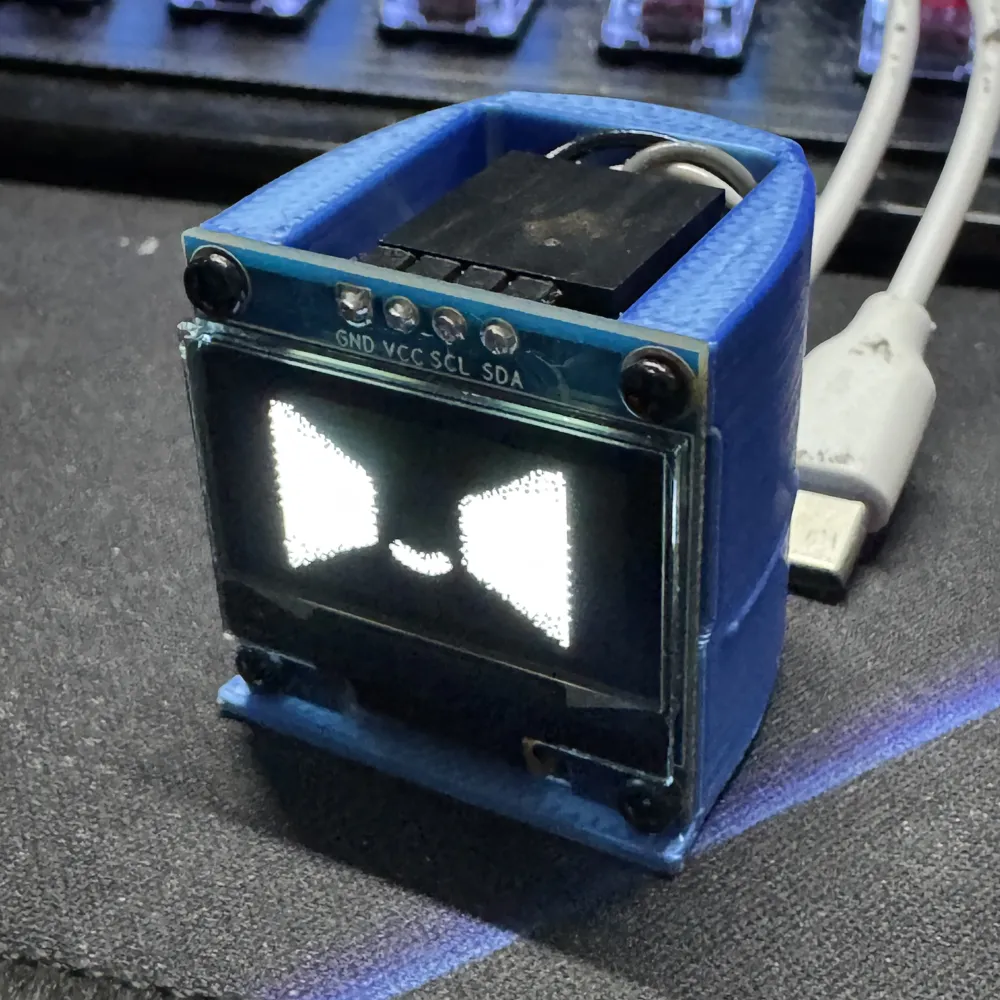
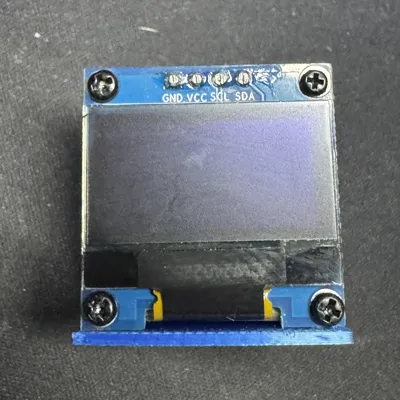
- Using Dupont jumpers connect SDA, SCL, VCC, and GND to their corresponding pins on the OLED display.
- Power on the ESP-32 to verify everything is operating as intended.
- Screw the OLED display to the frame.
- Tuck in any exposed wires.
- Press the frame into the helmet.
- Assembly complete
License

You shall not share, sub-license, sell, rent, host, transfer, or distribute in any way the digital or 3D printed versions of this object, nor any other derivative work of this object in its digital or physical format (including - but not limited to - remixes of this object, and hosting on other digital platforms). The objects may not be used without permission in any way whatsoever in which you charge money, or collect fees.


Comment & Rating (55)