
Funko Pop Ahsoka Tano Lightsaber LED Display Stand
Print Profile(1)








Description
Thanks for checking out my model! Interested in supporting my work or selling prints?
Support Crew – Show some love and help keep the projects flowing
Galactic Maker Foundry – Sell physical prints of my original designs
Foundry License+ – Sell prints and use my photos for listings
🎉 Supporter-only Discord coming soon – get early access, tips, and sneak peeks!
Membership
Join here to support or get a license
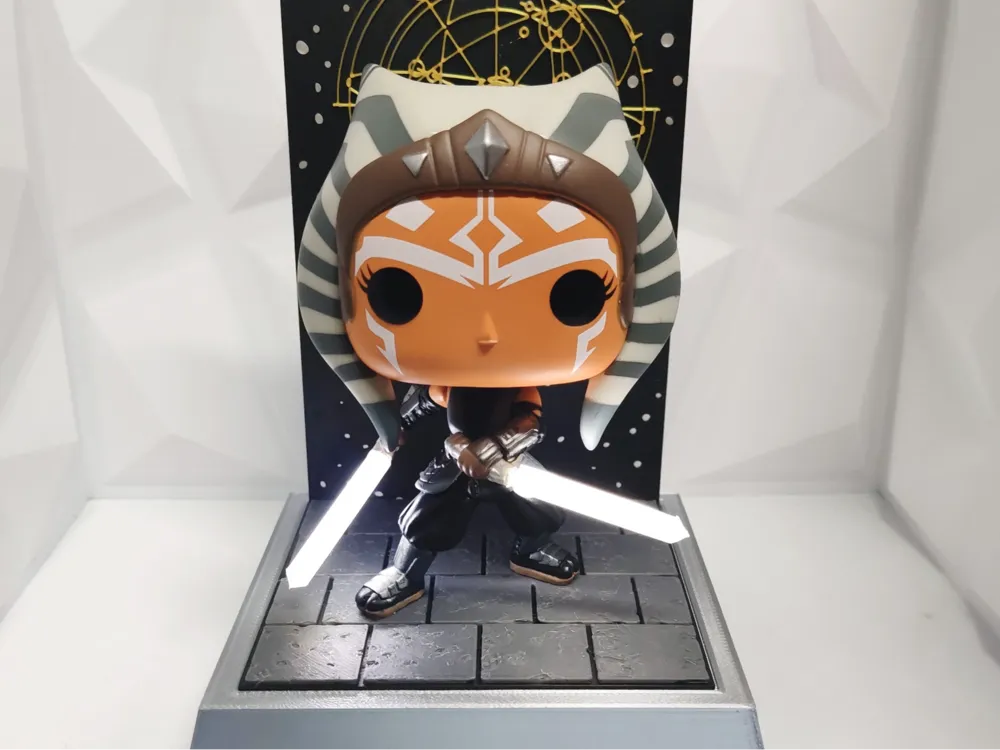
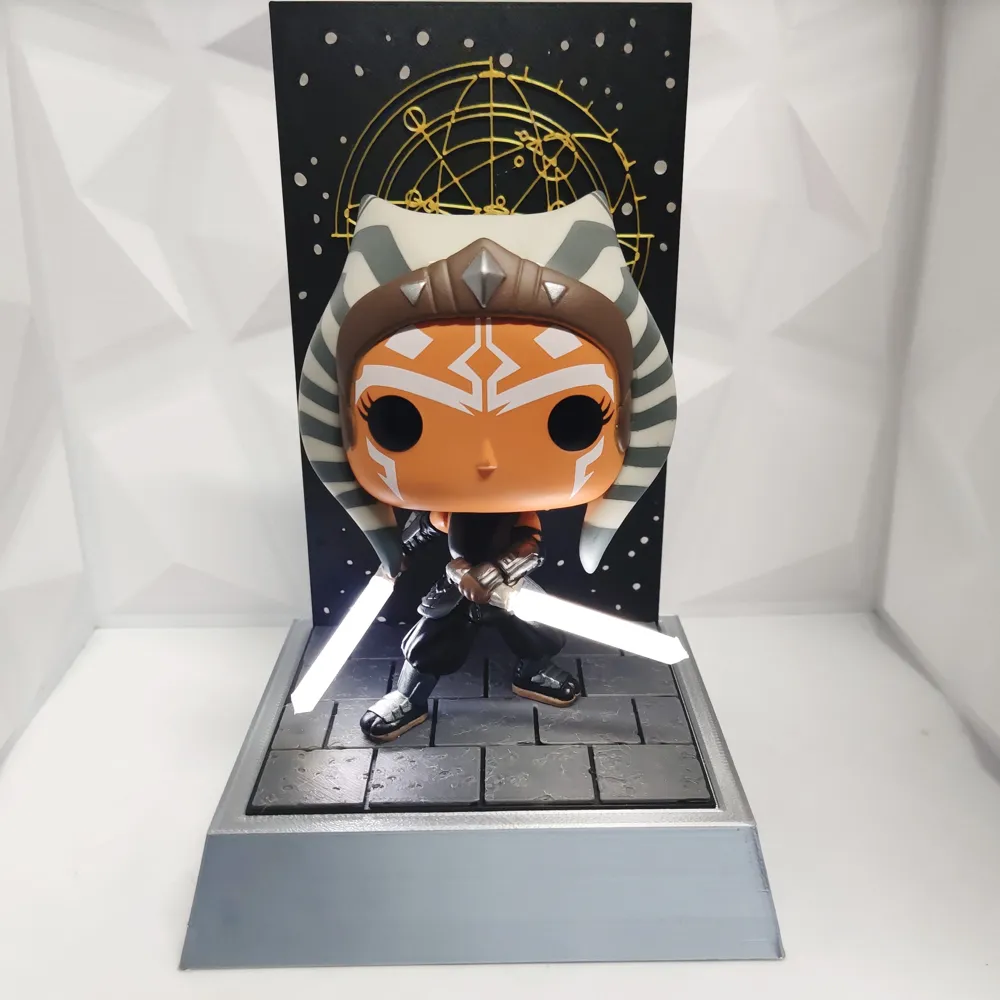
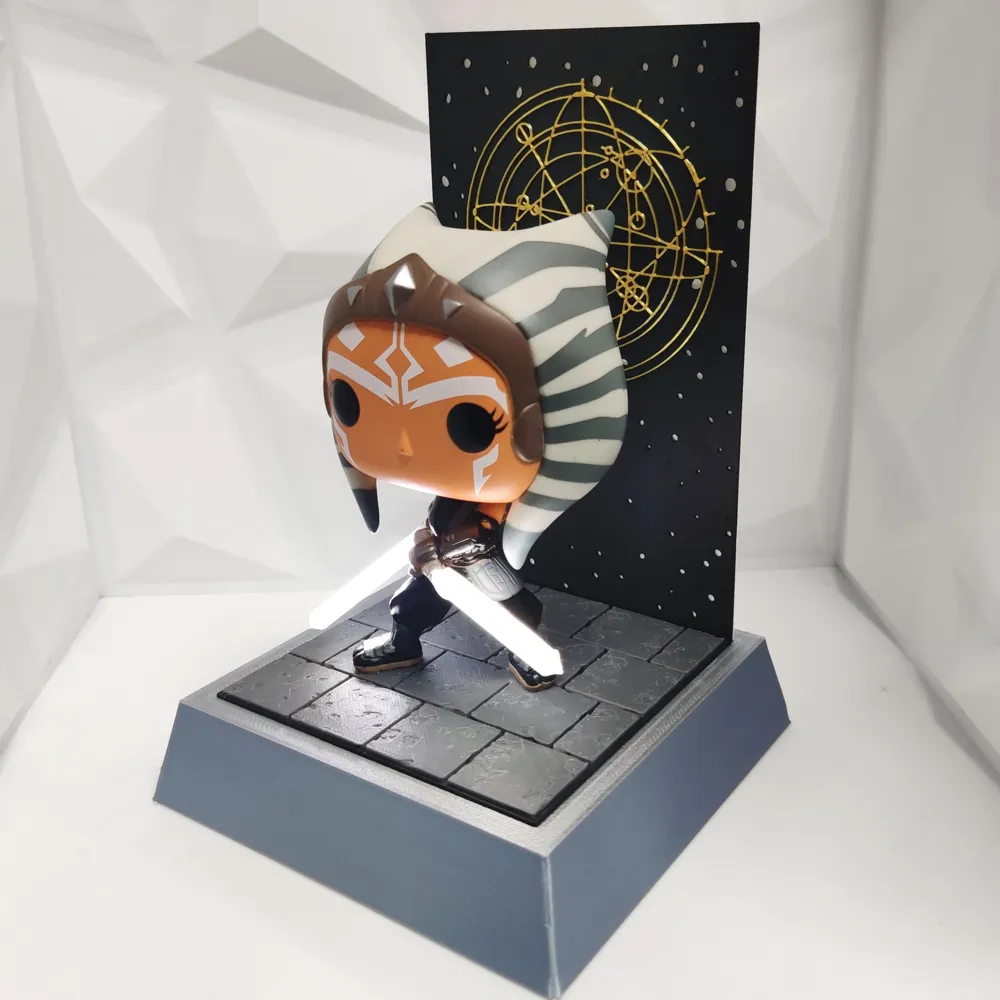
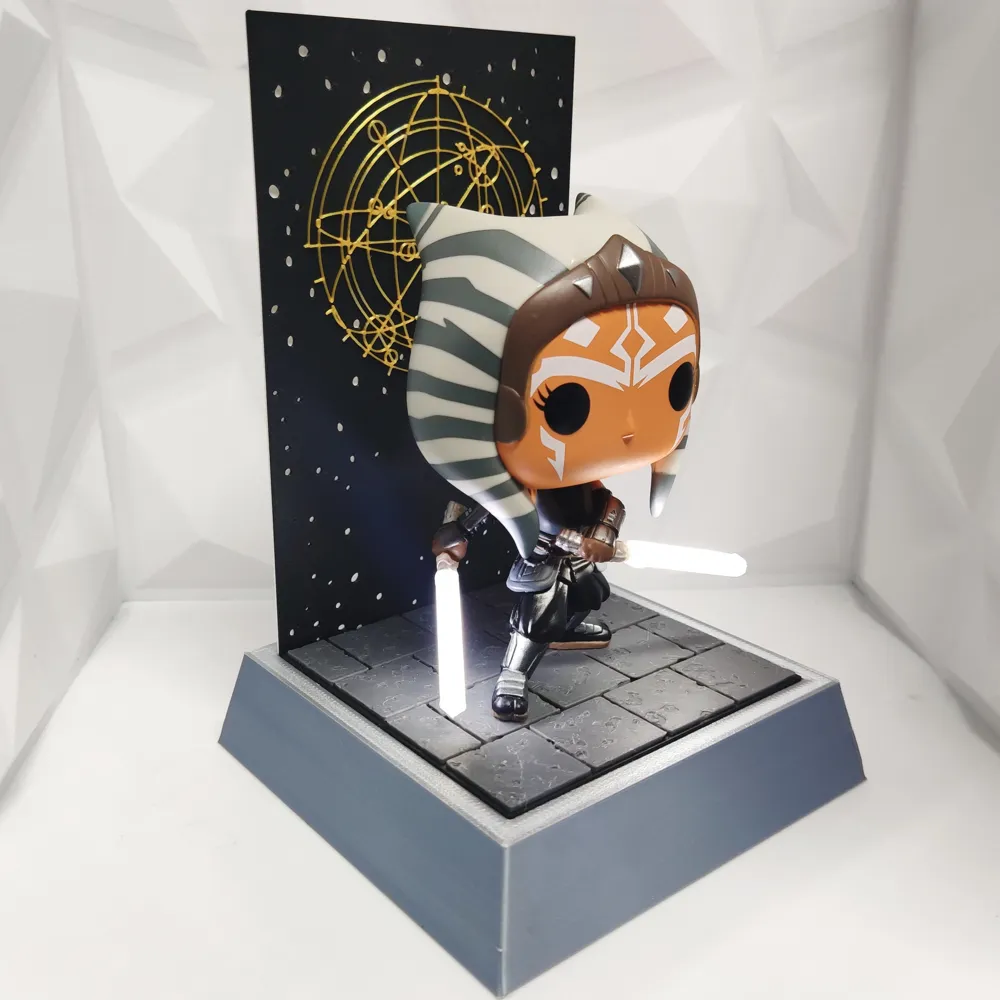
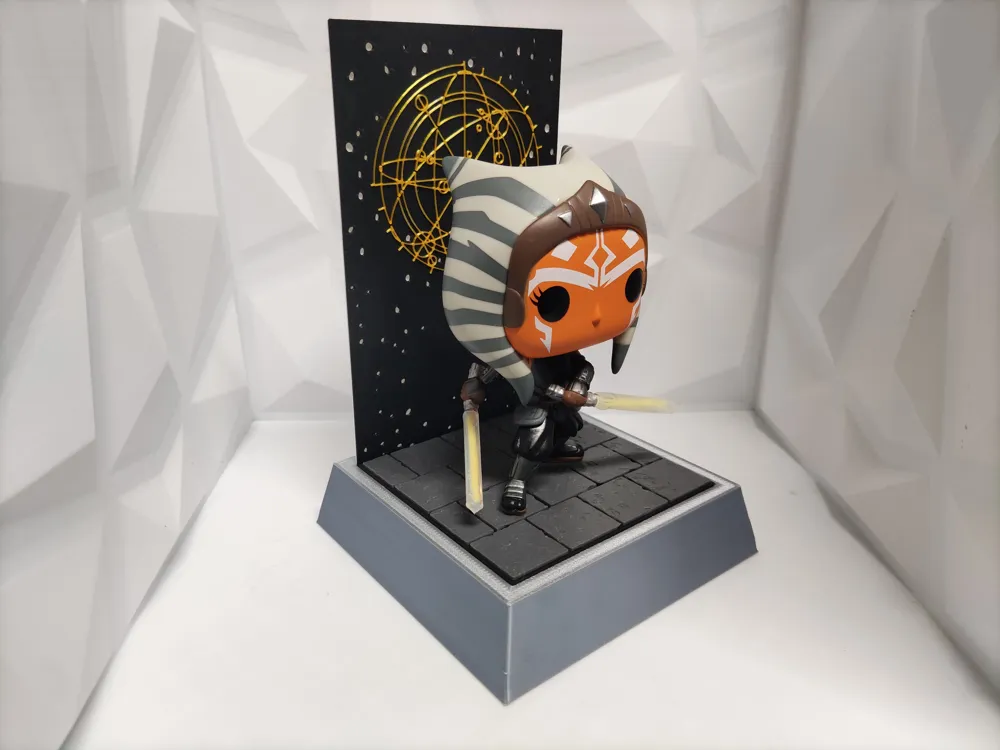
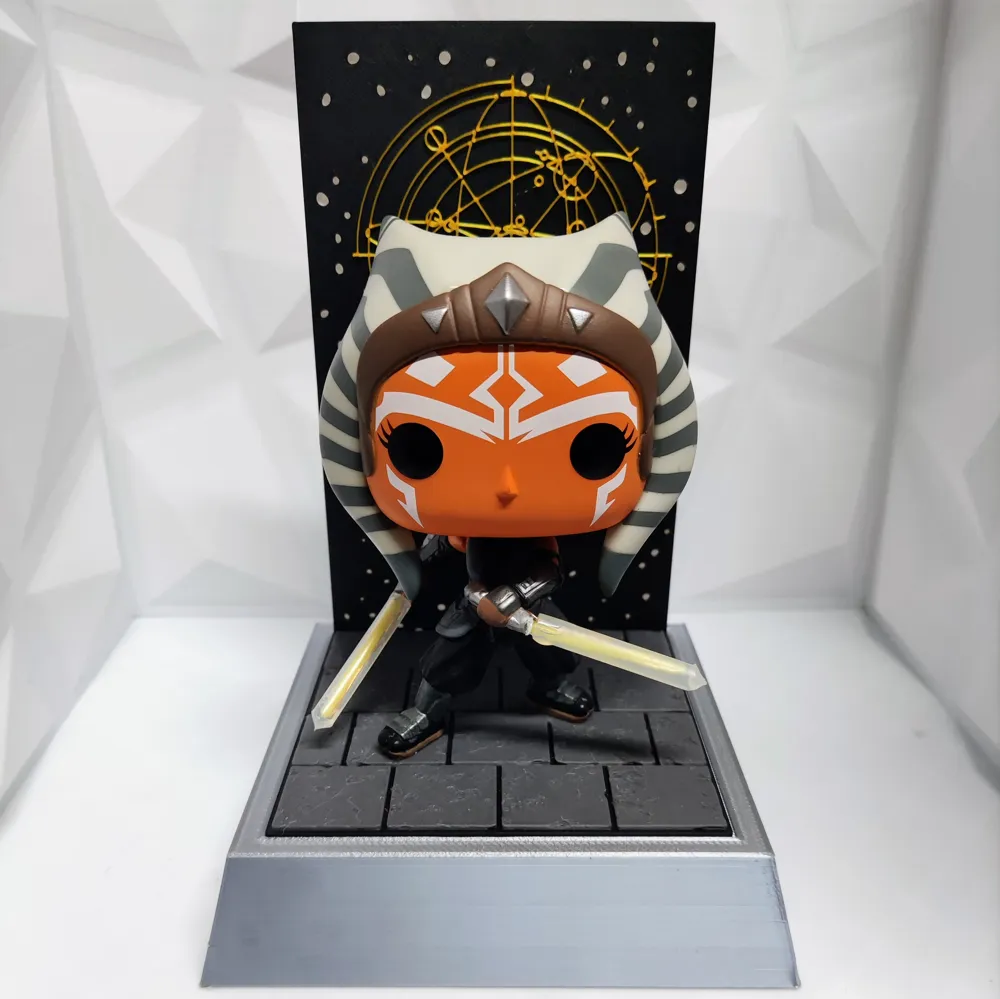
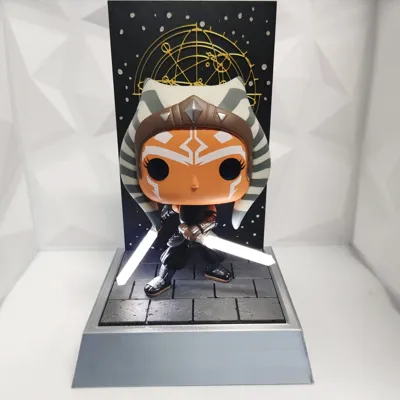
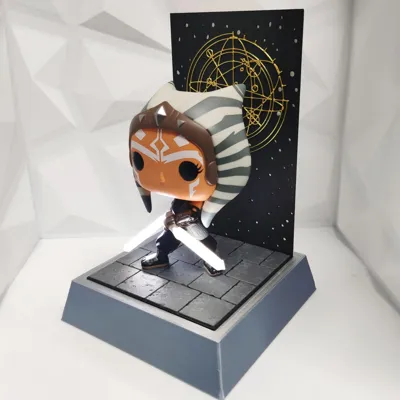
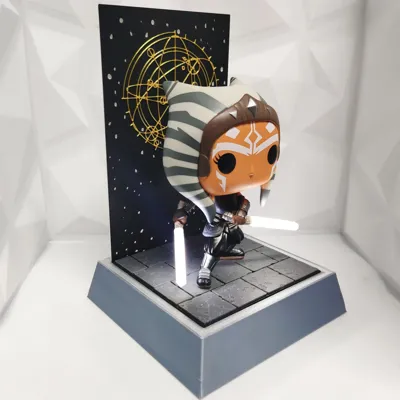
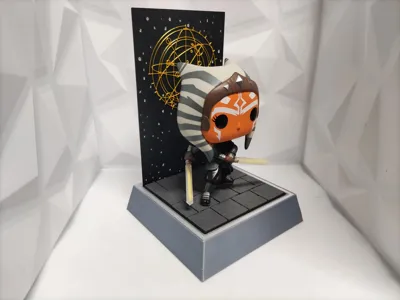
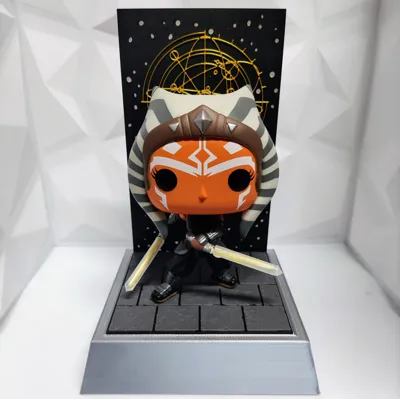
Ignite your Star Wars display with this custom-lit diorama base designed specifically for the Ahsoka Tano Funko Pop #464. This upgrade adds dual illuminated lightsabers using bright 6000K white LED filaments for an authentic glowing effect. Paired with a textured base and a striking golden “World Between Worlds” inspired backdrop, this mod brings your Ahsoka figure to life.
For the stand base, I used Silver Silk PLA to give it a metallic shine, but you can print it in any colour to match your own theme. The tiled floor features a colour swap to help show the pattern, but you can also print it in grey and bring it to life with a bit of paint. The background also has a colour swap from white to black then gold for the world between worlds pattern.
Electronics Used:
- 2x 38mm 3V white LED filament (6000K) https://www.aliexpress.com/item/4000478265055.html?
- Empty glowstick tubes (used as saber blades) https://www.aliexpress.com/item/1005007750597172.html?
- 0.1mm Enamel-coated copper wire https://www.aliexpress.com/item/1005005471751088.html?
- 2x AA battery holder https://www.aliexpress.com/item/1005006225310014.html?
- Toggle switch https://www.aliexpress.com/item/32962475360.html?
Installation Instructions:
- Remove the original plastic sabers from the Ahsoka #464 Funko Pop.
- Drill into each saber hilt using a 2mm drill bit.
- Solder enamel wire to each end of the LED filaments.
- Slide an empty glowstick tube over each filament and secure with a few drops of super glue. I shaved the ends to make it look like a rounded point.
- Route the wires along the back of the figure to keep them hidden from front view, use superglue to hold.
- Thread wires through the holes in the base.
- Solder the negative wires to the battery holder’s negative terminal.
- Solder the positive filament wires to one side of the switch, and the battery holder’s positive wire to the other side.
Flip the switch to light up Ahsoka’s sabers with an eye-catching, steady glow—perfect for collectors, fans, and display builds.
Boost Me (for free)
💬 Like what you see?
If this glowing Ahsoka display brings the Force to your shelf, hit that Boost button to help more makers discover it! Every boost helps support more custom Star Wars mods and dioramas like this.
License

You shall not share, sub-license, sell, rent, host, transfer, or distribute in any way the digital or 3D printed versions of this object, nor any other derivative work of this object in its digital or physical format (including - but not limited to - remixes of this object, and hosting on other digital platforms). The objects may not be used without permission in any way whatsoever in which you charge money, or collect fees.


Comment & Rating (2)