
Print Profile(3)


![[PLA Temperature Tower 180-240℃] 0.2mm layer, 2 walls, 15% infill](https://makerworld.bblmw.com/makerworld/model/US3cad522dc22fe6/372105720/instance/2025-06-10_f9551f50d336.png?x-oss-process=image%2Fresize%2Cw_100%2Fformat%2Cwebp)
Description
Boost Me (for free)
Research and testing is not easy. If you find this solution helpful, please boost me. Thank you for your support
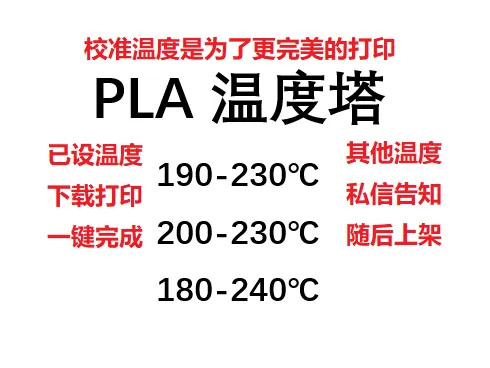
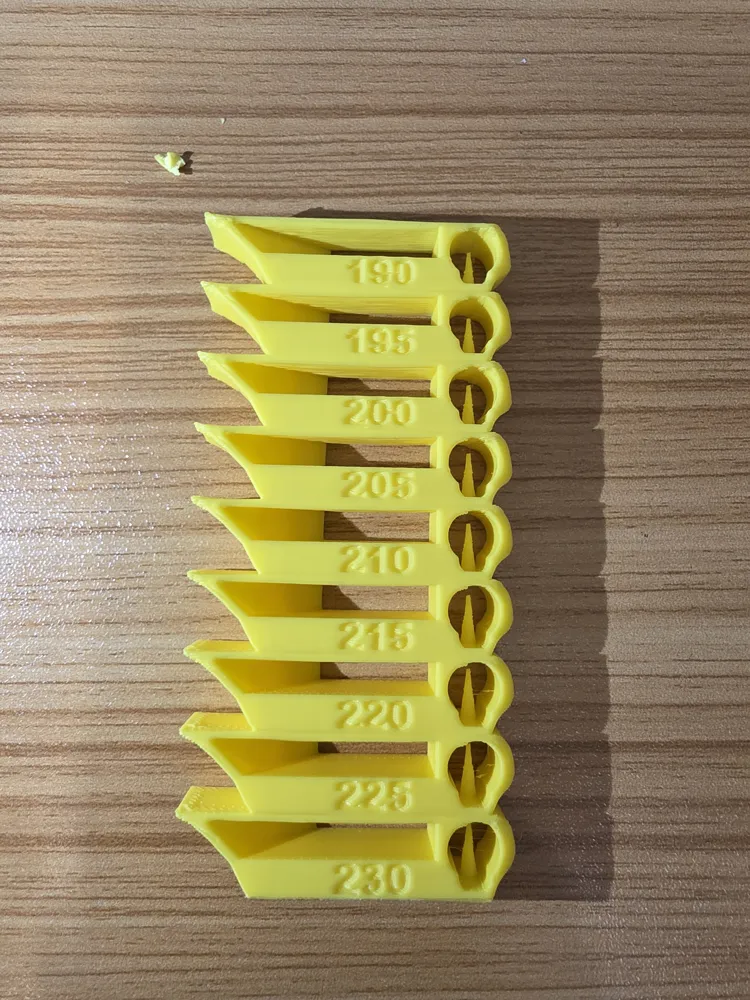
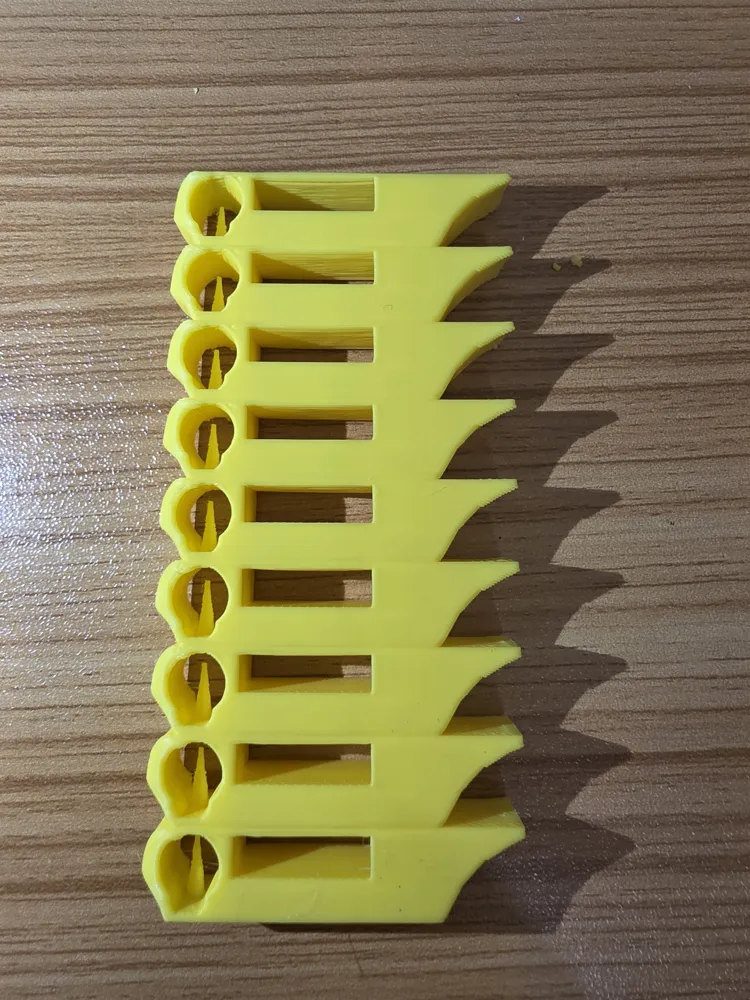
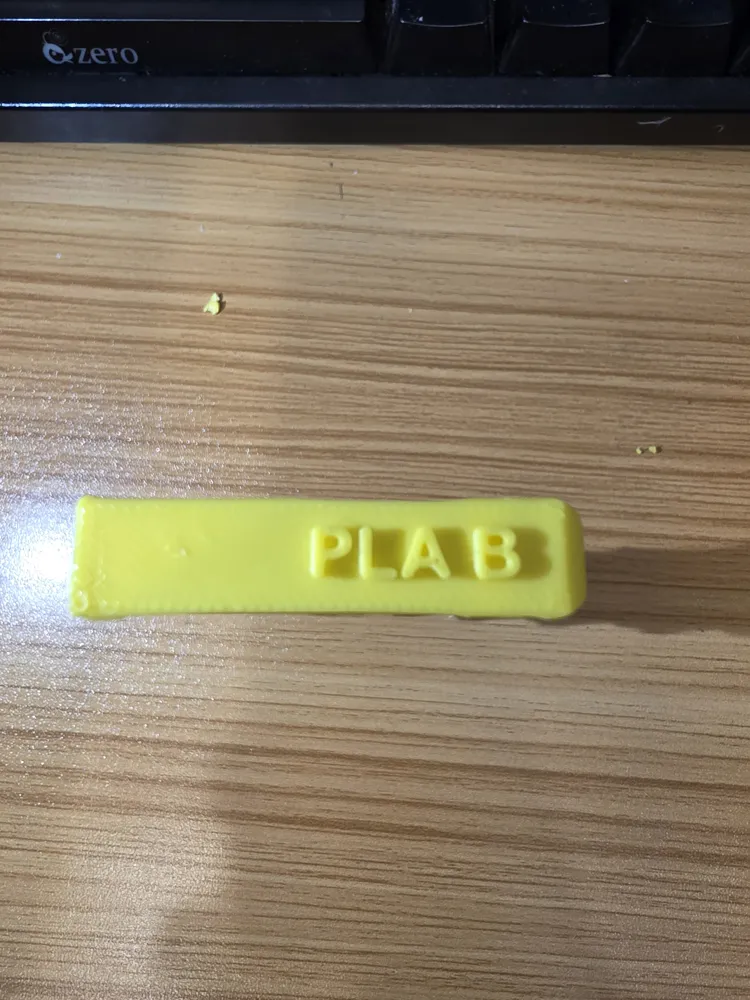
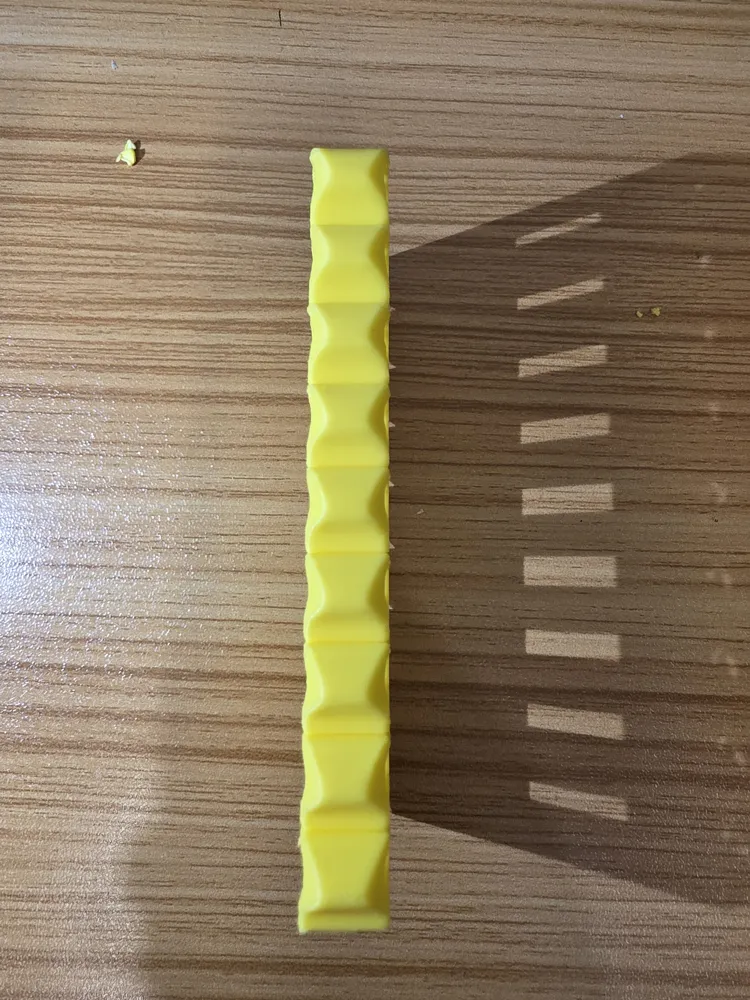
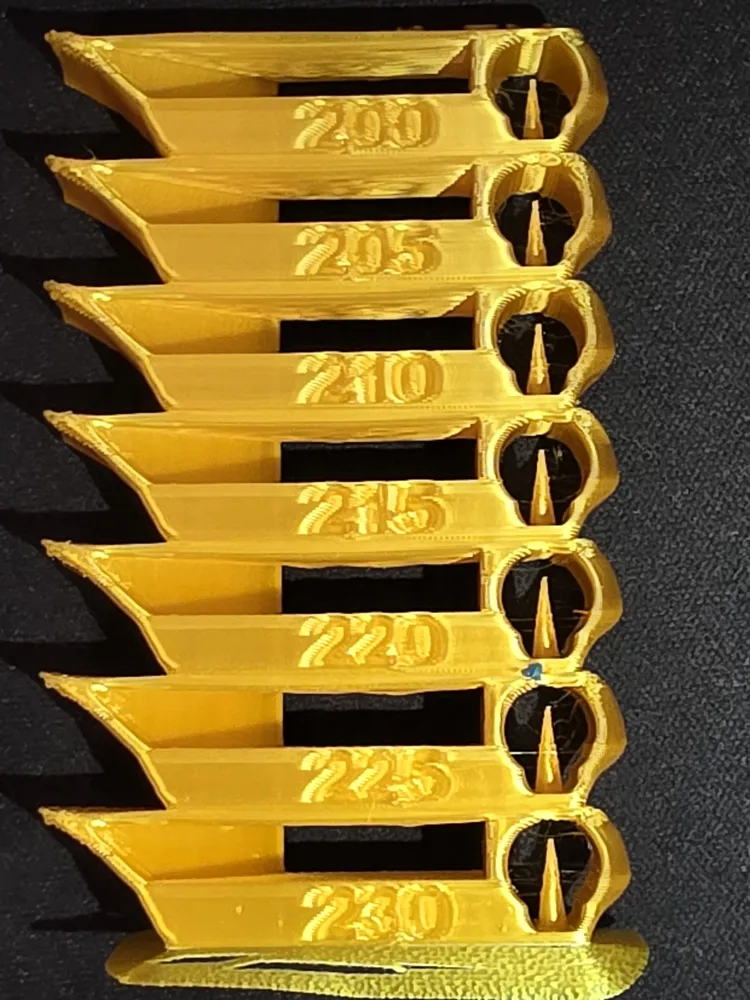
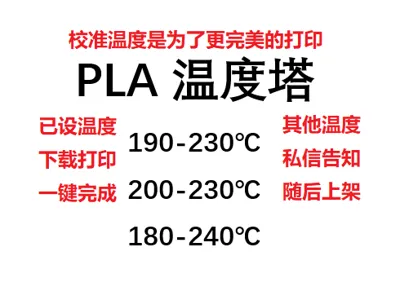
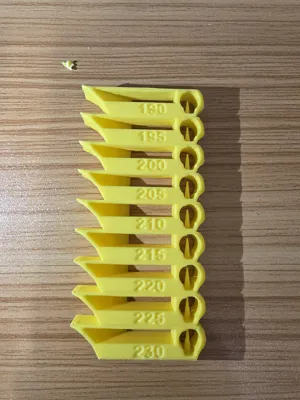
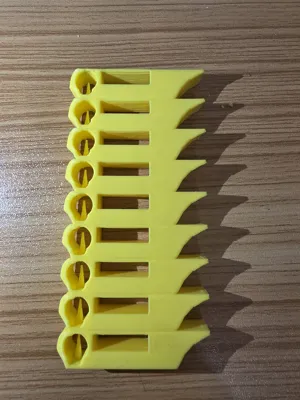
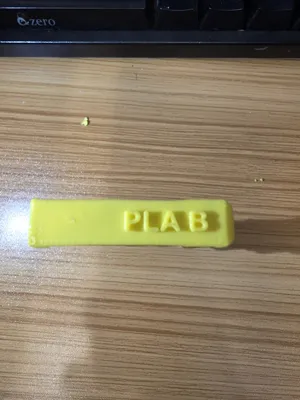
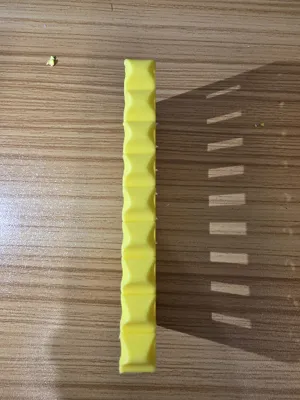
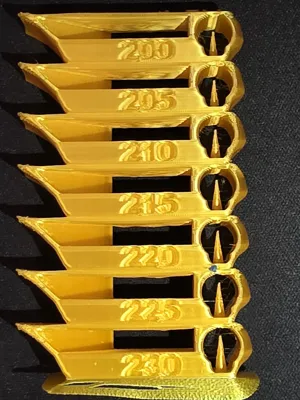
PLA Temperature Tower:
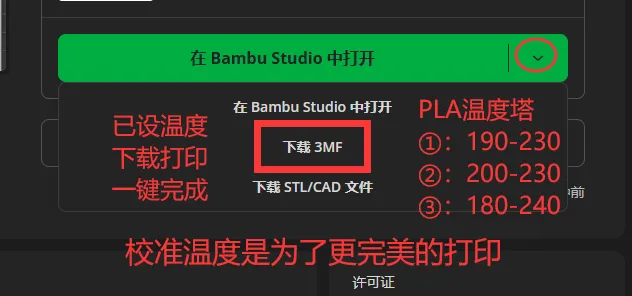
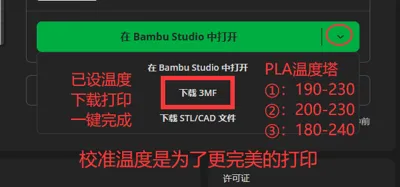
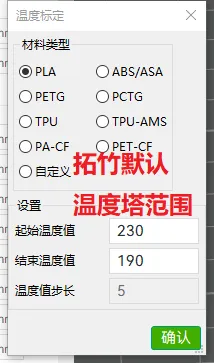
Temperature settings are complete. Simply download the 3MF file and open it with Bambu Studio to print.
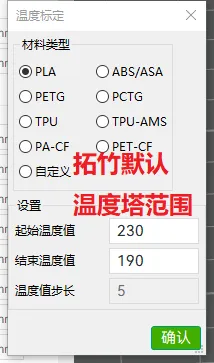
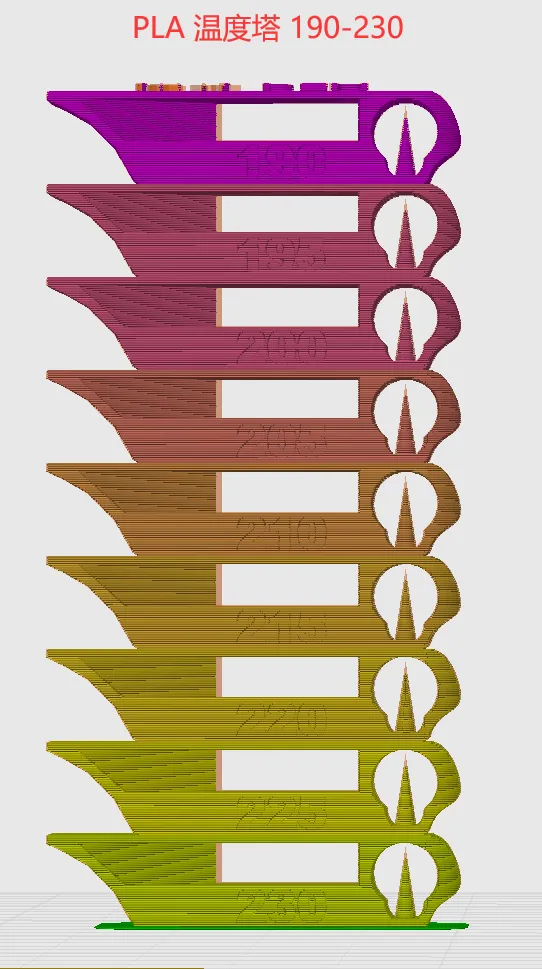
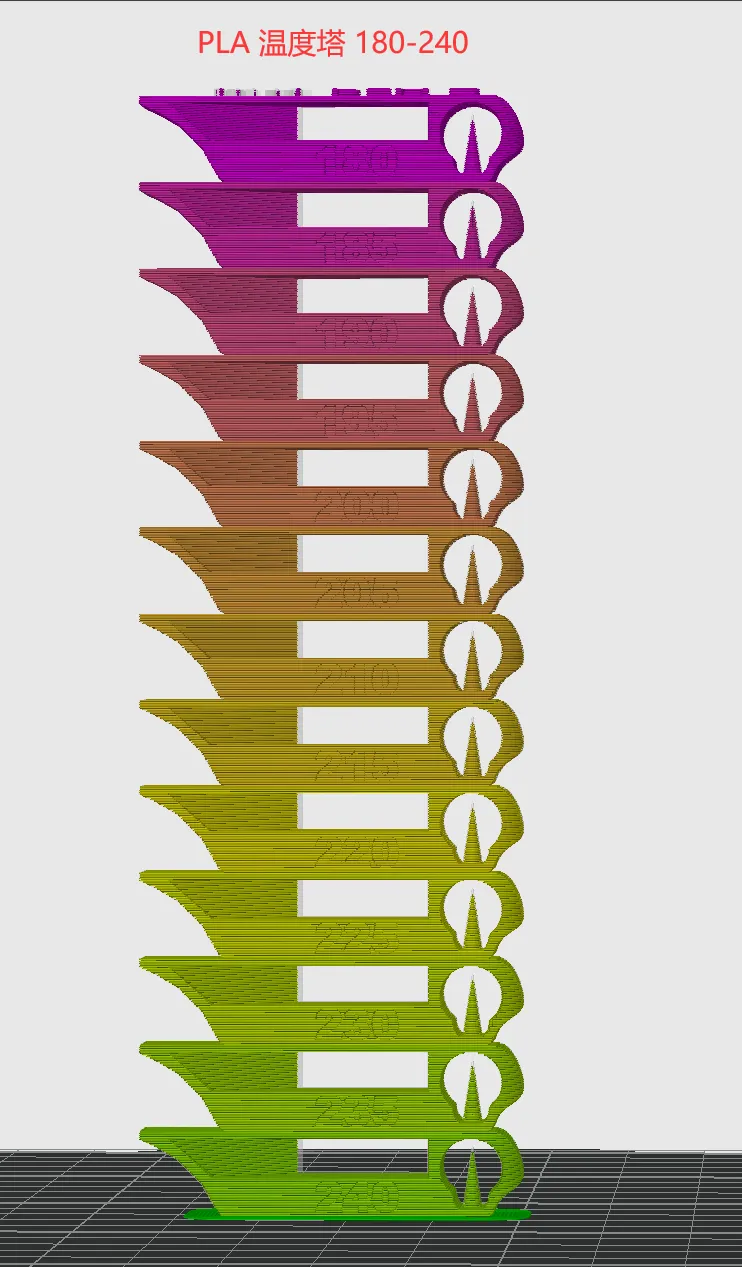
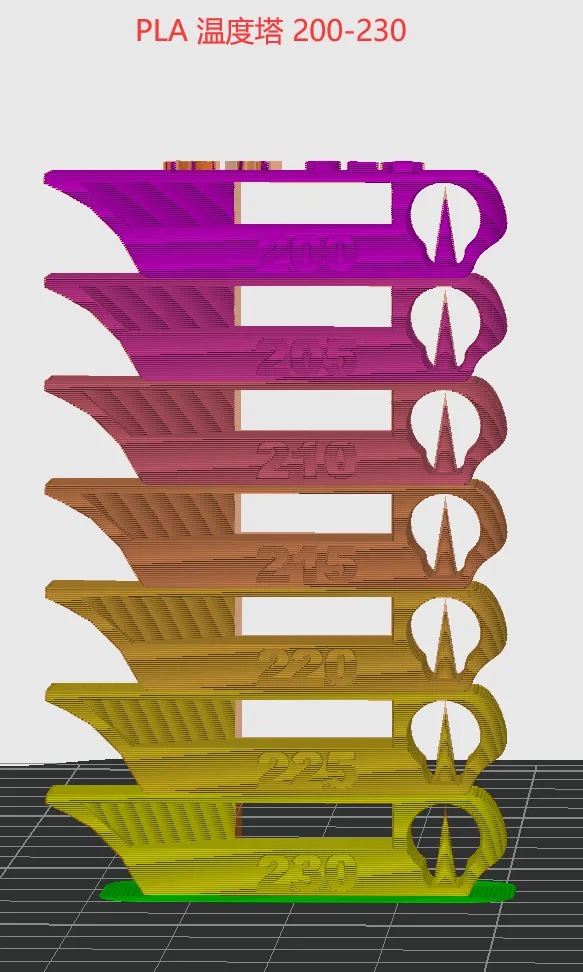
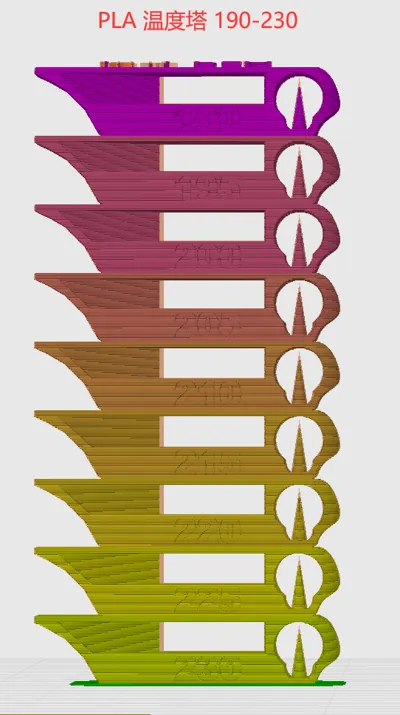
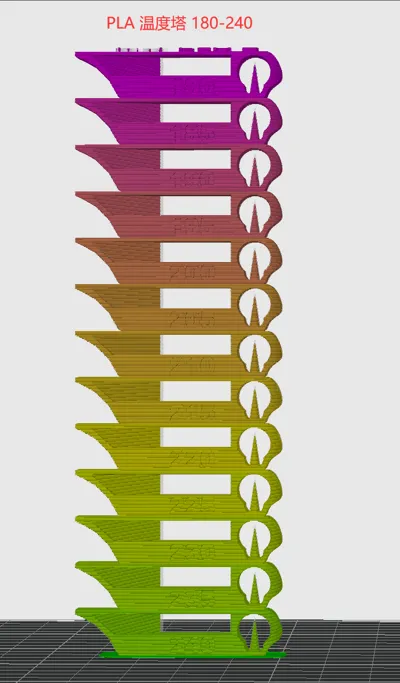
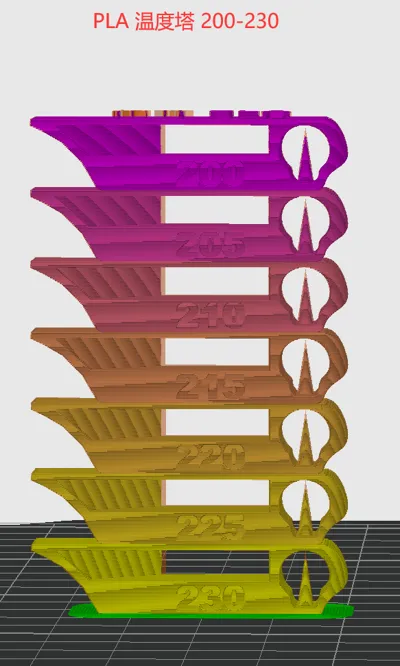
The temperature tower has three ranges:
①: 190-230
②: 180-240
③: 200-230
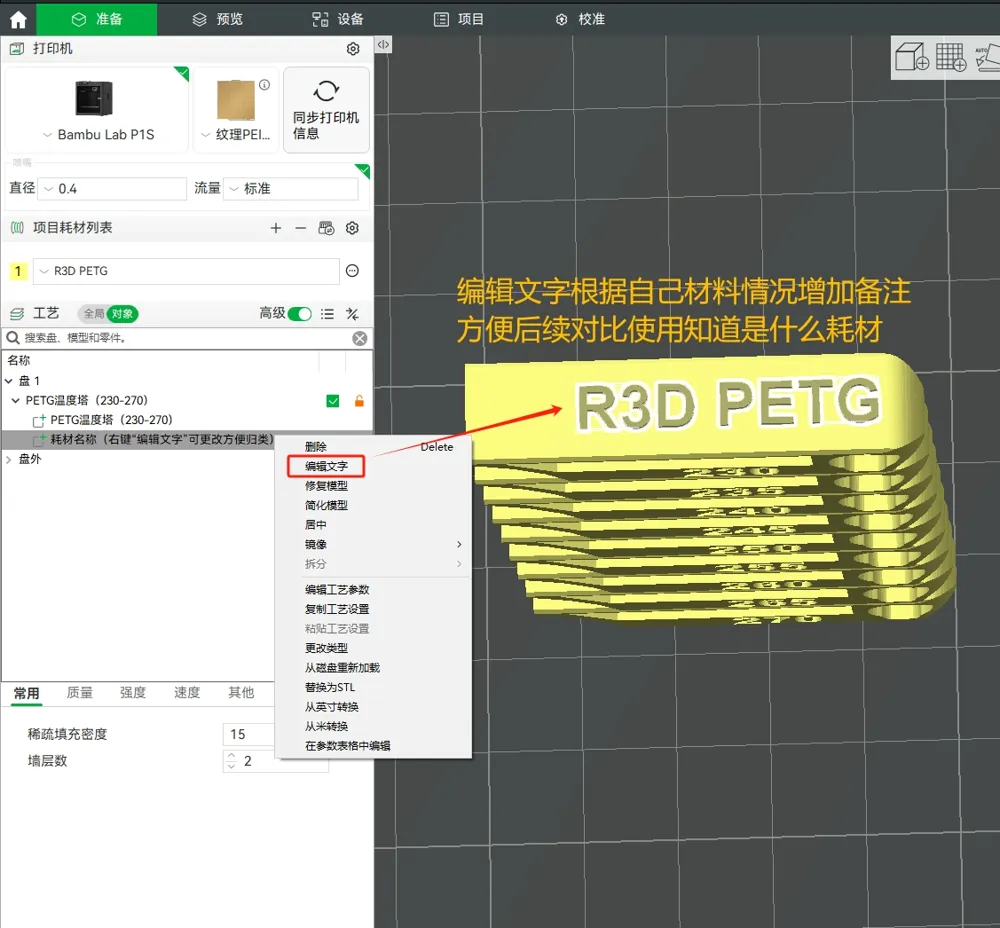
I will be uploading temperature towers for other filaments in the future. Your support is greatly appreciated. Custom temperature ranges are welcome.
If you find this useful, please like, save, download, print, and leave a comment. Thank you!
License

You shall not share, sub-license, sell, rent, host, transfer, or distribute in any way the digital or 3D printed versions of this object, nor any other derivative work of this object in its digital or physical format (including - but not limited to - remixes of this object, and hosting on other digital platforms). The objects may not be used without permission in any way whatsoever in which you charge money, or collect fees.


Comment & Rating (3)