
Bros Coffee Shop Model Set - 1:64 Scale Diorama
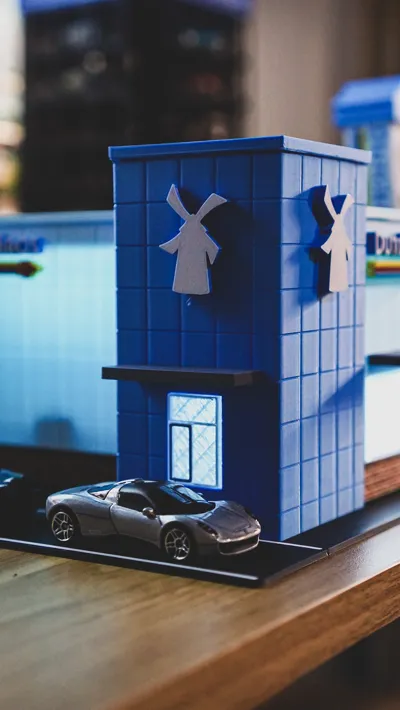
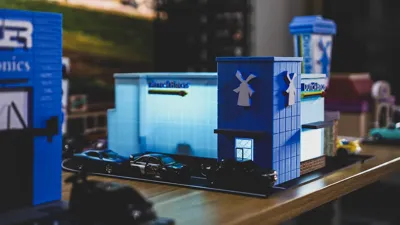
Print Profile(1)

Bill of Materials













Description
I love coffee. And I love travelling and finding new coffee shops, whether they are small, locally owned cafes or large coffee chains. As long as they have good coffee, I am there! Dutch Bros. is a coffee drive-thru chain that makes fun and unique coffee (and non-coffee) based drinks. I first had coffee at Dutch Bros. back in 2019 on a trip to Arizona, and I loved the quick drive-thru concept, the fun graphics and branding, and the coffee of course. Dutch Bros. has locations mostly on the West Coast, but they are expanding into the Midwest and East Coast. I'm hoping they open a location in the Chicago area soon!
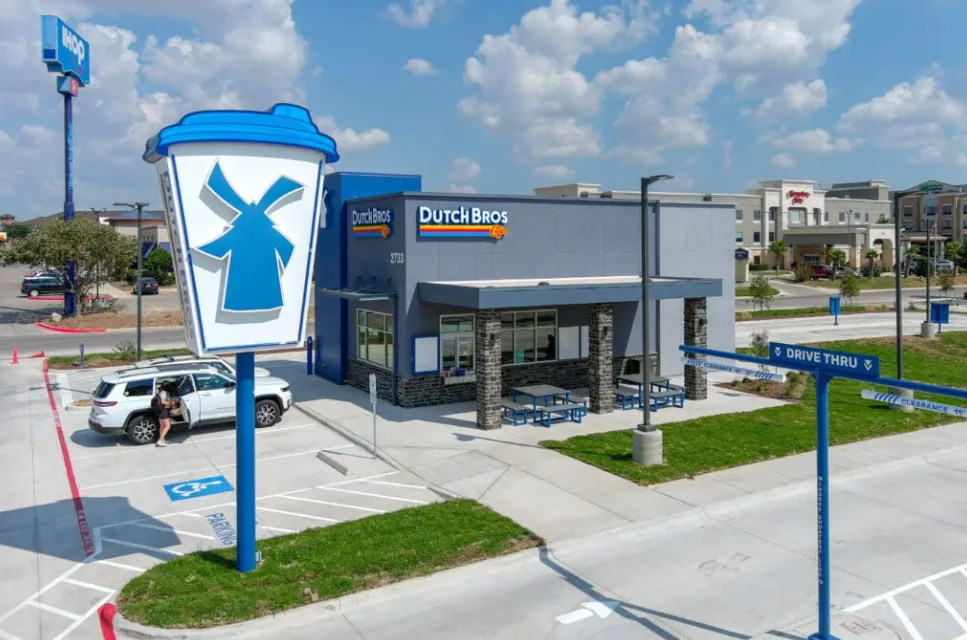
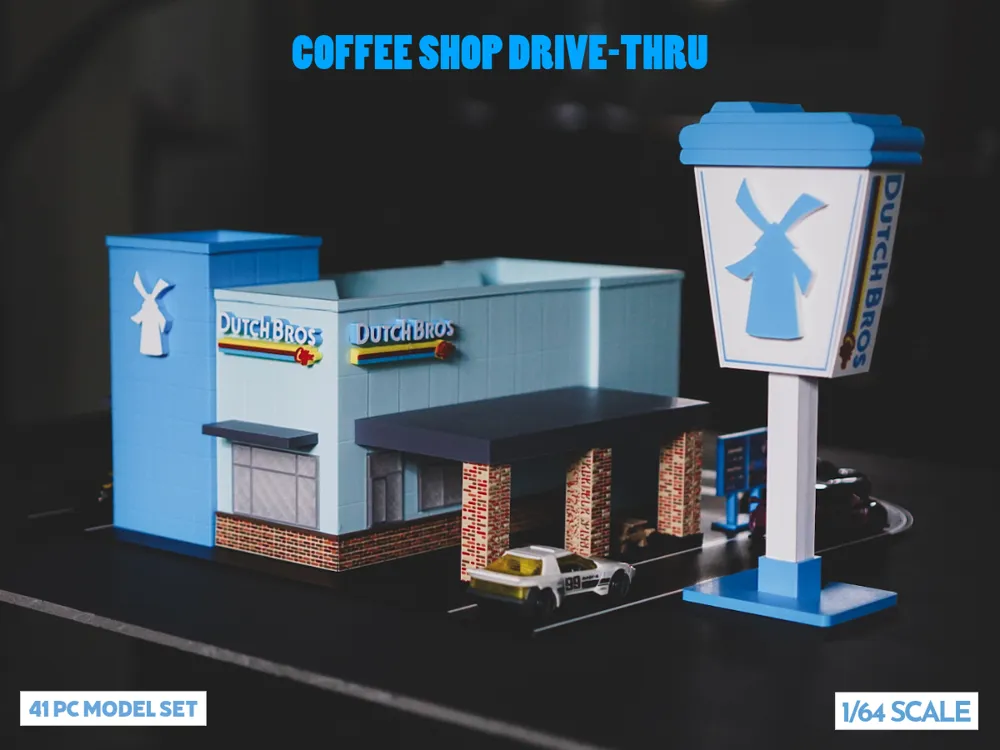
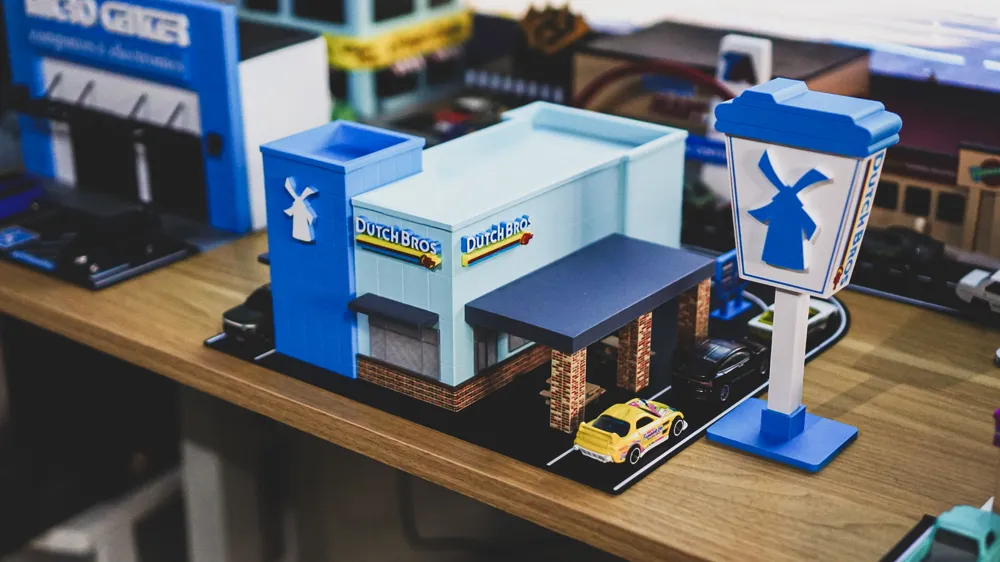
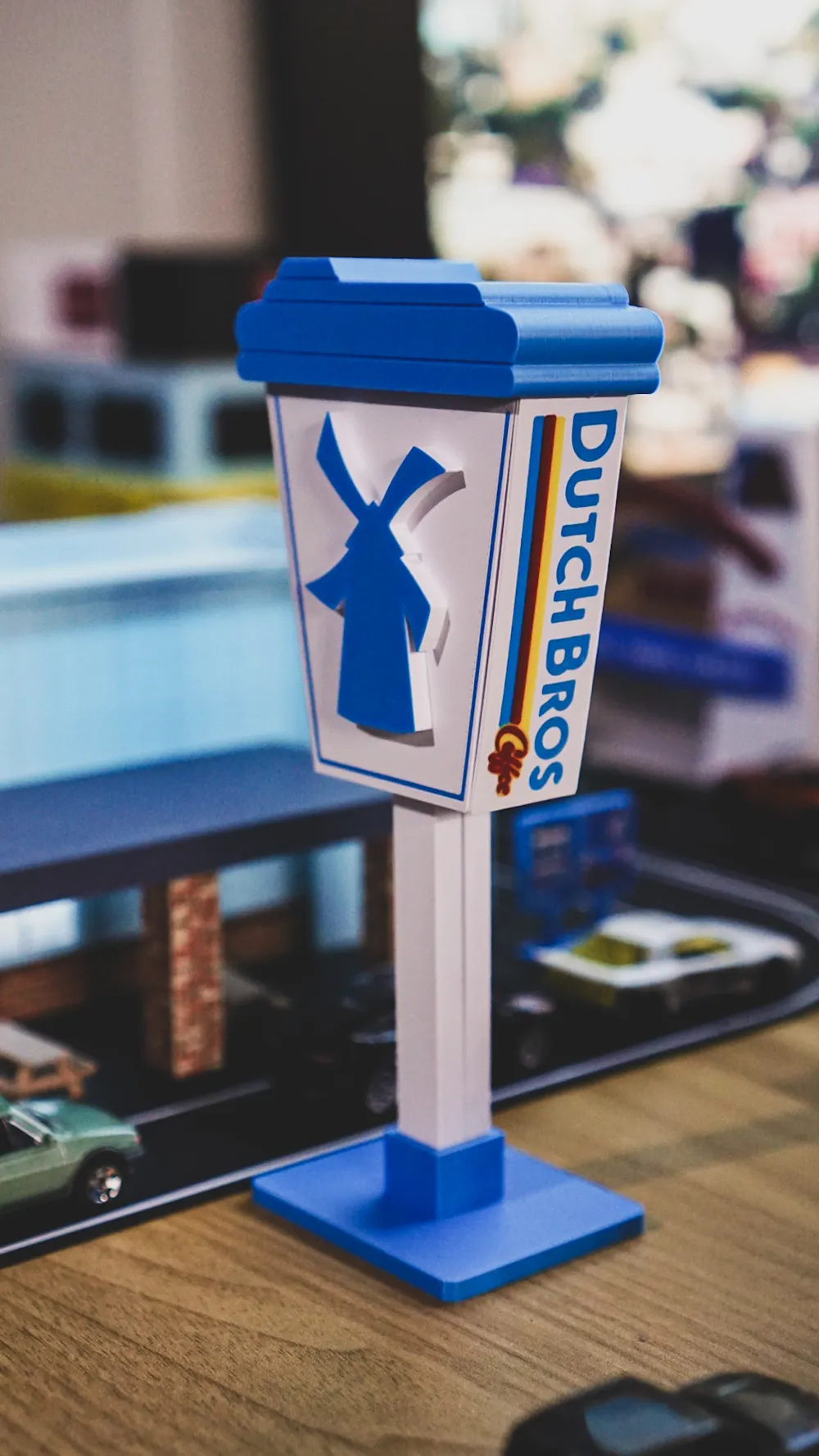
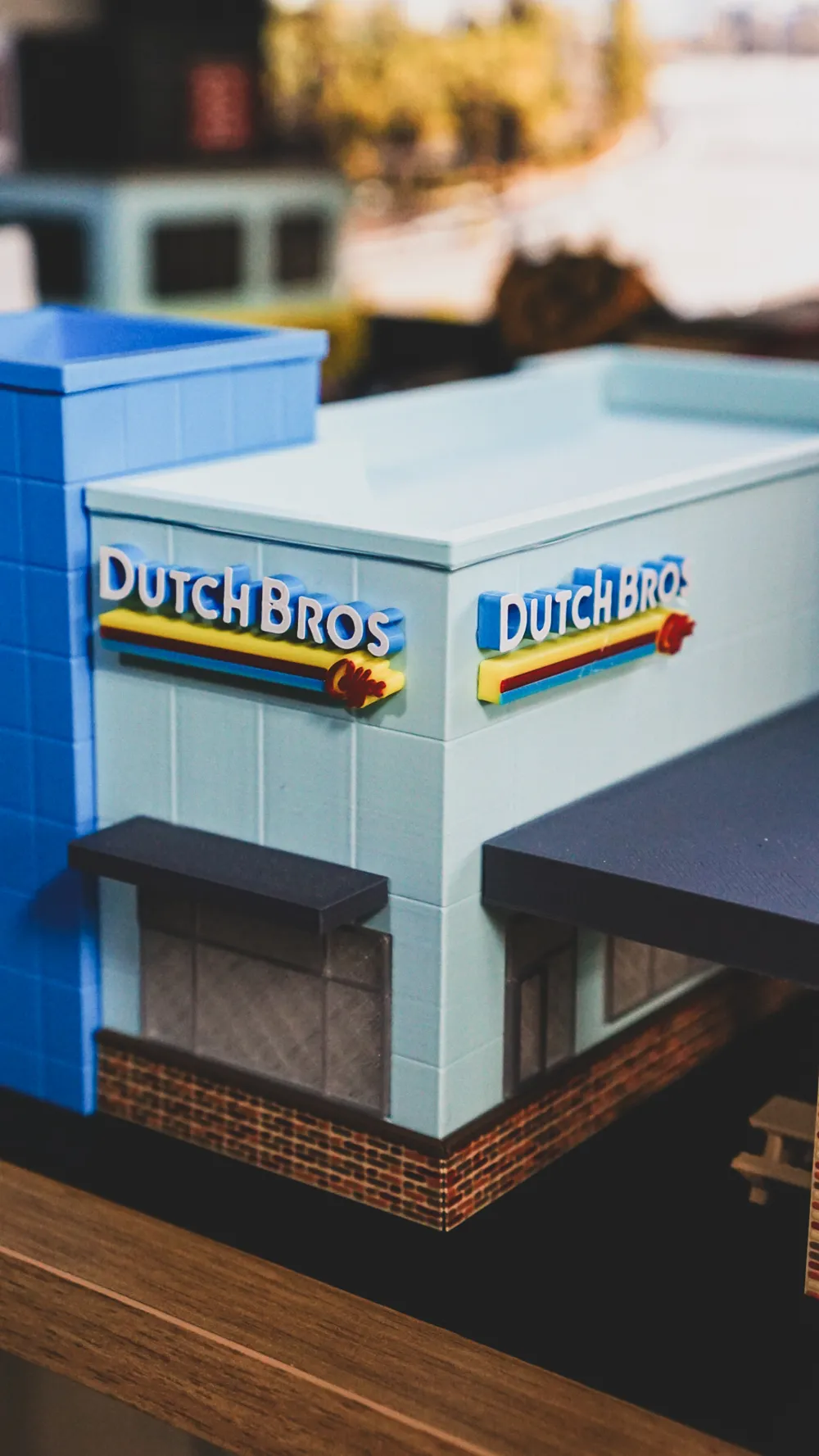
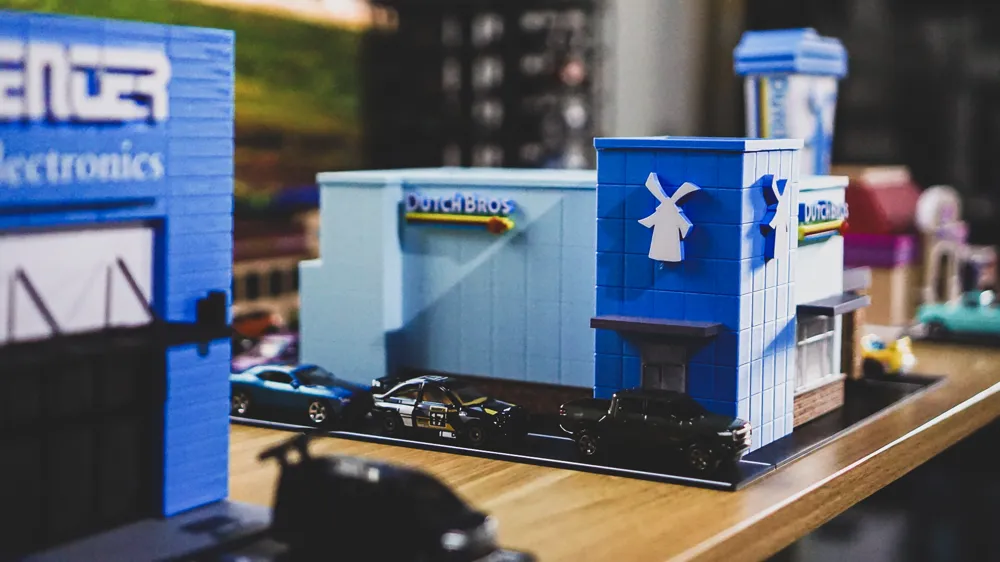
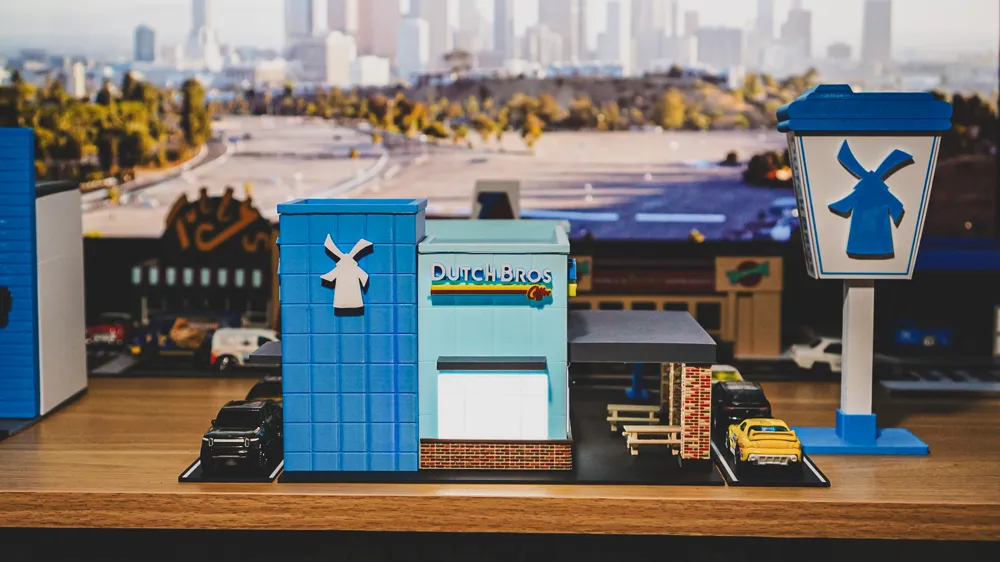
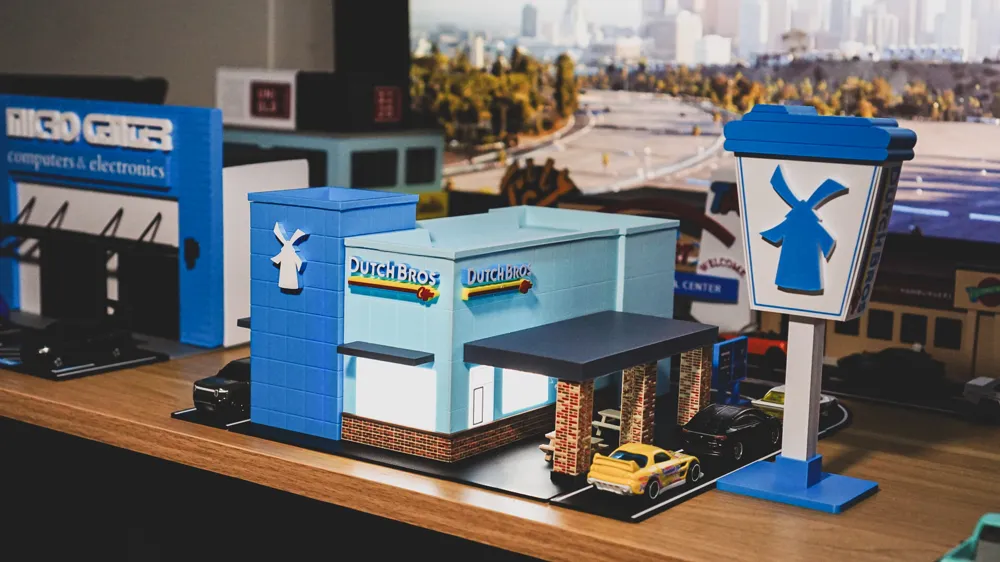
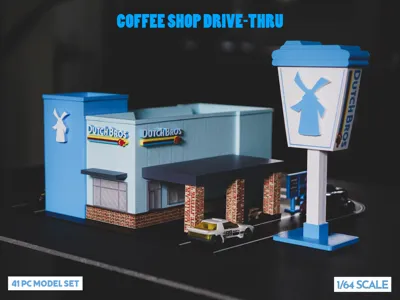
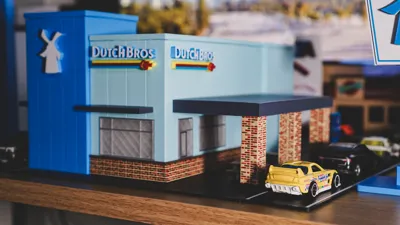
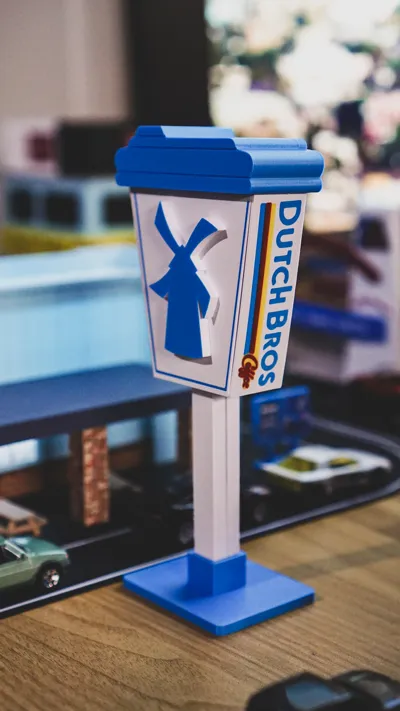
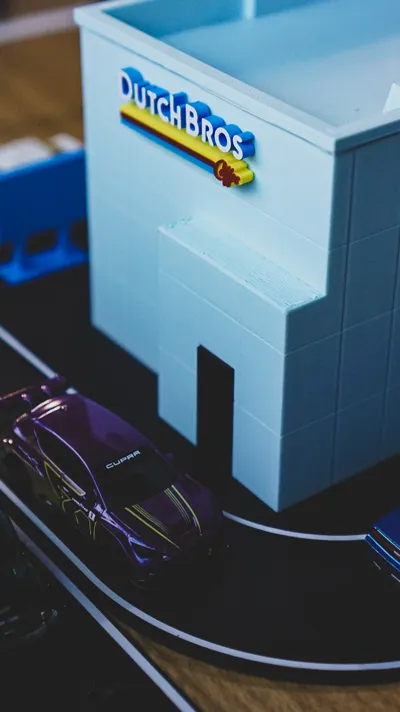
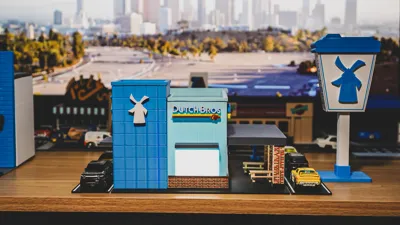
Many of the drive-thru locations have a boxy design, tons of blue on the buildings and signs, and a large drive-thru lane since you can only order coffee in the drive-thru or a walk-up window. The Dutch Bros. logo is easily recognizable with bold lettering and color stripes. The road sign is a large blue and white coffee cup with the Dutch Bros. logo.
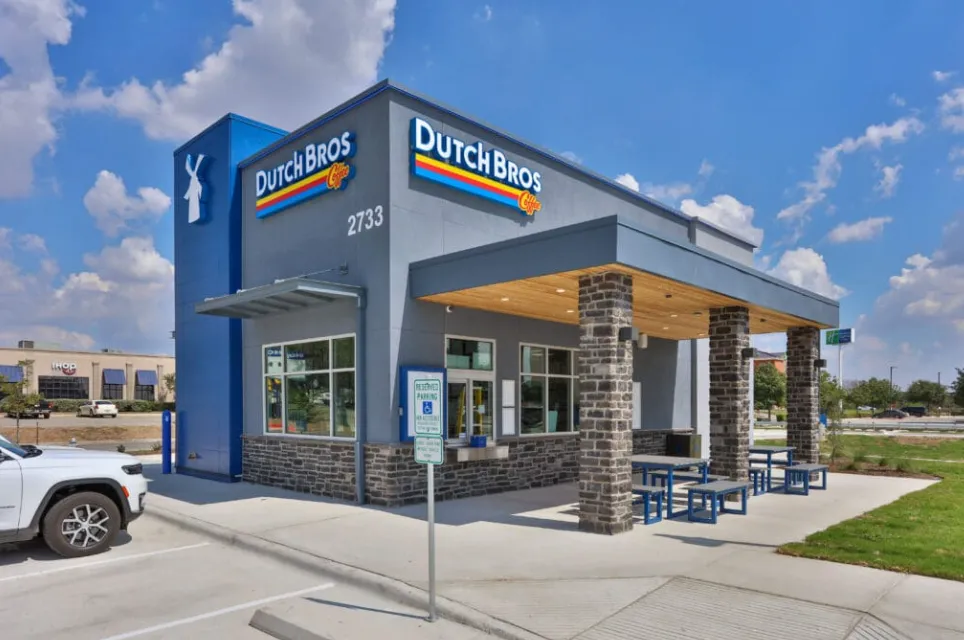
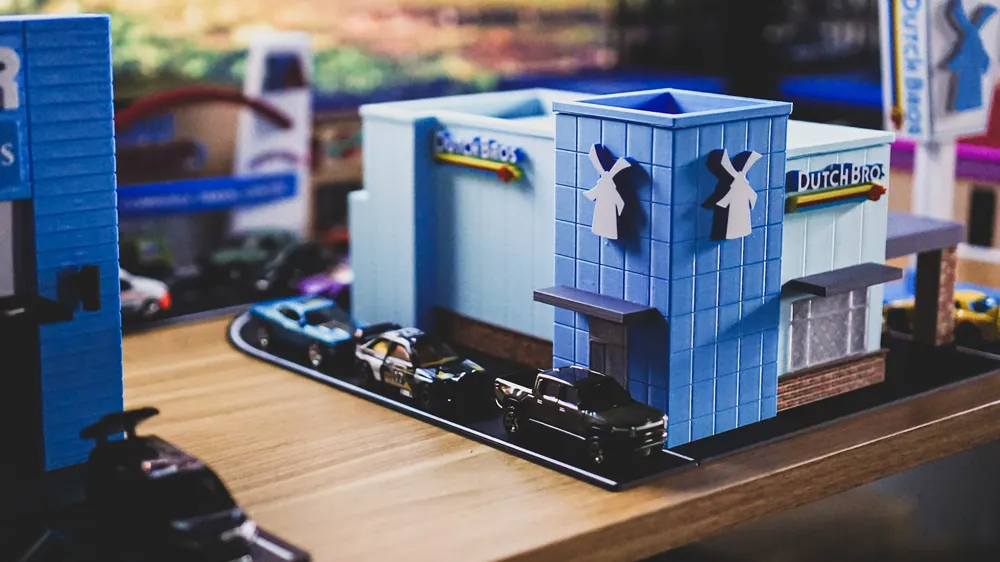
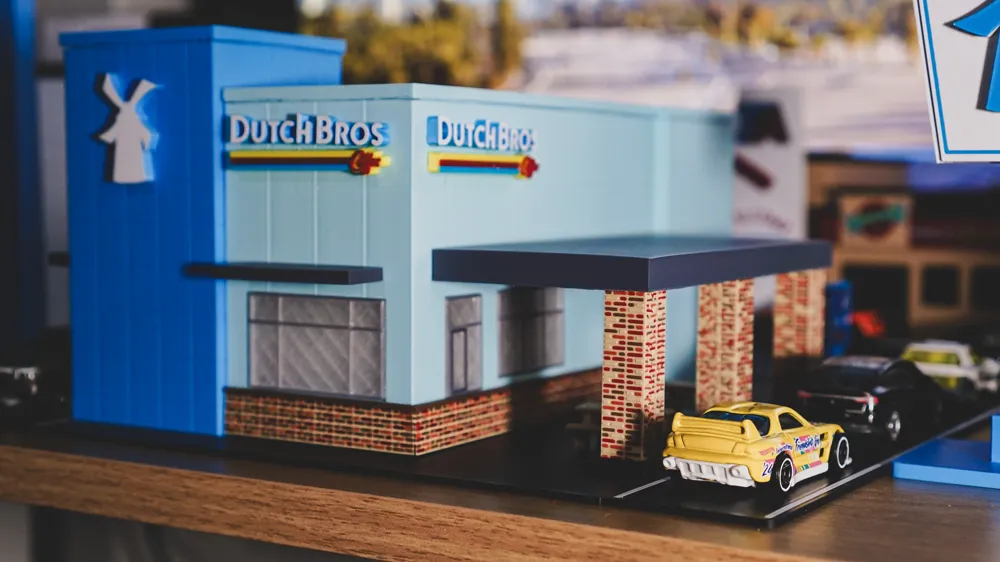
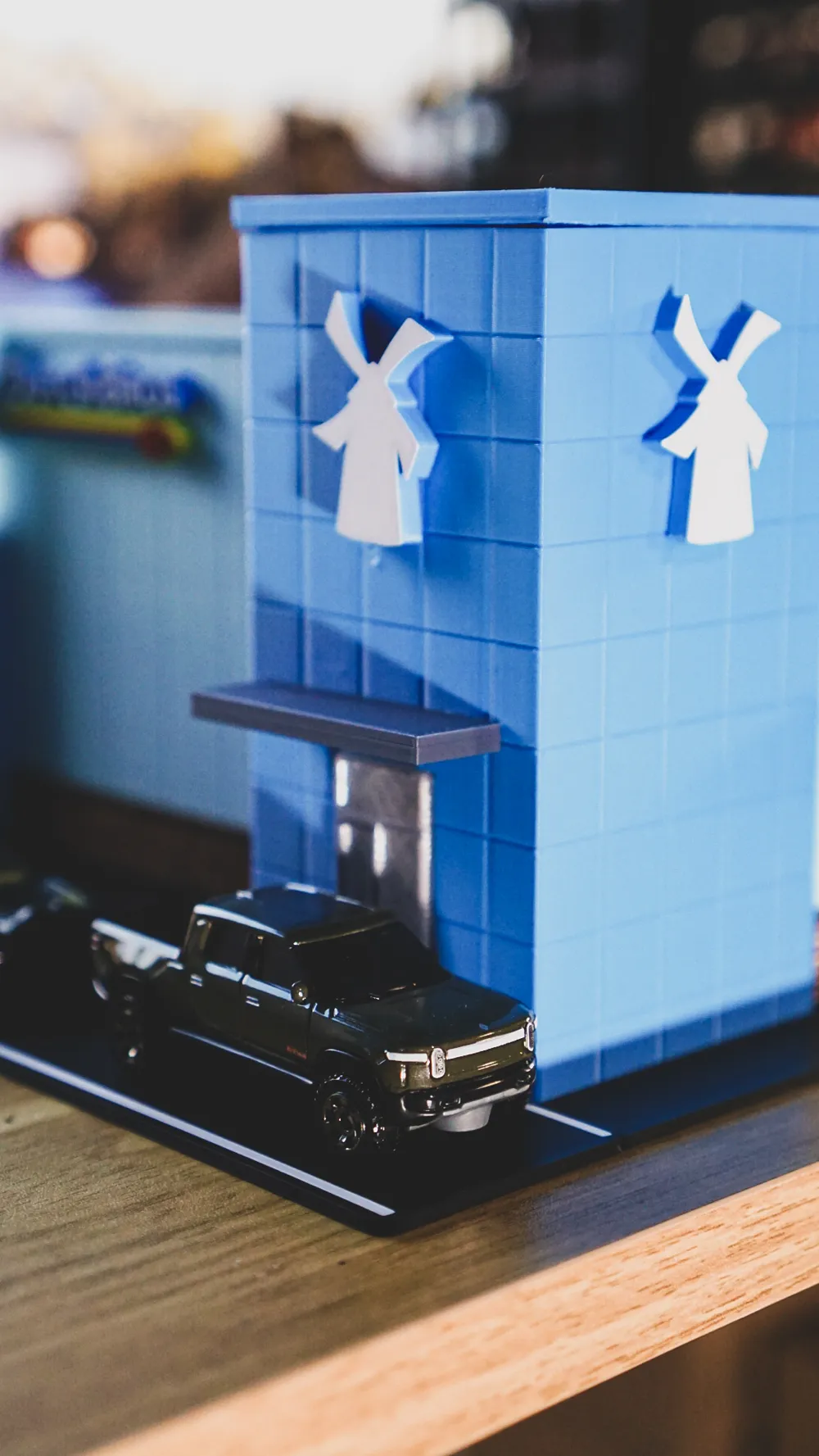
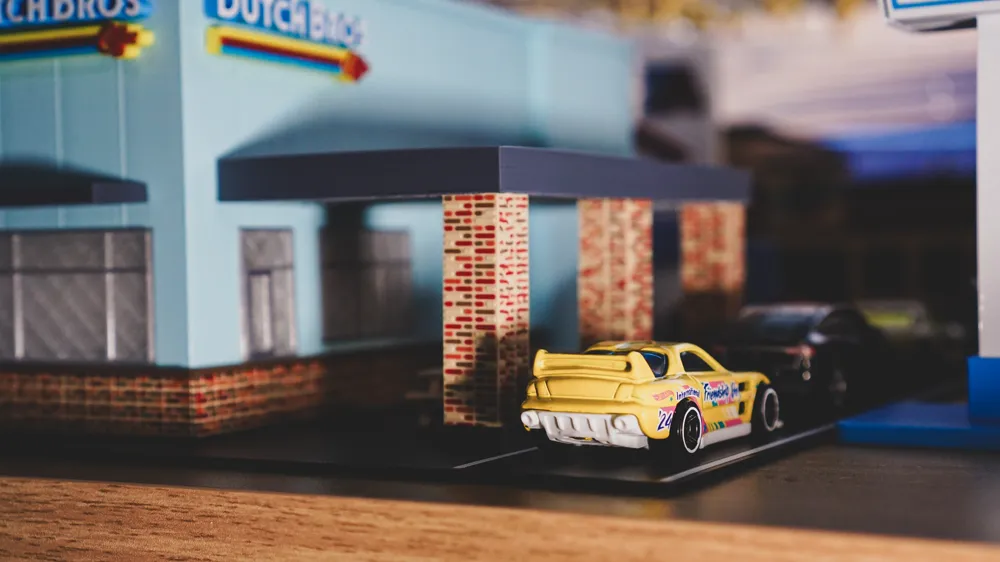
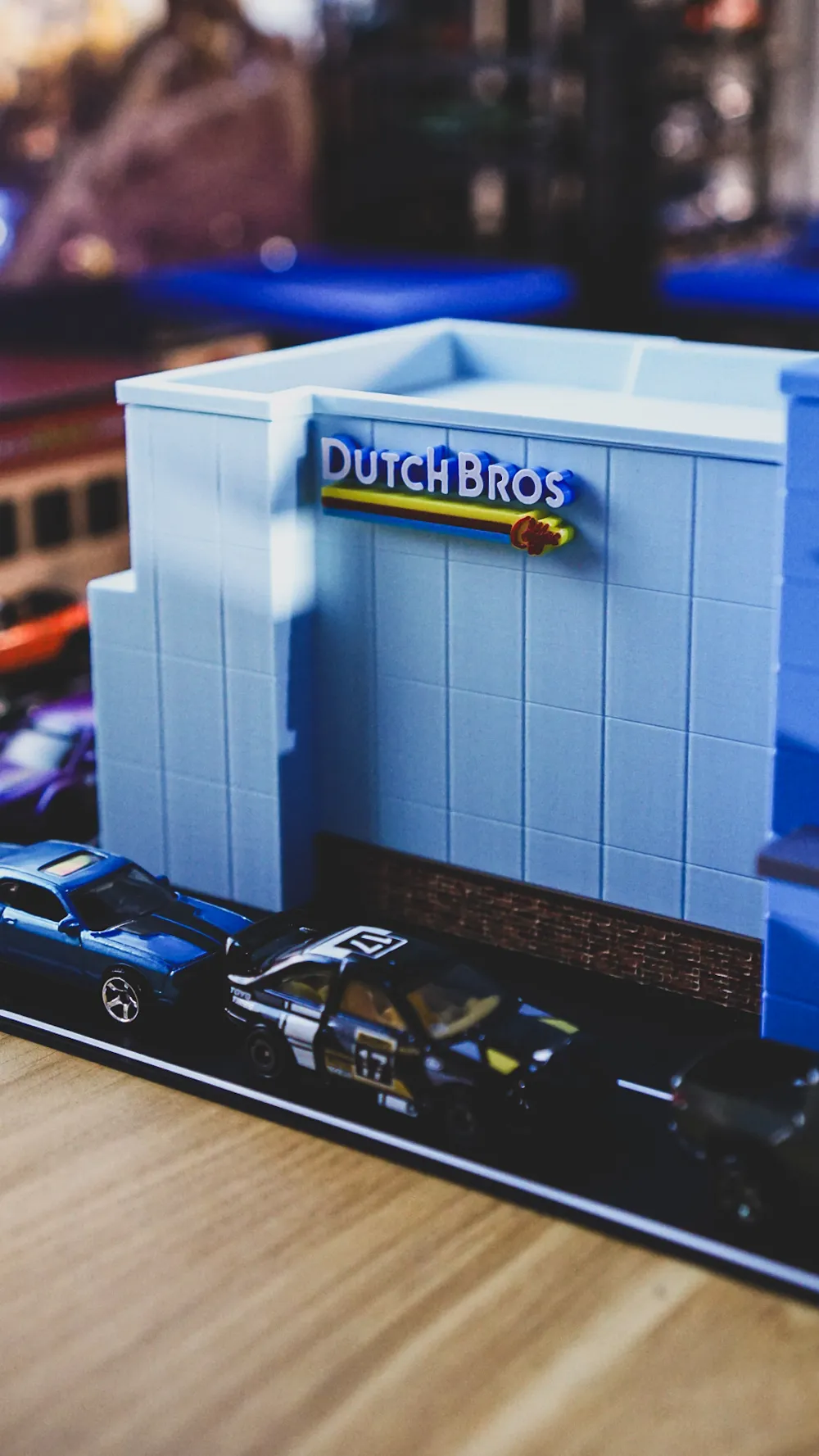
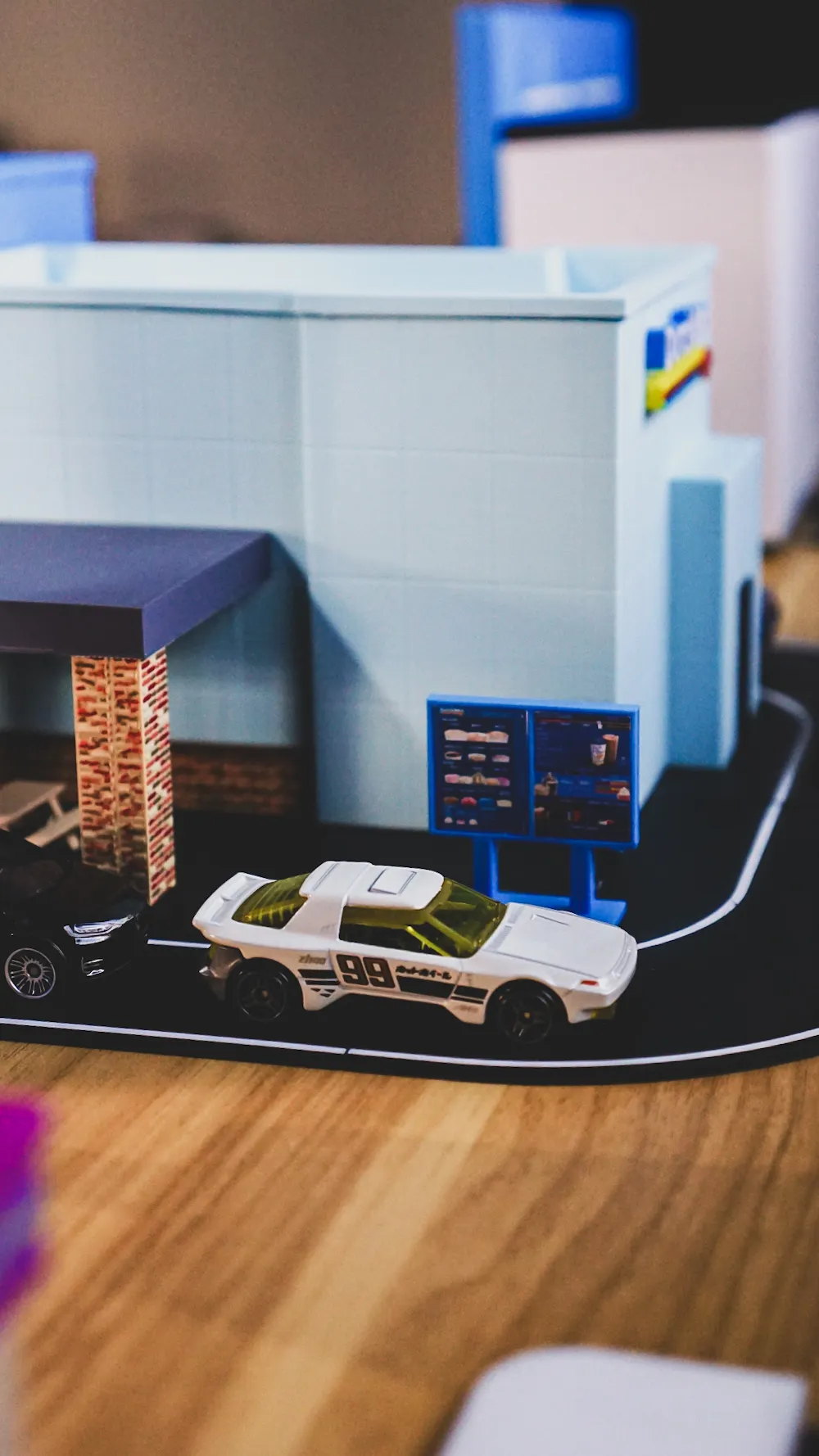
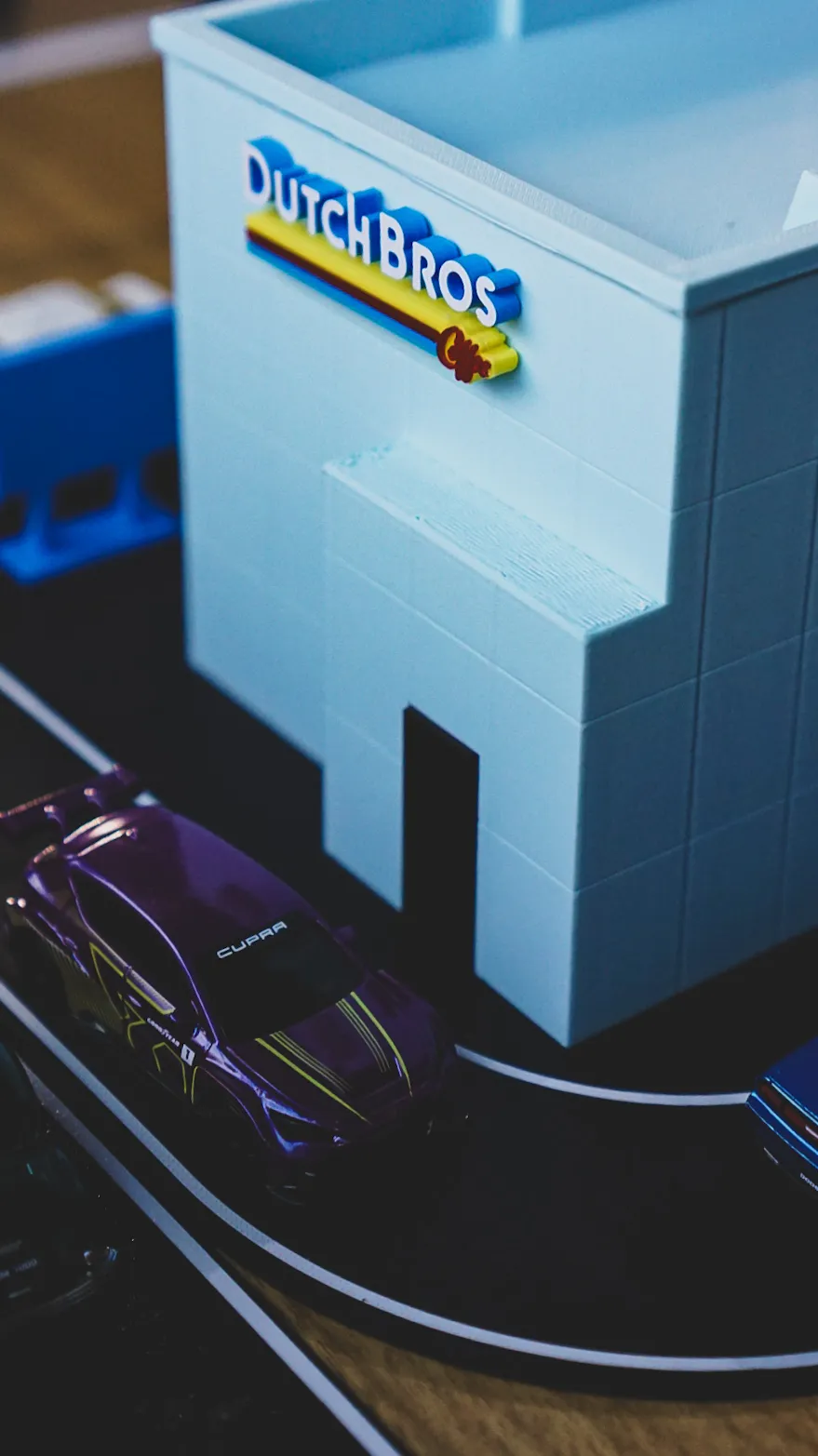
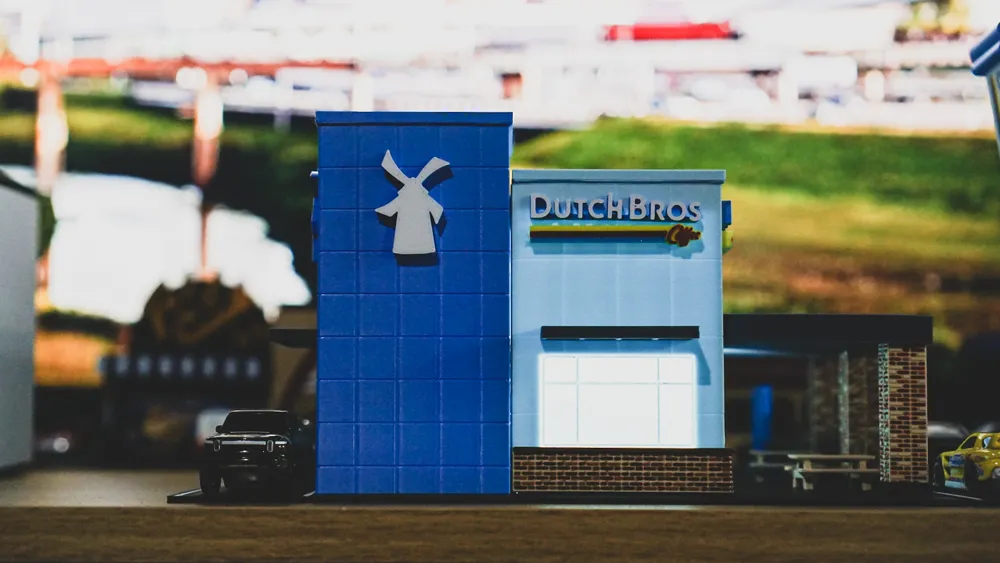
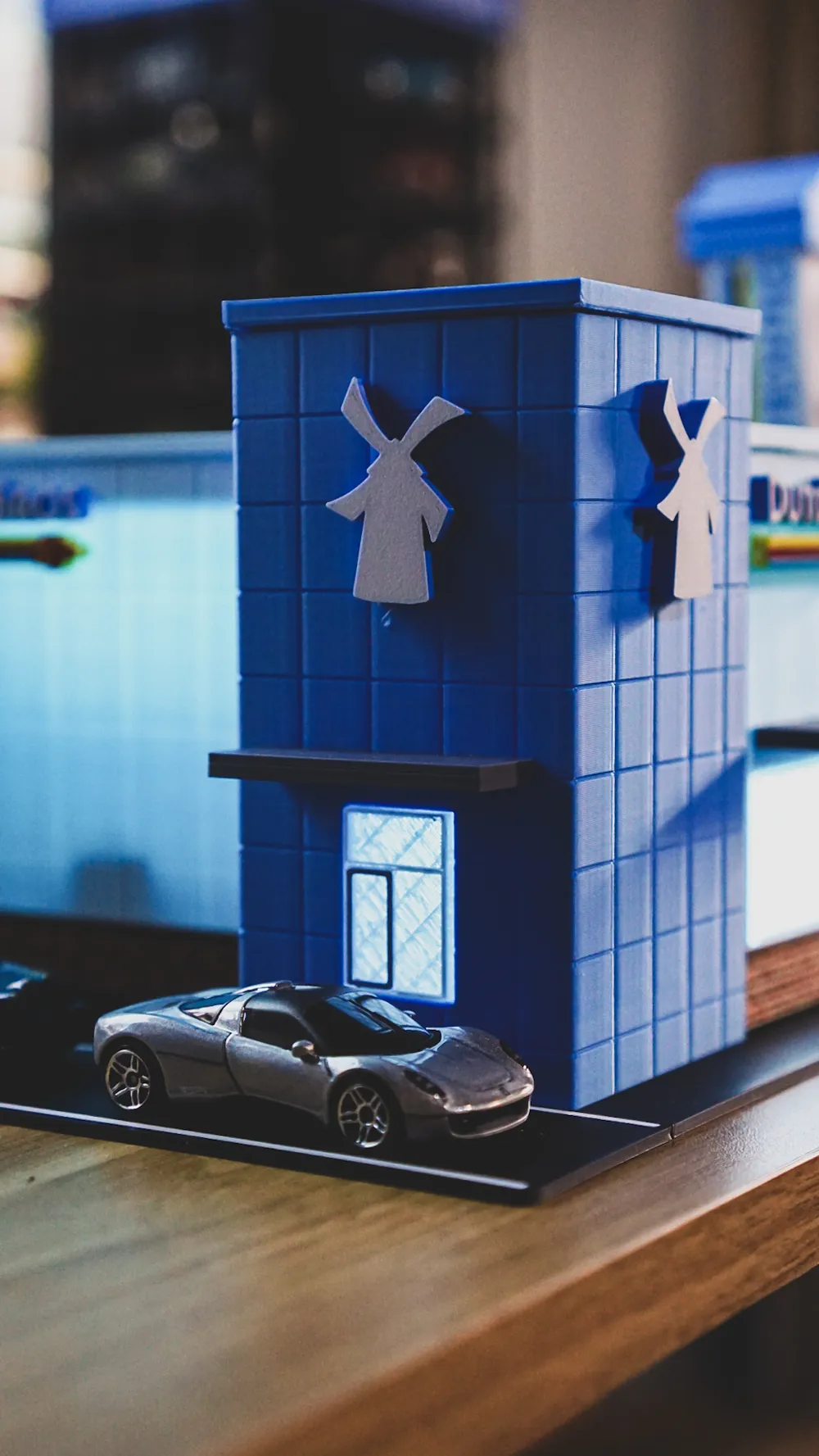
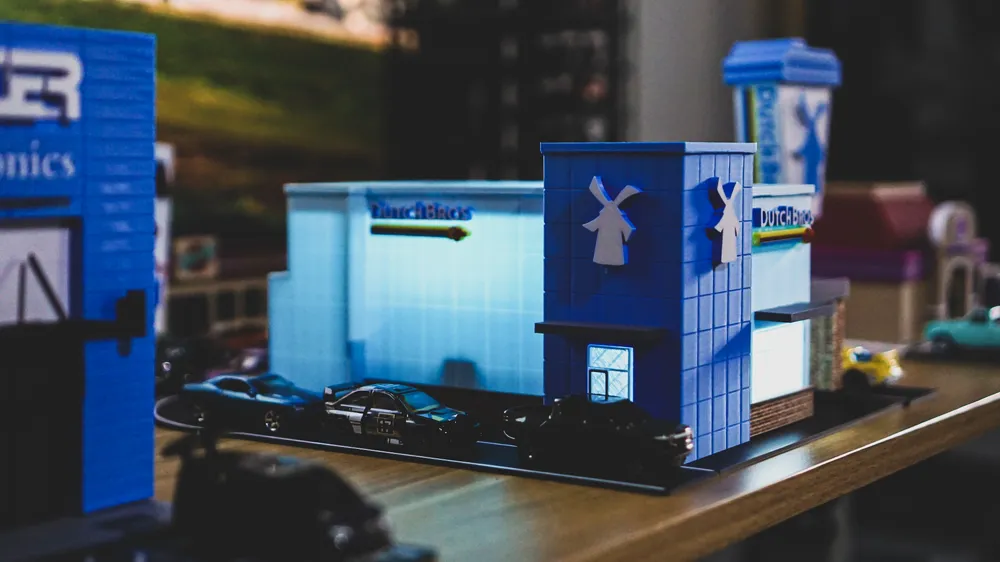
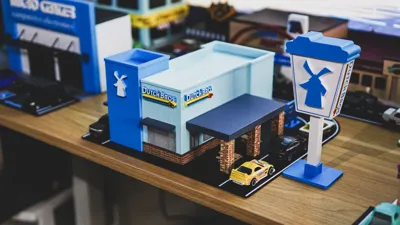
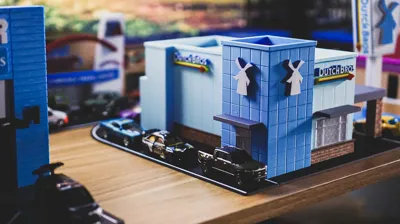
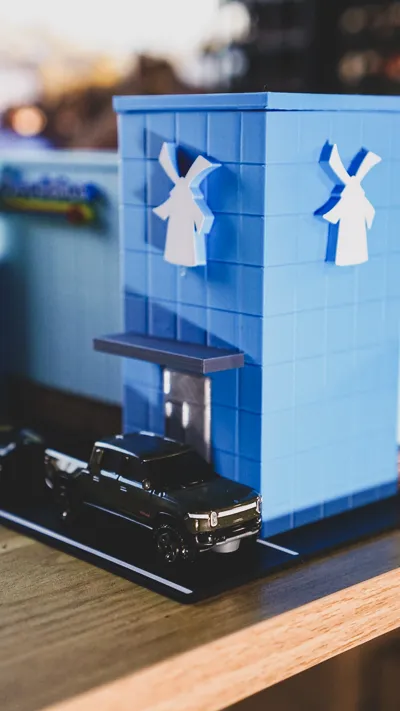
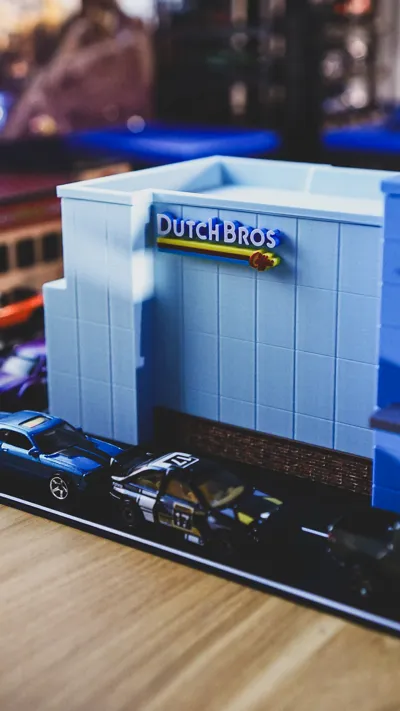
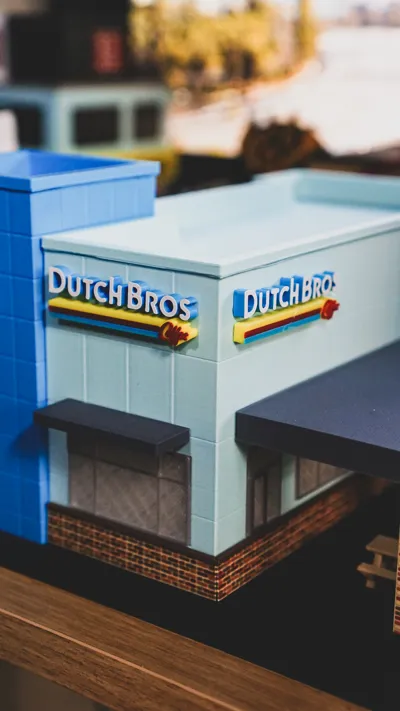
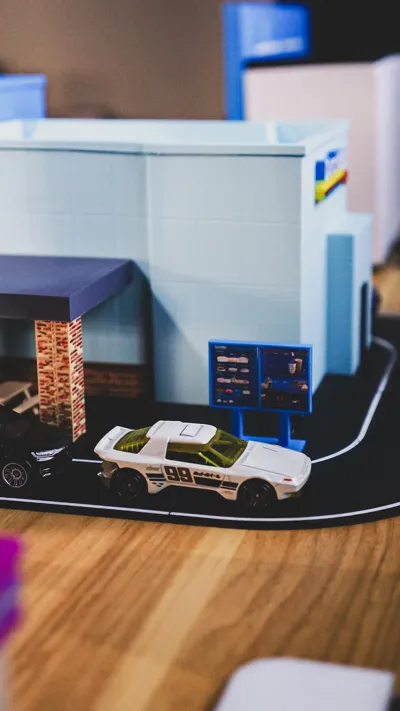
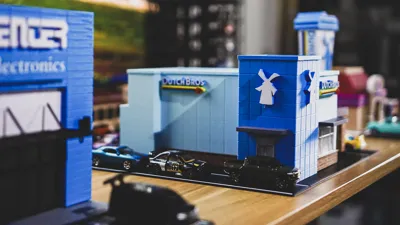
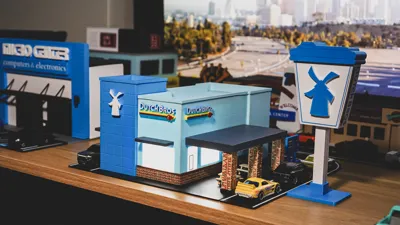
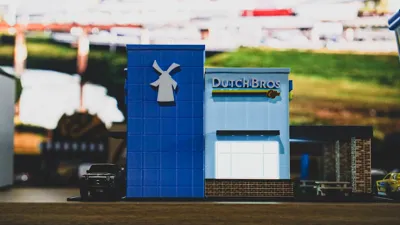
I designed the model set based on the location pictured above. There is the large main building with a walkup window and two regular windows, awnings, and seating area. The tall blue tower has the drive-thru window. The base of the building has a brick wall and there are three brick columns holding up the large awning roof. The logo at the top of the building is on all four sides of the building.
- The main body and tower are the largest pieces and take the longest. They require supports for the window and door cutouts.
- The brick wall is printed separately from the main body and glued onto the body. I printed the brick wall with 4 different colors, and colored the bricks randomly to get a more organic, realistic look for the bricks. You don't have to use 4 colors, and you can keep it as simple or complex as you like.
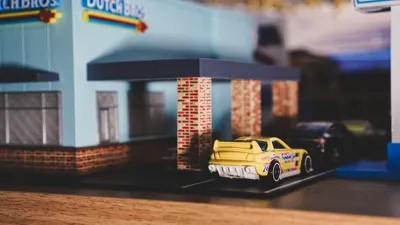
- The brick columns were also printed in 4 colors. However, since the brick pattern goes all around the column, printing the column in 4 colors takes a really long time. I tried laying the parts on their side and also standing up and both took a long time with so many filament changes. I decided to cut the column in half and lay them on their side for printing. I then glued them together and then assembled them into the base. The results look awesome but does take a long time due the filmanet changes. I included 2 versions of the columns - one where the columns are split with 4 colors and another version that is not split and only 1 color. Feel free to print the version that makes sense for you.
- The road sign was also split into multiple pieces to cut down on time and reduce filament waste since there are multiple colors. Glue the main bodies together first, then glue the side logos onto the body, then add the top, and slide into the base.
- I finally bought some translucent filament for the windows and it worked out so well. The windows look great when you add a light inside. If you don't want to use it or don't have it, a white filament will look just as good.
- There is an assembly guide attached as well as the drive-thru menu images to print, cut, and glue onto the printed sign.
Filament Used:
- BL PLA Matte Ice Blue
- BL PLA Basic Yellow
- BL PETG Translucent Clear
- BL PLA Matte Terracotta
- BL PLA Basic Cocoa Brown
- BL PLA Matte Desert Tan
- Microcenter Inland Blue
- eSun Black
- eSun Fire Engine Red
- eSun Cold White
I had a ton of fun designing and assembling this model, and it brought back so many memories from my trip. If you live near a Dutch Bros., grab a coffee to sip on while you put this model set together. And if you don't have a Dutch Bros. nearby, any cup of coffee will do. Feel free to reach out with any questions. Enjoy!
Boost Me (for free)
If you enjoy this print, please consider giving me a Boost! All of my designs are original, created by me, and shared with the 3D printing community. I do all of this in my spare time in between working full time and spending time with my family. I enjoy designing and making things to help grow this community of makers. Thank you for your support!
Membership
Support us even further by subscribing to our TOP LAYR and COMMERCIAL LICENSE LAYR memberships!
Documentation (2)
License

You shall not share, sub-license, sell, rent, host, transfer, or distribute in any way the digital or 3D printed versions of this object, nor any other derivative work of this object in its digital or physical format (including - but not limited to - remixes of this object, and hosting on other digital platforms). The objects may not be used without permission in any way whatsoever in which you charge money, or collect fees.


Comment & Rating (106)