Search models, users, collections, and posts

Clariviews 13.3 OLED VESA Monitor Mount
IP Report
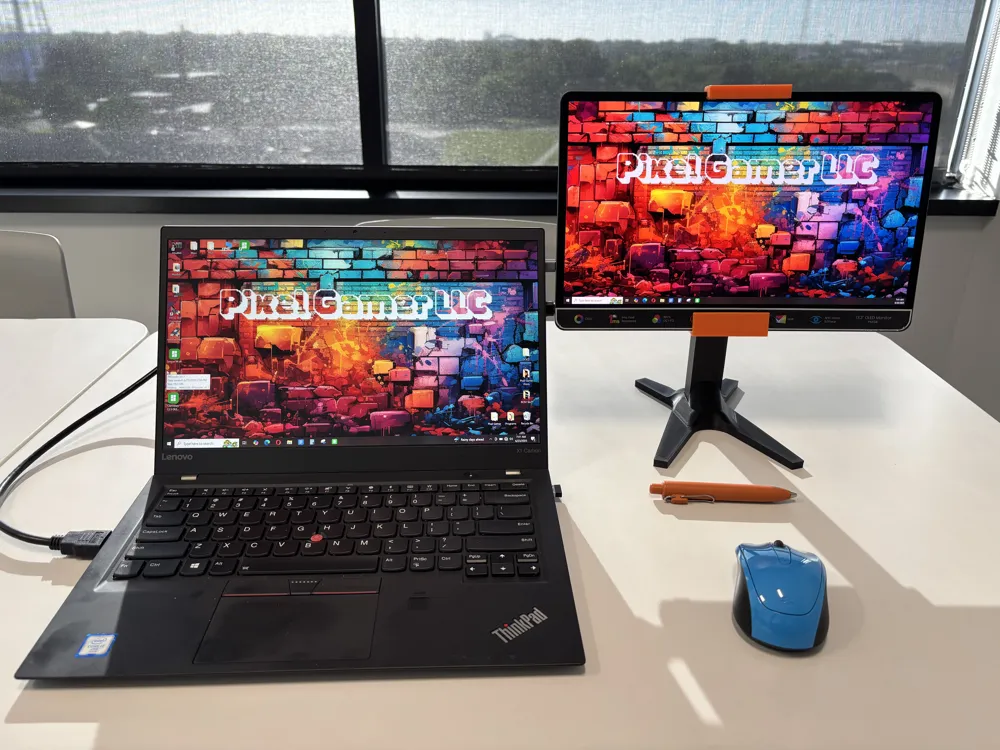
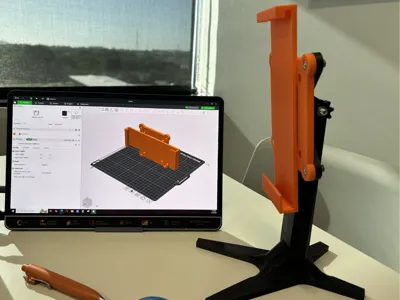
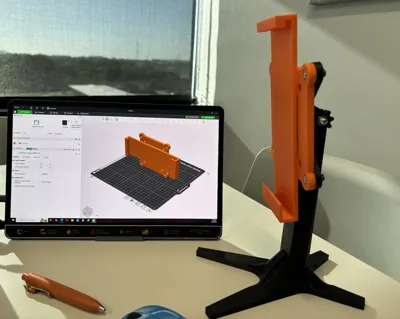
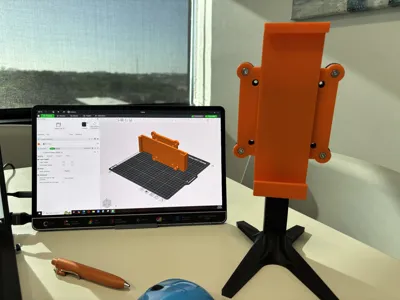
Print Profile(1)

0.2mm layer, 3 walls, 15% infill
Designer
4 h
1 plate
Open in Bambu Studio
Boost
19
52
0
0
27
4
Released
Description
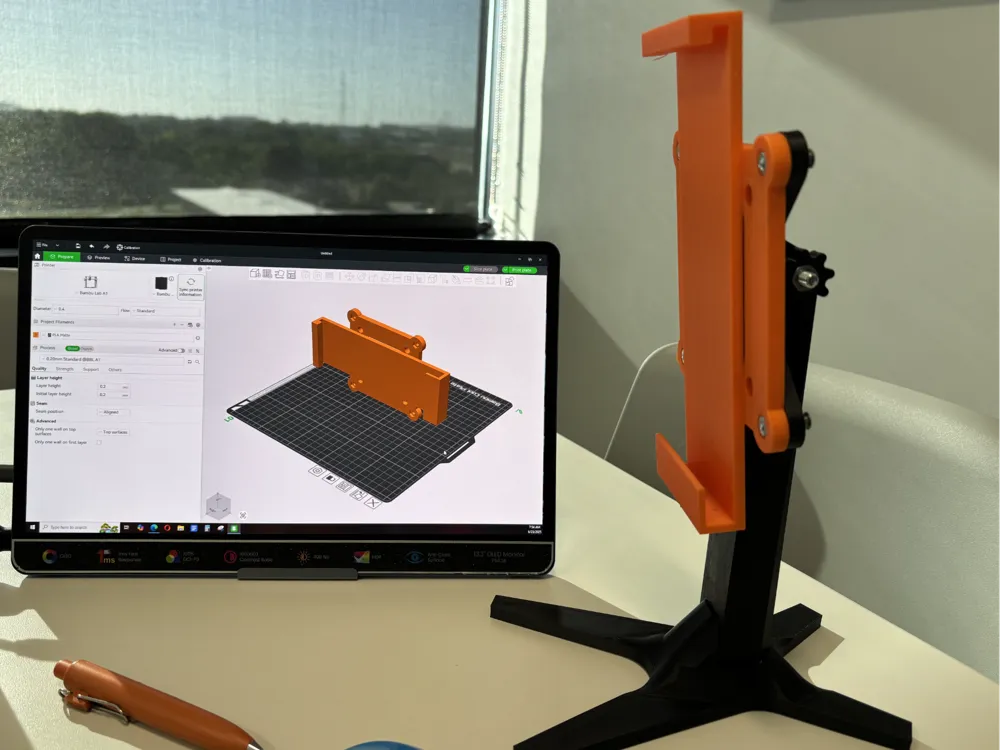
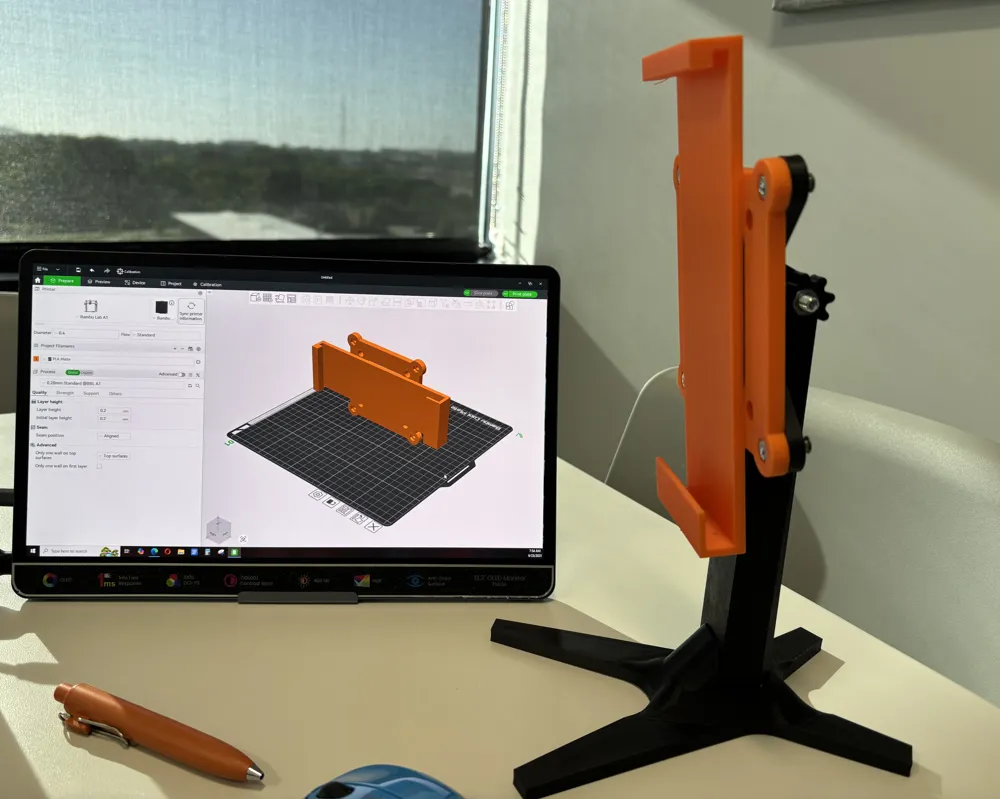
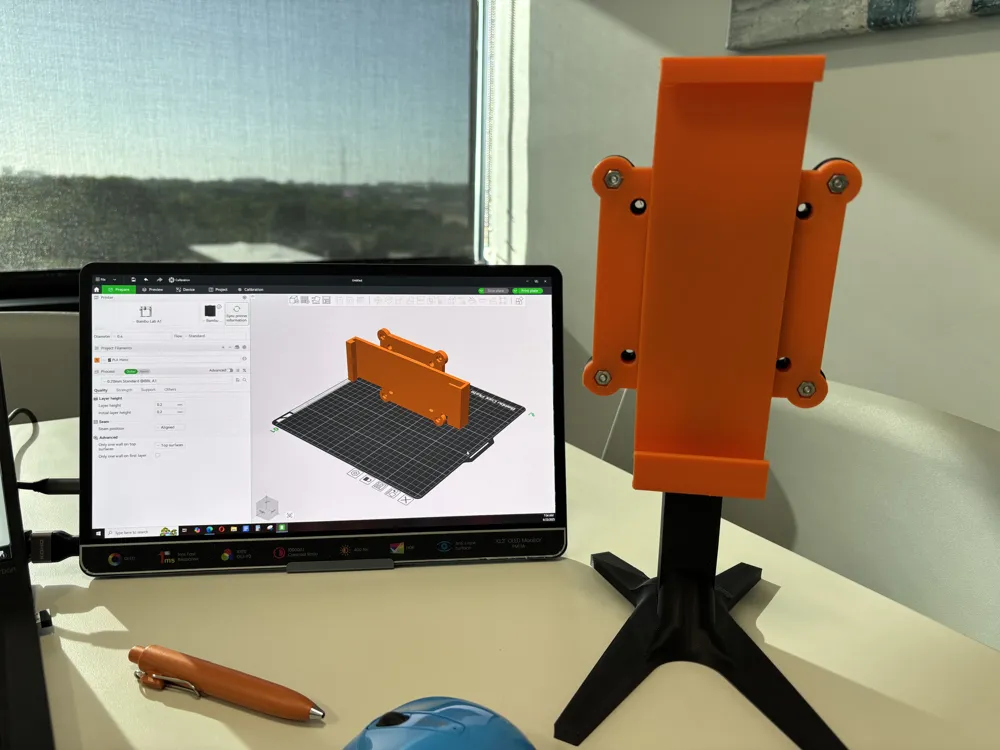
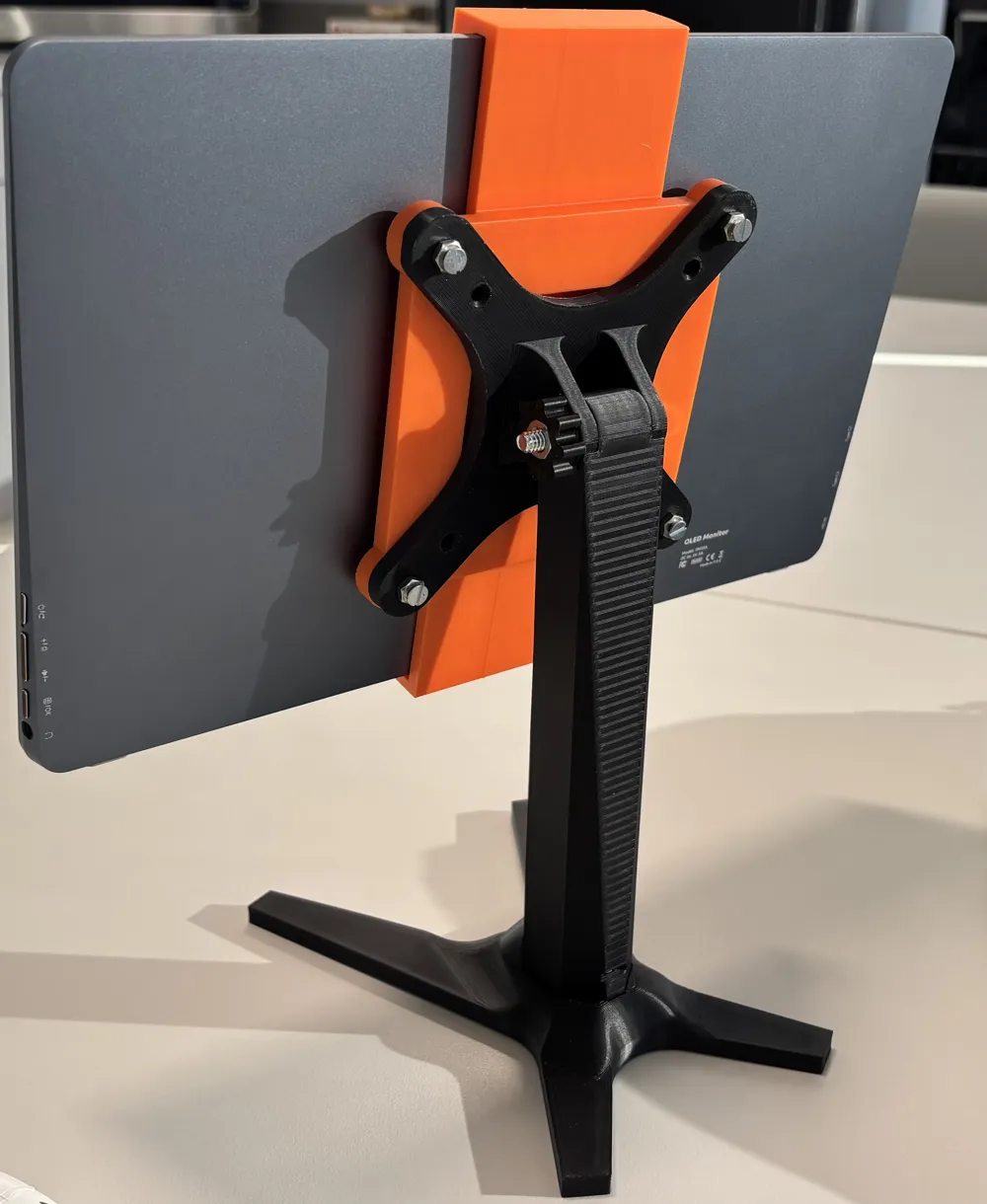
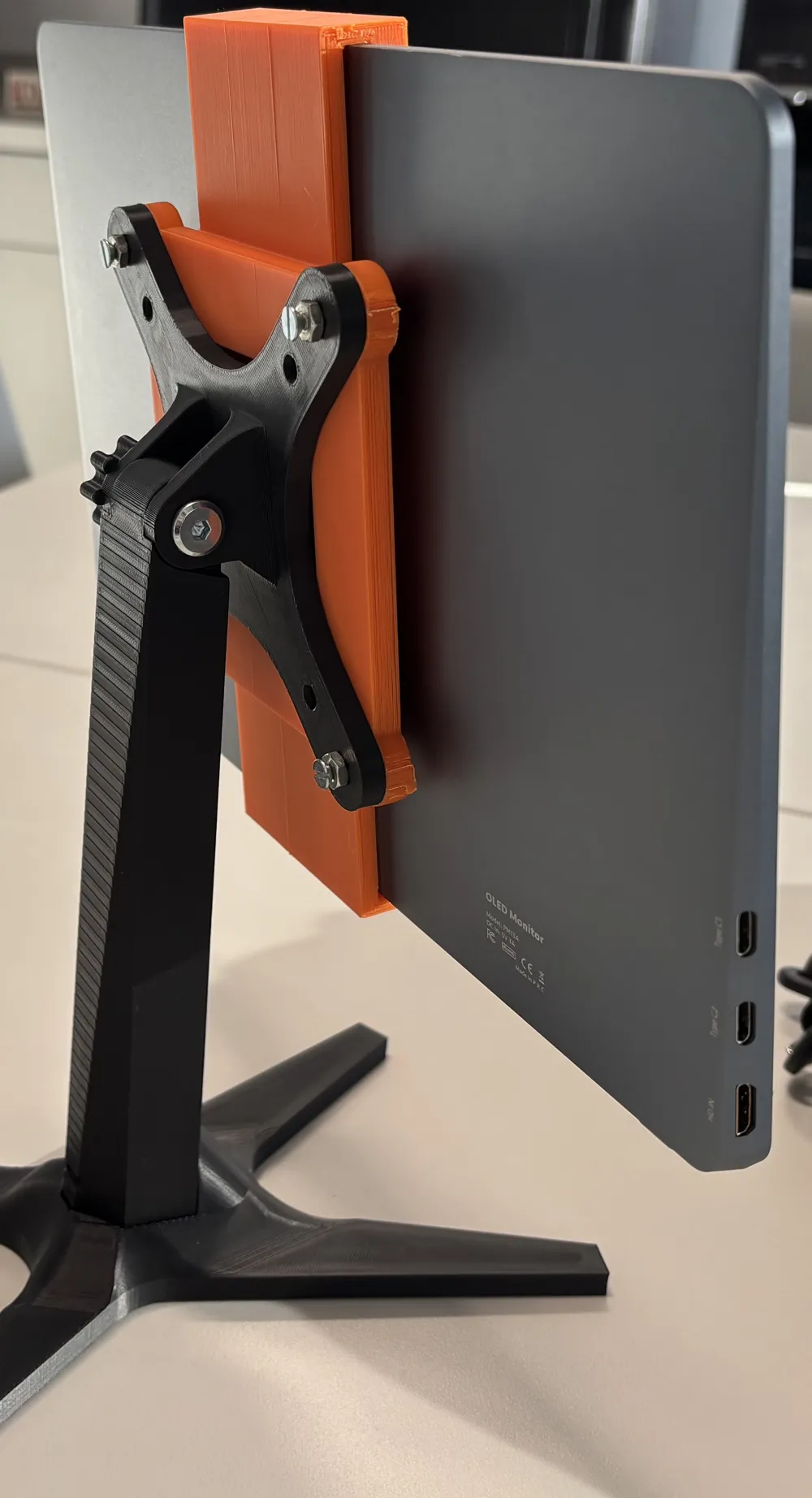
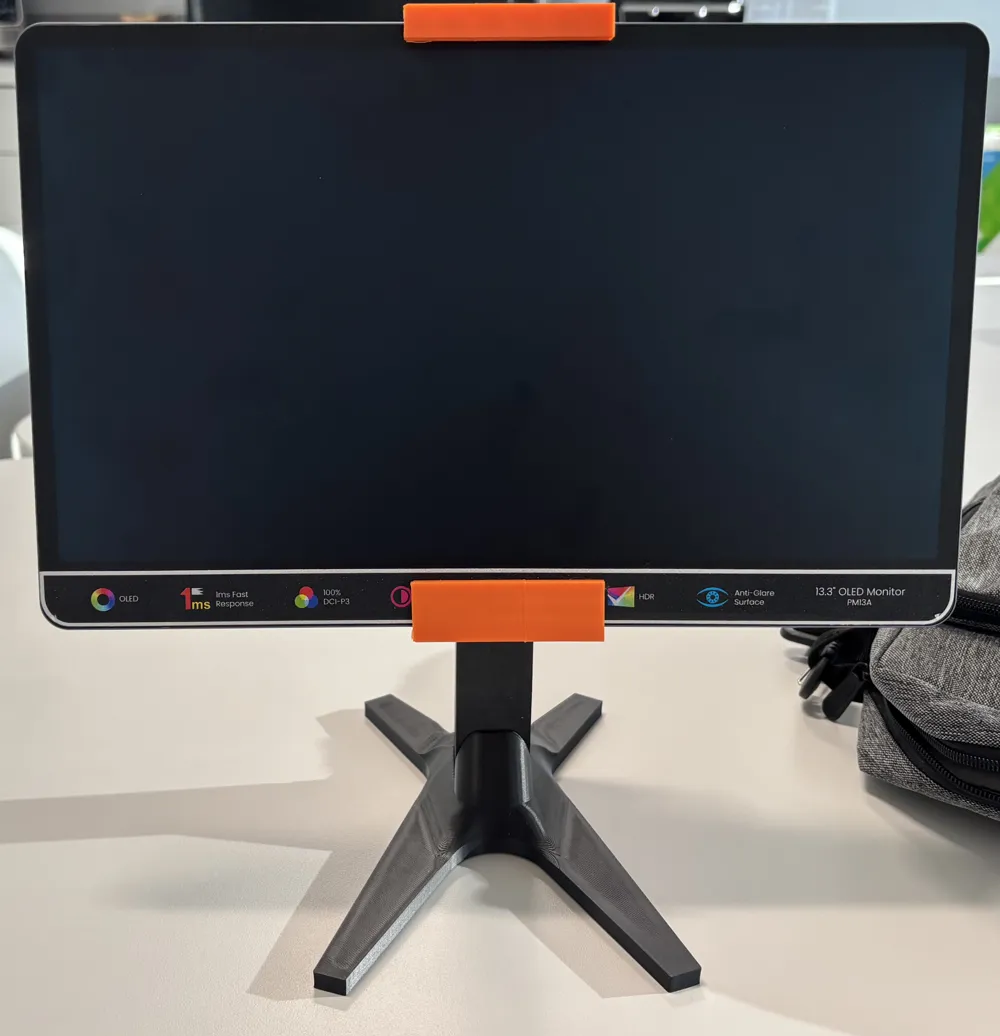
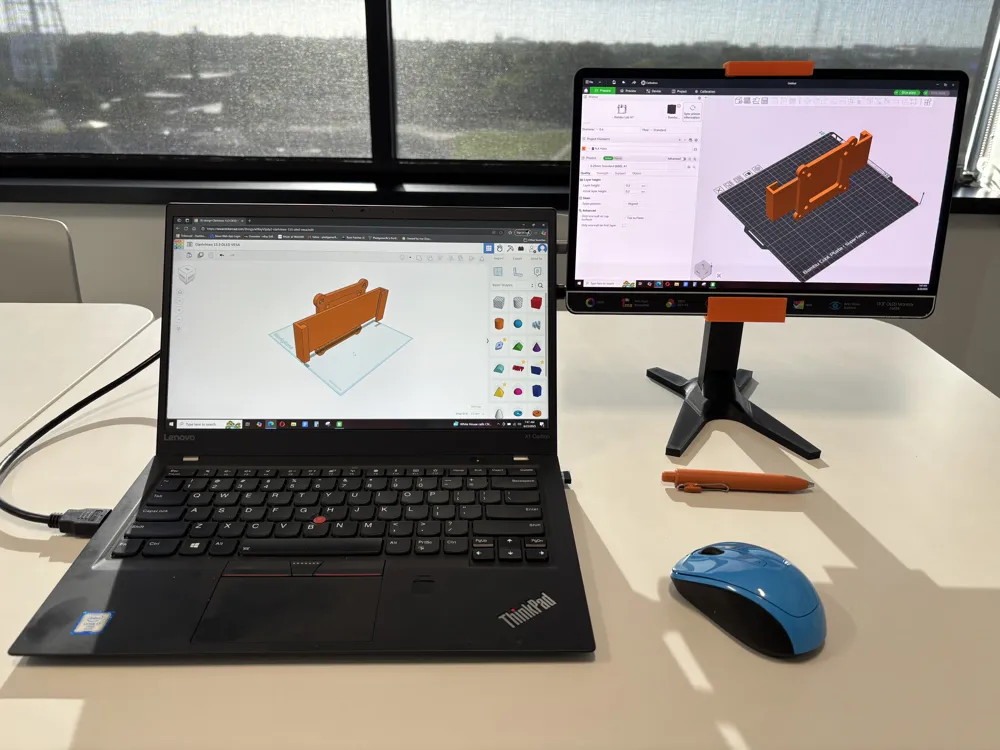
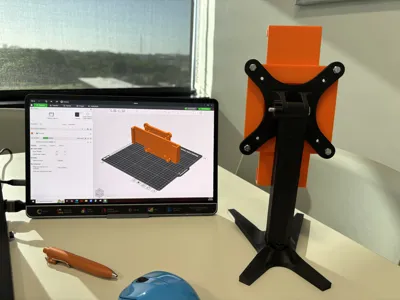
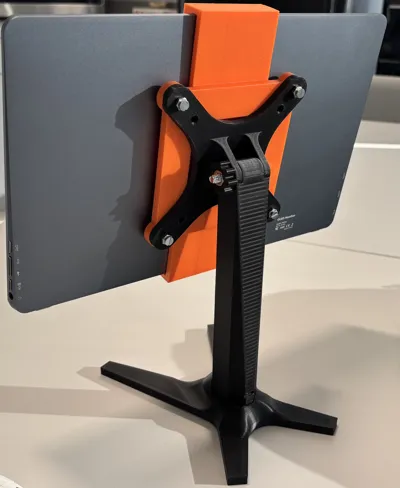
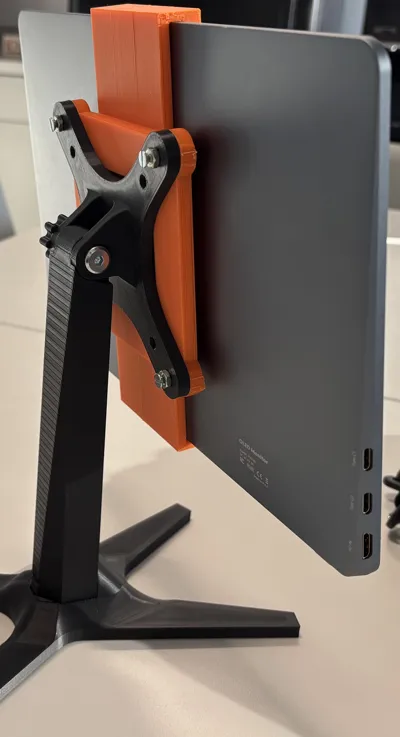
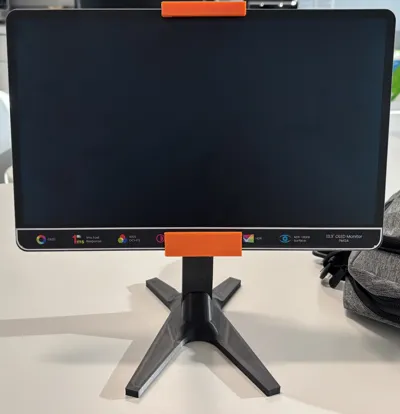
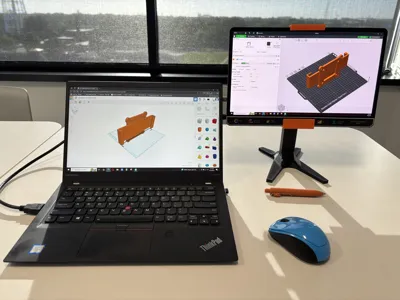
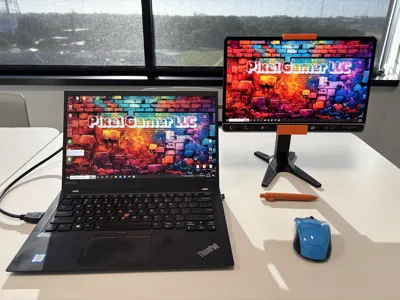
Slide in monitor mount to hold a Clariviews 13.3" OLED Monitor via a VESA Stand.
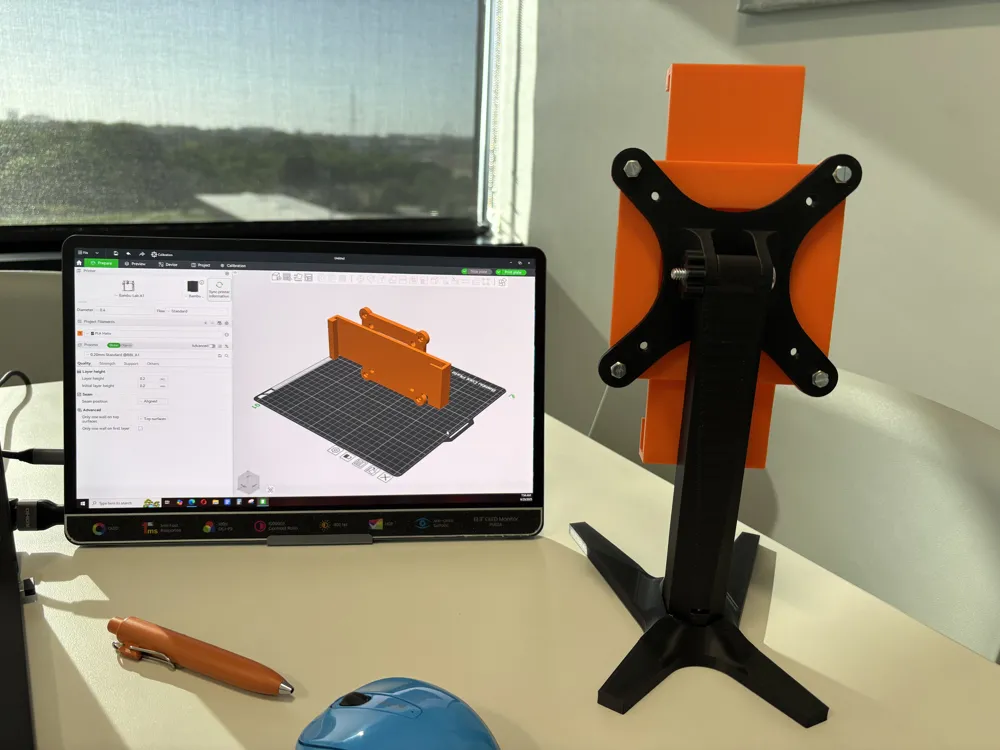
You will need attach the monitor mount to a 100x100 VESA Monitor Stand using a 6/32" x ¾" machine screw and a 3/8"x32 hexagon nut.
You can typically buy a small pack of 6/32" machine screws with matching nuts from your local hardware store.
This is the 100x100 VESA Monitor Stand shown in the images: https://makerworld.com/en/models/382066-simple-vesa-mount?from=search
Attach the mount to a VESA stand and slide the monitor in.
Both models in the images printed using Matte PLA.
License

This user content is licensed under a
Creative Commons Attribution-Noncommercial


Comment & Rating (0)