


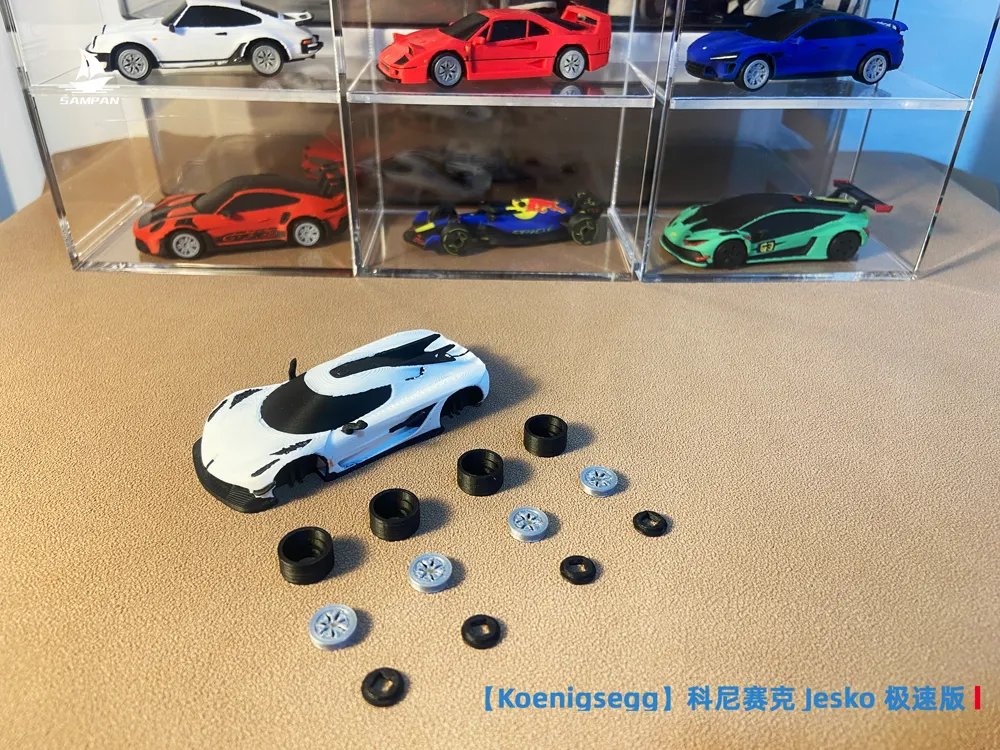
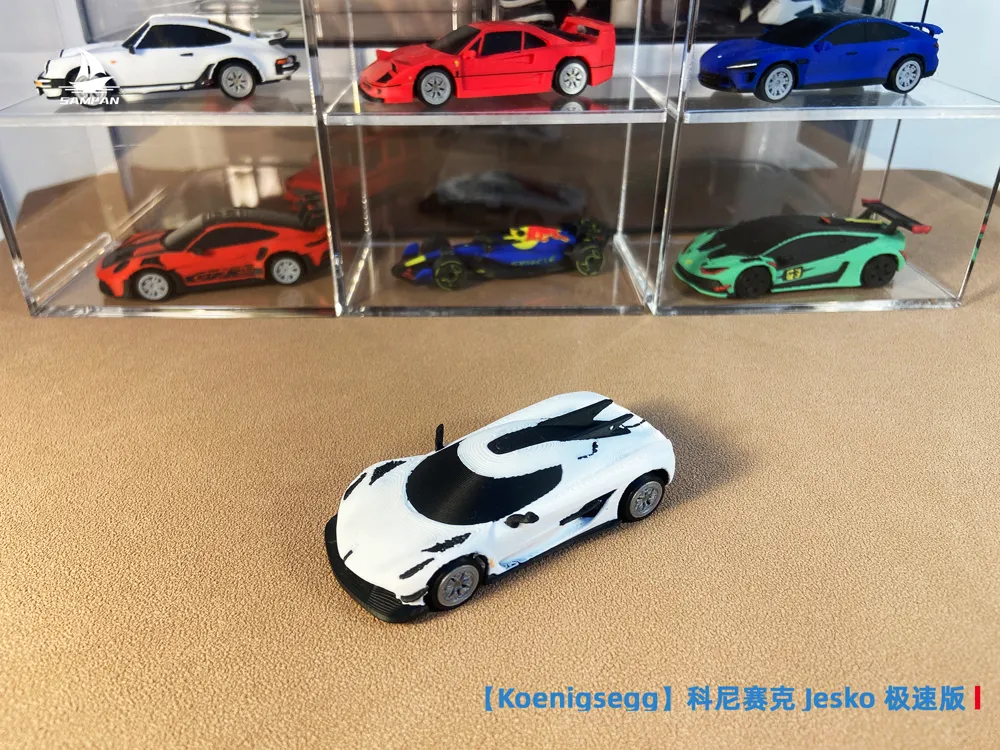
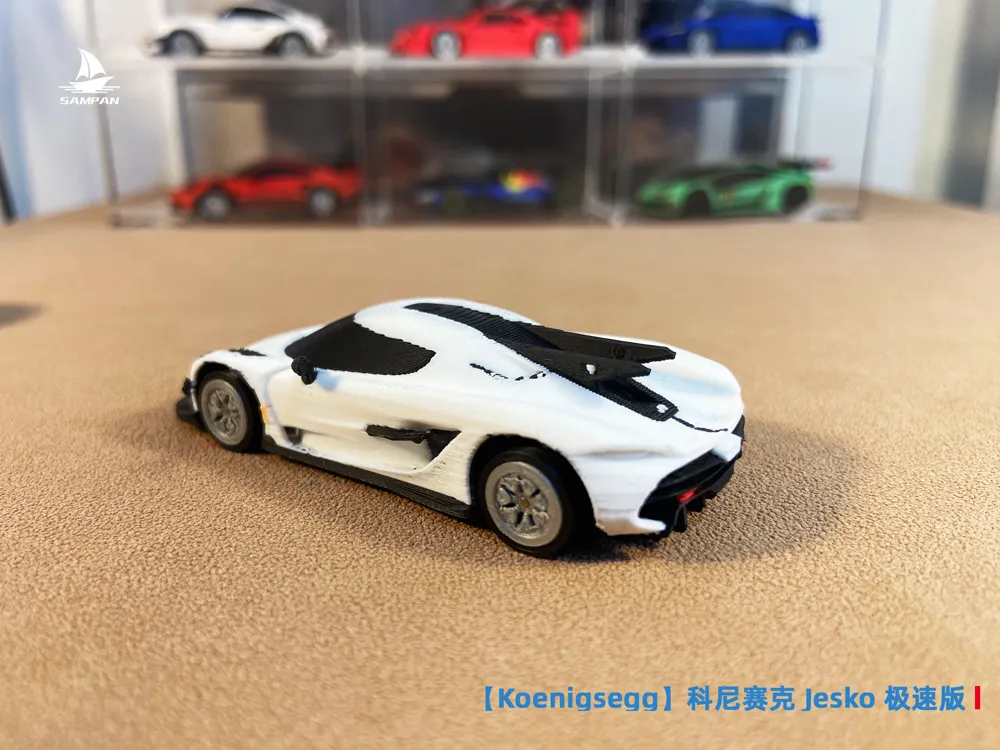
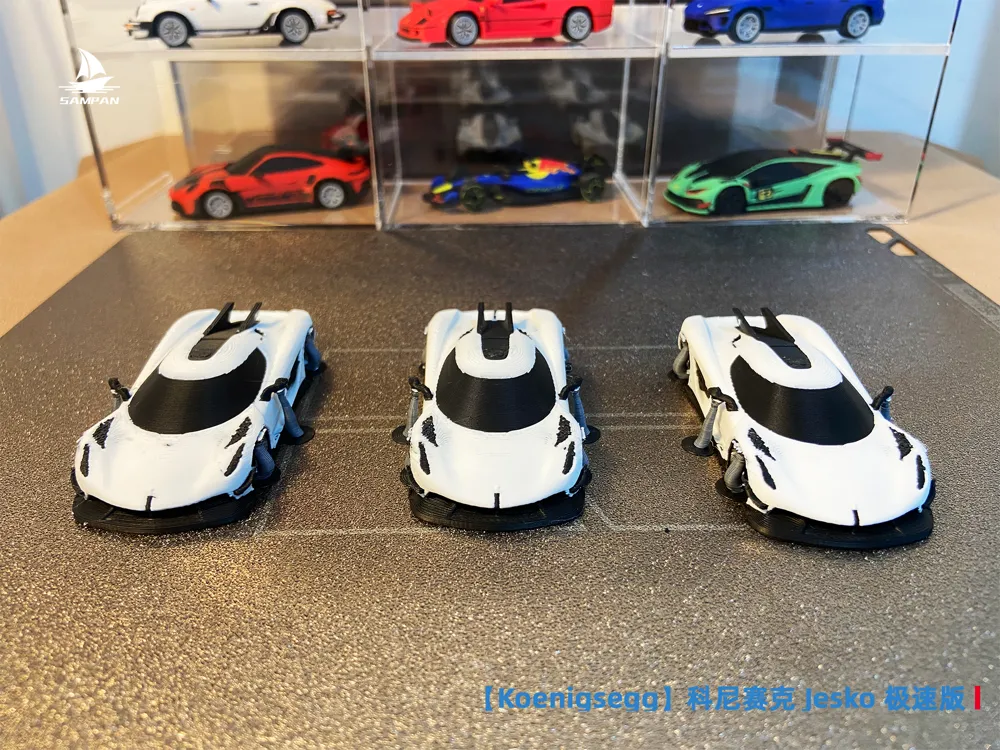
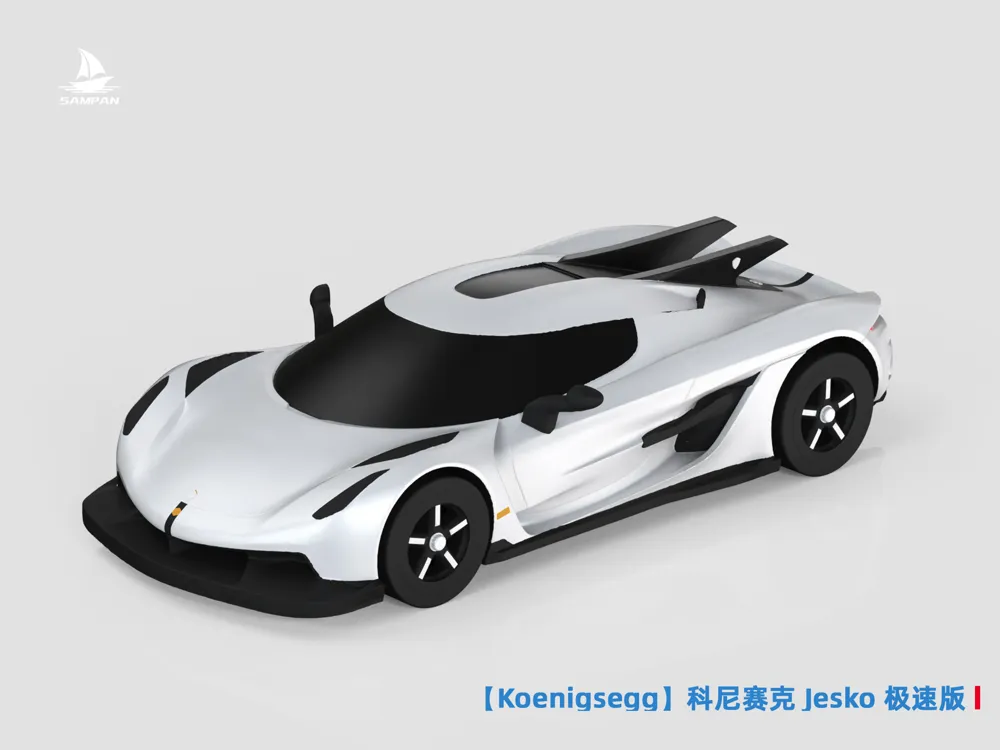
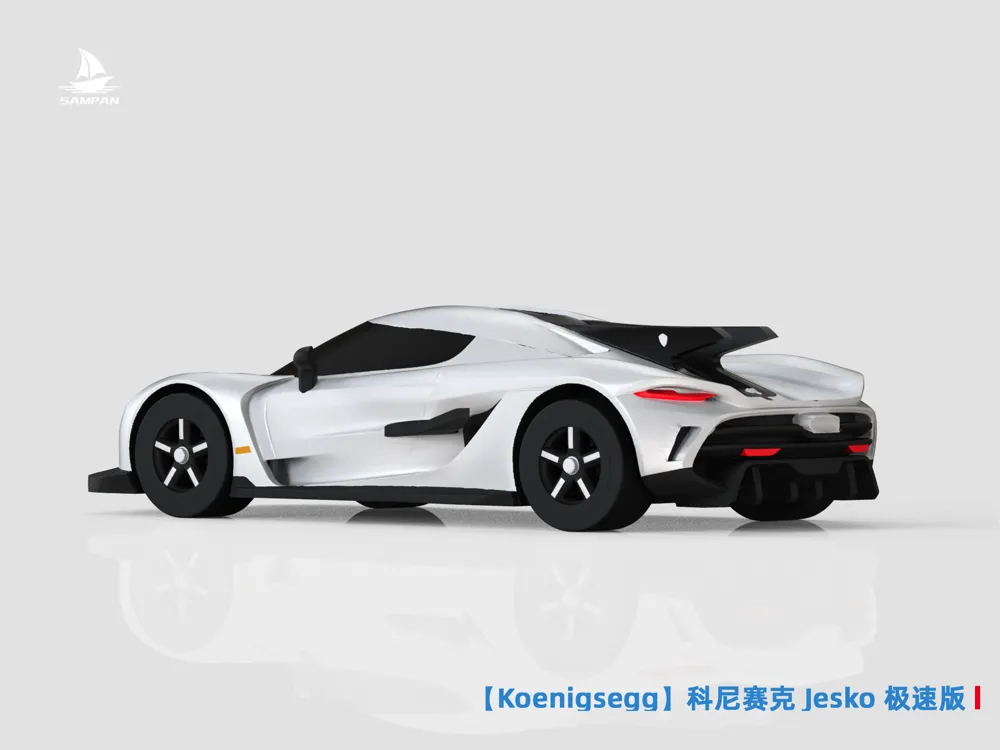

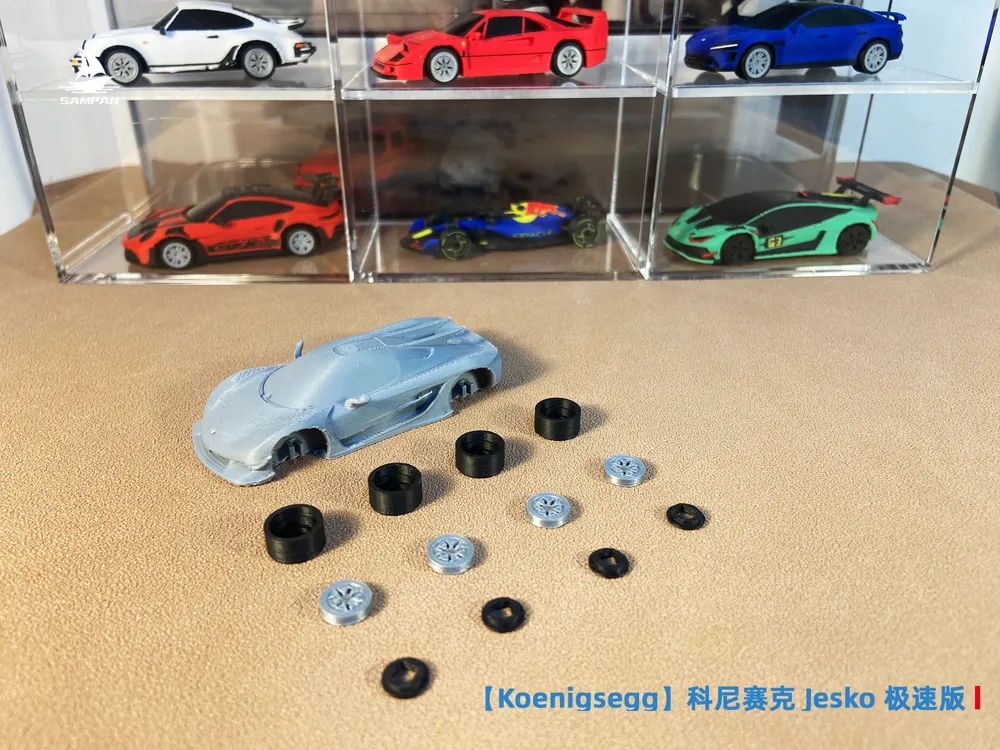
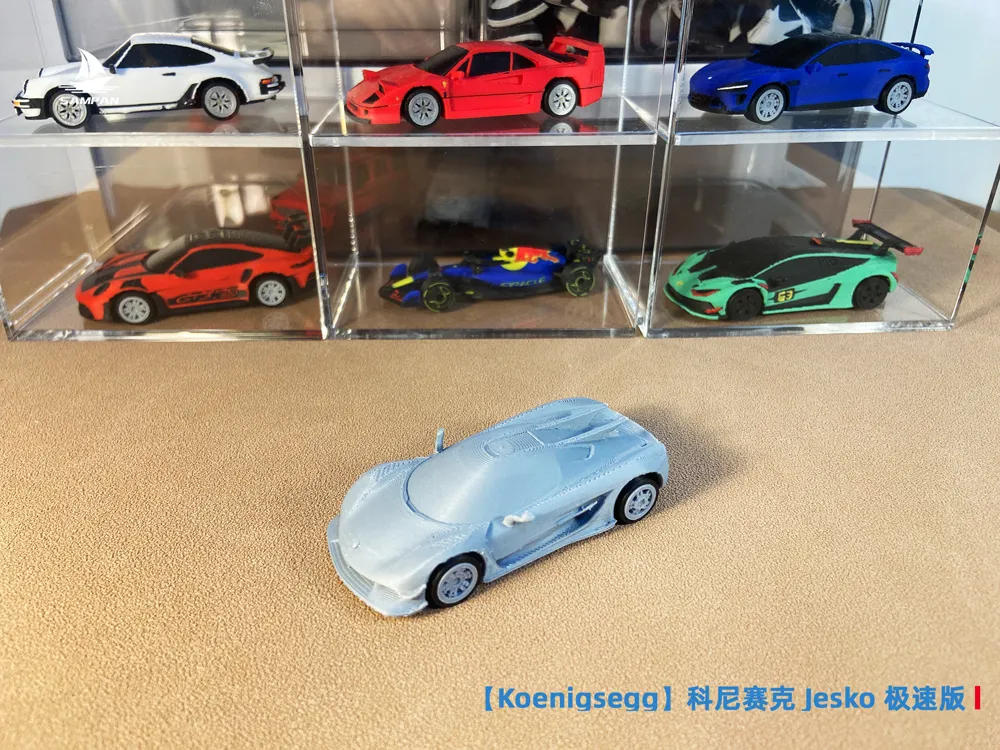
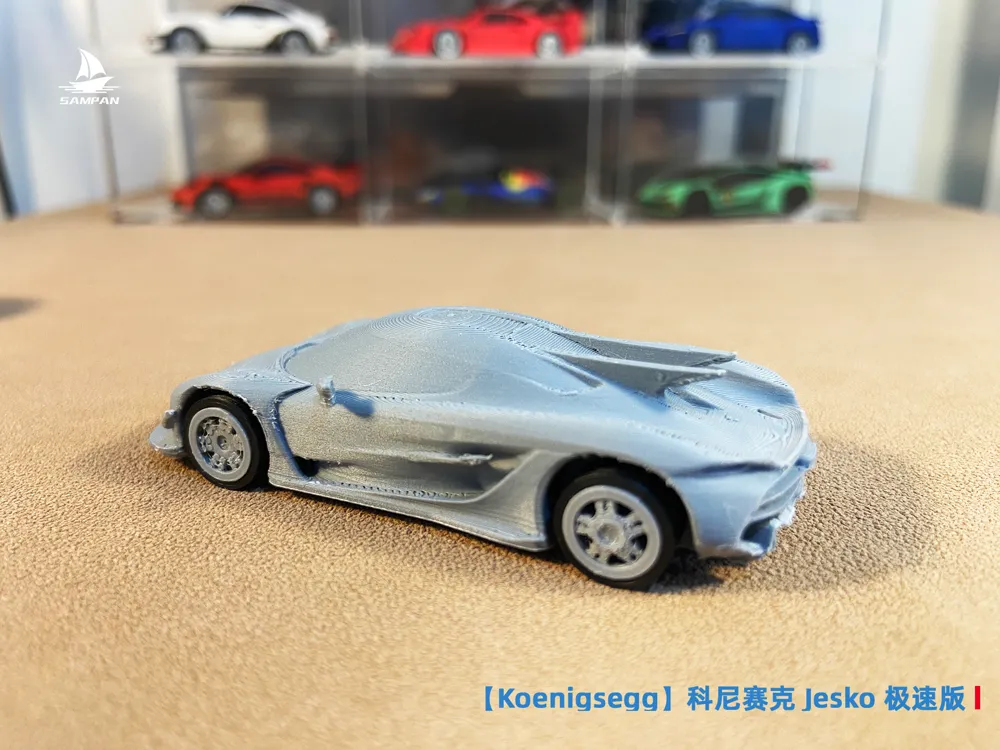
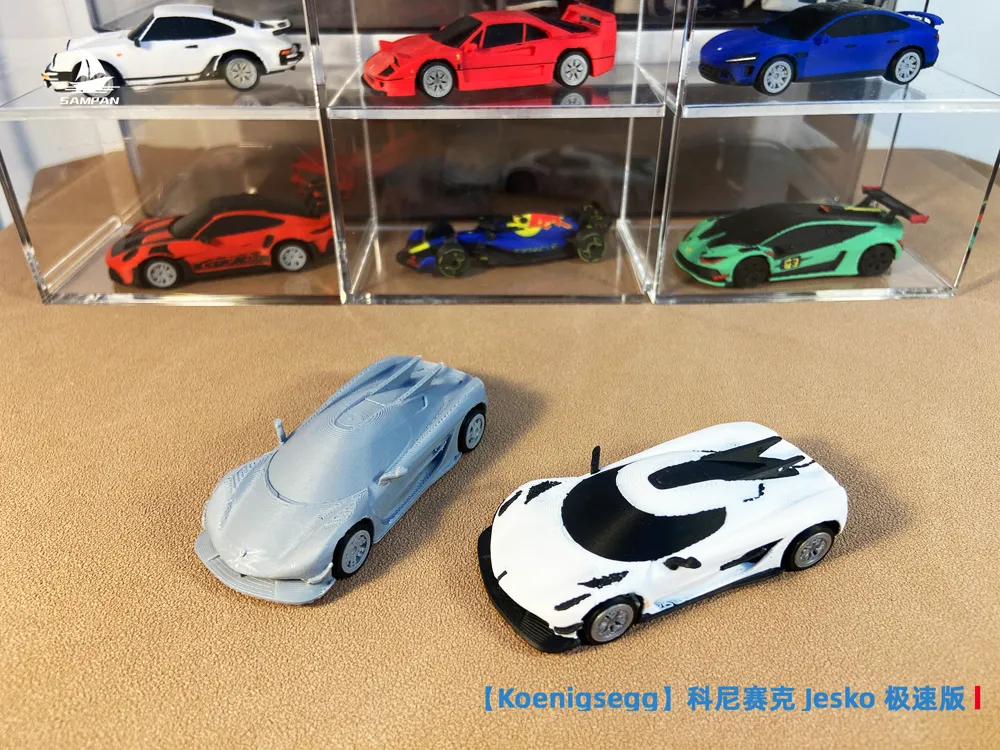
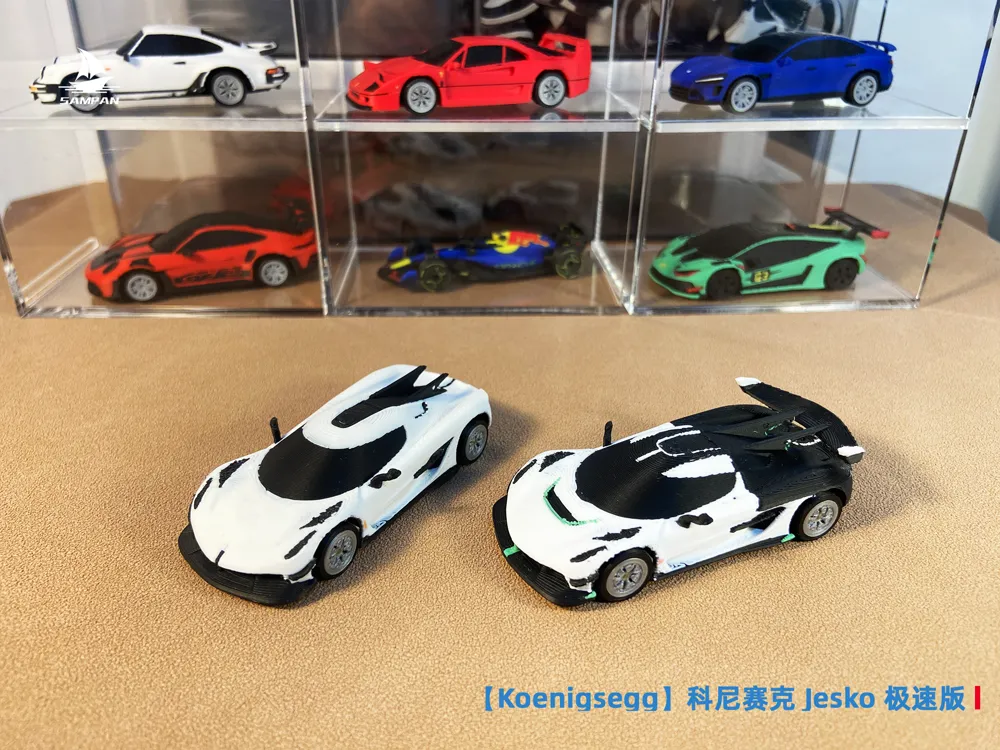
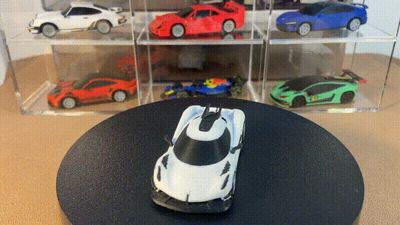
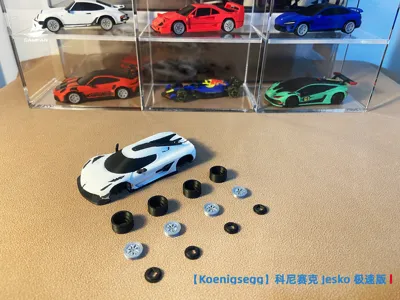
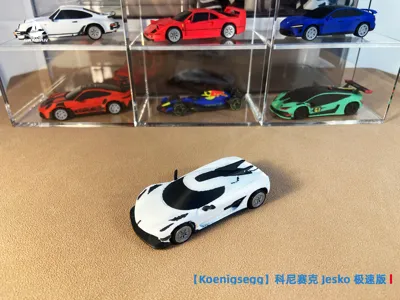
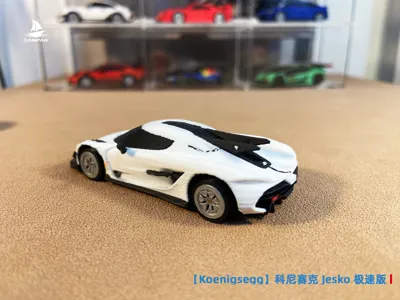
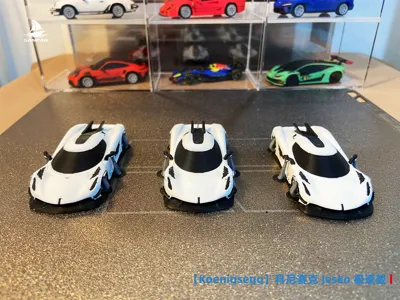
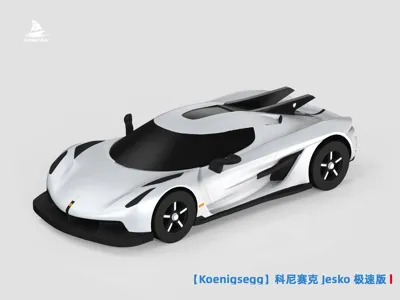
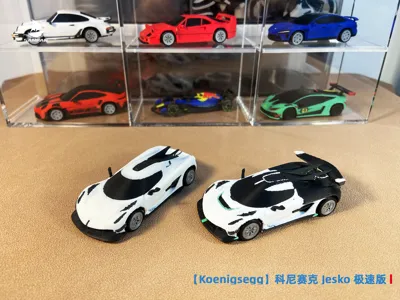
【Koenigsegg】Koenigsegg Jesko Absolute Speed Edition 1:64 Scale Supercar Model
Print Profile(2)


Description
Boost Me (for free)
If you like this model, please boost it! Your support is my motivation for continuous updates!
【Special Notes for F1 Models】
1. The author has conducted structural printing tests on all models before release. However, the F1 model has a complex structure and requires high printing precision. Newcomers are advised to use the parameters in the slicer directly for printing and not to adjust them arbitrarily to avoid printing failures; experienced players may ignore this reminder.
2. The printing effect of the model is affected by various objective factors such as equipment, filament, and environment. If you encounter problems during printing, you are welcome to contact me through comments or private messages, and I will assist in troubleshooting. Creating is not easy. Please communicate before evaluating and do not give low scores at will; malicious negative reviews will result in being blocked. Thank you for your understanding!
3. All models from the author are tested based on Bambu Lab printers, and the configuration files use Bambu Lab's official slicing software. If you are using other brands of printers, it is recommended to adjust the parameters according to your own equipment's slicing software and preview before printing. Thank you for your cooperation!
4. As multi-color printing becomes the trend, the model is sliced with the H2C multi-nozzle printer by default. For other models, please refer to your own model for slicing preview to check the time and filament consumption.
5. Thank you again for the recognition and support from fellow enthusiasts. I hope to receive your likes and boosts. In 2026, let's unlock more F1 models together!
【Read Before Printing!!! Warm Tips】
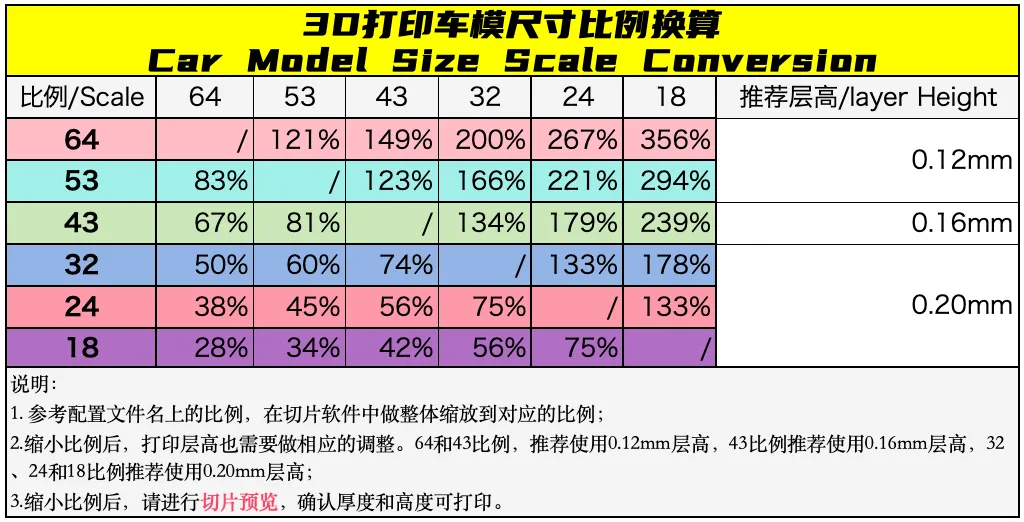
It is strongly recommended to print the single-color configuration first before printing the multi-color configuration to test the model structure and slicing effect (Cost of single-color model printing: 64 scale 15g filament, 2 hours. 43 scale 50g filament, 3 hours). After being satisfied with the model's appearance, articulated structure, and slicing effect, then print the multi-color version. Thank you.
Note: Before printing the multi-color configuration file, you can enlarge it according to the complexity of the paint scheme. Preview in the slicing software to check the details and ensure printability.
---------⇪3D Printing Instructions-----------⇩ Product Introduction--------------
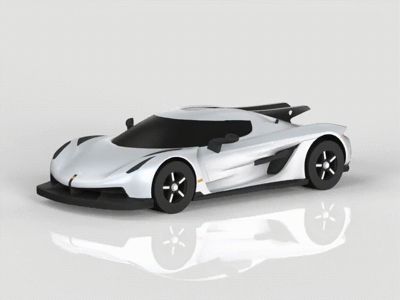
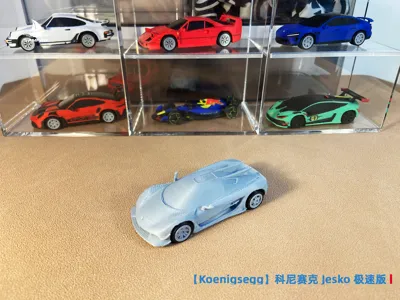
The Koenigsegg Jesko, inspired by fighter jets, features an exposed carbon fiber body and aggressive aerodynamic design.
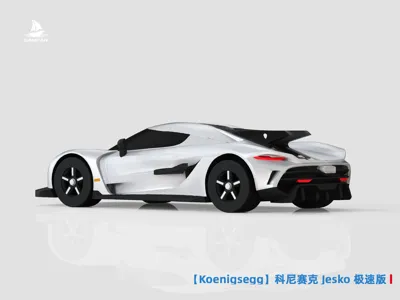
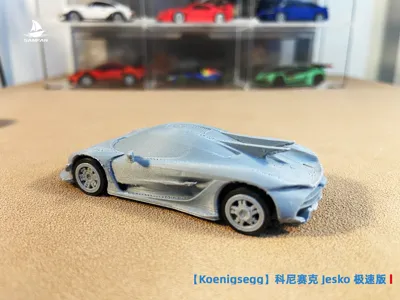
The front fascia is equipped with sharp LED headlights and large air intakes, paired with a slender carbon fiber front lip, resembling a predatory beast. The side lines are as sharp as wind blades, and when the rotor doors open, they are like butterfly wings unfolding. The rear is equipped with an active spoiler and a centrally positioned quad-exhaust, and the Absolut version further adopts the dual vertical tail fins of the F-15 fighter jet, with a drag coefficient of only 0.278.
The whole car is like a flowing sculpture, perfectly blending aesthetics and engineering prowess.
Reaching 50 boosts, a 1/43 multicolor part version will be released.
Model Description
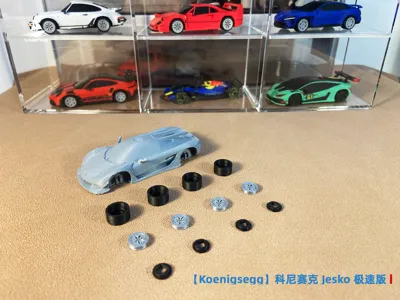
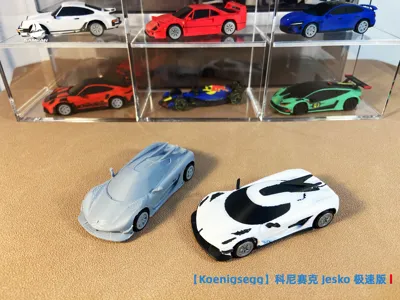
- Includes monochrome and multicolor print configurations: monochrome allows for painting and decal application. Multicolor print configurations can be printed directly (consumes more filament and takes longer), and can also serve as a reference for monochrome painting
- Movable wheels, glue-free assembly
- Replaceable with a wide variety of wheel hubs from this account, browse the homepage and download your favorite wheel hub styles
Dimensions
- 1/64 scale
- 1/43 scale: Scale the model up by 150% for sharper details
- Sliced files use minimum printer size settings. You can adjust the number of models printed at once according to your printer size to save time and filament
FDM Print Settings
- The physical model uses a 0.4mm nozzle, 0.12mm layer height, and official PLA on an A1 mini. Using higher-parameter equipment, settings, and filaments will yield better results (may result in overly tight or loose assembly; this can be compensated by adjusting the XY outline dimensions of the components, or by using sanding tools and 409 glue for processing and connection)
- Infill density: 15%. Increase for a more substantial feel in hand, infill density can be adjusted to 100%
- Support: Uses a combination of normal and tree supports
- Various painted versions will be released later; follow this account to stay updated.
- You can also adjust the parameters according to your printing experience
Support Removal Instructions
- The model is small, so supports have been added in key areas. Removing supports requires flush cutters and tweezers. Simply breaking them by hand is likely to cause structural breakage, especially the rearview mirrors and rear wing parts
- Tip: To ensure successful removal of multicolor models and avoid breakage, you can first print a monochrome model to understand the model and support structure, and then remove the supports from the multicolor model (if broken, use 409 glue to connect)
Monochrome Painting Reference
- Sanding: (Optional) Sand in the order of 400-600-800 grit
- Painting: Use acrylic paint and brushes (to address the issue of layer lines seeping through, apply the main color in large areas first, then paint the edges)
- Polishing: Use a velvet cloth to polish, revealing the gloss of the acrylic paint
Assembly Instructions

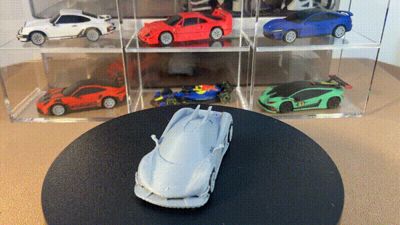
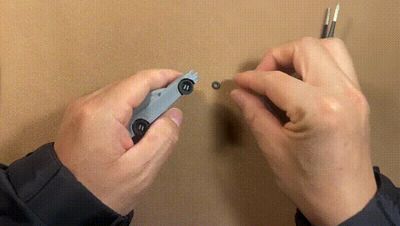
- For long-term stability, wheel installation requires firm pressure. The initial rotation will be tighter; it will become more flexible with repeated use. See the GIF for wheel installation instructions
- For easier installation of the wheel calipers, a wheel caliper installation tool has been specifically designed and manufactured. Link: 64 scale wheel caliper installation tool from SAMPAN棱界复刻 - MakerWorld
Visit the author's homepage to see all vehicle models, welcome to like and follow!
Hope to see more friends share your printing photos, I'm curious what kind of works you will print!
We will continue to release various high-precision 3D printed vehicles, thank you for your attention and support!
Membership
China site:https://makerworld.com.cn/zh/@sampan1120
International site:https://makerworld.com/zh/@sampan1120
License

You shall not share, sub-license, sell, rent, host, transfer, or distribute in any way the digital or 3D printed versions of this object, nor any other derivative work of this object in its digital or physical format (including - but not limited to - remixes of this object, and hosting on other digital platforms). The objects may not be used without permission in any way whatsoever in which you charge money, or collect fees.


Comment & Rating (52)