
Print Profile(1)

Description
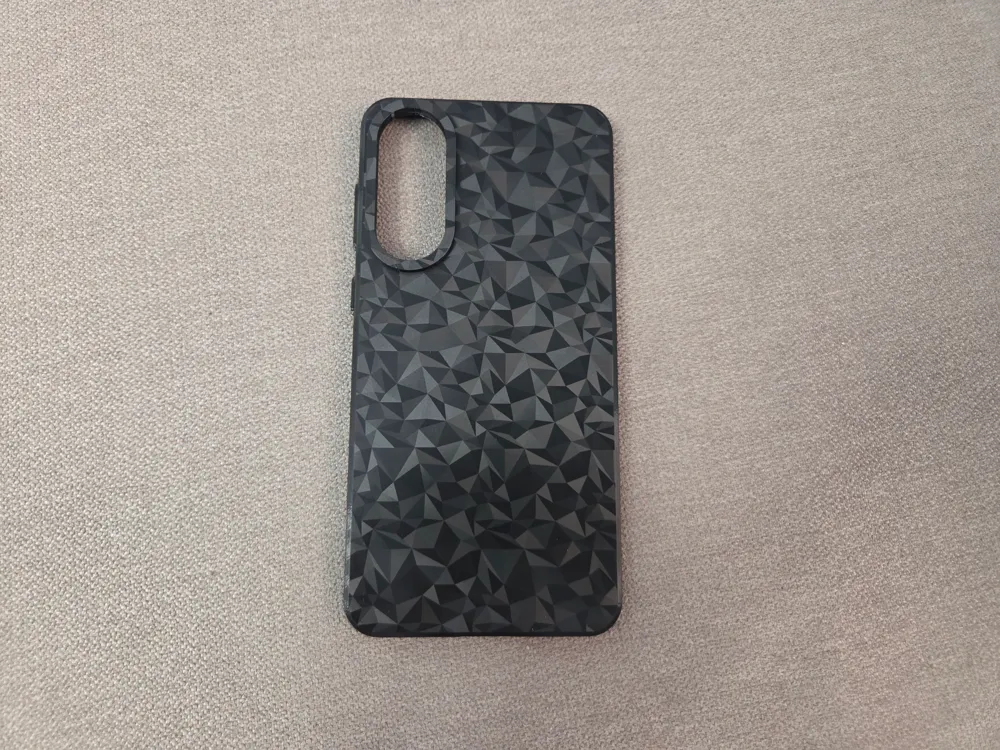
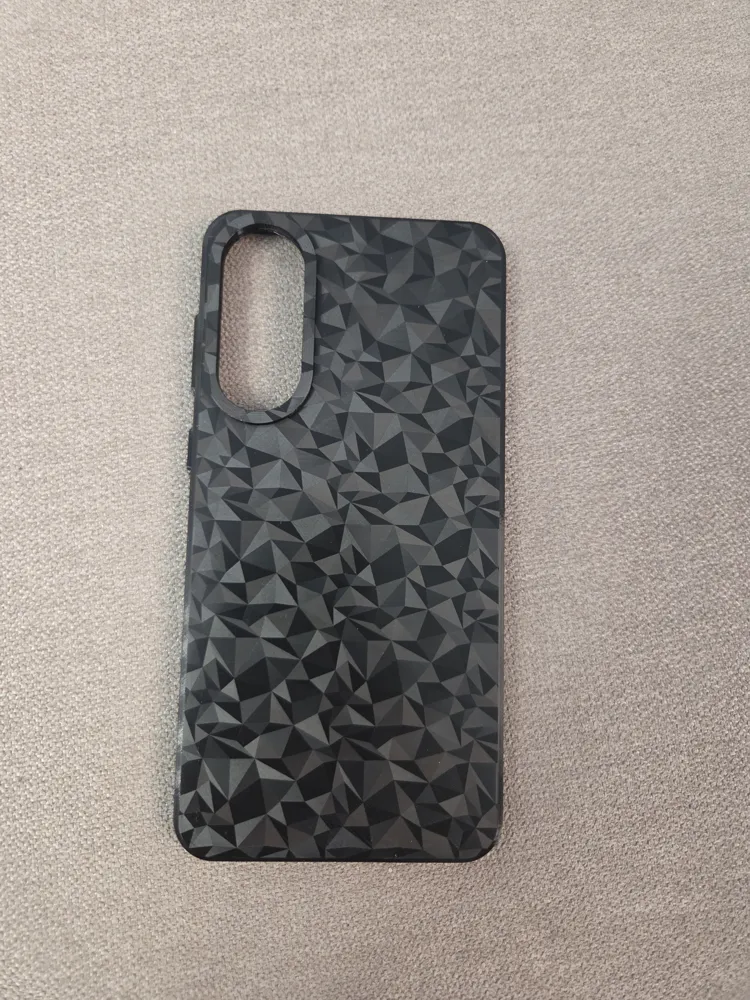
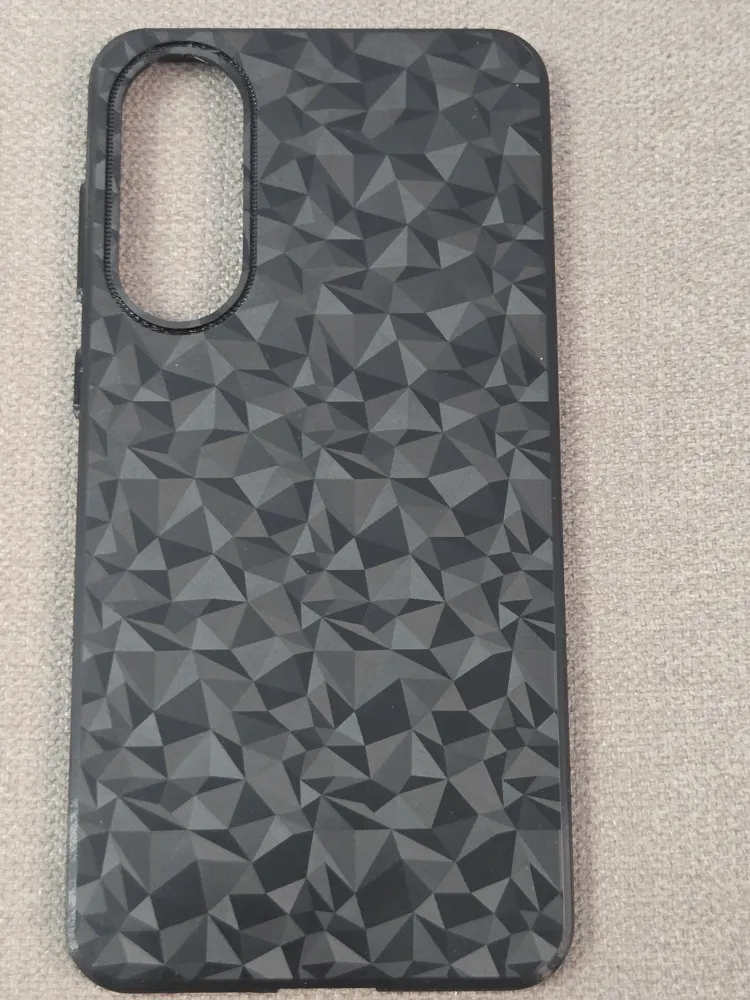
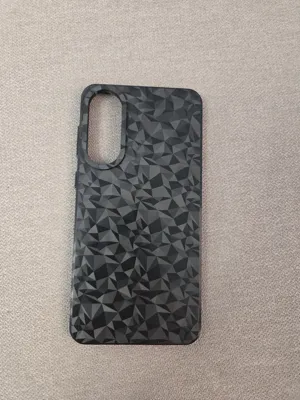
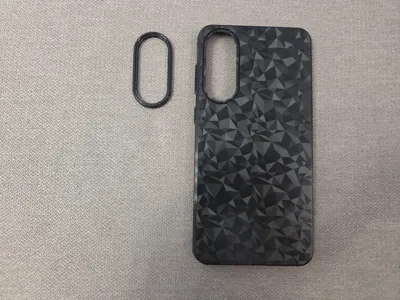
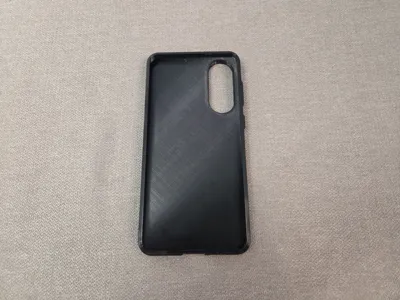
Samsung Galaxy s25 Edge TPU phone case. *Only to be used with the s25 EDGE model
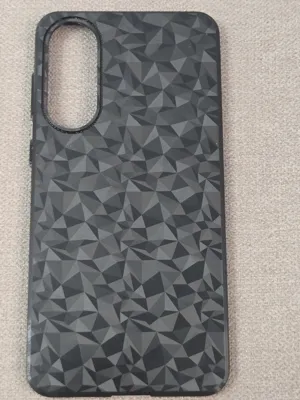
Designed for textured bed plates so the pattern transfers onto the back of the case.
If you use a smooth plate or a plate with no pattern, the case will still print fine, but the back will be plain instead of patterned.
Boost Me (for free)
please boost to support my work if you like my designs and dont forget to ask for modifications if needed. happy printing :)
Features:
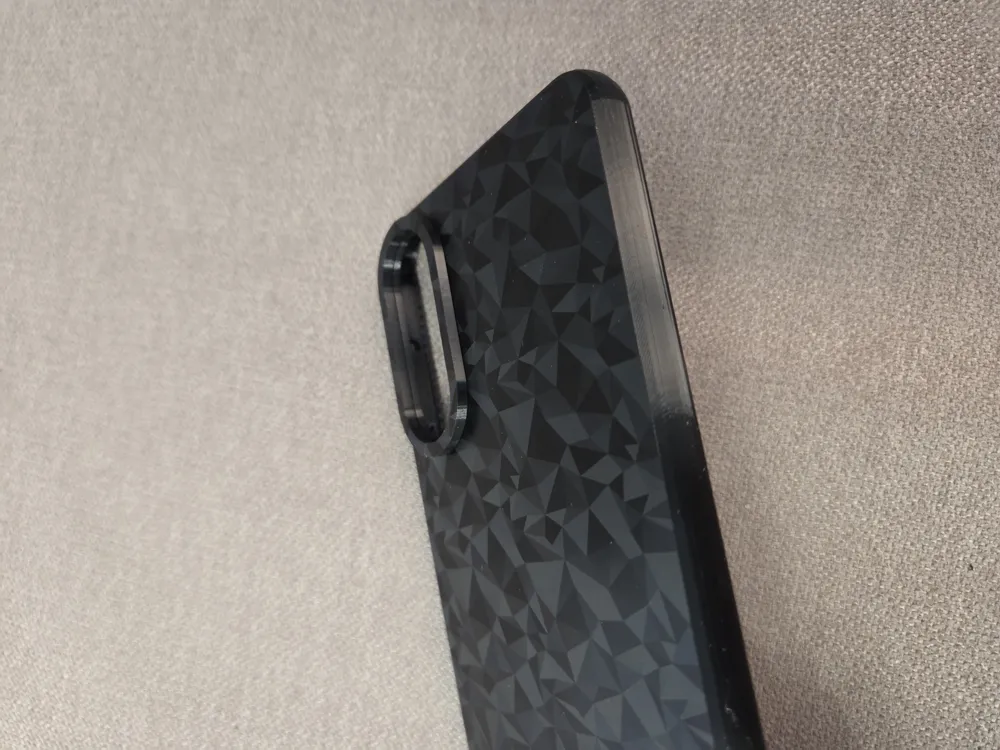
- Rigid side walls to avoid sides that are too soft and move out with the movements of your fingers leaving the top unprotected in case of a drop.
- Rounded sides provide a more comfortable feel and extra structural strength.
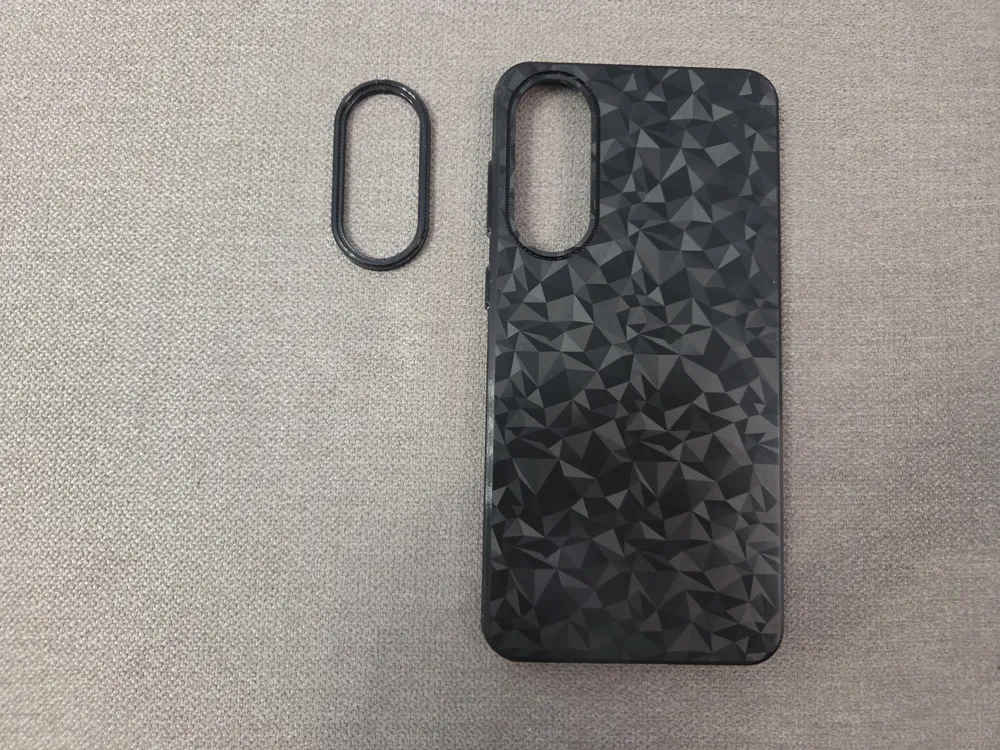
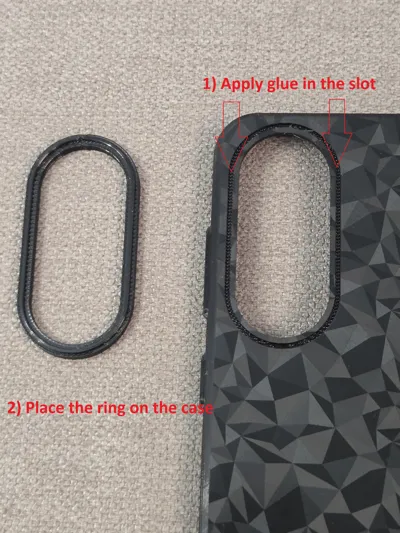
- Camera protector as a separate file to allowing the main case to be printed flat for plate pattern transfer
Large USB cutout in order to fit all kinds of USB plugs and cables
Assembly:
The phone's cameras stick out significantly and transferring the bed plate pattern requires the case to be flat.
To keep the case thin and flat while still protecting the cameras, the camera protector was separated and made as a separate printable part.
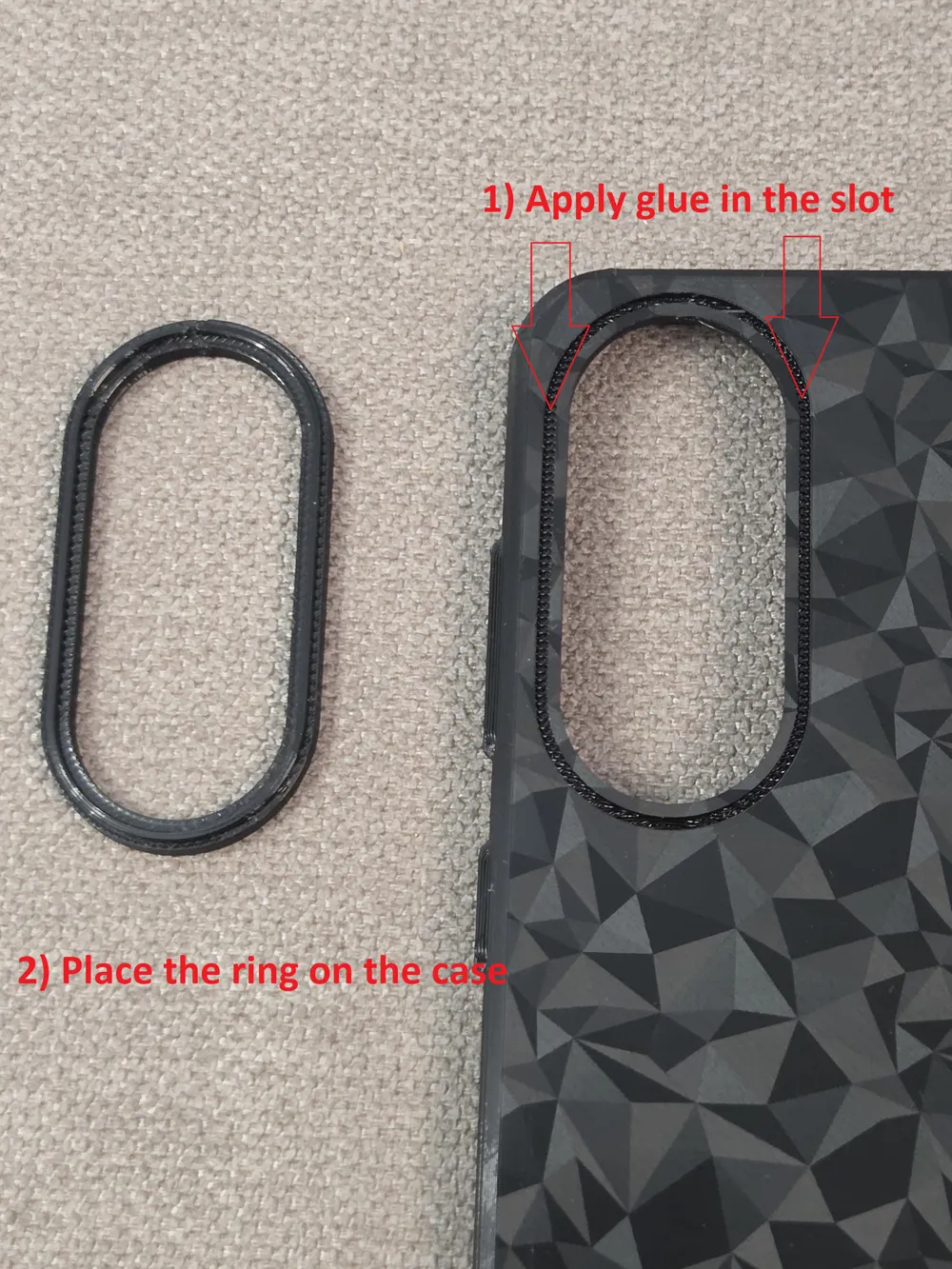
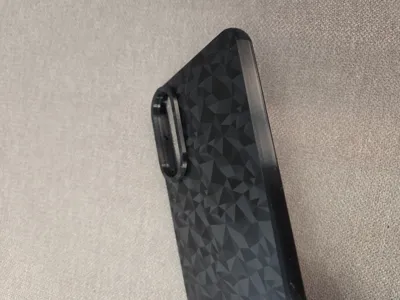
After printing both pieces, apply some glue in the slot around the camera cutout on the case and attach the camera ring protector in place.
(Regarding types of glue, i guess silicone is a good option as silicon is flexible which will allow the case to be bent and deformed without breaking the bond, but super glue will be easier to apply so you can give it a try and see if it works. (applying silicon might be easier if you use a toothpick to put some silicon inside the slot)
Supports removal instructions:
The print profile uses custom painted supports, which are easy to remove.
Start by pushing the support from the bottom of the USB cutout inward toward the center of the case. An X-Acto knife can help detach the bottom support layer.
Once the bottom is free, carefully detach the top support. The top overhang of the USB cutout is very thin —as the usb connectors are as thick as the phone itself— so be gentle to avoid damage.
TPU is strong and flexible, but it’s still better to be cautious.
After both the top and bottom supports are detached from the usb cutout, just pull the rest out. With a 0.5 mm bottom support clearance, supports come off easily without leaving noticeable marks.
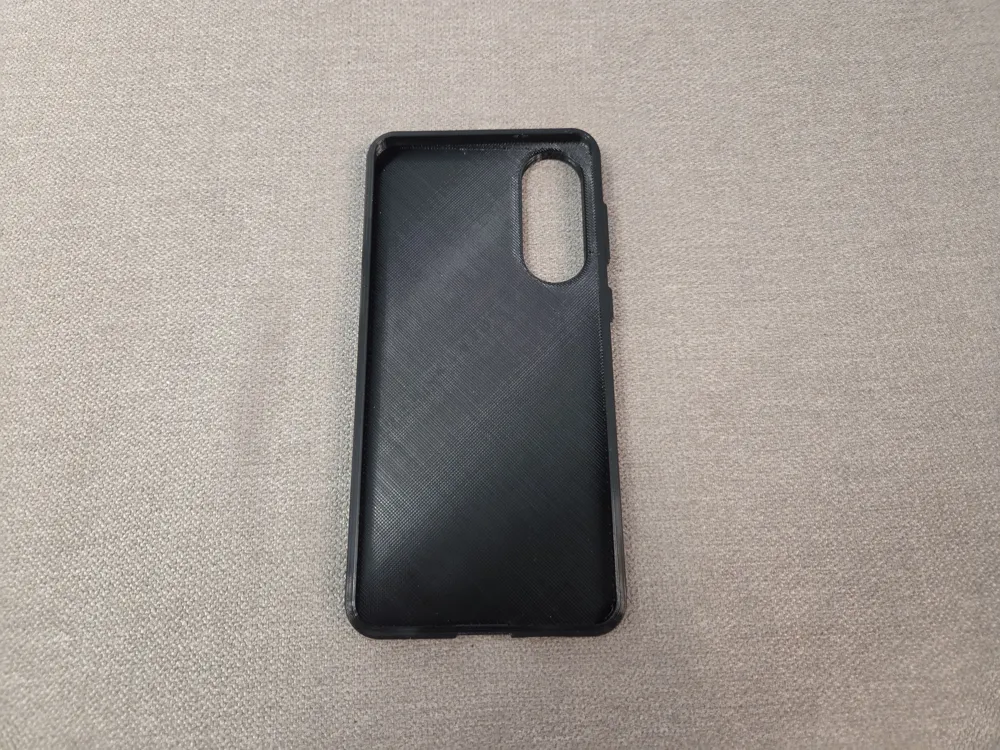
Finally, inspect the top solid layer where the supports were sitting on, as the first layer of the support interface often remains stuck as shown in the following pircute and will need to be peeled off.
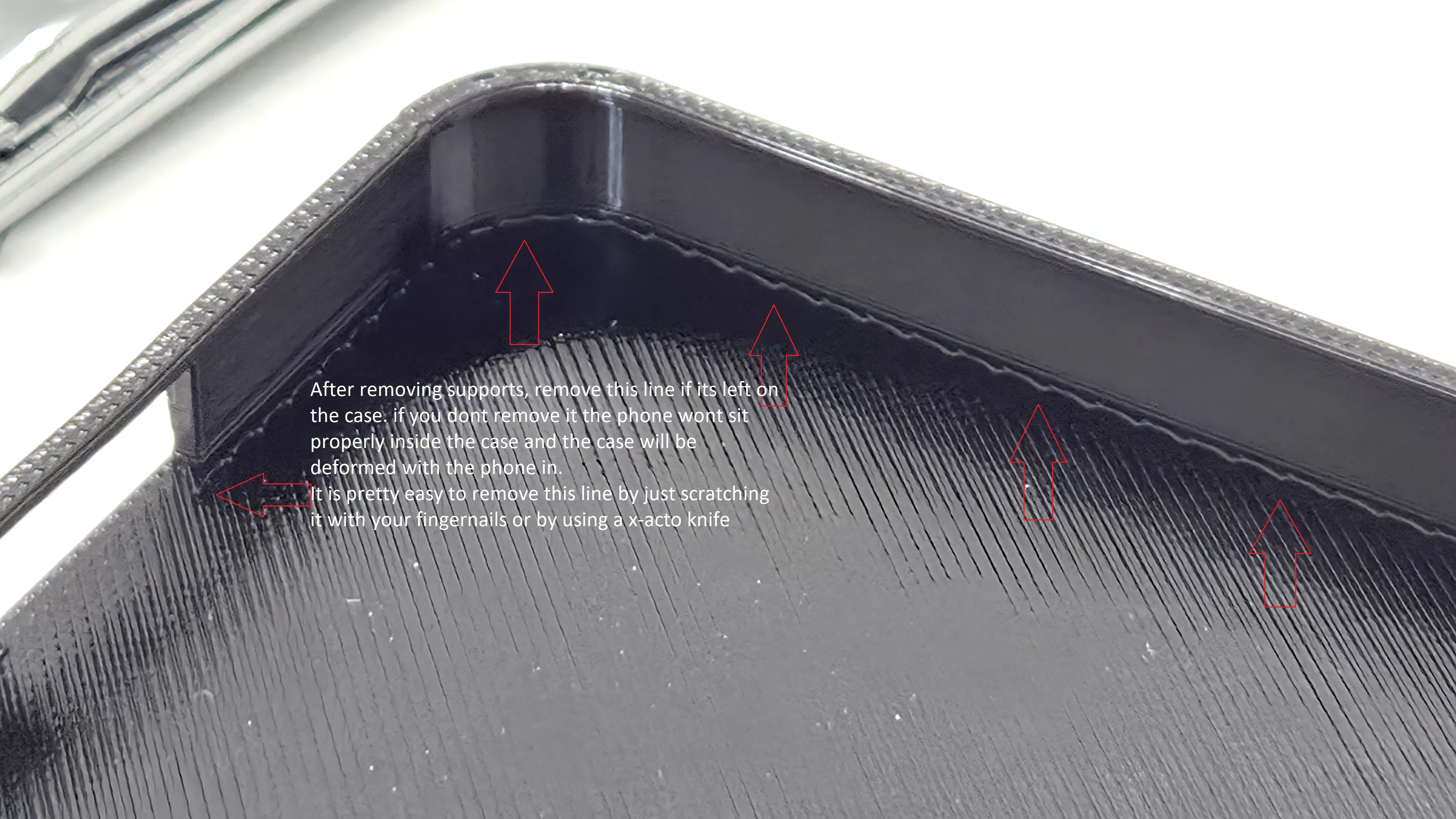
Remove the support interface before putting the phone in as the phone wont sit properly if you don't remove it and the case will be slightly deformed.
this line gets removed easily by running your fingernail along it and scratching it/pulling out or by sliding a X-acto knife under it.
License

You shall not share, sub-license, sell, rent, host, transfer, or distribute in any way the digital or 3D printed versions of this object, nor any other derivative work of this object in its digital or physical format (including - but not limited to - remixes of this object, and hosting on other digital platforms). The objects may not be used without permission in any way whatsoever in which you charge money, or collect fees.


Comment & Rating (8)