
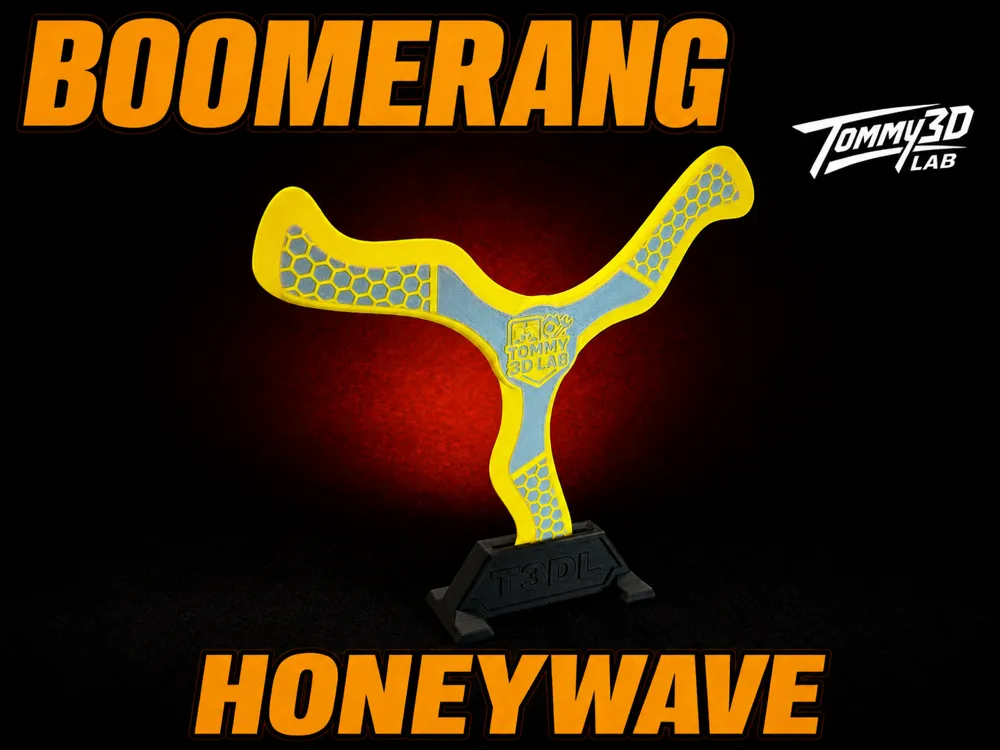
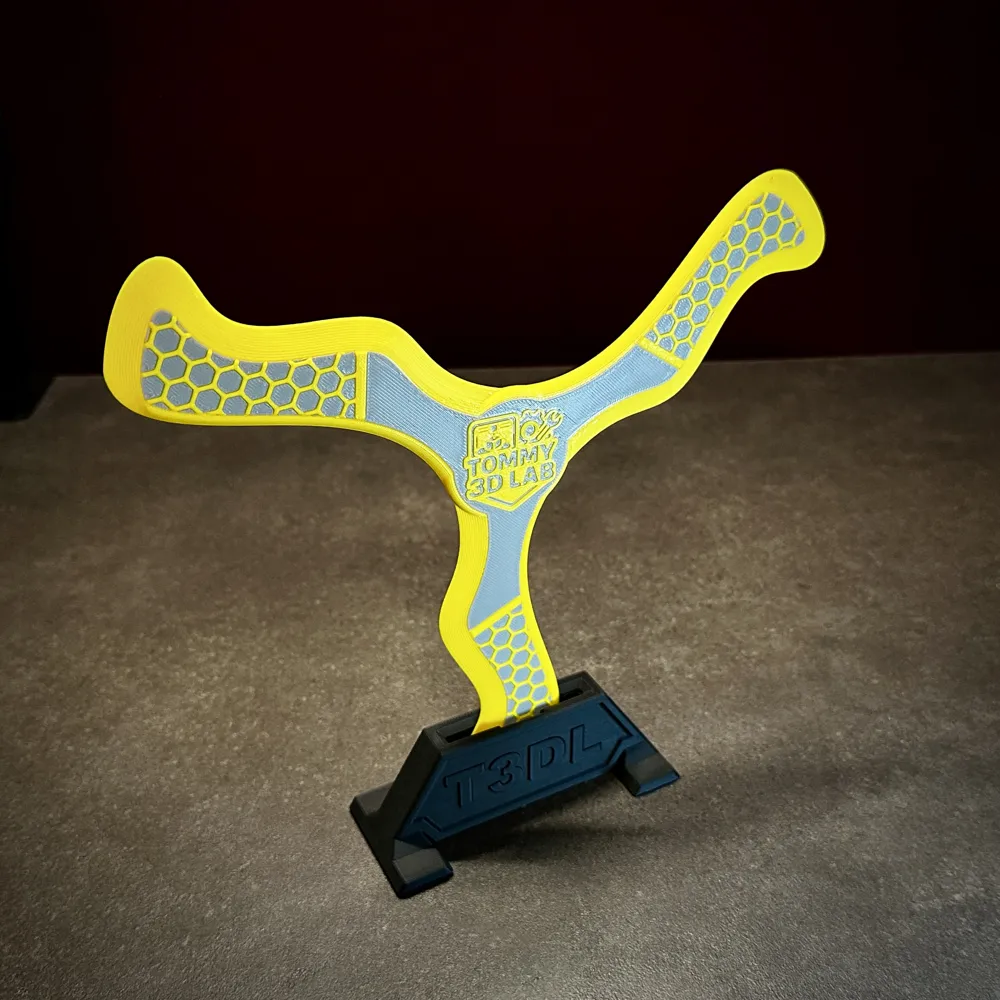
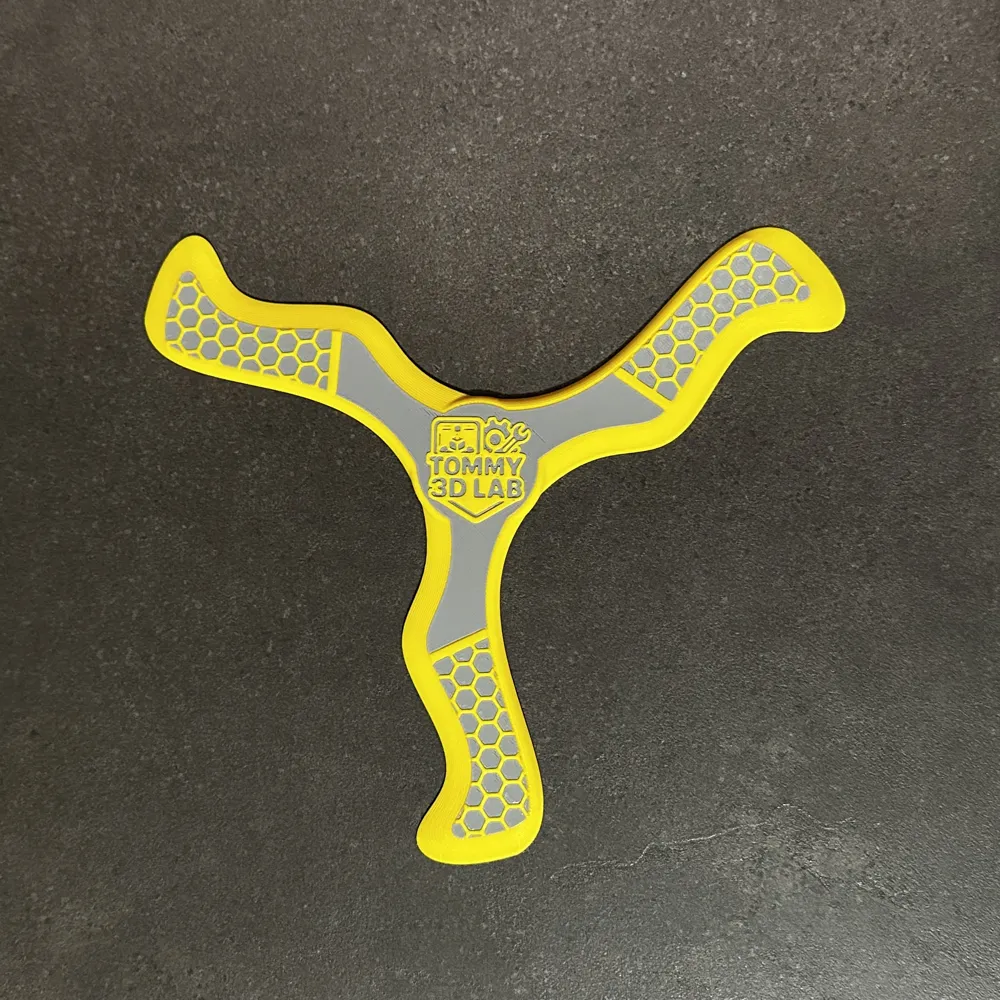
Boomerang - HoneyWave
Print Profile(6)



Description
Membership
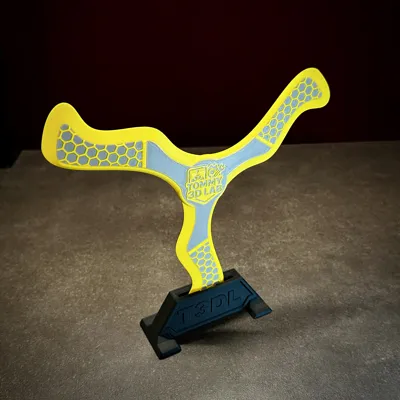
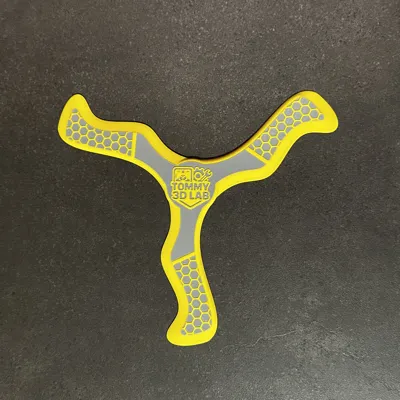
The HoneyWave boomerang model is noticeably easier to throw than the HoneyBone, yet both offer excellent flight characteristics.
HoneyWave is especially well-suited for beginners, thanks to its reliable return… which helps avoid a lot of frustration early on.
I've included a video where you can clearly see how consistently and smoothly it flies back.
Check out my indoor series here:
https://makerworld.com/en/models/2492492-indoor-boomerang-maple-series#profileId-2739047
Check out the video and see how well it flies in action!
How to Throw a Boomerang
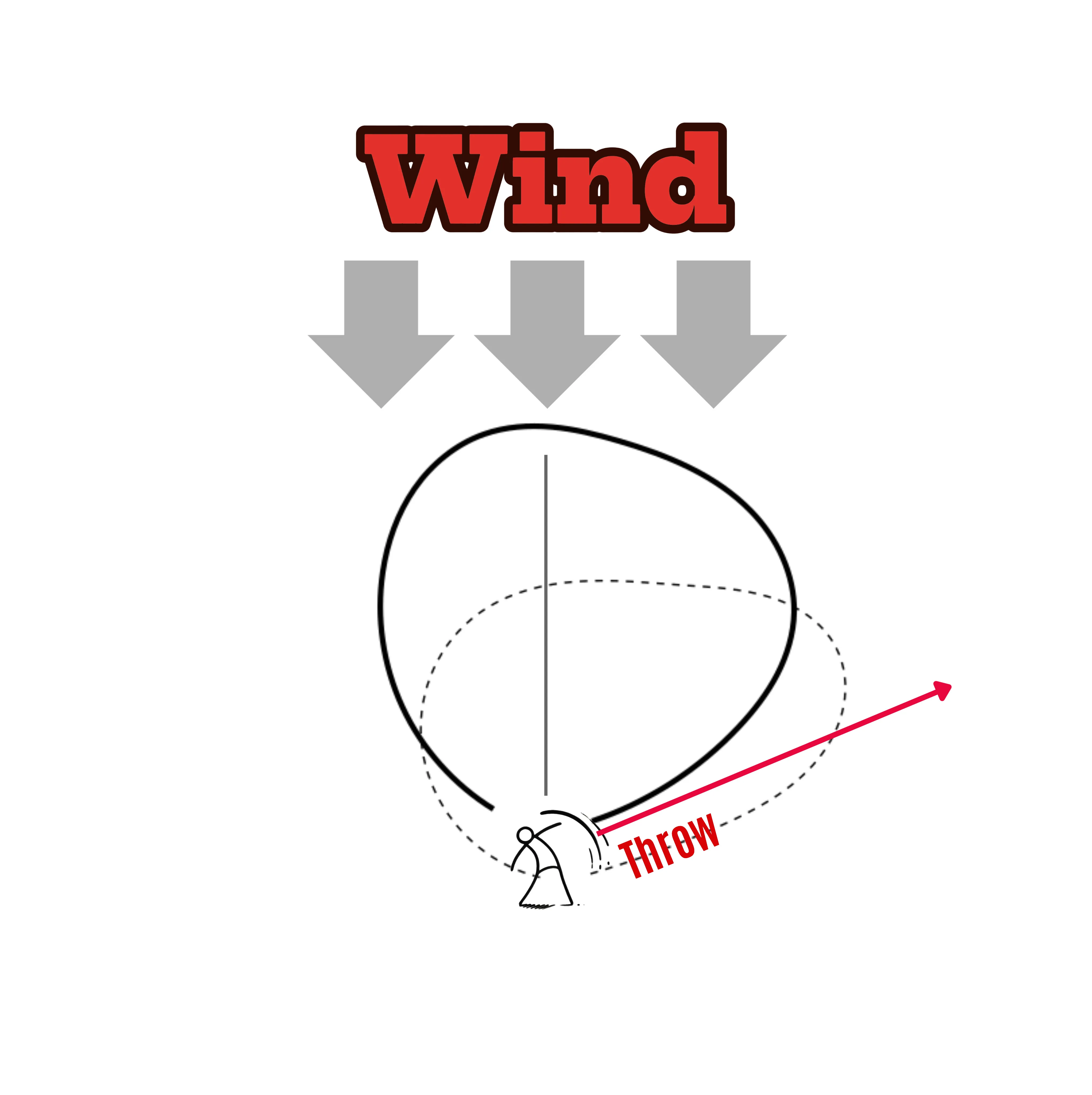
- Find out where the wind is coming from.
- Face directly into the wind.
- Turn 45–90 degrees to the right (if you're right-handed).
- Hold the boomerang at about eye level, maybe a little higher.
- Tilt the boomerang slightly (about 5–10 degrees).
- When throwing, aim roughly at the horizon, maintain the 5–10 degree tilt, and make sure to give it enough spin!
These are just general throwing guidelines! the exact technique may vary depending on the model and weather conditions.
You can actually see this in action in my videos….
First, I face the wind with the boomerang, then I turn slightly to the right and get into throwing position.
Wind direction and throw technique are absolutely crucial in boomerang throwing. Depending on the weather, one model might perform better than another….. that’s why I recommend printing 2–3 different designs and heading out to practice!
Technical Data:
- Difficulty Level: Easy
- Range: Approximately 10-15 meters, depending on throwing strength and technique
- Recommended Release Angle: 30-65 degrees against the wind at horizontal height, with a tilt of 1-5 percent
Additionally, I must warn that a boomerang can be dangerous, so you should ensure nobody is in its path. It's important to remember that a boomerang was originally a hunting weapon. I also recommend printing it in a signal color to make it easier to spot.
Experience with the HoneyBone
Thanks to its reliable flight path, I think HoneyWave is perfect for beginners.
You shouldn’t throw it with force! a smooth throw with enough spin is all it needs. If done right, it returns very cleanly and consistently.
By now, my throws with it have become so predictable that I’d almost call it boring. In comparison, my other model HoneyBone is way more fun…. mainly because I can use more power and the flights feel a lot more dynamic and exciting.
Note
You can scale the boomerang down to fit the A1 mini, but keep in mind…. it’ll fly in a wider arc.
If you're left-handed, you should mirror the boomerang…. but keep in mind that this will also flip the logo
Wall Boomerang Mount
https://makerworld.com/en/models/1436492-boomerang-mount#profileId-1494491
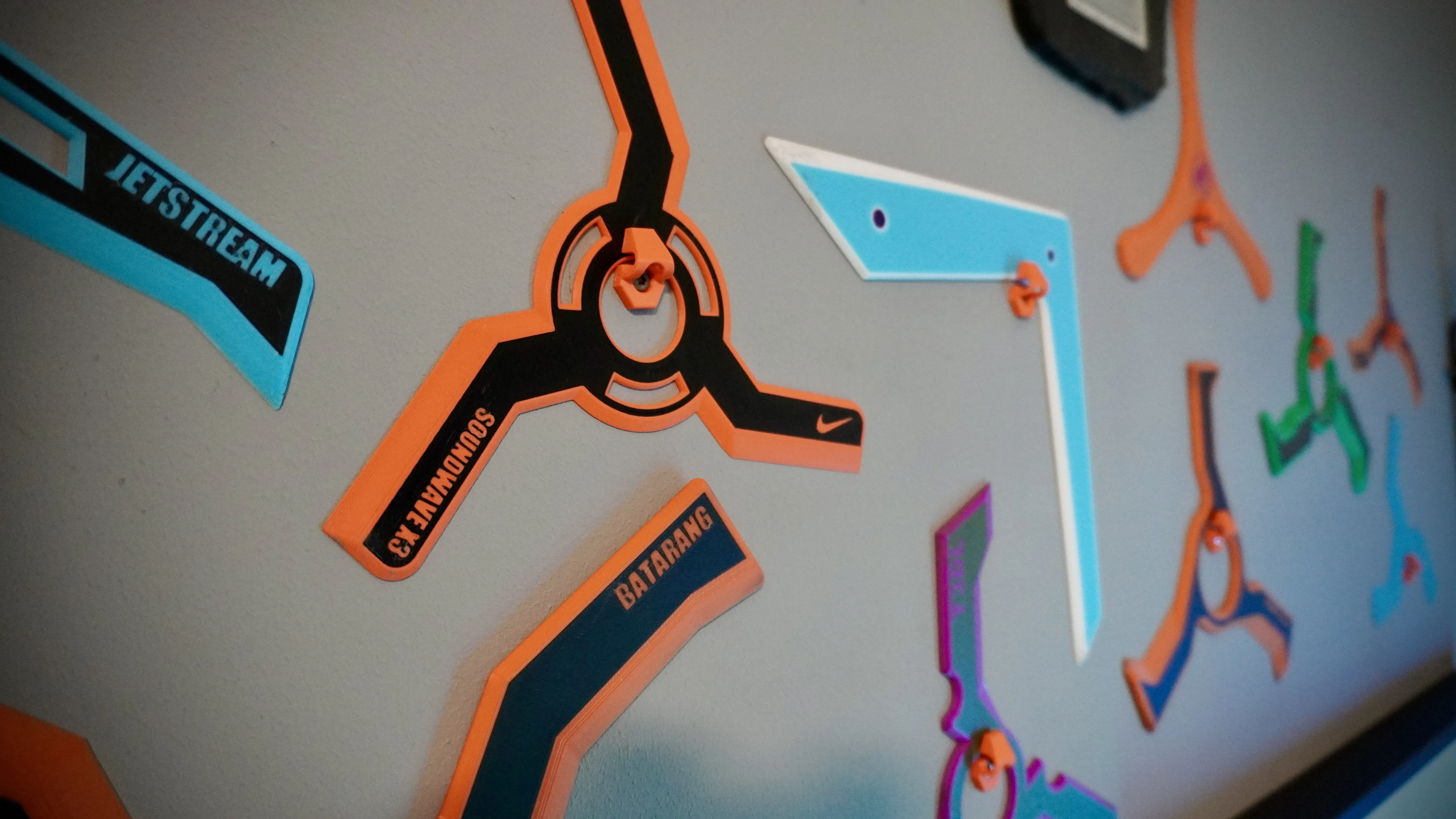
If you have any questions, please write to me 👍😄
License

You shall not share, sub-license, sell, rent, host, transfer, or distribute in any way the digital or 3D printed versions of this object, nor any other derivative work of this object in its digital or physical format (including - but not limited to - remixes of this object, and hosting on other digital platforms). The objects may not be used without permission in any way whatsoever in which you charge money, or collect fees.


Comment & Rating (1397)