
Planet Unknown Magnetic Insert
Print Profile(1)

Bill of Materials
- 3mm x 1mm magnets x 125:
- CA glue x 1:
Description
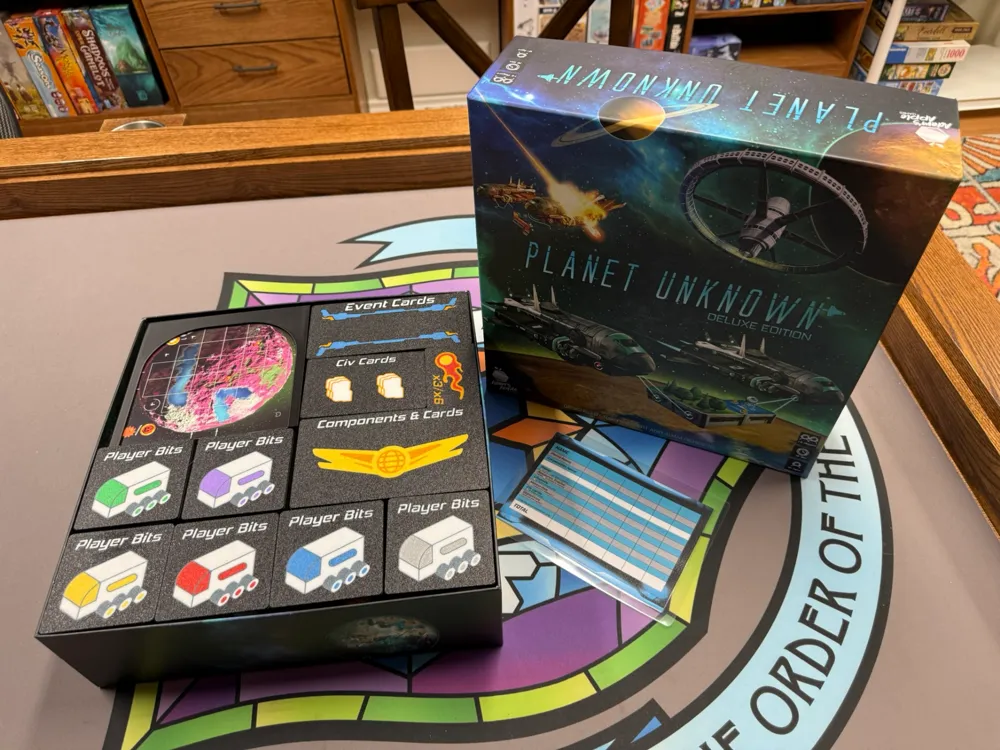
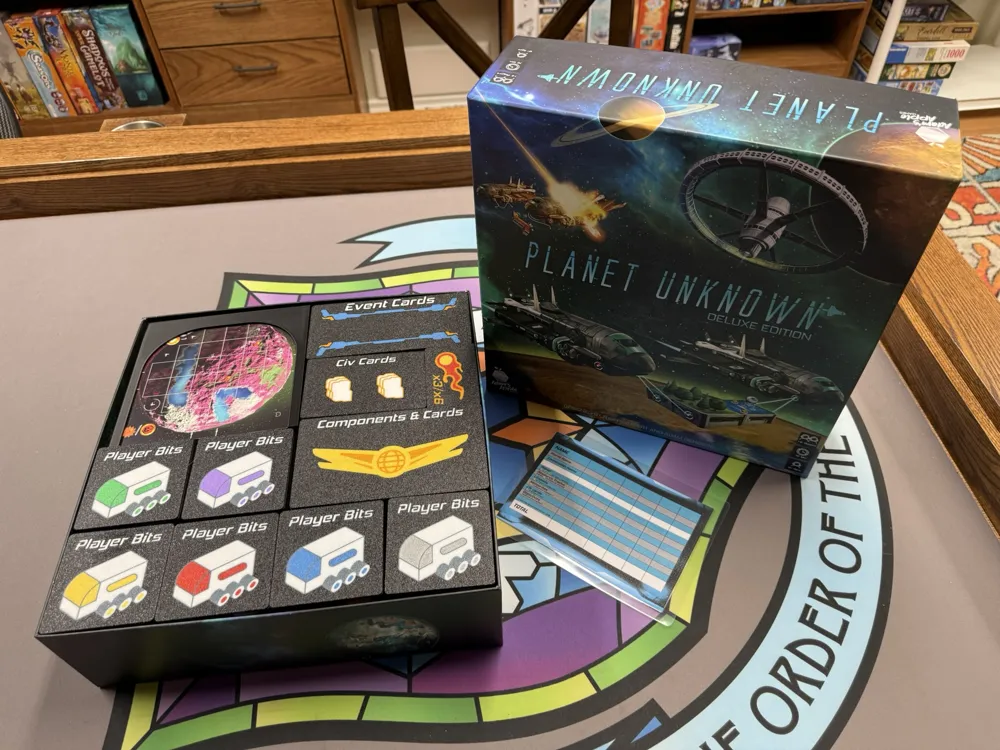
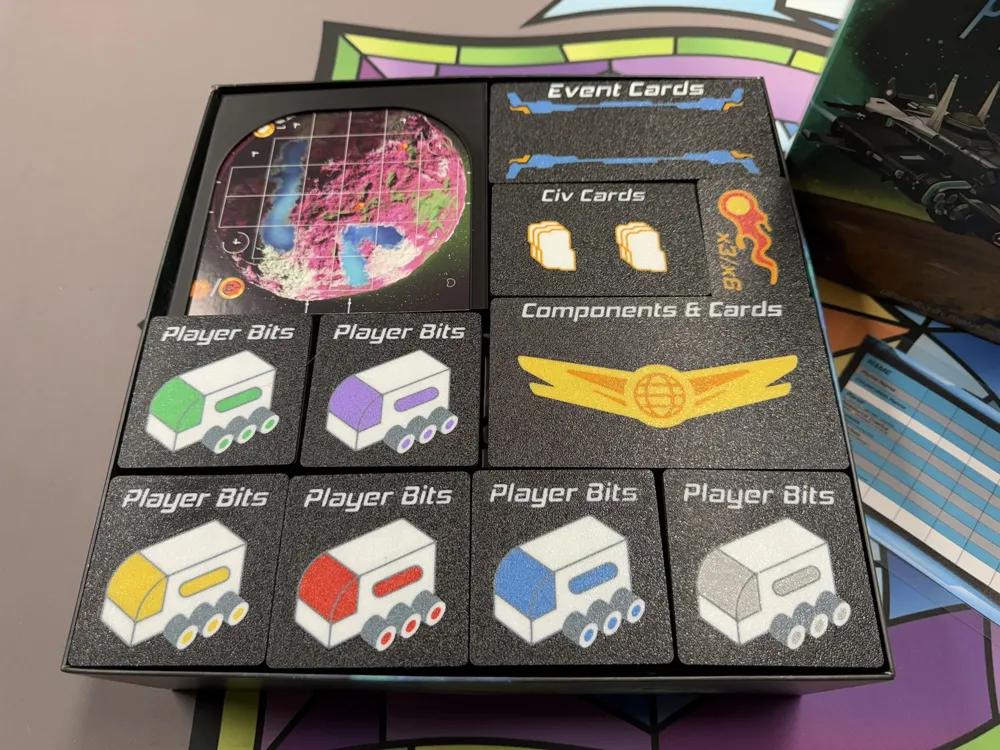
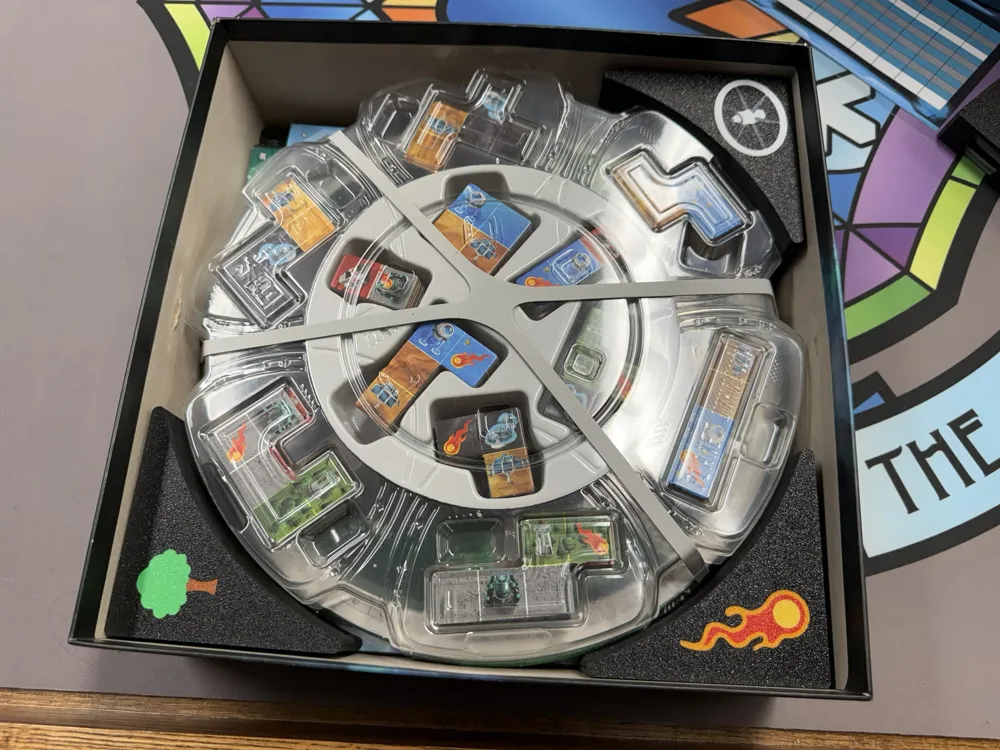
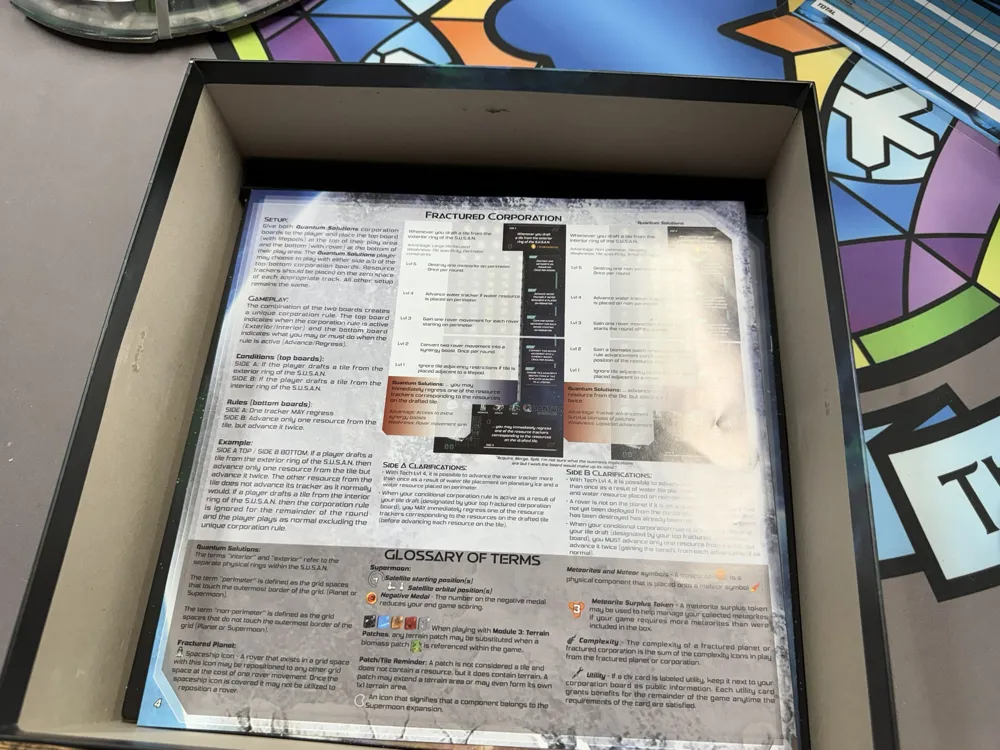
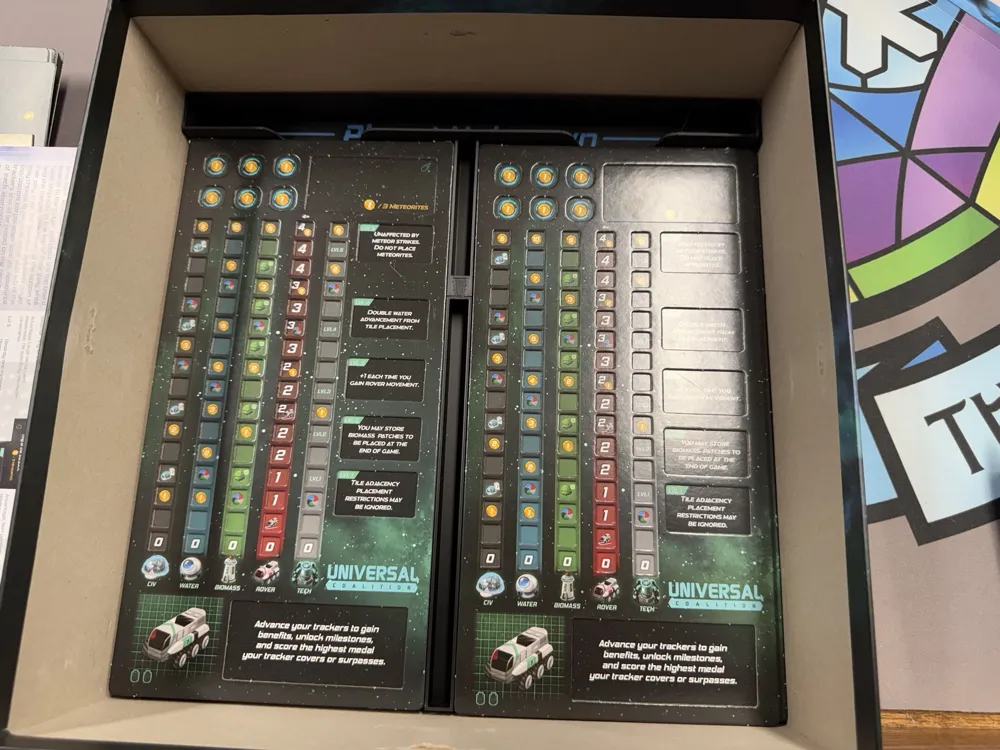
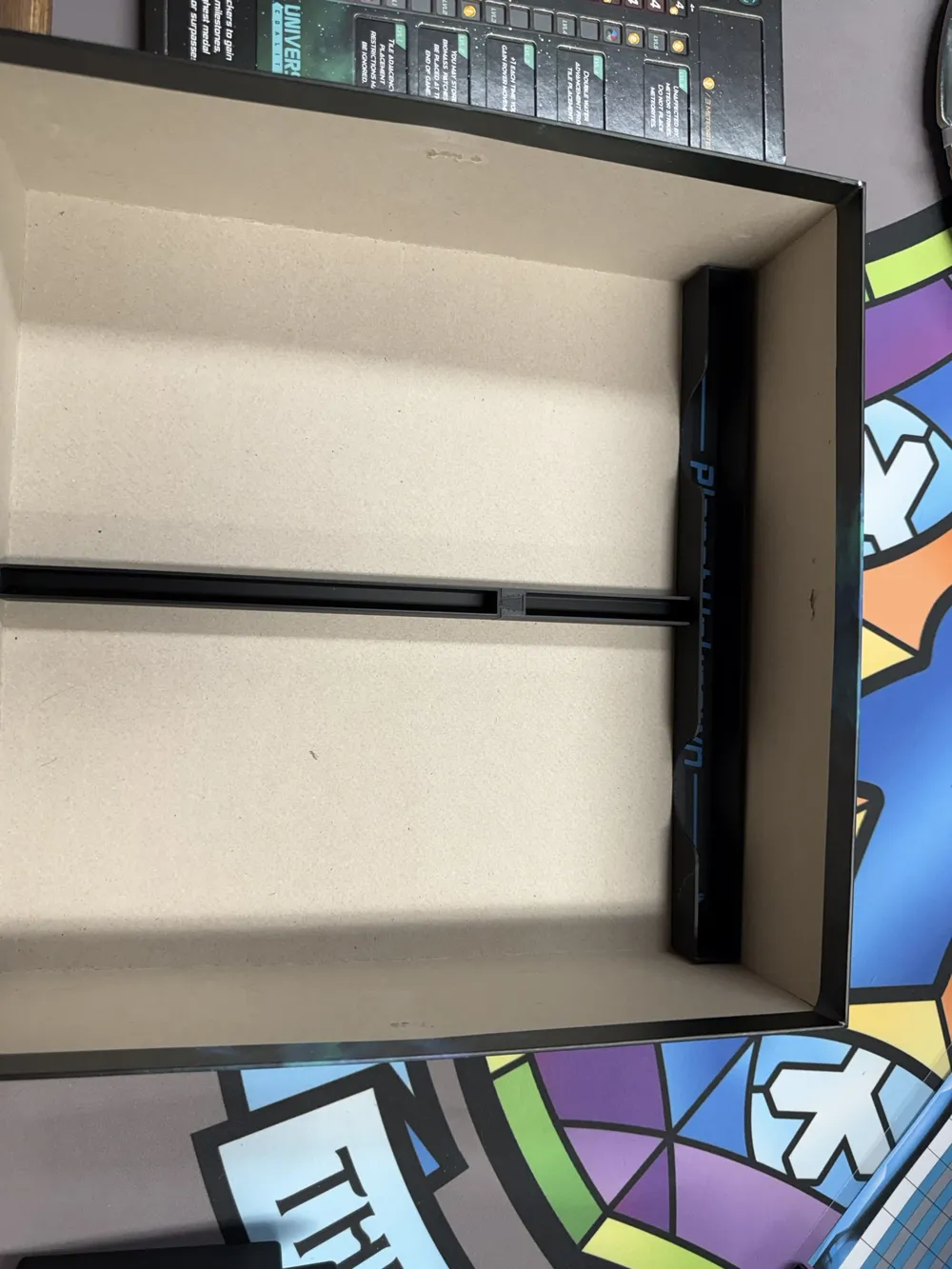
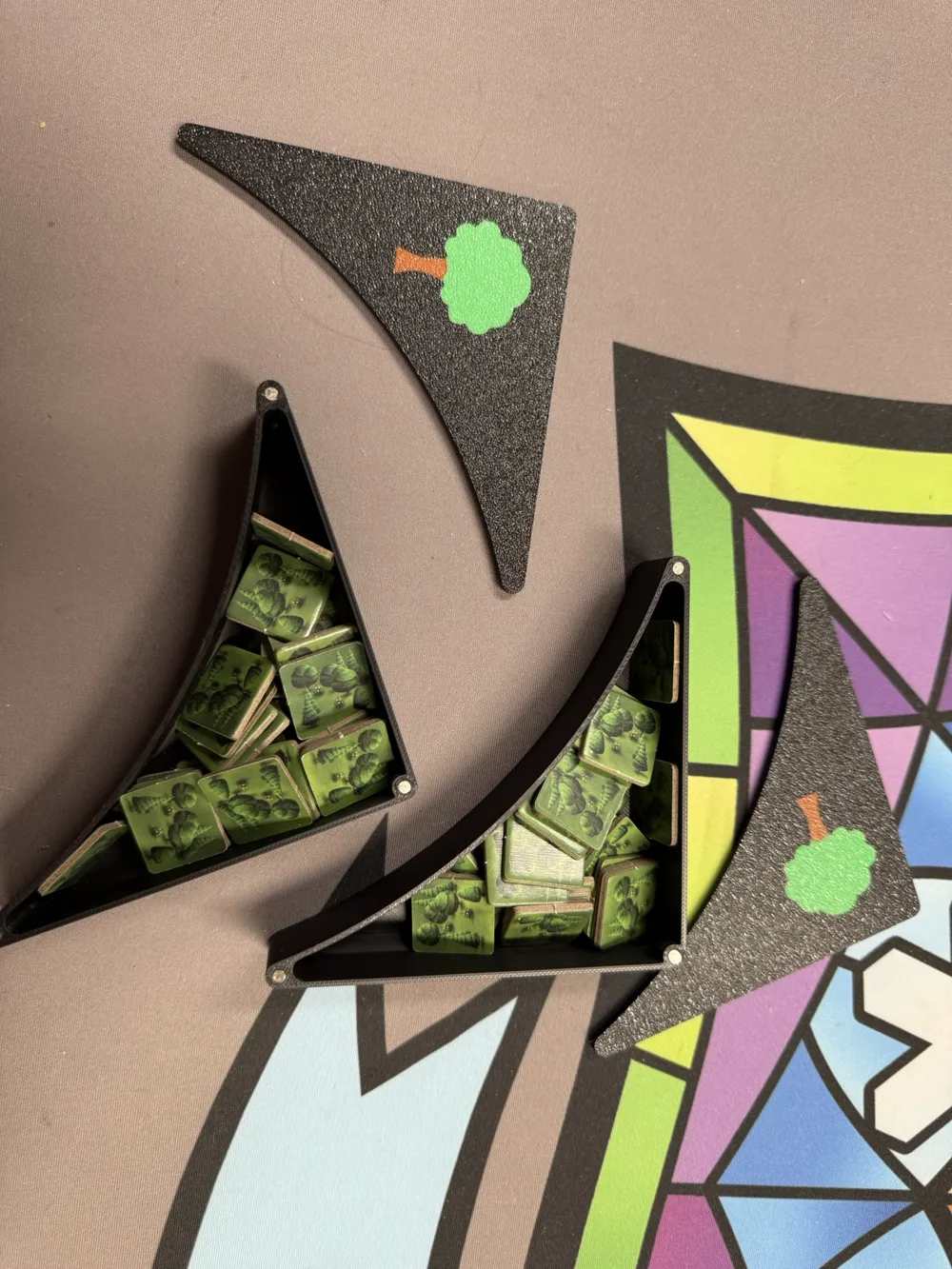
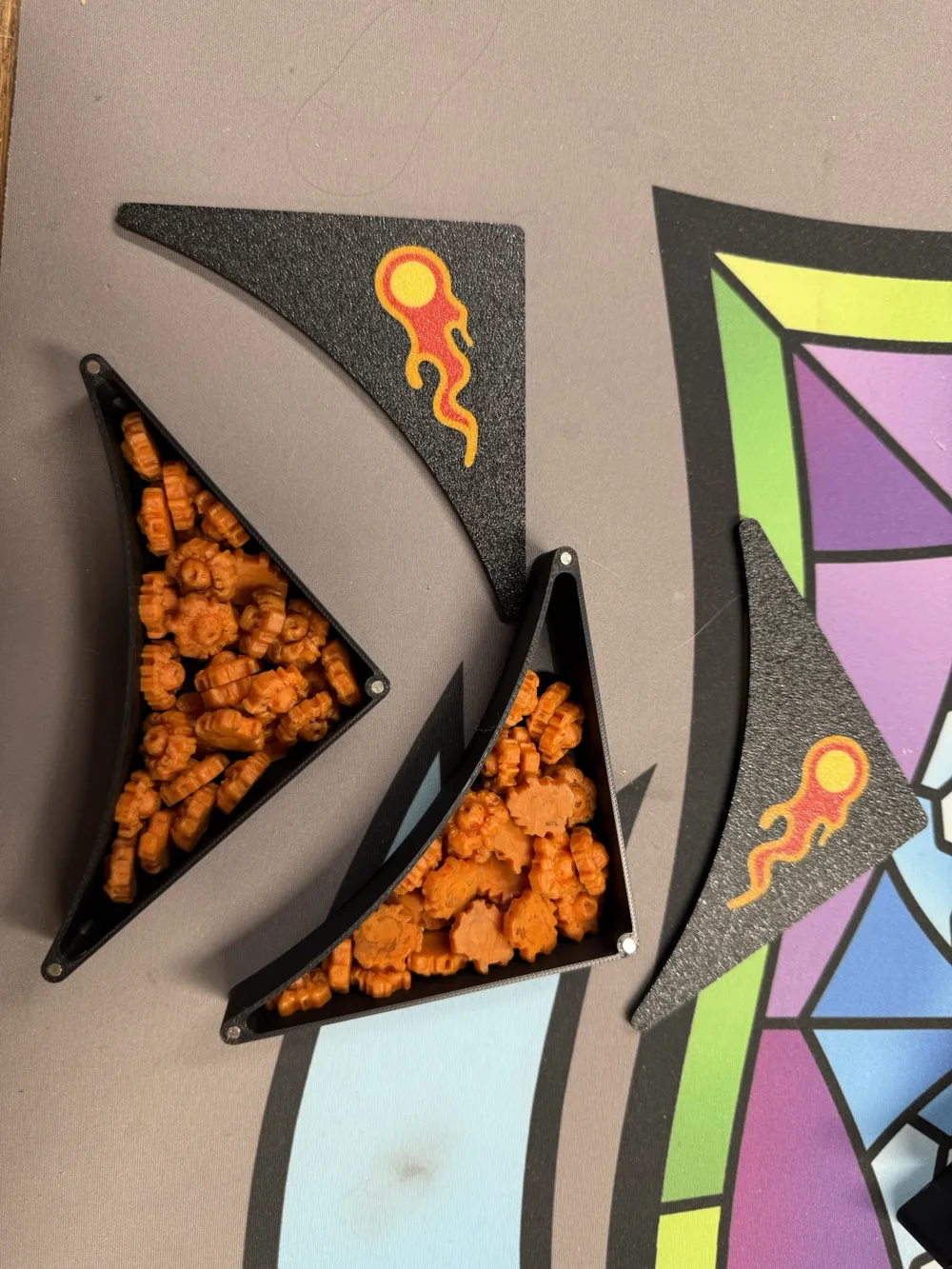
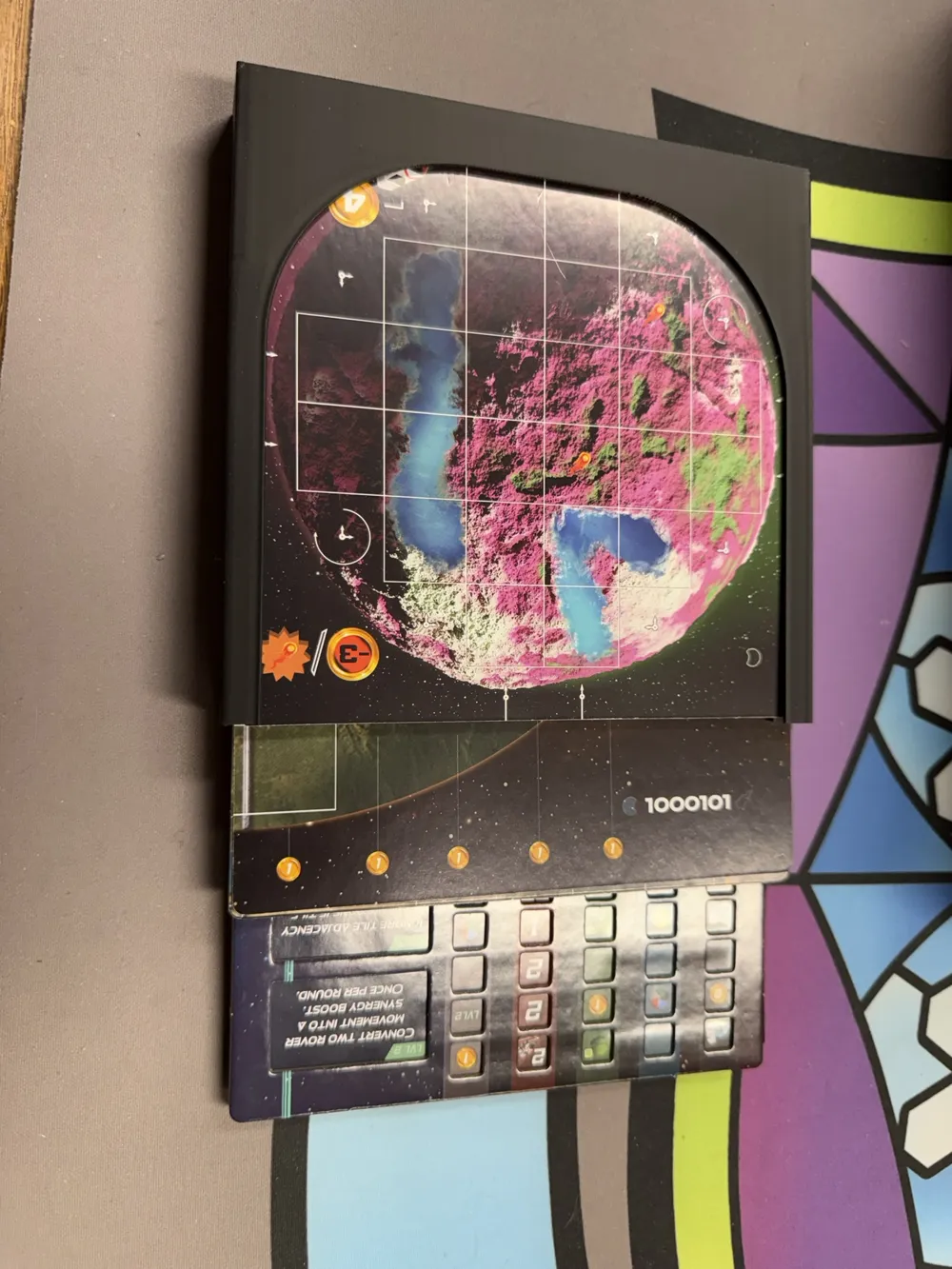
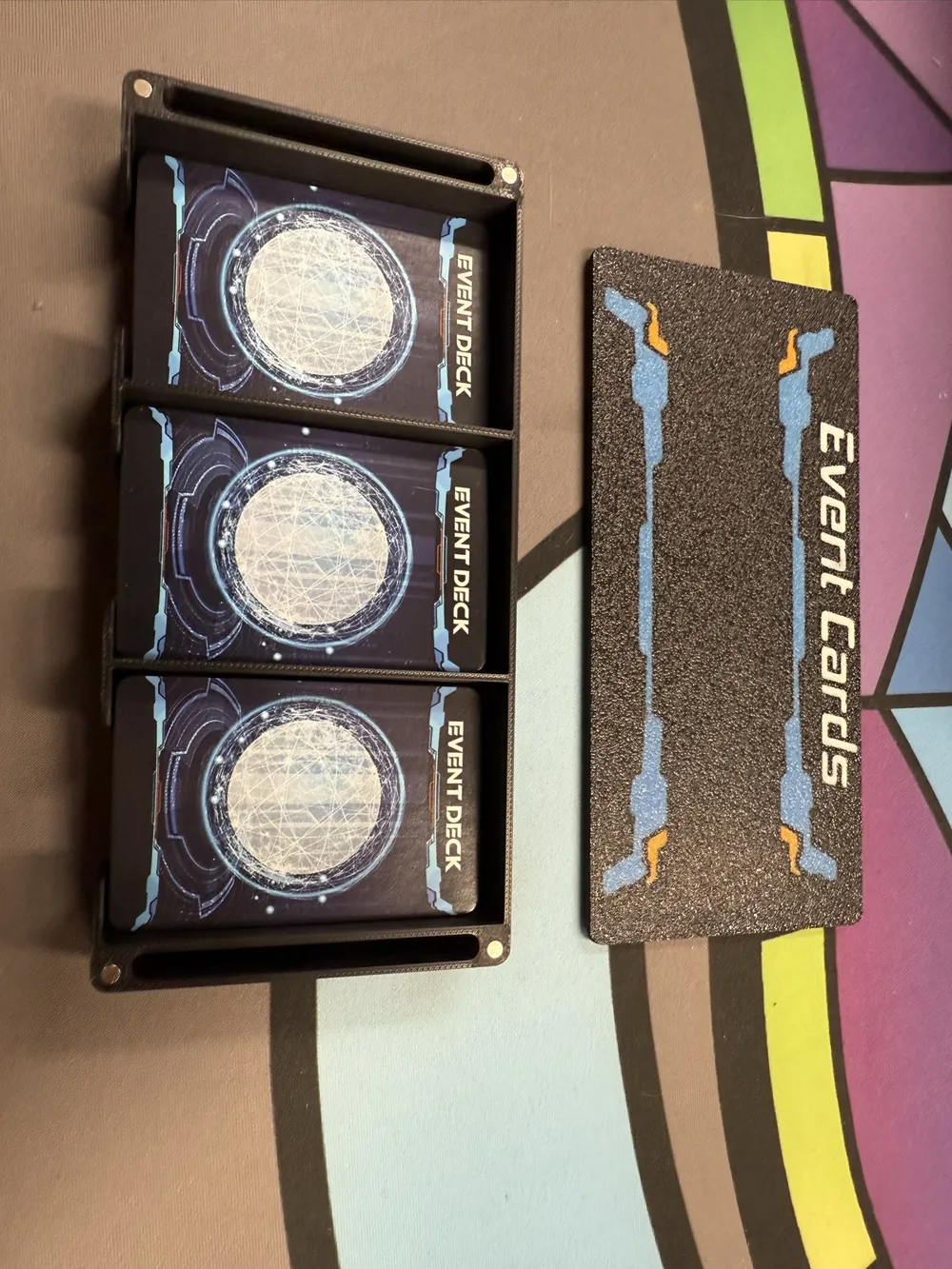
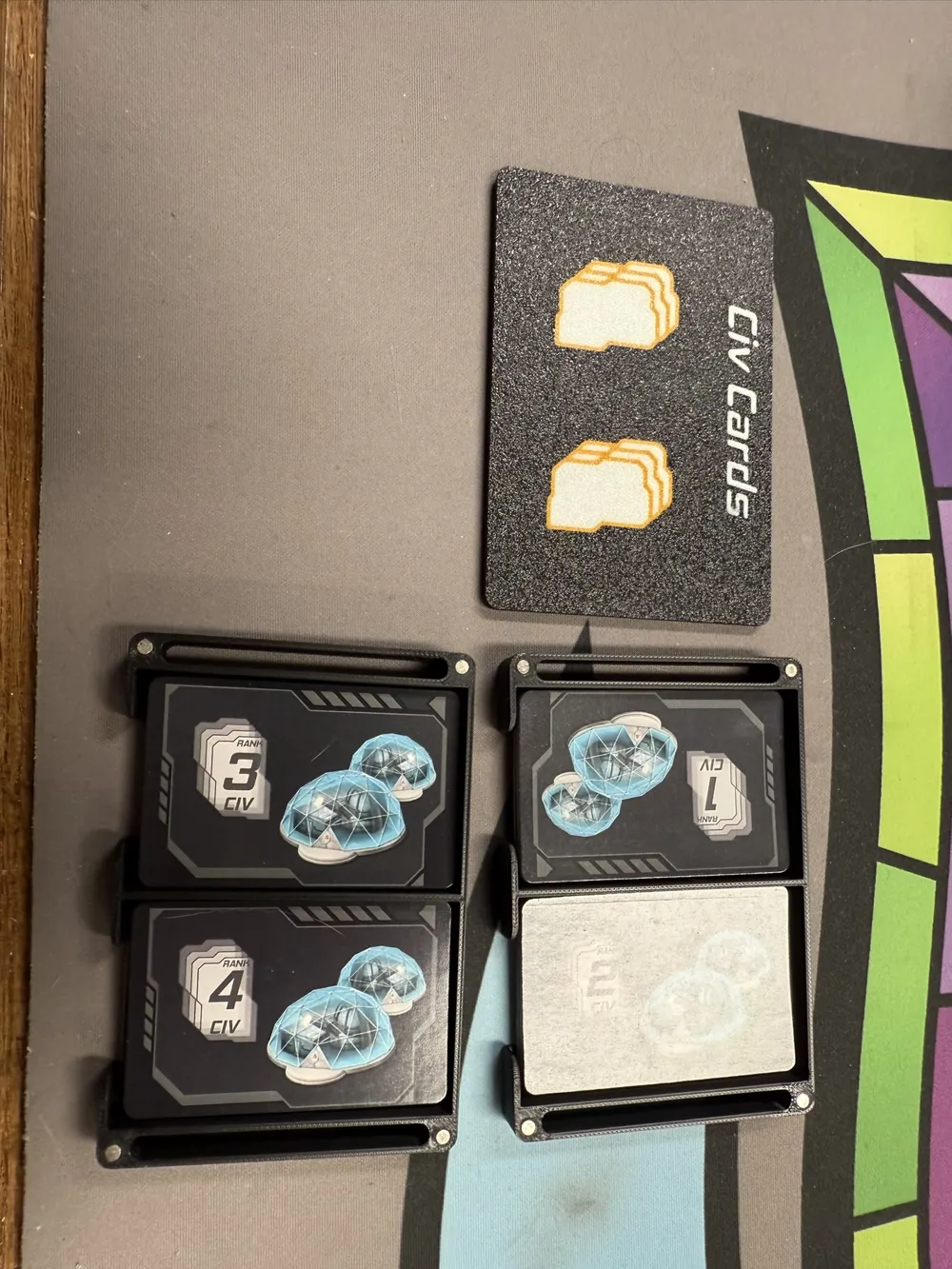
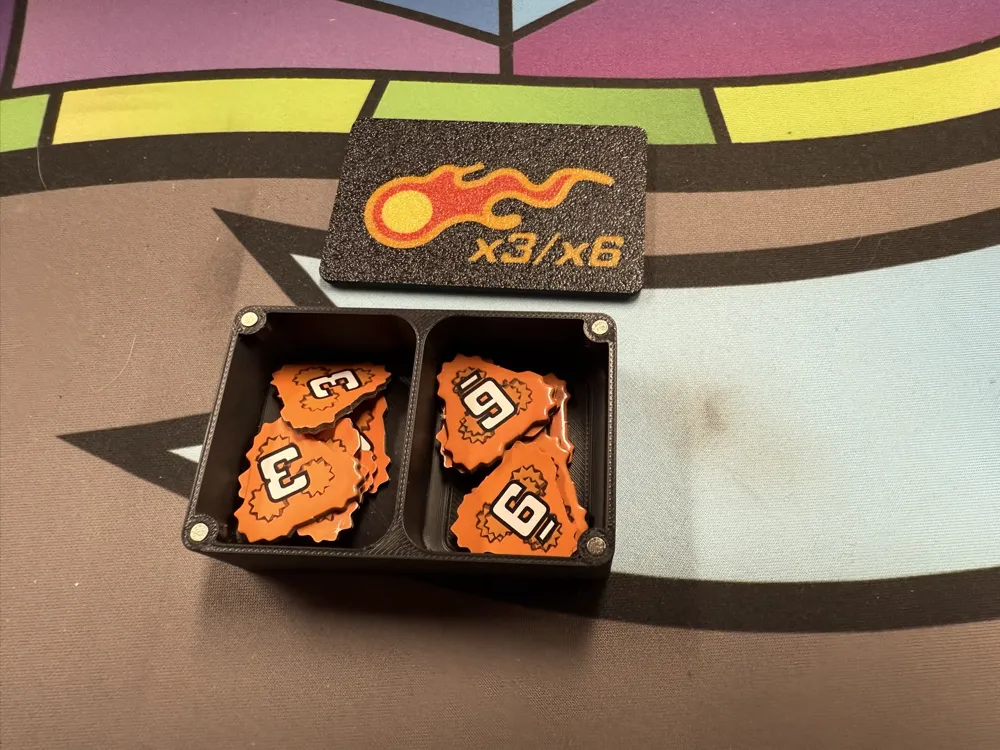
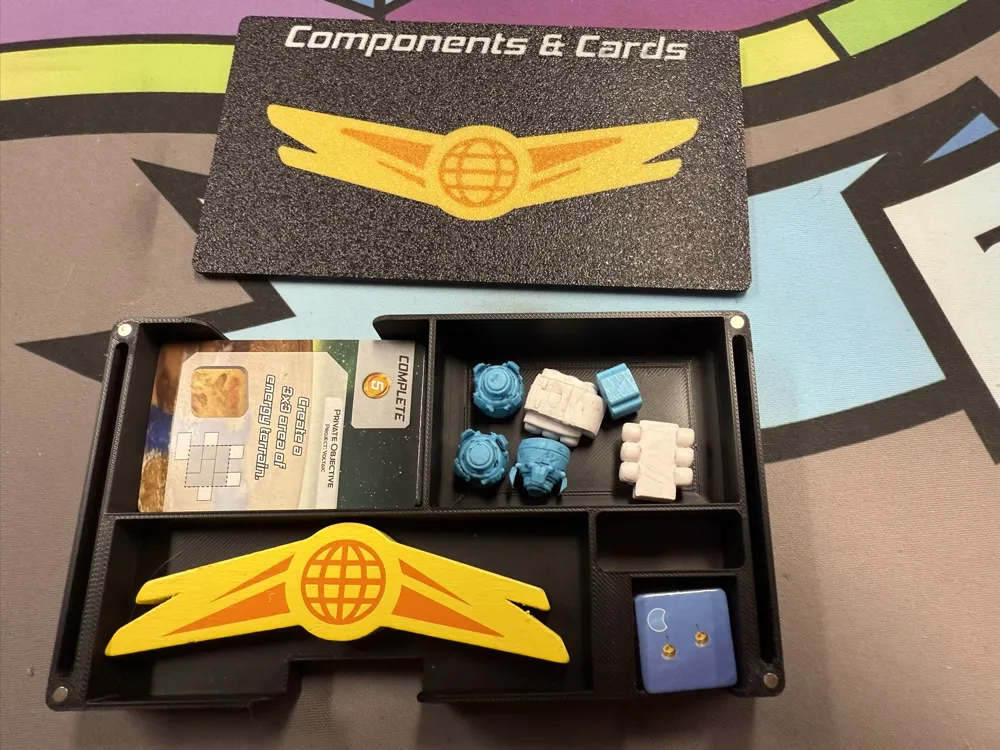
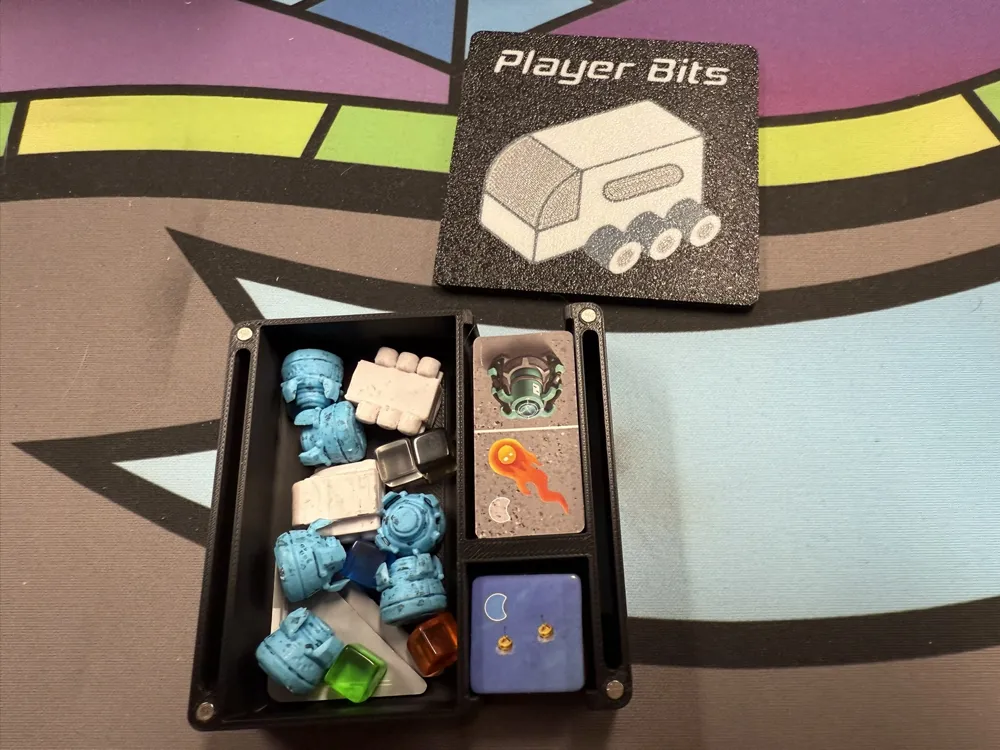
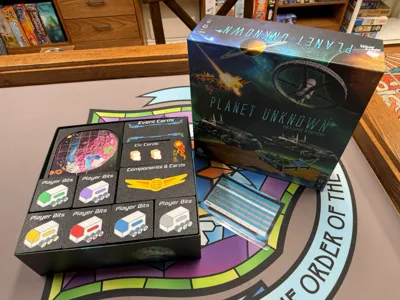
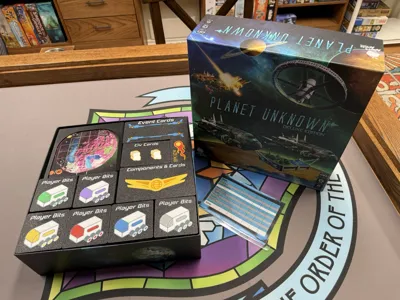
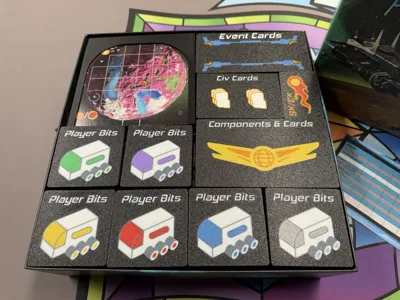
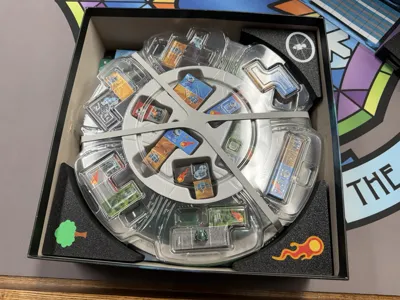
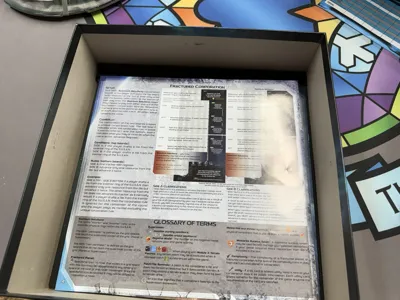
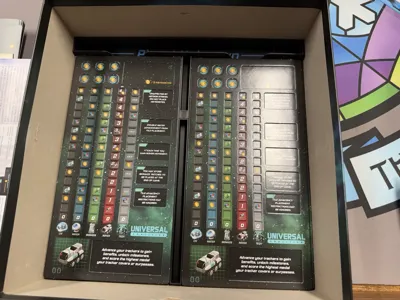
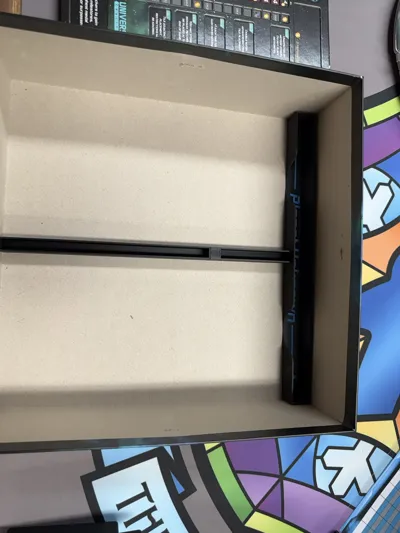
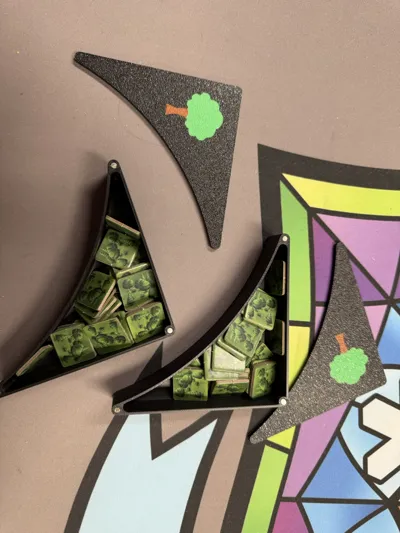
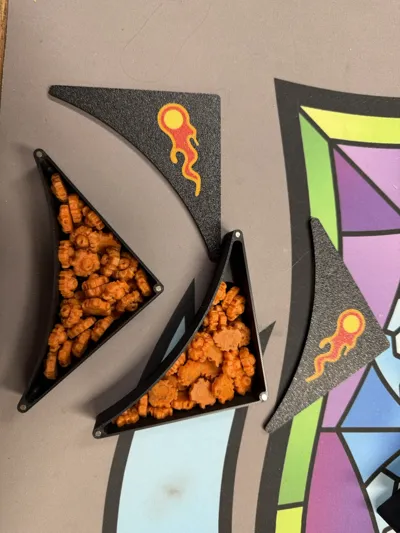
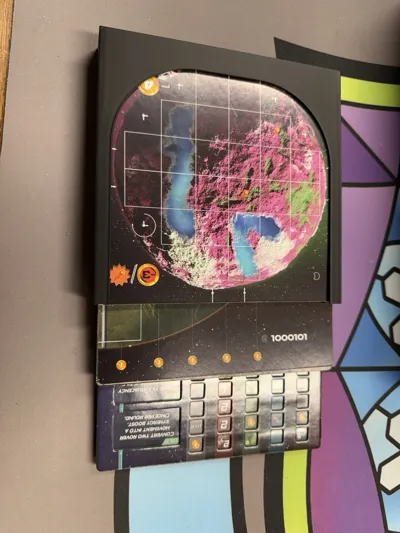
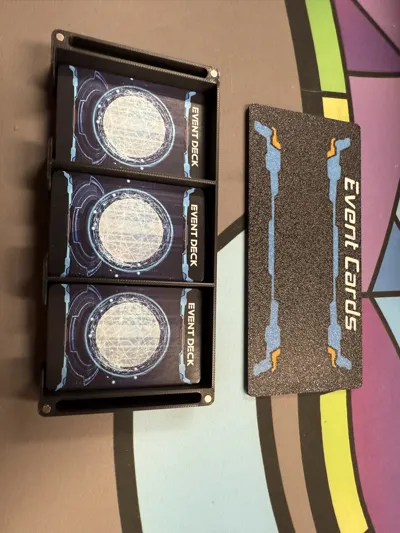
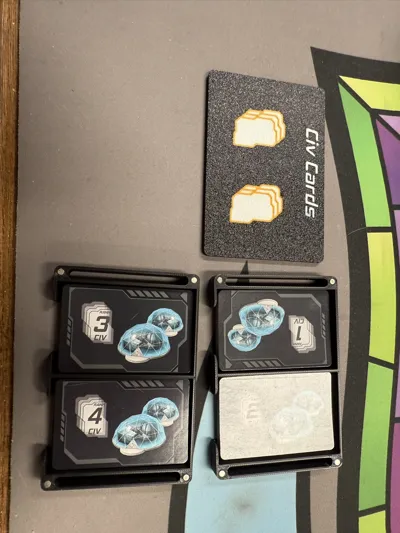
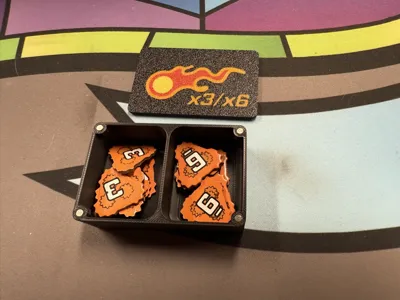
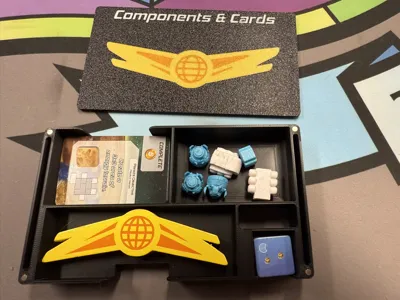
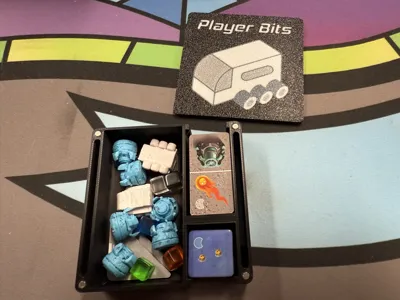
This is my first effort at an insert that uses multicolour and magnetic boxes. I will admit, I went way overboard with the colours (10!), as there are quite a few used for this print. It is well worth it though, the wow factor when the box lid comes off is right up there. The insert is designed to hold the base game and the recent Supermoon expansion, along with the deluxe edition components. I have printed this insert for both my deluxe edition copy of the game, and for two friends with the retail edition and upgrade pack, and it works flawlessly for both editions.
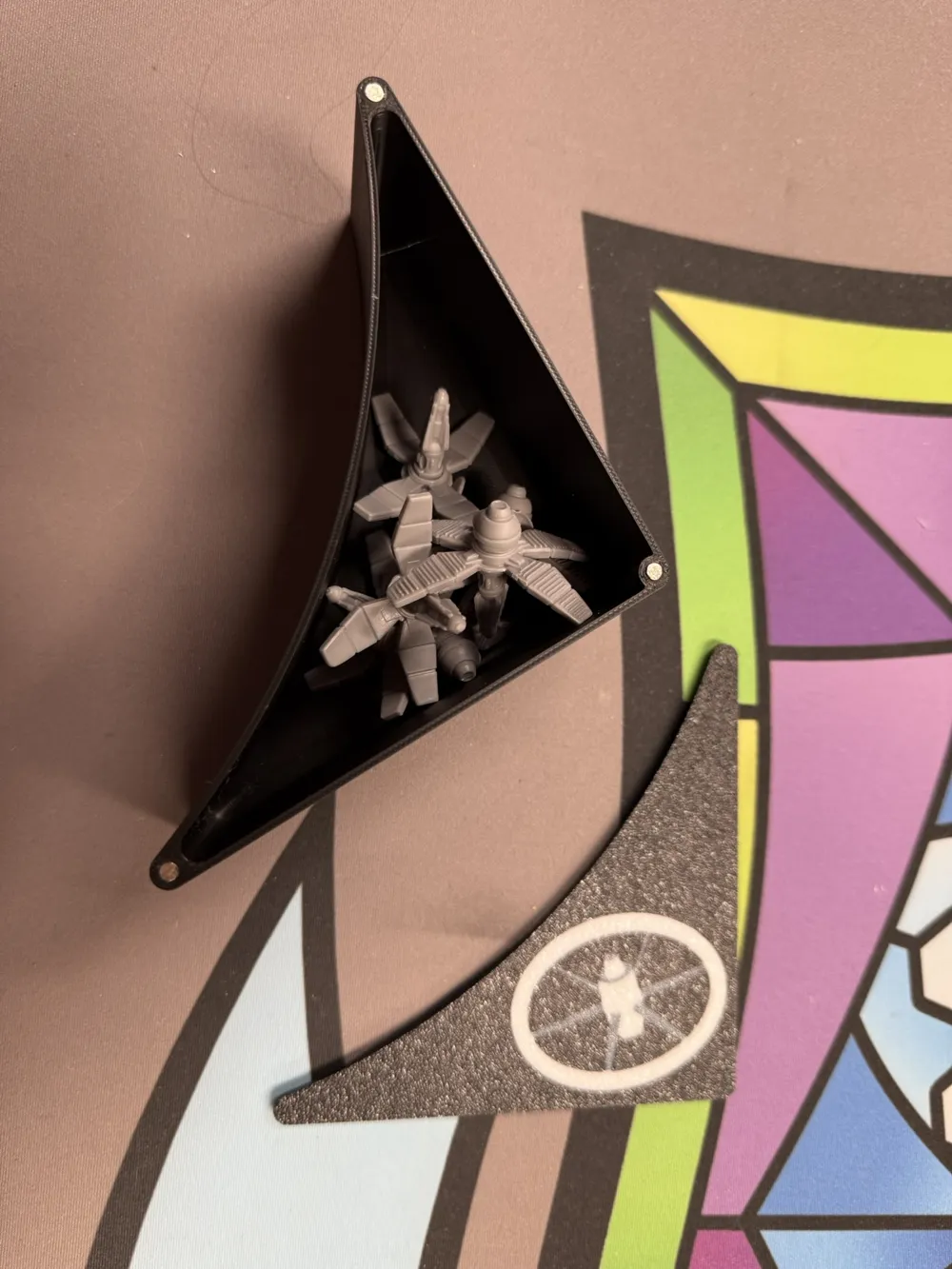
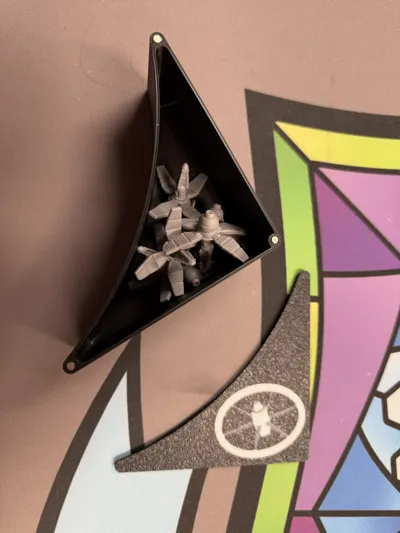
This insert will require an AMS to print. No plate uses more than four colours, so a single AMS is all that is required. It will also require ca glue and 3mm by 1mm magnets. Post printing, the magnets will need to be glued into the insert boxes and lids. Please note, several of the boxes need magnets on both the top and bottom of the box. This allows for multiple boxes to stack, and also lets you store the lid against the bottom of the box.
When printing the lid for the Player Bits box, you will need to print it six times, once for each player colour. This will require the use of Blue, Red, Green, Yellow, Purple, and Silver to match the game.
This insert will require the use of ca glue and approx ~125 3mm by 1mm magnets. I ordered 300 of them from Amazon for this project. This set comes with a larger magnet that can be used to set the small magnets in place. For assembly, place a small dab of ca glue into the magnet hole, and then use the larger magnet to press a small magnet into the hole. Slide the large magnet to the side to finish…pulling it straight upwards can pull the small magnet out of the hole. If you have problems with a magnet refusing to stay in place, I found that using a small ziplock bag between the small and large magnet helped, you can hold the bag in place while moving the large magnet away.
One thing to note, you MUST mark the large magnet so you know the polarity! I marked one end green and one end red, so I could keep track. Any magnets facing upwards were placed against green, any facing downwards were placed against red. If you mix it up, the insert won't work, so make sure you pay attention to your polarity!
Boost Me (for free)
I make game inserts for my own sanity, I find it to be a fun hobby. If you feel these are worthy of a boost, please do so. If not, I won't lose sleep over it...these inserts are for me, sharing them is just more dopamine for my ADHD riddled brain :)
I will put any boosts towards more filament for more insert designs :) Thanks!
License

You shall not share, sub-license, sell, rent, host, transfer, or distribute in any way the digital or 3D printed versions of this object, nor any other derivative work of this object in its digital or physical format (including - but not limited to - remixes of this object, and hosting on other digital platforms). The objects may not be used without permission in any way whatsoever in which you charge money, or collect fees.


Comment & Rating (17)