
Rogue Girl
Print Profile(1)

Description
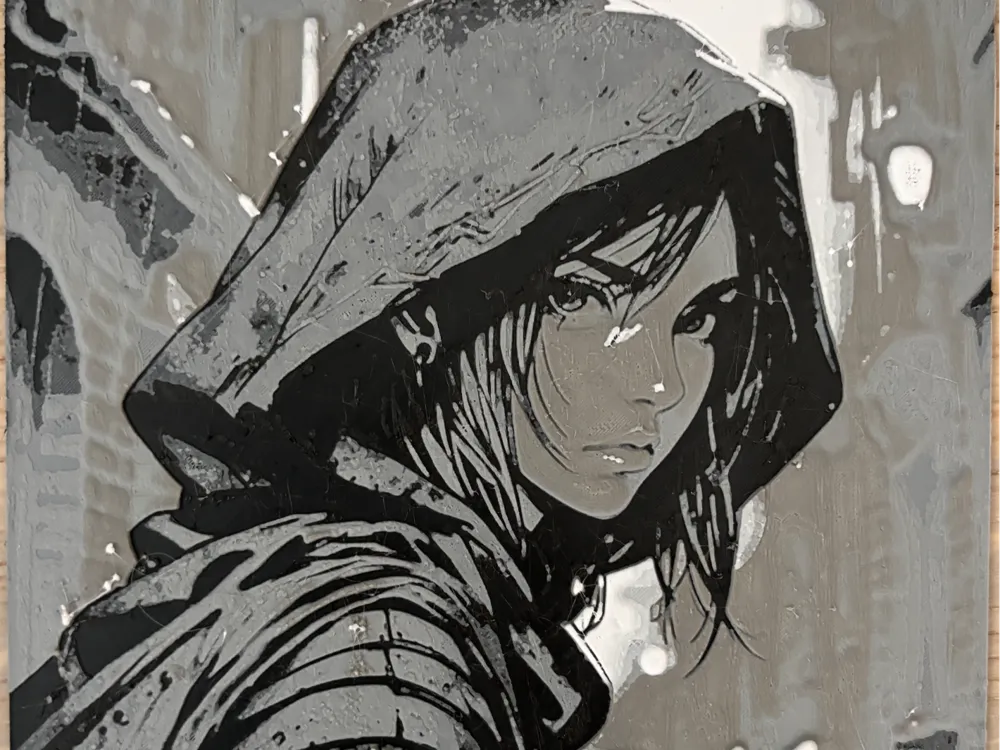
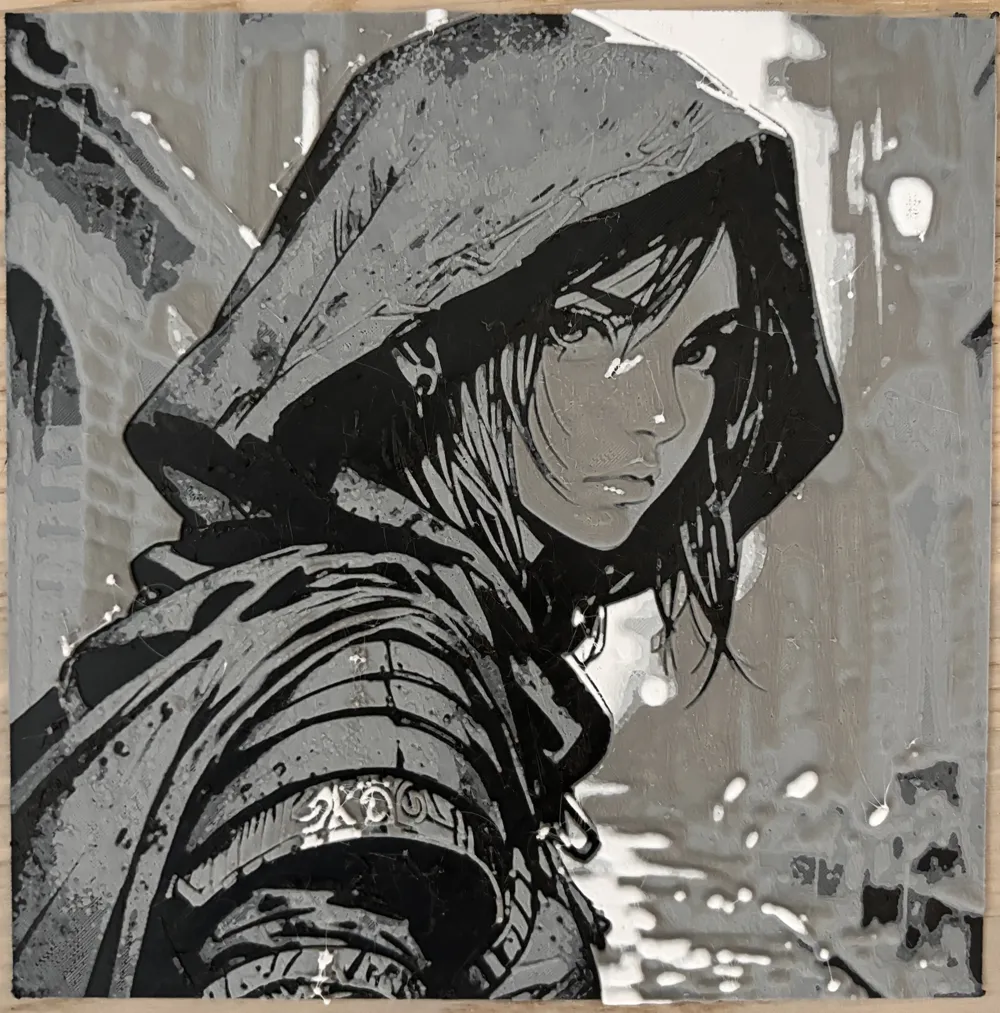
Rogue Girl.
Got my first Bambu week ago and learning to use it.
This is my first HueForge picture that i have made. I still have many things to learn. Pleas feel free to give me hints better settings to this print.
Boost Me (for free)
What is this?
Print at 100% infill with a layer height of 0.08mm with a base layer of 0.16mm
The Model is 150x150mm in size
You may print at higher layer heights below the Base Thickness of 0.48mm
The Max allowed Thickness is 2.24mm and the Actual Thickness is 2.24mm
Filaments Used:
#080a0d PLA PolyLite Black Transmission Distance: 0.3
#4c5f71 PLA BambuLab Basic Blue Gray Transmission Distance: 3
#8c9099 PLA PolyLite Grey Transmission Distance: 1
#e2dedb PLA PolyLite White Transmission Distance: 5
This print uses 4 unique filaments
Swap Instructions:
Start with Black
At layer #8 (0.72mm) swap to Blue Gray
At layer #13 (1.12mm) swap to Grey
At layer #20 (1.68mm) swap to White for the rest.
License

You shall not share, sub-license, sell, rent, host, transfer, or distribute in any way the digital or 3D printed versions of this object, nor any other derivative work of this object in its digital or physical format (including - but not limited to - remixes of this object, and hosting on other digital platforms). The objects may not be used without permission in any way whatsoever in which you charge money, or collect fees.


Comment & Rating (0)