Search models, users, collections, and posts

Personalised Cake Topper
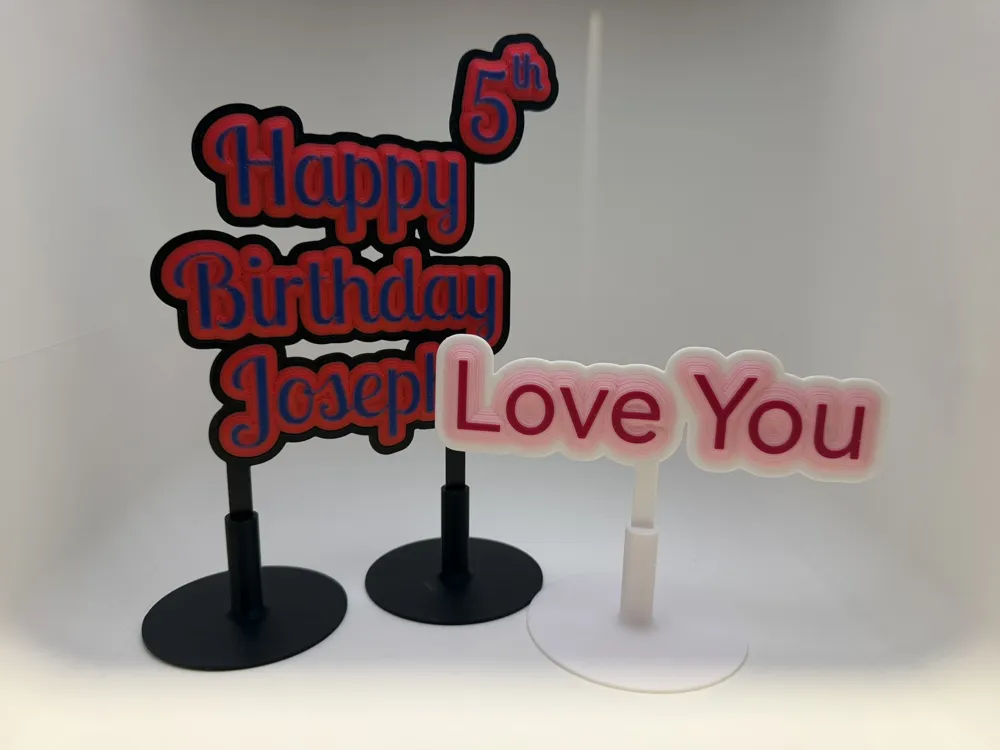
This model is created by Parametric Model Maker
Make Your Model

Print Profile(4)

All
H2D
A1
H2S
X1E
H2C
X1
P2S
H2D Pro
P1P
X1 Carbon
P1S

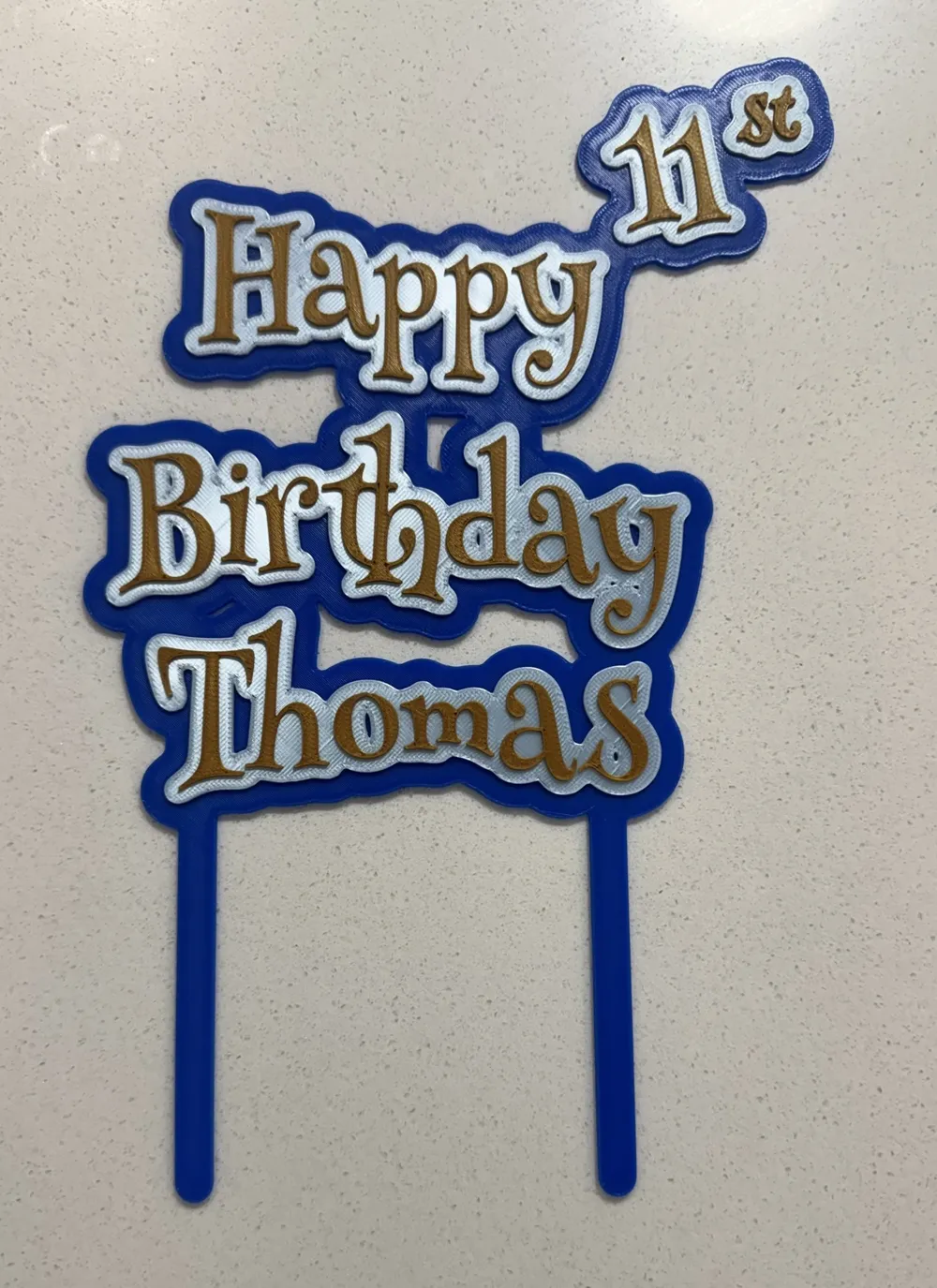
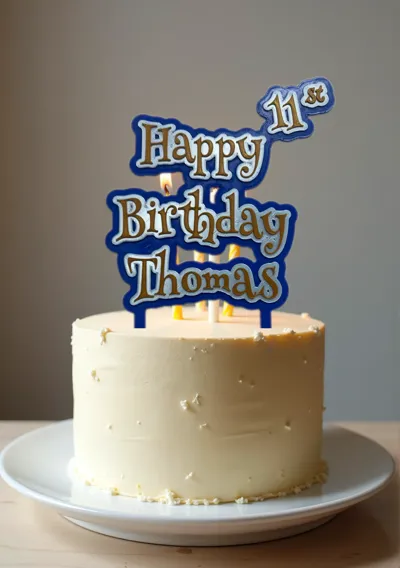
Happy Birthday - Rogue Font
Designer
56 min
1 plate
4.8(4)

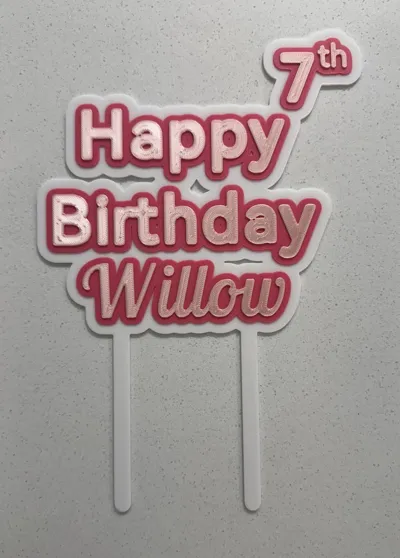
3mf Happy Birthday - Henny Penny Font
Designer
1.2 h
1 plate
5.0(3)

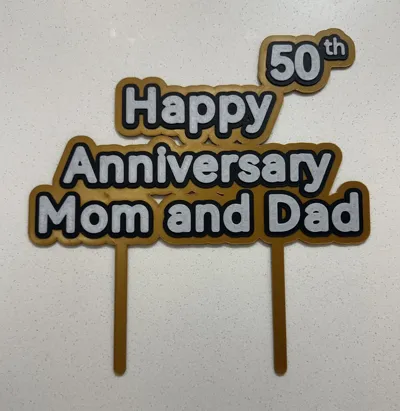
Happy Anniversary - Sample
Designer
1.2 h
1 plate

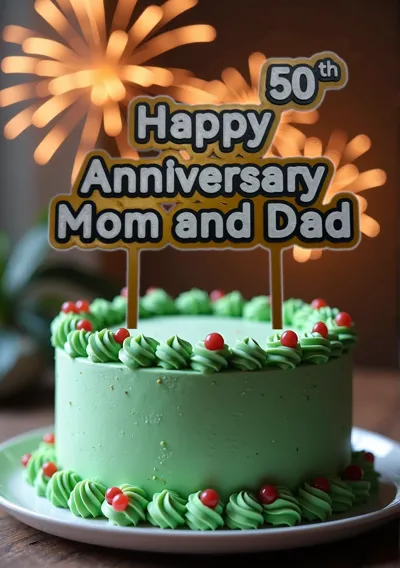
Happy Anniversary Mum and Dad
Designer
1.8 h
1 plate

Open in Bambu Studio
Boost
530
1256
38
48
3.4 k
1.6 k
Released 

Description

Last update 2026-05-30

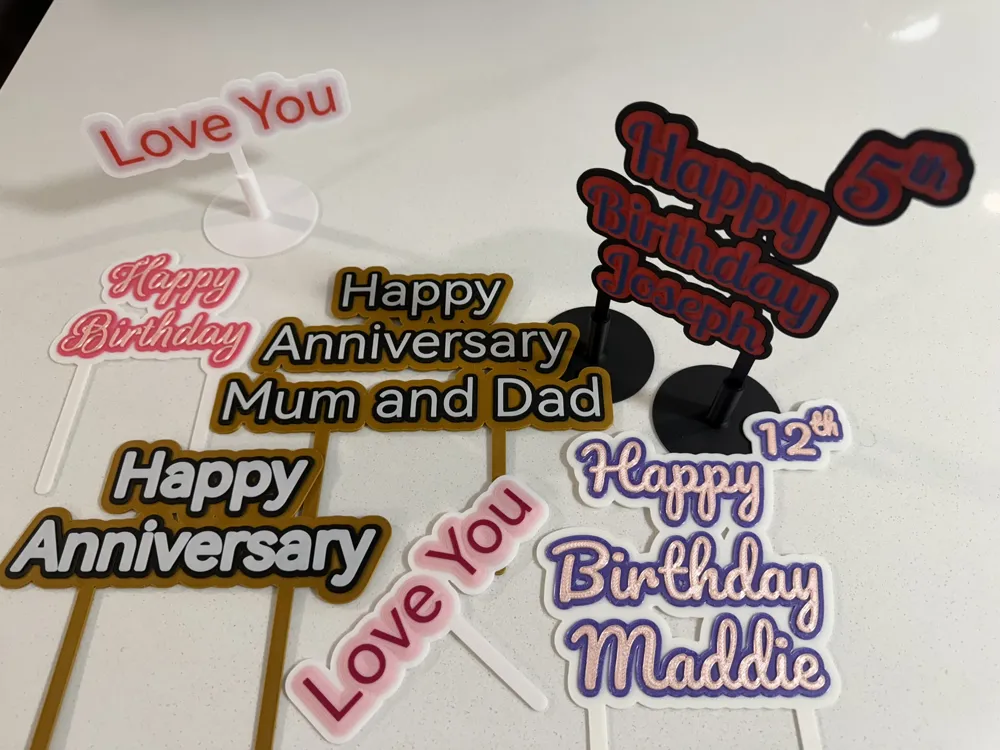
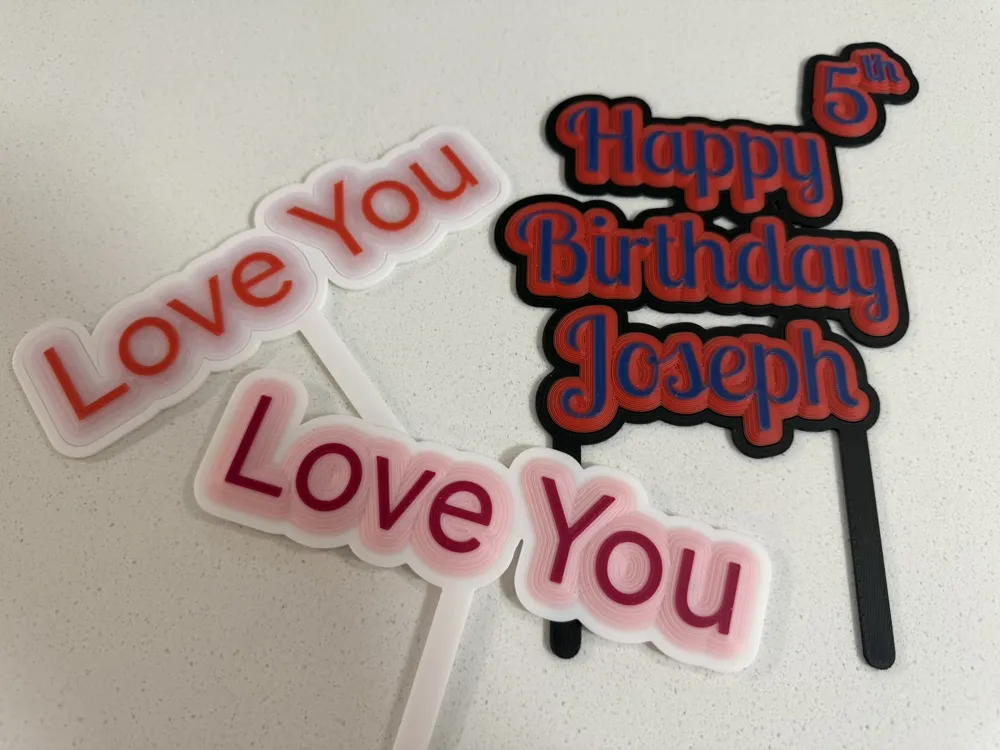
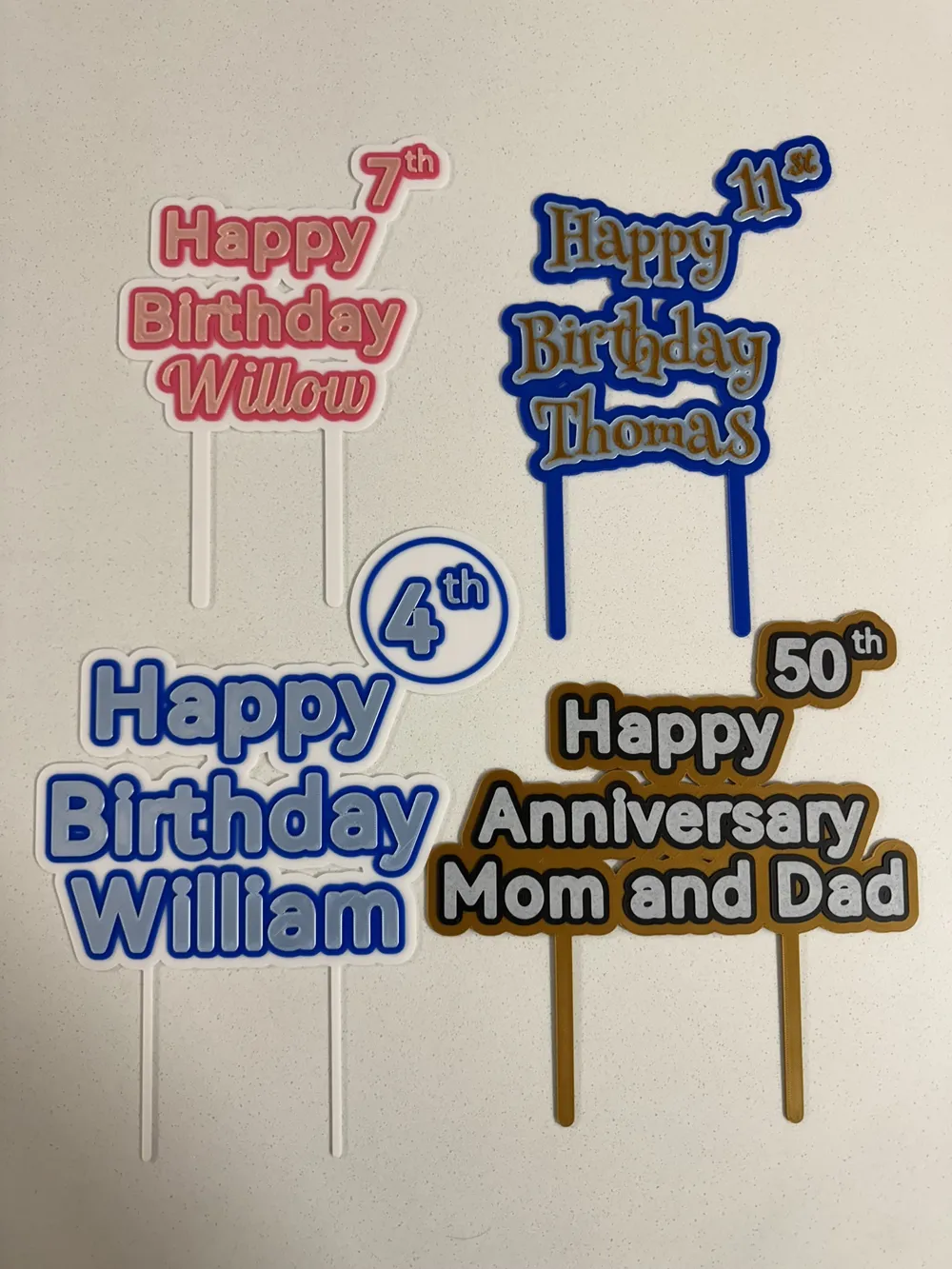
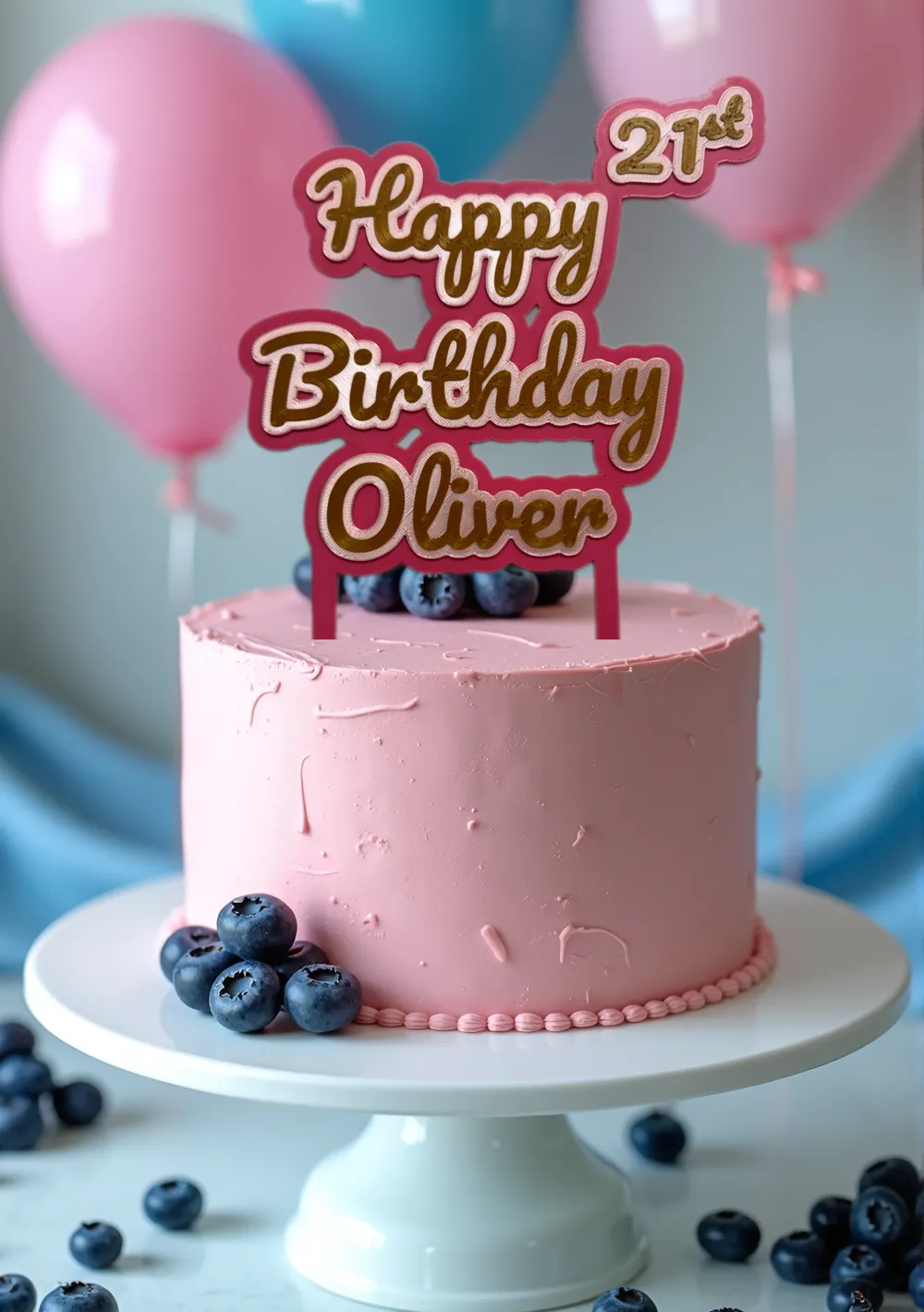
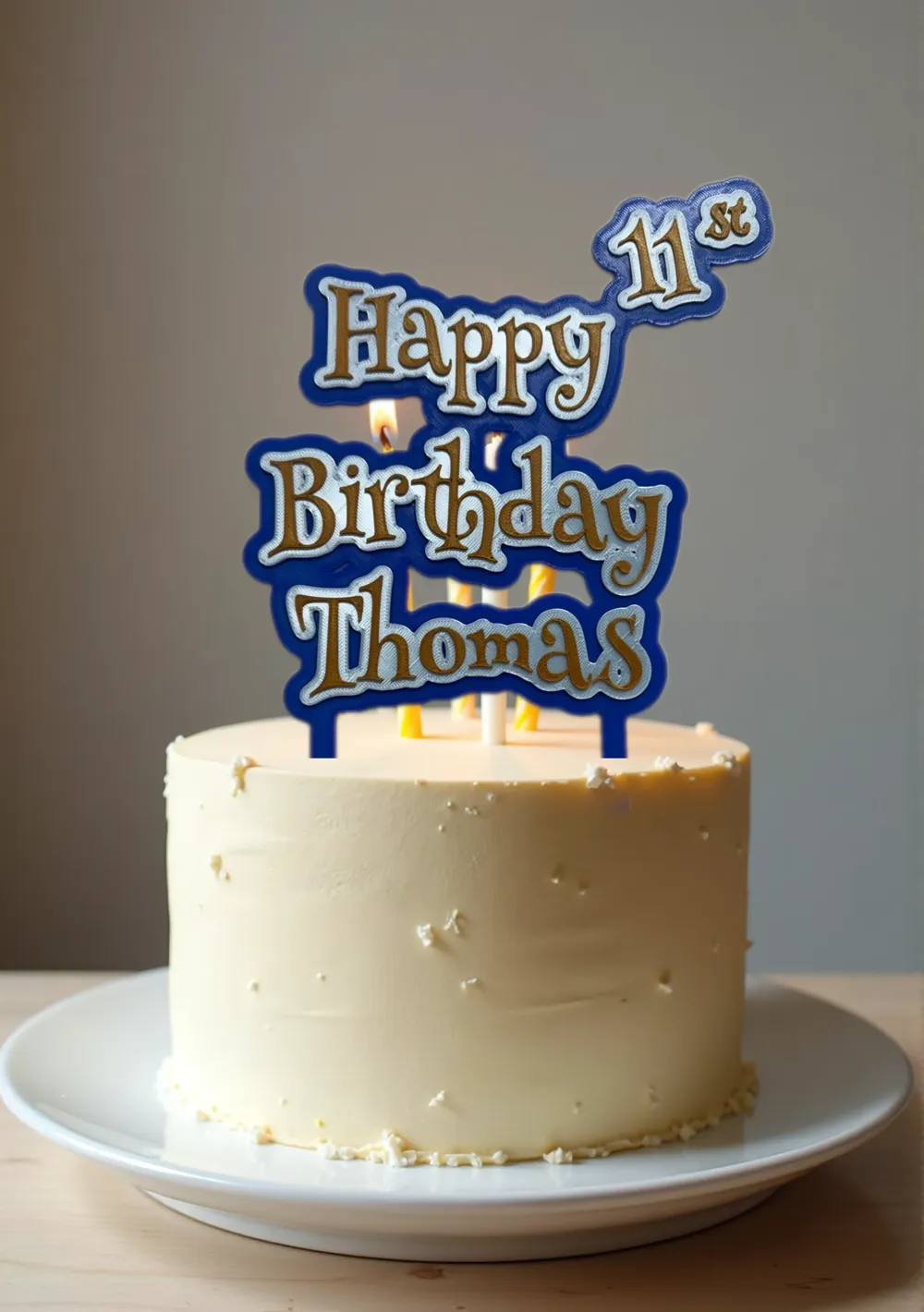
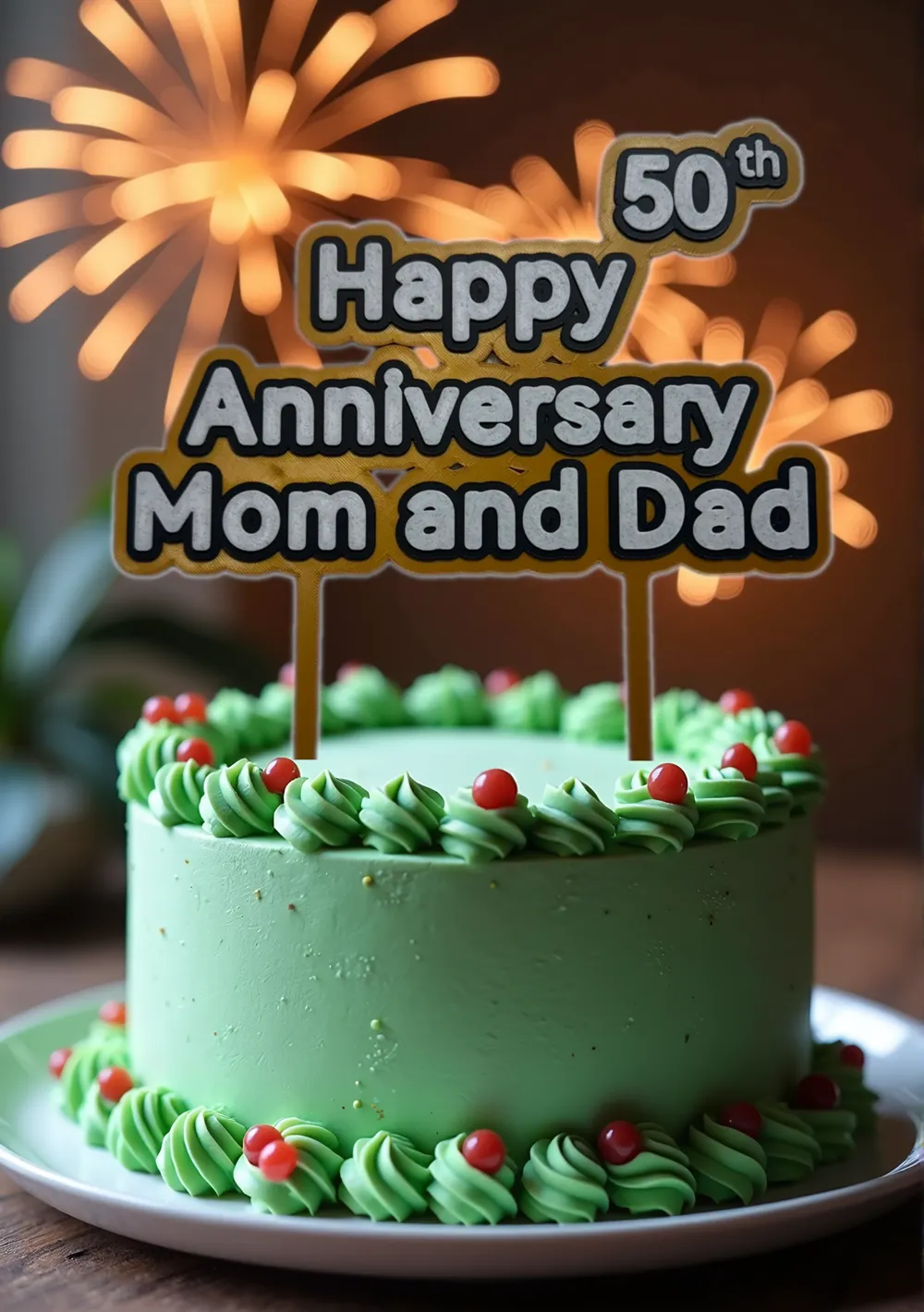
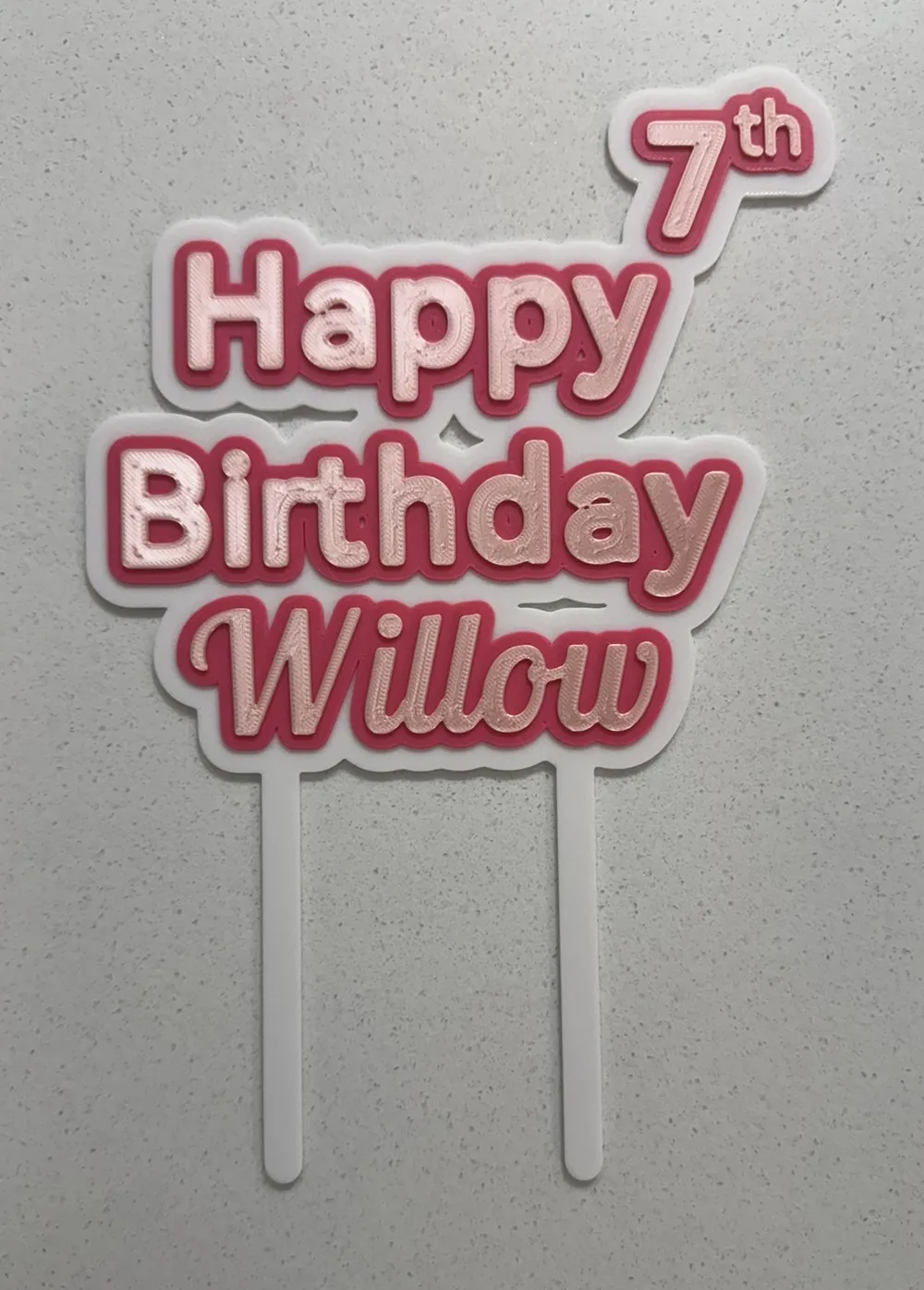
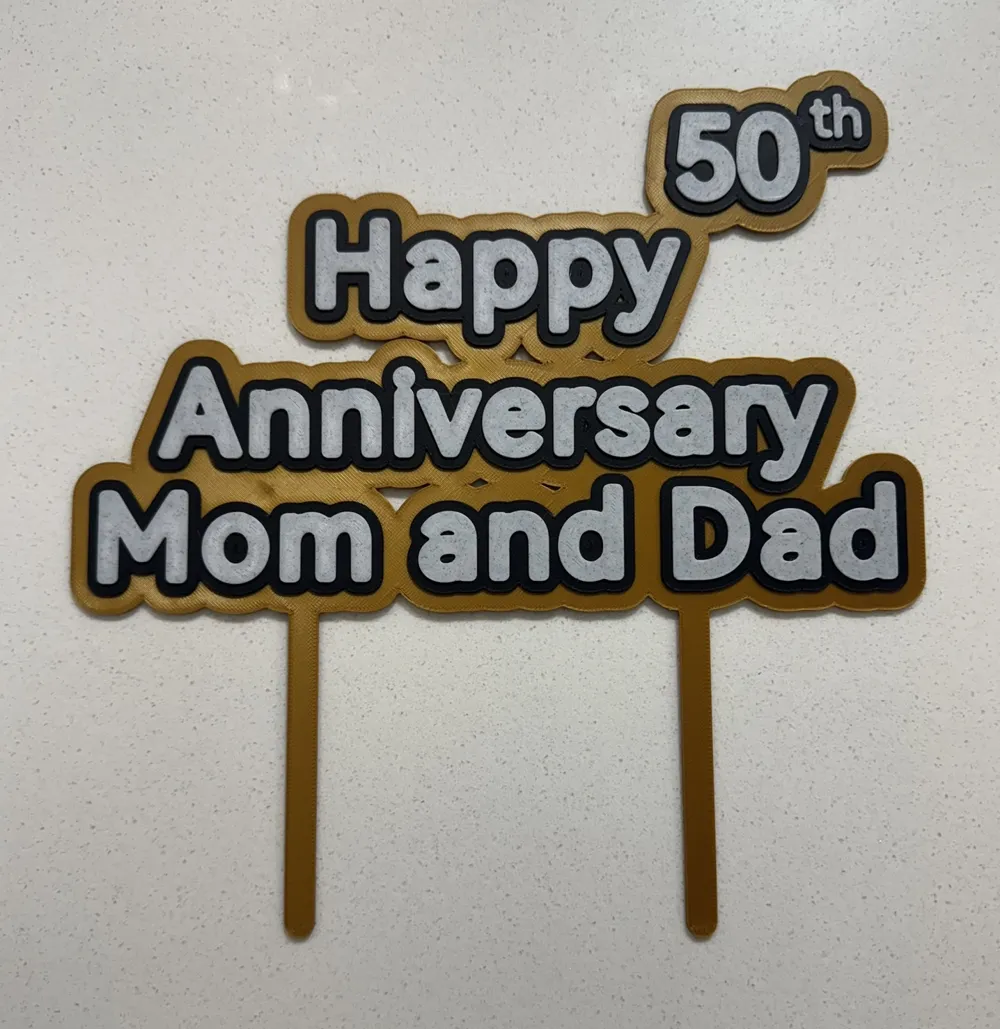
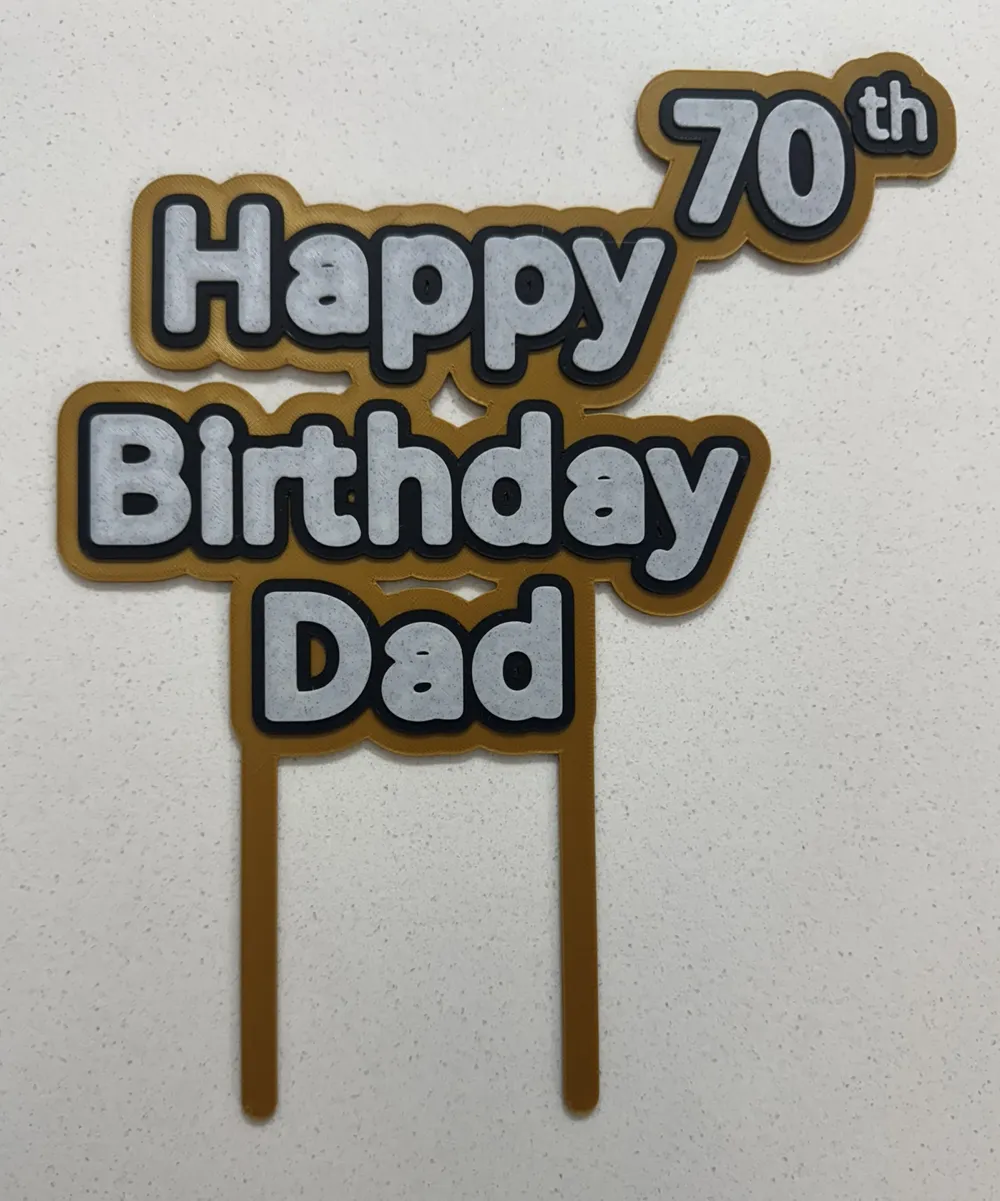
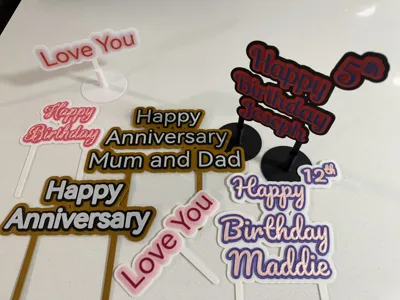
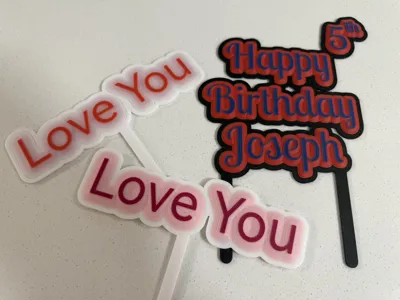
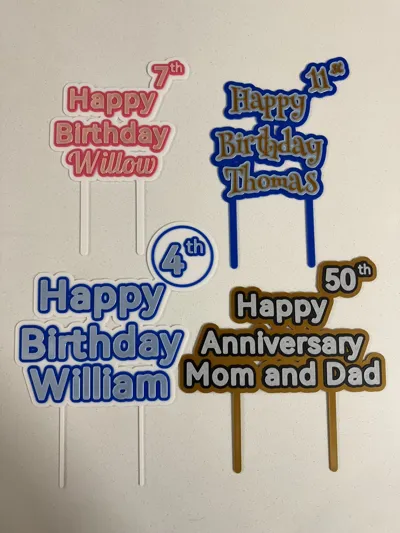
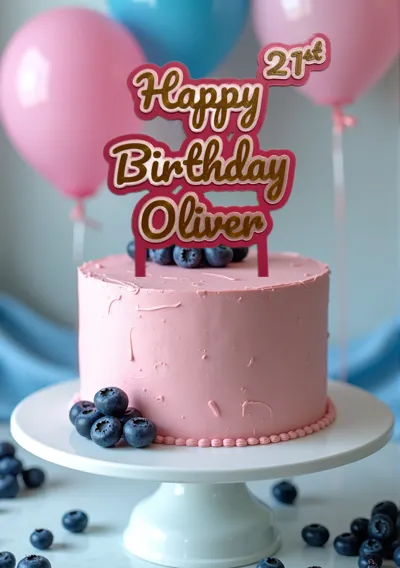
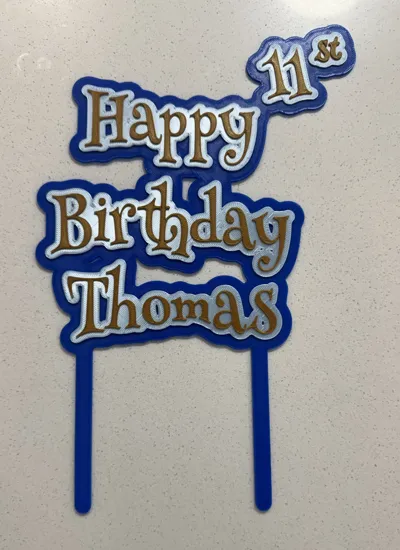
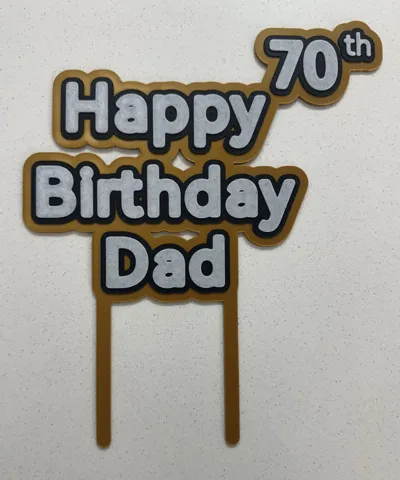
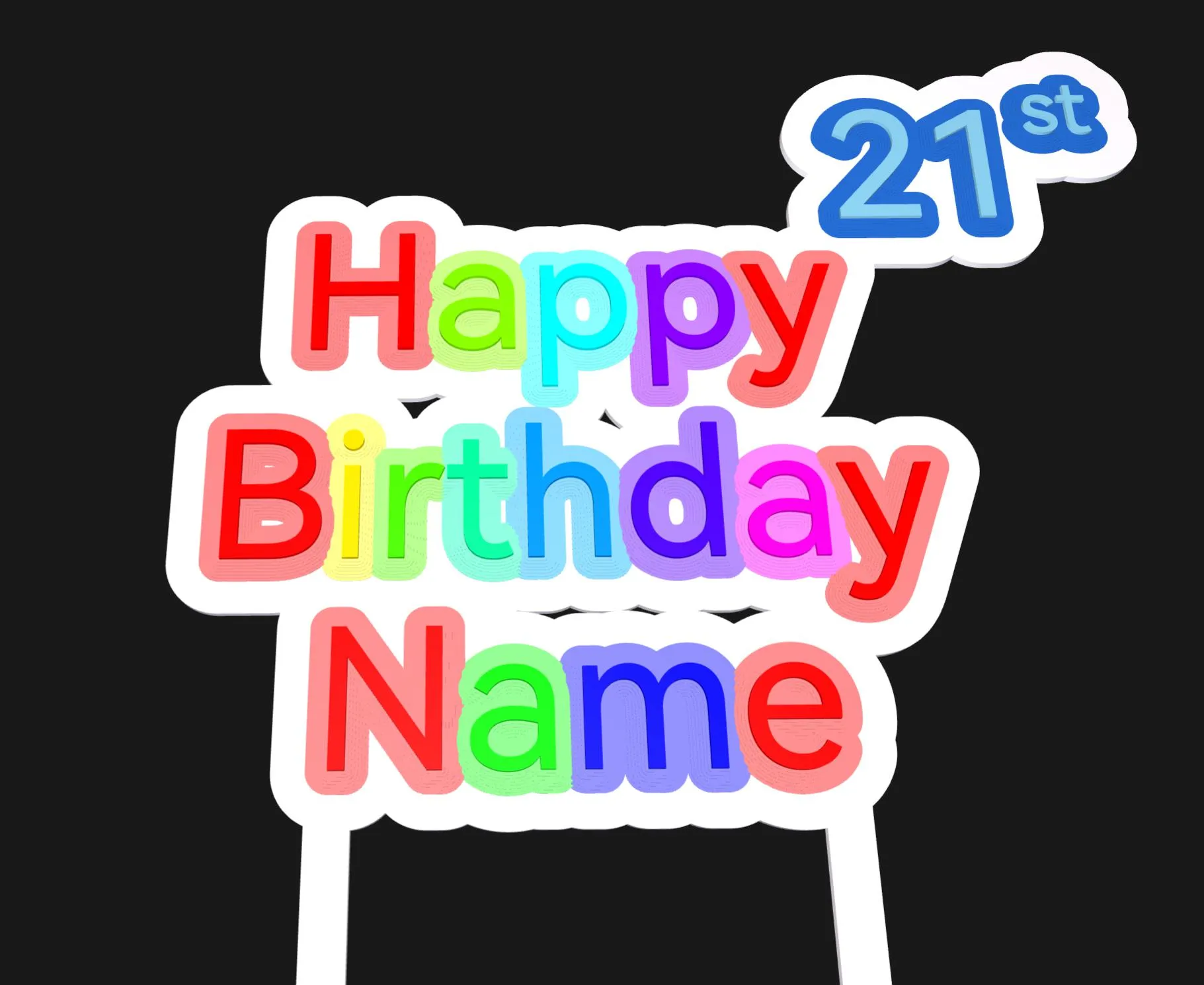
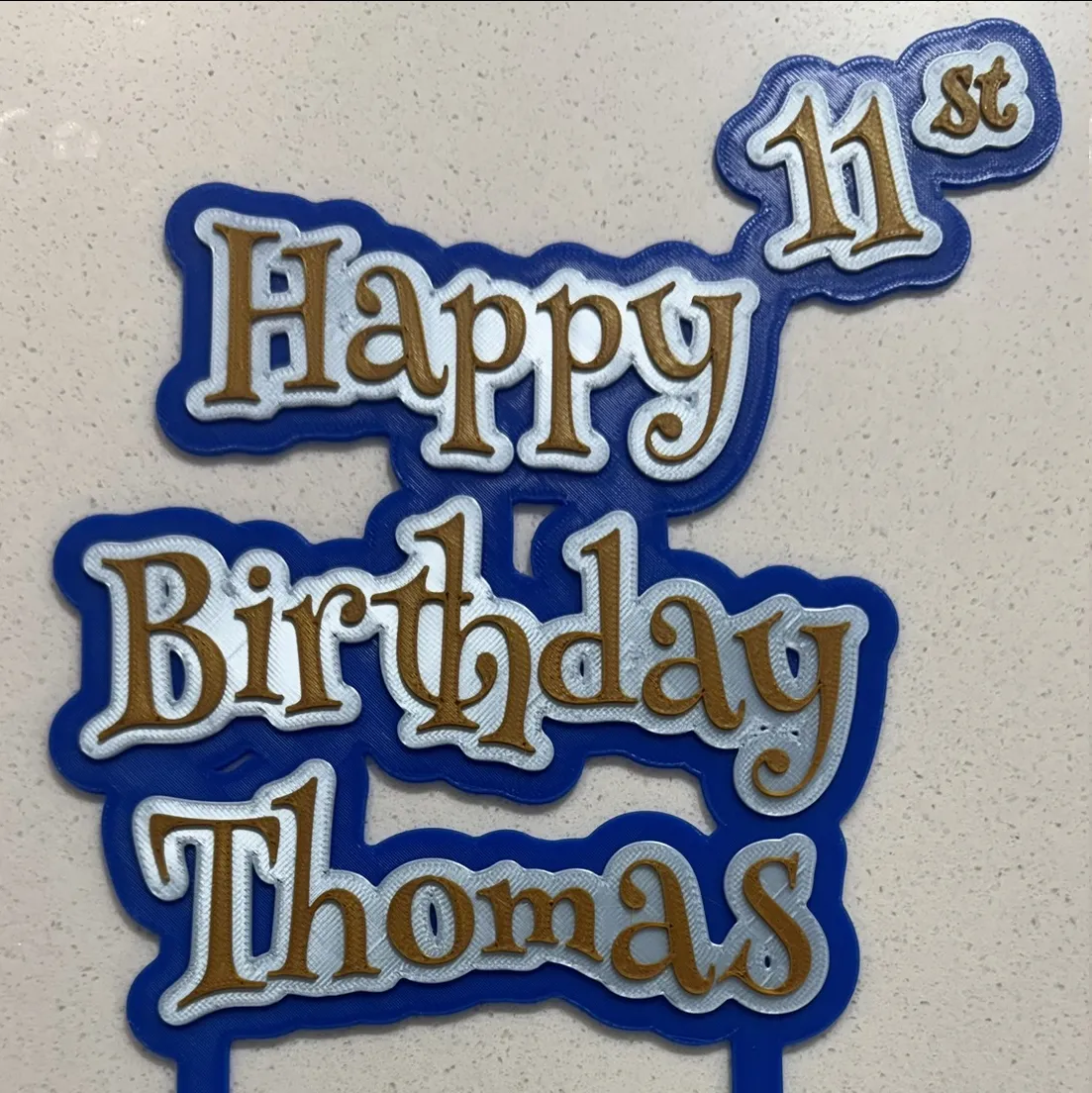
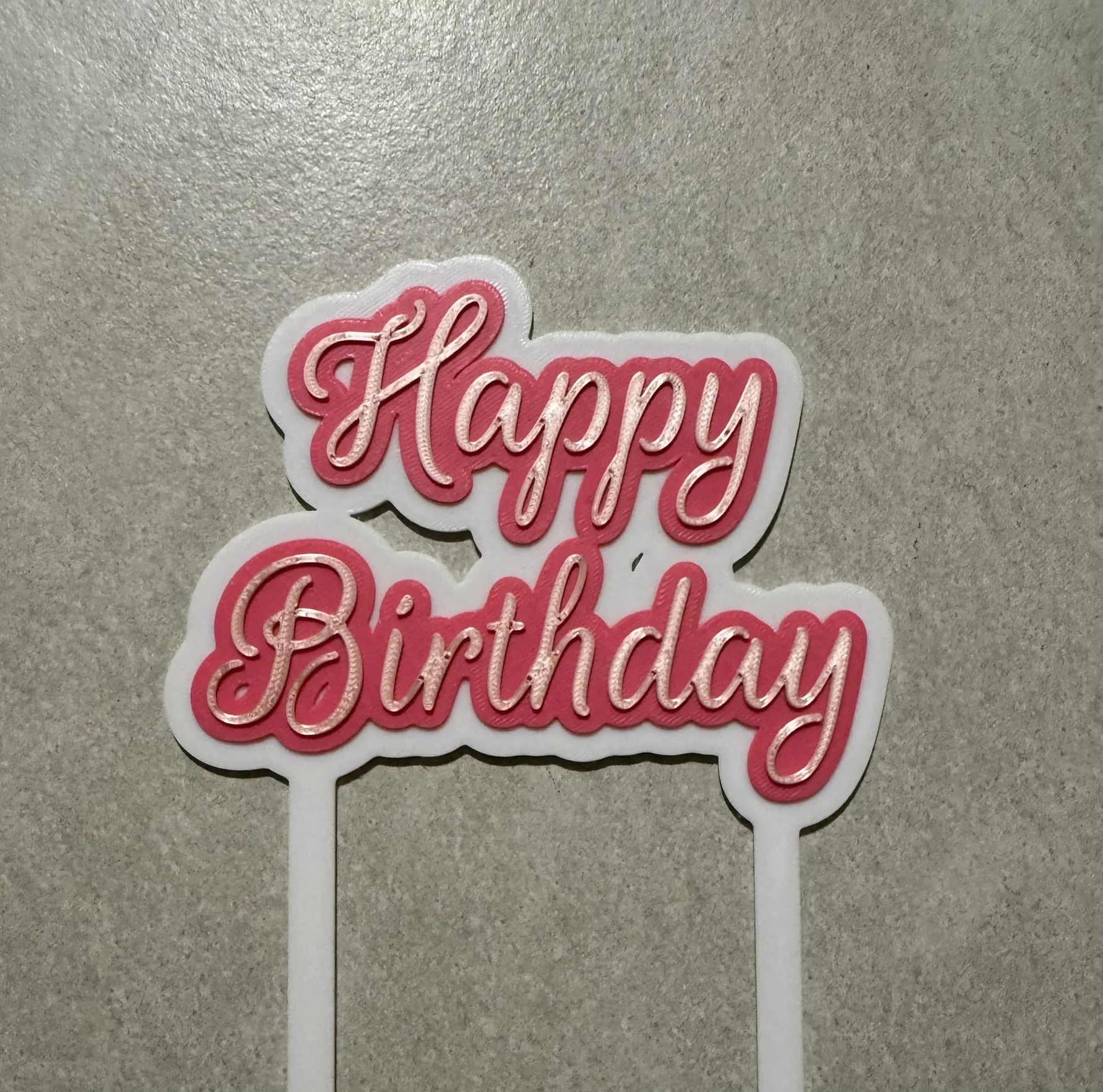
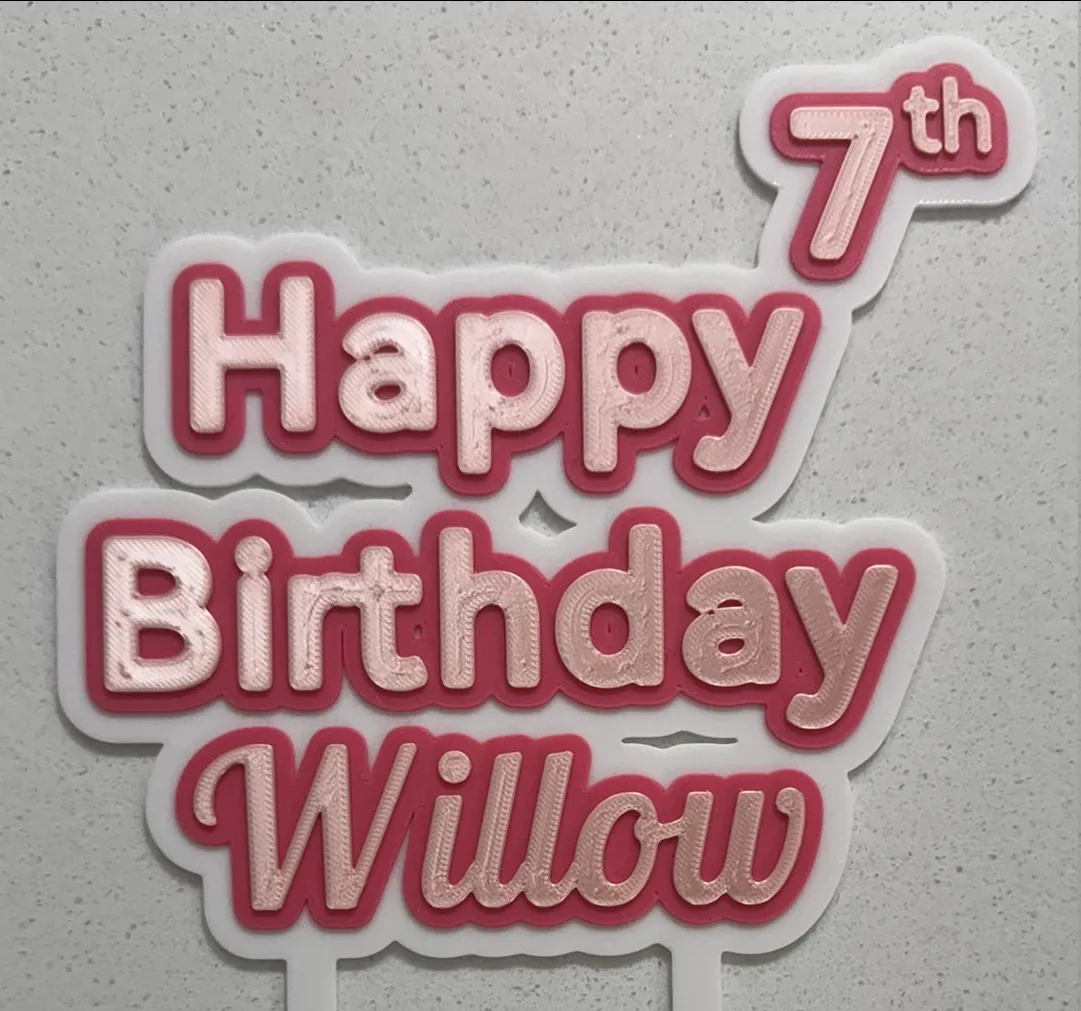
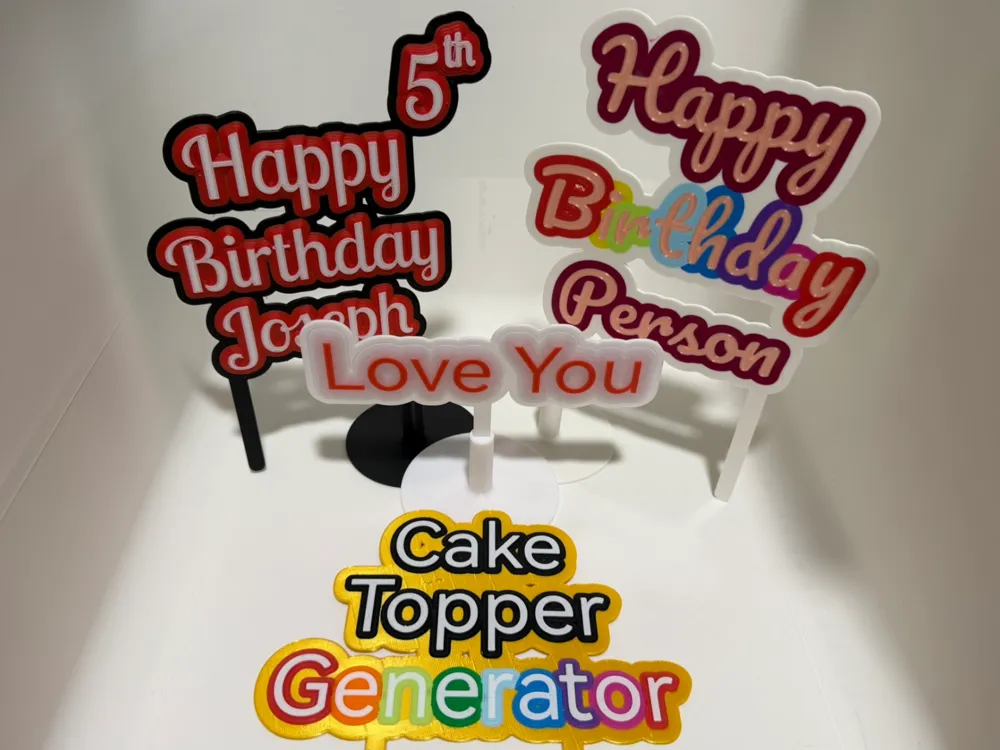
This customizable cake topper script allows you to create unique and personalized designs for any celebration. The script includes options to add up to three lines of text, such as "Happy Birthday Name" and the year of the anniversary, making it perfect for birthdays, anniversaries, or other special occasions.


You can adjust the font style, size, color, boldness, spacing, and extrusion layers to match your desired aesthetic. The script also supports predefined color sets and custom positioning for each text line, giving you full control over the design. Whether you prefer a clean, modern look or a playful, cursive style, this script has options to suit your needs.


Lines will be automatically positioned base on the font and text size. however this wont be perfect do the the shape of the letters, to resolve this you can use the line position options to shift the line as needed.


Designed for easy customization, this cake topper script is ideal for anyone looking to create a unique 3D-printed decoration for their event.


Printing settings
There are two ways to print the model with colors.

Colored 3MF file

The generated topper can be saved as a 3MF which will have color information. This will allow you to have different colored text for each line.


Color by height 

In the slicer you can switch colors as specific layers. 

In the Slicer, in “preview”, right click on the vertical layer slider at the layer you want the color to change. There is a drop down menu option that says "change filament."
Detailed explanation https://forum.bambulab.com/t/how-do-i-change-colors-at-a-layer-with-ams-lite/83387/6
 

Recently Added Features

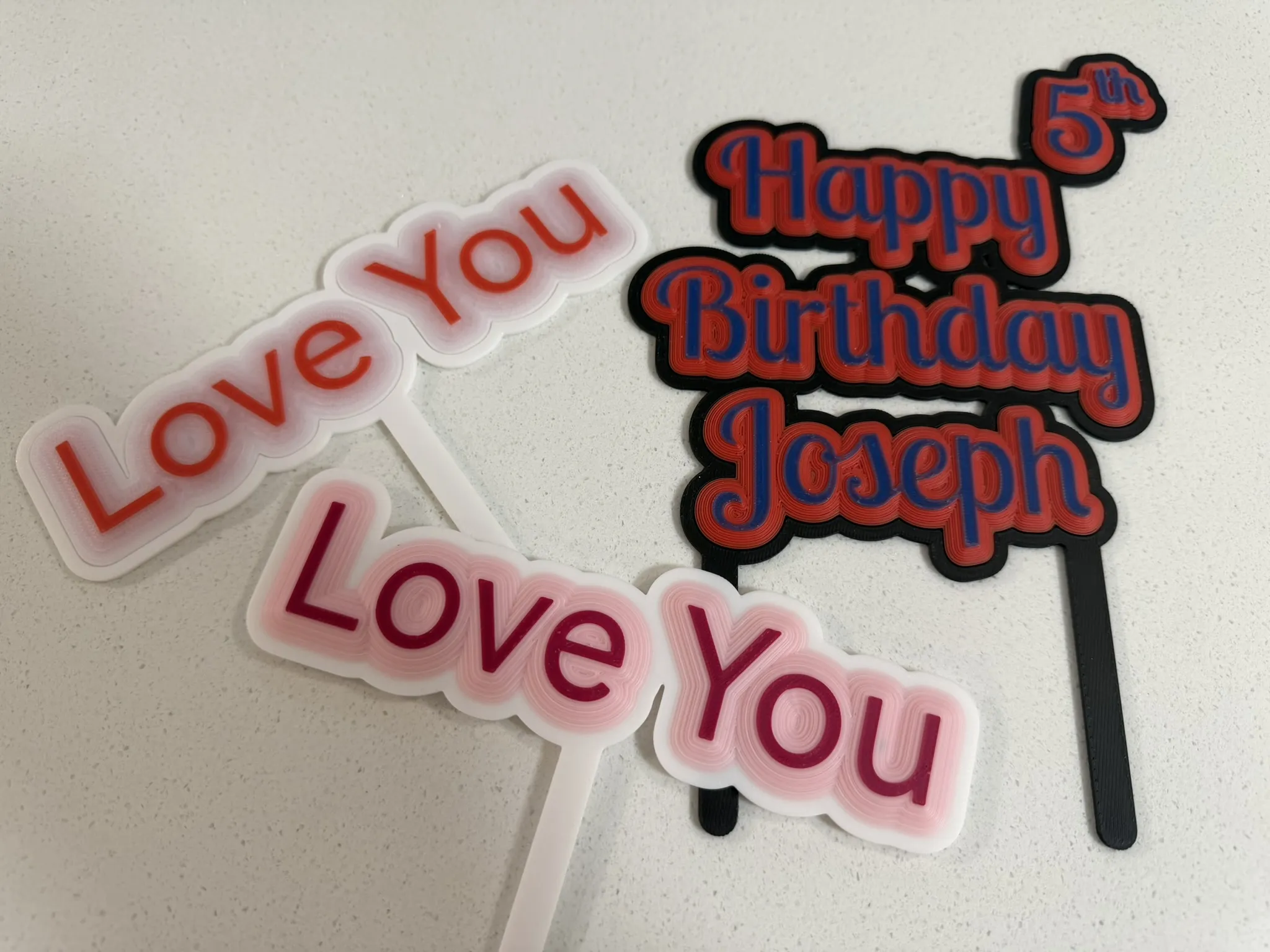
Chamfered Border. 

  • This allows for the detail of the text to appear in the border. 
  • This looks best when setting the text layers to 1. 
  • With colour mixing or transparent filaments this can give a shaded effect. 

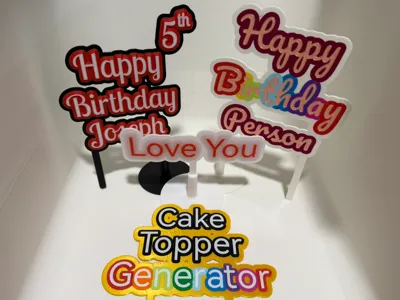
Rainbow text

Intention is for this to work with slicers recent colour mixing or Full Spectrum colour features. Can be applied to Text and Border.

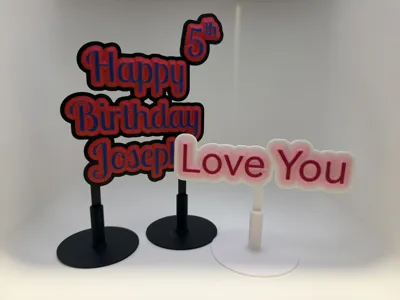
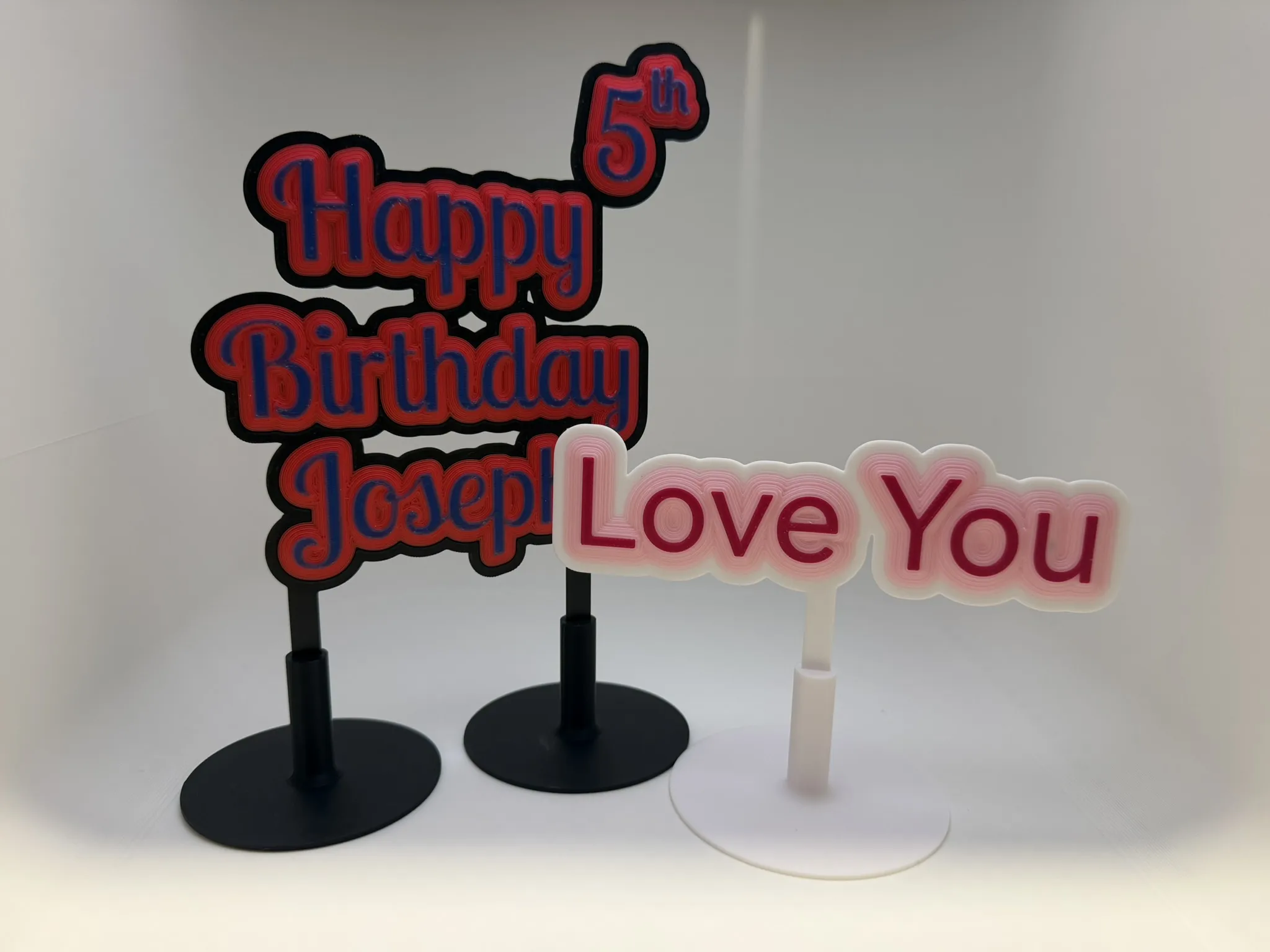
Post stands

holds the sign if you don't want to put the posts in to a cake, or have cupcakes, or if its just a desk sign.


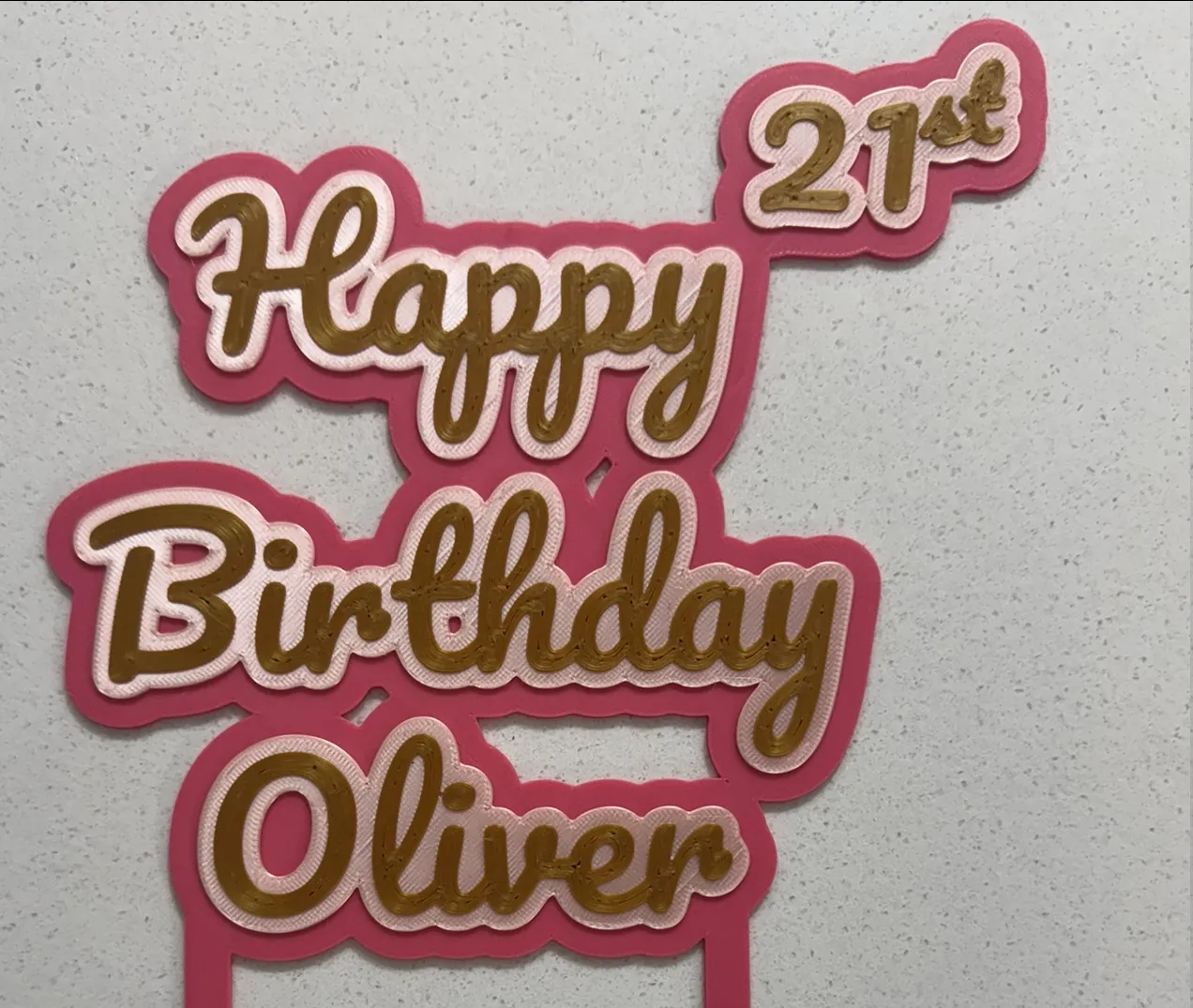
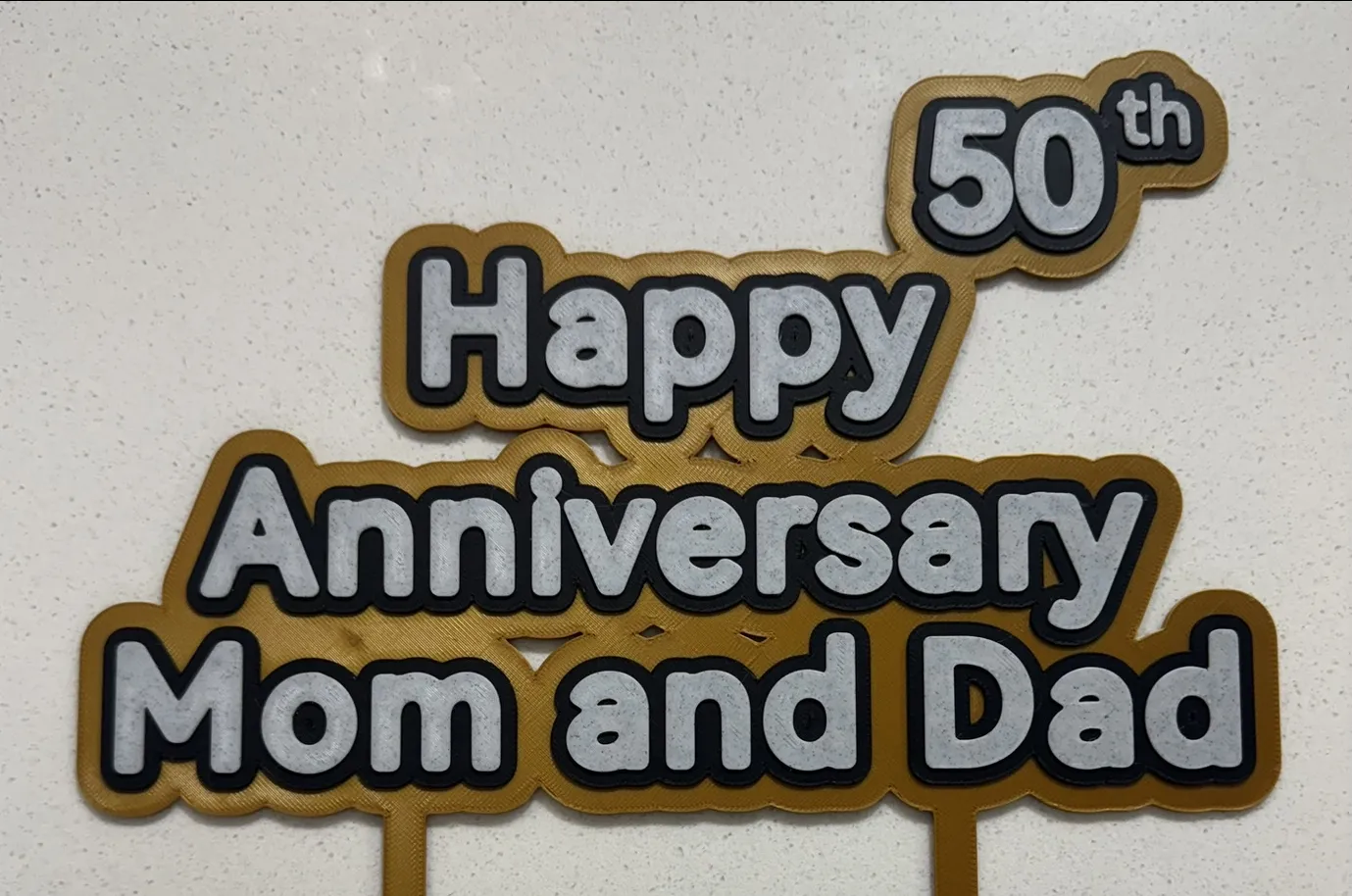
Samples Prints and fonts

Font Pacifico
Font HarmonyOS. Increase Text Boldness to give rounded text.
Font Henny Penny.
Font Lobster Two

Font HarmonyOS. with Text Boldness =1.5 for top lines.

Font Lobster Two:style=Italic for the bottom line.

update 2026-05-30

  • Added rainbow text, Intention is for this to work with slicers recent colour mixing or Full Spectrum colour features. Can be applied to Text and Border.
  • Added option to chamfer the Border. This allows for the detail of the text to appear in the border. This looks best when setting the text layers to 1. With colour mixing this can give a shaded effect. 
  • Added option to print with text embedded Face up or Face down, requires a colour swapping printer like an AMS. Previously you could only stack the layers.
  • Added Post stands, holds the sign if you don't want to put the posts in to a cake, or have cupcakes, or is not for a cake.

update 2026-02-25

  • Allow removal of suffix
     

Boost Me (for free)

Thank you for taking the time to check out my work—I really appreciate the Likes, Follows, and Boosts. Your support plays a big part in driving motivation for updates and new designs. If you run into any issues or have ideas for improvements, feel free to get in touch. I’m always open to feedback.

Comment & Rating (38)

(0/1000)

This is an awesome design, but I have a small concern, the name is too far from the “Happy Birthday” text. How can I adjust this?
The designer has replied
designer
1
Reply
its hard to calculate the position with Ls and y. You can adjust the position of line 2 and 3, give the position a negative number. start with say -10 to see how it works.
1
Reply
Replying to @ostat :
I will try it. Thank you so much.
0
Reply
Print Profile
Happy Birthday - Rogue Font
looks good! added the name and birthday.
(Edited)
profile
1
Reply
Print Profile
3mf Happy Birthday - Henny Penny Font
Turned out awesome on my wife's birthday cake. 😁
profile
1
Reply
Boosted
Nice, But can you make it Smaller?
The designer has replied
0
Reply
nice print, you can change the font size and the border sizes in the customiser. If its easier you can scale it in the slicer.
0
Reply
Boosted
Brilliant little print, love the way you can see all the fonts to choose from , nice touch
designer
1
Reply
Boosted
I love this maker! not really sure how to leave a rating since it downloaded the file direct to my computer after I customize it but I would give it 5 stars and I love all the font options also. I just wish there was a way to see an example of all the fonts besides loading and seeing them one by one. Good job @ostat !
(Edited)
The designer has replied
designer
2
Reply
Thanks for the feedback. I agree regarding the fonts. I could possibly have a demo options that lists out all of the short list of fonts. I think I put about 8. The full list is a bit long, but you can use google fonts for that. I will add a link to the description. I did add some photos of the short list of fonts to the model description, but you don’t see that in the customiser. If you have ideas how to make it easier i am interested.
1
Reply
Replying to @ostat :
Try now, I added an option to render the short list of fonts. Its a bit slow, I might need to pay with the settings to make it perform better.
1
Reply
would it be possible to make this to use on A1 mini please
0
Reply
Is there an option to deactivate the ordinal suffix of the numbers? They do not apply in Germany and I could not find any button in the Model Maker. Other than that this is the best looking cake topper by far!
The designer has replied
designer
1
Reply
I thought I had done that, but looks like I forgot to update it. This has been updated now. You can now change or remove the suffix.
0
Reply
Great job.... can the th be removed just like that?
The designer has replied
Show original
designer
1
Reply
Sorry for the delay, this has been added
0
Reply
how do you download the customize one. I can only download your pre done ones.... very frustrating
The designer has replied
designer
1
Reply
In the customiser there should be a download button at the bottom.
0
Reply
Can I change the text in Bambu studio ?
The designer has replied
designer
1
Reply
Hi, studio does not support that. You need to use the customise button on the model.
0
Reply

License

This user content is licensed under a Standard Digital File License.

You shall not share, sub-license, sell, rent, host, transfer, or distribute in any way the digital or 3D printed versions of this object, nor any other derivative work of this object in its digital or physical format (including - but not limited to - remixes of this object, and hosting on other digital platforms). The objects may not be used without permission in any way whatsoever in which you charge money, or collect fees.