Search models, users, collections, and posts

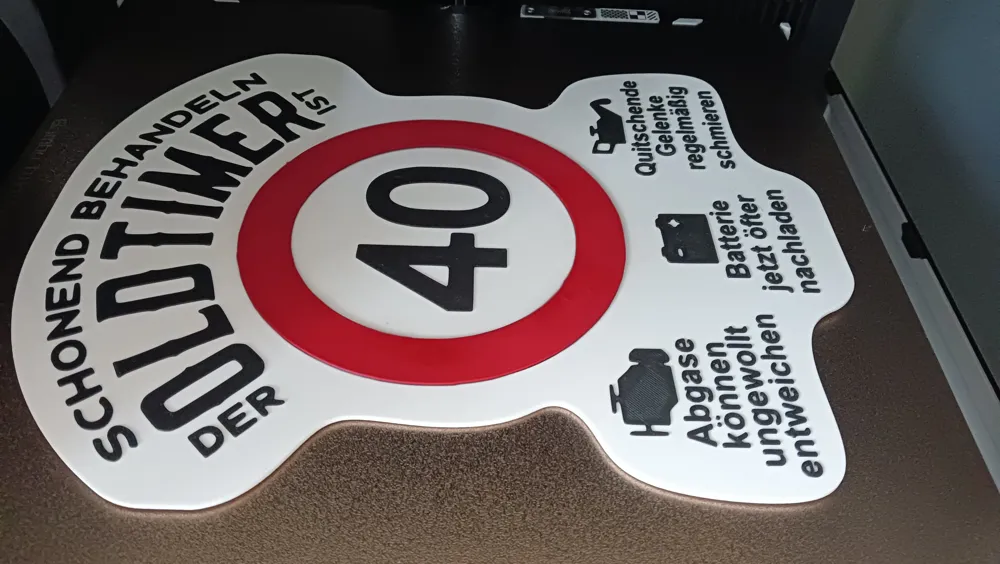
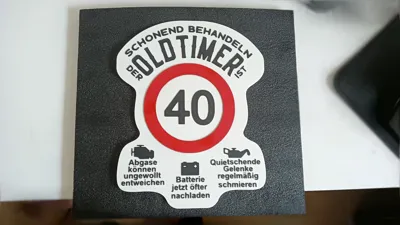
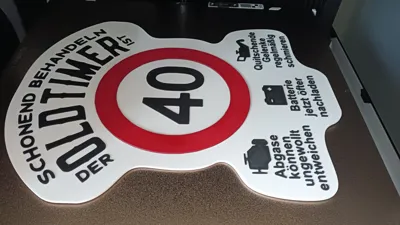

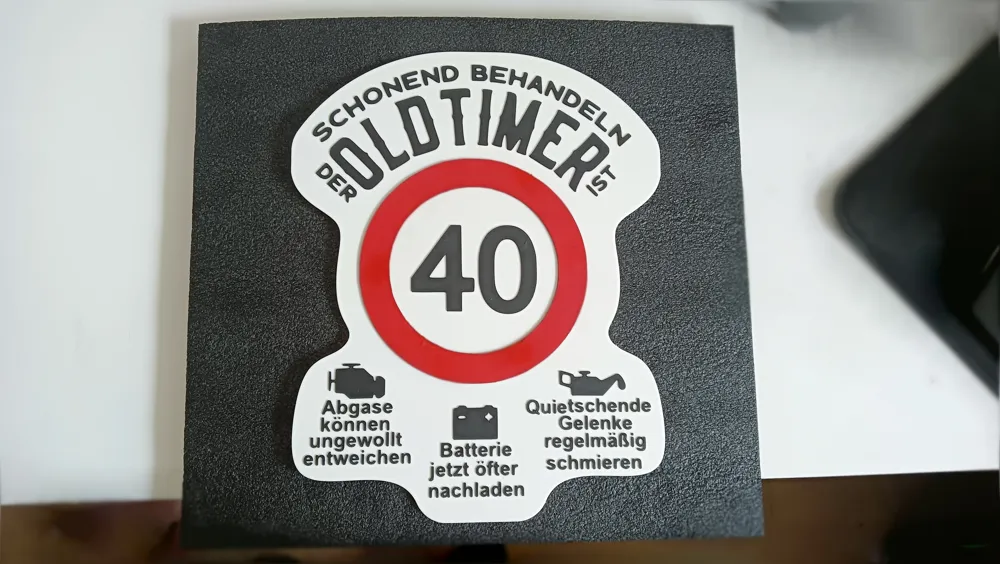
Classic Car Birthday Sign Variable 30, 40, 50,
GIF

Print Profile(1)

All
X1 Carbon
P1P
X1E
A1
H2S
X1
P2S
H2D
H2C
H2D Pro
A1 mini
P1S
X2D
A2L

0.2mm layer, 2 walls, 5% infill
Designer
1.5 h
1 plate
4.9(37)

Open in Bambu Studio
Boost
119
390
59
22
497
305
Released 

Description

Content has been automatically translated.
Show original

Funny Birthday Surprise

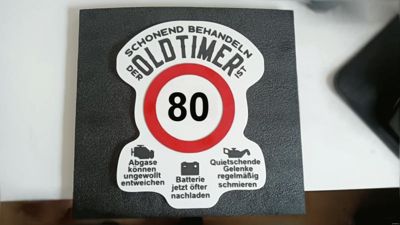
NOW WITH VARIABLE BIRTHDAY NUMBER

Scalable


Changing text in Bambu Studio:
After opening the file, select the "Objects" option under Process in Bambu Studio.
Left-click to select “Number” under Print Plate/40Geb.

Right-click the selected text “Number” and then left-click "Edit Text".
An editing window will open. After editing, simply close it with the ESC key. Done

Boost Me (for free)

if you like it

Comment & Rating (59)

(0/1000)

Boosted
Print Profile
0.2mm layer, 2 walls, 5% infill
Great, clean print.... I would need another one for my parents for their 70th 😁 Thanks for creating and sharing 👍🏻
(Edited)
The profile uploader has replied
Show original
profile
2
Reply
The year can now be individually changed
(Edited)
Show original
1
Reply
Boosted
Thank you for the super fast adjustment
(Edited)
Show original
profile
3
Reply
Print Profile
0.2mm layer, 2 walls, 5% infill
Super print result 👍 TOP 1A
Show original
profile
1
Reply
Print Profile
0.2mm layer, 2 walls, 5% infill
Turned out great, thanks for the model, my brother will surely be happy ☺️
Show original
profile
1
Reply
I like it, could you please correct the squeaking
The designer has replied
Show original
0
Reply
Quiet please, with an "ie"... that would be truly fantastic
Show original
0
Reply
Oh my, sometimes one is truly blind I shall rectify it
Show original
0
Reply
Replying to @Mellowman :
Thank you, that's incredibly kind of you
Show original
1
Reply
Print Profile
0.2mm layer, 2 walls, 5% infill
profile
1
Reply
I wanted to change the number to 63 unfortunately there is no way to change the number, too bad I would need it by Saturday
The designer has replied
Show original
0
Reply
Sorry, I forgot to add instructions for this. It has now been done. NOTE: Text modification can only be done in Bambu Studio, not in Bambu Handy!
Show original
0
Reply
@Mellowman thank you for your answer, I tried it yesterday in Bambu Studio, but unfortunately everything is as one object. unfortunately I still can't change the number. so Bambu Studio pc
Show original
0
Reply
Replying to @McGhettobauer :
hmm, I don't understand now. I've attached screenshots of the individual steps for you. Maybe that will help you
Show original
0
Reply
Print Profile
0.2mm layer, 2 walls, 5% infill
profile
1
Reply
Hello everyone, how can I change the number? Best regards Franke
The designer has replied
Show original
0
Reply
Hello, in Bambu Studio click on objects during the process, then right-click on the number and then "Edit text". Good luck
(Edited)
Show original
0
Reply
Replying to @Mellowman :
Thank you it worked very well
Show original
0
Reply
Hey, unfortunately I can't change the number, I'm doing this via Anycubic, can someone help me with that
The designer has replied
Show original
0
Reply
Install Bambu Studio. There you can change the number. Either integrate your printer there, or export the part as STL and run it in your slicer
Show original
0
Reply
Print Profile
0.2mm layer, 2 walls, 5% infill
grandios
profile
1
Reply

License

This user content is licensed under a Standard Digital File License.

You shall not share, sub-license, sell, rent, host, transfer, or distribute in any way the digital or 3D printed versions of this object, nor any other derivative work of this object in its digital or physical format (including - but not limited to - remixes of this object, and hosting on other digital platforms). The objects may not be used without permission in any way whatsoever in which you charge money, or collect fees.