Search models, users, collections, and posts

QR Code Generator Plate

IP Report
GIF
This model is created by Parametric Model Maker
Make Your Model

Print Profile(1)

All
X1 Carbon
H2D Pro
H2D
A1 mini
A1
H2S
P1P
P2S
X1E
H2C
X1
P1S
X2D
A2L

0.2mm layer, 2 walls, 15% infill
Designer
1.3 h
1 plate

Open in Bambu Studio
Boost
634
1398
31
39
1.8 k
395
Released 

Bill of Materials

Maker's Supply Kits and Parts
Select all
D4x2 mm Round Magnet (20PCS) - CA001
D5x1 mm Round Magnet (20PCS) - CA002
D5x2 mm Round Magnet (20PCS) - CA003
D5x3 mm Round Magnet (20PCS) - CA006
D6x2 mm Round Magnet (20PCS) - CA004
D6x3 mm Round Magnet (20PCS) - CA007
D6x4 mm Round Magnet (10PCS) - CA013
D8x2 mm Round Magnet (20PCS) - CA005
D8x3 mm Round Magnet (20PCS) - CA008
D10x3 mm Round Magnet (20PCS) - CA009
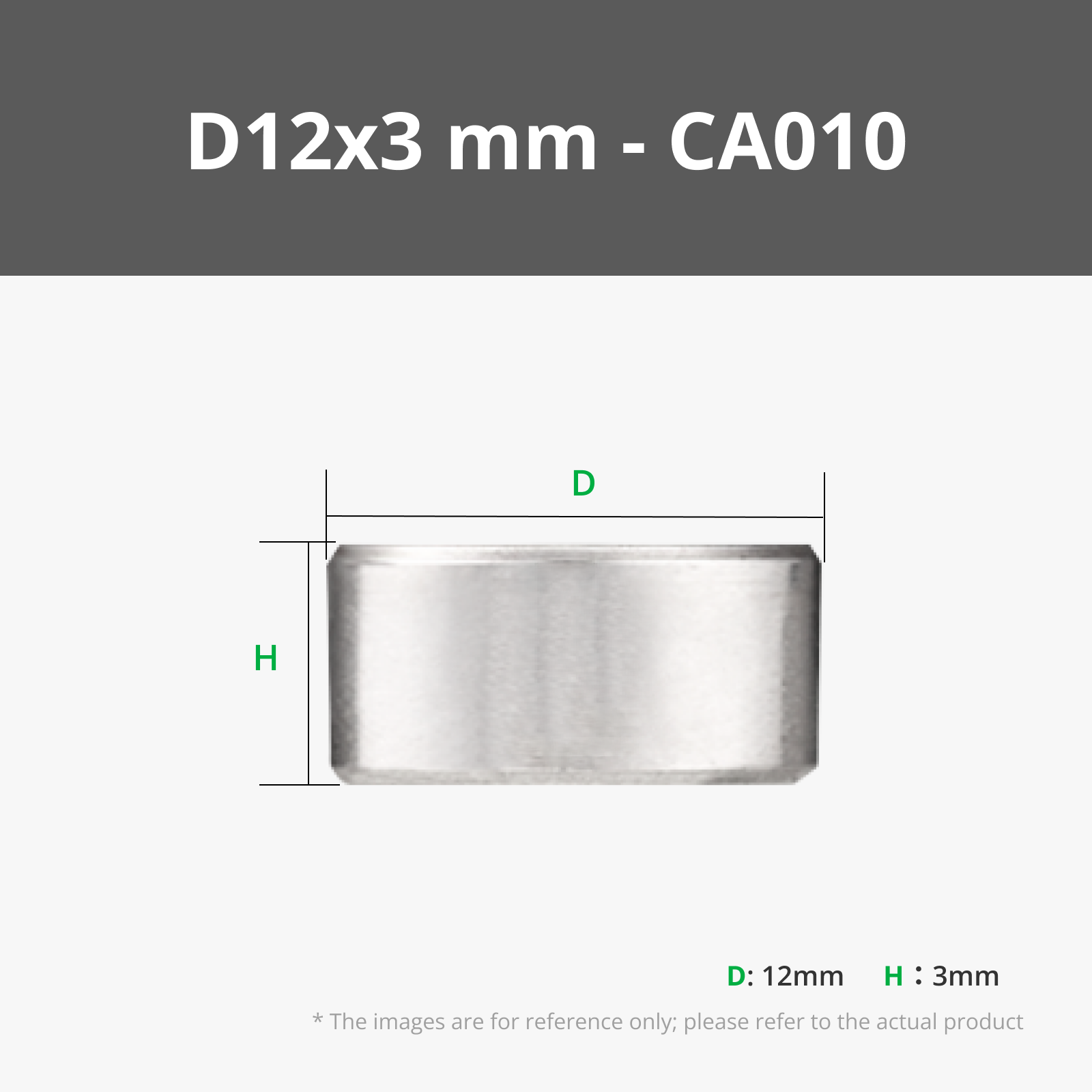
D12x3 mm Round Magnet (20PCS) - CA010
D15x3 mm Round Magnet (20PCS) - CA011
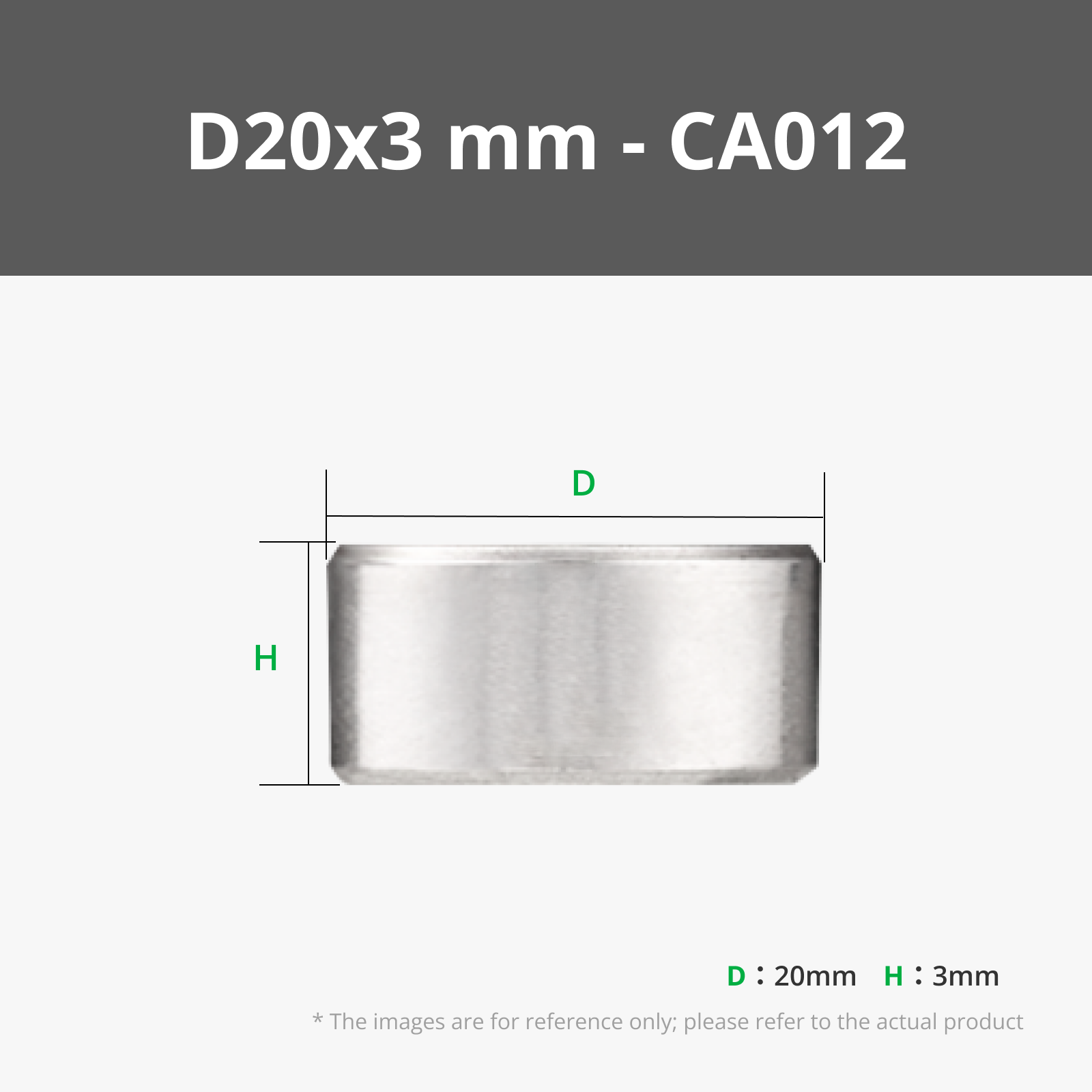
D20x3 mm Round Magnet (10PCS) - CA012
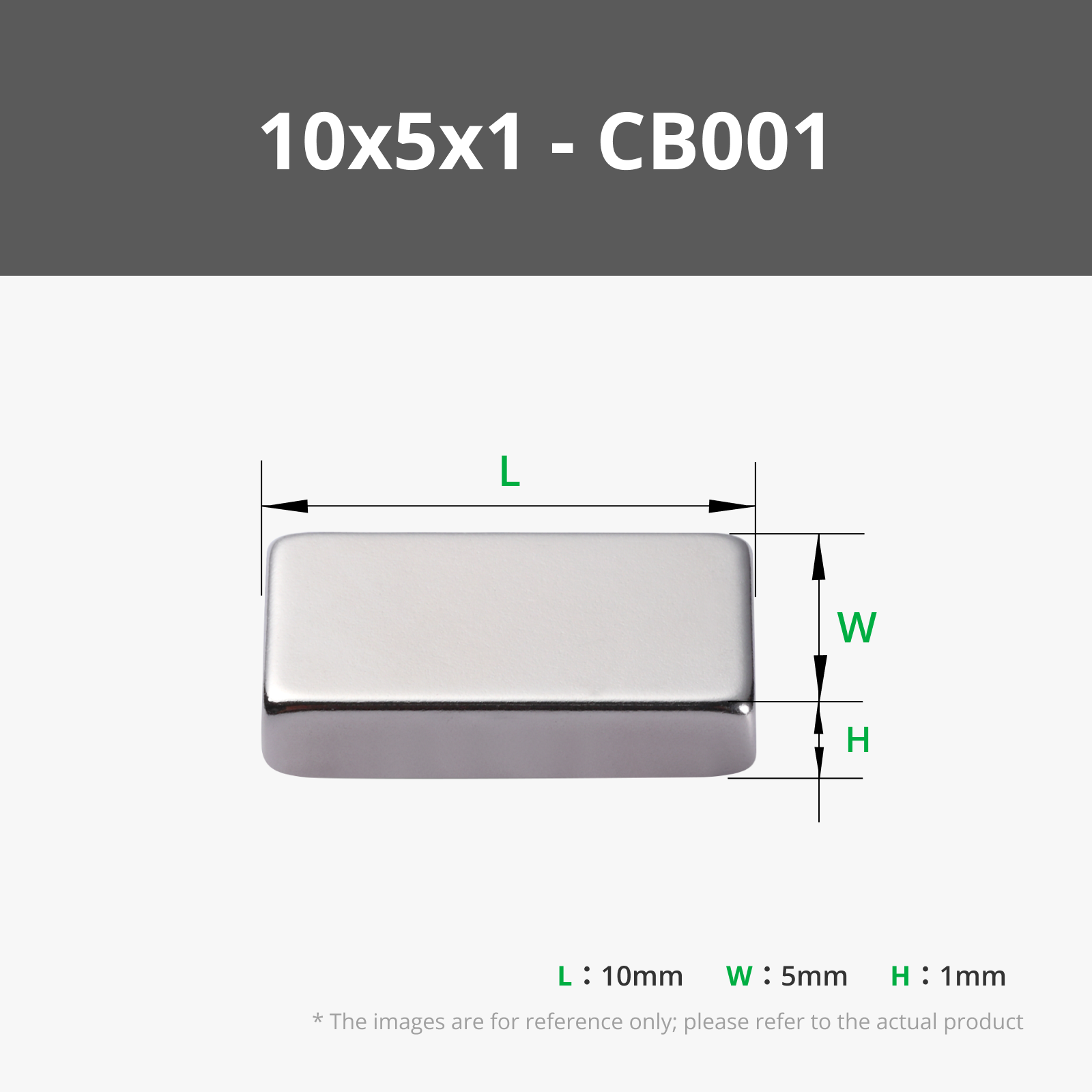
10x5x1 mm (20PCS) - CB001
10x5x2 mm (20PCS) - CB002
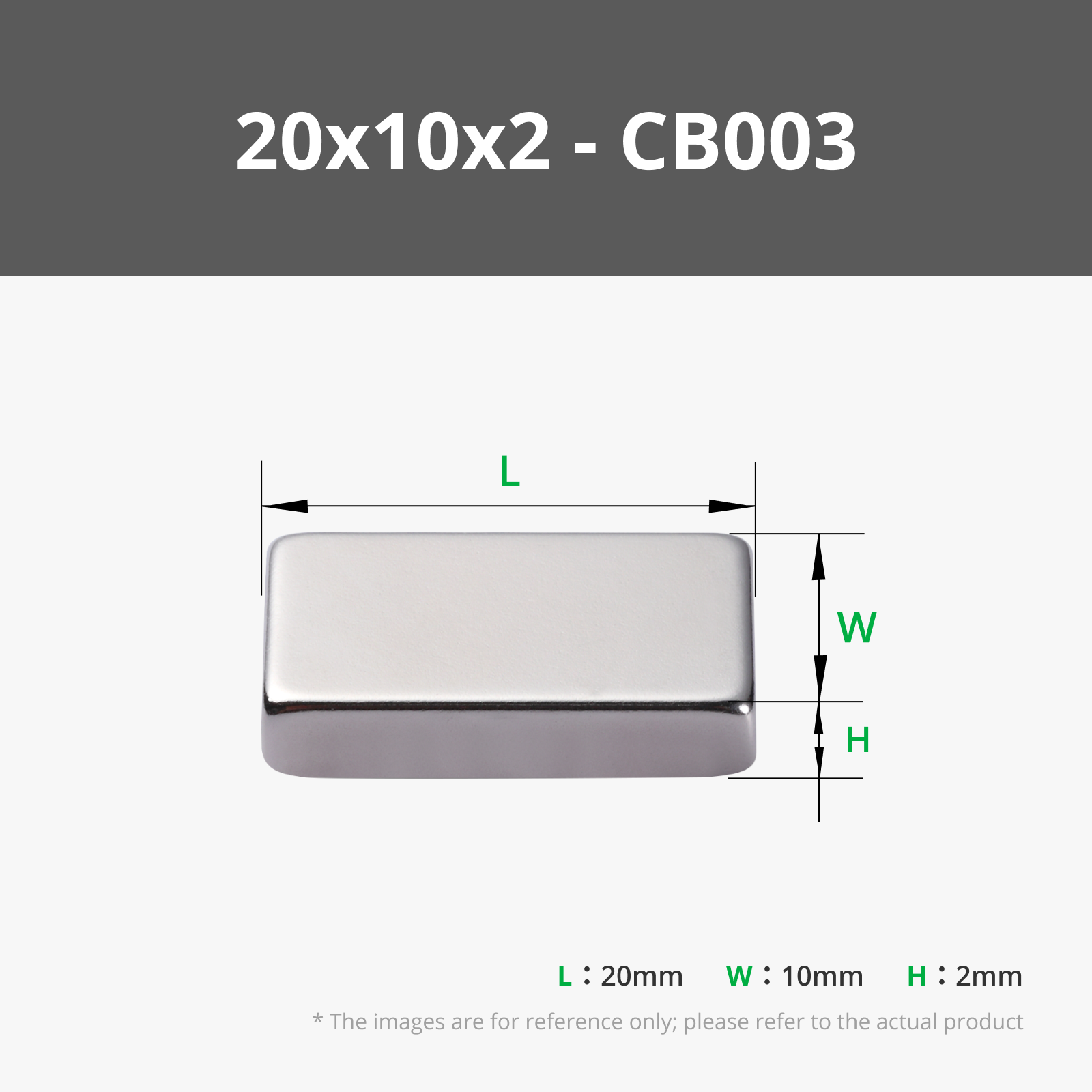
20x10x2 mm (10PCS) - CB003
20x10x3 mm (10PCS) - CB004
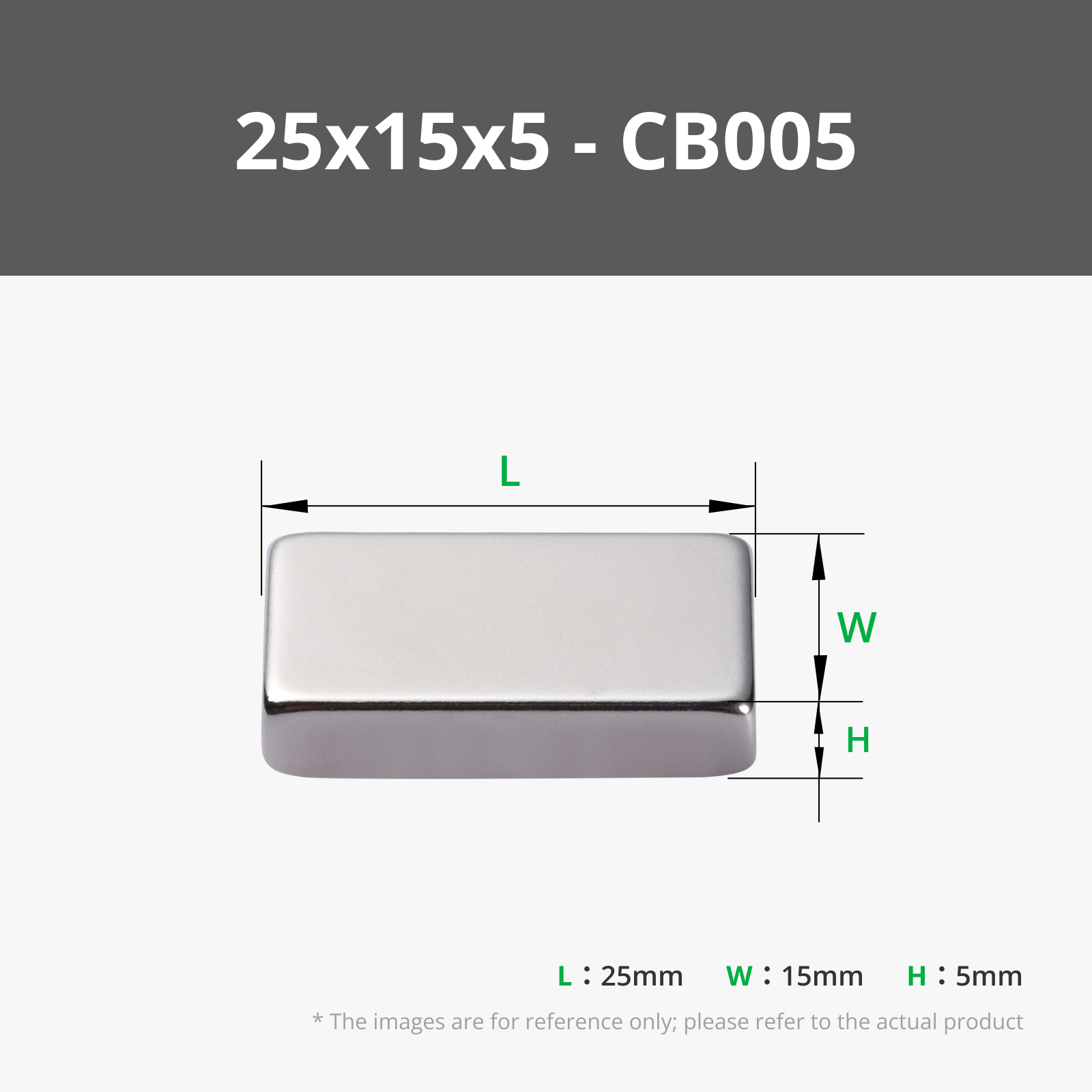
25x15x5 mm (10PCS) - CB005
25mm Silver Keychain (10pcs) - MA001
Bambu Filaments
Select all
Black (10101) / Filament with spool / 1kg
Jade White (10100) / Filament with spool / 1kg
Bambu Green (10501) / Refill / 1kg

Description

Content has been automatically translated.
Show original

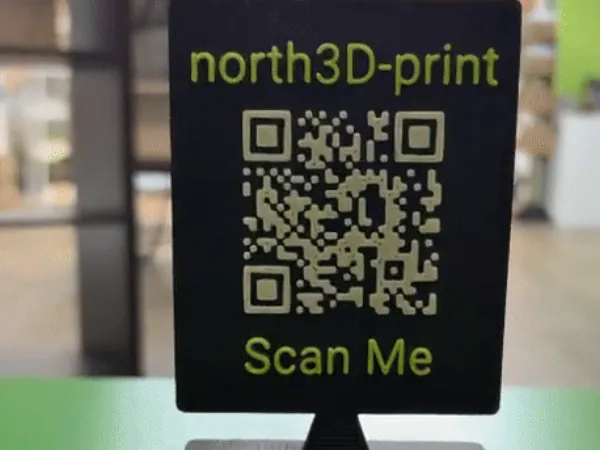

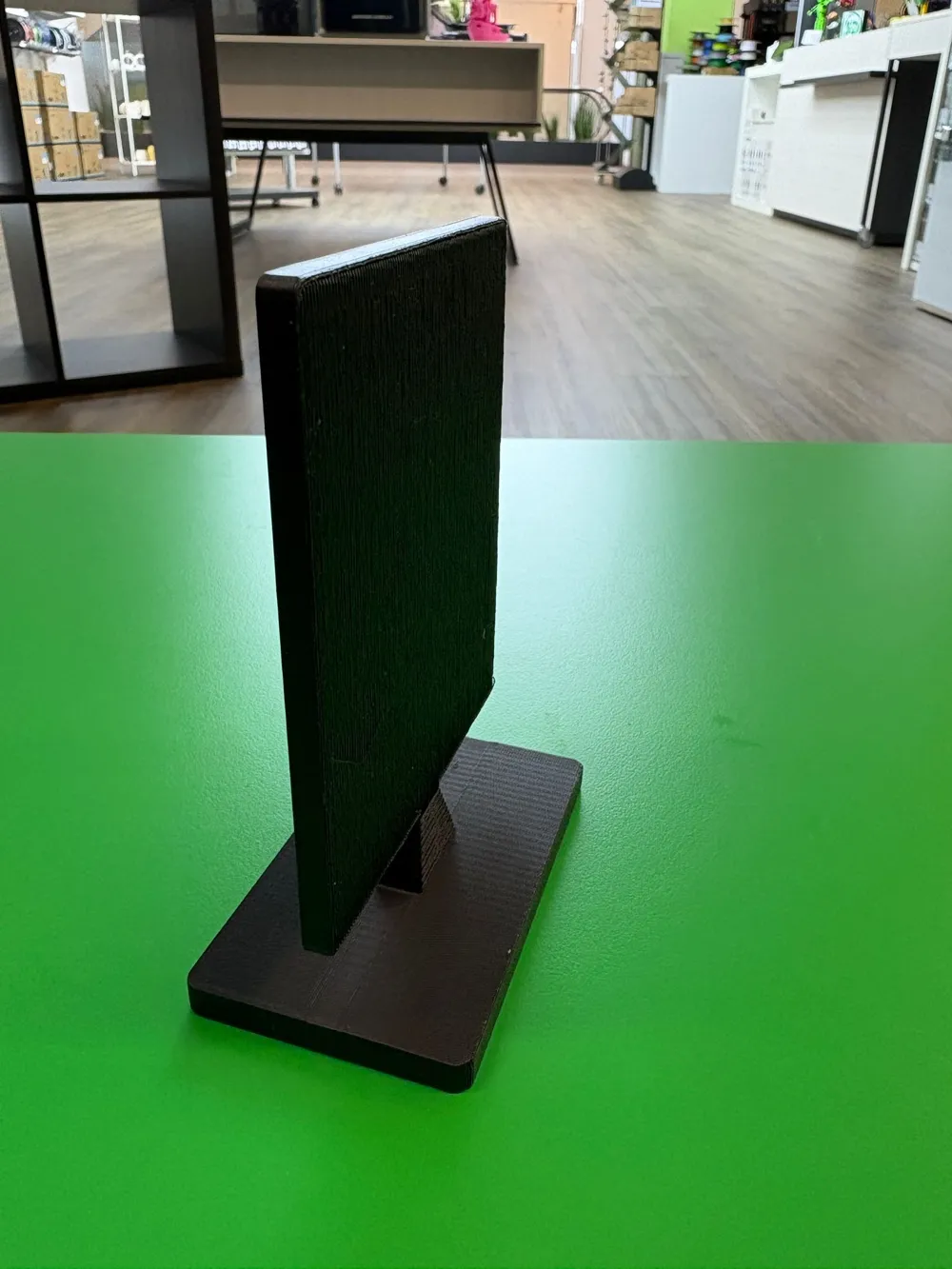
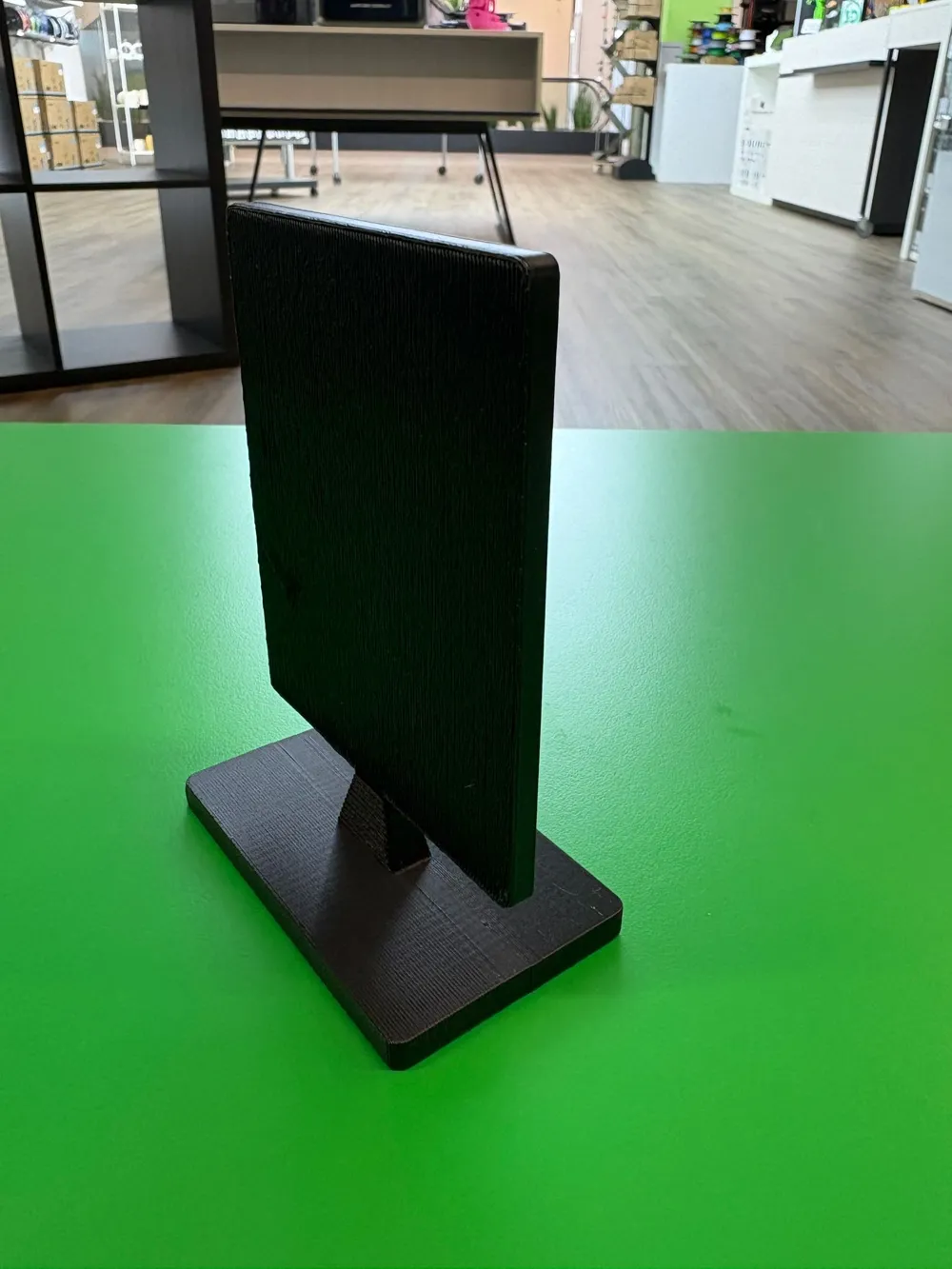
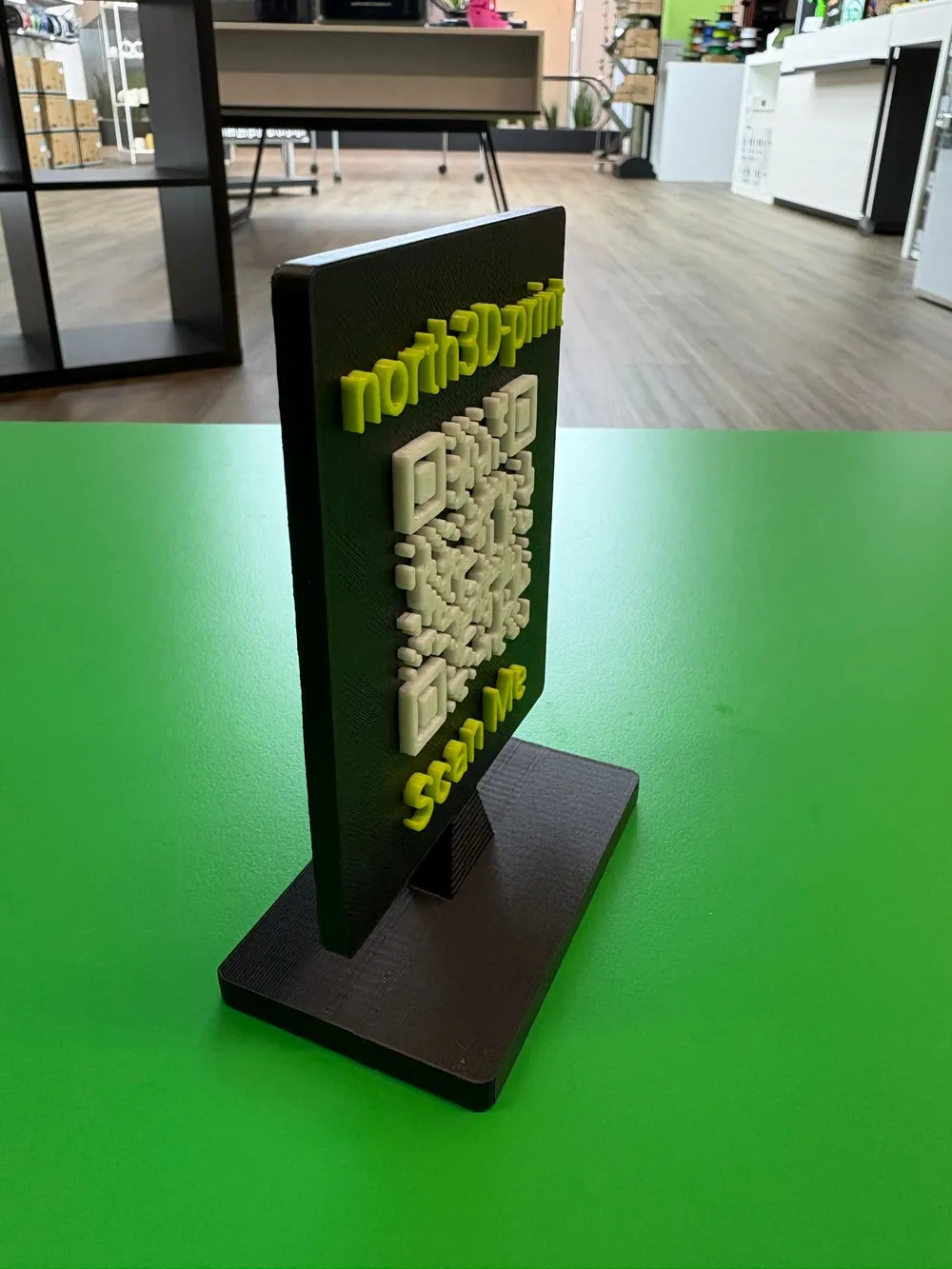
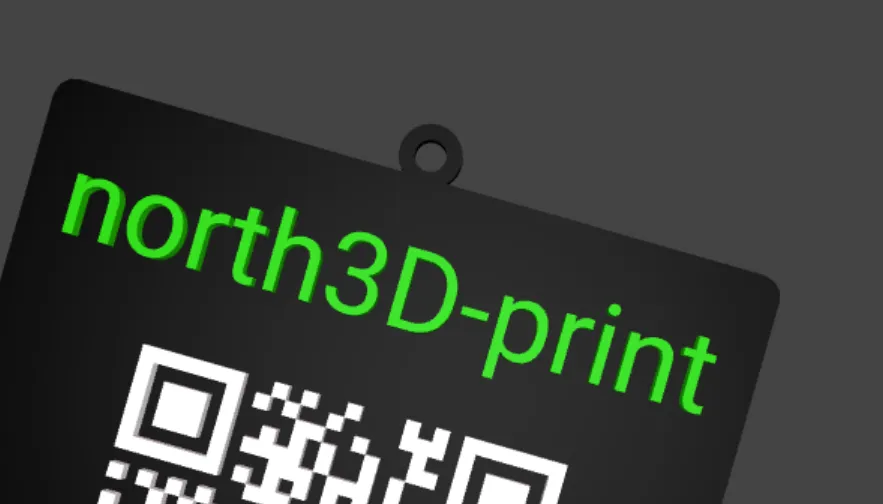
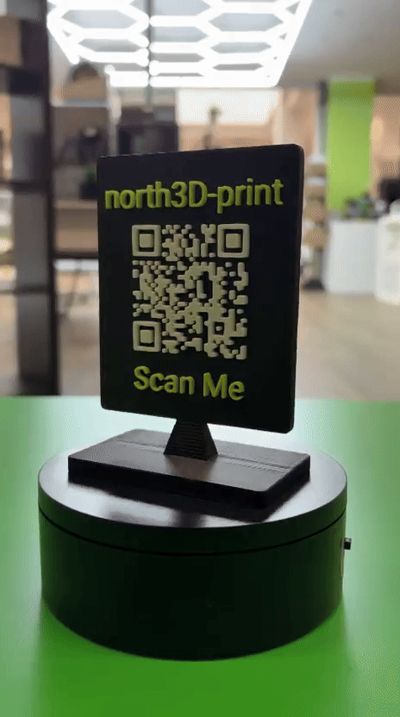
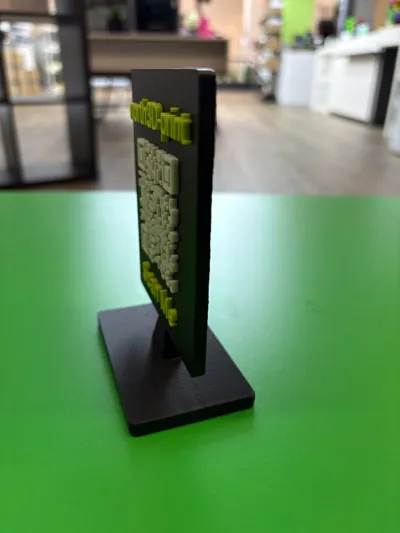
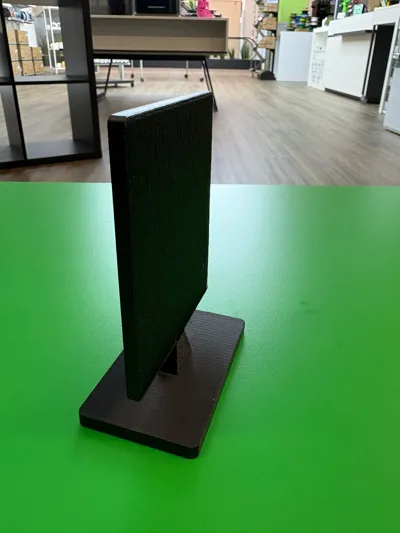
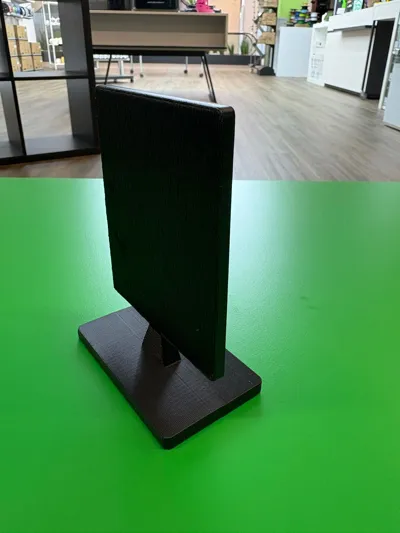
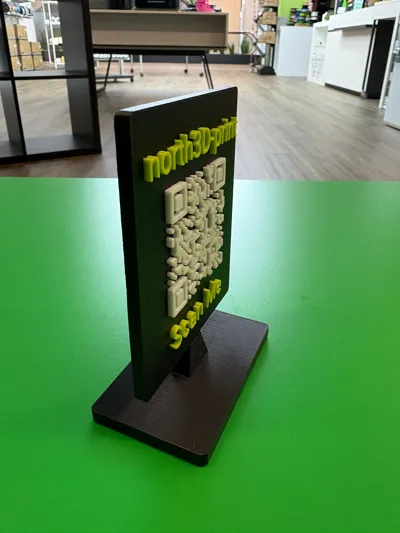
🧾 Customizable Modern QR Code Sign | Featuring “Scan Me” or Your Own Text

Description:
Our bespoke QR Code Sign elegantly blends modern technology with sophisticated design. Seamlessly share websites, Wi-Fi access points, social media profiles, digital business cards, or phone numbers – all with a simple scan!

🛠️ Design a truly personalized sign!

Product Highlights:

📱 Fully Configurable Functionality:
Create a QR code linking to a website, Wi-Fi network, contact details, phone number, or simple text – the possibilities are limitless!

Bespoke Design:

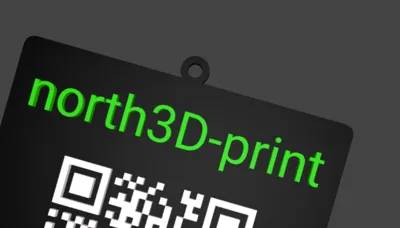
  • Optional text placement: top, bottom, or both – for example, company name & “Scan Me”
  • Complete control over font, size, and color
  • Alternatively: Utilize your SVG logo in place of text

🧲 New: Convenient Mounting Options:

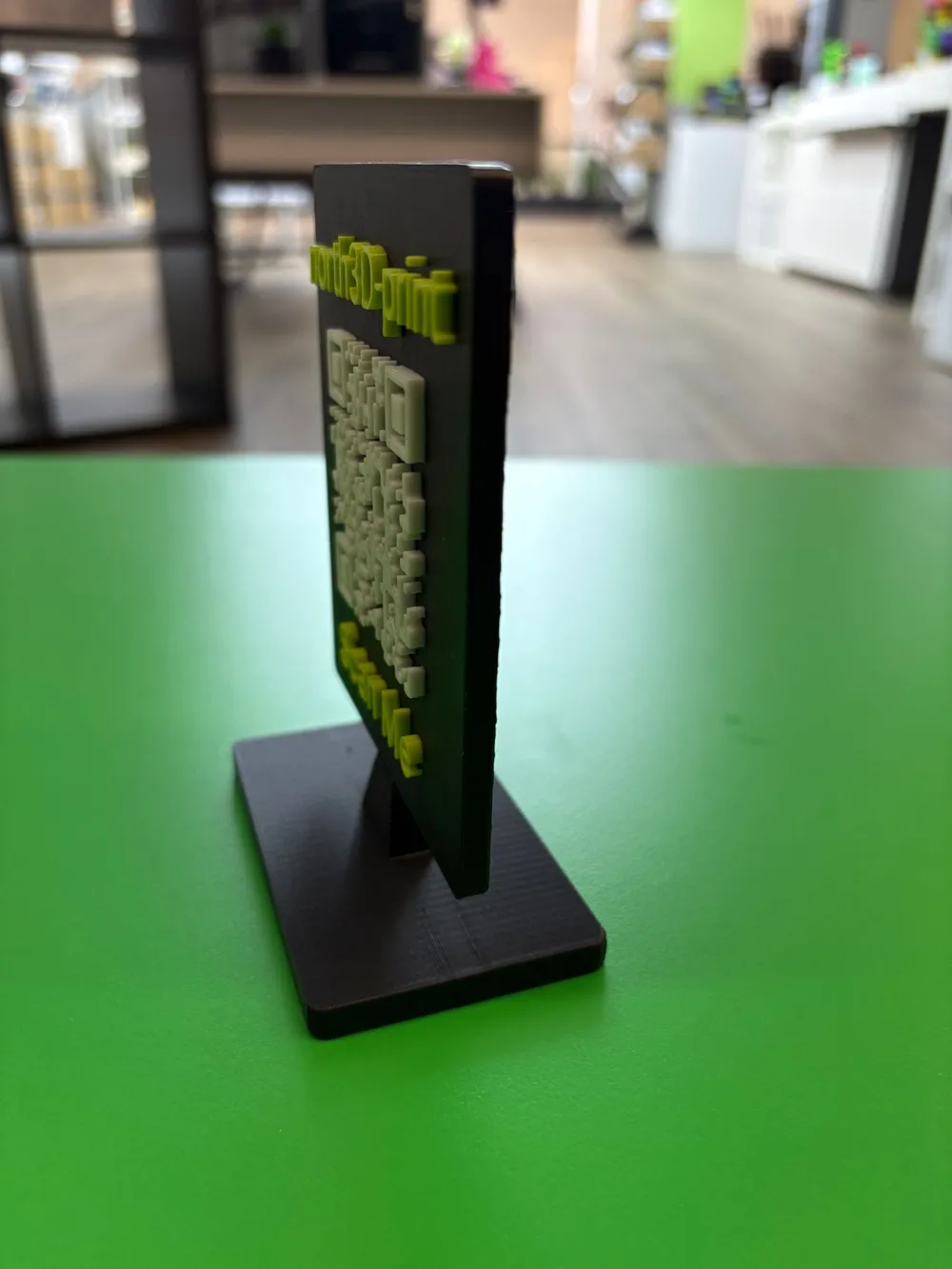
  • Select your stand angle:
      ➡️ 90° upright or 75° inclined – perfect for tables, counters, or wall mounting
  • Optional additions:
      • A flat eyelet for hanging
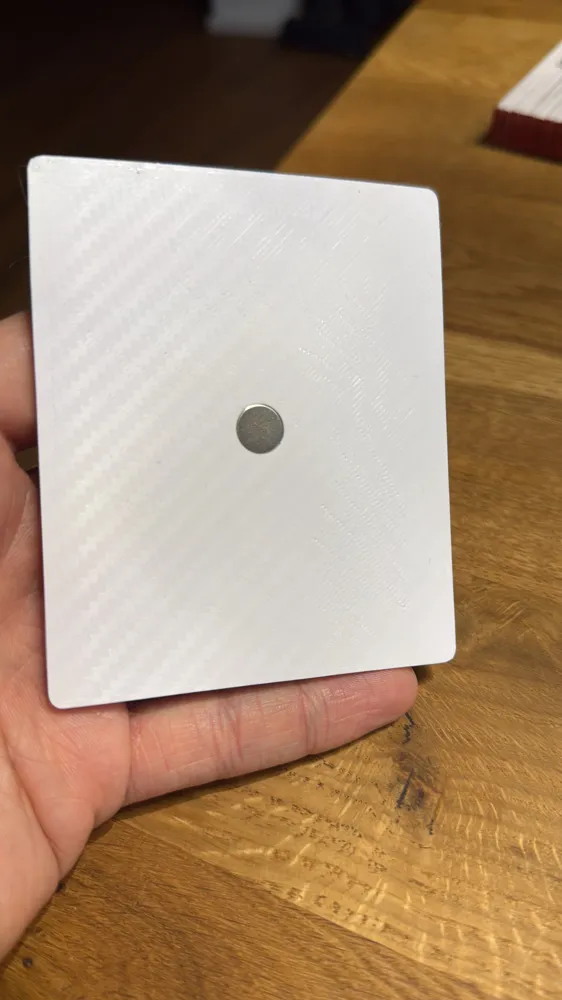
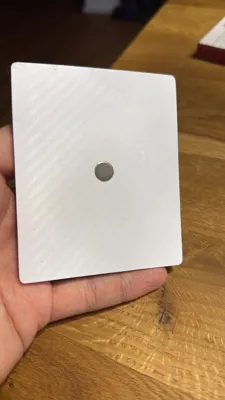
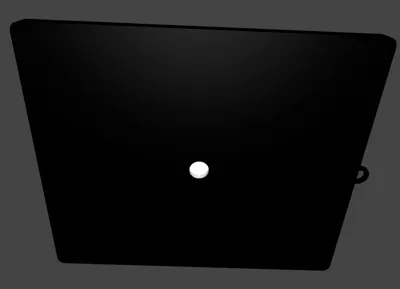
      • Magnet recesses for magnetic surfaces

🎨 Unrestricted Color Selection:
Customize the QR code, text, and background to perfectly match your aesthetic.

🖨️ 3D-Printed with Meticulous Attention to Detail:
Boasting a refined finish, crisp edges, and exceptional durability.

📏 Compact Dimensions:
Approximately 8 × 8 cm, plus an optional border, depending on your specifications.

💼 Ideal for:
Retail spaces, events, hotels, cafes, reception areas, networking gatherings, or home use.

📌 Printing Recommendations:
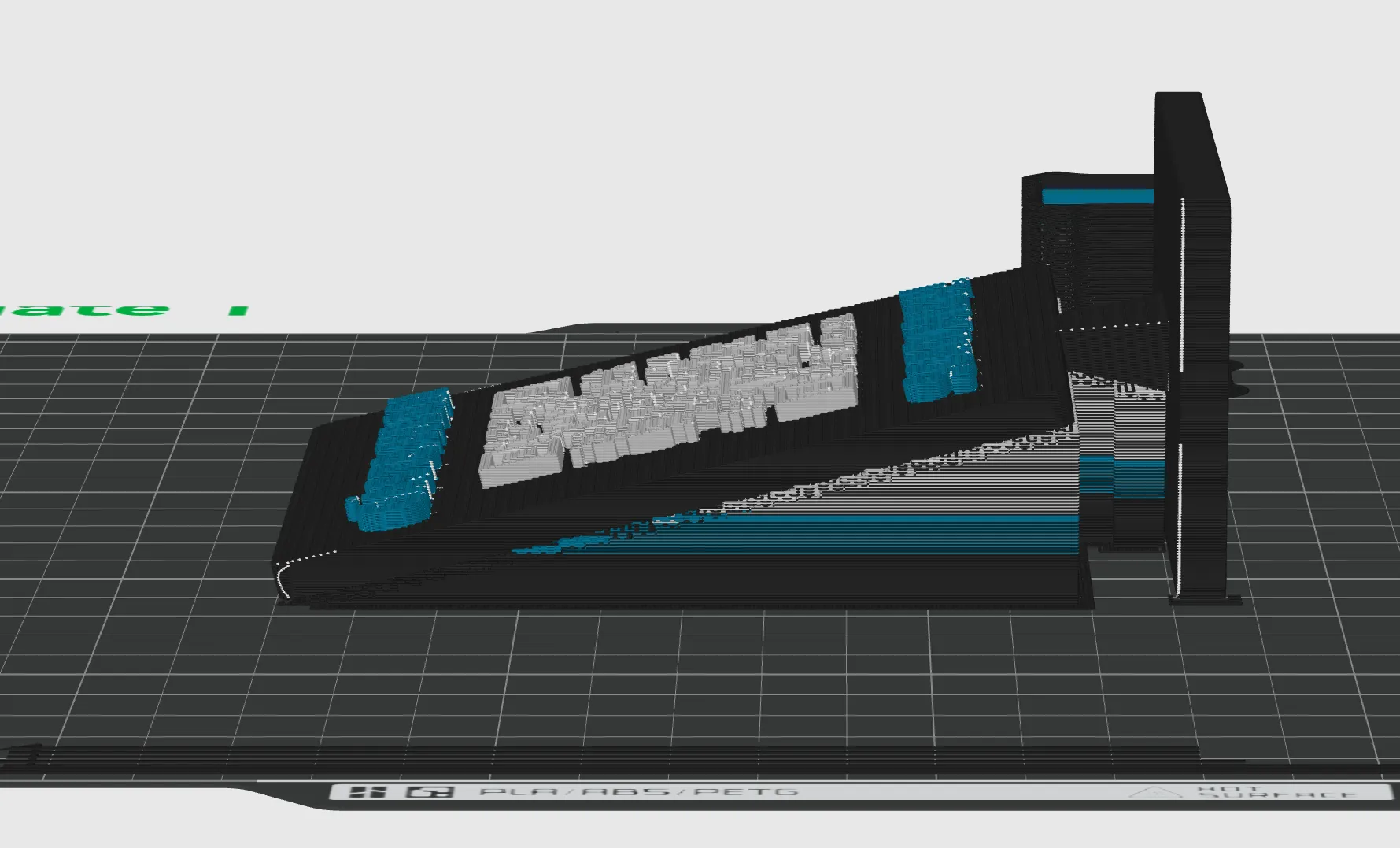
Orientation: Flat (base down)
Supports: Enabled (normal)
Z-Gap Settings:

  • Top: 0.275 mm
  • Bottom: 0.275 mm
    ➡️ These settings optimize adhesion and facilitate effortless support removal post-printing.

📌 Note: A flat orientation enhances stability and adhesion during printing. The specified Z-gaps simplify support removal.
Boost Me (for free)

Thank you for your support! 🙏✨ I appreciate any and all support, whether it’s a 👍 like, a 💬 comment, or a 🚀 boost. Your generosity helps me continue creating and sharing inventive models. Thank you! 💛

Boost Me (for free)

🚀 Support my work on MakerWorld 3D! If you like my 3D models, show some support with a boost, a download, or by sharing my designs! Every boost helps me create even more creative content for you. 💡 Thank you for your support – you make a difference! 🙏


Documentation (1)

Assembly Guide (1)
User Guide English.pdf

Comment & Rating (31)

(0/1000)

I'm trying to center the logo
(Edited)
The designer has replied
0
Reply
Show me an image of the logo file, it needs to be centered
Show original
0
Reply
Replying to @Maraxos3D :
I may be able to perform the update today or tomorrow Please send a picture of the logo so I can check its centering
Show original
0
Reply
Replying to @Maraxos3D :
How do I upload the svg. I tried to copy and paste i looked at it in Illustrator and it looks centered
(Edited)
0
Reply
I would definitely cut and print flat and just glue it. A LOT of waste printing this. I’m pretty new to printing still, so I learned a lesson! Print also came out stringy, and it wasn’t my filament. I’ll probably use a different model for the other 2 I need to make. So wasteful. I printed as the directions recommended. Printed on a P1S.
The designer has replied
0
Reply
You could have simply tilted it so the blue part lies straight and produces no waste. Furthermore, the stringing is up to you, because for me and my acquaintances that wasn't the case, no waste and no stringing, a great print
Show original
0
Reply
Replying to @Maraxos3D :
Unfortunately, were your presets and instructions set up so that the printing process goes like this I am new to printing (only a few days at the time of this print), but this could be an opportunity for an update No idea, it could be user error I printed it before I went to work, otherwise I would have completely aborted the print The idea was spot on, but it ended up in the poop bin
Show original
0
Reply
Replying to @FrannyBee :
I'll give some thought to how that could be improved
Show original
0
Reply
I upload the file as default.svg but the one from Maker World still appears
Show original
0
Reply
hi are there instructions on how to personalize it ?
The designer has replied
designer
2
Reply
I'd be happy to, but that's a given
Show original
0
Reply
@user_1679349293 I’ve just uploaded a user guide for you and the rest of the team.
0
Reply
Replying to @Maraxos3D :
Take a screenshot
Show original
0
Reply
could you make just a qr code next? like no stand just a qr code
The designer has replied
0
Reply
Only as a plate? Tell me your wishes and I will get to work on it
Show original
0
Reply
Replying to @Maraxos3D :
perhaps just a customizable qr code like this just flat?
0
Reply
Replying to @Nova135 :
With an eyelet, magnet, etc. but not with a foot
Show original
0
Reply
Boosted
Wow, the problem if you don't own the AMS
The designer has replied
Show original
designer
2
Reply
💡 This model can easily be printed without an AMS! Just pause the print at the layer where the next color starts, manually change the filament, and then resume the print. That way, you can get a nice two-color print without any special hardware. Thanks so much for your support and the amazing boost! 🙏
3
Reply
Thank you very much! Photo to follow
The designer has replied
Show original
designer
1
Reply
Thank you for the boost 🫶🏻 My pleasure, I'm happy to help 👌🏻
Show original
0
Reply
Just wondering if there is a way to adjust the logo position in the x direction. Thx
The designer has replied
0
Reply
Why, if I may ask? It should be positioned in the center. Please attach an image, and yes, I can do that. An update is coming, but please show me an image explaining why you need this
Show original
0
Reply
AI generated
1
Reply
Boosted
great
1
Reply

License

This user content is licensed under a Standard Digital File License.

You shall not share, sub-license, sell, rent, host, transfer, or distribute in any way the digital or 3D printed versions of this object, nor any other derivative work of this object in its digital or physical format (including - but not limited to - remixes of this object, and hosting on other digital platforms). The objects may not be used without permission in any way whatsoever in which you charge money, or collect fees.