
Printing pla and tpu on Kobra S1
Print Profile(1)

Description

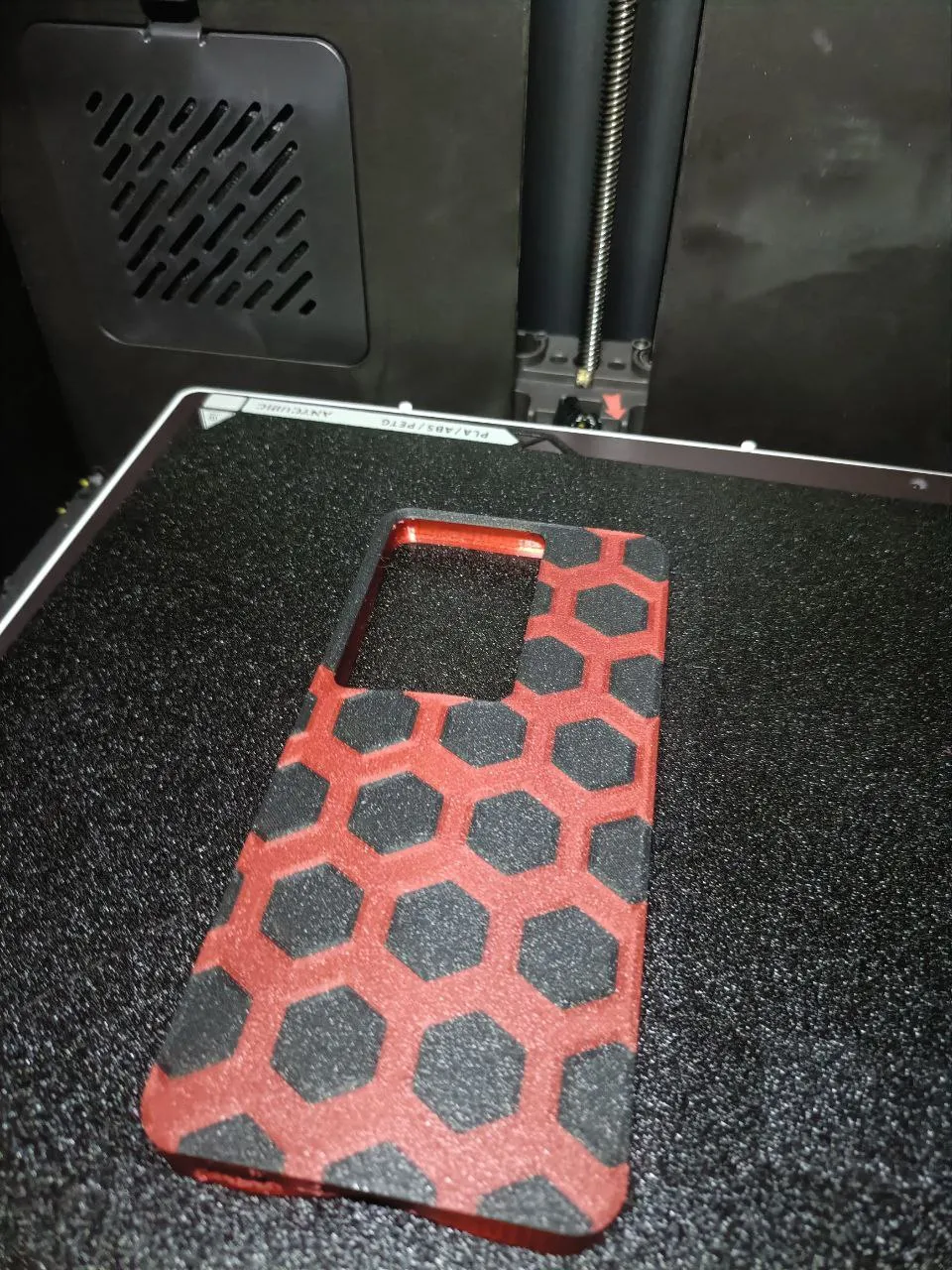
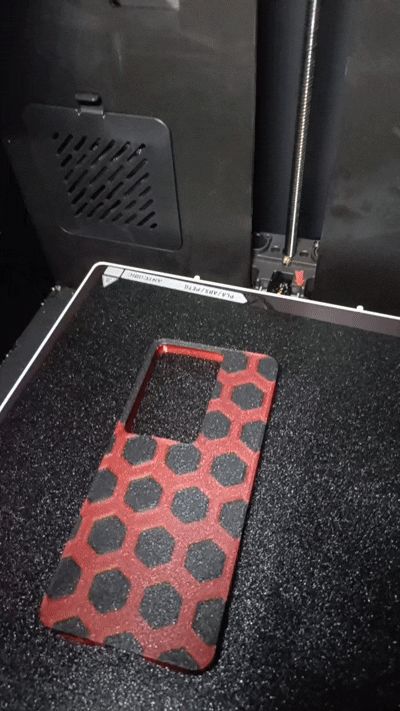
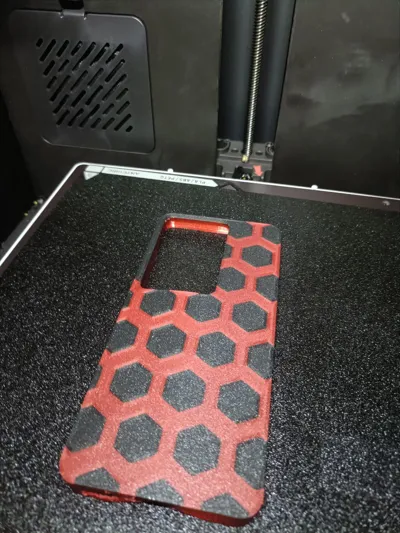
With these two files, you can create your own cover made of PLA and TPU.
Tested only on Kobra S1.
ACE On
Start by printing the file named "first print" and make sure there is a pause at layer 6.
When the pause begins, stop the print and remember to set the bed temperature to 70°C.
ACE Off
With the print still on the bed, start printing the second file, inserting the mono filament from the back of the printer.
Make sure supports are enabled and set to expand by only one layer during this step.
Let the print finish, and you'll have your phone cover ready!
This is a cover for an Oppo Reno11F.
In the coming days, I’ll be publishing other models.
License

You shall not share, sub-license, sell, rent, host, transfer, or distribute in any way the digital or 3D printed versions of this object, nor any other derivative work of this object in its digital or physical format (including - but not limited to - remixes of this object, and hosting on other digital platforms). The objects may not be used without permission in any way whatsoever in which you charge money, or collect fees.


Comment & Rating (2)