
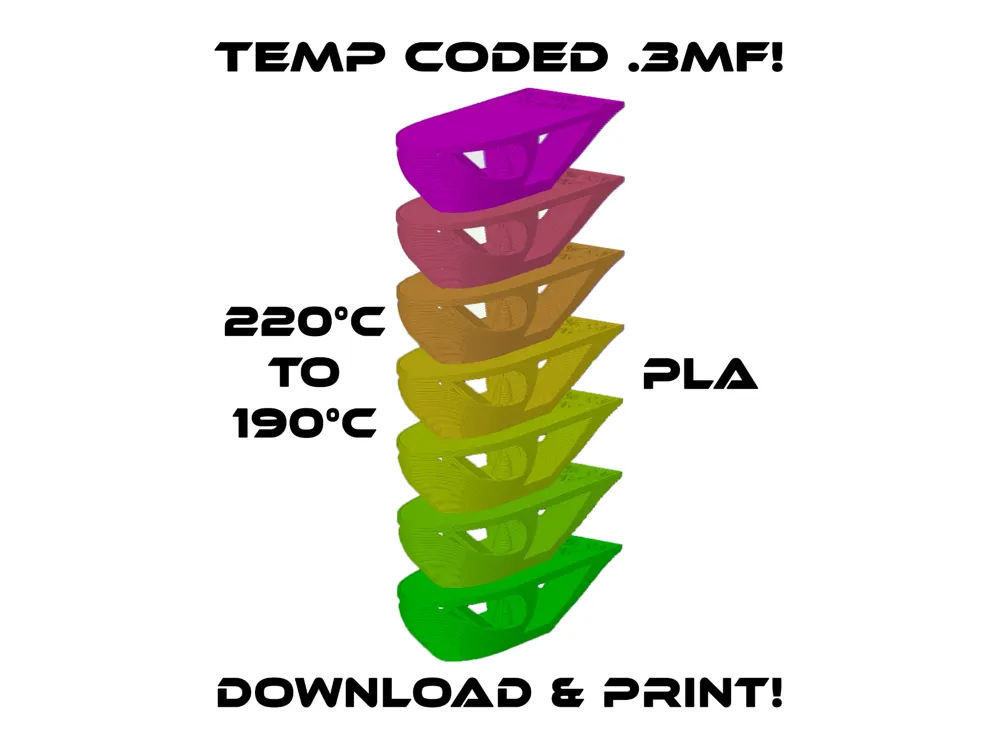
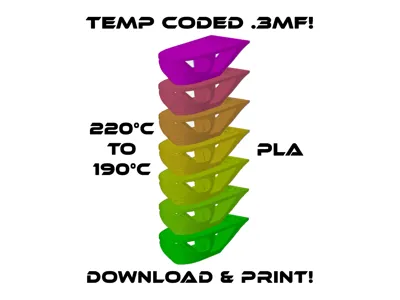
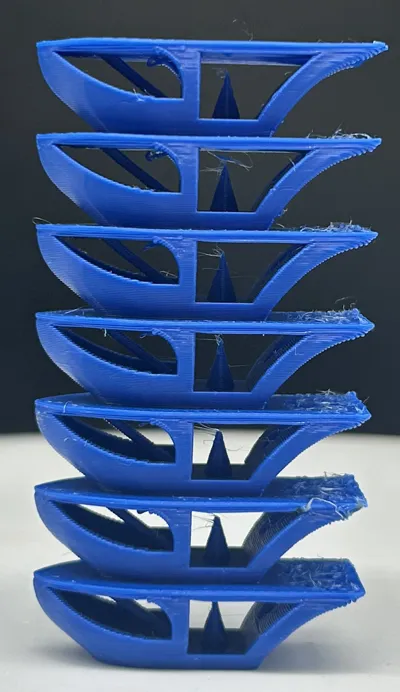
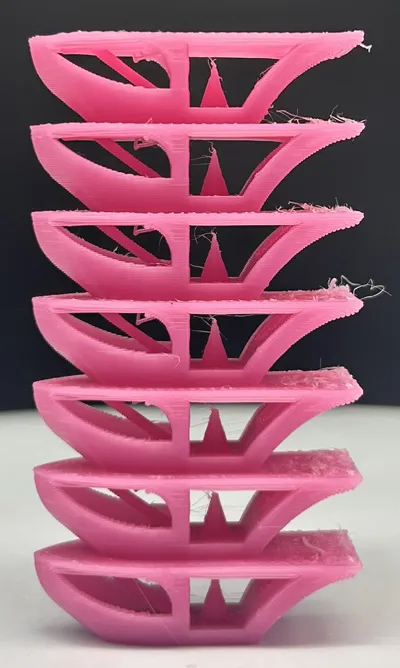
Benchy Inspired Temp Tower 220C to 190C PLA
Print Profile(1)

Description
***BAMBU HANDY APP: Printing directly from the Bambu Handy App (or clicking “Open in Bambu Studio”) will erase the pre-programmed temperature controls contained in the .3MF file. It is recommended to download the .3MF file to your PC, then import the file after you have Bambu Studio open to retain the proper temperature changes. To check if the temp changes are in-tact, simply slice the model and on the upper right corner of the screen where it says “Color Scheme” use the drop down menu, scroll to the bottom and select temperature***
**PLEASE NOTE: If you download the STL, you will need to manually create custom Gcode at line 1, 51 and every 50 lines thereafter using the temperature control command: “M104 SXXX” (without quotation marks) where you replace XXX with the desired temperature. If downloading the 3MF from my files, the temps are already programmed in.**
*Bambu Studio will give you a warning when you slice this file that it has “floating regions” and encourages you to enable support generation. Supports are not required for this model as it uses bridging instead of supports*
FOR PETG USERS PLEASE CHECK OUT MY PETG TEMP TOWER (←click link)
No offense to all the run-of-the-mill, same-looking temp towers out there, but many of them leave you guessing as to which temp truly is the best for your filaments. When I print in carbon fiber filaments especially, I find it nearly impossible to tell the difference over a 20-30 degree range, no matter what temp tower I've downloaded. To solve this problem, I made something better!
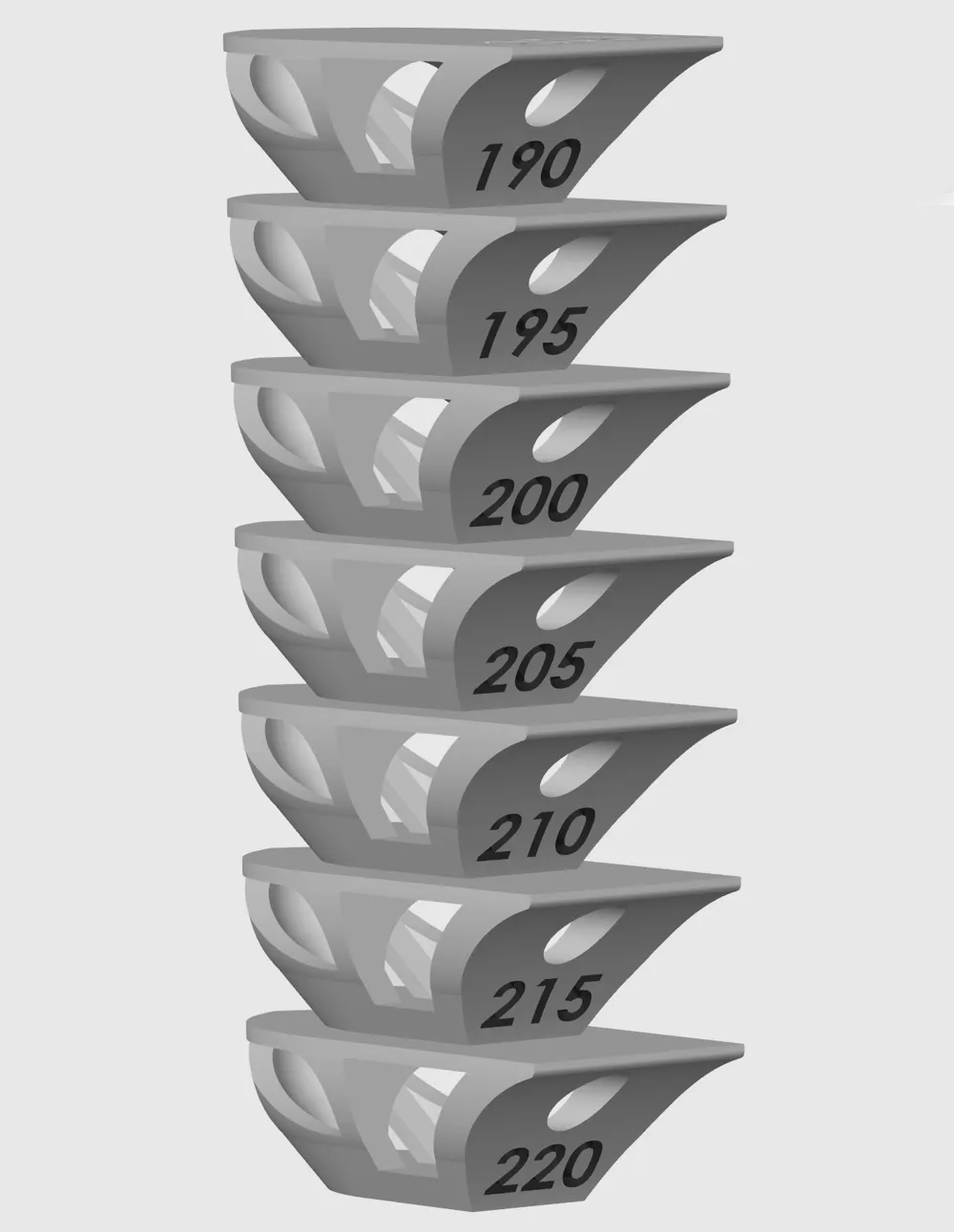
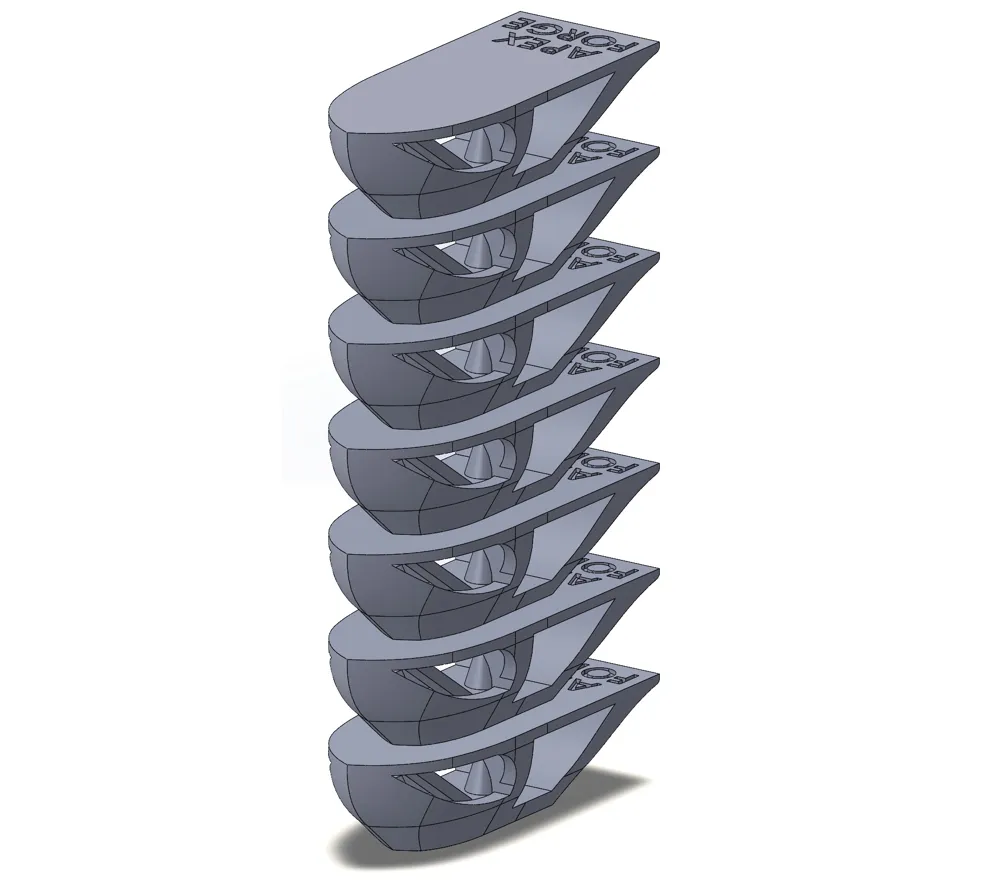
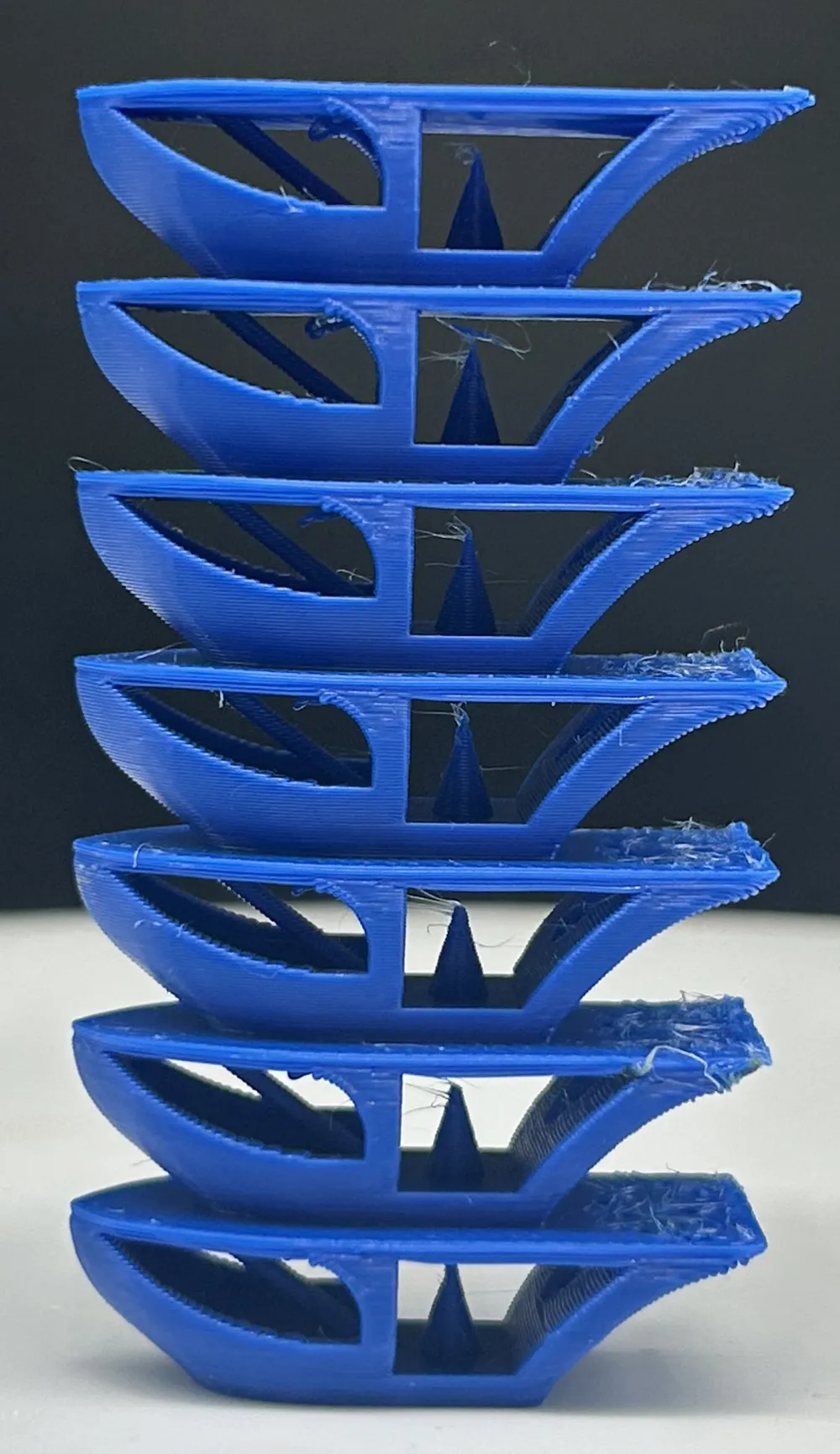
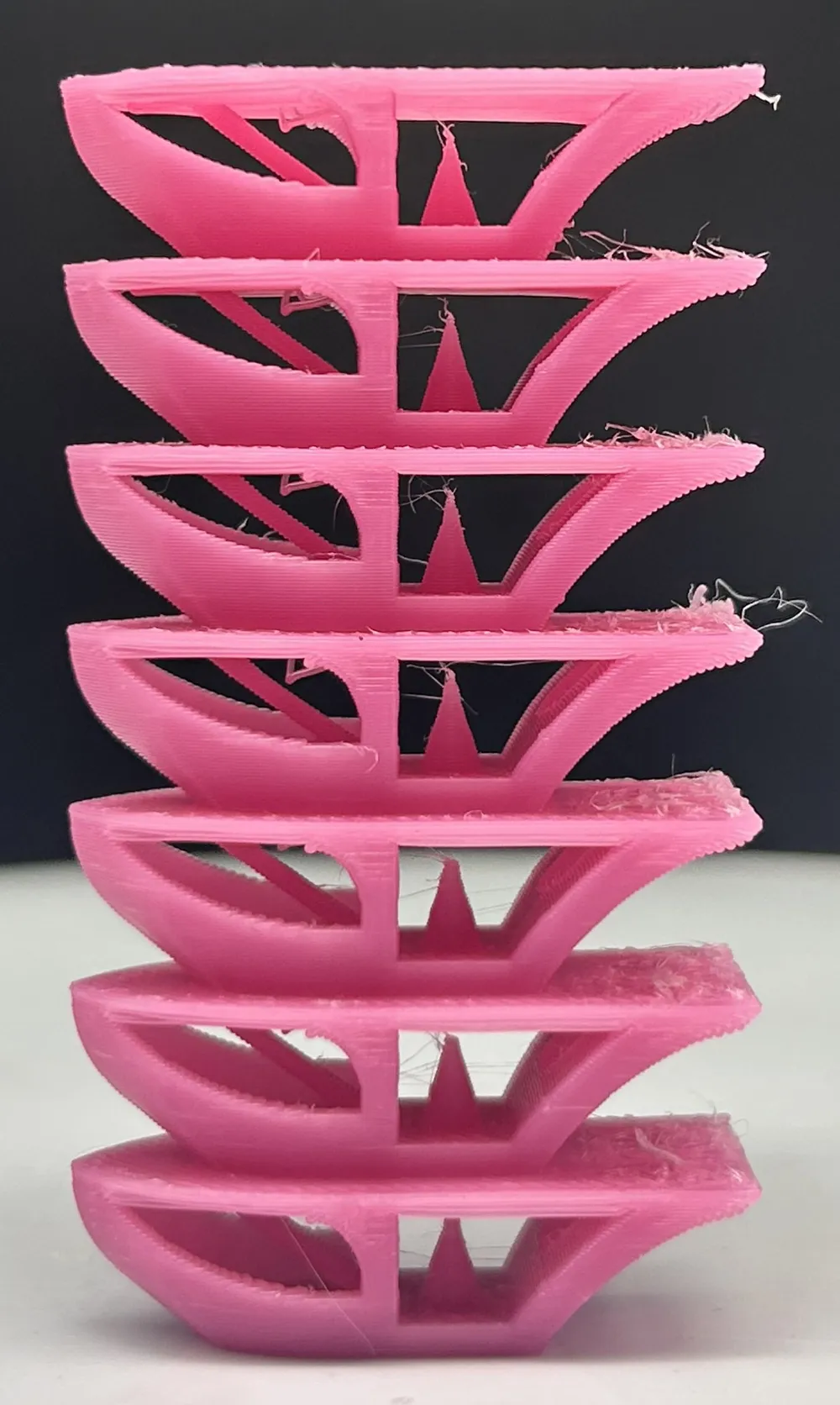
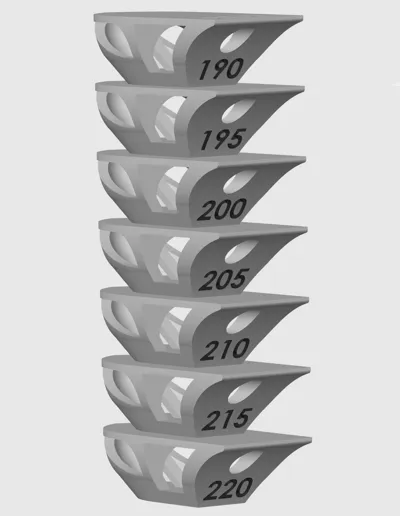
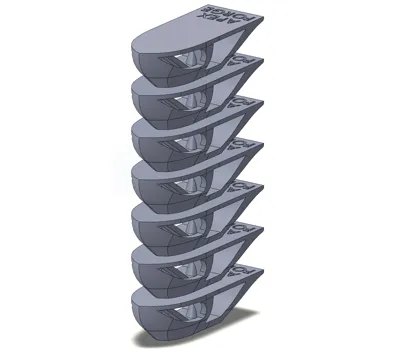
No model has given me more precise data on temps, speeds, fan control, etc… than the infamous Benchy. If his hull warps, you know you're too hot (and/or your fan speeds are off), etc… so I took inspiration from Benchy and created a Temp Tower in its name. Here you get to test overhangs, underhangs, tough curved geometry (like the hull), bridges, a circular hole, a cone and a steep unsupported tower. The temps are marked on the back of the model to make it easy to identify what's what.
This tower should be printed without any supports. If you like it, please show some love with a comment, a rating and a photo of your print!
Boost Me (for free)
If you truly benefited from this design and find it's better than all the other temp towers you've tried, please show some love with a BOOST! :)
--For Newcomers to Temp Tower Calibrations: Once your model has printed it is recommended to use a magnifying glass to inspect it closely. Observe the mild changes between each temperature model, such as drooped/hanging bridges, areas with cracks or small holes where filament was under-extruded (low temp), areas with bulges or changed featurese (a sign of over-extrusion/temp too high), etc… and choose the model that has the best overall print quality with the lowest number of defects - this will be your new optimal print temperature to program under your filament profile settings.--
License

You shall not share, sub-license, sell, rent, host, transfer, or distribute in any way the digital or 3D printed versions of this object, nor any other derivative work of this object in its digital or physical format (including - but not limited to - remixes of this object, and hosting on other digital platforms). The objects may not be used without permission in any way whatsoever in which you charge money, or collect fees.


Comment & Rating (9)