Search models, users, collections, and posts

WiFiQR MakerTag

IP Report
This model is created by Parametric Model Maker
Make Your Model

Print Profile(4)

All
X1 Carbon
P2S
H2C
H2S
X1E
H2D Pro
X1
A1 mini
P1P
H2D
P1S
A1
X2D
A2L

0.2mm layer, 2 walls, 15% infill
Designer
1 h
1 plate
5.0(7)

0.2mm layer, 2 walls, 15% infill
Designer
23 min
1 plate
5.0(1)

0.2mm layer, 2 walls, 15% infill
Designer
29 min
1 plate

0.2mm layer, 2 walls, 15% infill
Designer
23 min
1 plate

Open in Bambu Studio
Boost
1892
4992
81
95
3.6 k
1.3 k
Released 

Bill of Materials

Maker's Supply Kits and Parts
Select all
Wireless Mouse Components Kit (1pcs) - MH002
Bambu Filaments
Select all
Black (10101) / Filament with spool / 1kg
Jade White (10100) / Filament with spool / 1kg

Description

Content has been automatically translated.
Show original

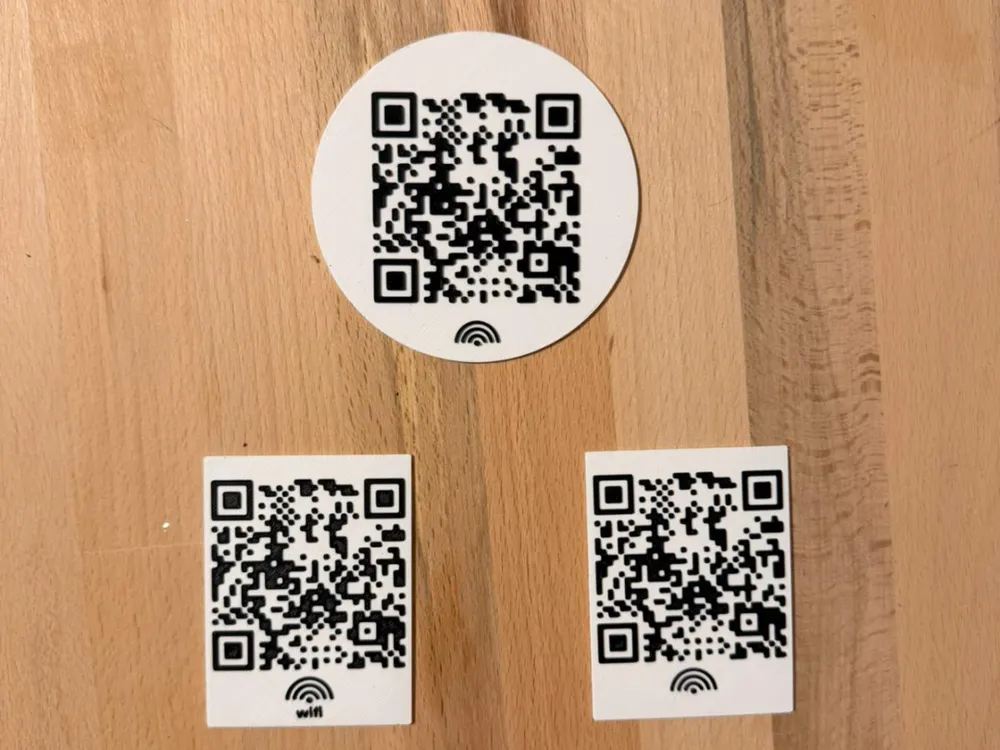
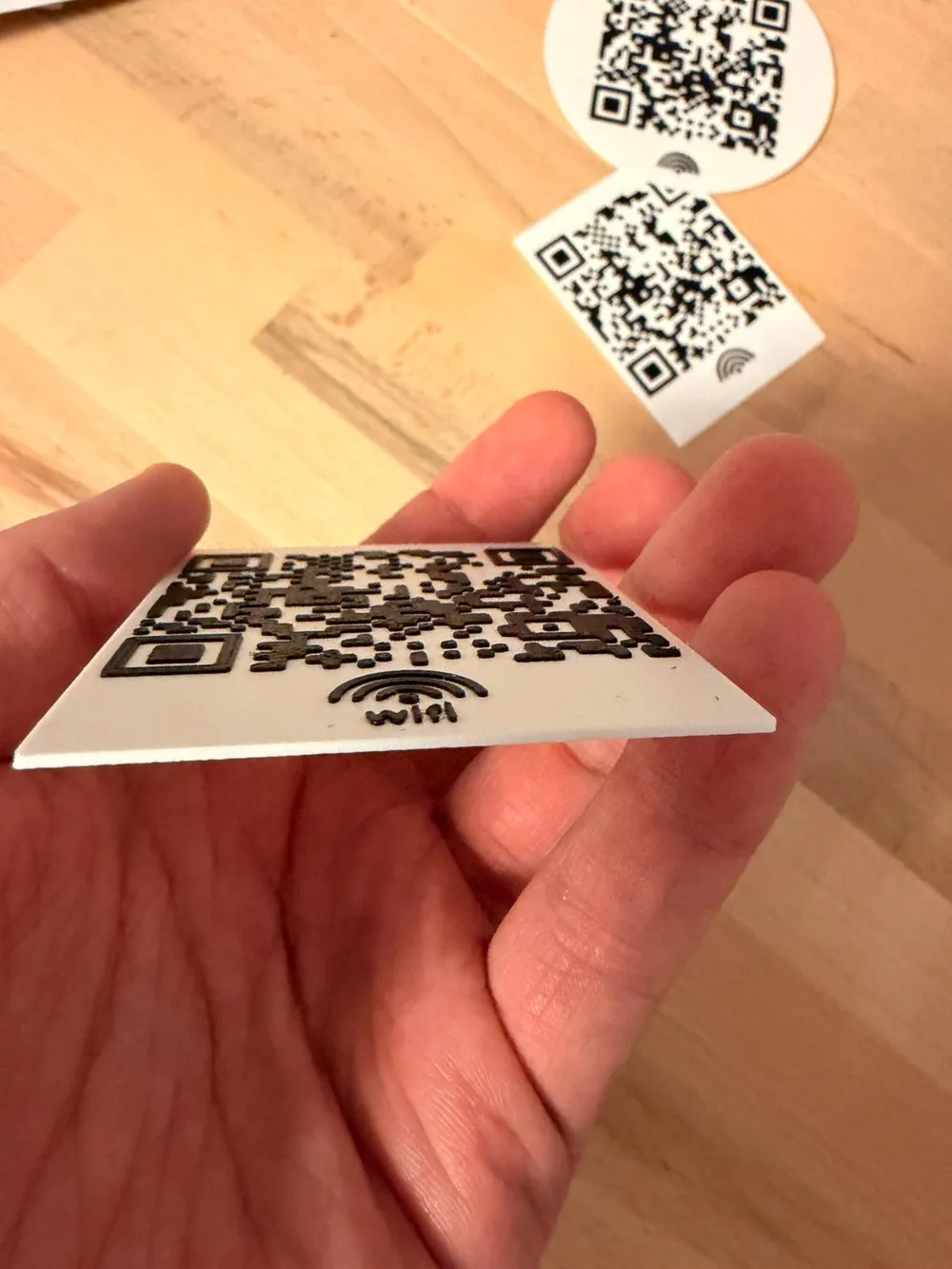
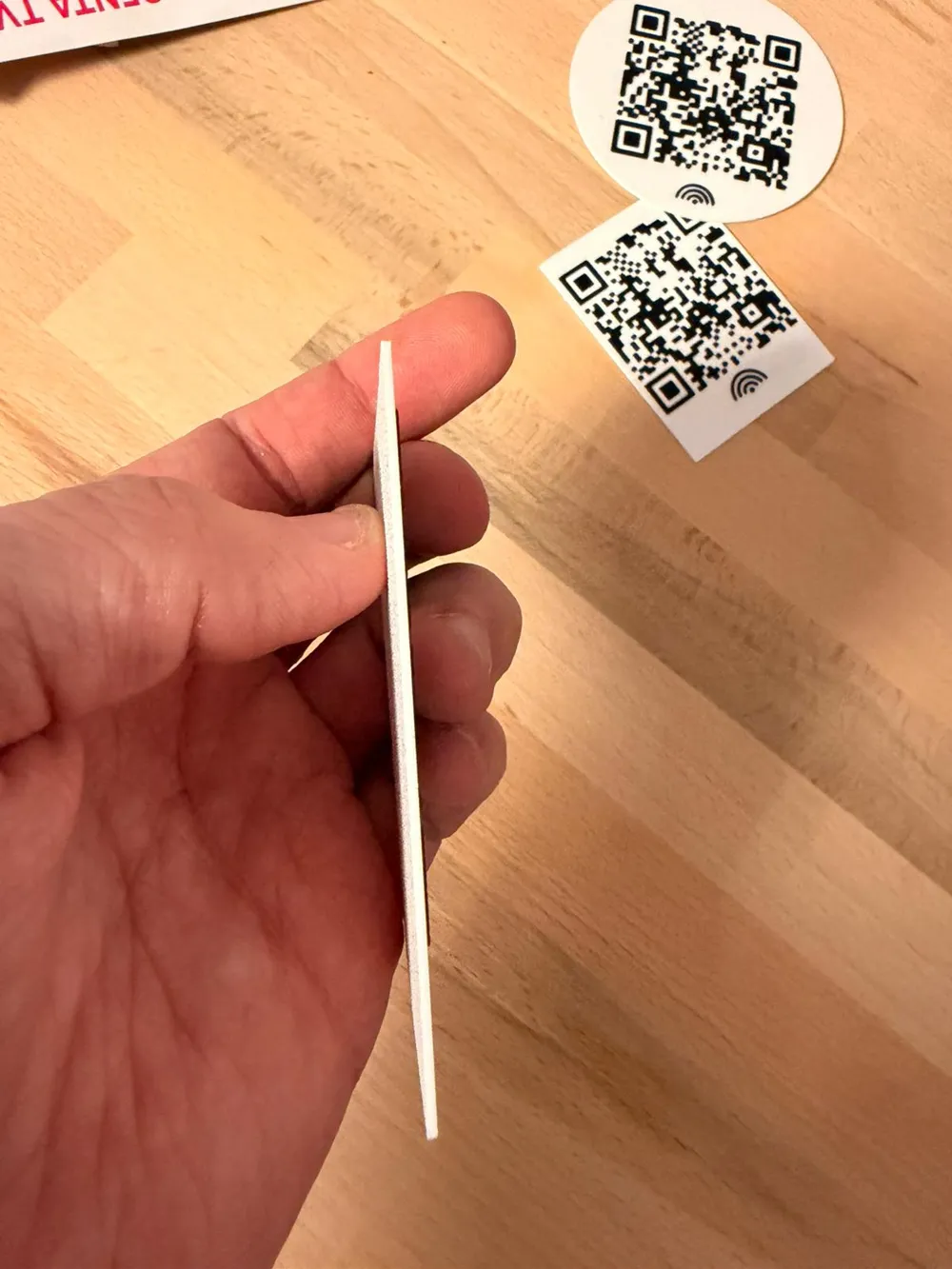
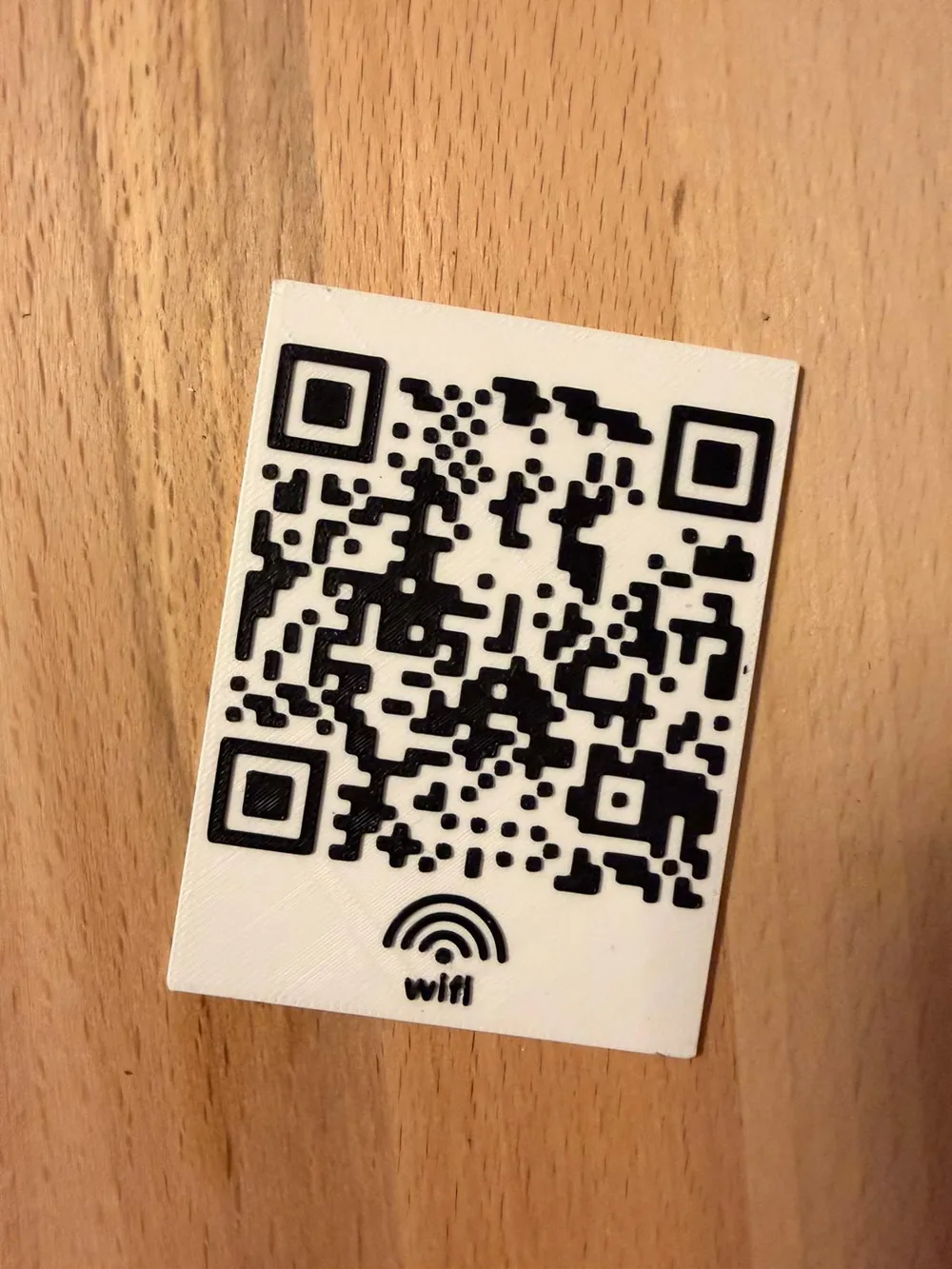
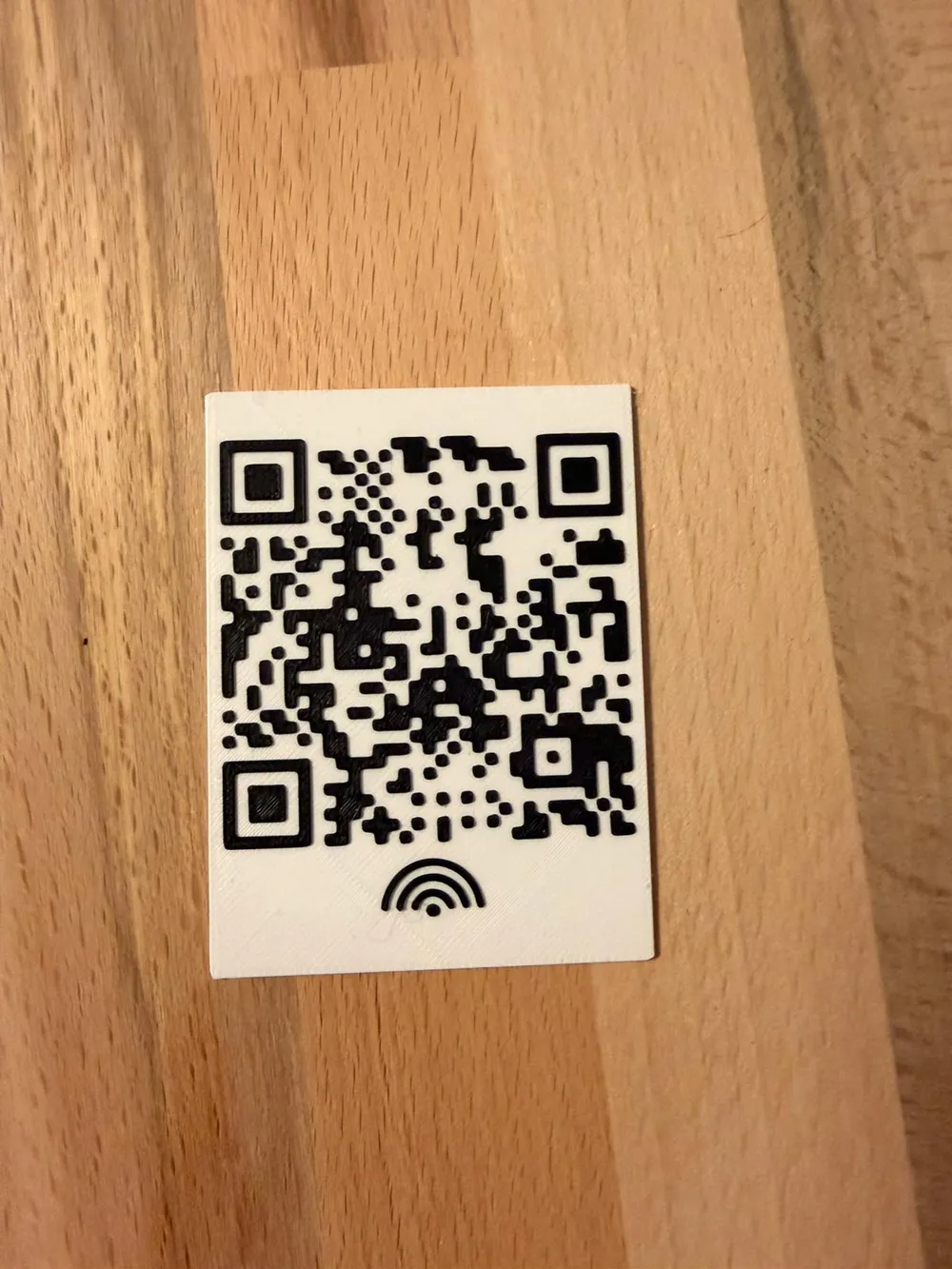
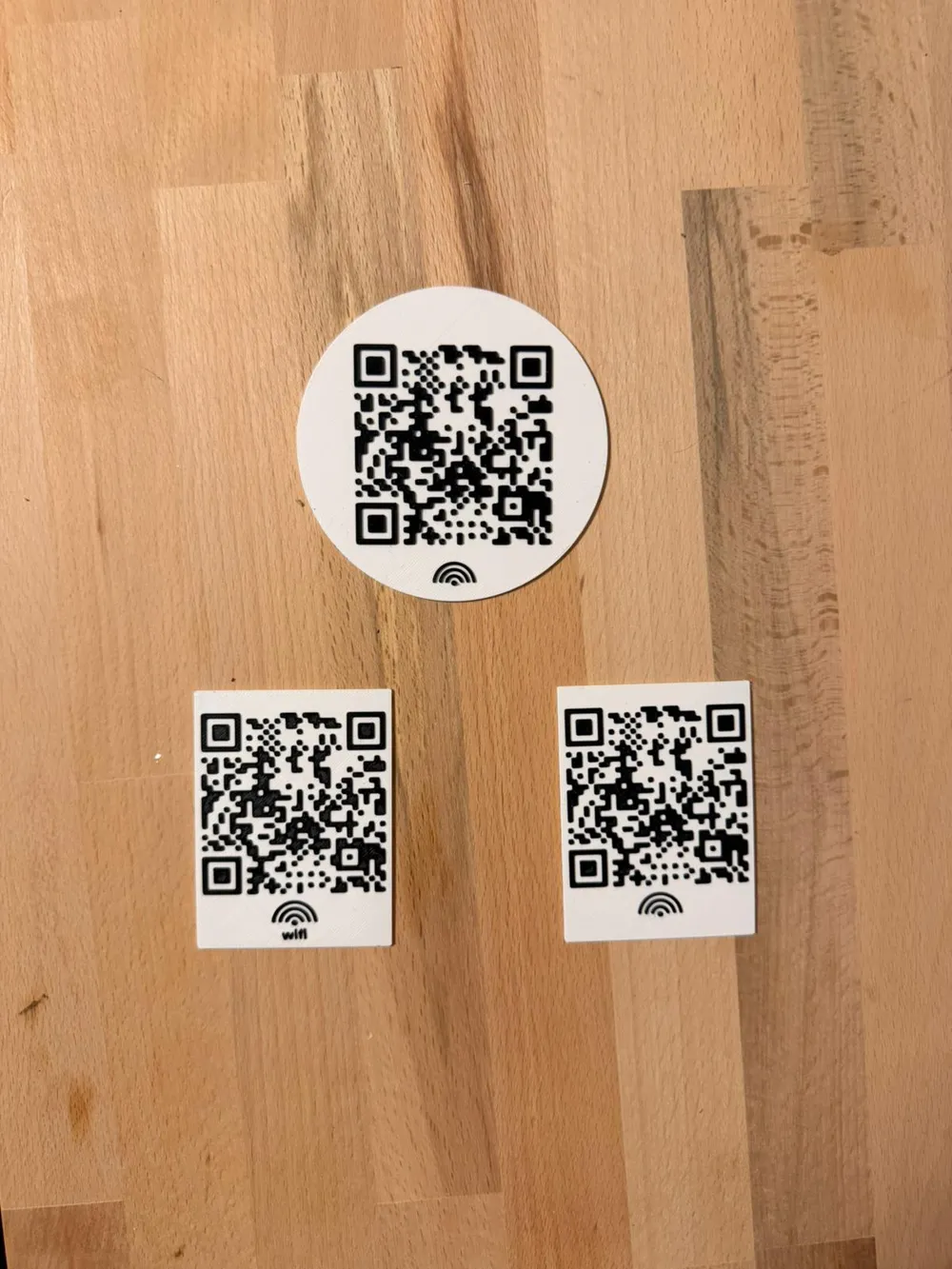
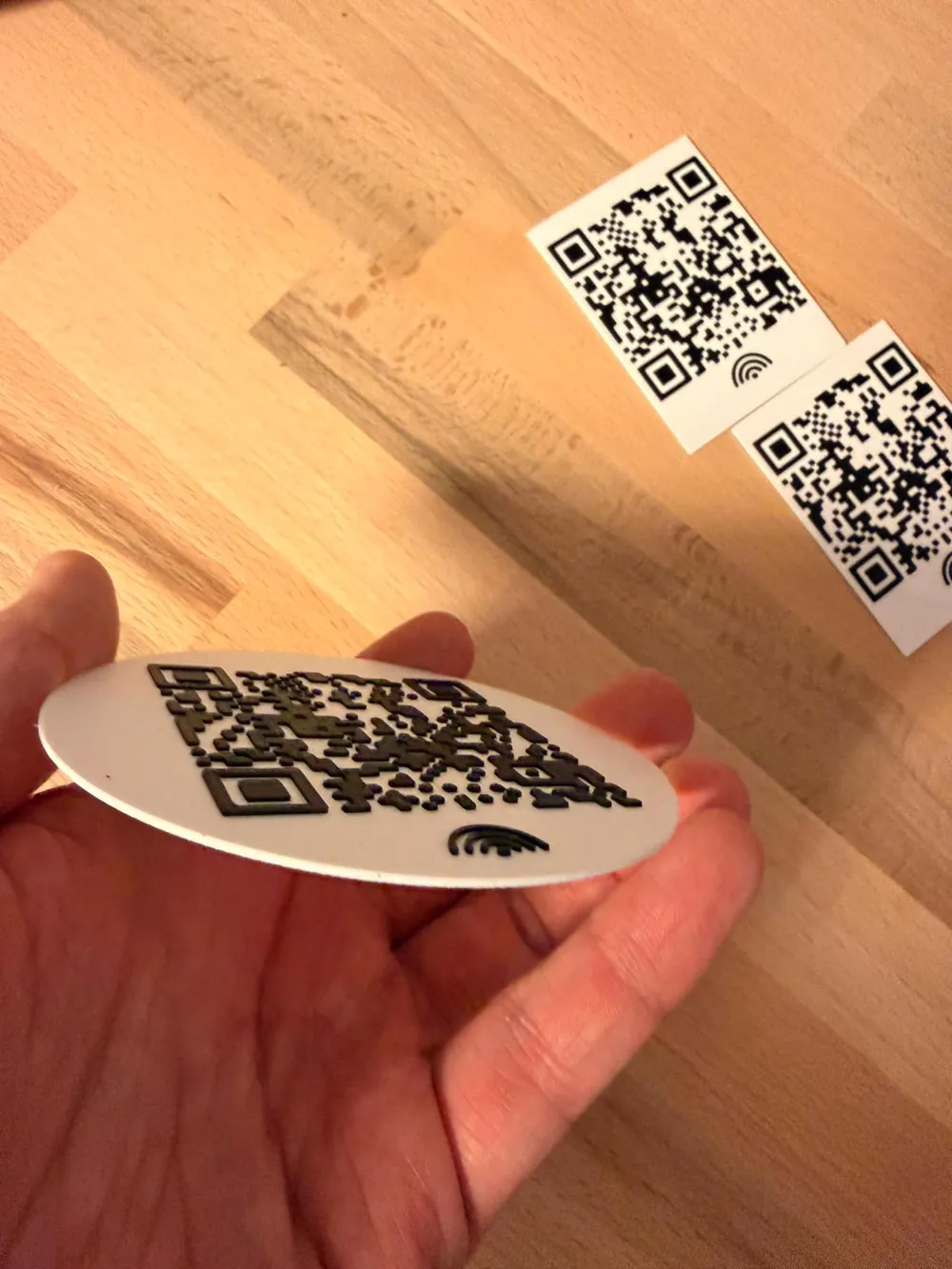
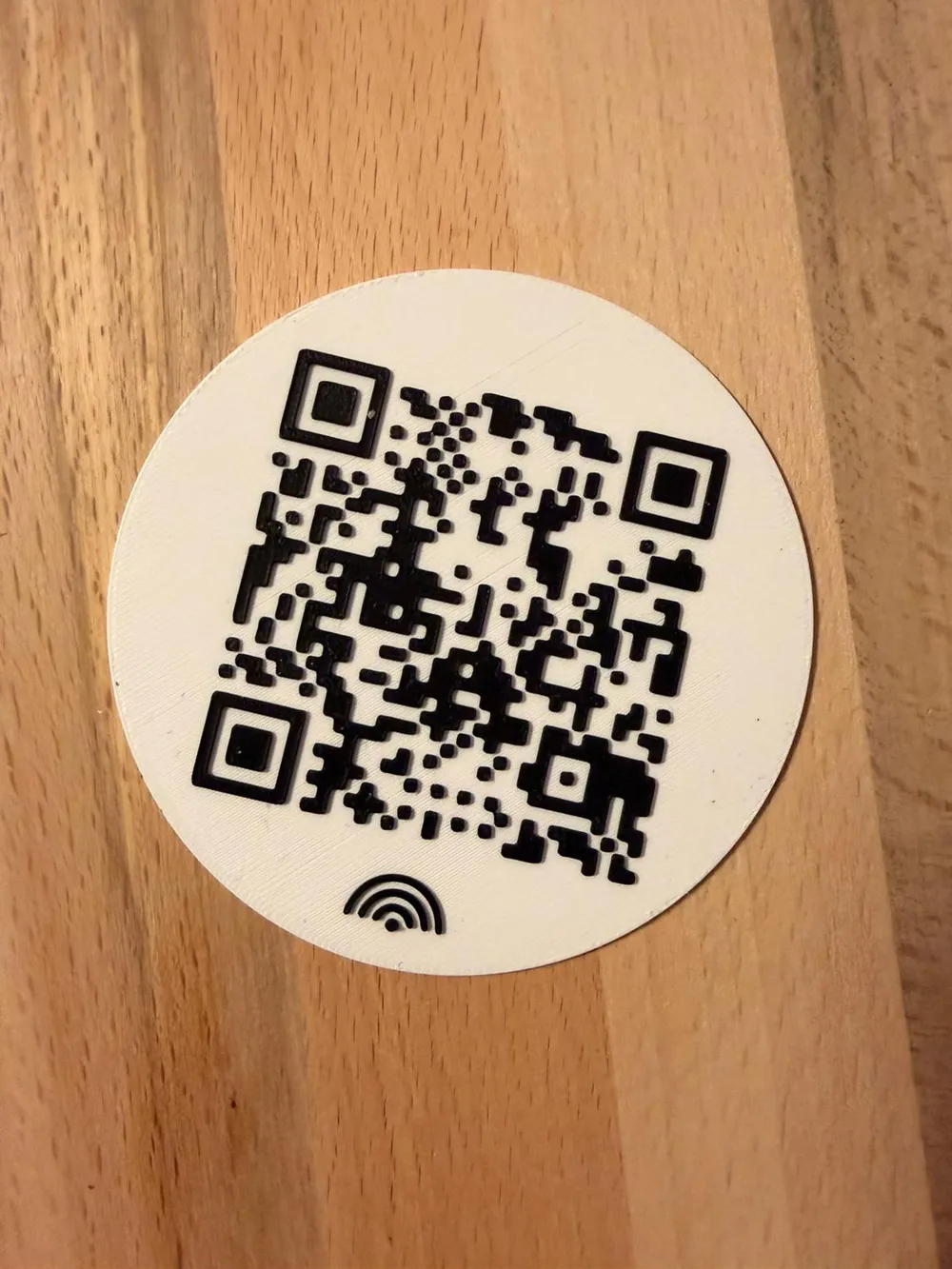
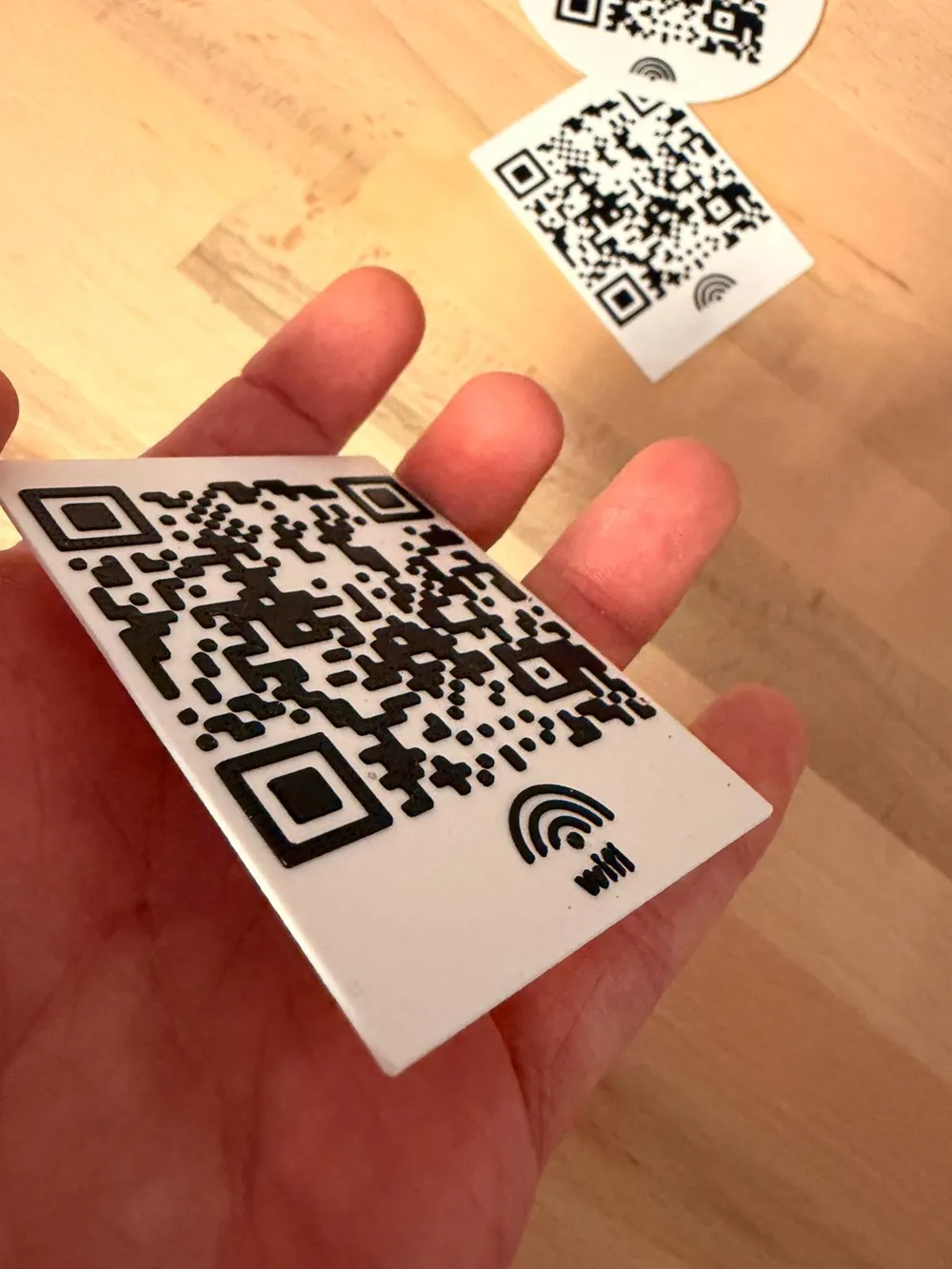
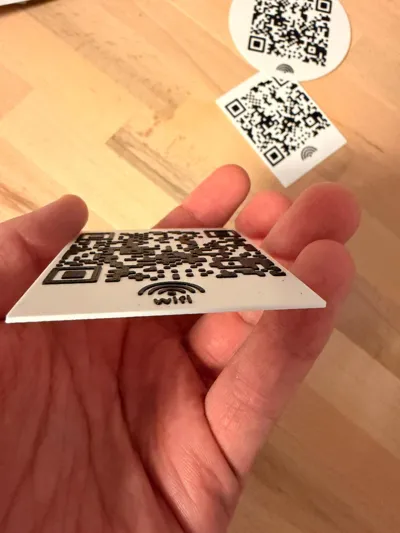
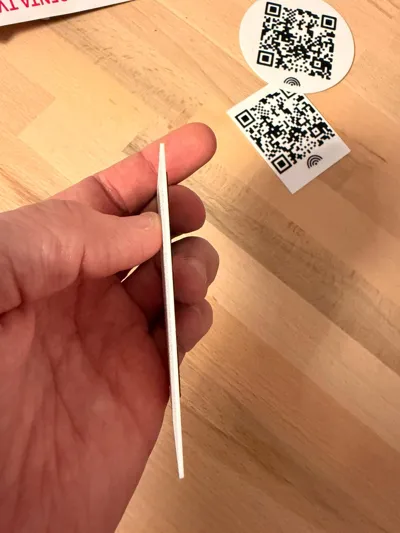
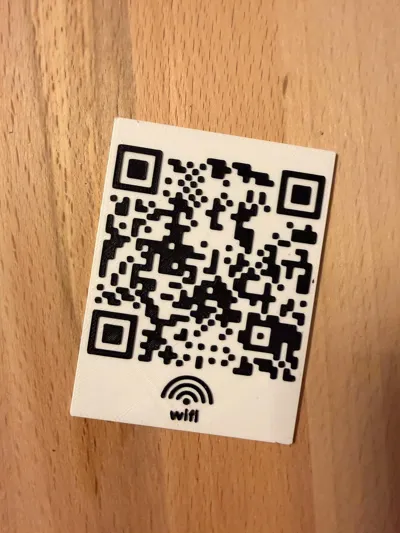
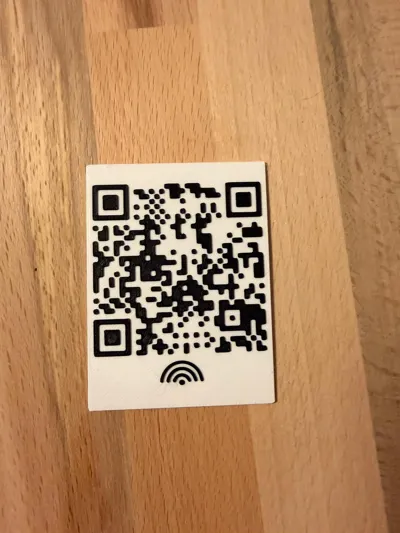
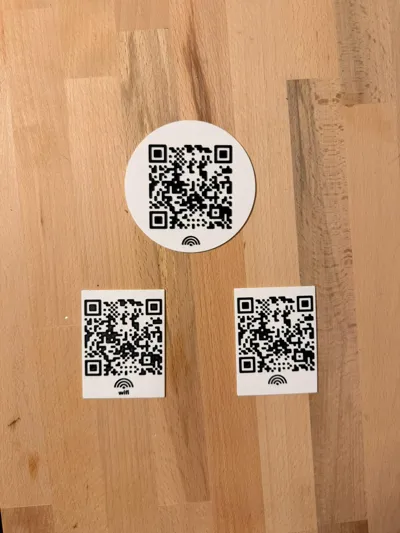
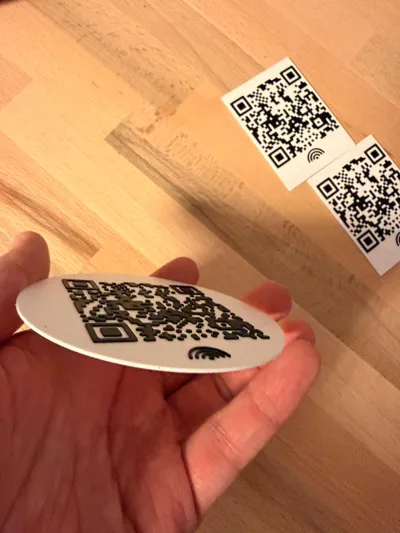
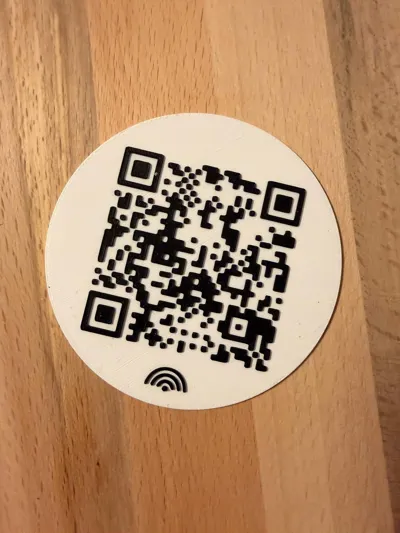
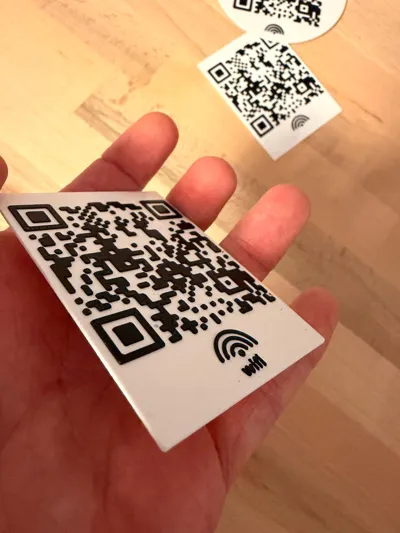
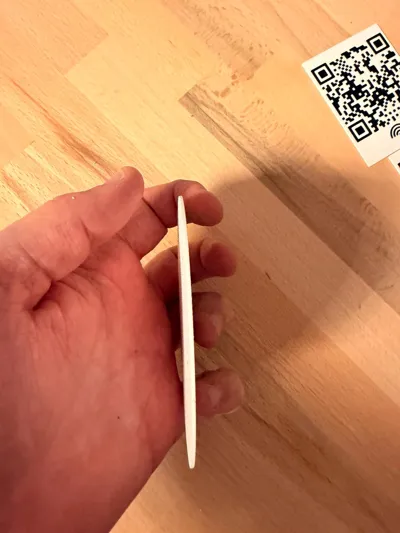
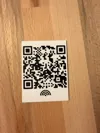
📶 3D-Printable WiFi QR Code Sign – Free Download

Easily share guest WiFi – with style!
With this 3D-printable QR code sign, you can present your WiFi access elegantly and practically. Guests only need to scan the QR code and they are connected, without typing the password.


🧩 Special Feature:
This project is directly customizable on MakerWorld! Simply enter your WiFi name and password, and the system automatically generates the corresponding QR code into the file. After that, you can download it as a .3MF file and print it immediately.

🛠️ Details:

  • Format: .3mf optimized for common slicers (e.g. Bambu Studio, PrusaSlicer)
  • Customizable directly in the browser (MakerWorld Customizer)
  • Integrated QR code for WiFi access
  • Print-friendly no support needed
  • Material recommendation: PLA or PETG

🖨️ What you need:

  • 3D Printer (e.g. Bambu Lab, Prusa, Anycubic, Creality …)
  • Slicer software (.3mf compatible)
  • Optional: double-sided adhesive tape or wall mount

💡 Ideal for:


QR Code xypwn: https://github.com/xypwn/scadqr

Boost Me (for free)

Thanks for your support! 🙏✨ I appreciate any support whether it's a 👍 Like, a 💬 Comment, or a 🚀 Boost. Every little gesture helps me continue to share creative models. Thank you! 💛


Boost Me (for free)

🚀 Support my work on MakerWorld 3D! If you like my 3D models, show some support with a boost, a download, or by sharing my designs! Every boost helps me create even more creative content for you. 💡 Thank you for your support – you make a difference! 🙏


Comment & Rating (81)

(0/1000)

hey I saw you just uploaded the stand yesterday but the default file as no support 😬as far the QR plate its fantastic for my Airbnb! thank you!
The designer has replied
designer
2
Reply
You need to enable support structures, I'll adjust that shortly My apologies, I'll upload it immediately
Show original
0
Reply
I have just updated the file and corrected the error I sincerely apologize again for the inconvenience
Show original
0
Reply
Replying to @Maraxos3D :
no worries! usually I print from bambu studio but I happened to use the phone app and didn't see.
0
Reply
Almost disappointed this isn't a Rick Roll
The designer has replied
7
Reply
Hehe, no, this time something useful :D
Show original
1
Reply
never gona give you up
0
Reply
keep getting this error often
The designer has replied
0
Reply
Have you selected the correct encryption? Is the Wi-Fi name and password spelled correctly, including capitalization?
Show original
0
Reply
also why is your wifi password "password"?
The designer has replied
0
Reply
Do you think before you post something? Do you seriously believe I would post my wifi here? Or do you want to cause trouble
Show original
0
Reply
Replying to @Maraxos3D :
ok
0
Reply
Replying to @Maraxos3D :
but the password "password" is used more often
Show original
0
Reply
I scanned the QR code on the picture with another phone to see if I could get free WiFi
The designer has replied
designer
1
Reply
No that's not possible :D I left the standard settings in hehe
Show original
0
Reply
Replying to @Maraxos3D :
I know it did not work
designer
1
Reply
you can hack him tho
0
Reply
Of course, enter the name and ->password<- for your home network lol I can't anymore
Show original
0
Reply
Replying to @Maraxos3D :
More knowledge "about this" than "they" think.. ;-)
Show original
0
Reply
However, if in doubt, the .scad file is also available, allowing the code to be generated locally
Show original
designer
3
Reply
that's the point?
1
Reply
I would like to use this to display my QR code for my venmo at market and fairs. Is there a way to replace the image for the wifi with my own QR code?
The designer has replied
designer
1
Reply
the code is closed source?
The designer has replied
0
Reply
Why so?
Show original
0
Reply
Replying to @Maraxos3D :
No just I haven't seen this feature before, great model btw!
0
Reply
Replying to @diy3d123 :
Thank you. Yes, it was a bit of work, but I will create a slightly different model, feel free to check back again
Show original
1
Reply
Is it safe to upload our WiFi credentials into this generator? Who is responsible for the generator, is it BambuLab or the creator?
The designer has replied
0
Reply
The data will be deleted directly after downloading. The code was written in SCAD and is technically incapable of reading or transmitting data. It serves solely to generate the corresponding code. As soon as the download is complete, all data will be automatically removed. Even if it were theoretically possible to capture or transmit data, it would be blocked by Bambu Lab's security mechanisms anyway. This ensures that no data misuse can occur. In short: SCAD code cannot pass on data by its nature – and additional protective measures reliably prevent it anyway
(Edited)
Show original
0
Reply
🔐 Security rating (technically sound) The SCAD code itself: has no network functions cannot actively send data It is used to: calculate geometry generate a 3D model from it ➡️ This aligns with your statement
(Edited)
Show original
0
Reply
Nice print and scanning the code shows my network name, but when clicking it is unable to join the network. I've triple checked the network name and password match and am able to join manually.
The designer has replied
designer
1
Reply
did you also choose the correct wpa encryption? and is the wifi hidden or visible
Show original
0
Reply

License

This user content is licensed under a Standard Digital File License.

You shall not share, sub-license, sell, rent, host, transfer, or distribute in any way the digital or 3D printed versions of this object, nor any other derivative work of this object in its digital or physical format (including - but not limited to - remixes of this object, and hosting on other digital platforms). The objects may not be used without permission in any way whatsoever in which you charge money, or collect fees.

