
XYZ Calibration + Belt adjust
Print Profile(1)

Description
The original model's design, and the size was changed.
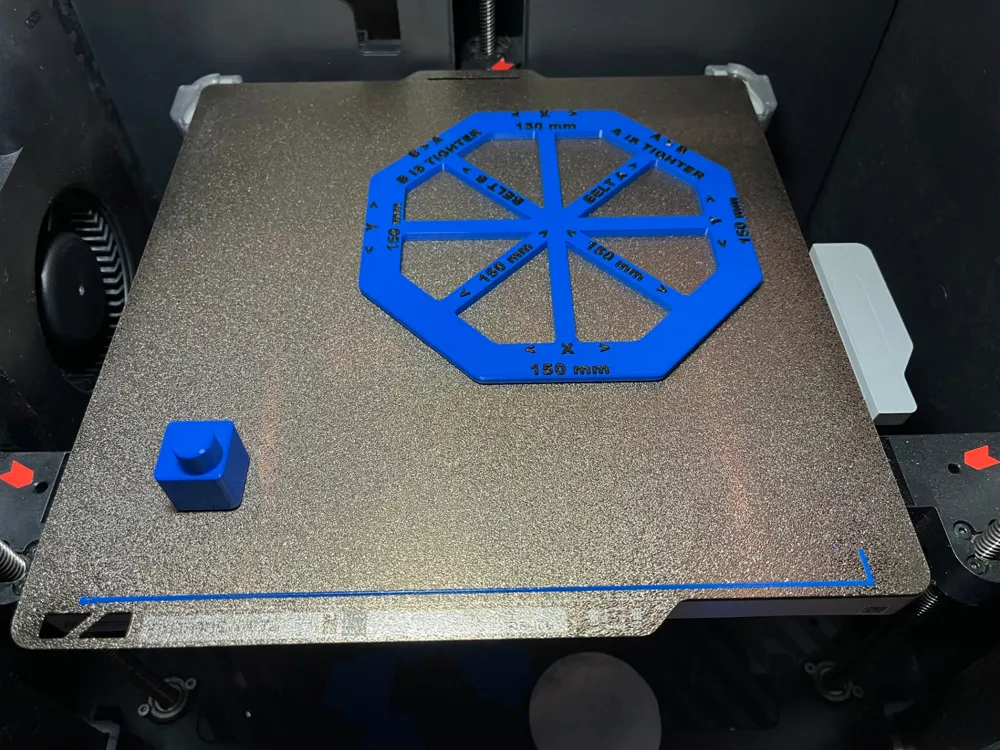
This procedure makes use of two calibration objects. Calibration Octagon and a Z calibration figure.
This is my way of calibrating my Bambu P1S but this is a process can be used for calibartion on every Bambu printer.
A caliper is required to perform this calibration.
Before starting please check if the parameters such as filament flow, temperatures, print speeds, retract are OK.
Only after the calibration/correction makes sense.
There are eight steps to complete the calibration:
- Print Octagon and a Z calibration figure.
- Waiting for the cooling plate to reach room temperature - is a really critical point. Only after you can remove the model from the plate.
Check your dimension on octagon X and Y axis (150mm on All axis)
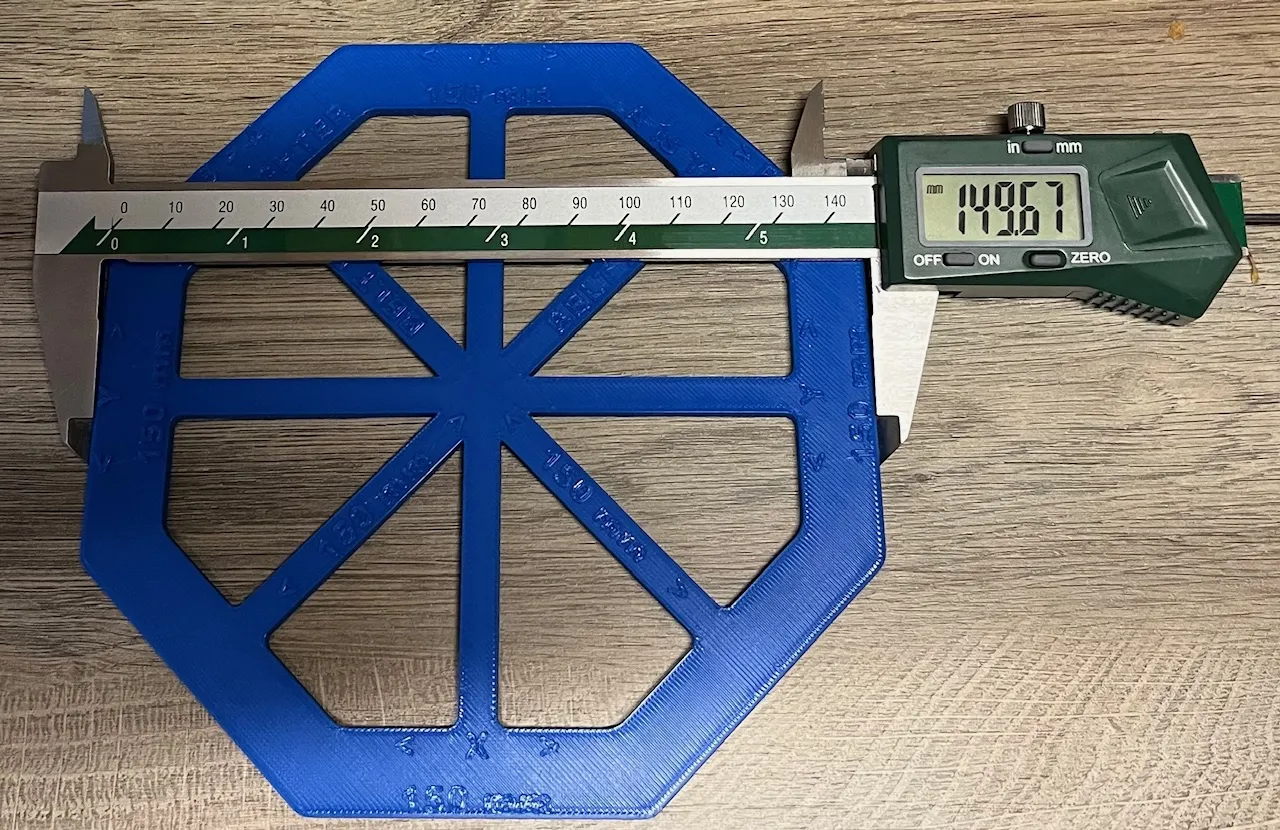
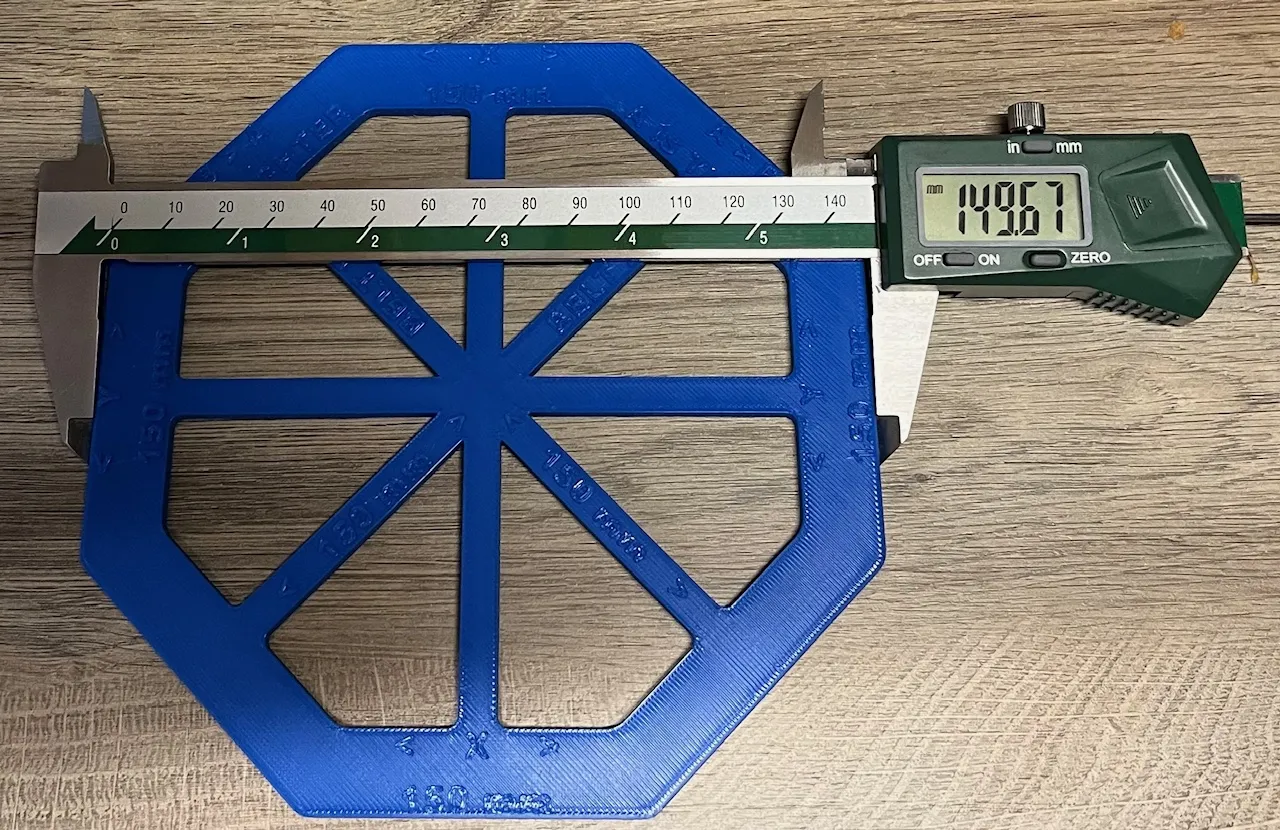
On Octagon check your belt tension A, B (150mm)
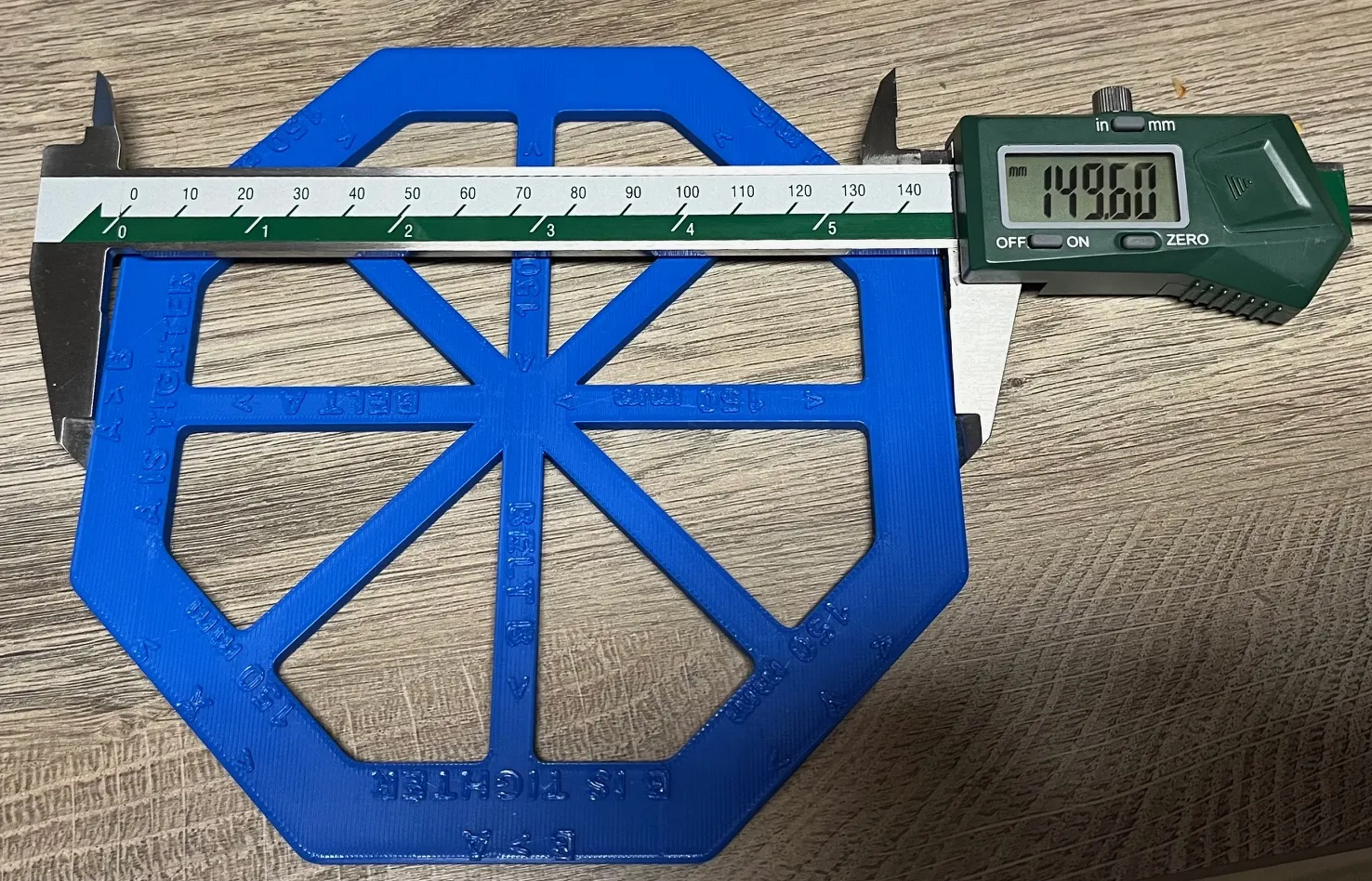
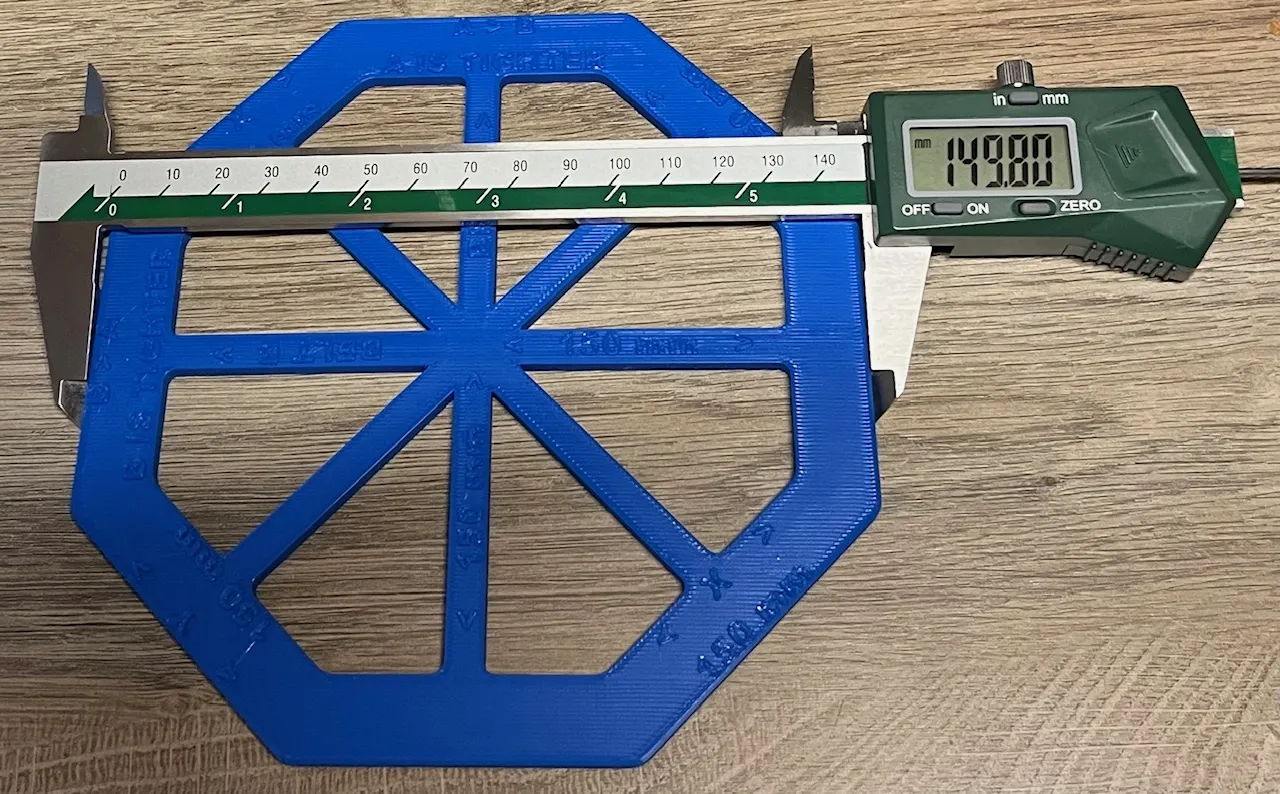
- If you have a differnt amount then 0.15mm)A - B dimension, I recommend to adjust one of your belts.
- Please use this video for adjusting your belts on P and X series Bambu printers.
- If you adjust your belts, you must start calibration from point 1
- If you have a differnt amount then 0.15mm)A - B dimension, I recommend to adjust one of your belts.
Check your dimension on Z calibration figure (Z=30mm)
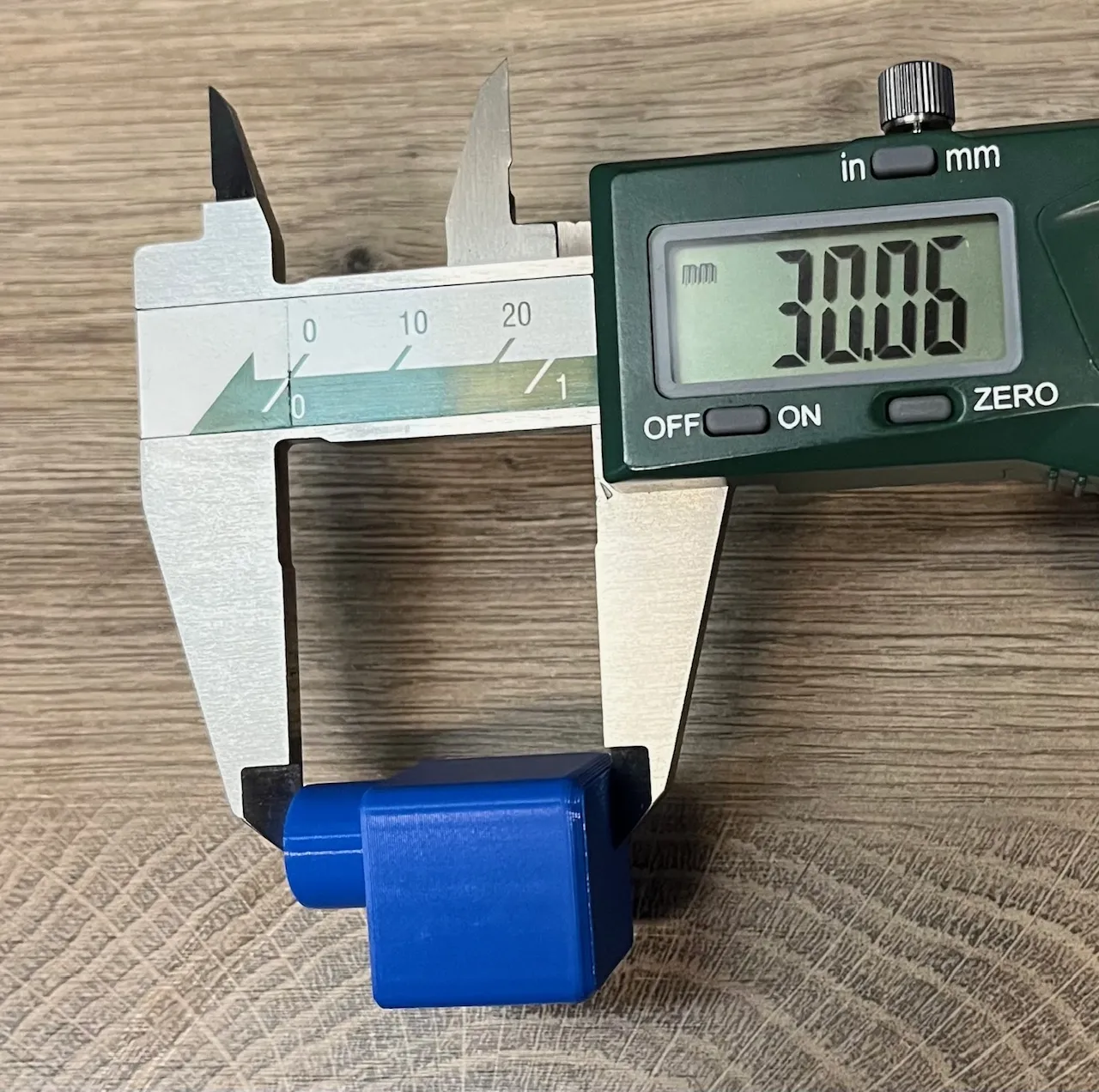
- If your belts tension is OK, you can do calibration like on this video
If you don't like changing your machine axis calibration, but you needed to print precision parts. You can add correction into slicer, using Scale. My Dimension after adjusting belts X=149.67mm, Y=149.80mm, Z=30.06mm(its correct I didn't need to change anything). So now we can calculated your coefficent.
- X = 150/149.67= 1.0022
- Y= 150/149.8= 1.0013
- Z= 30/30.06=0.9980 because differences of dimensions are really small I didnt do any corrections on my Z axis.
After that, you must add a correction on your X and Y axis (in my case i didnt need to add a correction on Z axis):
X=150x1.0022=150.33
Y=150x1.0013=150.195
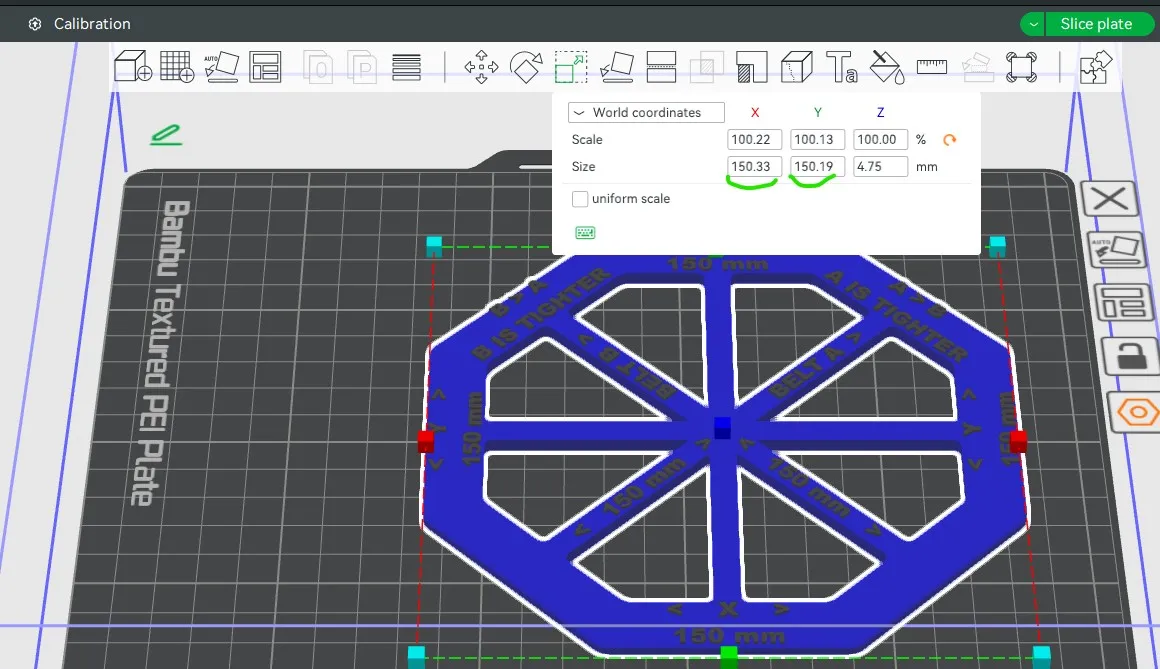
- Now you can save your coefficient and use it if you need to print precise parts.




Comment & Rating (1)