Search models, users, collections, and posts

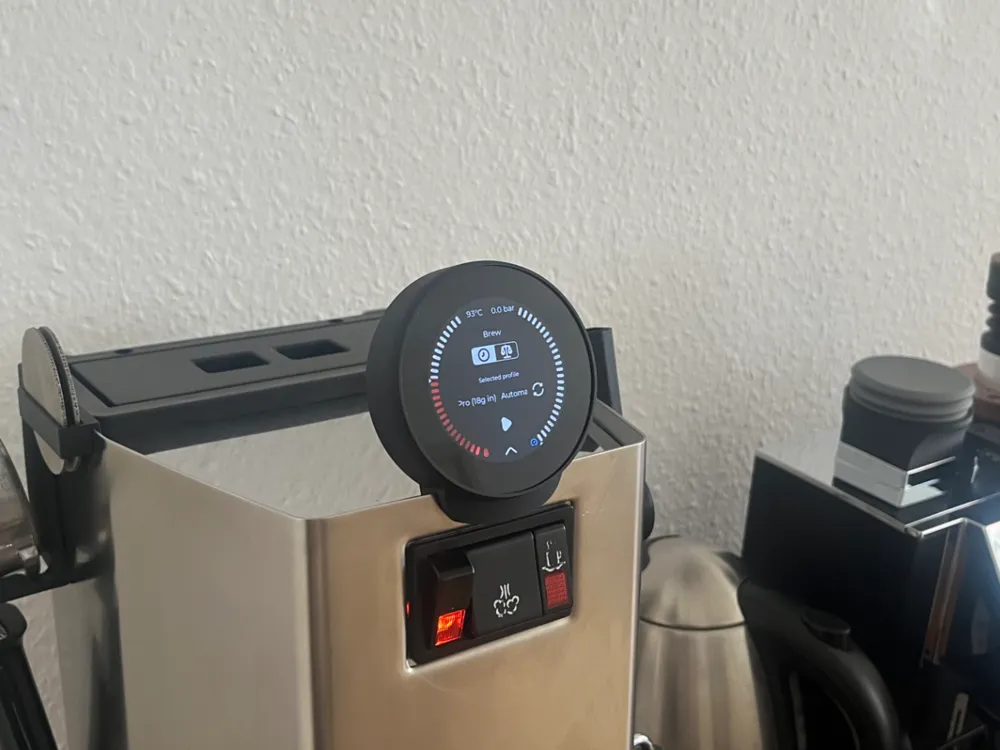
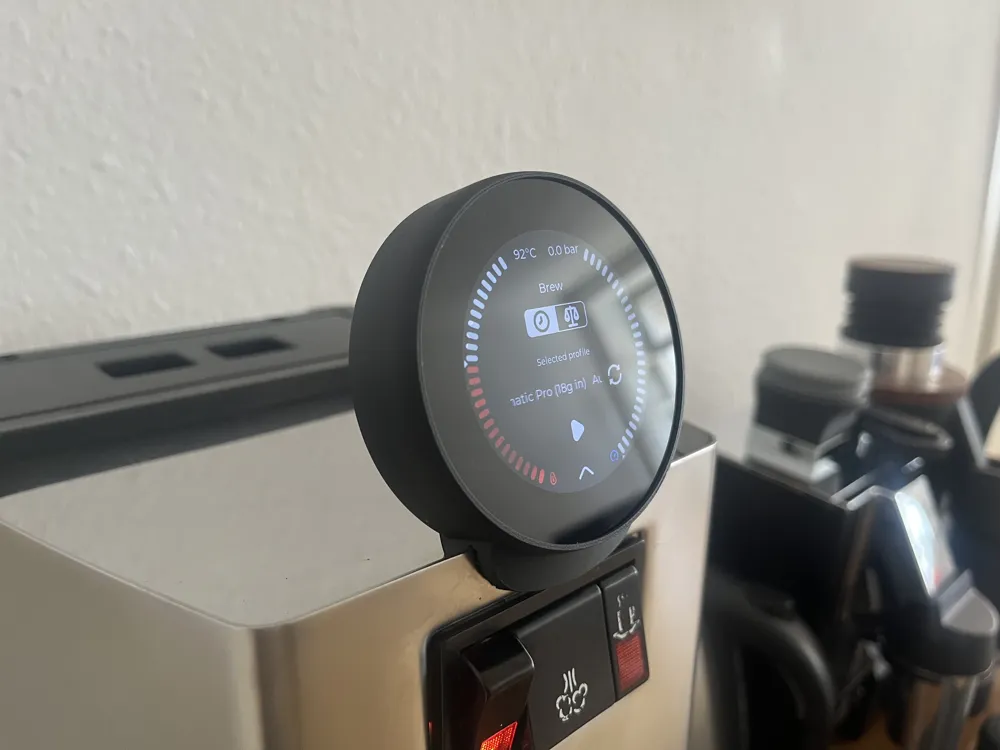
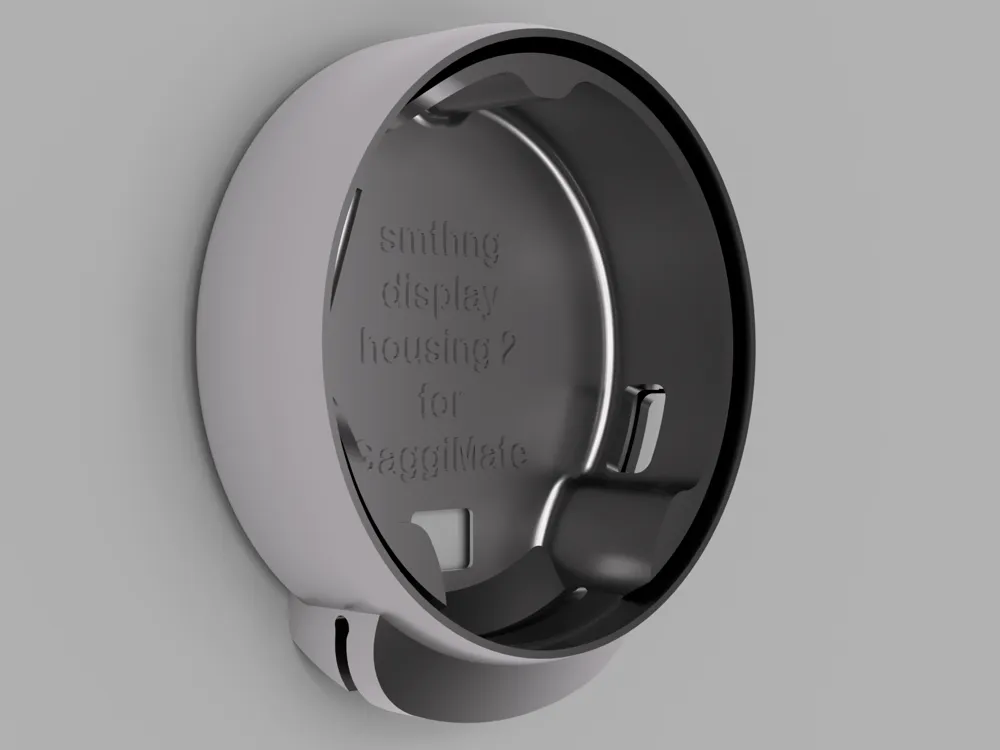
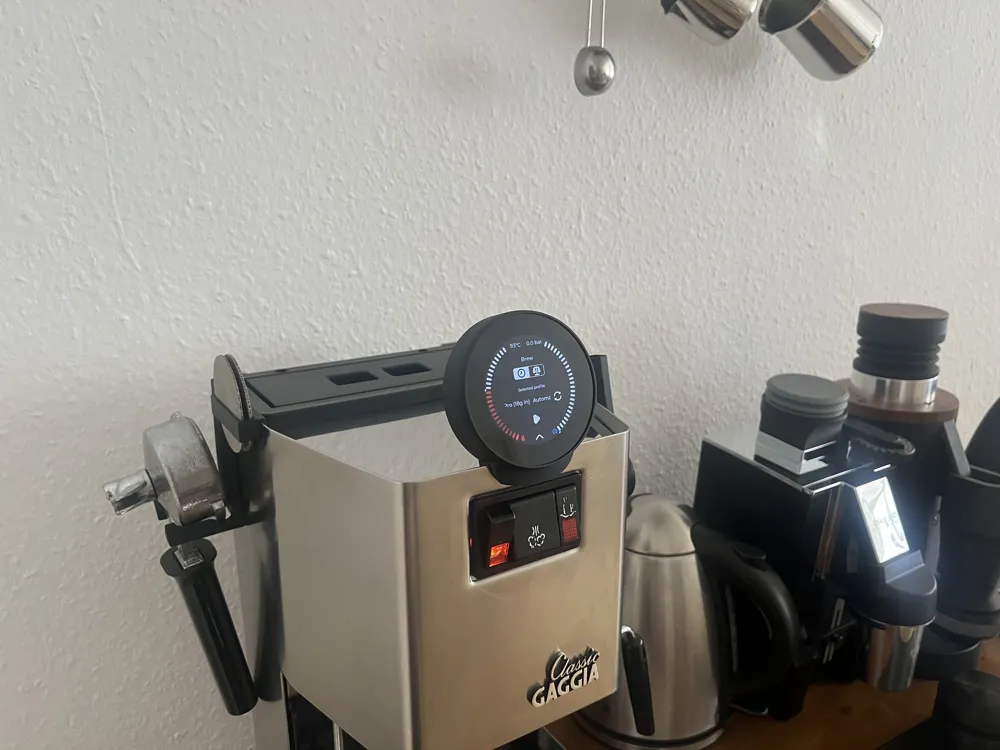
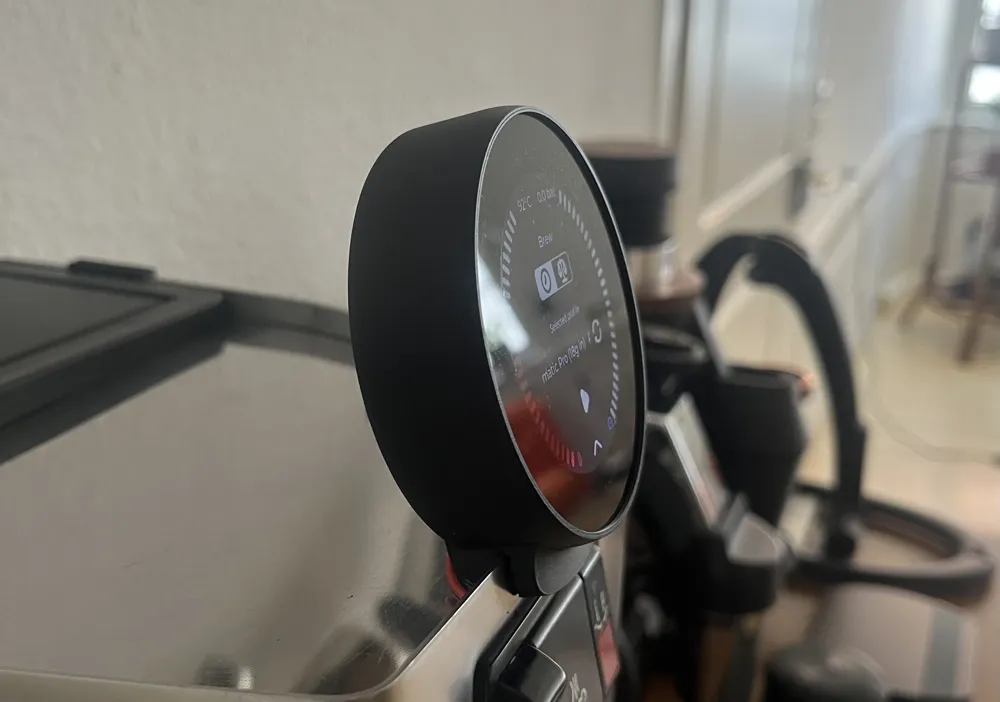
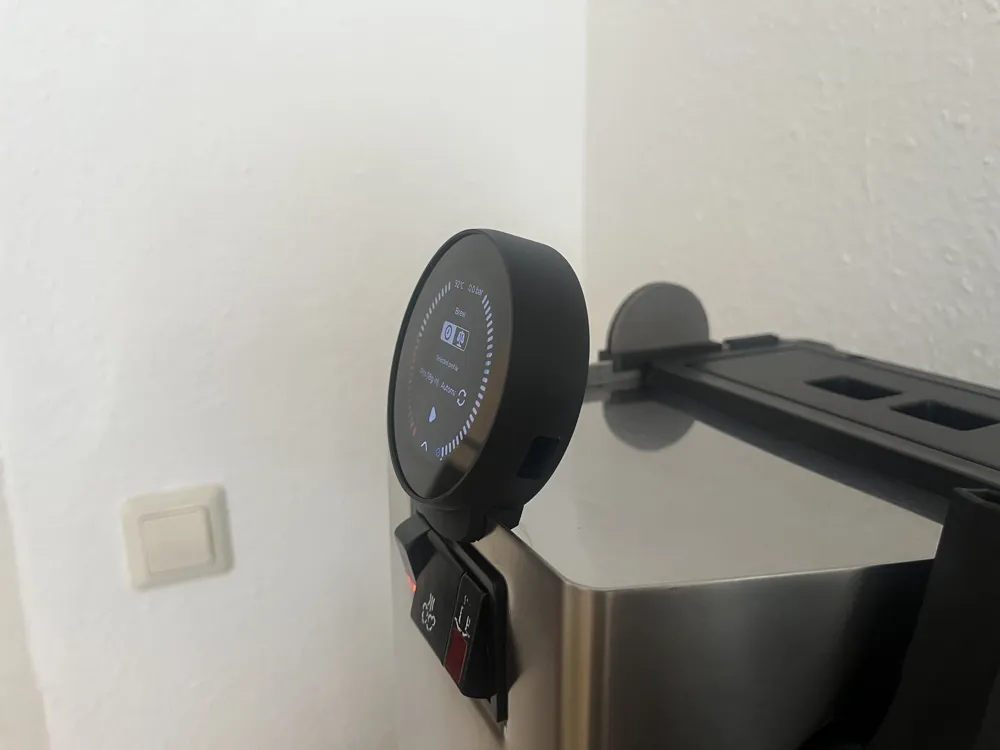
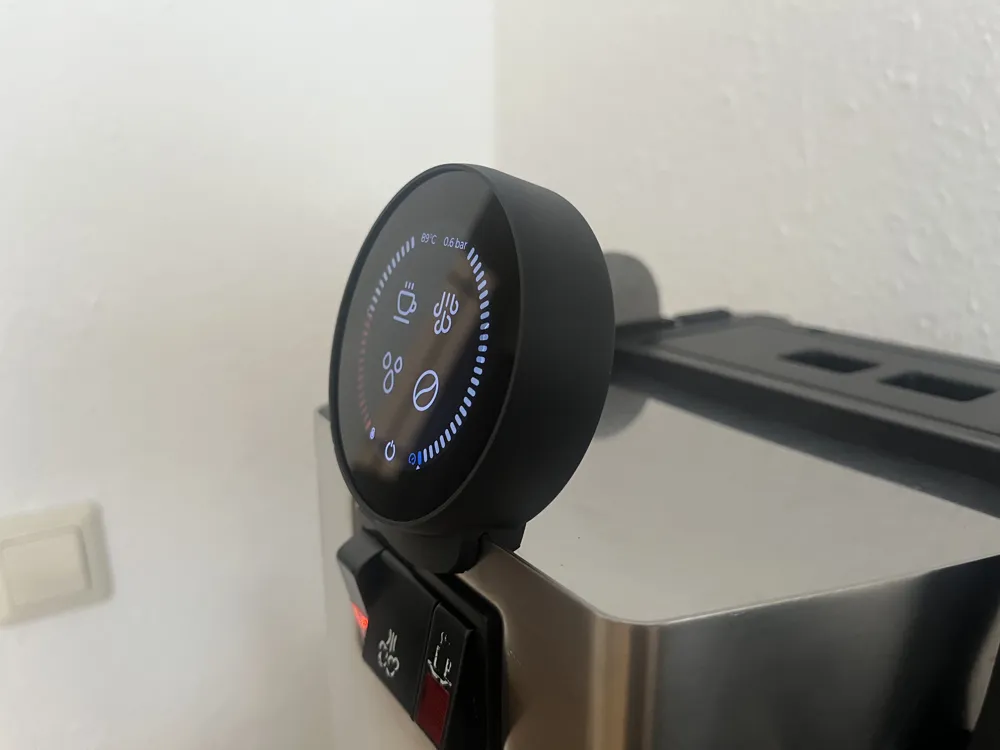
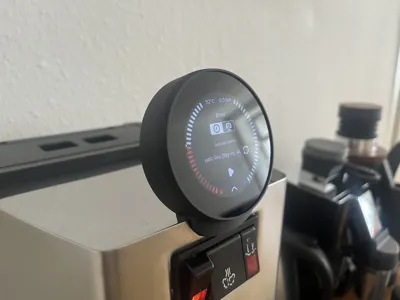
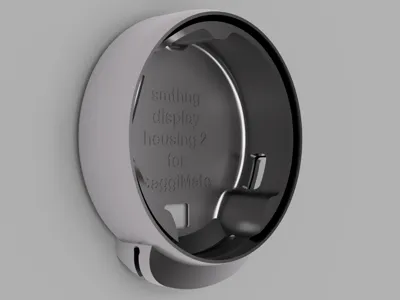
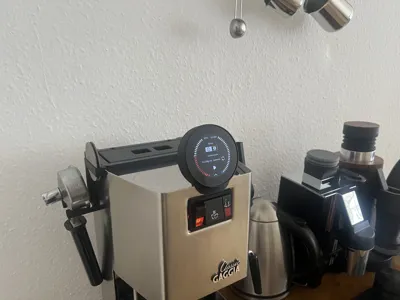
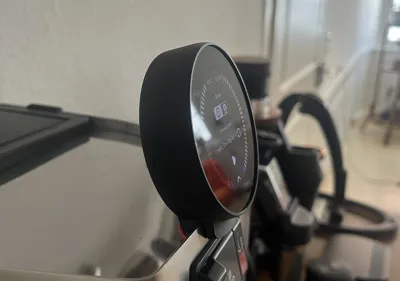
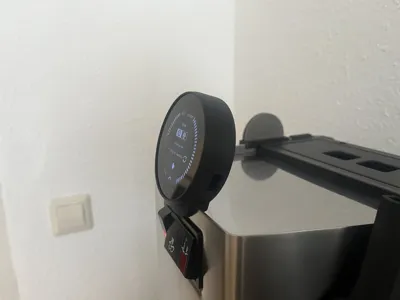
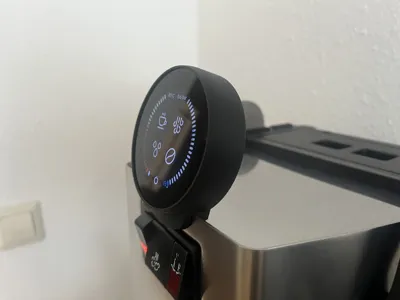
GaggiMate smthng display housing 2 with frame
IP Report
Print Profile(1)

All versions and frames
Designer
26.9 h
17 plates
Open in Bambu Studio
Boost
16
81
17
6
189
108
Released
Description
Before pushing the display into the housing, please make sure that the flat cable is centered over the cut-out. It is best to familiarize yourself with the installation instructions before installation (found in the files / after description).
All smthng display housings for GaggiMate: https://makerworld.com/collections/15882009
Housing 2 is the housing I personally recommend most for the LILYGO T-RGB, 2.1 inch, as it is the easiest to install, protects the display with its frame and I offer holder widths from 1.4 mm to 2.8 mm for it.
smthng display housing 2 (with frame) for GaggiMate:
Holder widths from 1.4 mm to 2.8 mm, check print plate naming.
How to install (no gluing or soldering necessary)
Before installation, it is best to assemble everything once without the display to test the functionality and then practice the installation with the display without the machine.
- make sure that the cable for the display is as long as possible
- feed the cable through the BASE from behind
- place the base on the coffee machine
- insert the display into the FRAME. The display is easiest to insert at a slight angle through the front of the FRAME.
- plug the cable into the display
- place the display in the BASE with the plug on the side and the ribbon cable pointing downwards.
Tip: The longer the cable, the easier this step is. - when the display is correctly positioned in the BASE, press the FRAME down.
How to print
- Base
- It is best to print at a 45 degree angle without supports (Warnings due to floating regions can be ignored).
- Or: If there are adhesion problems, the housing can also be printed flat on the back, but then supports should be activated.
- Frame
- No supports
display
minimalist
housing
pro
ranciliosilvia
lilygo
rancilio
Gaggia
gaggiaclassic
silvia
trgb
calssic
gaggimate
gaggimatepro
smthng
Documentation (1)
Assembly Guide (1)
smthng display housing 2 installation instructions.pdf
License

This user content is licensed under a
Creative Commons Attribution-Noncommercial-Share Alike


Comment & Rating (17)