
Razer Microphone Name/On Air Clip (Razer Seiren Mini)
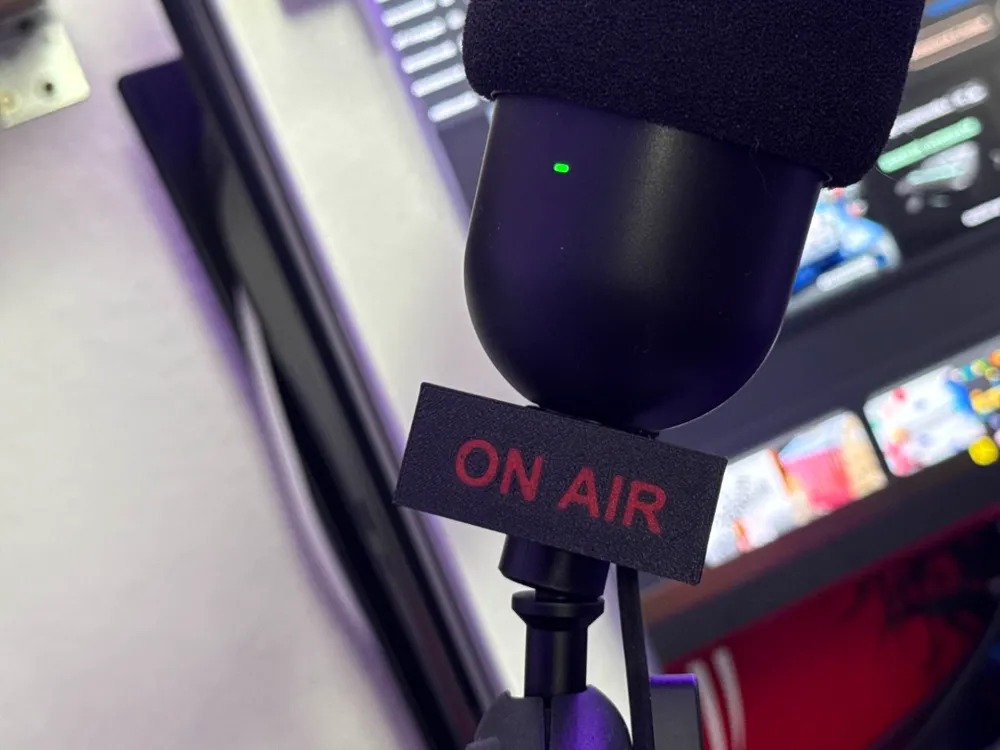
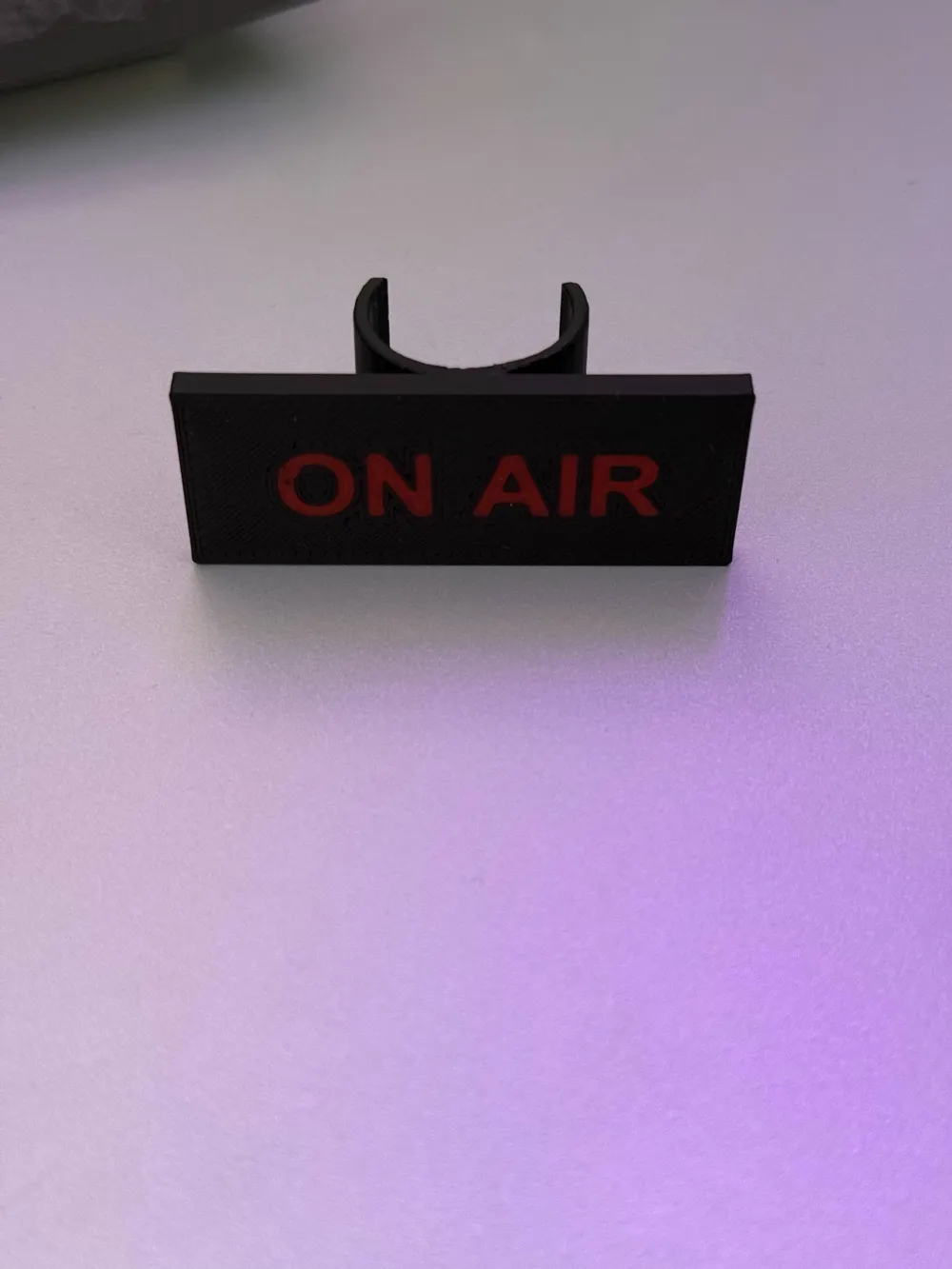
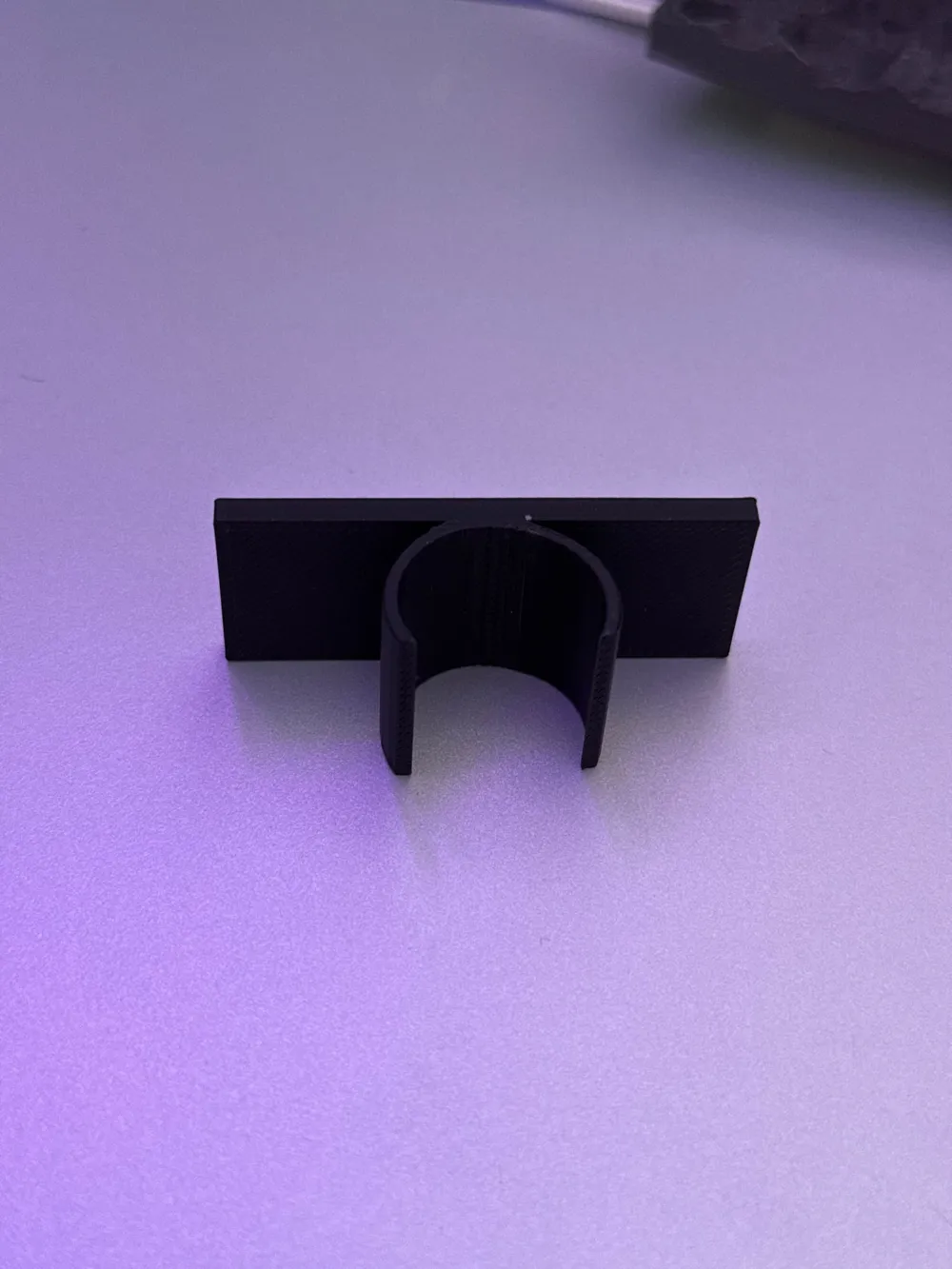
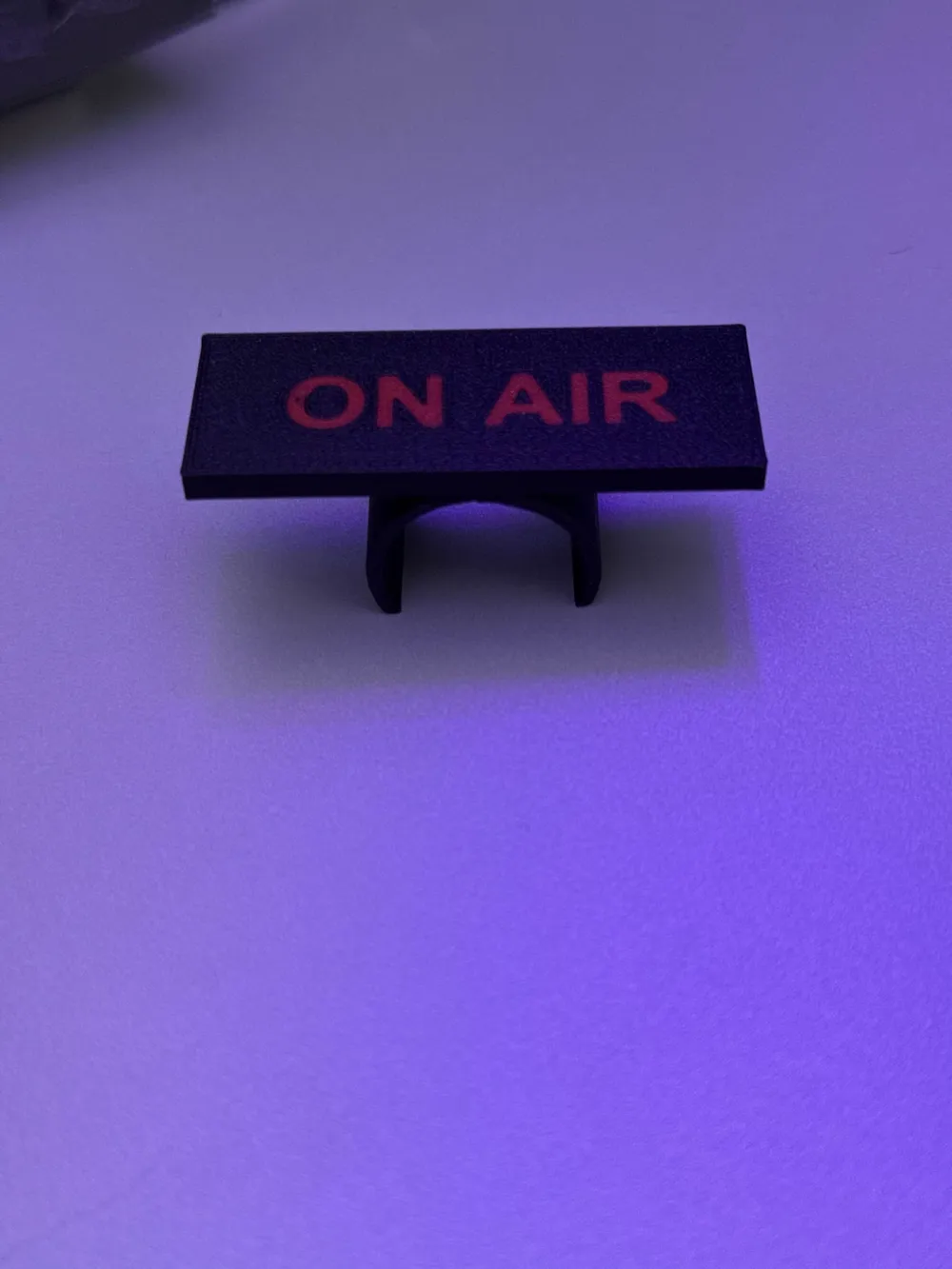
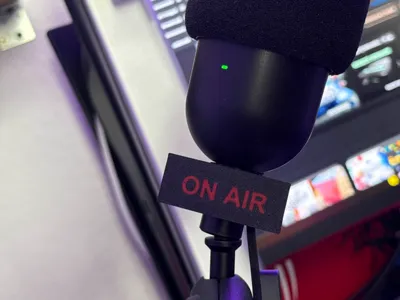
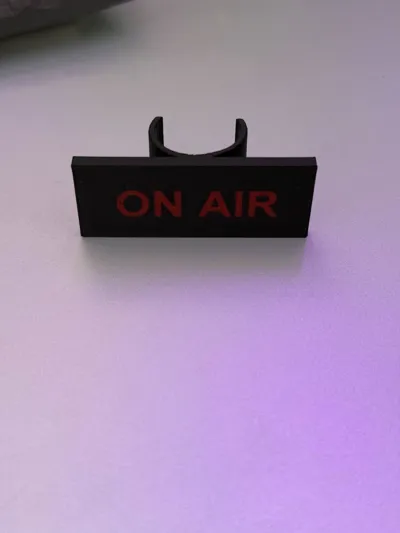
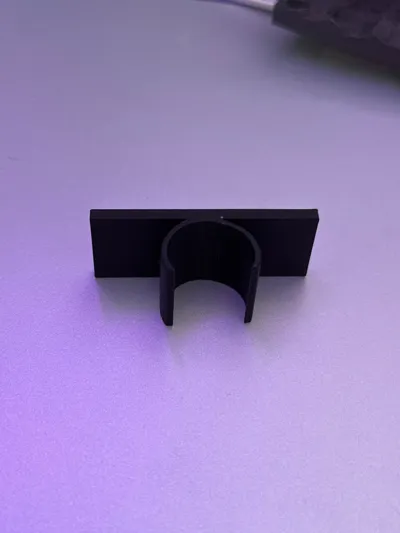
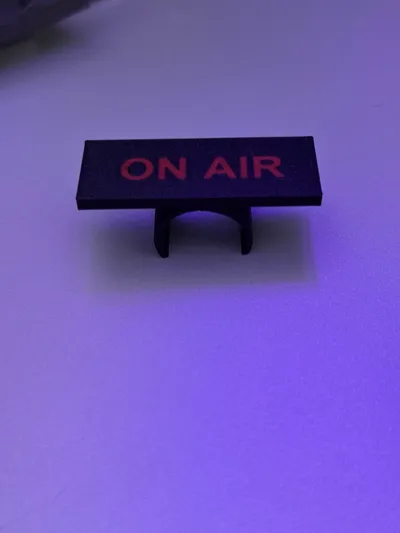
Print Profile(1)




Description
Instructions for the perfect print of the microphone clip:
1. Adjust text thickness: Ensure the text thickness is set to 0.10 mm. This ensures the text lies cleanly on the surface and prints without issues.
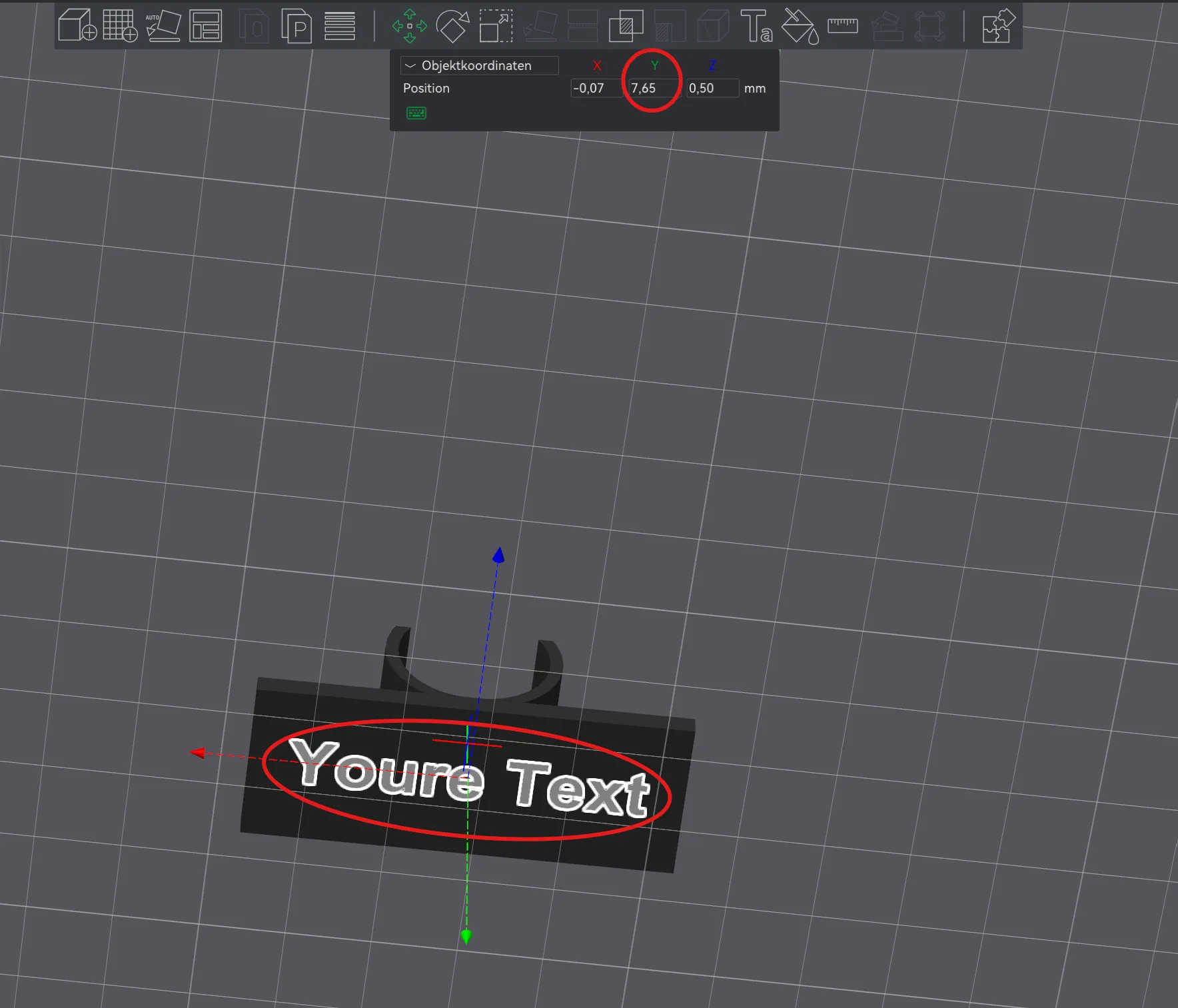
2. Adjust text position:
Adjust the Y-position of the text so that it is neither too high (→ requires supports) nor too low (→ same color as the body). The text should hover slightly above the surface without support structure.
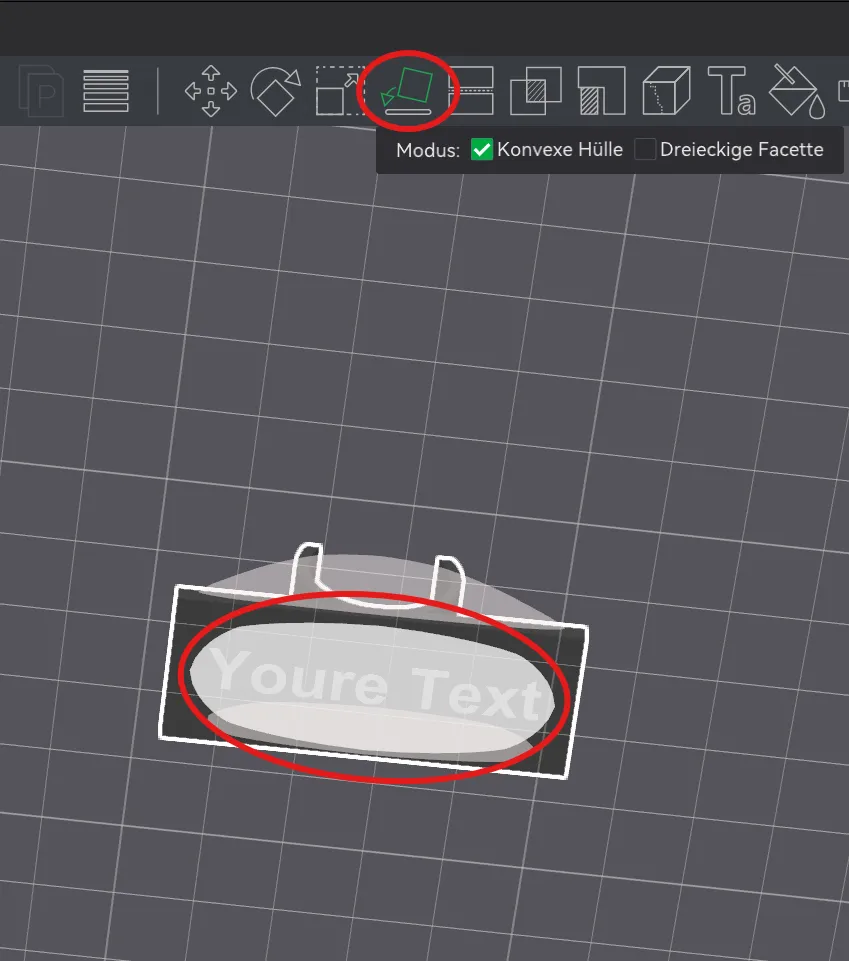
3. Use the "Lay Flat" function:
Select the entire object and use "Lay Flat" to ensure the clip is correctly aligned on the print bed. Otherwise, no text will appear and the object will print incorrectly.
🙏 If you like the model:
I would be thrilled about a like, a download, and especially a boost!
And if you like, feel free to check me out on TikTok – you can find me as "Der 3D-Sizilianer".
License



Comment & Rating (2)