
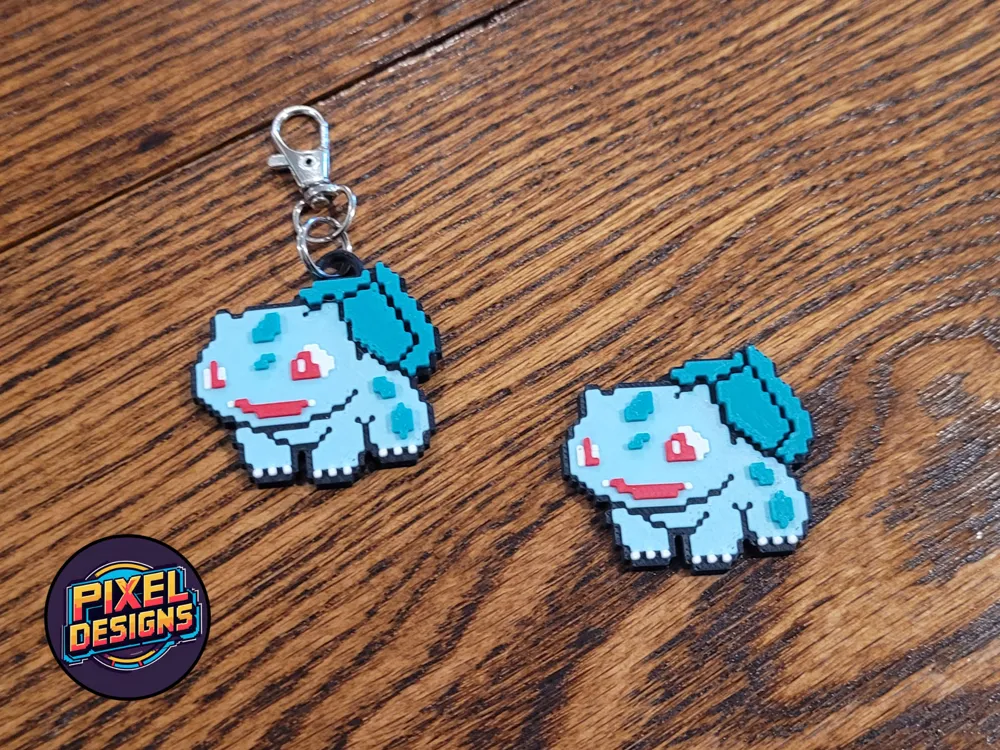
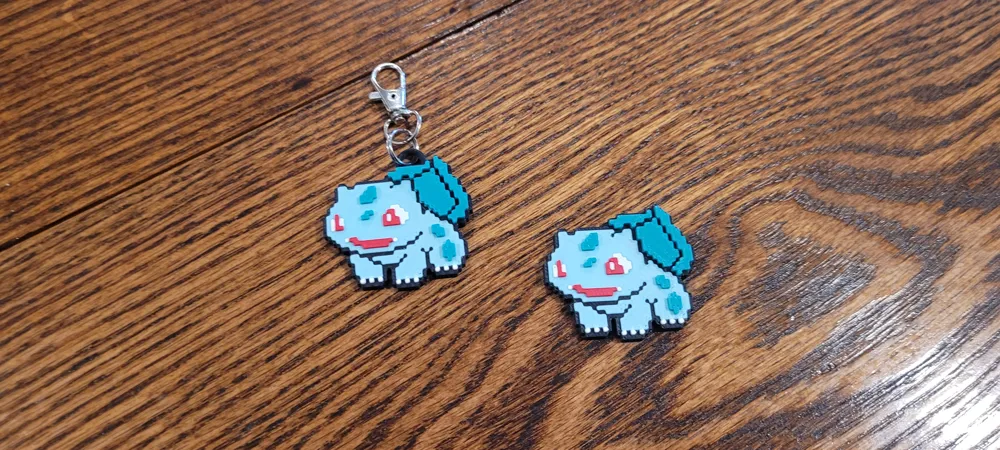
#0001 Bulbasaur Pixel Art with Keychain
Print Profile(1)

Description
If you like pixel art check out this bulbasaur and keychain. Below are some tips for printing.
AMS Not Required
Each color is at a different height. If you do not have an AMS, you can pause and swap colors.
Scaling the Model
When scaling in the slicer, it is recommended that you scale based on X and Y coordinates only. This will leave the Z height the same and keep any color changing to a minimum by keeping the layer height smaller.
Keychain Loop
For the keychain files, you can move the keyring loop by select the model and pressing "Split into Objects". The keyring loop can then be moved around. After placing it where you want it, select everything and "Merge" the file back together. In addition, you can scale the model before re-merging the keyring loop at your desired location.
Magnets & More
You can add negative space in the slicer program to have a place for magnets or create a keychain or earring hole.
If you like this print and would like to get pixel art prints regularly, please check out my Patreon at the link below.
License

You shall not share, sub-license, sell, rent, host, transfer, or distribute in any way the digital or 3D printed versions of this object, nor any other derivative work of this object in its digital or physical format (including - but not limited to - remixes of this object, and hosting on other digital platforms). The objects may not be used without permission in any way whatsoever in which you charge money, or collect fees.


Comment & Rating (0)