Search models, users, collections, and posts

Switch 2 wall mount with built in cable organizer
Print Profile(1)

All
A1
P1P
H2D
P1S
X1
X1E
X1 Carbon
H2D Pro
H2S
P2S
H2C
X2D
A2L

0.2mm layer, 2 walls, 15% infill
Designer
2.2 h
1 plate
4.9(38)

Open in Bambu Studio
Boost
287
914
65
20
990
710
Released 

Description

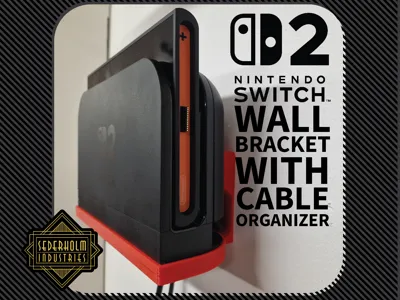
Switch 2 wall mount with built in cable organizer
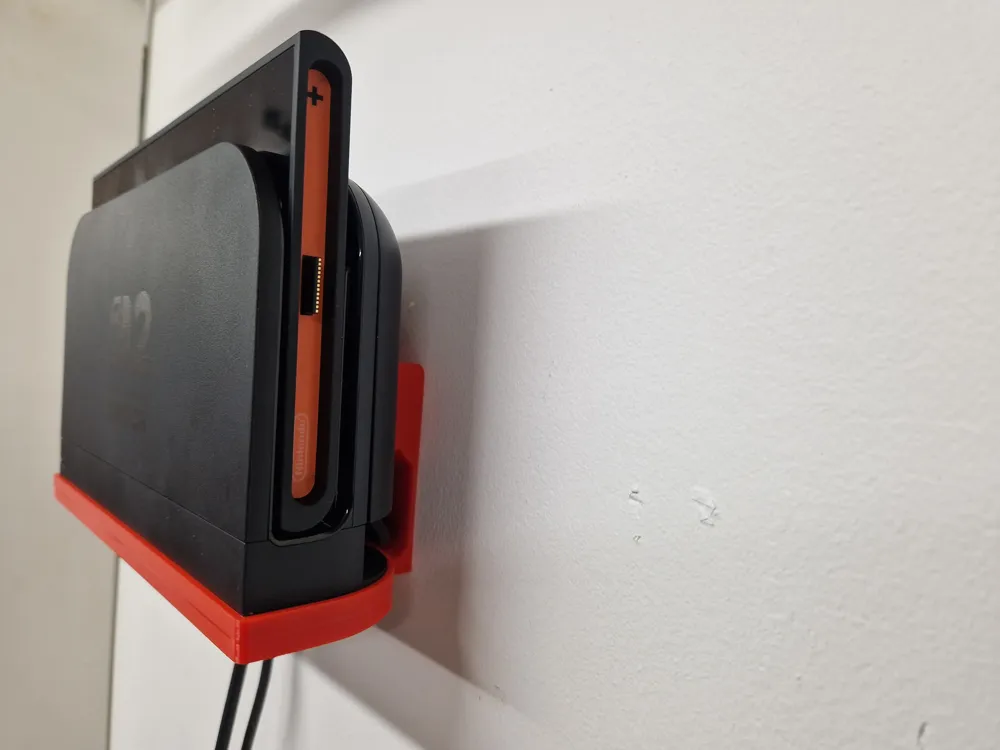
 

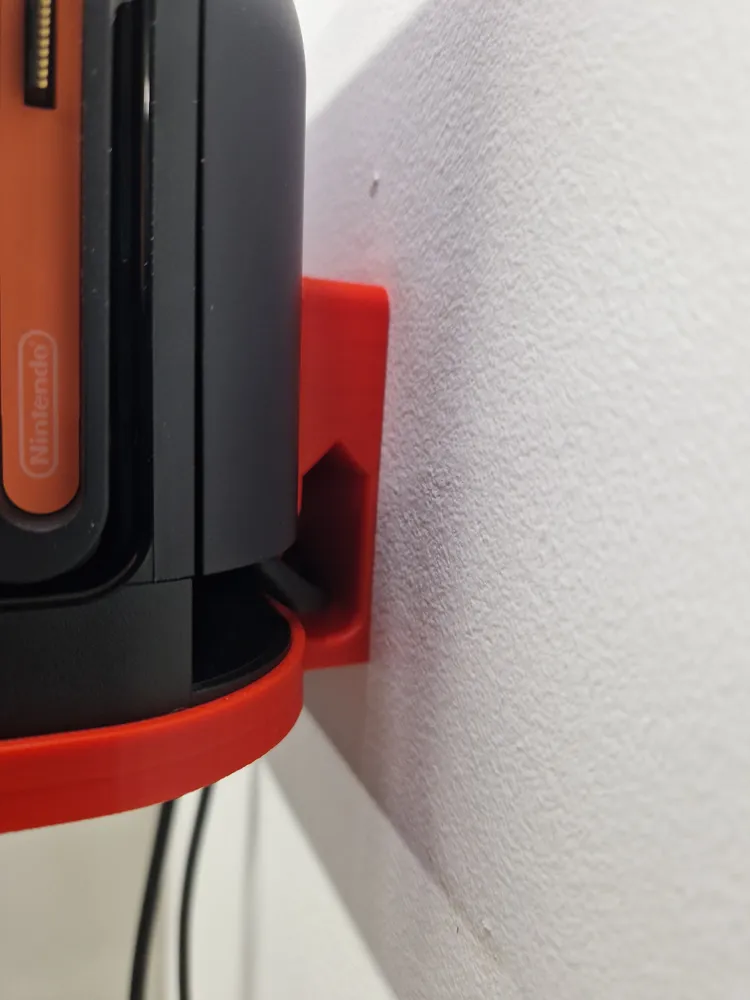
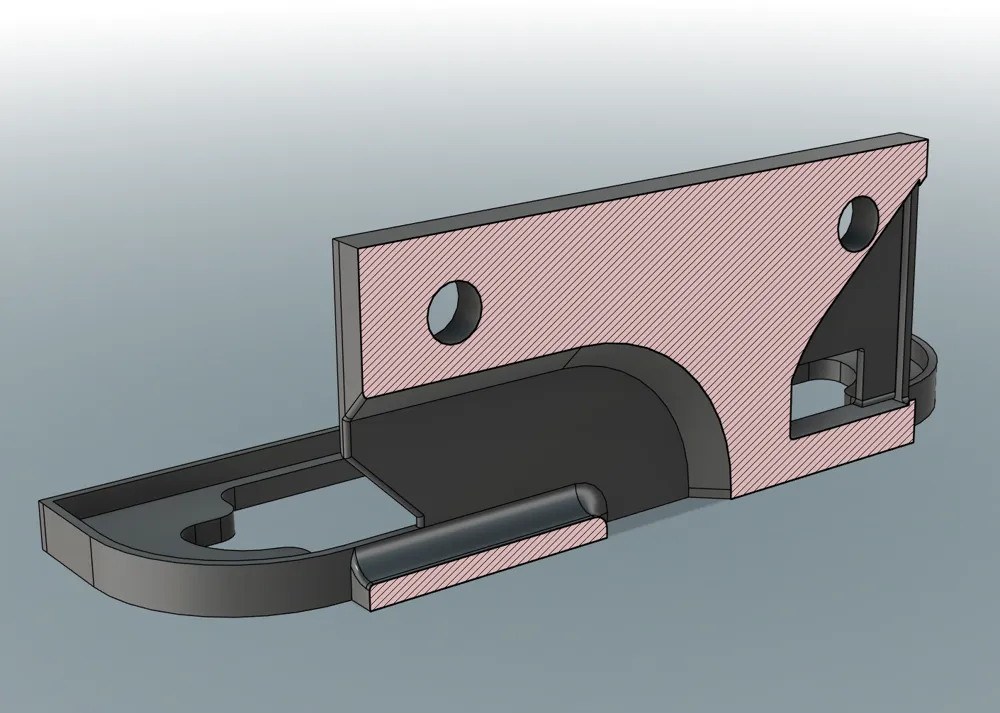
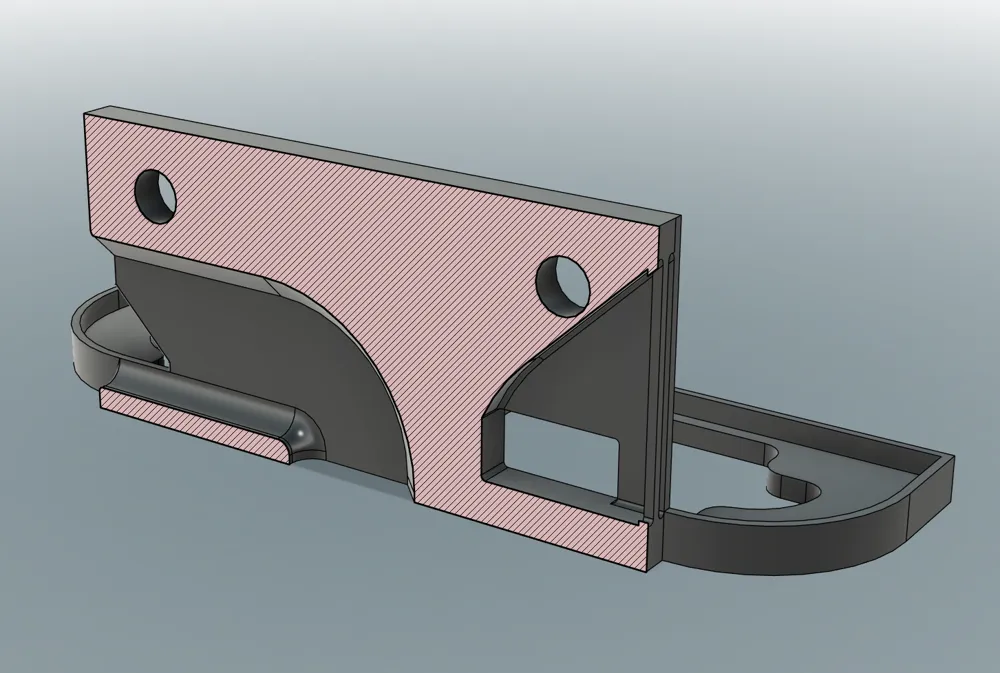
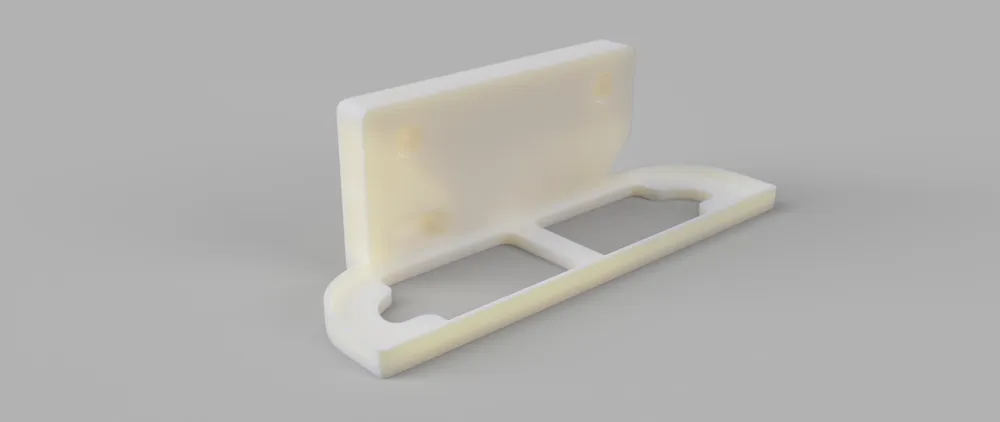
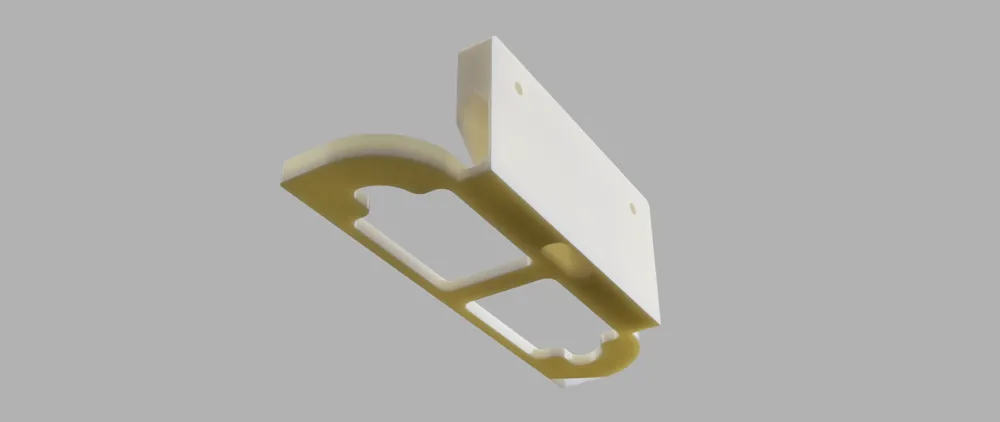
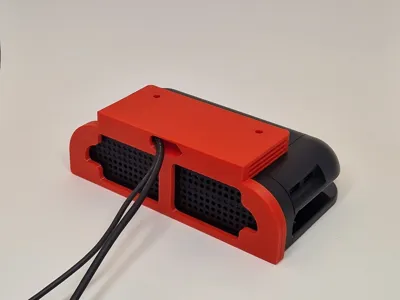
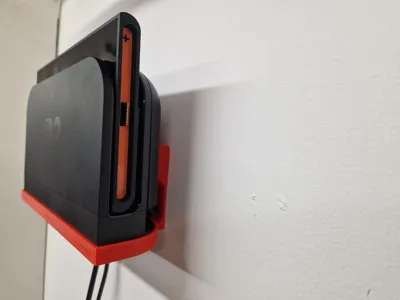
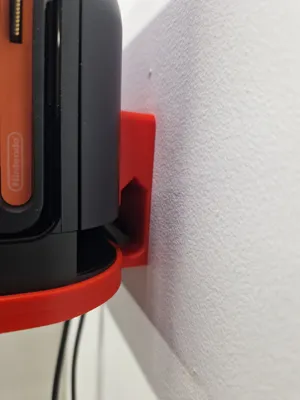
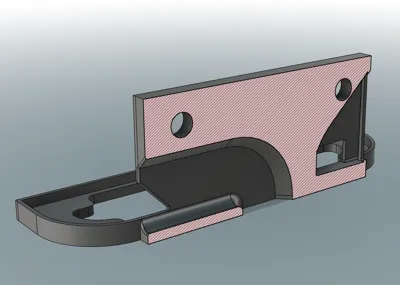
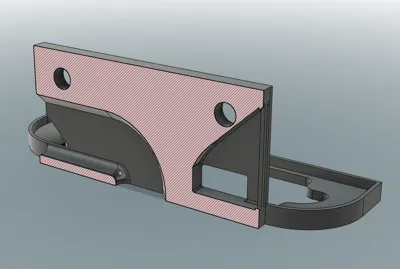
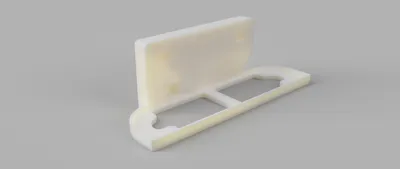
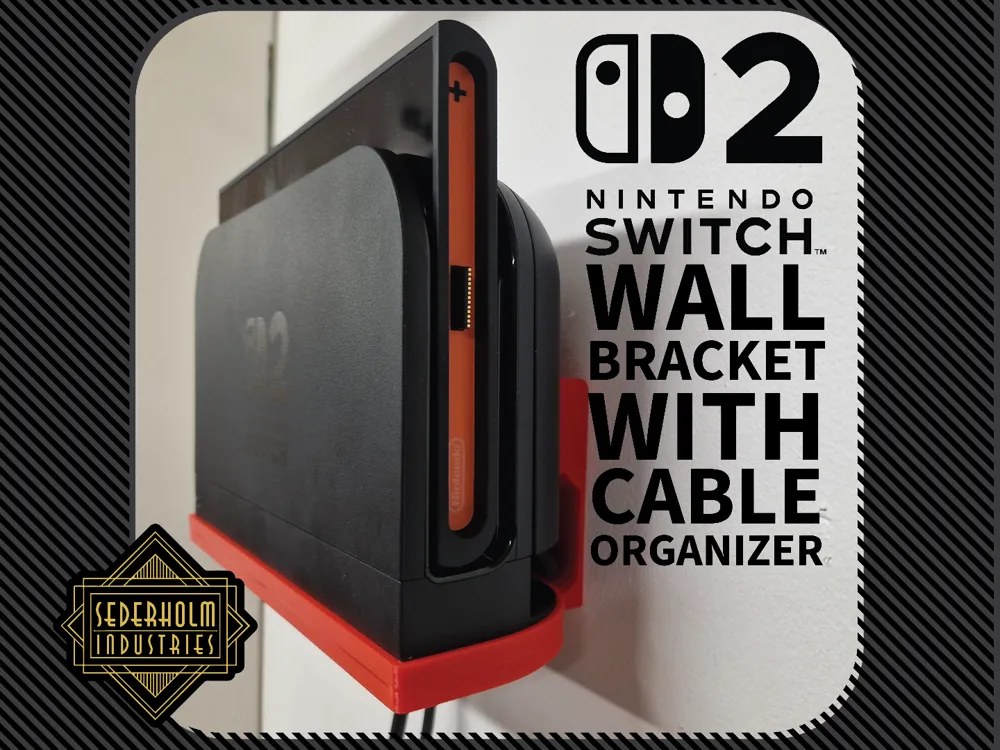
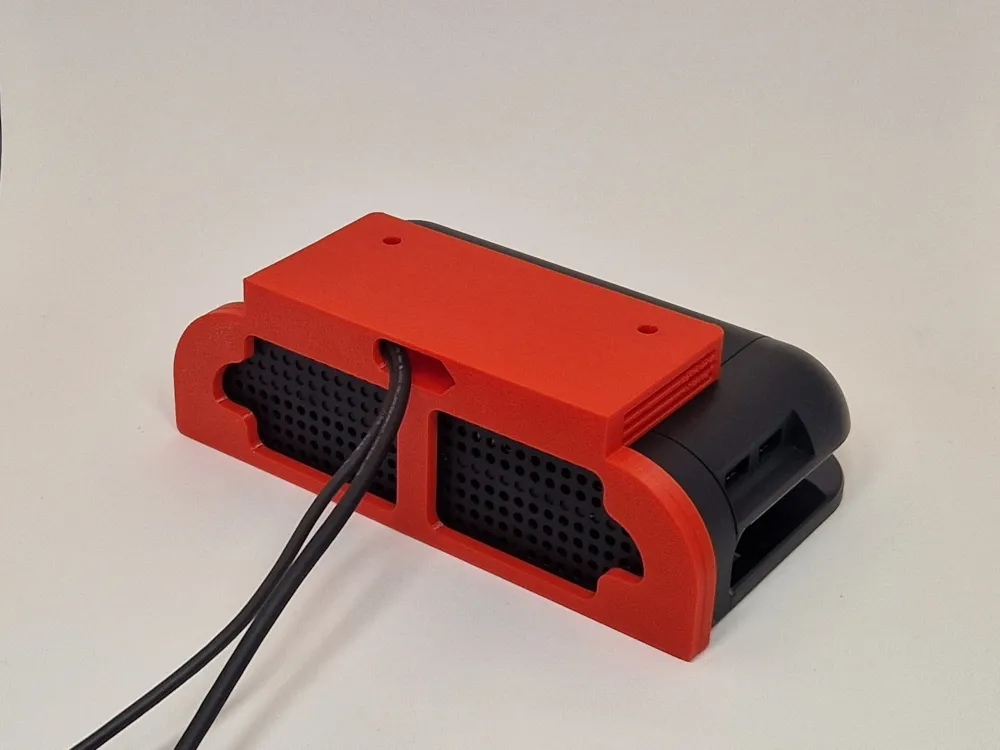
This print will allow you to mount your Switch 2 dock to the wall. It features a vent at the bottom and back to allow for maximum airflow, very little restriction thanks to the fully open vents at the bottom with no grille over key components. On the bottom of the mount you will find a hole that will allow cables to be fed through to the right side for a hidden and clean installation.


Key features!

  • Built in cable organizer!
  • Ample space for intake and exhaust.
  • Screw holes with 100% infill backing for extra strength!
  • Super easy print with very little support
  • only 65g of filament!
  • prints in just over 2 hours!


Tips!


Install it with 2 screws with suitable hardware for your wall, the hole allows for up to 10mm in head size. Then feed the HDMI cable up through the bottom hole and follow up with the USB-C power cable and plug them into your dock. Place the dock into the holder making sure it sits down all the way, the fit should be slightly snug. Lastly gently pull the cables underneath to make them totally hidden from the side!


Notice!


Mounting this with incorrect hardware may cause the entire bracket and console to fall off the wall, make sure to ask a professional if you're unsure of what mounting hardware is needed.

Comment & Rating (65)

(0/1000)

Print Profile
0.2mm layer, 2 walls, 15% infill
Strength Issue:I like the model and printed 3 times in petg and 1 time in PLA. The Base plate easily snapped apart from the back with minimum pressure applied. Maybe increasing the infill especially at the bottom layers would fix the issue but I haven't remixed the file to experiment. I think there just isn't enough plastic laid down with the cable and heat channel to handle any stress. since this was for a kid I don't trust it to hold up and keep the switch from crashing to the ground.
The profile uploader has replied
profile
1
Reply
Thank you for the feedback. This is the first time I'm seeing this problem. The ones I've tested have had what I would say an unnatural amount of force applied and I didn't get any cracking. I don't like to blame the person printing my files as I usually find that most problems can be solved with a better design, this shouldn't be able to happen in the first place. But have you experienced weak layer adhesion on both of the filaments you printed this file with or was the poor layer adhesion with one of the filaments?
0
Reply
Replying to @BentleyW :
I'm not sure, and from the feedback from others it may be something I did or conditions in my print area or something. I'm not sure. I'm re-drying my filiments and going to try it another round and see if I get better results. I used sunlu PLA and I overture petg while printing on an H2D. my petg was in an HT ams and I dried it a couple days prior to printing and it read 13% for what that's worth. the sunlu was dried in an ams 2 pro and was reading 14% at time.of print. Both ams units have dessicant chambers. I set print on both normal and slower speed and at a couple of different nozzle Temps to see if it helped. My work area was above 80 when I printed so external heat may have had a factor. Not being an expert by any means I am not going to say it wasn't user error, but all 3 failed when I applied moderate force to it. My son is 9 and I don't trust him to be careful and that's why I applied pressure to the bottom ledge. if the next one comes out better I will definitely update
(Edited)
profile
1
Reply
Replying to @BentleyW :
i didn't notice any layer adhesion issues and I have used both filiment types on other structural items like hooks and brackets without issue. I always dry my filiments after opening them and I store them in air tight bags with dessicant packs and then re-dry for awhile after loading them. I generally print on the silent mode as everything I've read say it helps if you have the patience. I am open to constructive criticism and pointers though.
(Edited)
profile
1
Reply
the print works great. Would you be open to reinforcing the structure instead of having cabling holes? the weight of the switch 2 causes it to sag, and the lack of walls doesn't help either. I was able to break it with not much force.
The designer has replied
designer
1
Reply
Thank you for the feedback. I just ran a new test on the one I have and I managed to pull 7kg of downward force with no layer separation, I feel like that is more than what you should expect it to ever experience. If you are up for trying a second print I might suggest upping the wall count to 5 if you're experiencing weak layer adhesion. I've yet only seen 2 out of about 1 thousand to experience this type of layer separation so I'm currently on the fence about re-designing it as of now.
2
Reply
Print Profile
0.2mm layer, 2 walls, 15% infill
looks great I chose this one because of the cable management and design. I printed in petg for extra strength and heat. I know the switch 2 puts of some heat and also my house gets super hot here in the summer. Not a lot of weight but I did have the wall mounts on my Ams give out when I printed in Pla+ when it hit 98 last summer inside the house and all 4 mounts started to sag and snapped so I switch to petg on wall mounts and no issues.
The profile uploader has replied
profile
1
Reply
that looks great! thanks for printing and leaving feedback!
0
Reply
Very useful for mounting on the wall. I did have to superglue the dock to the mount as first time my 10 year old removed the switch for handheld mode it came off the mount. As this is our second dock and unofficial switch 2 dock wasn’t a big deal to us, but something to be aware of if you have kids and only 1 dock.
0
Reply
Print Profile
0.2mm layer, 2 walls, 15% infill
printed the Zelda front cover to match my oled collectors edition. printing a second on the my other dock in my room
0
Reply
Print Profile
0.2mm layer, 2 walls, 15% infill
Everything fits perfectly and printed great with the profile. Sunlu PLA+ on an H2C. Thanks for the great model
Show original
0
Reply
Quite useful and attractive, I would slightly enlarge the cable hole to allow for smooth, damage-free HDMI cable insertion
Show original
designer
2
Reply
nice
The designer has replied
1
Reply
thanks!
0
Reply
I would personally stay away from this, my switch has fallen out of this thing twice. plus it looks like it's about to snap from the weight of the switch. it has no way of keeping the switch from jumping off the front. imma personally find a different print. I appreciate the effort and the cord thought though.
(Edited)
0
Reply
as I am playing some playstation, my switch just falls of the wall.
0
Reply
make one for the og switch or oled
1
Reply

License

This user content is licensed under a Standard Digital File License.

You shall not share, sub-license, sell, rent, host, transfer, or distribute in any way the digital or 3D printed versions of this object, nor any other derivative work of this object in its digital or physical format (including - but not limited to - remixes of this object, and hosting on other digital platforms). The objects may not be used without permission in any way whatsoever in which you charge money, or collect fees.