
Elgato Keylight Neo Light Diffuser/Filter
Print Profile(1)

Description
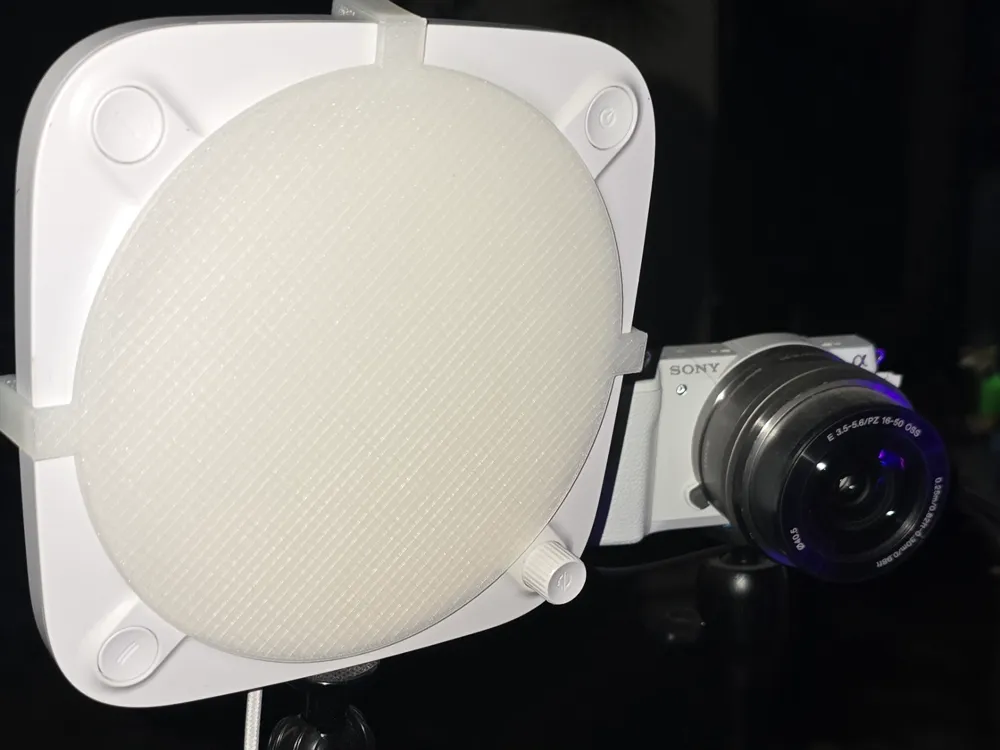
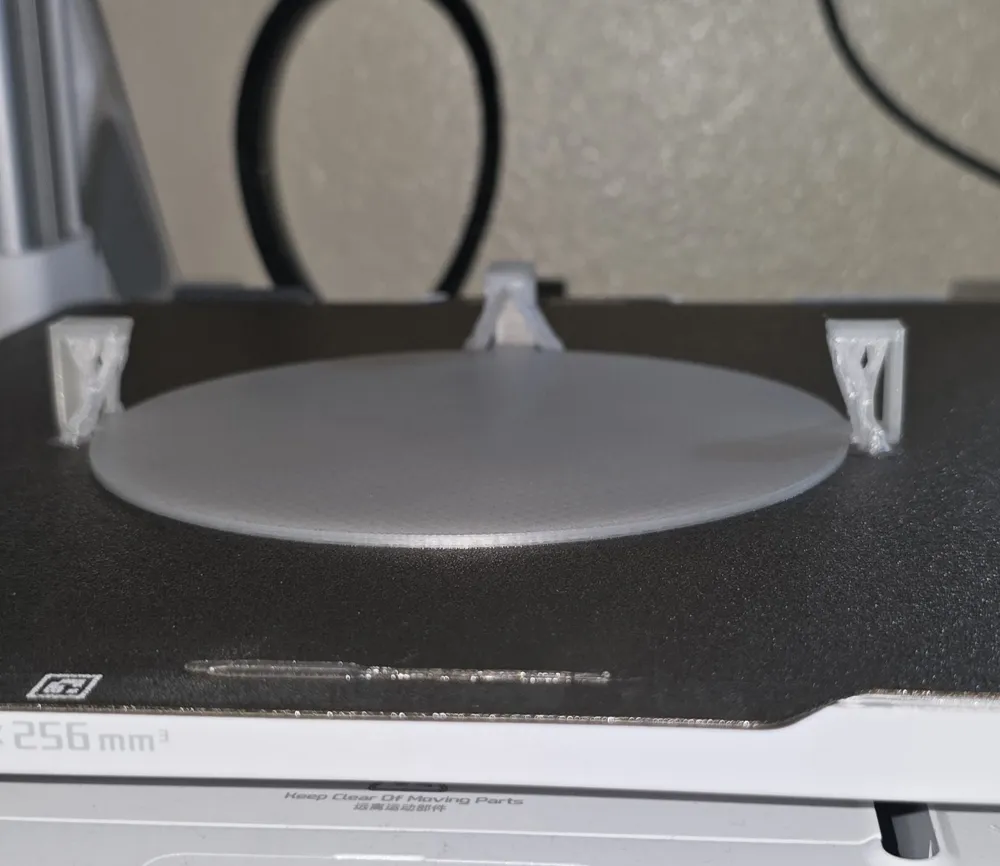
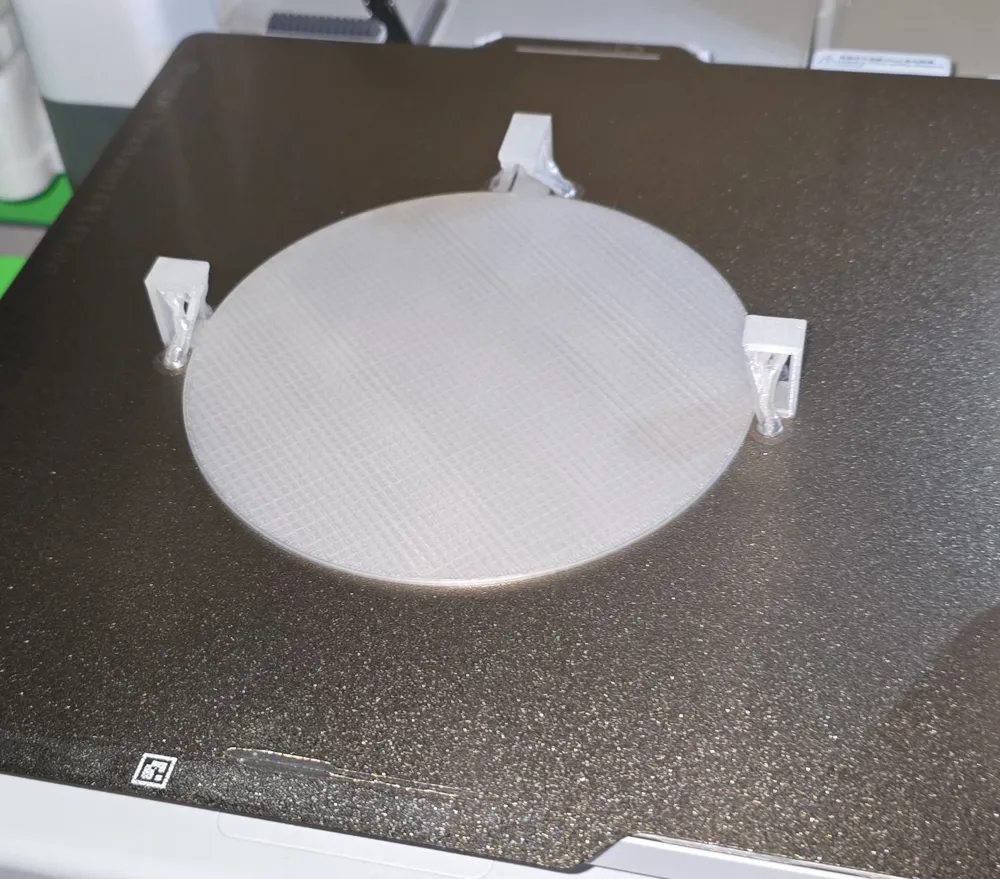
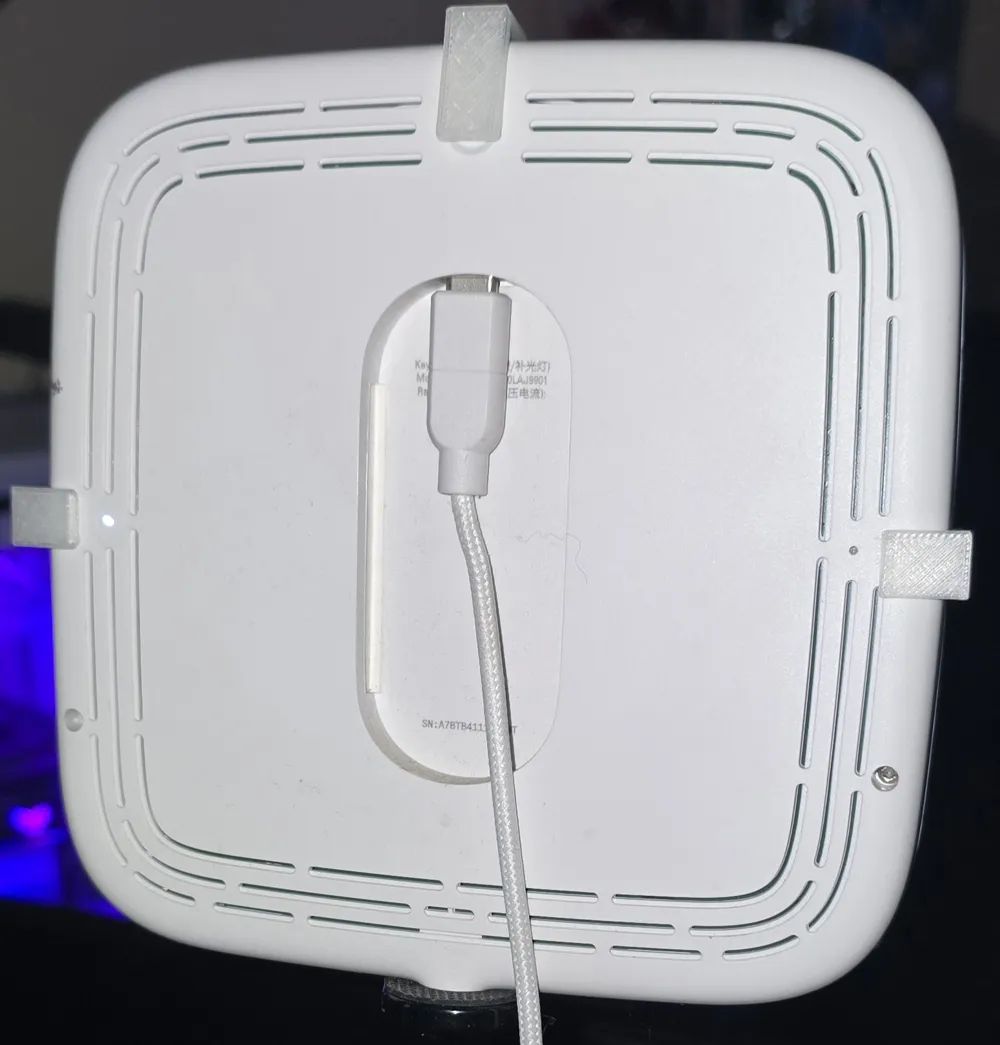
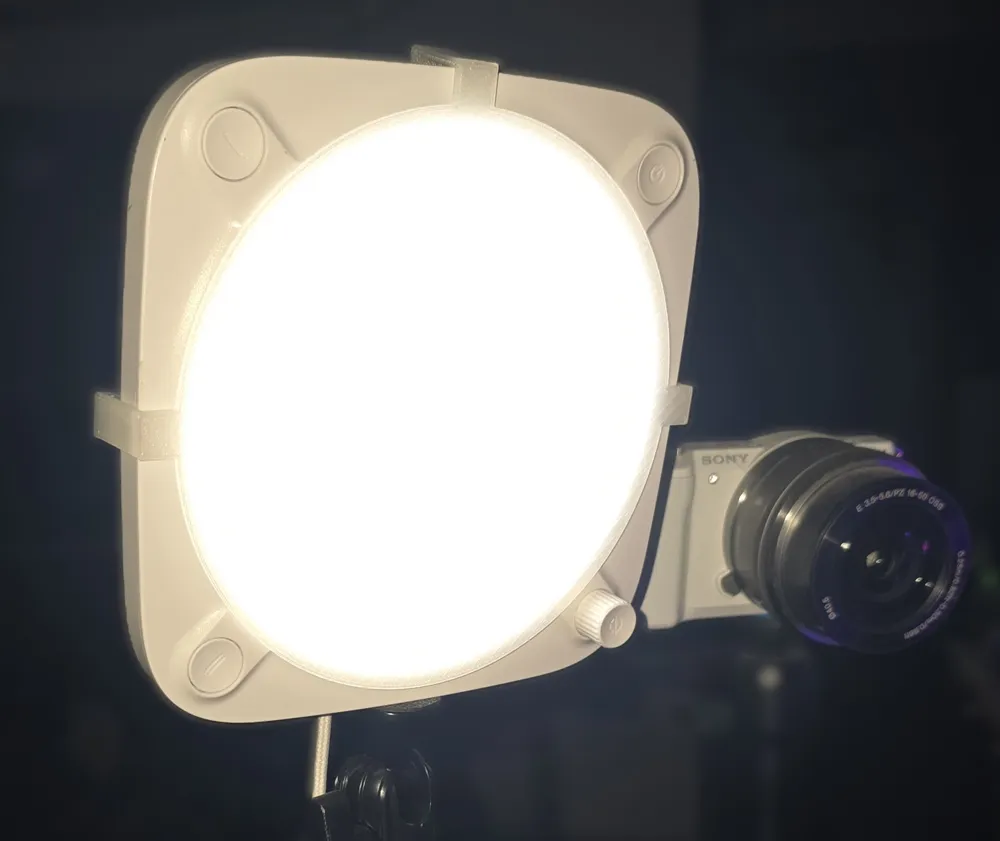
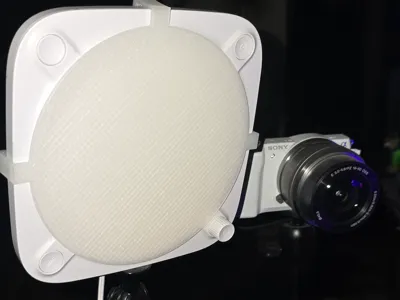
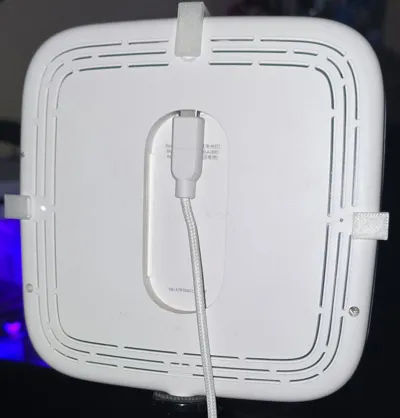
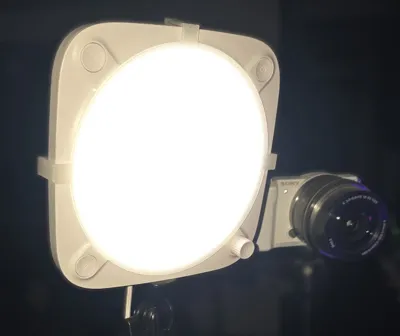
This is a very, very simple diffuser for the Elgato Keylight Neo. And I mean very simple. I'm brand new to 3D printing and it's my very first model so hopefully it's not too bad. It's very simple to use, you just slide it from the top down onto your keylight neo. It fits nice and snug, but not too snug. The keylight neo is a small, but surprisingly powerful keylight for photography, livestreaming, youtube, videography, etc. And I had previously has a piece of printer paper taped to it to get the right lighting I was looking for. I have scoured the internet for a solution and I couldn't find anything, anywhere, so I decided I wanted to make something and here is what I came up with.
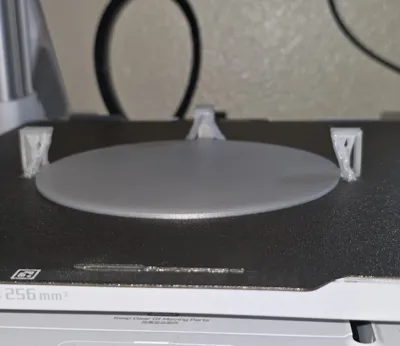
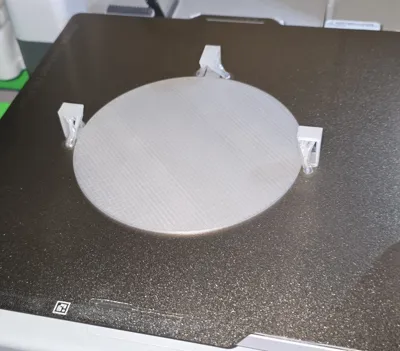
I used Elegoo PLA+ Translucent and it works great. It does turn the light temperature a bit warmer but it was exactly what I wanted. I may test white PLA as well to see how that turns out. I'm going to try some other brands for transparent/translucent to see if one gives better results as well as PETG possibly. It's 2mm thick currently, but if anyone is actually interested, I may test some other thicknesses as well. It would also make a good colored filter background light too. I'm going to test some different PLA/PETG for that as well.
It will not fit other Elgato lights. That's pretty obvious from the shape of them, but just wanted to make sure it was said. I don't know of any other brand lights it may work on, I don't have any others to test.
I may try to improve it as I practice and learn more about modeling, this was all I was able to make after a 30 minute Youtube video so far. Anyway, I hope someone else is able to use it too.
License



Comment & Rating (2)