
【磐岩宇宙】Desktop Wellness Station: A Versatile Desk Setup with Two Modes
Print Profile(1)
Description
Membership
If you think my model is great and want to print it out and sell it, or if you'd like to treat me to two lattes this month, please subscribe to me!
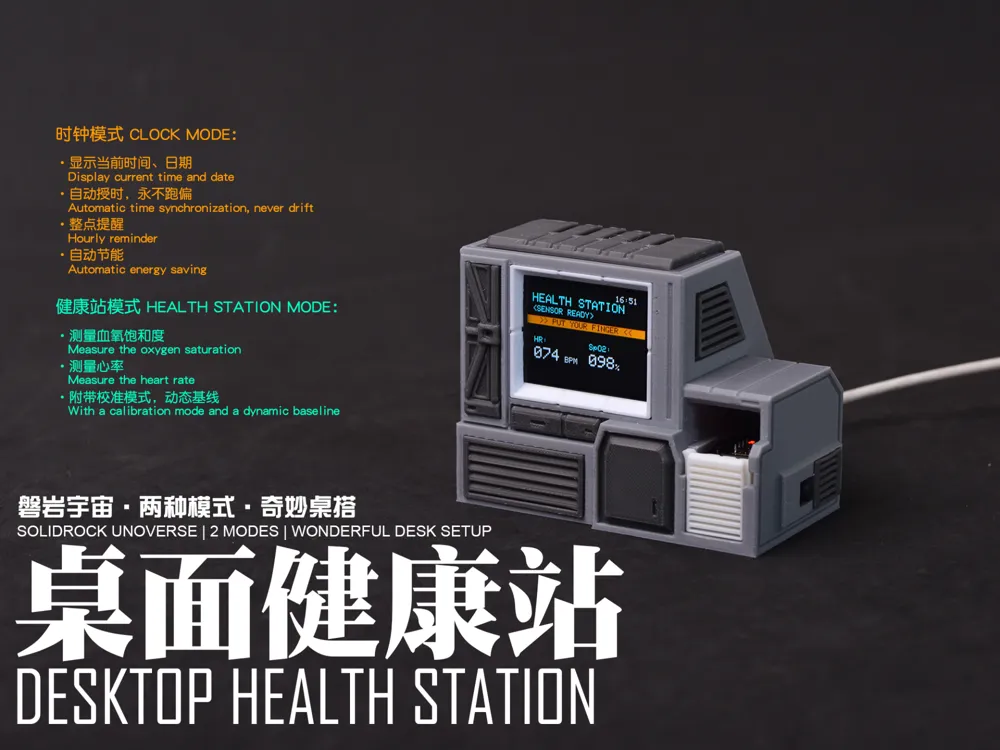
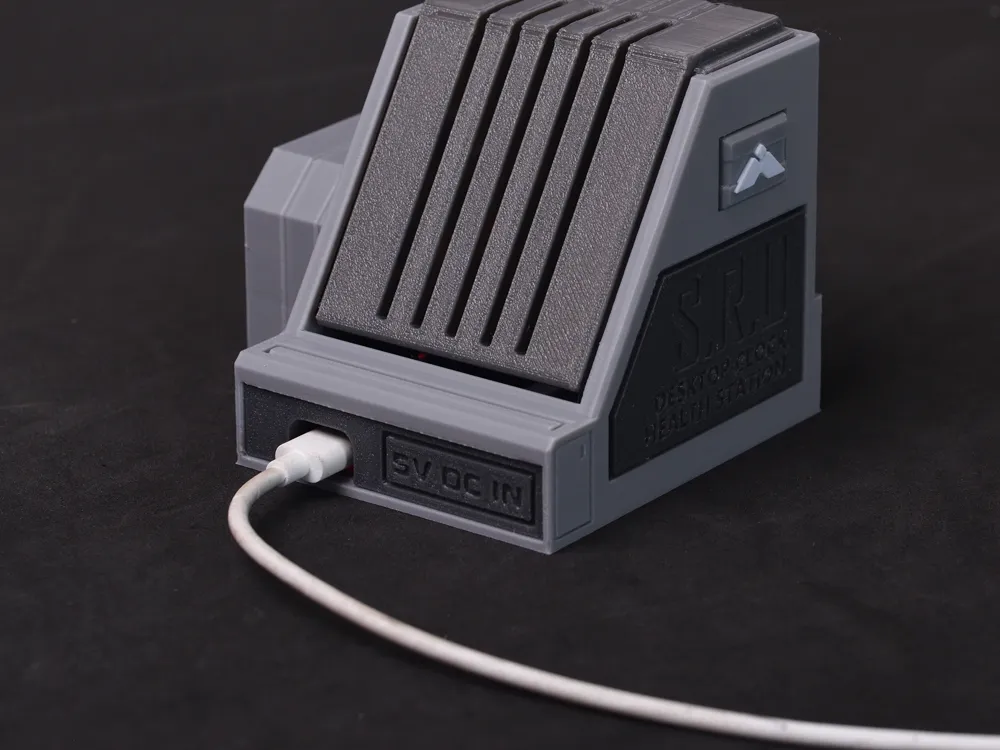
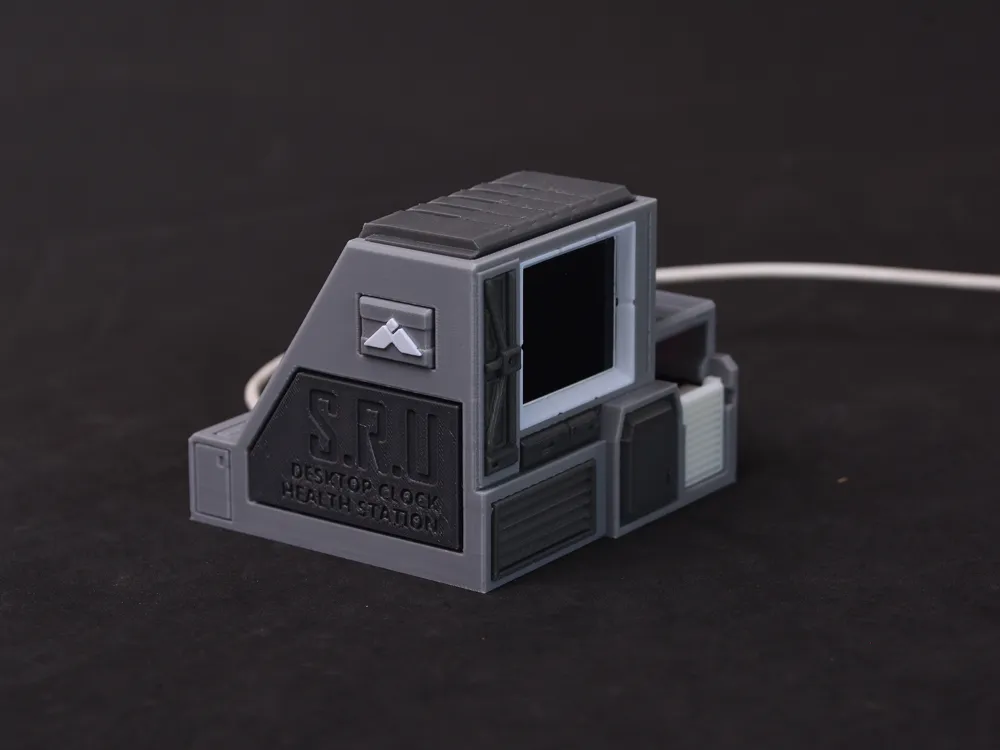
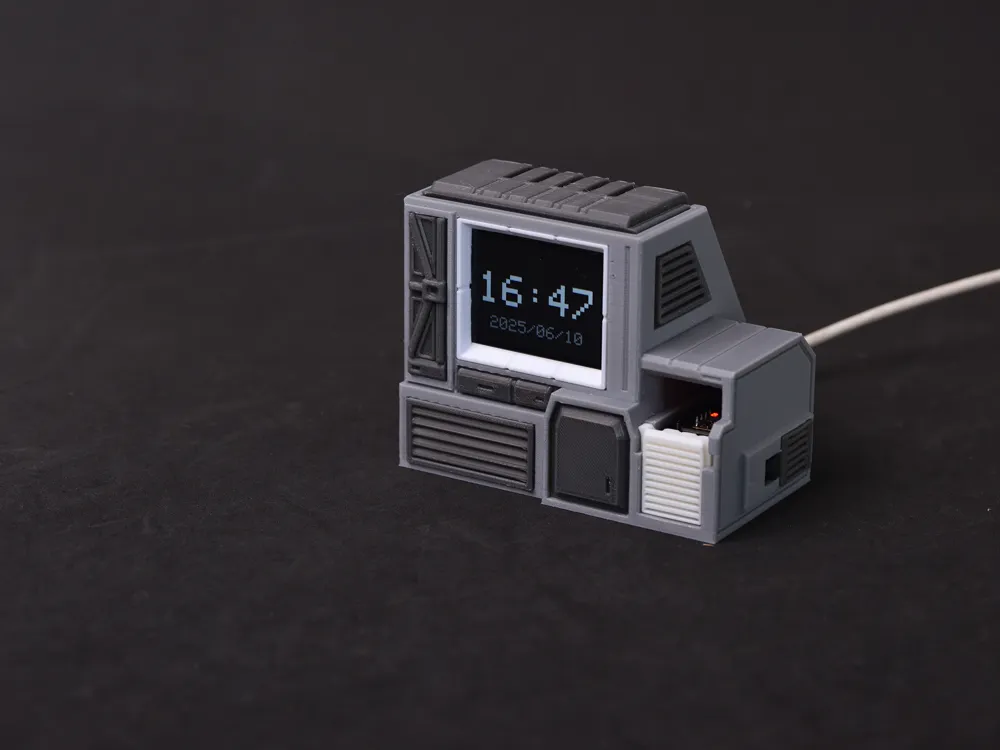
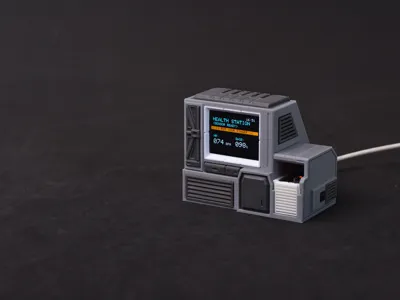
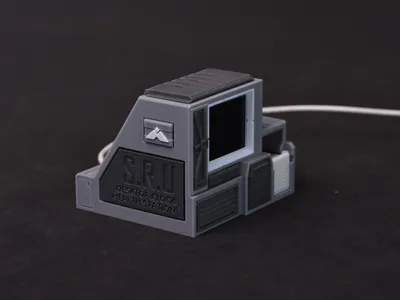
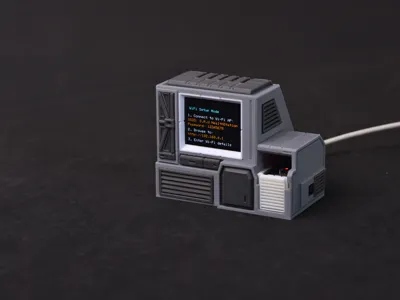
Behold, the latest SOLIDROCK UNIVERSE facility has arrived!
This creation emerged from a triumphant conquest of the formidable ST7789V2 TFT screen~!
I call it the Desktop Wellness Station!
- Slice into the SOLIDROCK UNIVERSE | Peak Performance
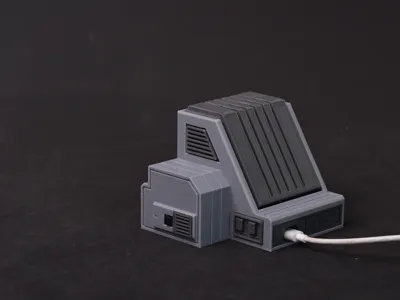
- A terminal boasting a blend of futuristic, retro, and subtly militaristic aesthetics
- Effortlessly printable (simply use PETG throughout)
- Removing supports from the main body is somewhat time-consuming, but undeniably worthwhile
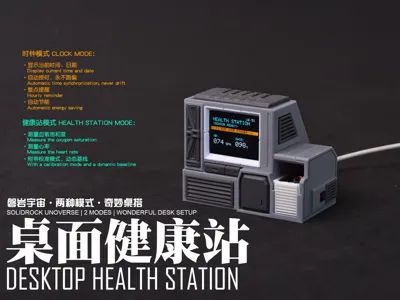
- Key functionalities include:
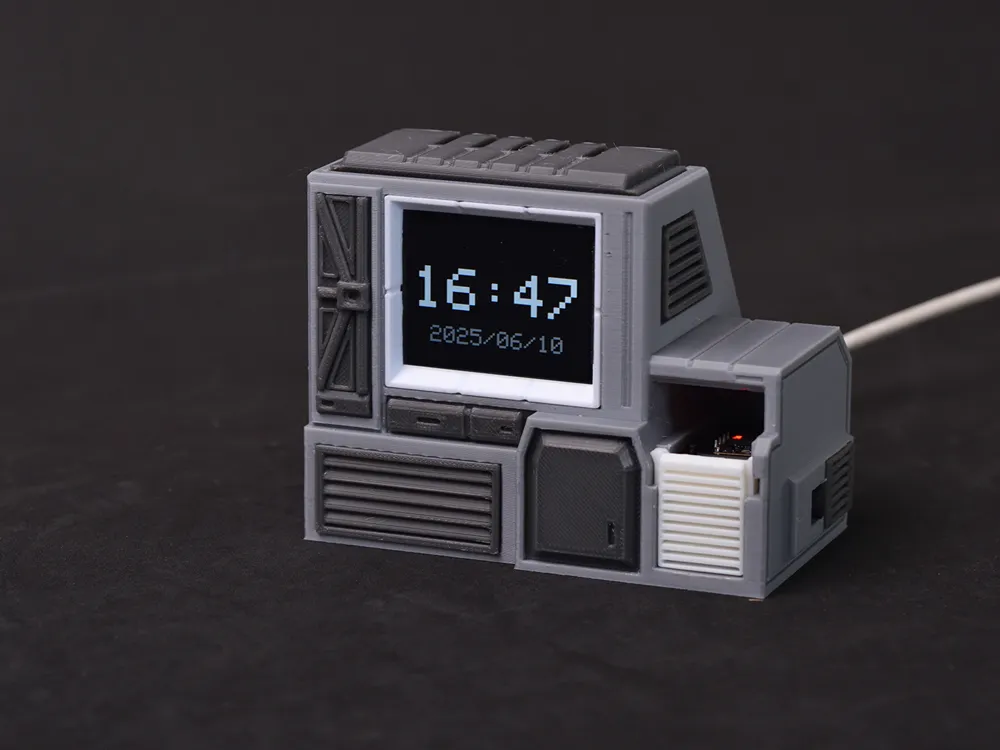
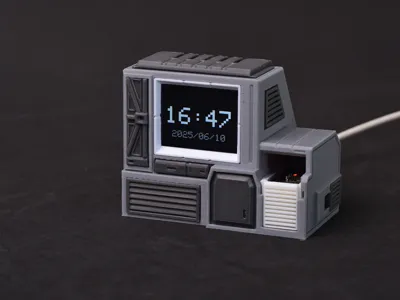
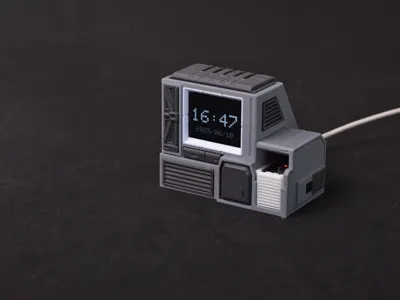
- Clock Mode:
- The default mode upon power-up
- Displays the current time and date (you might ask, where does the time and date come from? Excellent question, read on)
- Automatic time synchronization (the current version calibrates the time hourly by connecting to a known WIFI network; initial power-up enforces calibration), ensuring accuracy
- Hourly chime
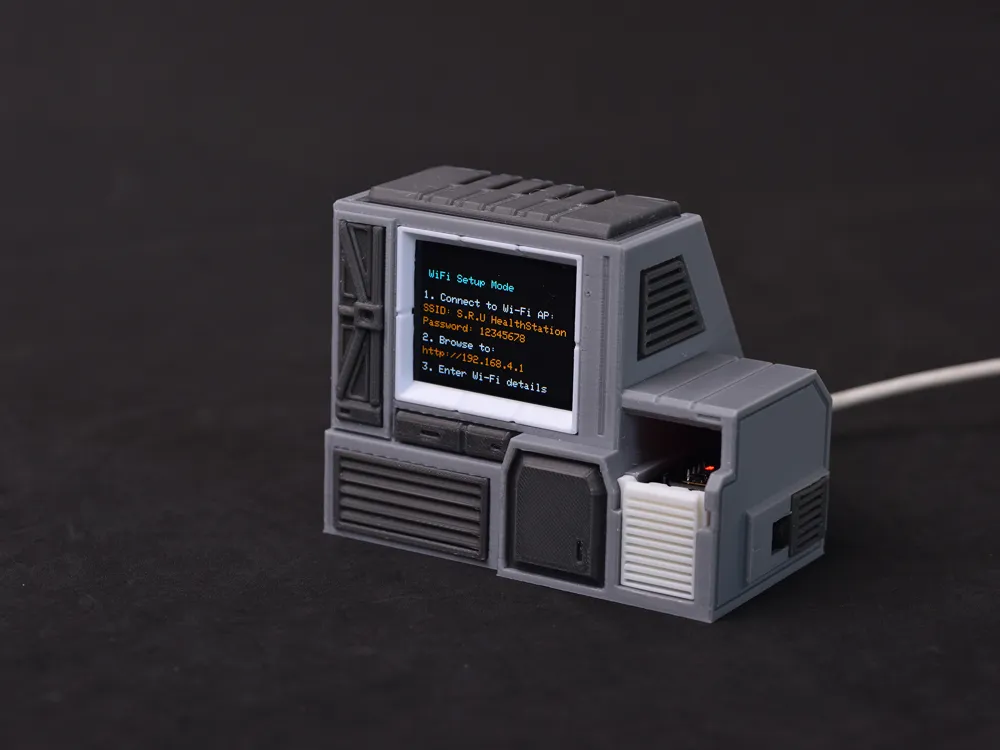
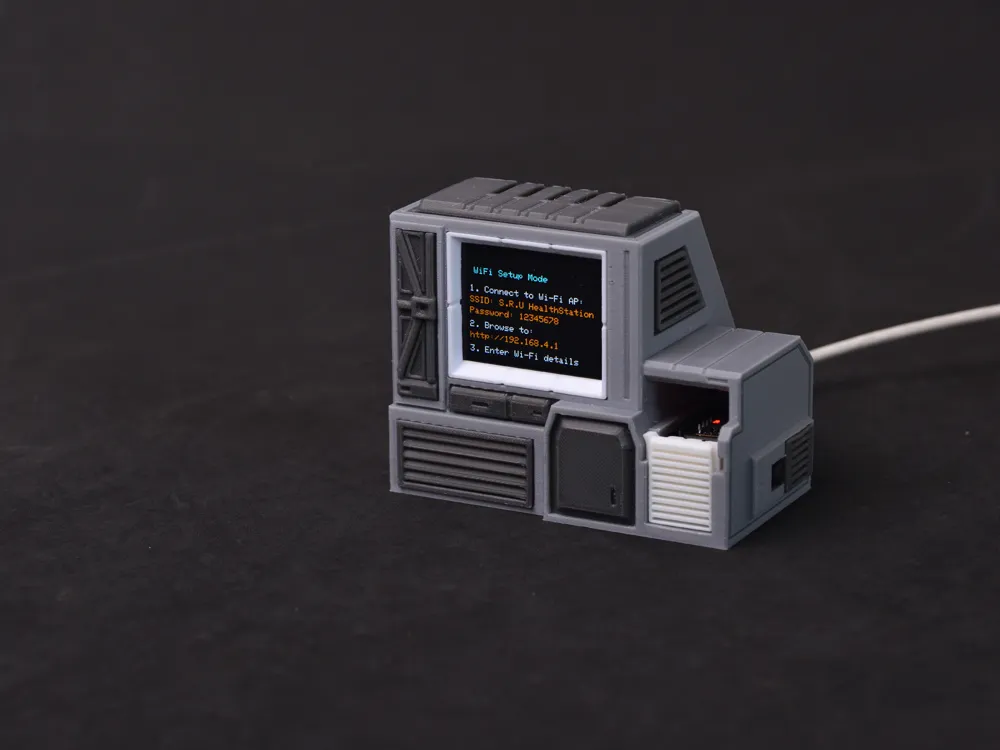
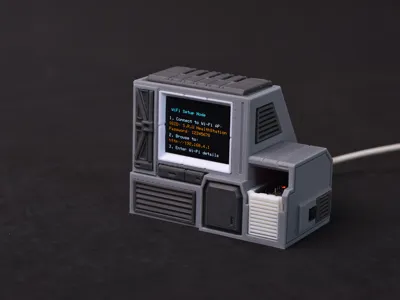
NTP Automatic Time Synchronization Setup (Important): In Clock Mode, press and hold the tactile switch for 5 seconds or more to access the following screen:
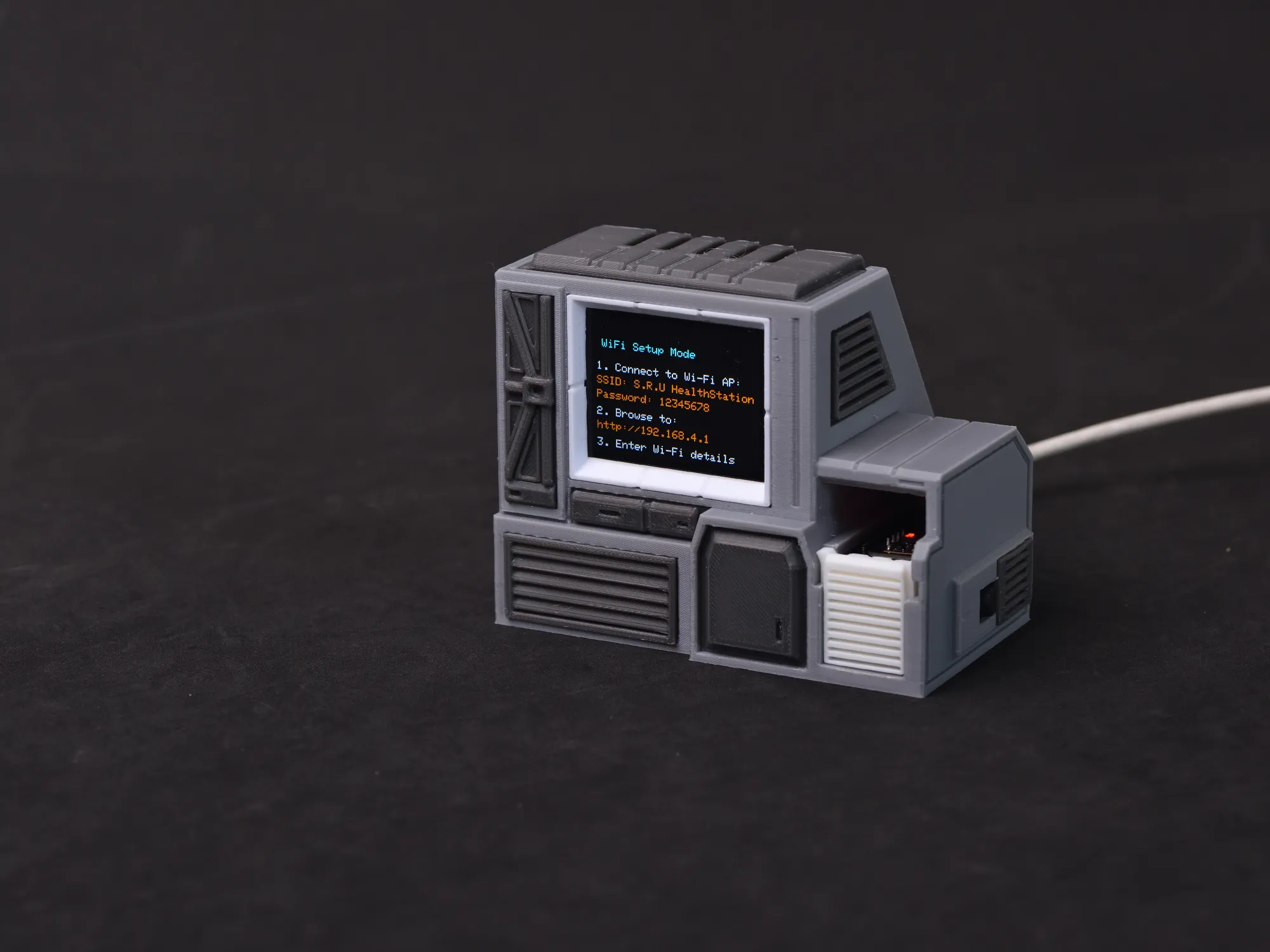
This indicates entry into WIFI setup mode. Connect your phone to the WIFI network S.R.U HEALTH STATION, password 12345678
Following connection, a page will prompt you to enter your current environment's WIFI credentials. Upon completion, your setup is finished!
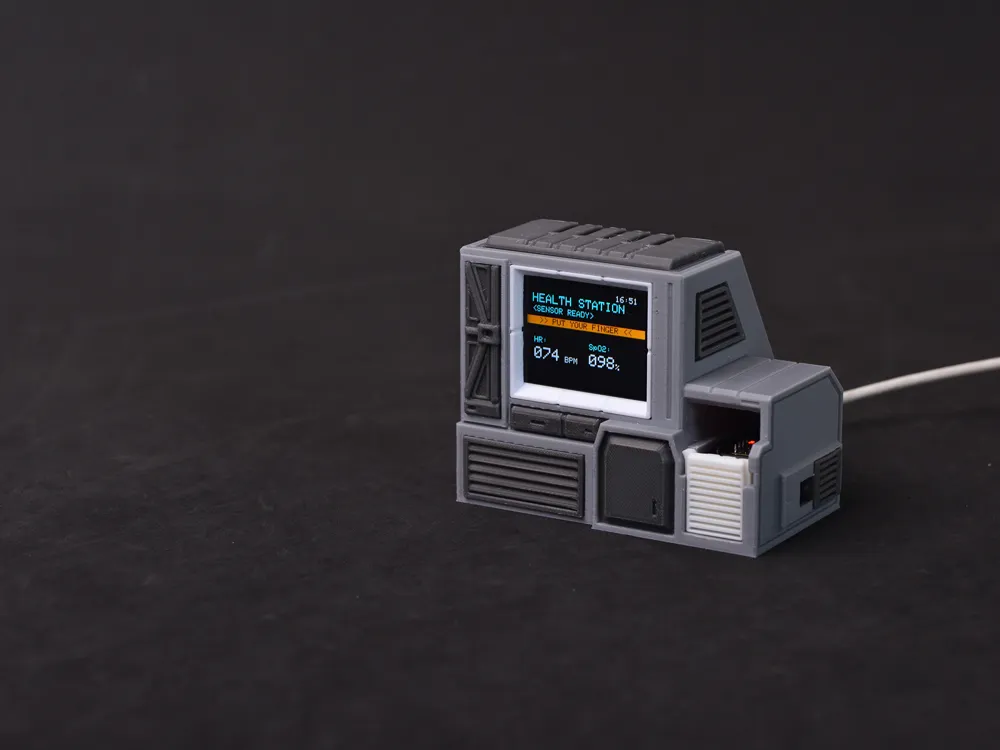
- Wellness Station Mode:
- Automatic switching via the MAX30102 heart rate/blood oxygen module located in the small hole on the right
- Maintain finger contact for approximately 8 seconds to display a stable heart rate/blood oxygen reading (results are for reference only as this is not a professional medical device)
- Variations in finger skin tone and thickness may affect measurement accuracy. However! You can press the tactile switch to initiate dynamic baseline calibration, establishing individualized measurement thresholds! After initiating dynamic baseline calibration, maintain finger contact with the sensor until the progress bar completes. Your personalized dynamic baseline is then saved!
- Clock Mode:
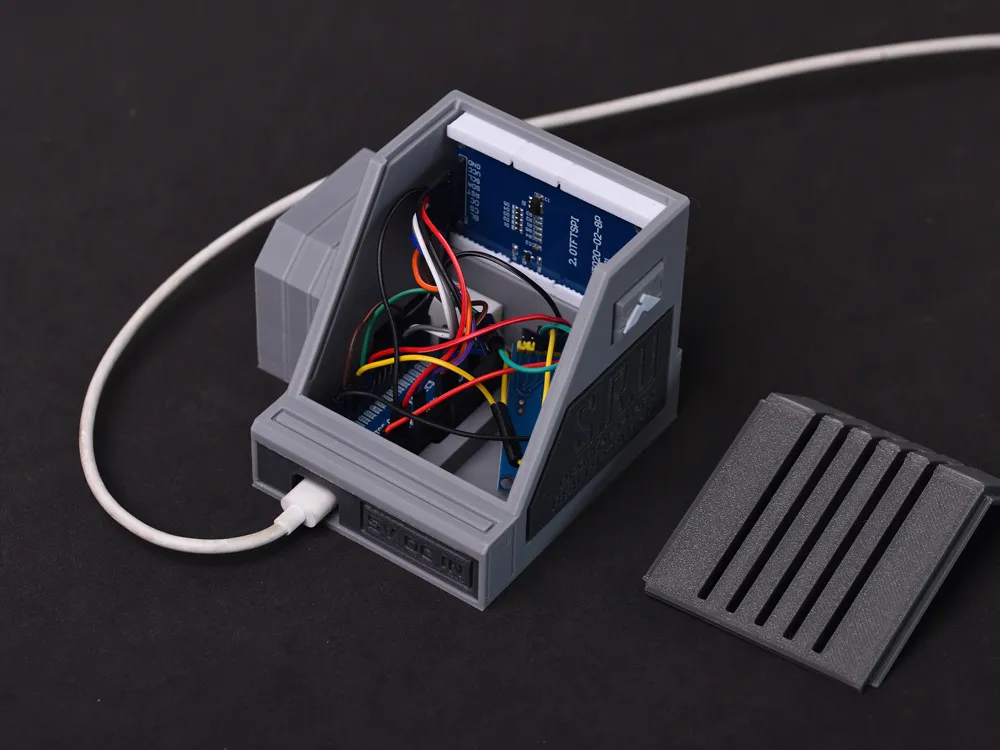
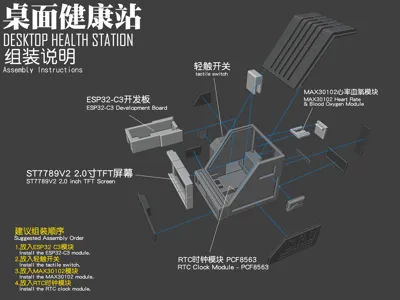
- Non-Printed Bill of Materials:
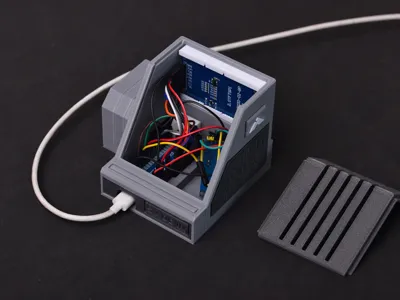
- ESP32-C3 Development Board
- 2.0-inch ST7789V2 TFT Screen (240*320 resolution)
- MAX30102 Heart Rate Blood Oxygen Module
- 12*12*3.8 Tactile Switch
- PCF8563 RTC Clock Module (No battery required! No battery required! No battery required! Because it calibrates the current time upon each power-up!)
- Several female-to-female Dupont wires
- Any power adapter
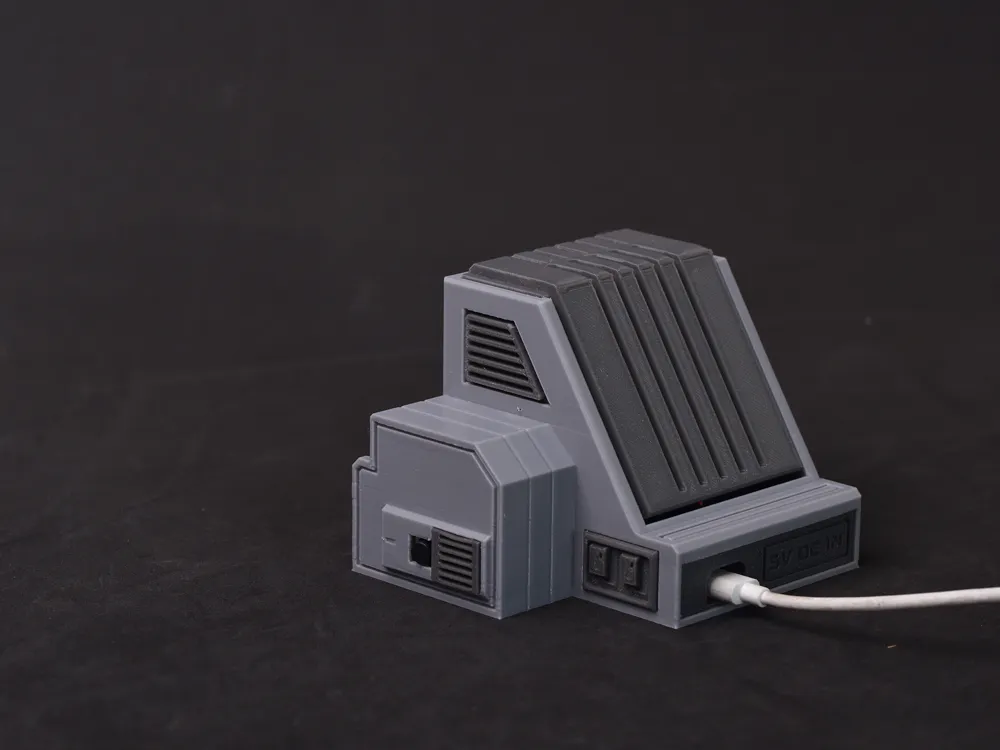
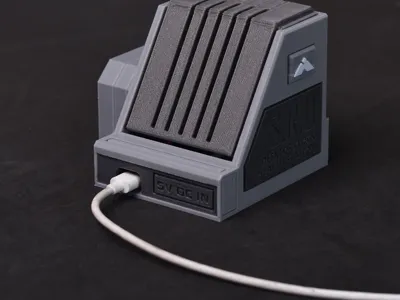
- USB TYPE-C charging cable
- For program code, please refer to Document 1 - Code Section
- For wiring diagrams, please refer to Document 2 - Wiring Scheme
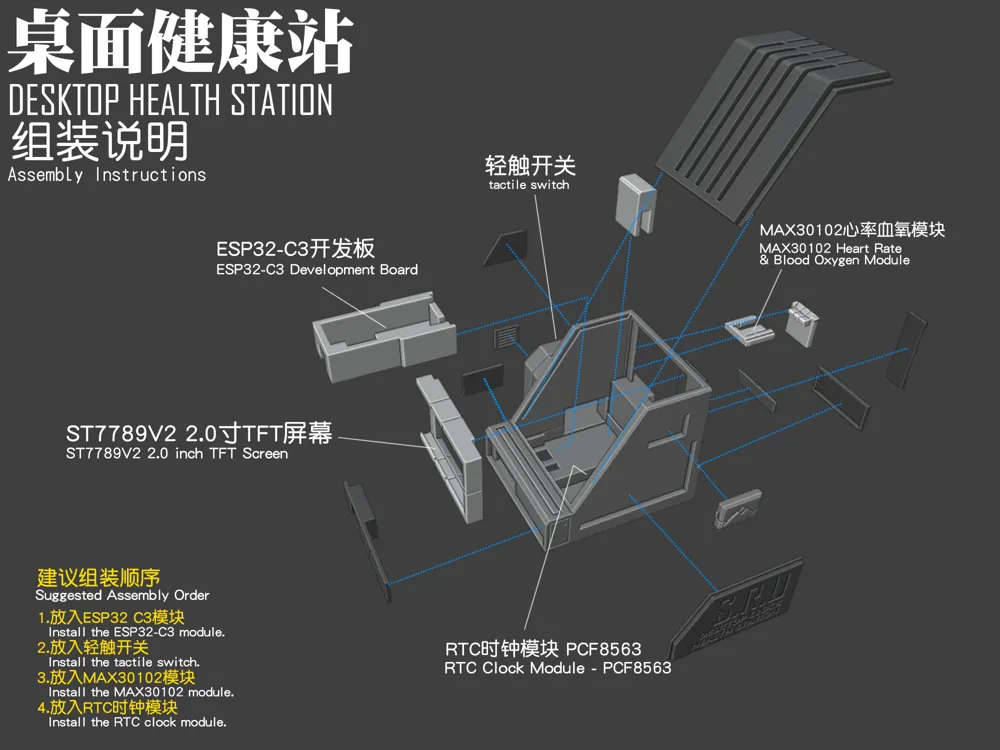
- Brief assembly instructions are as follows:
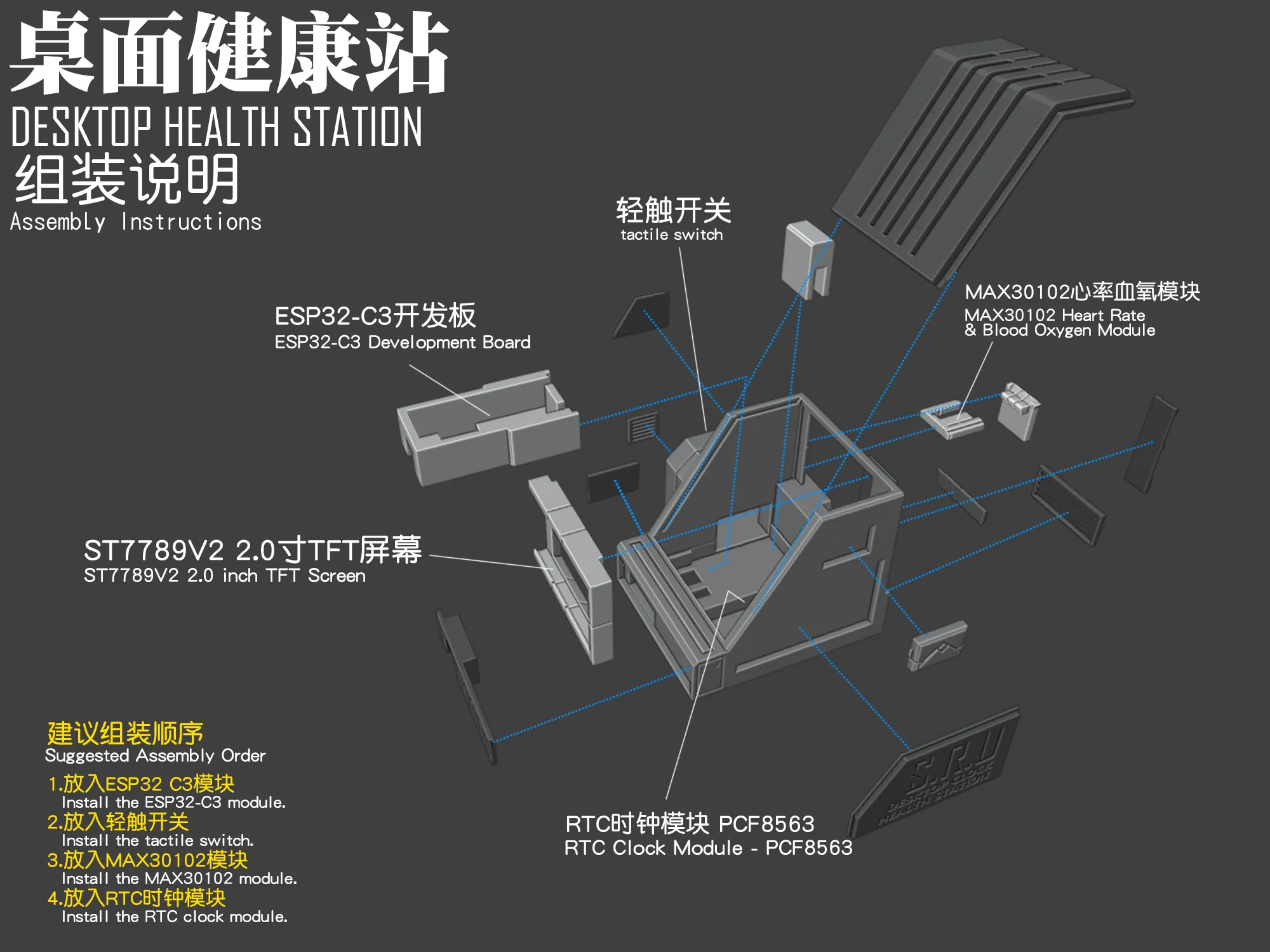
I hope you enjoy this~~~
Boost Me (for free)
A free show of support will greatly inspire me!
Documentation (2)
License

You shall not share, sub-license, sell, rent, host, transfer, or distribute in any way the digital or 3D printed versions of this object, nor any other derivative work of this object in its digital or physical format (including - but not limited to - remixes of this object, and hosting on other digital platforms). The objects may not be used without permission in any way whatsoever in which you charge money, or collect fees.


Comment & Rating (0)