Search models, users, collections, and posts

Manual Filament Guide
IP Report
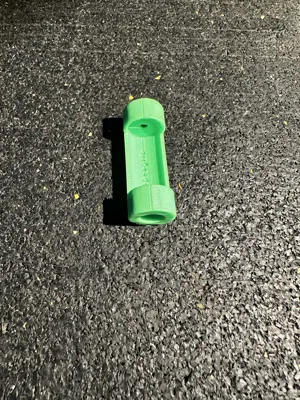
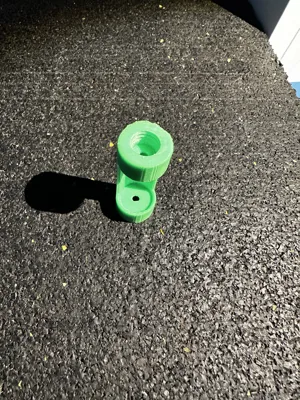
Print Profile(1)

0.2mm layer, 6 walls, 25% infill
Designer
28 min
1 plate
Open in Bambu Studio
Boost
25
118
5
1
68
38
Released
Description
Content has been automatically translated.
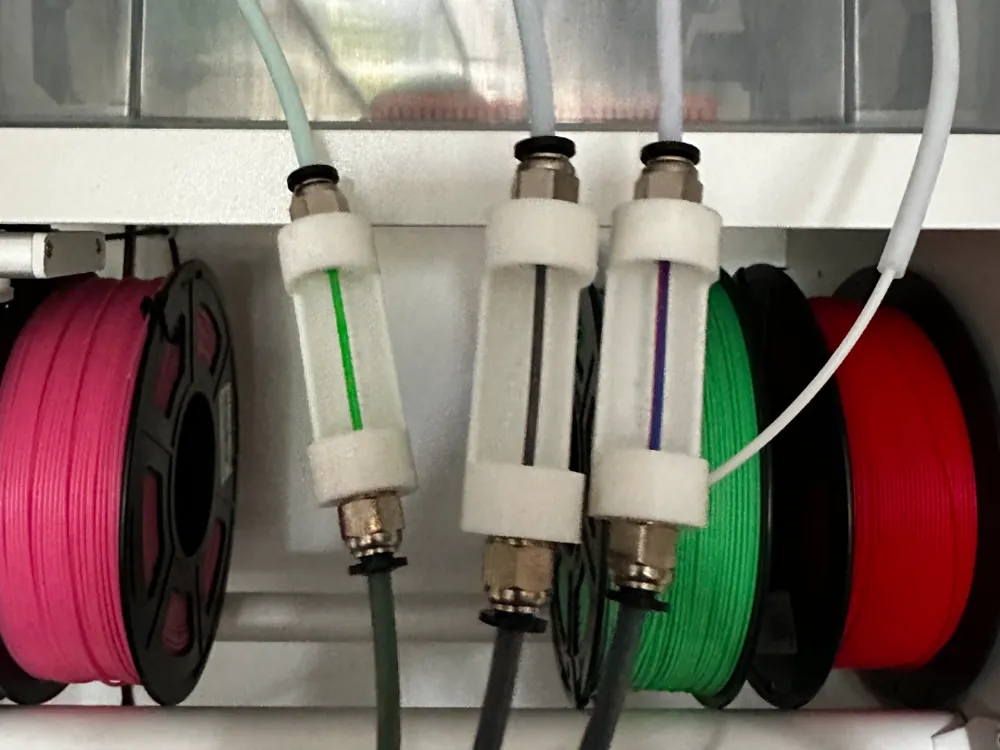
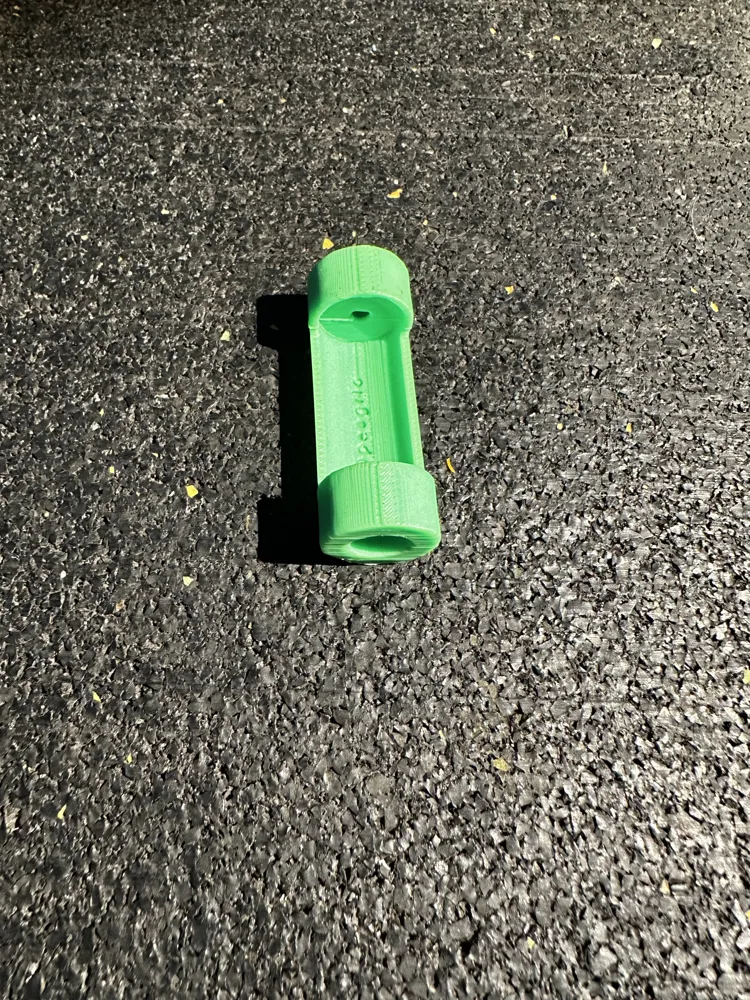
Highly compact and simple filament changer.
It allows for quick and easy feeding of filament from a dry box to the print head.
Load the filament from the dry box into the filament changer's lower tubes. To change filament, simply pull on the visible section until it is released at the print head. To load new filament, simply push it in. This eliminates the need to completely remove the old filament.
Required:
2 Bowden tube connectors PC4 M10
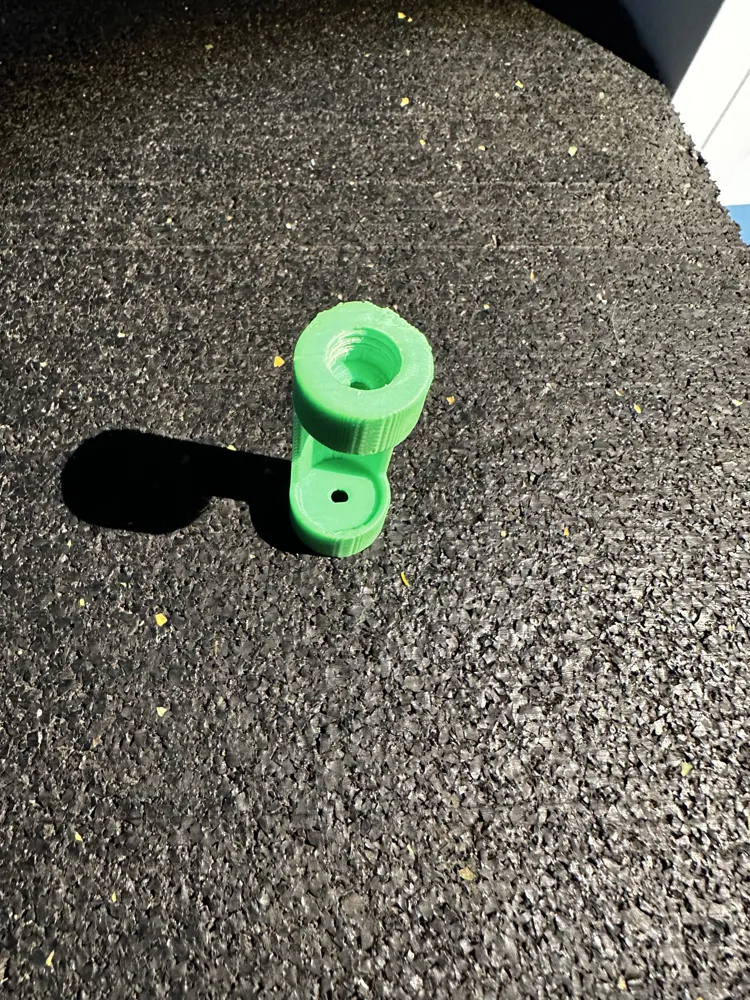
2 M10 threaded inserts or M10 thread cutter
Bowden tubing
Assembly instructions:
Simply cut threads at both ends with an M10 thread cutter after printing; alternatively, threaded inserts can be used. Then screw in the PC4 M10 connectors and connect with the Bowden tubes.
Boost Me (for free)
If you like my work, I would appreciate a boost
License

This user content is licensed under a
Creative Commons Attribution-Noncommercial


Comment & Rating (5)