
I3DM Custom Hand Fan
Print Profile(1)

Description
Membership
Join our community to champion innovative designs and unlock exclusive benefits 🫸🏆🫷
Boost Me (for free)
If you enjoyed my design, please offer a boost as a token of appreciation, like a virtual cup of coffee! ☕😄
🌀 Design Your Own 3D Fan! 🎨🖨️
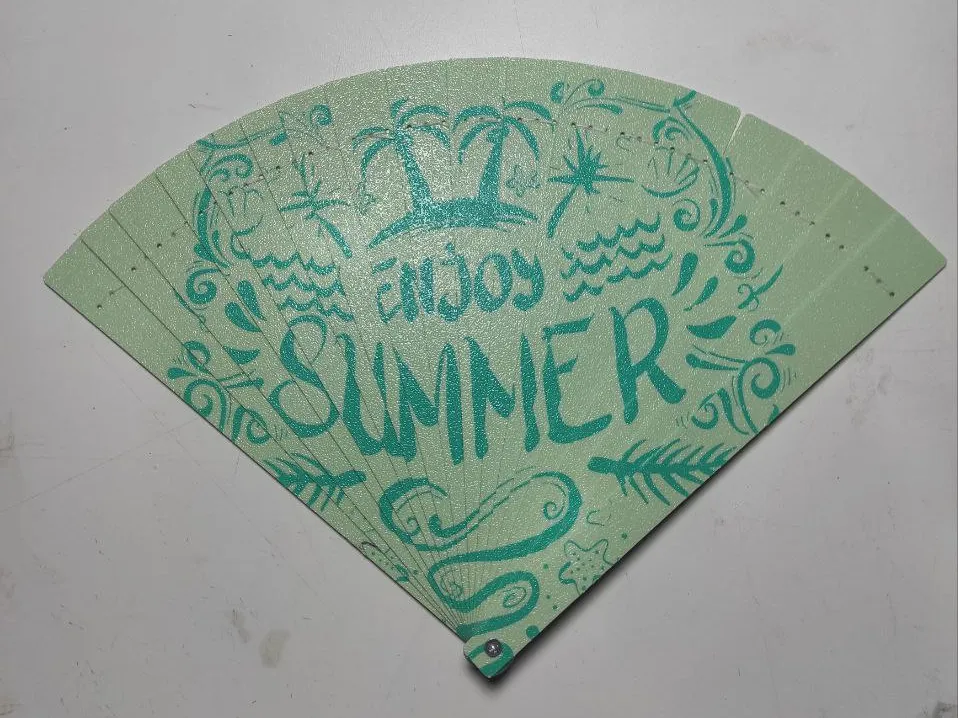
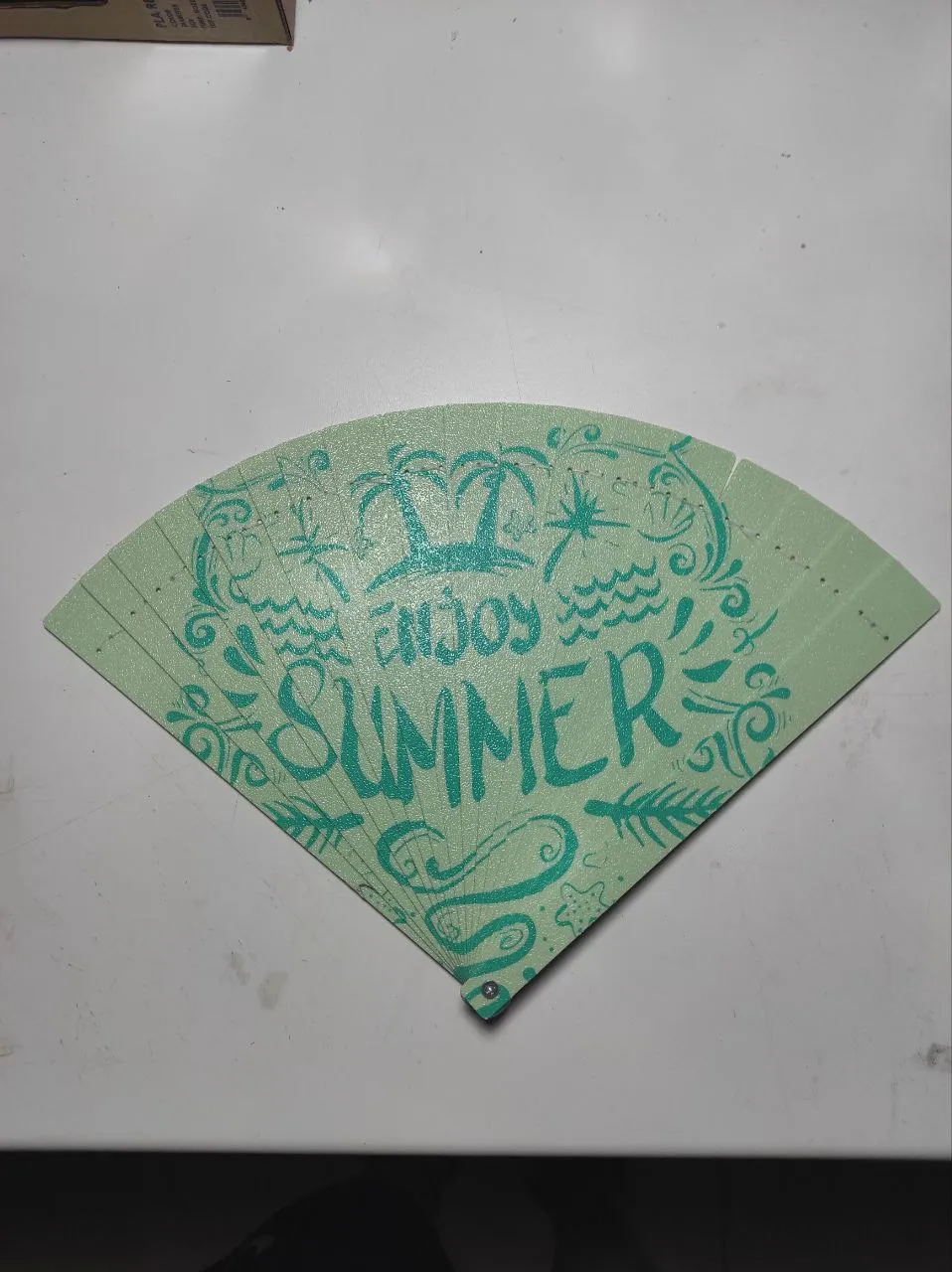
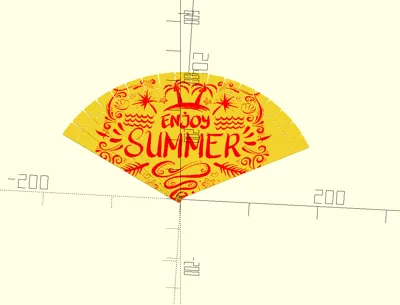
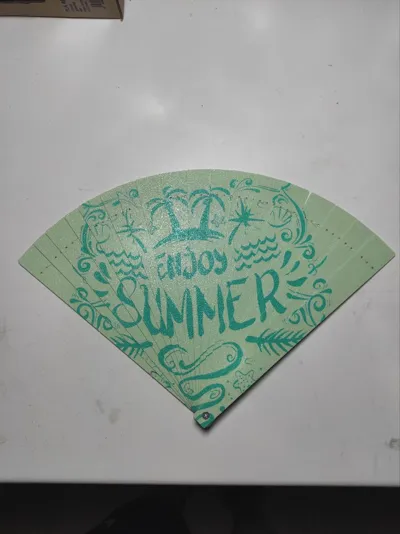
I’ve created a customizable fan using OpenSCAD, perfect for 3D printing and adapting to your own style. You can change the size, modify the shape of the blades, or even add your own engraved design. Great for staying cool this summer, for gifting, or just to show off something unique made by you.
🌬️ Lightweight, functional, and 100% customizable
🔧 Editable OpenSCAD code
🖨️ Compatible with FDM printers and support-free
📐 Design Instructions (OpenSCAD):
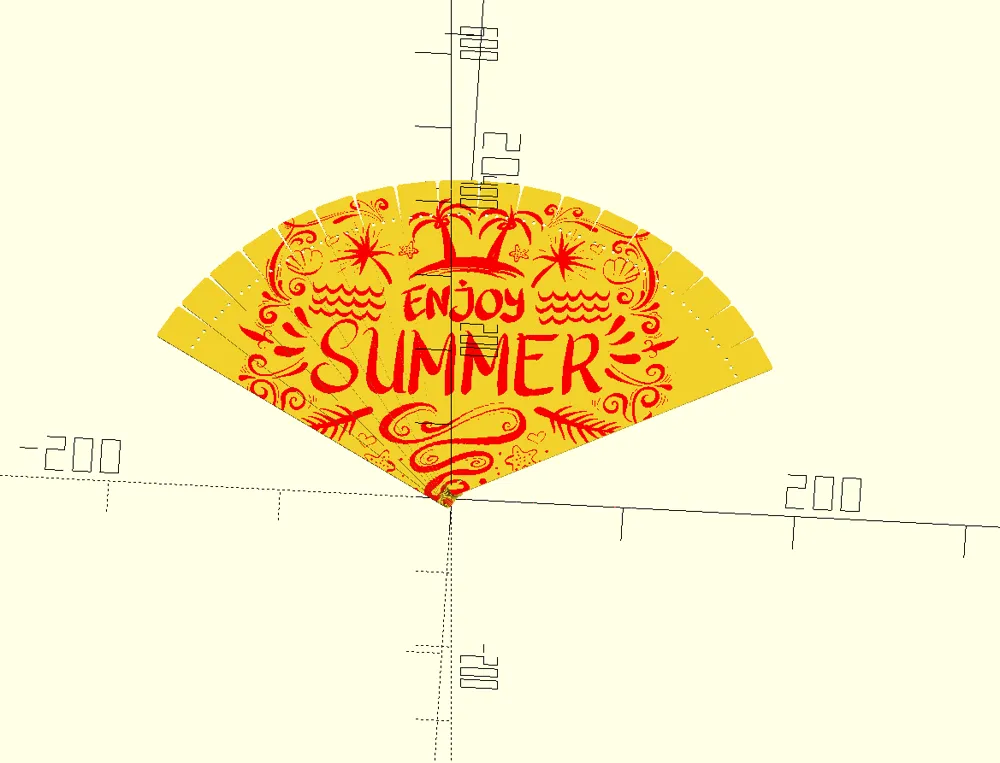
- Upload your vector image to the parameter: Imagen
- Adjust the image position using: svgXoffset, svgYoffset, svgRotation
- Resize the image with: svg_scale
- Try tweaking other parameters to explore different results!
⚠️ There’s a bug in the customizer: it only exports properly for H2D mode. In other modes, the purge tower overlaps.
✅ Export the model for H2D, then switch to your own printer in Bambu Studio.
🔧 Default size is not compatible with A1 Mini. Modify rod_length for use with the A1 Mini.
🛠️ Assembly Instructions (3D Printing):
- The full fan is printed across two print beds
- Remove the blades in order to simplify later assembly
- Join all the blades using an M3x20 mm screw and optionally secure the nut with a drop of glue
🧵 To stitch the blades:
- Start with the top blade, which is the one furthest to the right
- Each blade has holes labeled:
L = Left | C = Center | R = Right
🔗 Suggested stitching order (per blade):
- Start at the bottom of hole C
- Follow this pattern:
➡️ CR CR CR
➡️ CL CL CL
➡️ C (finish in the center) - Move on to the next blade (right to left) and repeat:
➡️ CR CR CR
➡️ CL CL CL
➡️ C (finish in the center again)
This will result in a strong, symmetrical, and functional connection between all the fan blades.
~~~~~~~~~~~~~~~~~~~~~~~~~~~~~~~~~~~~~~~~~~~~~~~~~~~~~~~~~~~~~~~~~~~~~~~~~~~~~~~~~
🌀 ¡Diseña tu propio abanico en 3D! 🎨🖨️
He creado un abanico personalizable con OpenSCAD, ideal para imprimir en 3D y adaptarlo a tu estilo. Puedes cambiar el tamaño, modificar la forma de las varillas o incluso añadir tu propio diseño grabado. Perfecto para refrescarte este verano, para regalar o simplemente para presumir de algo único hecho por ti.
🌬️ Ligero, funcional y 100% personalizable
🔧 Código OpenSCAD editable
🖨️ Compatible con impresoras FDM y sin necesidad de soportes
📐 Instrucciones para el diseño (OpenSCAD):
- Carga tu imagen vectorizada en el parámetro: Imagen
- Ajusta la posición de la imagen con: svgXoffset, svgYoffset, svgRotation
- Cambia el tamaño con: svg_scale
- ¡Prueba a modificar otros parámetros para ver diferentes resultados!
⚠️ Hay un error en el personalizador: solo exporta correctamente en modo H2D. En los demás, la torre de purga se superpone.
✅ Exporta el modelo para H2D y luego cambia de impresora en Bambu Studio.
🔧 El tamaño por defecto no es compatible con la A1 Mini. Modifica rod_length para usar con la A1 Mini.
🛠️ Instrucciones para el montaje (impresión 3D):
- El abanico completo se imprime en dos camas de impresión
- Retira las varillas en orden para facilitar el montaje posterior
- Une todas las varillas con un tornillo M3x20 mm y, si quieres, asegura la tuerca con una gota de pegamento
🧵 Para coser las varillas:
- Comienza por la varilla superior, que es la que queda más a la derecha
- Cada varilla tiene tres agujeros identificados como:
L = Izquierda | C = Centro | R = Derecha
🔗 Orden de cosido sugerido (por varilla):
- Empieza por la parte baja del agujero C
- Sigue este patrón:
➡️ CR CR CR
➡️ CL CL CL
➡️ C (termina en el centro) - Pasa a la siguiente varilla (de derecha a izquierda) y repite:
➡️ CR CR CR
➡️ CL CL CL
➡️ C (termina en el centro)
Así se consigue una unión firme, simétrica y funcional entre todas las varillas del abanico.
License

You shall not share, sub-license, sell, rent, host, transfer, or distribute in any way the digital or 3D printed versions of this object, nor any other derivative work of this object in its digital or physical format (including - but not limited to - remixes of this object, and hosting on other digital platforms). The objects may not be used without permission in any way whatsoever in which you charge money, or collect fees.


Comment & Rating (16)