Search models, users, collections, and posts

Nintendo Switch 2 JoyCon Compact Grip - V2
Print Profile(2)

All
P1S
A1
P1P
H2D
X1
X1E
X1 Carbon
H2D Pro
H2S
P2S
H2C
X2D
A2L
A1 mini

AMS Profile (Multicolor for Symbols)
Designer
1.1 h
1 plate
4.8(13)

Non-AMS (with inset symbols)
Designer
1 h
1 plate
4.8(12)

Open in Bambu Studio
Boost
122
323
43
15
532
300
Released 

Bill of Materials

Maker's Supply Kits and Parts
Select all
10x5x2 mm (20PCS) - CB002

Description

Boost Me (for free)

Would really appreciate it if you could give the model a boost!


Nintendo Switch 2 JoyCon Compact Grip - V2
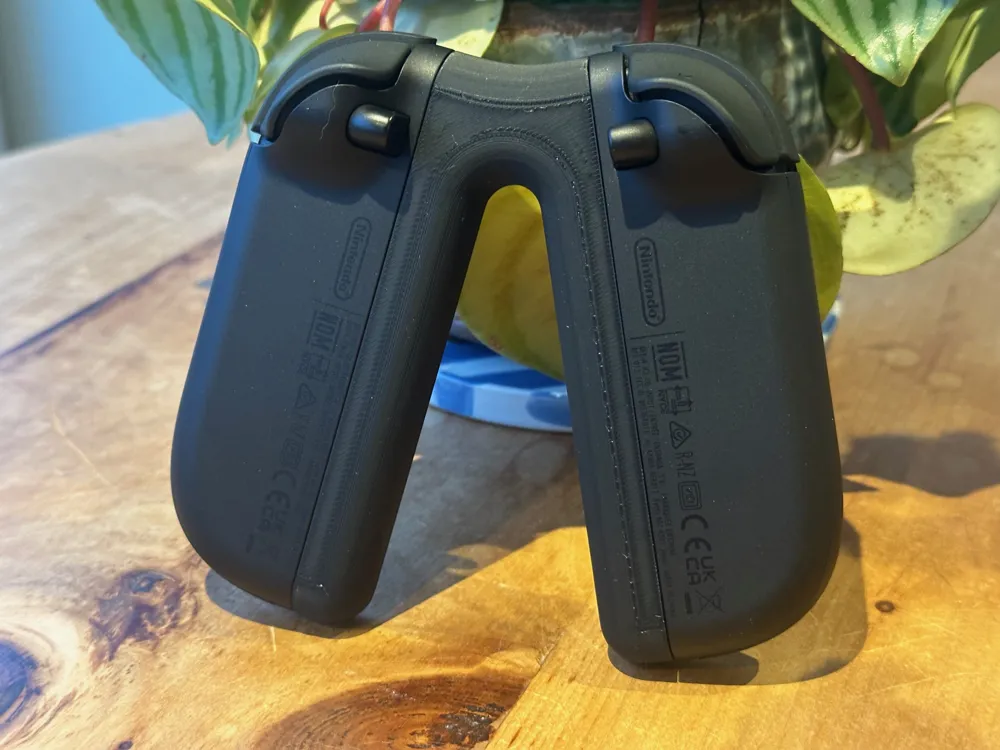
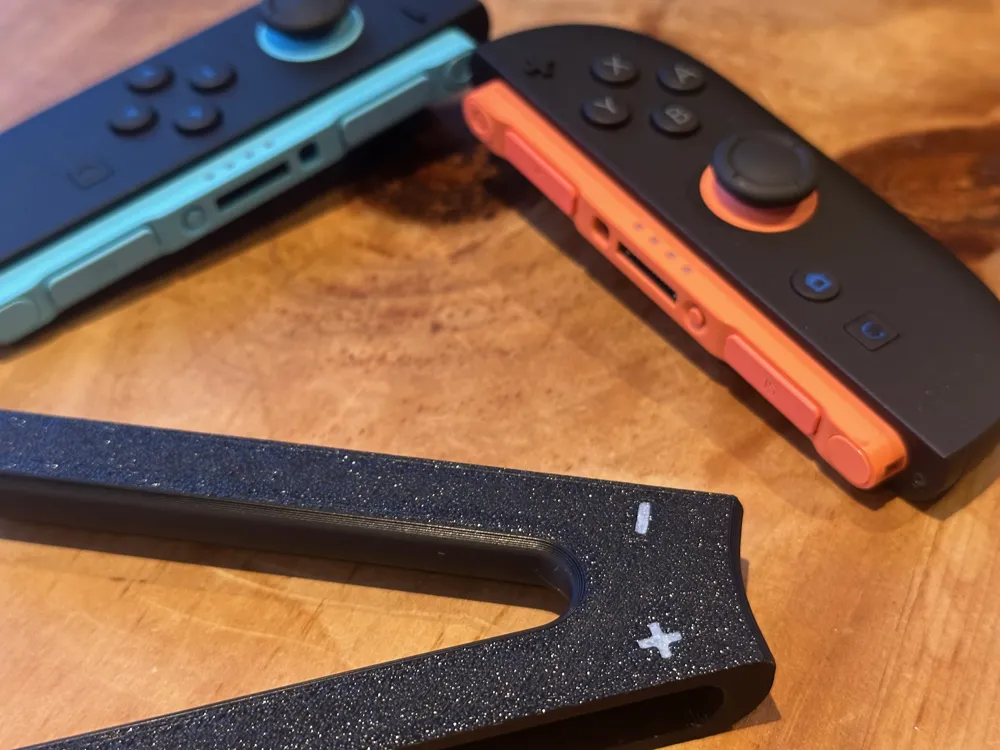
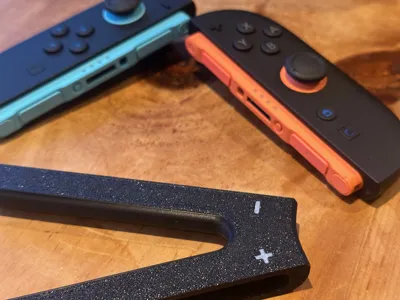
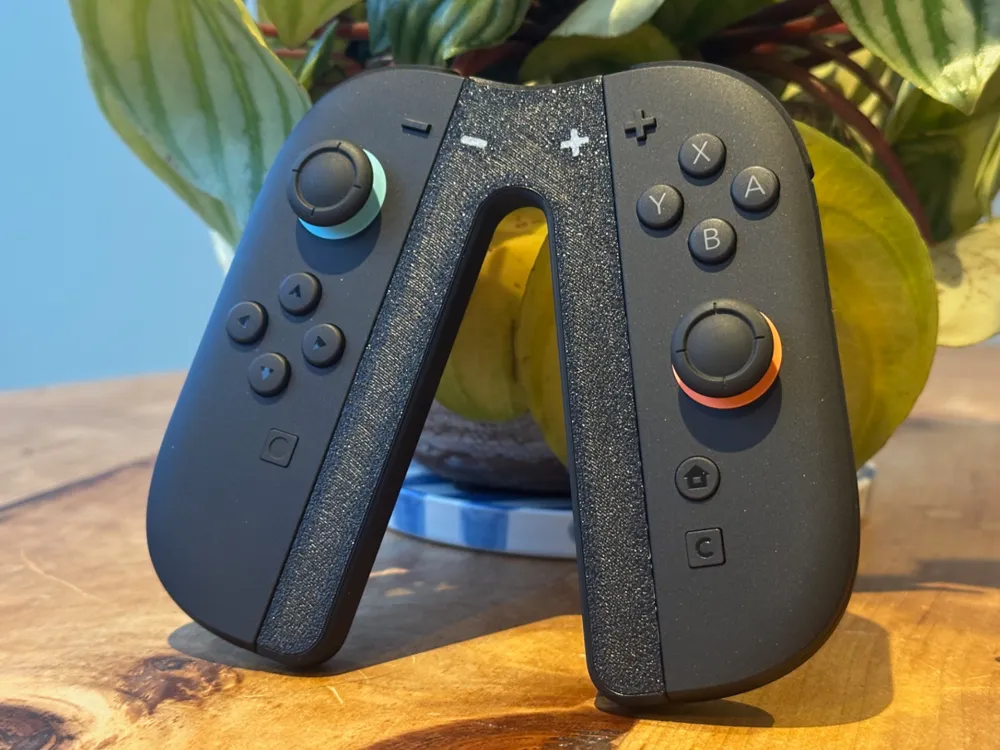
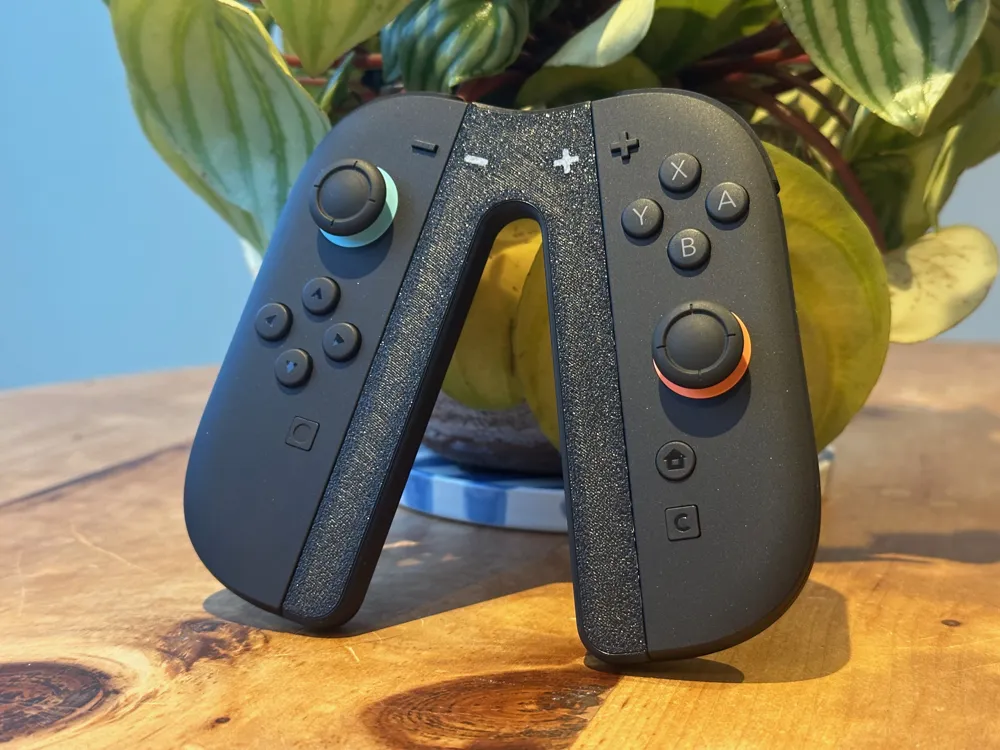
Now with improved slot design, added glyphs and double the magnets! AMS and non-AMS profiles available.

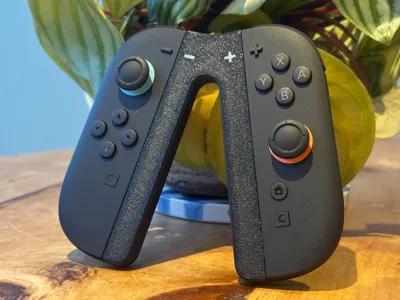
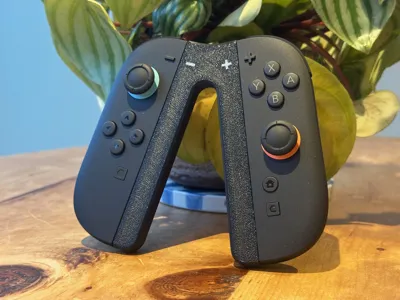
Want a compact controller grip for your new Switch 2, then look no further!


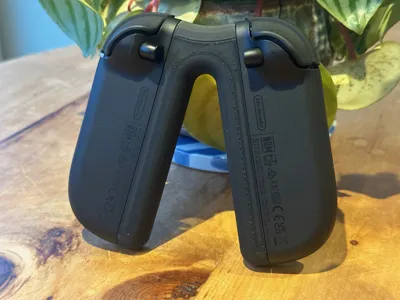
I designed this custom grip to work with the new Switch 2 JoyCons, this model will allow you to get a more ergonomic feel that can also be packed away easily.


Design uses Bambu Maker Material 10x5x2mm magnets, which can also be purchased from Amazon. Requires 8 magnets in total.


Print will pause to insert the magnets. Simply start again once done. There is no polarity required when inserting.

Comment & Rating (43)

(0/1000)

Print Profile
AMS Profile (Multicolor for Symbols)
1
Reply
dbrand grip?
0
Reply
Yep, dbrand killswitch.
(Edited)
3
Reply
Print Profile
Non-AMS (with inset symbols)
Nice useful print, while I can feel the joy con magnets grab the magnets that I put in the controller they're not very strong. but that could just be the magnets I purchased? either way it holds well enough to play with and I'm satisfied. thank you very much
0
Reply
Print Profile
Non-AMS (with inset symbols)
Perfect print!
0
Reply
After printing the first model, the inside didn't stay intact and frayed and looked like it didn't print right. Would you recommend supports for the inside? Or is it not needed?
The designer has replied
0
Reply
The profile should have tree supports for the inside. Auto tree supports on-bed only.
1
Reply
Replying to @hcass :
Thanks so much. Sorry, just got my 3D printer and still learning it as I go! I'll try reprinting with supports. I am using CrealityPrint slicer and my supports do look a bit different though! You think these will still work? Edit: I figured out how to do tree, Thanks so much for your help!
(Edited)
0
Reply
Replying to @astnla :
Ah no worries. Yeh that should work, do you have any other options for the type of support in the Creality slicer?
0
Reply
Print Profile
AMS Profile (Multicolor for Symbols)
0
Reply
How about a version with holes for the LEDs?
The designer has replied
1
Reply
Working on it
0
Reply
Boosted
will this work without magnets?
The designer has replied
1
Reply
Yes
0
Reply
:( Magnets didnt stay in when I resumed. They just magnetized to the print head.
0
Reply
Boosted
Did you put 2 magnets in each hole? They were pretty tight going in for me, didn't budge at all once a pair was placed in each of the 4 slots.
0
Reply
yep, 8 in total. they just came right out when it went overhead.
0
Reply
Print Profile
AMS Profile (Multicolor for Symbols)
tried mag and no mag i say go. with mag
1
Reply
Print Profile
AMS Profile (Multicolor for Symbols)
kids love it!
0
Reply

License

This user content is licensed under a Standard Digital File License.

You shall not share, sub-license, sell, rent, host, transfer, or distribute in any way the digital or 3D printed versions of this object, nor any other derivative work of this object in its digital or physical format (including - but not limited to - remixes of this object, and hosting on other digital platforms). The objects may not be used without permission in any way whatsoever in which you charge money, or collect fees.