
Round and Floating Little Nezha
Print Profile(3)


Description

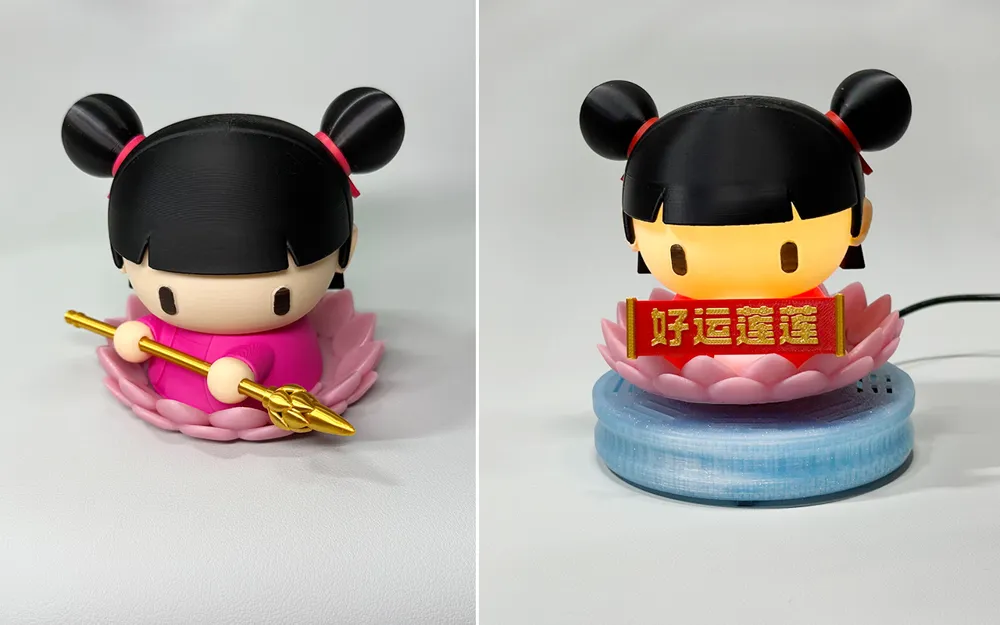
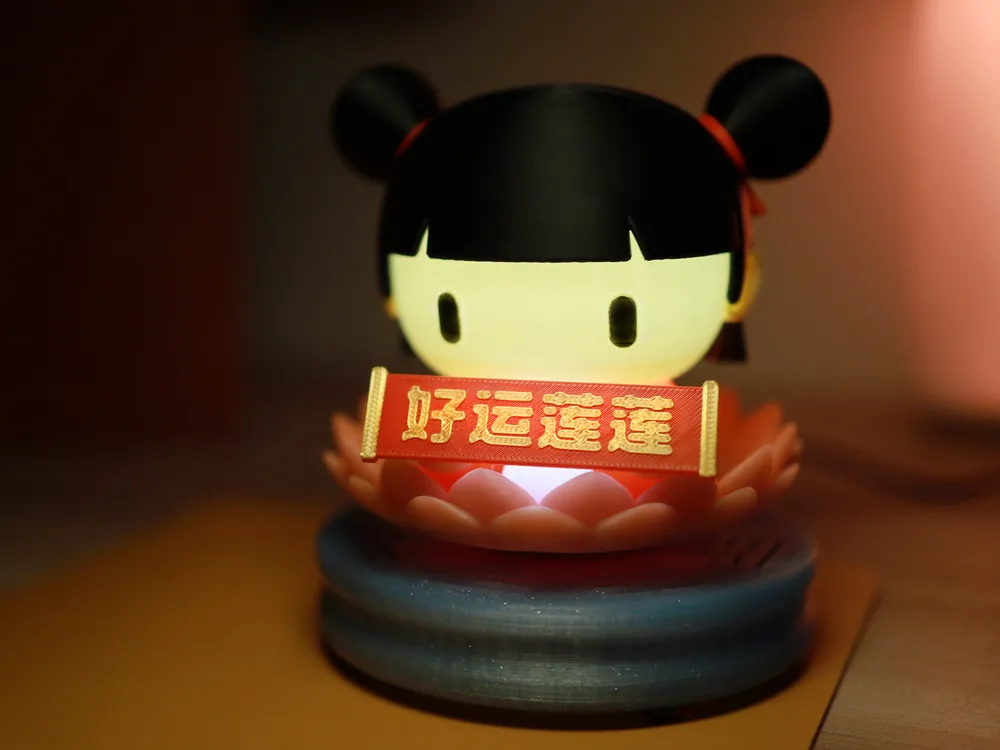
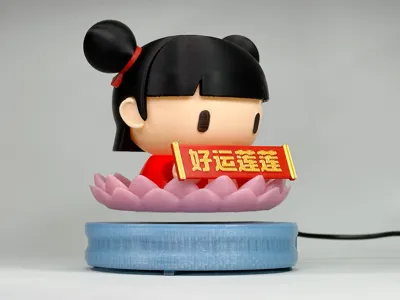
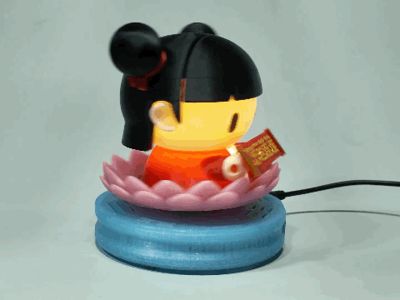
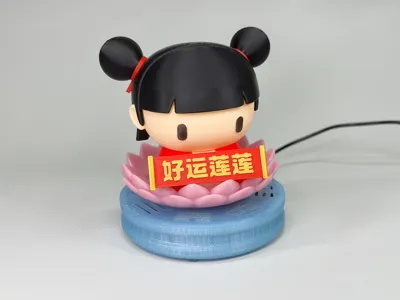
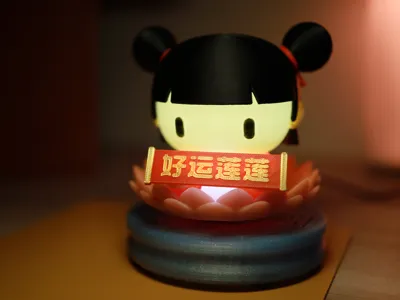
Initially, I just wanted to design a cute, round Nezha, sketching for several days before finalizing the design. However, seeing my magnetic levitation kit gathering dust, I decided to incorporate it, adding an ambient light feature to Nezha. As this was my first magnetic levitation design, I soon discovered I'd created a challenge for myself. To achieve a desirable final product and ease of printing and assembly, I needed to consider light transmission, support structures, multiple colors, assembly, personalized color schemes, and more. The biggest problem was that my initial prototype wouldn't levitate—the head was too large and heavy, resulting in a high center of gravity that made stable levitation impossible. It would sway wildly, the oscillation increasing until it finally flew off. This problem plagued me for a long time; I almost started over. After several major revisions and adjustments, it was finally complete.
Overview
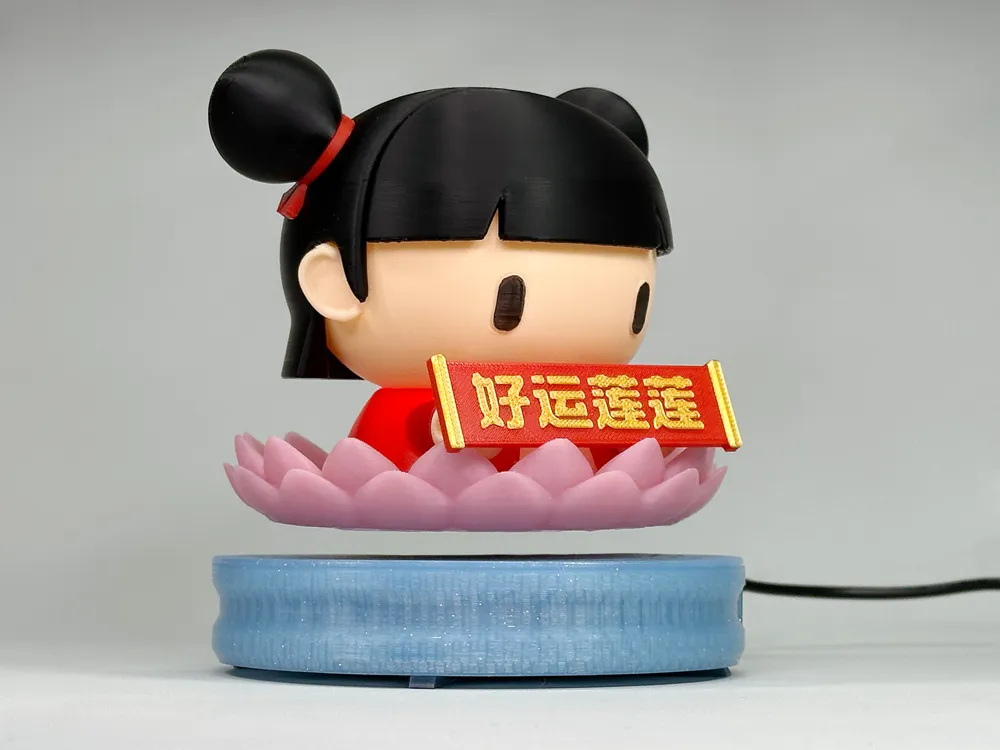
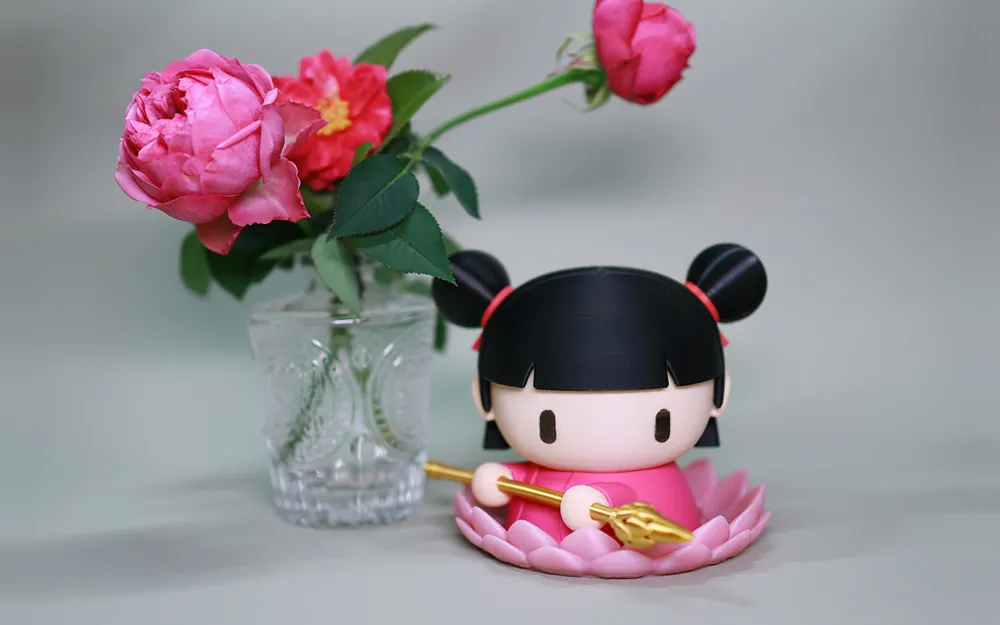
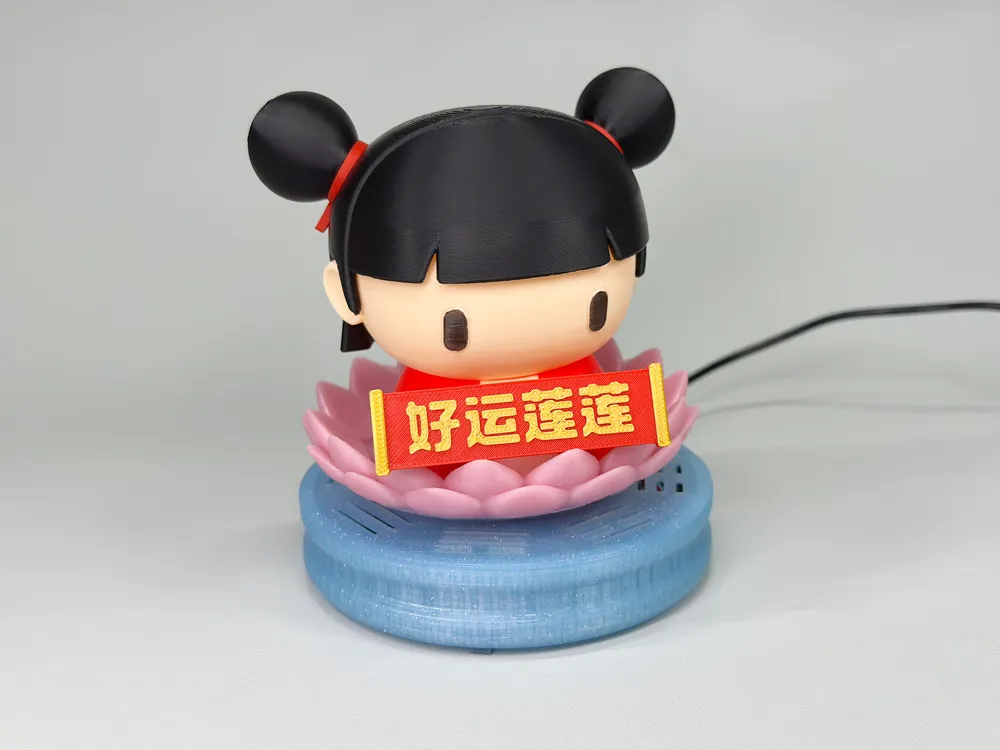
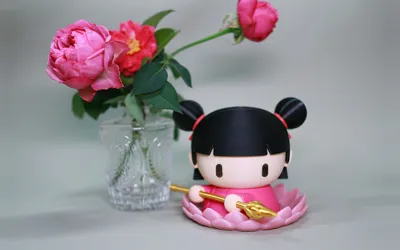
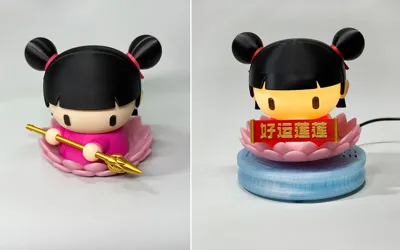
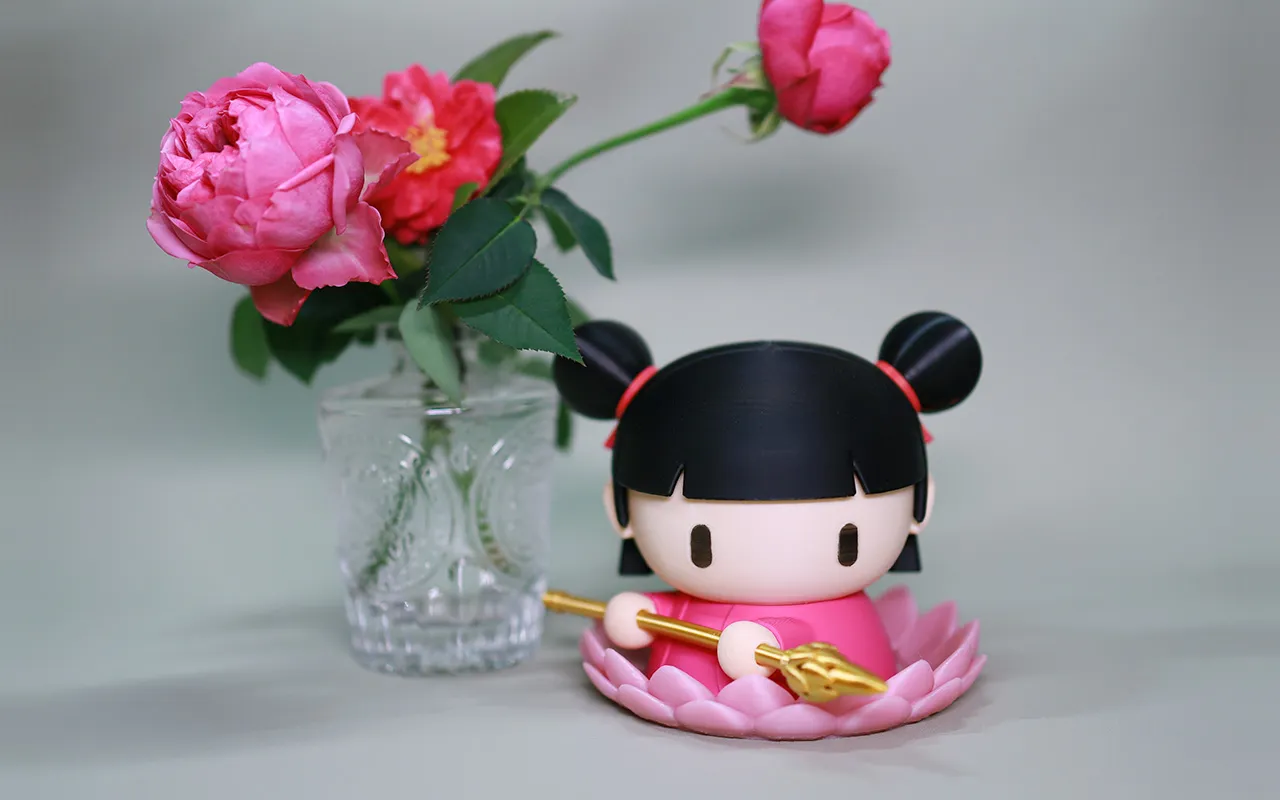
Considering that many users lack a magnetic levitation kit, the design was initially made compatible with two usage scenarios. Nezha's base is flat and sealed, with a built-in float mechanism; he can levitate or stand alone as an ornament.
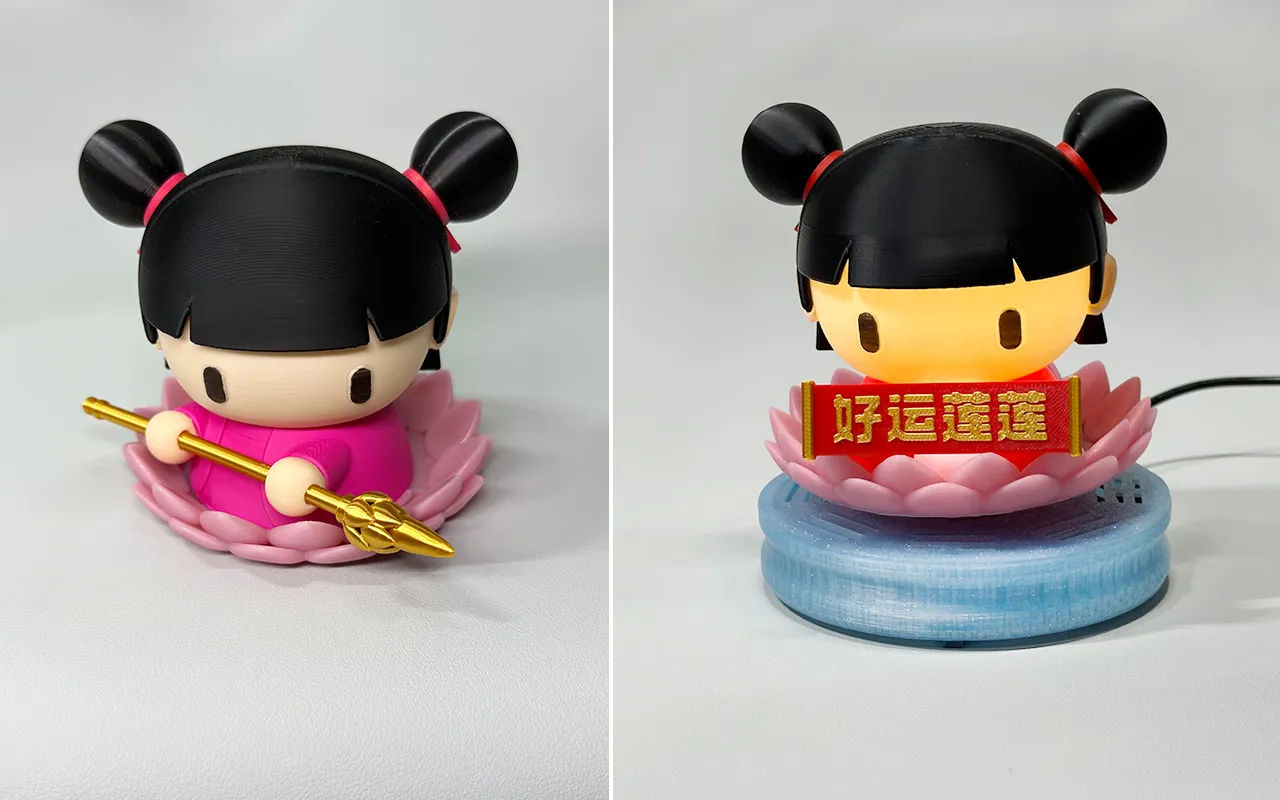
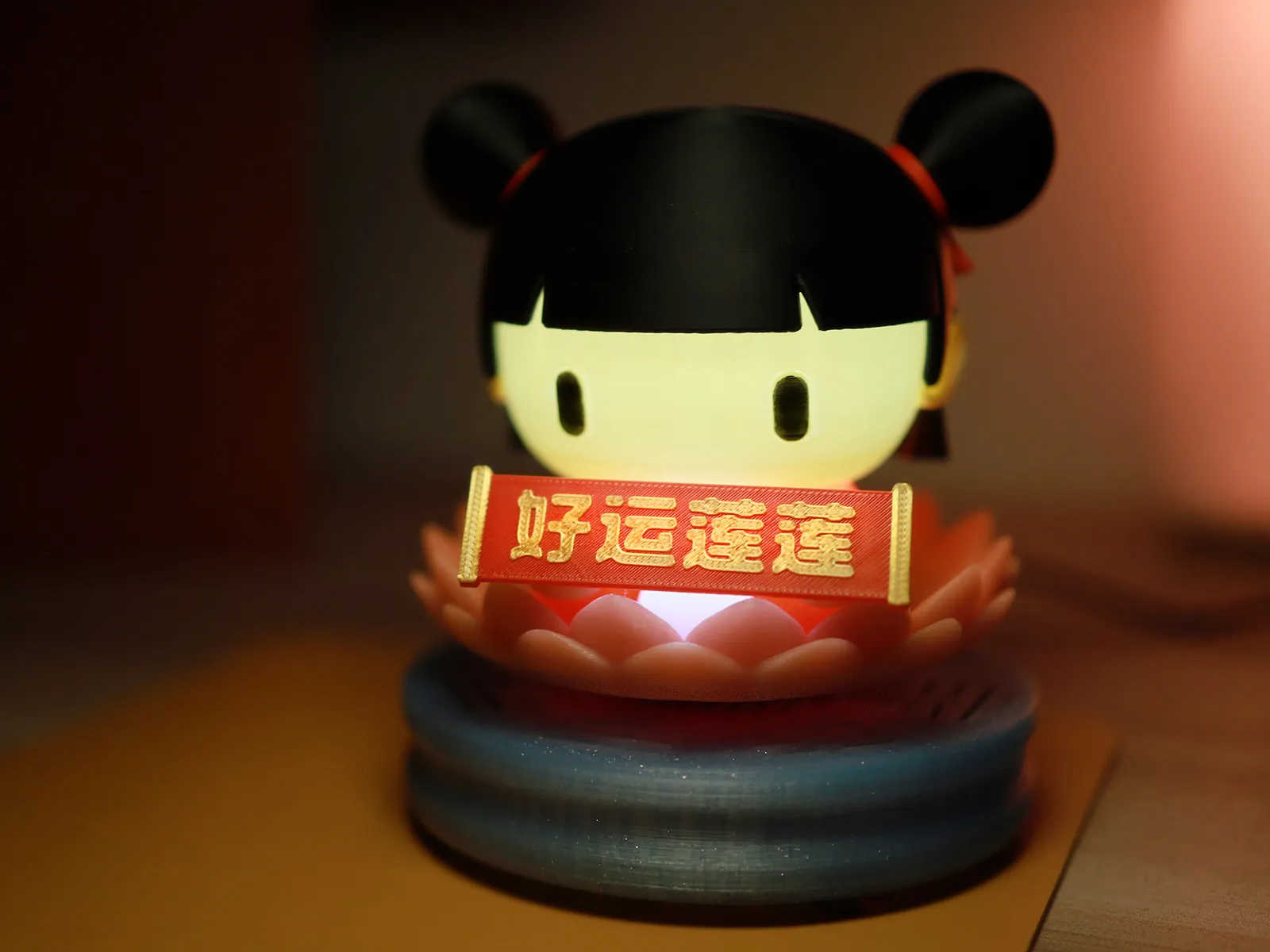
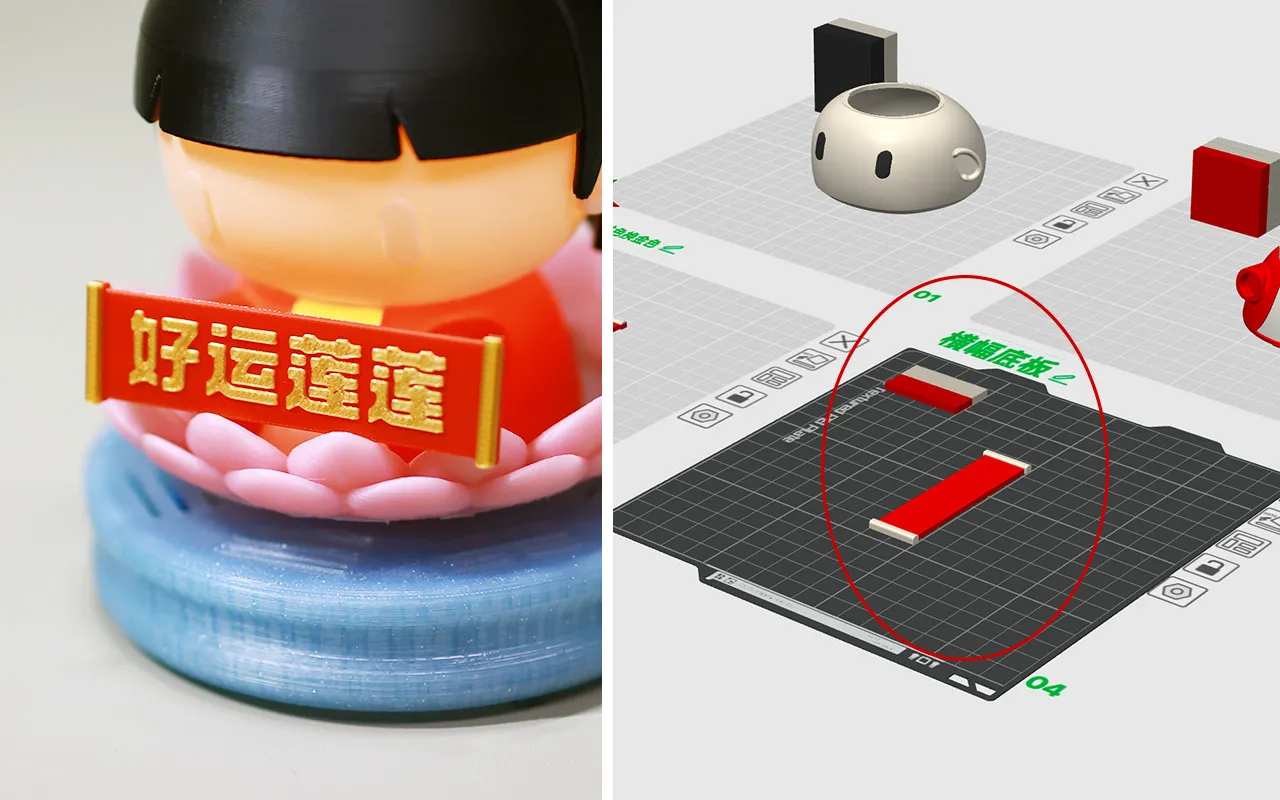
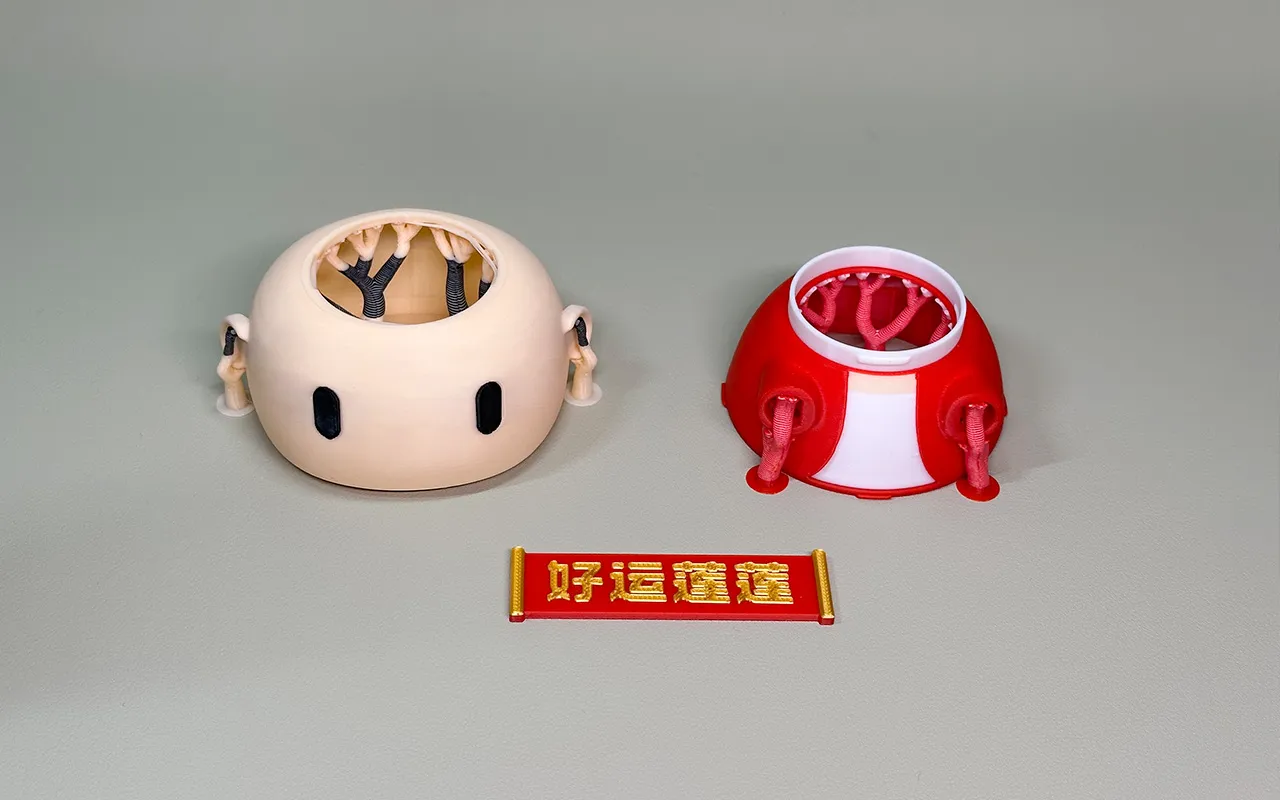
The message on Nezha's banner is interchangeable. I've included “Good Fortune Abounds,” but you can also use MakerLab's sign maker to create text within a 70x20mm range and combine it with the banner base model I've provided (in configuration file “Head, Body, Banner AMS Color Separation” on Plate 4) in Bambu Studio.
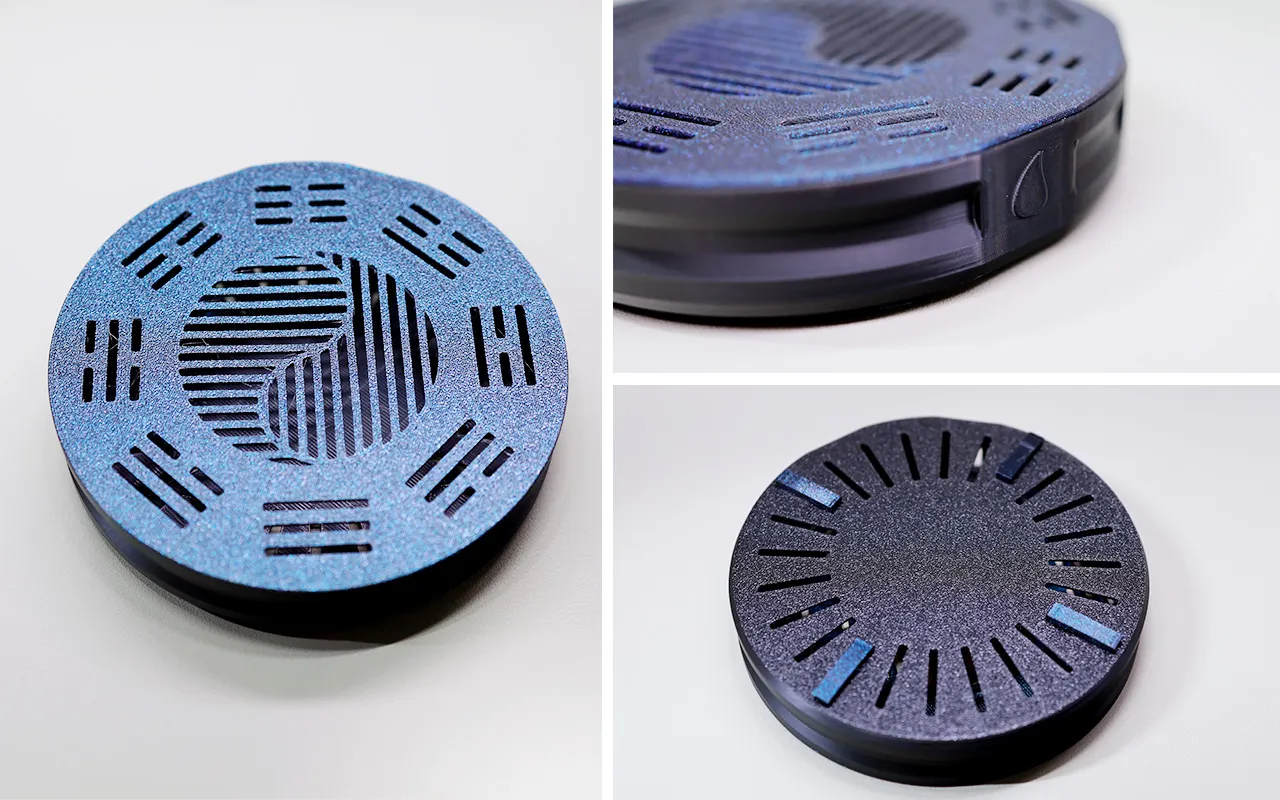
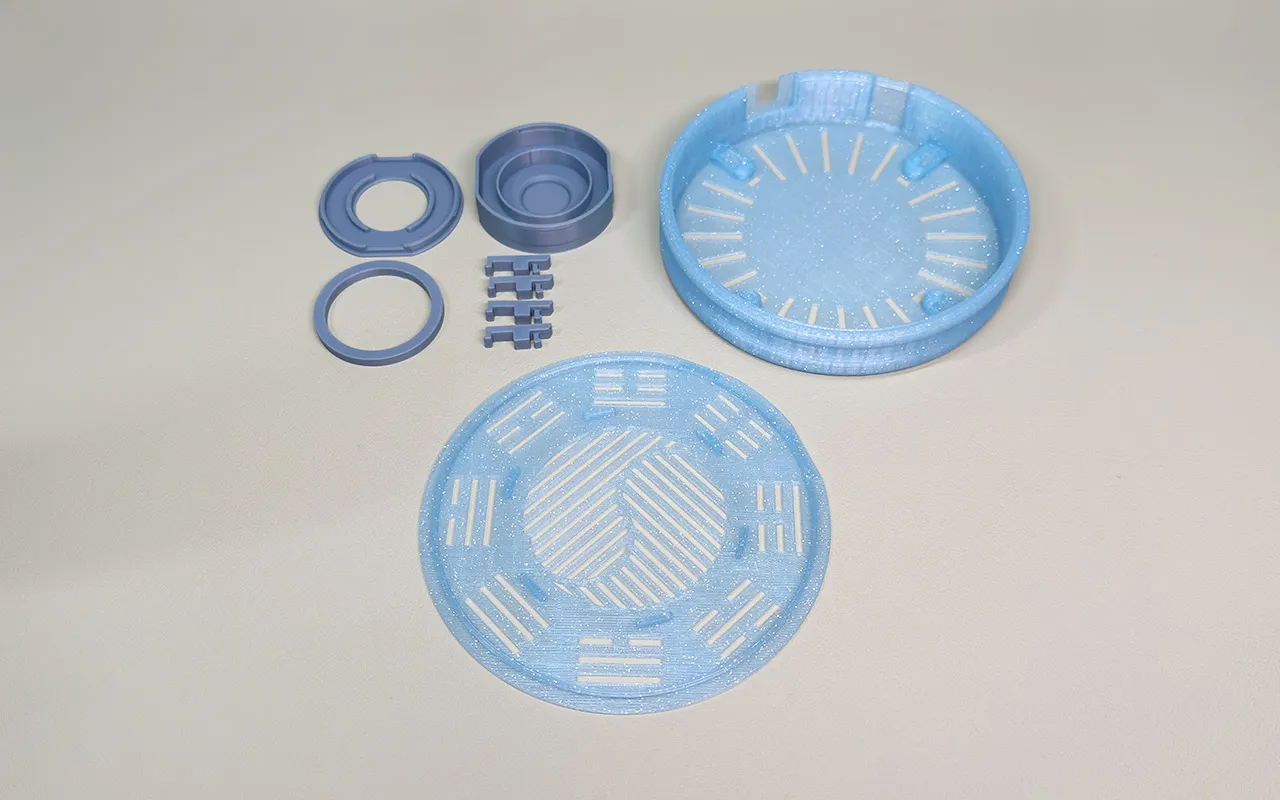
The levitation base incorporates a Daoist Bagua diagram and a vertically integrated design to improve heat dissipation for the magnetic levitation module. The touch button is hidden on the back; the raised flame design makes it easier to locate.

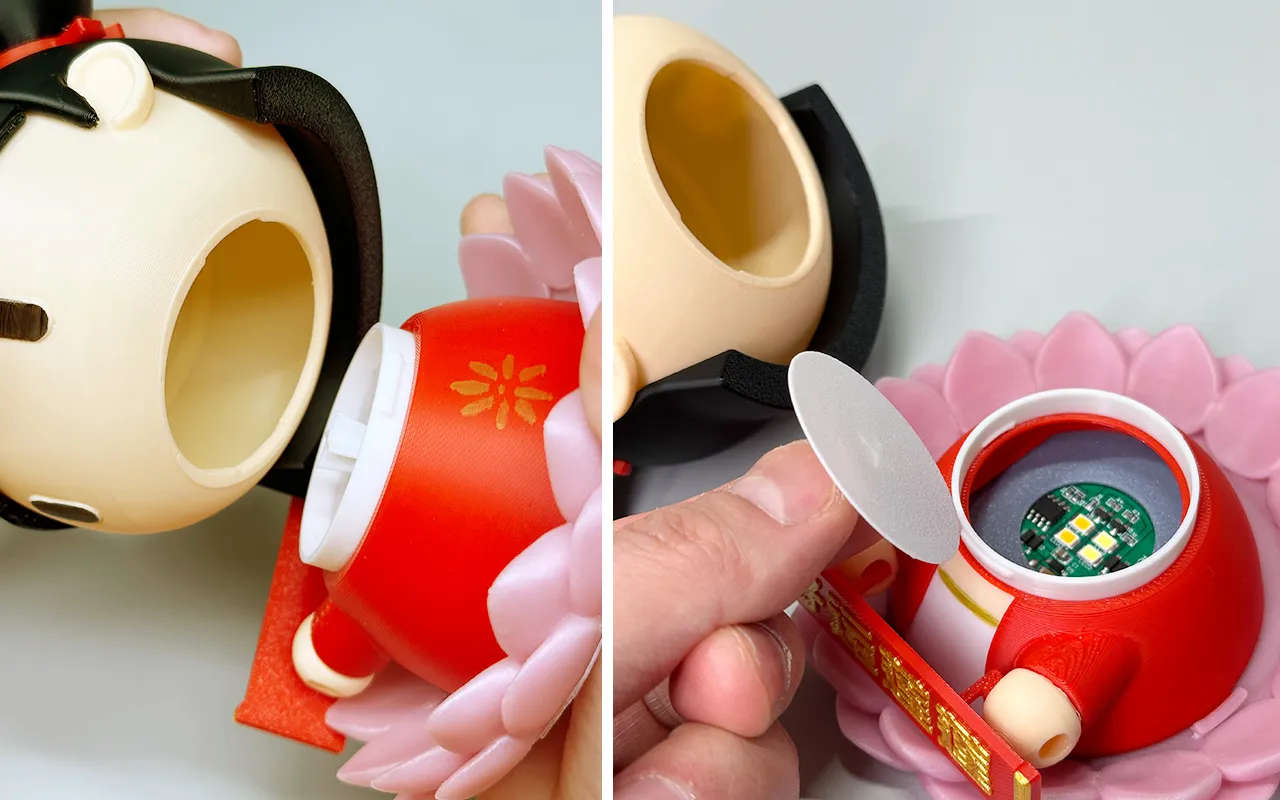
Nezha's head and body are detachable, rotating 90 degrees for easy removal and diffuser color changes, allowing for diverse lighting effects. You can also use it as a small container.
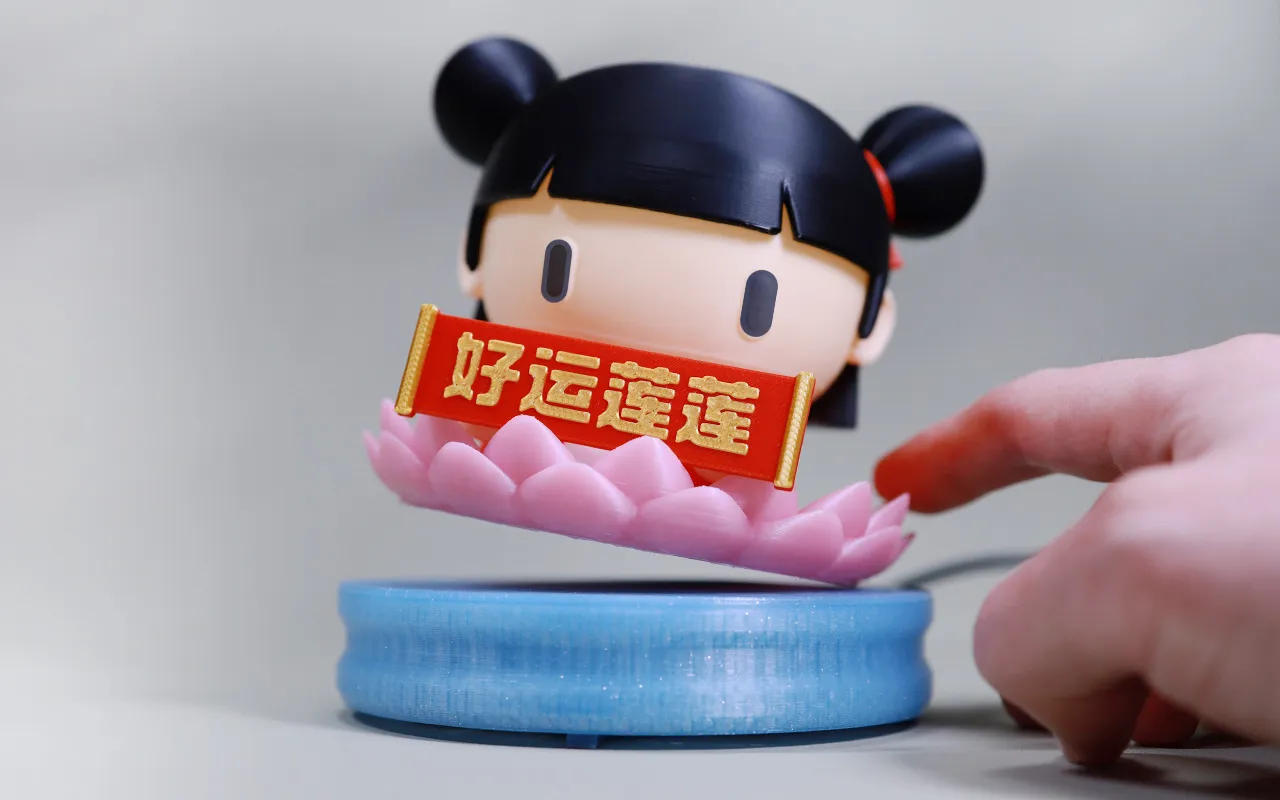
The anti-tip design prevents flipping or flying off, even when tilted to an extreme angle.
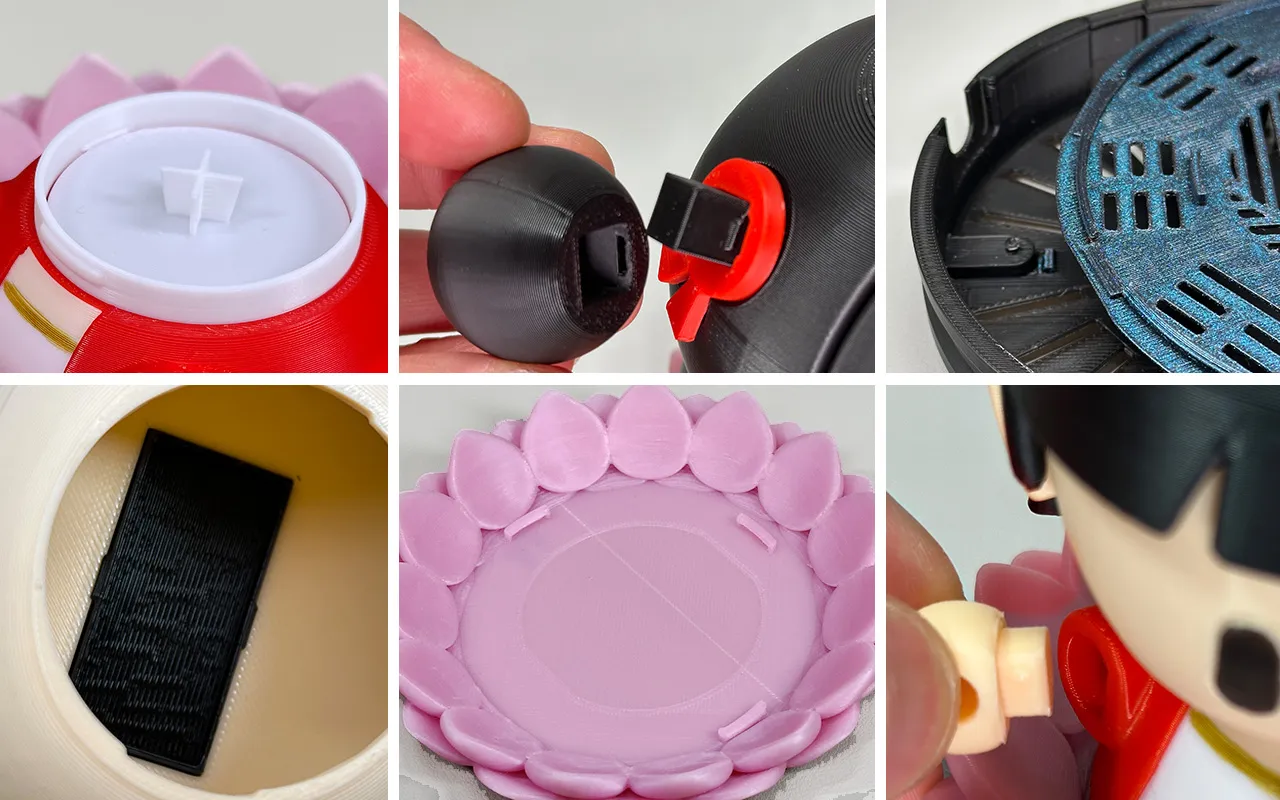
For easy assembly, I used a completely snap-fit design; no glue or screws are needed. This also significantly increased the design time. Consult the included assembly and usage instructions for detailed assembly and specifics.
Printing
Three configuration files are provided for ease of printing and selection.
1. “Nezha Parts, No AMS Needed” contains all the main Nezha parts and is designed for single-color printing. If you only need the ornament, print only this file. The eyes can be colored with acrylic paint after printing; they have a raised design for easier painting. I recommend printing the clothing in light colors, such as white, for easier customization. The text on the banner is also raised. Acrylic paint works well with PLA prints. You could also print it using glow-in-the-dark filament for a striking nighttime effect.
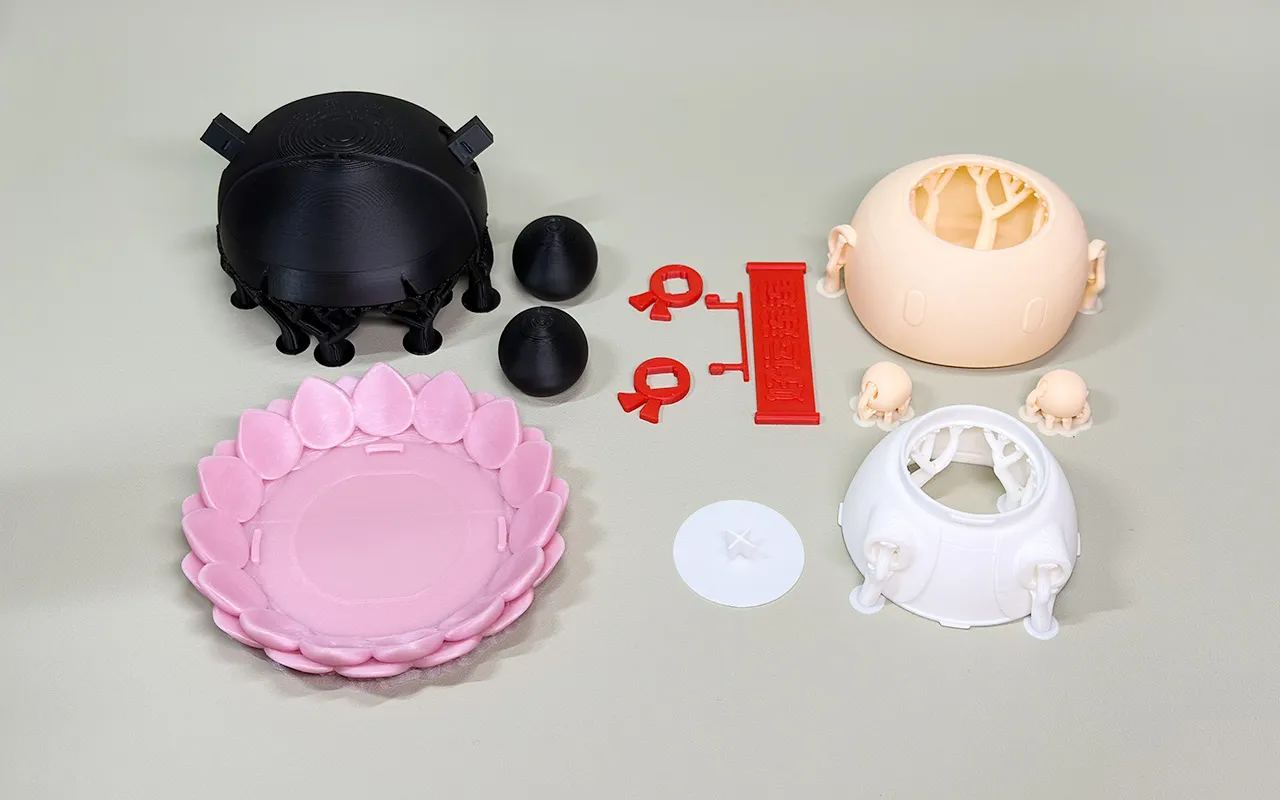
2. “Levitation Parts, No AMS Needed” contains all the parts needed for the magnetic levitation kit, and are also designed for single-color printing. If you want the levitation function, print these parts. Experiment with different colors, such as gold silk; you might discover unexpected results.
3. “Head, Body, Banner AMS Color Separation” is for users with AMS who don't want to paint themselves. The eyes on the head are pre-colored, so you can print it directly. The clothing is separated into three color combinations, which can be customized. The banner is also color-separated. If you want to customize the message, you can find the banner base (Plate 4) in this file.
Note: The parts within a configuration file have different parameter settings; these can be checked within the object. Be mindful of this when changing printer models or modifying settings.
I hope you have fun, and I welcome any feedback.
If you like this design, please show your support!
Boost Me (for free)
Documentation (1)
License

You shall not share, sub-license, sell, rent, host, transfer, or distribute in any way the digital or 3D printed versions of this object, nor any other derivative work of this object in its digital or physical format (including - but not limited to - remixes of this object, and hosting on other digital platforms). The objects may not be used without permission in any way whatsoever in which you charge money, or collect fees.


Comment & Rating (0)