Search models, users, collections, and posts

Sunshade/Cover For DJI RC2 Controller- 2 Versions
Print Profile(2)

All
P1S
X1E
X1
A1 mini
H2C
H2S
H2D Pro
P2S
X1 Carbon
A1
P1P
H2D
X2D
A2L

Sunshade With Recesses for Sticks
Designer
3.6 h
3 plates
4.7(35)

Sunshade With Flat Top
Designer
5.4 h
3 plates
4.8(4)

Open in Bambu Studio
Boost
185
472
65
27
783
428
Released 

Description

Boost Me (for free)

Every takeoff is optional. Every landing is mandatory.

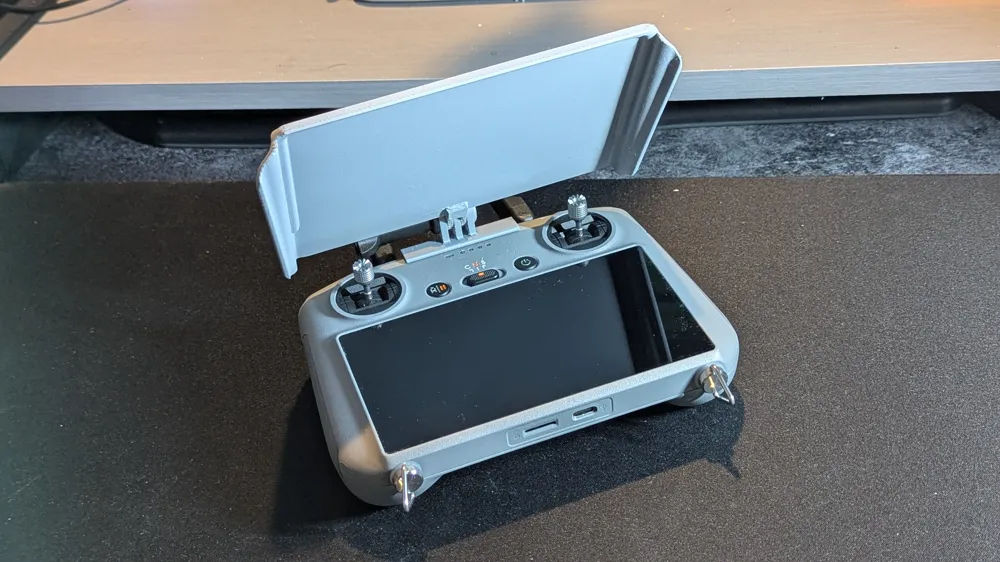
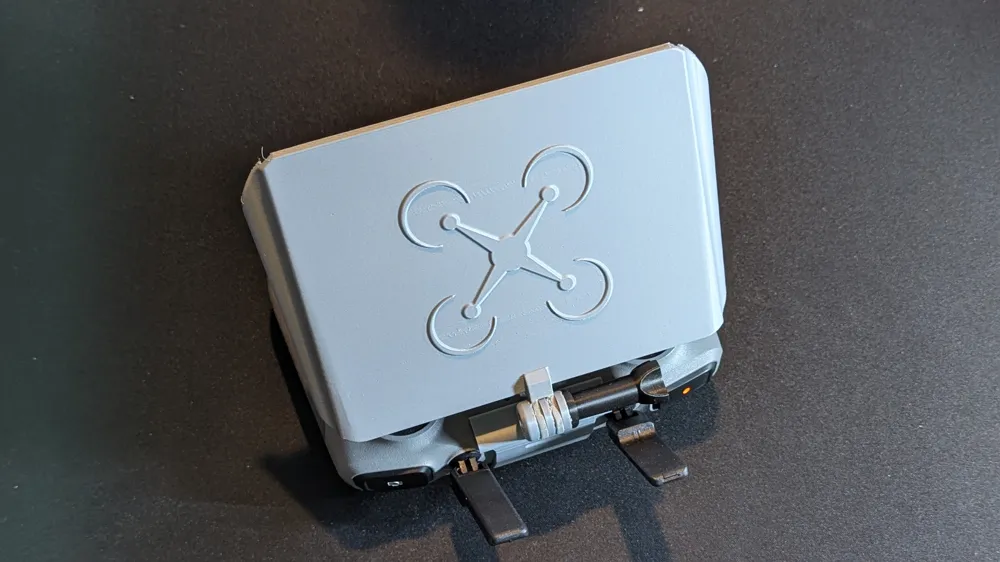
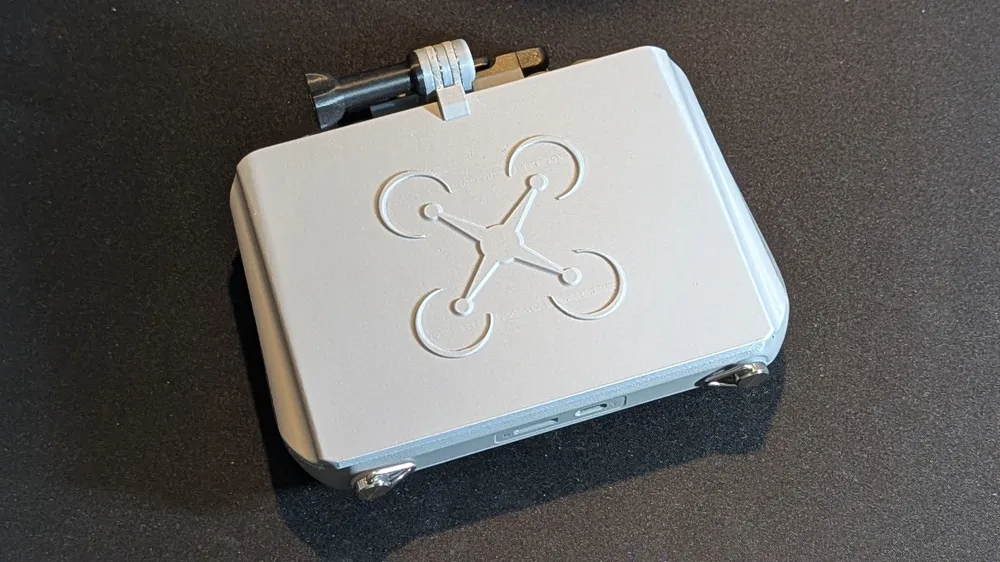
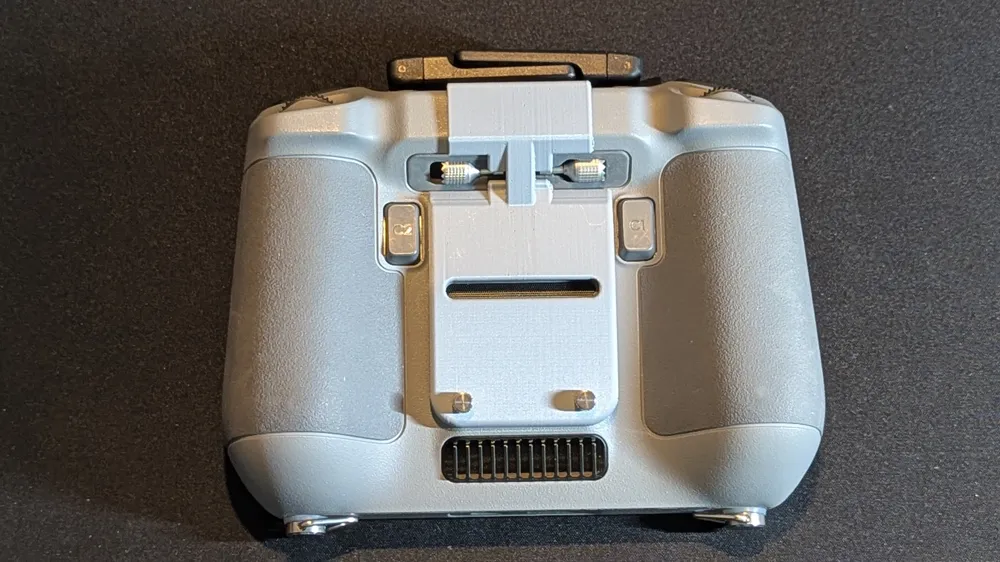
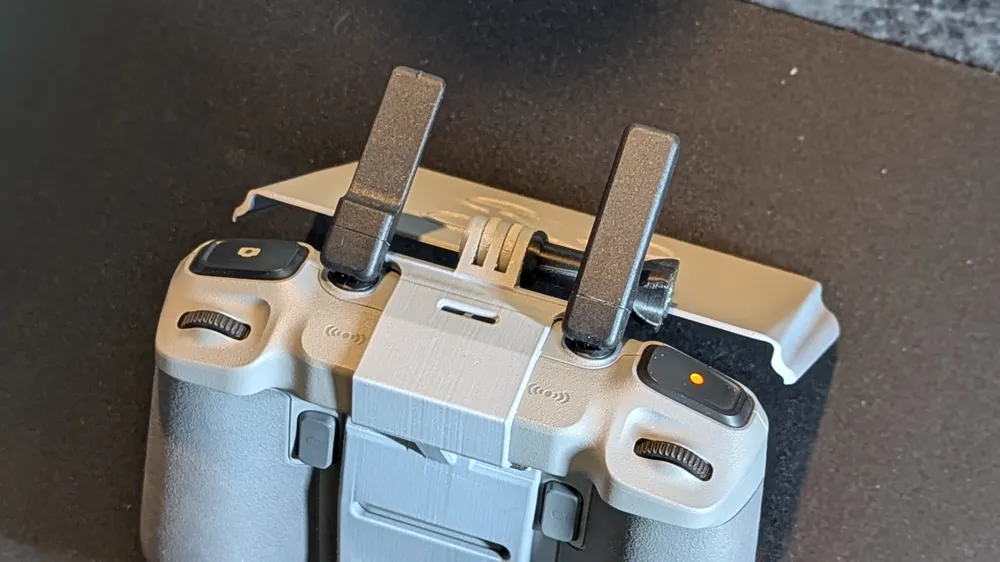
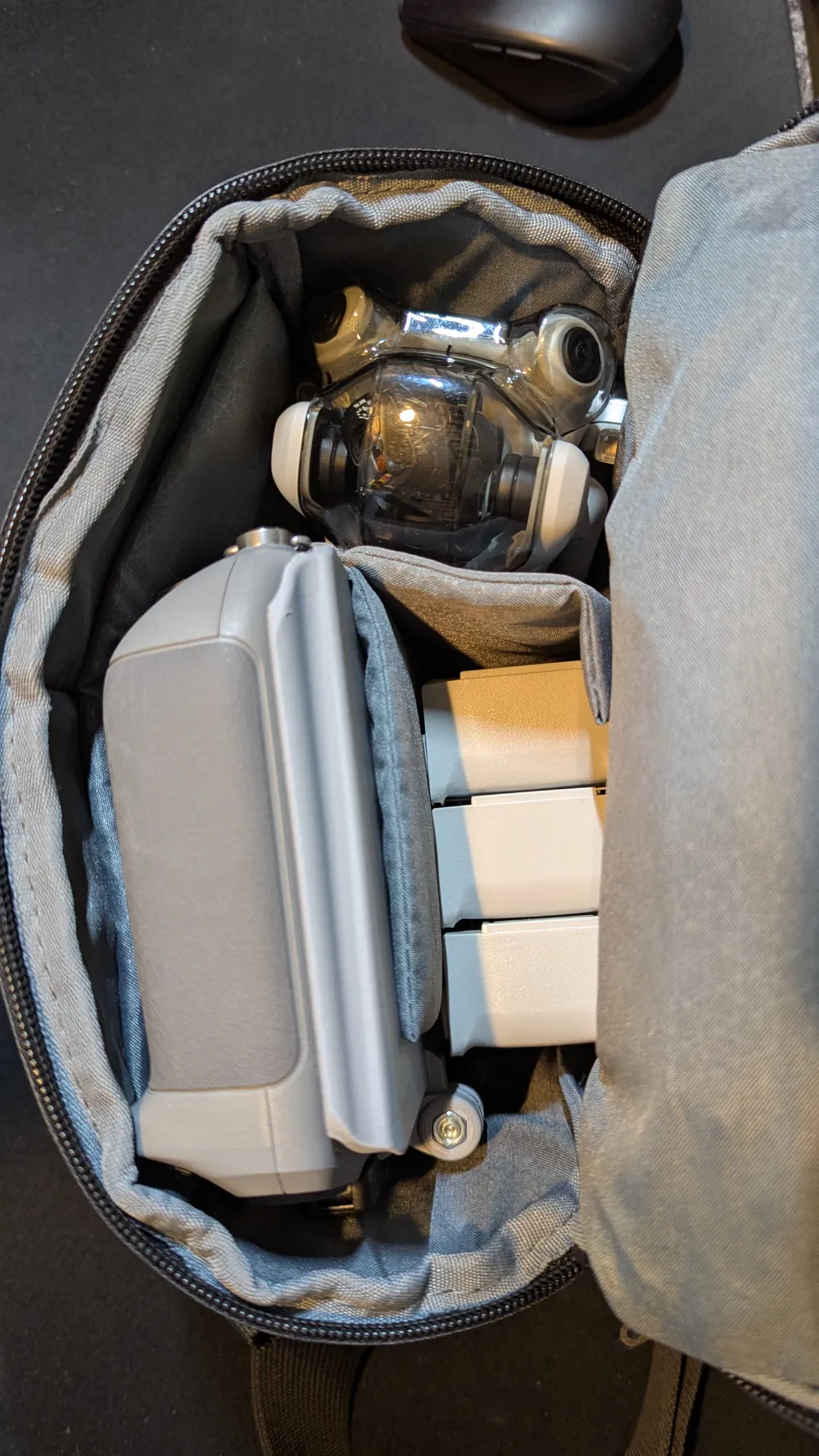
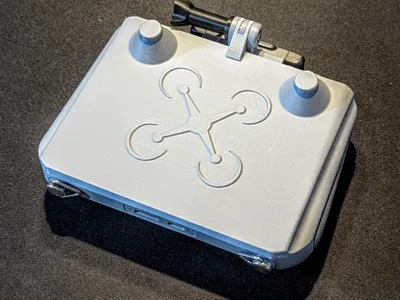
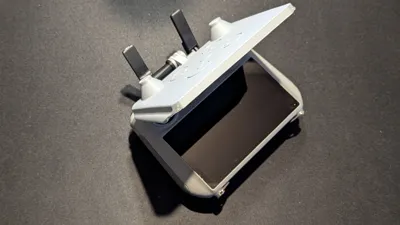
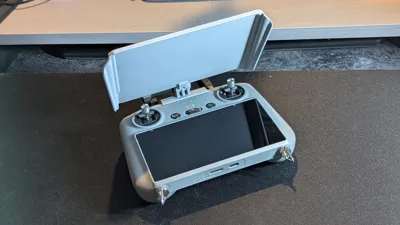
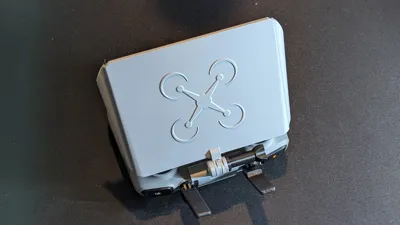
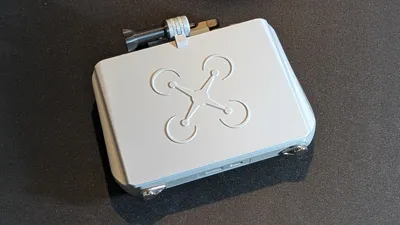
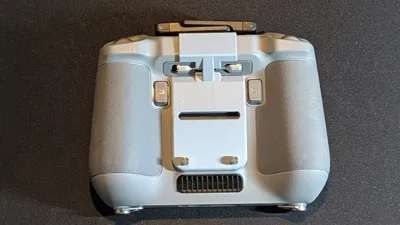
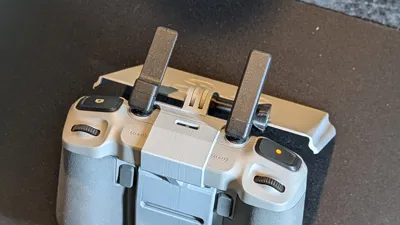
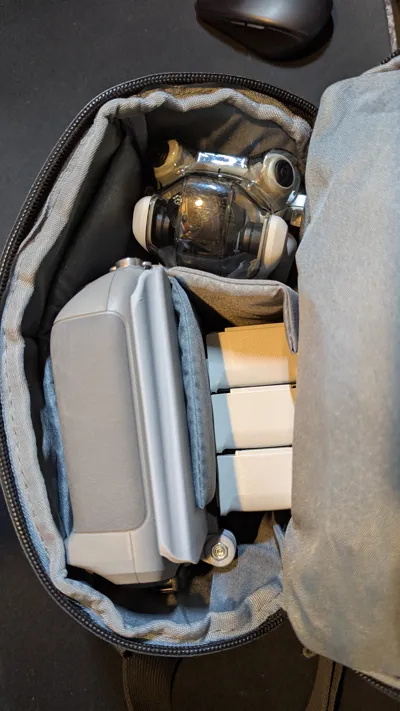
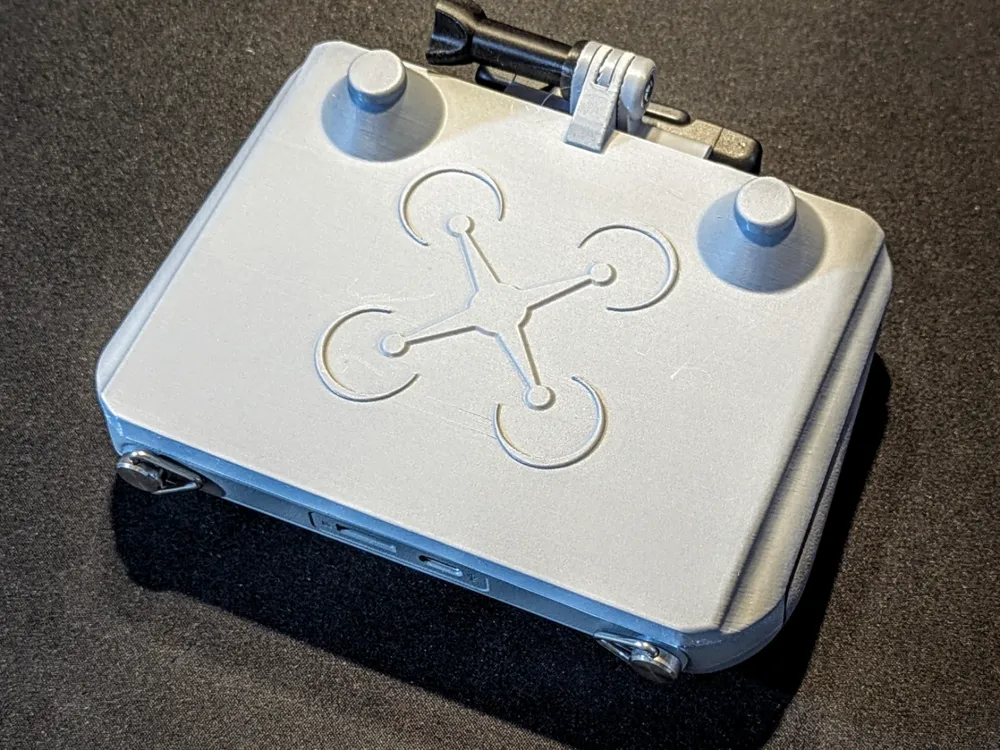
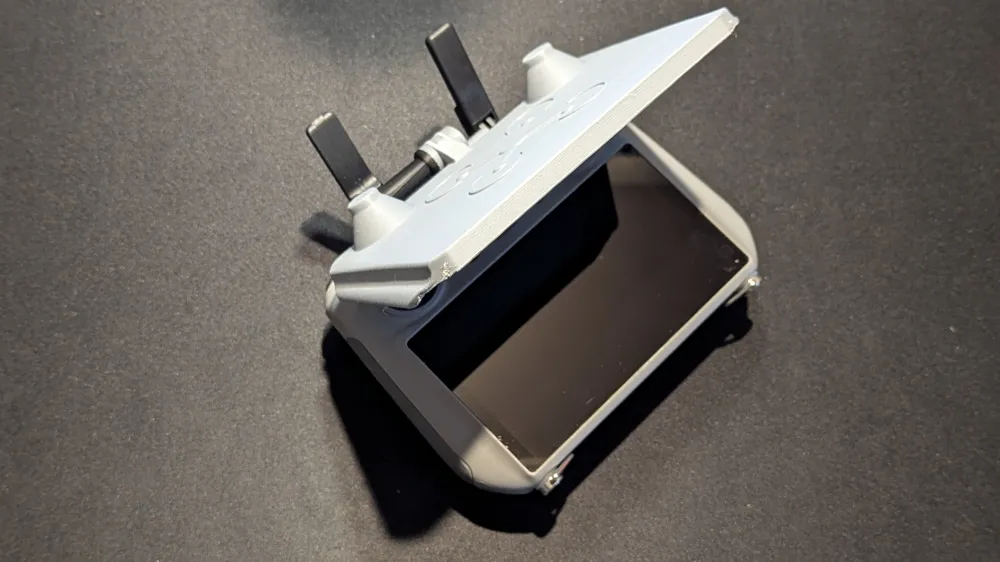
This is an adjustable sunshade for the DJI RC2 controller.  The knob is used to adjust the tension so the hood will remain in the place you adjust it to.  I have included two versions. One allows leaving the control sticks installed, while the other requires removing them in order to be closed,  I recommend the one with the recesses for the sticks.  If you are using the standard Mini 4 Pro DJI bag either will still fit with the bag with cover on. but the one with that covers the sticks will be a little snug. 


You will need to remove some supports.  I've found a single edge razor blade to be useful for getting in between the connection areas.  


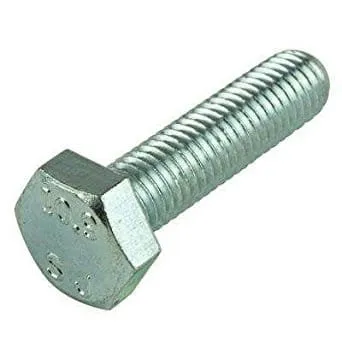
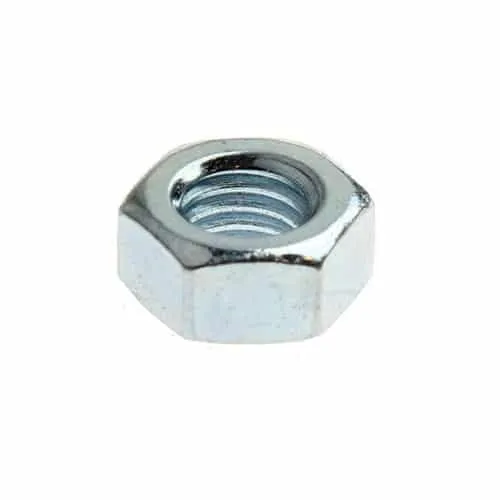
Hardware Required:

QtyItem 
1M5-.80 x 50 Hex Head Bolt


1M5-.80 Nut
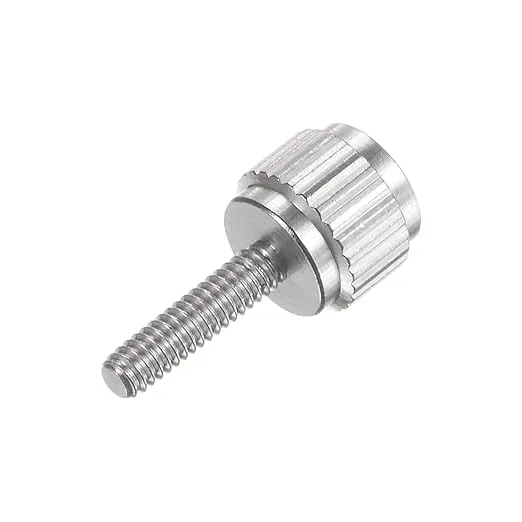
2M2 x 8mm  Knurled Thumb Knob Bolts


Comment & Rating (65)

(0/1000)

all things considered, this model knocks it out of the park! there are other sunshades, but most other wouldnt allow you to stow away your antennas, which defeats the whole purpose. this is a tricky geometry for fdm, especially with these thin parts, which is why ii decided to go with PETG-CF. It's much stiffer than standard petg, but also nearly as rigid as PLA. Also, i had a 100g of this complimentary blue color. I beefed up the parts with extra perimeters, and 30% infill, and i didnt print the gopro bolt as I already had a gopro bolt that wasn't being used.. picking supports out of the gopro mount fingers was a bit tedious, but only took 5 min with some fush cutters. I definitely recommend this model..
(Edited)
The designer has replied
0
Reply
Looks good! Actually, the purpose isn't to stow the antennas. Its to protect the screen when closed and provide a sunshade for glare when open, along with leaving the control sticks on.
1
Reply
Replying to @gary.oldefendt :
right, maybe I wasn't clear, but your design was clever enough to allow me to fold the antennas down the way they're intended to be folded for storage of the radio, but most of the other designs I saw forced your antennas to stay deployed, or end up with a leverage point that can snap them off. I'm just glad I can keep your model fixed at all times.. Anyway, thanks again. its excellent.
0
Reply
Replying to @WillpowerFPV :
OK, I misunderstood.
1
Reply
There is major issue with this print. after the support base first layer is printed, the next step is a line that goes behind them from one side of the print to the other, this line keeps failing, I have cleaned my bed and restarted this print nearly 6 times now, each time making sure my bed was clean in between each print, I changed the position on the bed, I tried changing when the fan kicks on, I changed the retraction settings, and this is a roll of bambu gray pla straight out of a 8 hour dry in my sunlu s4, it keeps failing in the exact same spot every time using a p1s
The designer has replied
2
Reply
Do you mean the orange line in this pic of the first layer slice? If so, thats the forst line of the cover afeter the brim. I've never exprienced any problem with it in the 6 or 7 times I've printed it myself. I an using the Bamu Super Tack plate, so that might be why. Changing the angle of the model on the plate to be more vertical would give you more surface area in contact with the plate and might make a difference.
0
Reply
yes.that is the line I am talking about, I am currently printing another makers cover and it is printing with no problems currently, I never have issues with my prints, very weird issue but it happened in the same spot every time, like is said I tried messing with a bunch of different things to try and get it to work but it just kept failing at that spot, I even rotated it to a different position on the bed, I mention the fans, im not sure whats causing it, I never get failed prints since I got the printer in December and have calibrated it , not trying to sound like an A hole, I appreciate the effort you put into making this, just wanted to bring it to your attention , thanks friend
0
Reply
Replying to @gary.oldefendt :
I wil try it again after this other cover is done and I will try to orient it differently, thats probably what it is, thanks man
0
Reply
Print Profile
Sunshade With Recesses for Sticks
hat super geklappt
1
Reply
Print Profile
Sunshade With Recesses for Sticks
Support Issue:like this 3 times
The profile uploader has replied
Show original
0
Reply
I don't understand what's going on here. Whats the white filament all about? It looks too me like you lost adhesion or something to cause that section to move? Never had this happen to me.
0
Reply
Replying to @gary.oldefendt :
I put the first layer of another filament because it broke for the 3rd time, thinking the filament was wet, but it happened on a very advanced layer
Show original
0
Reply
brilliant model. thankyou printed 2 and both printed perfect.
0
Reply
Great print. All others I’ve tried were junk.
0
Reply
Great fit - ASA-CF
0
Reply
Print Profile
Sunshade With Recesses for Sticks
Perfect 🤩
0
Reply
Print Profile
Sunshade With Recesses for Sticks
printet in Petg hf
0
Reply
Printed in PLA, but it broke at the Top ScrewMount. Might reprint in PETG as maybe a bit more durable. A 4 Rim/Mount as the original sun cover might increase stability!
The designer has replied
0
Reply
I'm not familiar with 4 Rim/Mount. Can I ask where you have seen it?
0
Reply
Replying to @gary.oldefendt :
im not sure if Rim is the right word..but the Connection point is where it broke..In an other product i see that this part is much more reinforced. That might be an issue..maybe its just bad luck it broke after 10mins...
0
Reply

License

This user content is licensed under a Standard Digital File License.

You shall not share, sub-license, sell, rent, host, transfer, or distribute in any way the digital or 3D printed versions of this object, nor any other derivative work of this object in its digital or physical format (including - but not limited to - remixes of this object, and hosting on other digital platforms). The objects may not be used without permission in any way whatsoever in which you charge money, or collect fees.