
3518 Enclosure
Print Profile(1)

Description
3518 Enclosure;
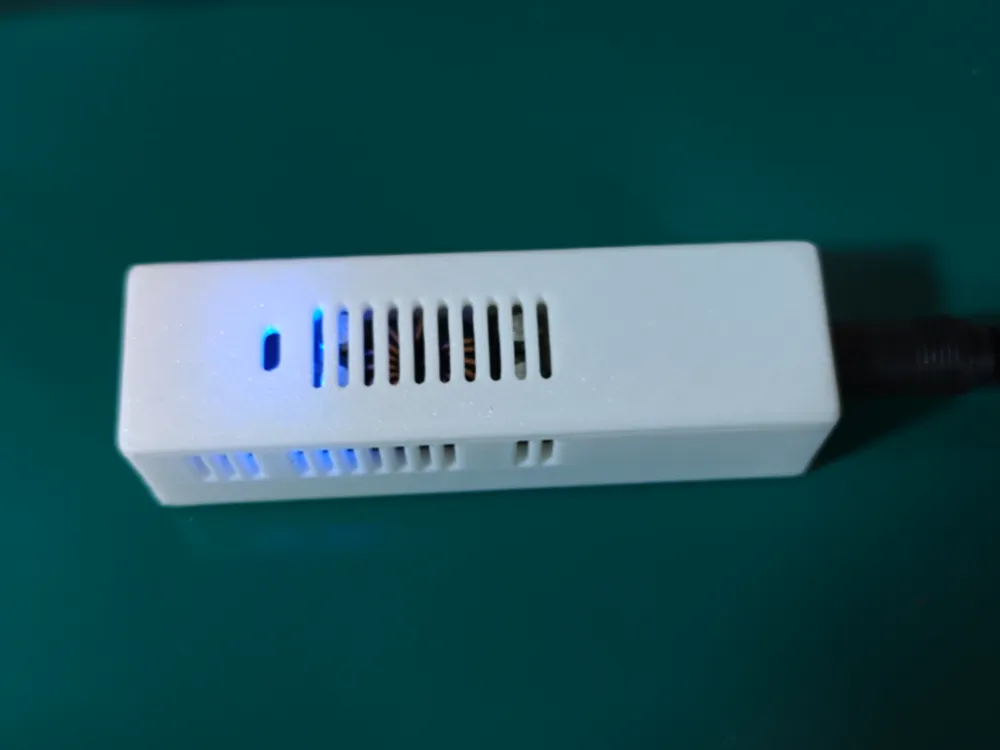
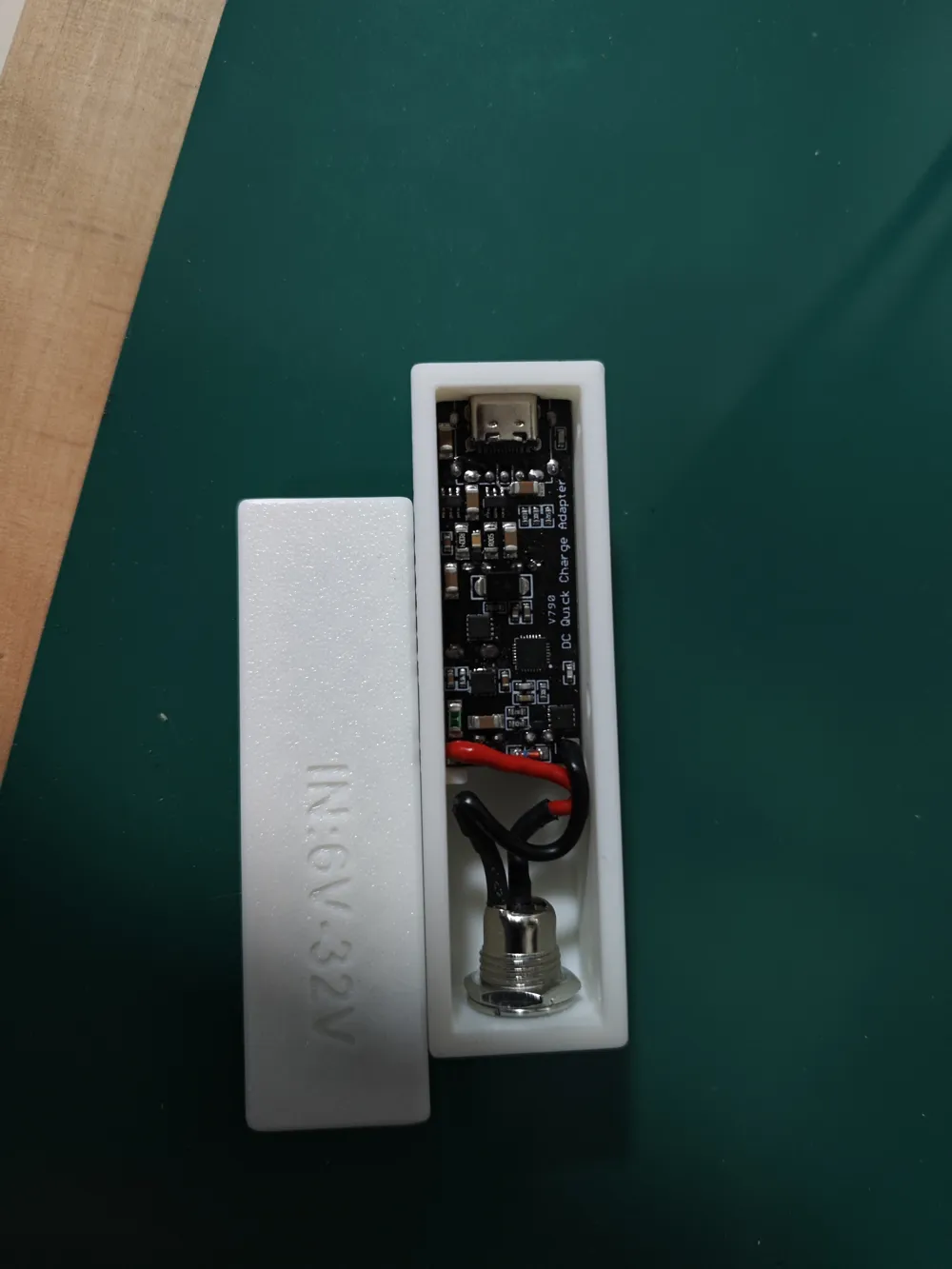
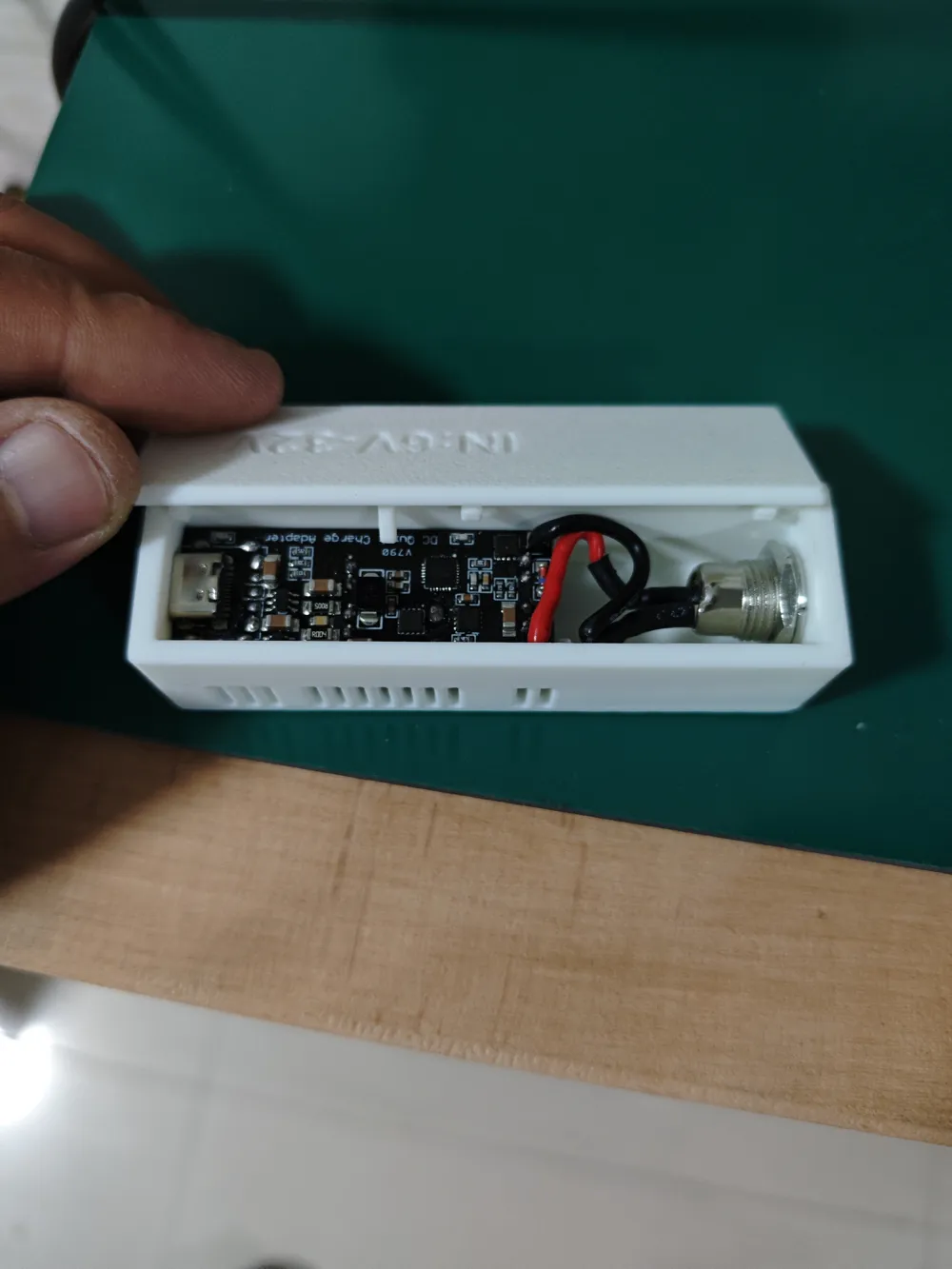
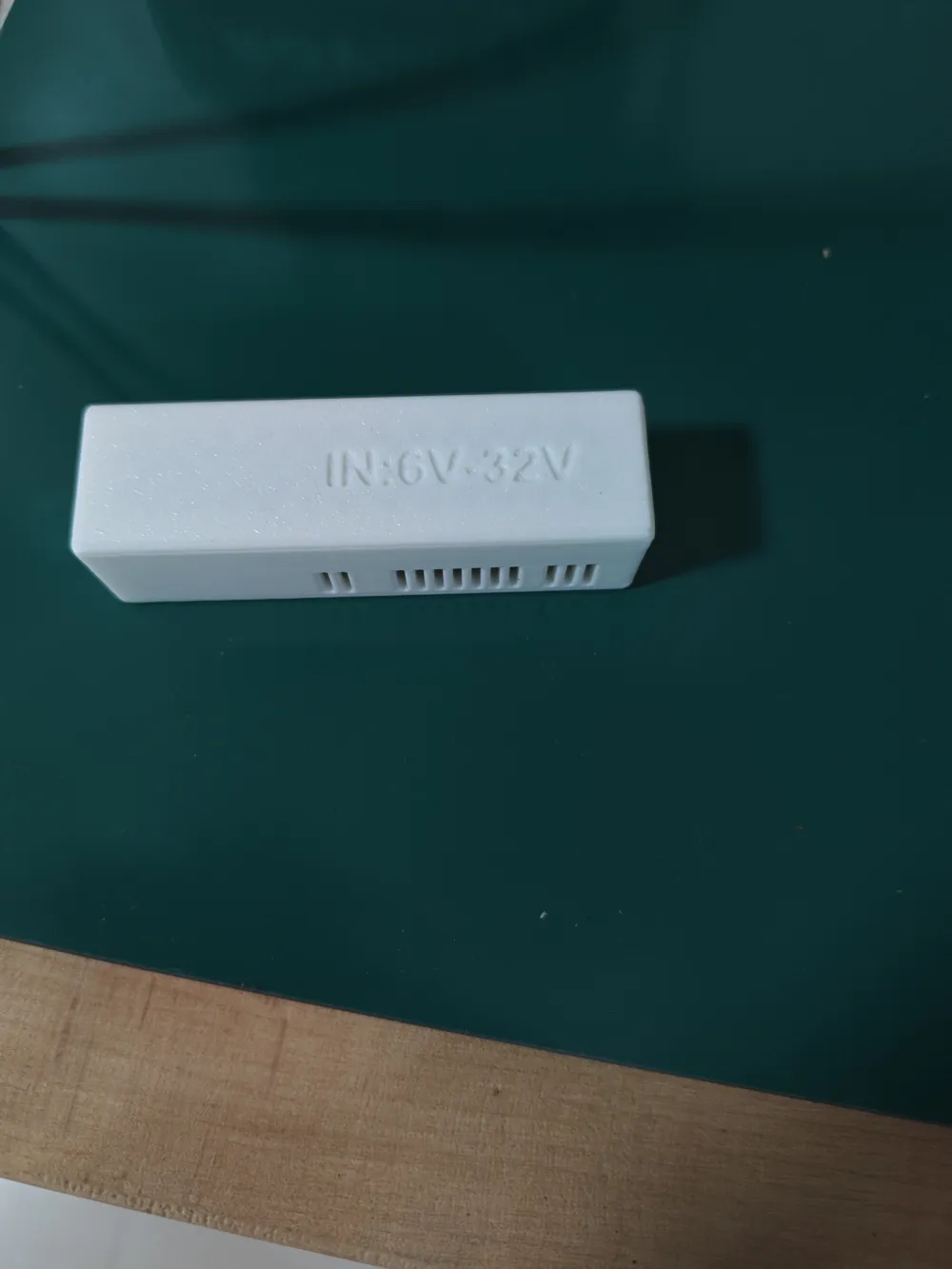
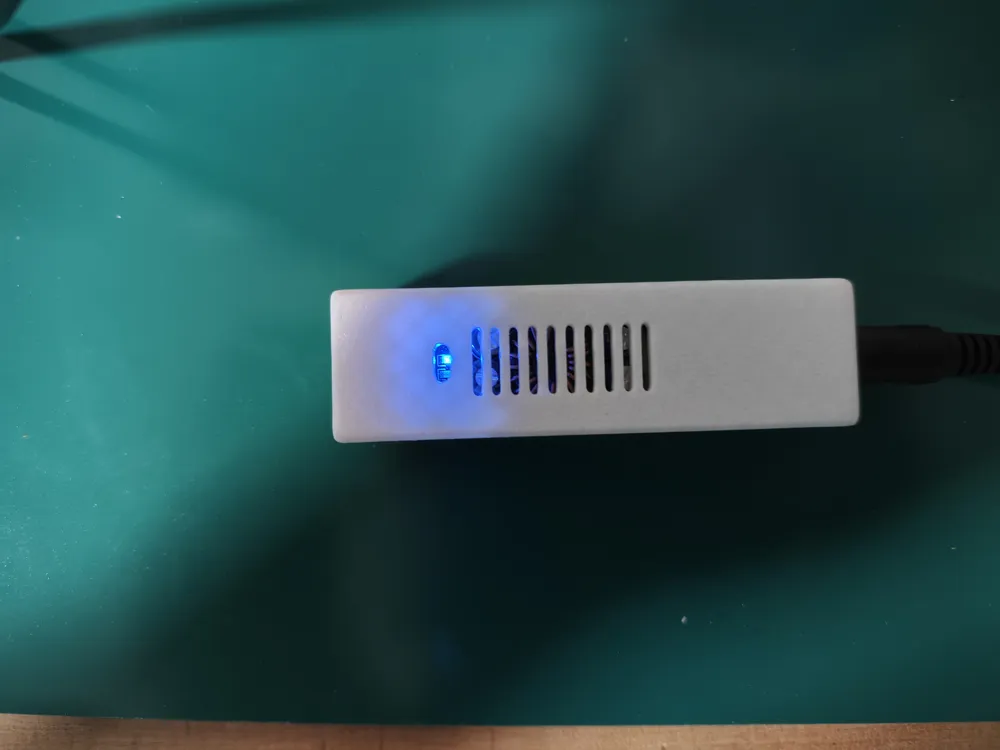
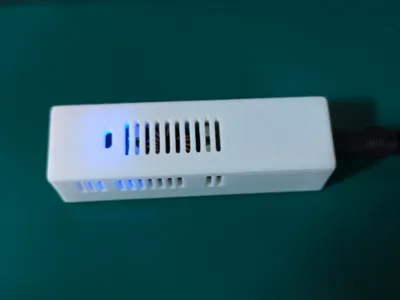
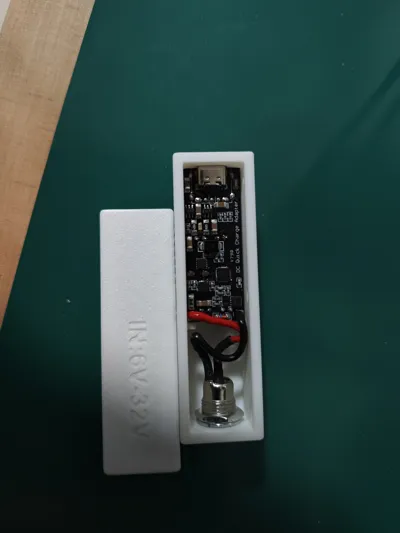
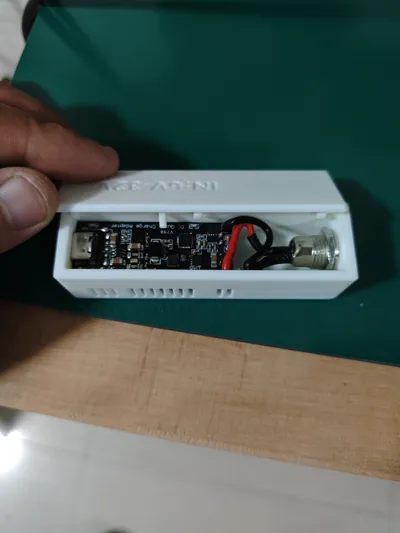
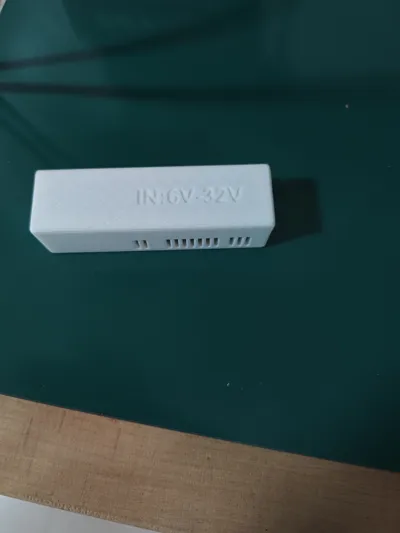
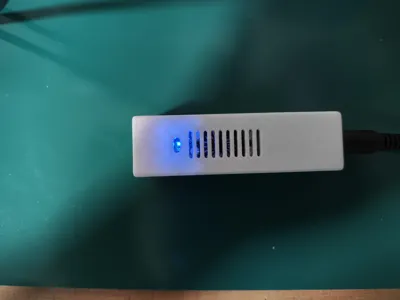
Uses a DC power supply to charge mobile phones. The entire enclosure uses a snap-fit design, requiring no screws. It has heat dissipation holes and a charging status indicator hole.
Preparation:
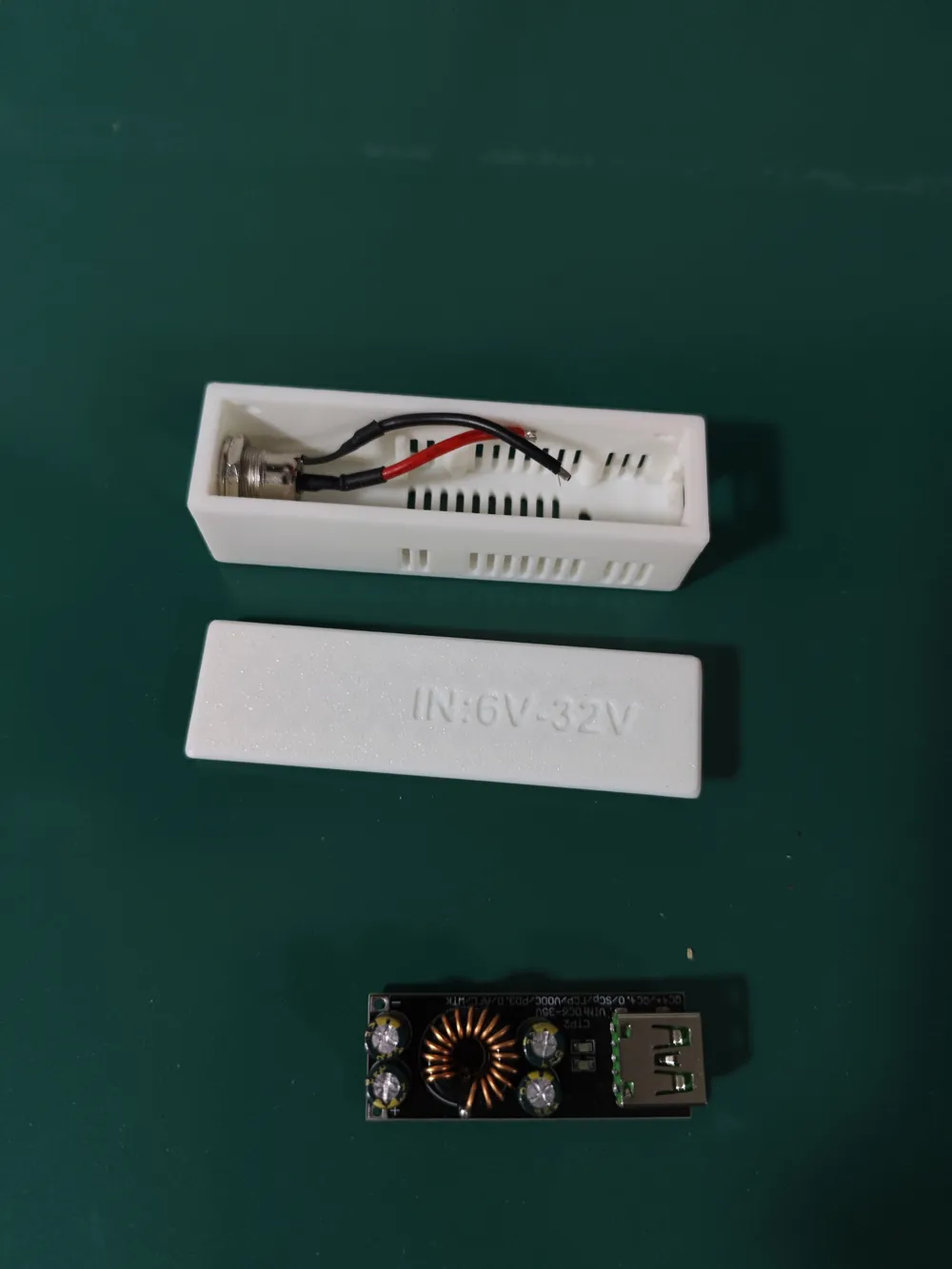
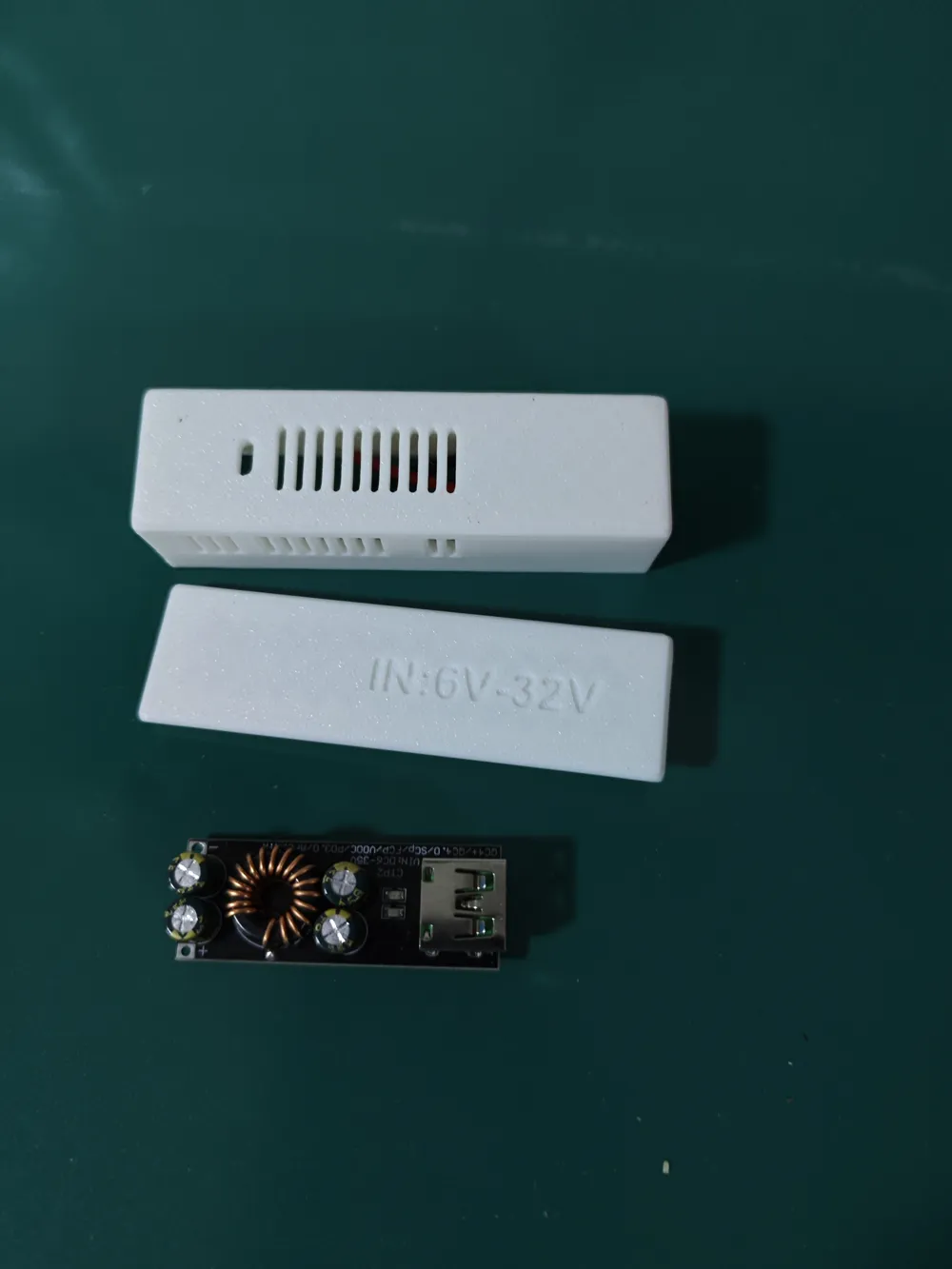
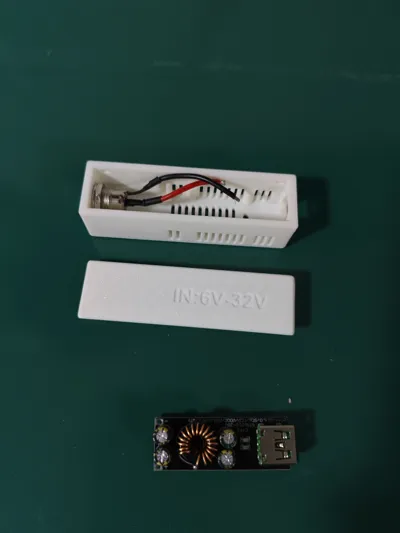
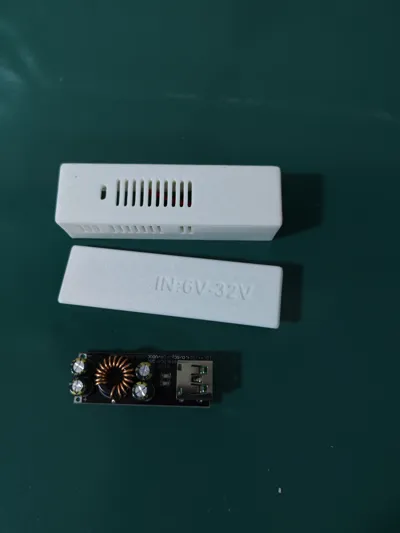
Print 1 x 3518 enclosure;
Print 1 x 3518 lid;
1 x SW3518 module;
1 x DC-099 female socket (5.5x2.1), for convenience, buy one with a cable.
Installation details:
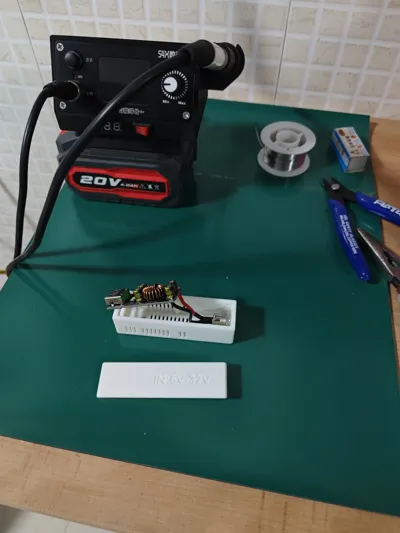
1. Install the DC-099 female socket first, tighten the nut, and trim the power cord to the appropriate length.
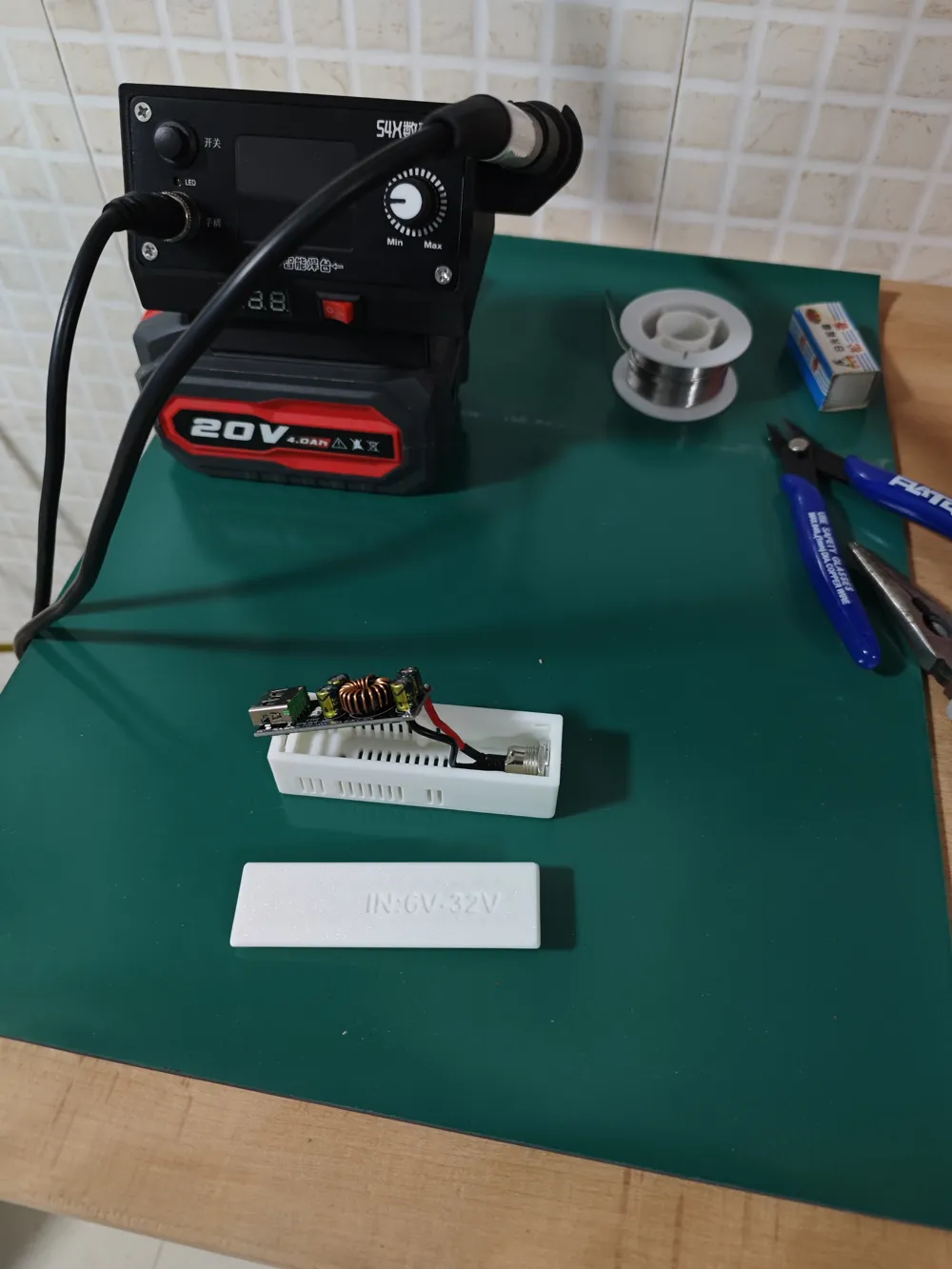
2. Solder the power cord to the SW3518 module, paying attention to the direction of the wires.
3. Insert the SW3518 module into the enclosure, adjust the position of the excess power cord, making sure it does not press against the lid.
4. Test the module's functionality, then snap on the lid (the lid uses a snap-fit design, and it's difficult to remove once attached). Ensure that the pressure pins on the lid are positioned over the empty space on the SW3518 module.
License

You shall not share, sub-license, sell, rent, host, transfer, or distribute in any way the digital or 3D printed versions of this object, nor any other derivative work of this object in its digital or physical format (including - but not limited to - remixes of this object, and hosting on other digital platforms). The objects may not be used without permission in any way whatsoever in which you charge money, or collect fees.


Comment & Rating (1)