Search models, users, collections, and posts

H2D Dual-Lock Dial Indicator (0.001mm) Fixture (Universal 8mm Socket)
IP Report
Print Profile(1)

0.2mm layer, 2 walls, 15% infill
Designer
57 min
1 plate
Open in Bambu Studio
Boost
1
3
0
0
8
4
Released
Description
Content has been automatically translated.
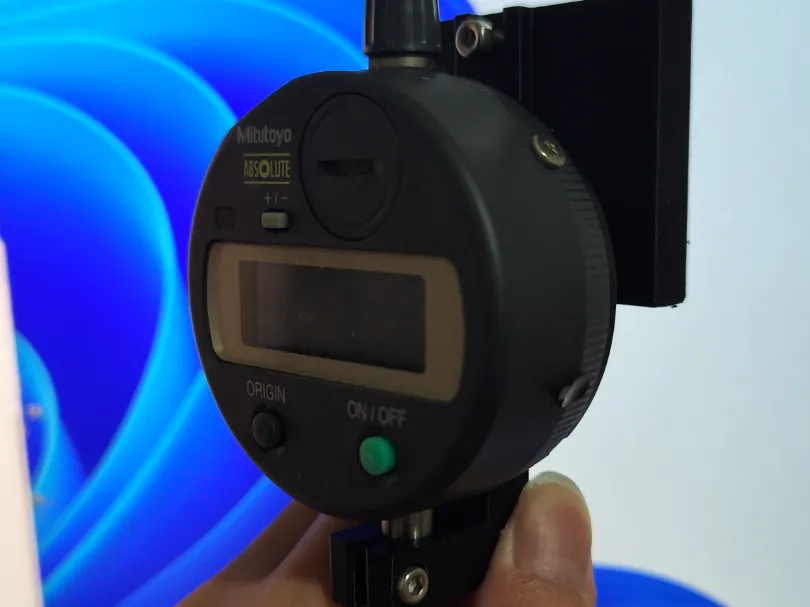
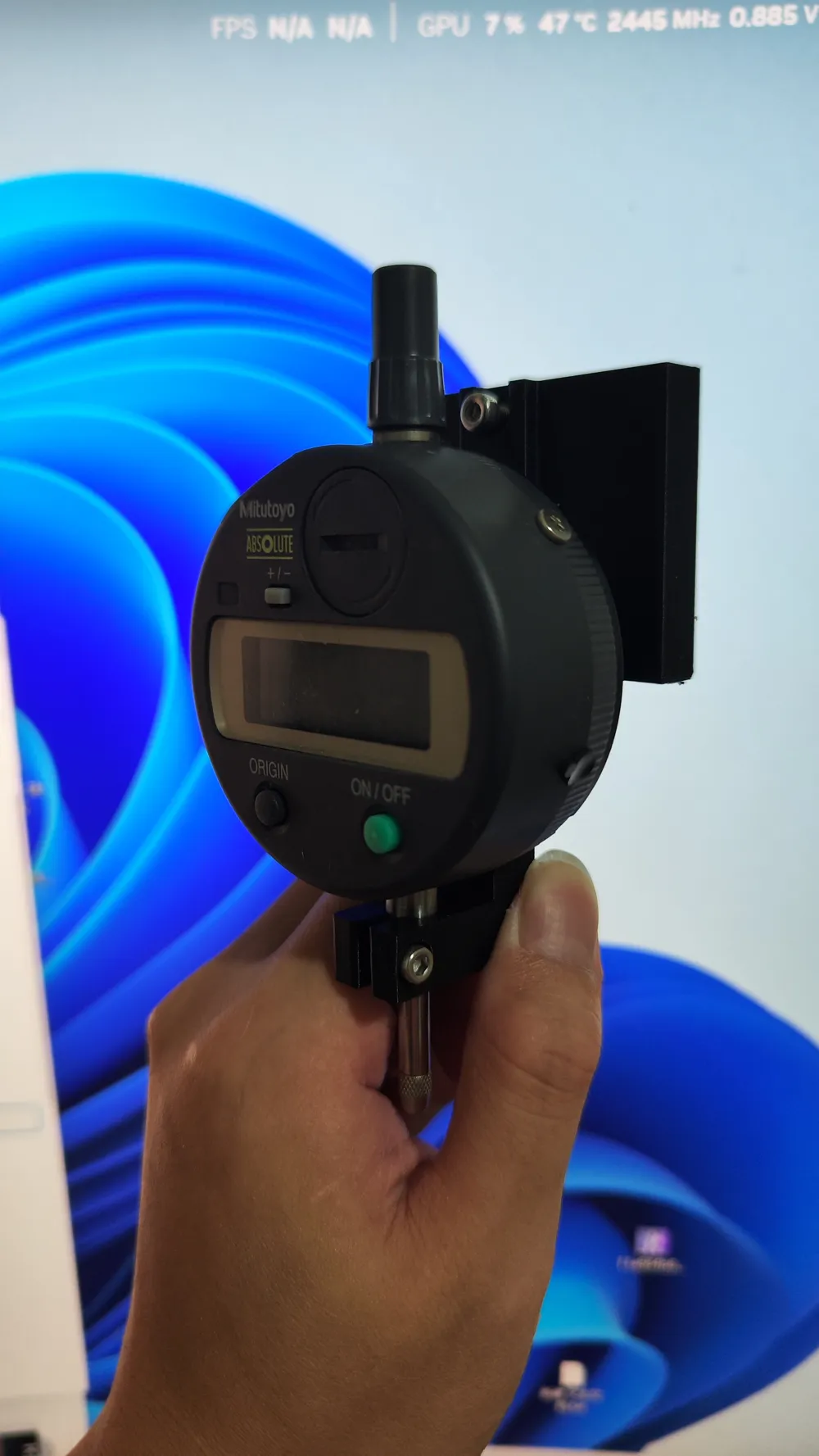
First, install the fixture, tighten the upper M3 screws, install the dial indicator, power off the printer, and manually level it (see the Bambu Lab technical manual for leveling instructions).
All M3 screws are used; M3*12 pan head screws for the upper part and M3*8 pan head screws for the lower part.
License

This user content is licensed under a Standard Digital File License.
You shall not share, sub-license, sell, rent, host, transfer, or distribute in any way the digital or 3D printed versions of this object, nor any other derivative work of this object in its digital or physical format (including - but not limited to - remixes of this object, and hosting on other digital platforms). The objects may not be used without permission in any way whatsoever in which you charge money, or collect fees.


Comment & Rating (0)