
Money-guzzling dinosaur
Print Profile(1)

Bill of Materials


Description
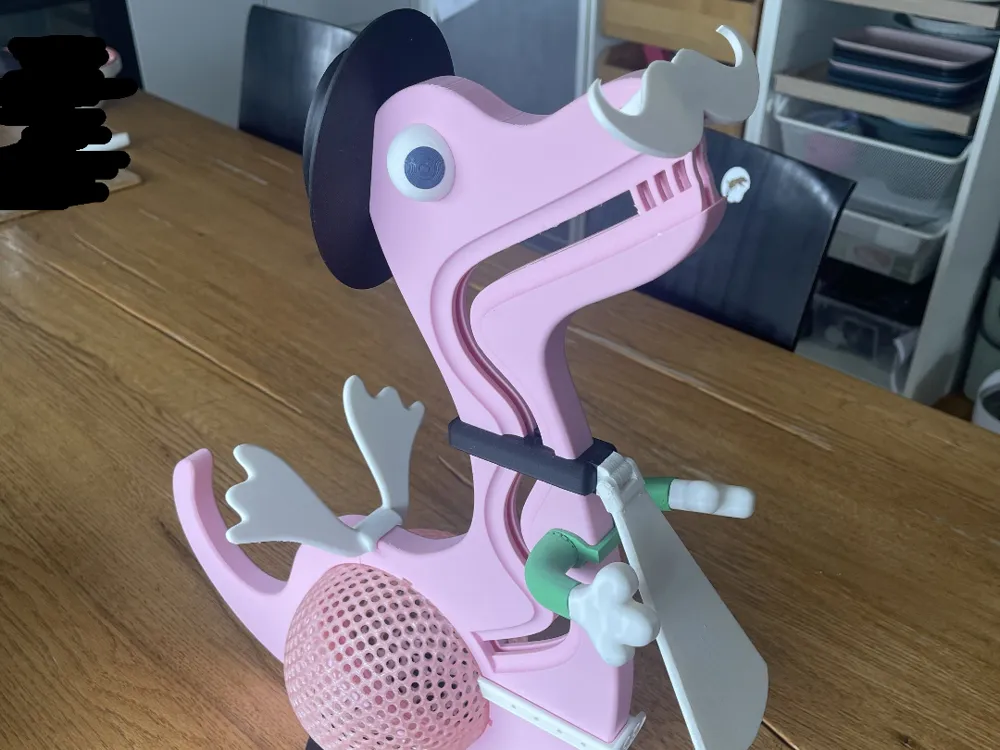
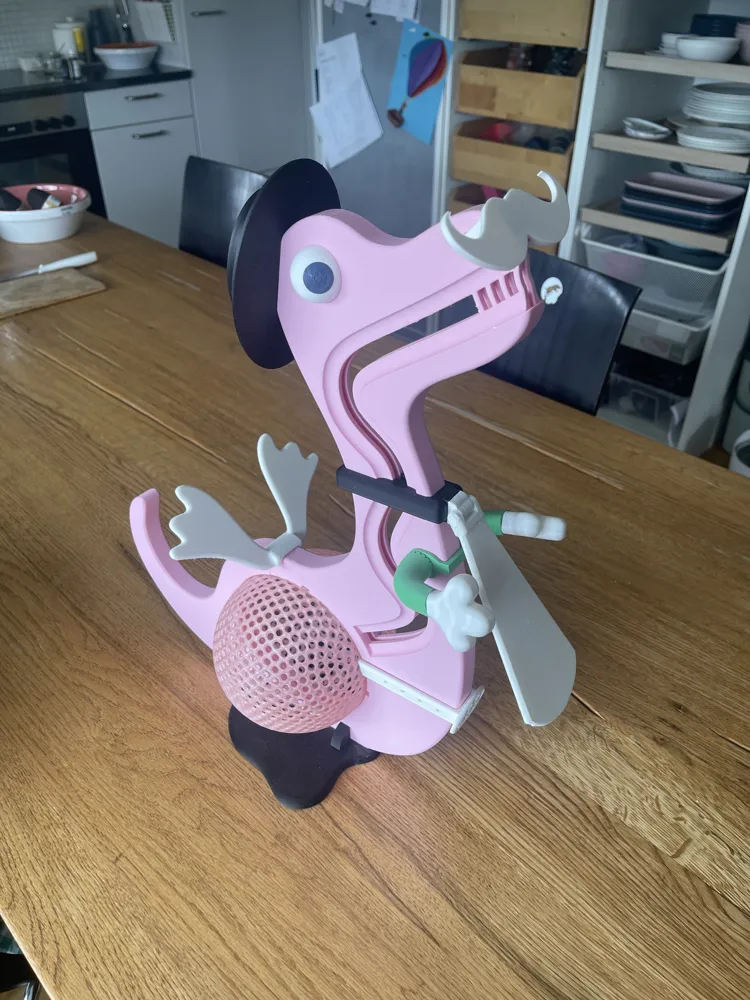
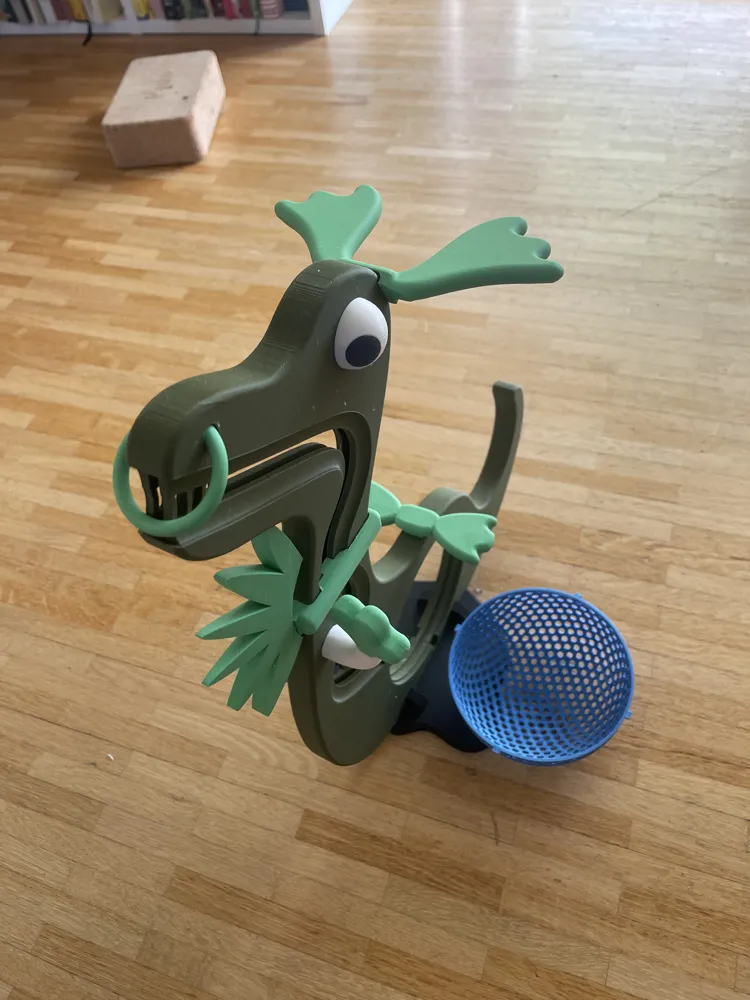
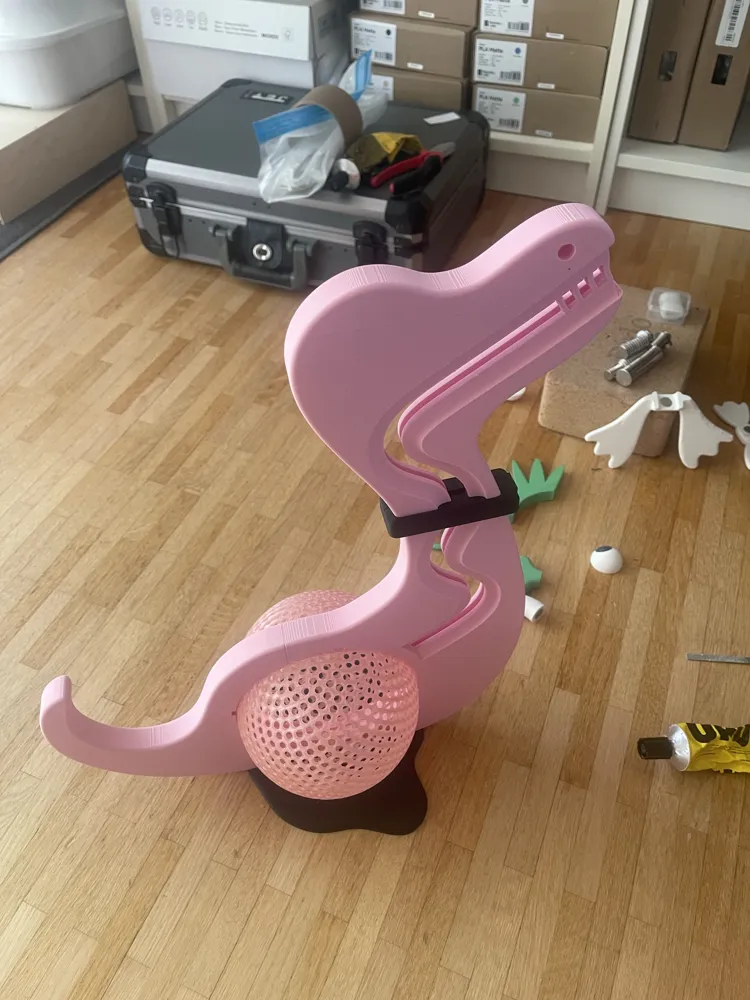
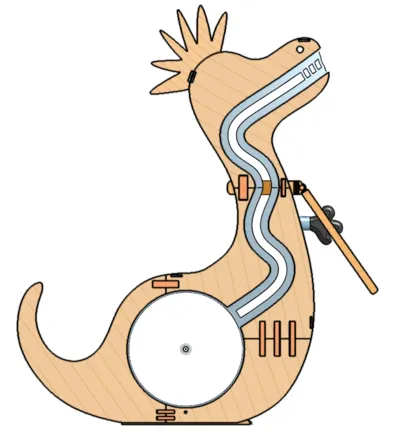
This is a blend of a piggy bank, Mr. Potato Head, and decoration. Insert a coin and watch it roll into its belly…
I envision this dinosaur as a gift for children. Or in a children's restaurant for tips. Or for a promotional campaign of a business. Or or or.
https://youtube.com/shorts/Ad3tmgWs4sg
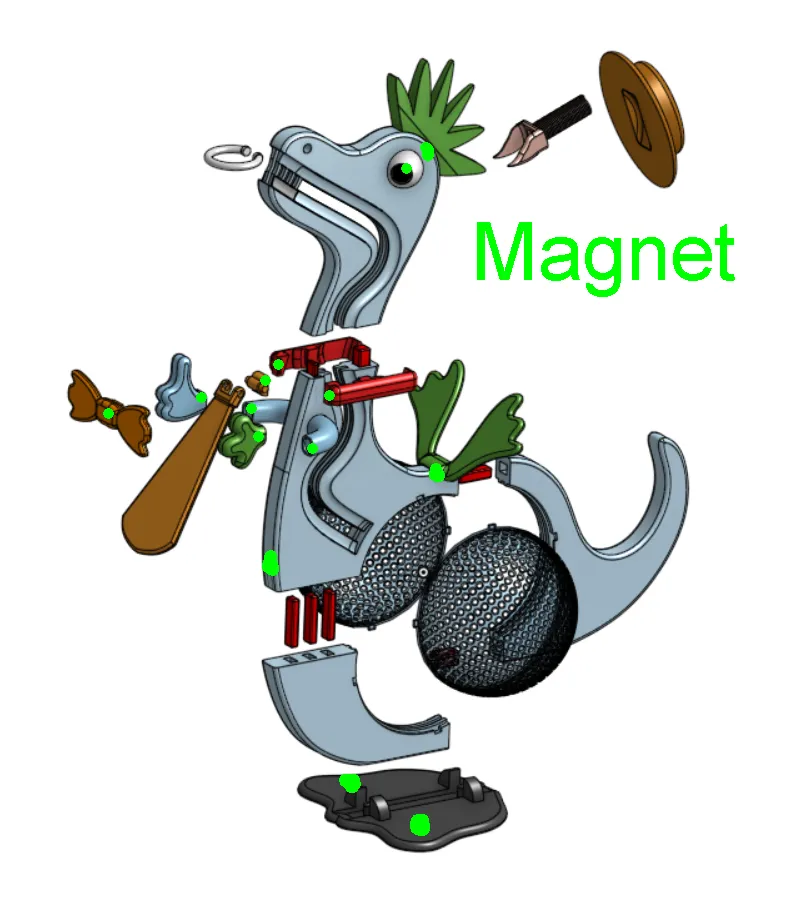
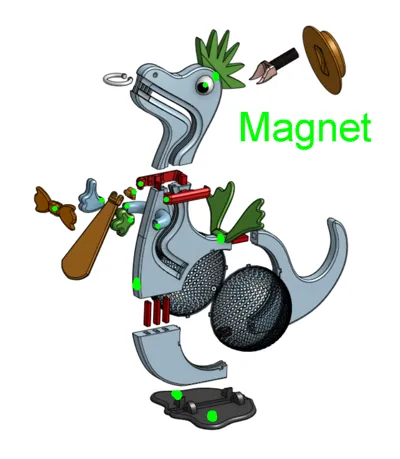
Magnets are incorporated! Absolutely ensure you consider the orientation when installing the magnets! Especially if you want to exchange parts. Don't want the parts repelling each other!
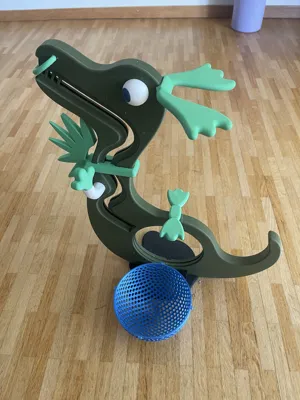
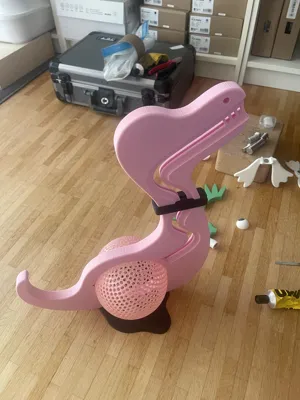
The dinosaur's dimensions are tailored to my A1 mini. Upon completion, it measures approximately 45 cm high, 16 cm wide, and 35 cm long.
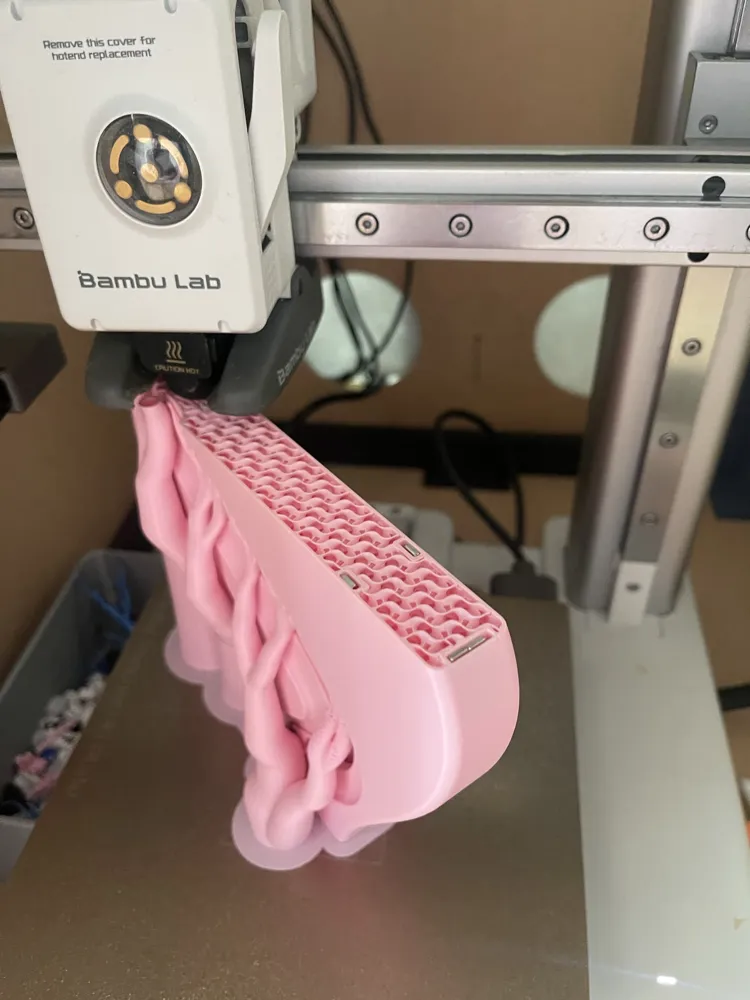
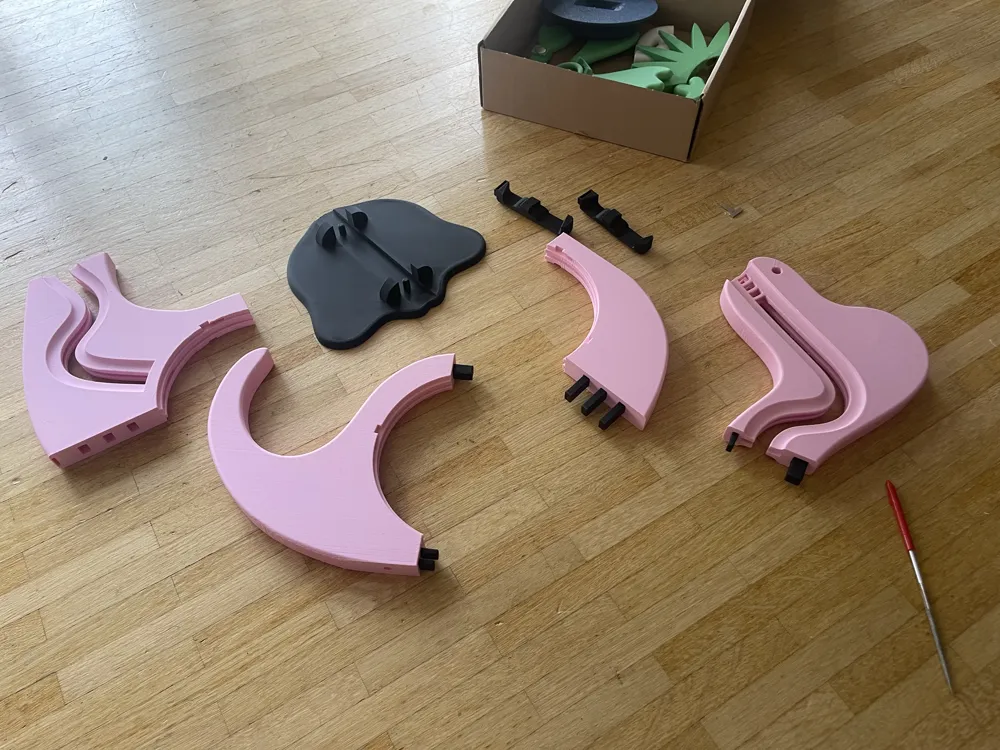
Assemble the dinosaur initially without glue to understand where each pin goes. Some magnets are embedded within the body; others are simply glued on at the end. The head has a built-in pause in the print. You must insert the magnets then continue printing.
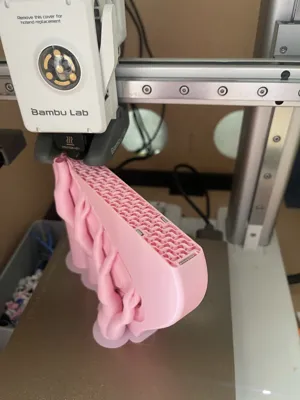
You may need to print the plate containing the belly, neck, and tail at half speed. Depending on your calibration…
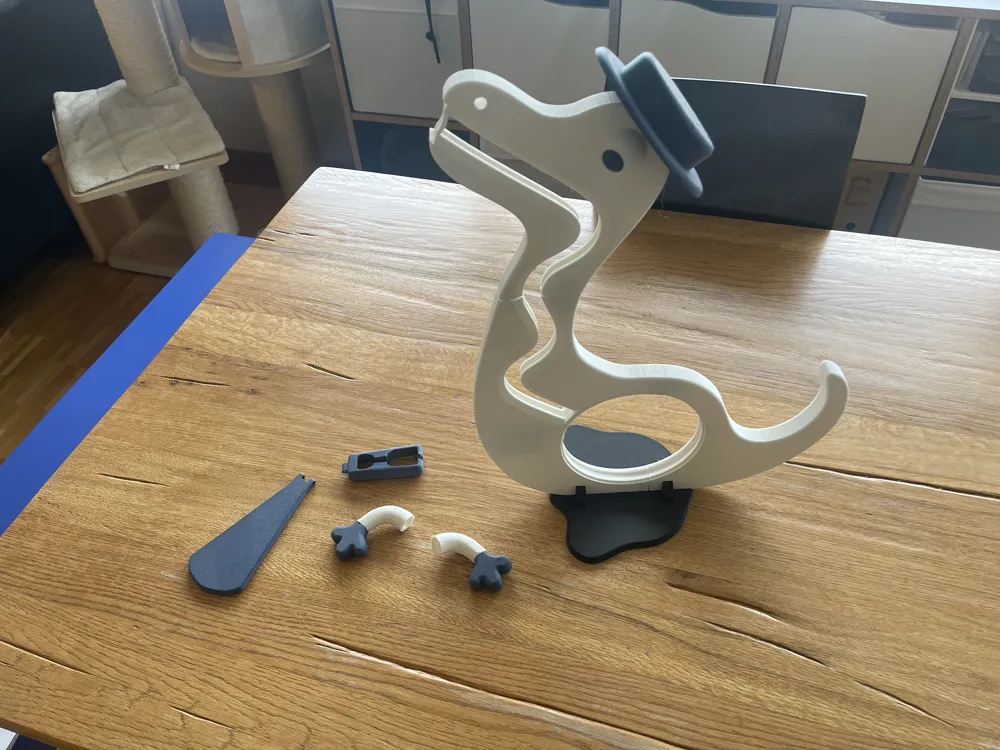
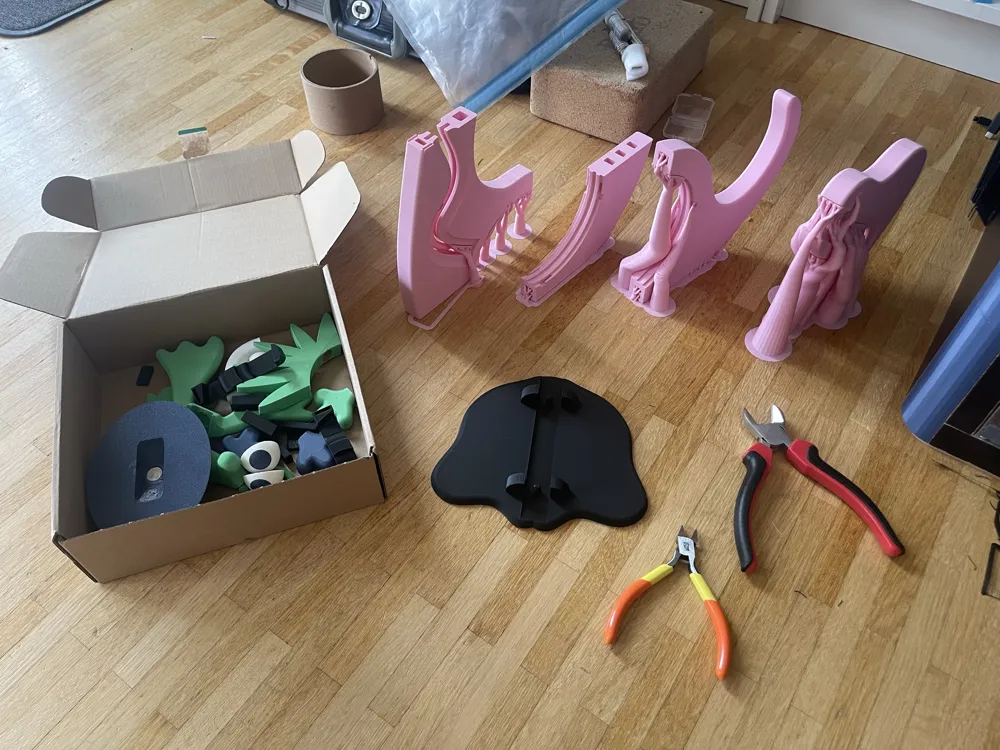
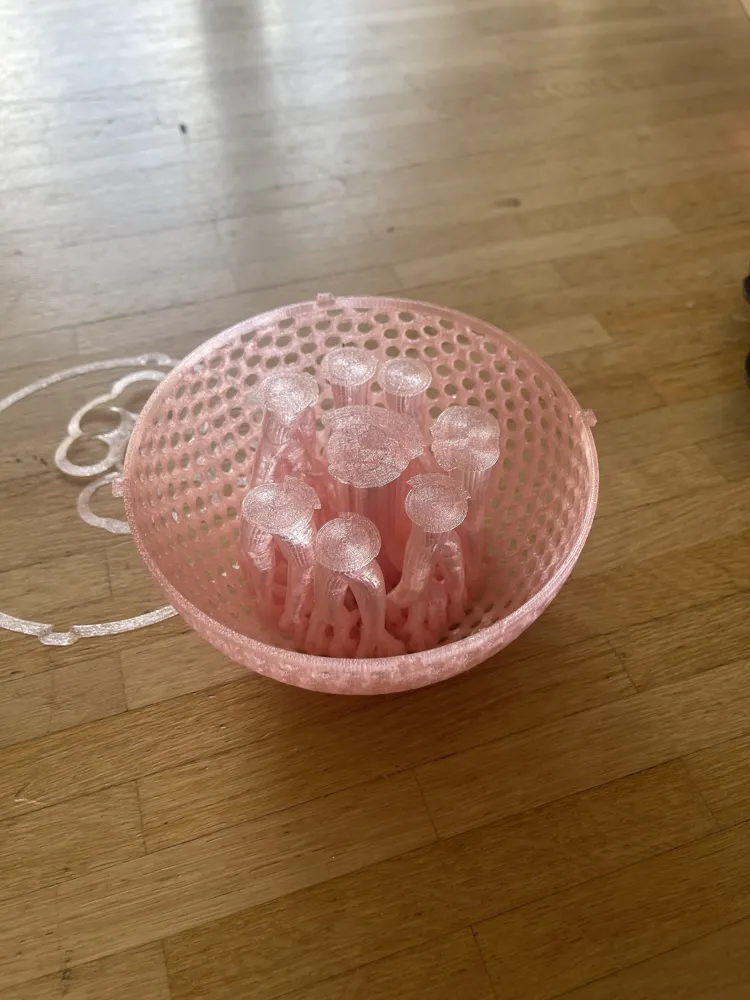
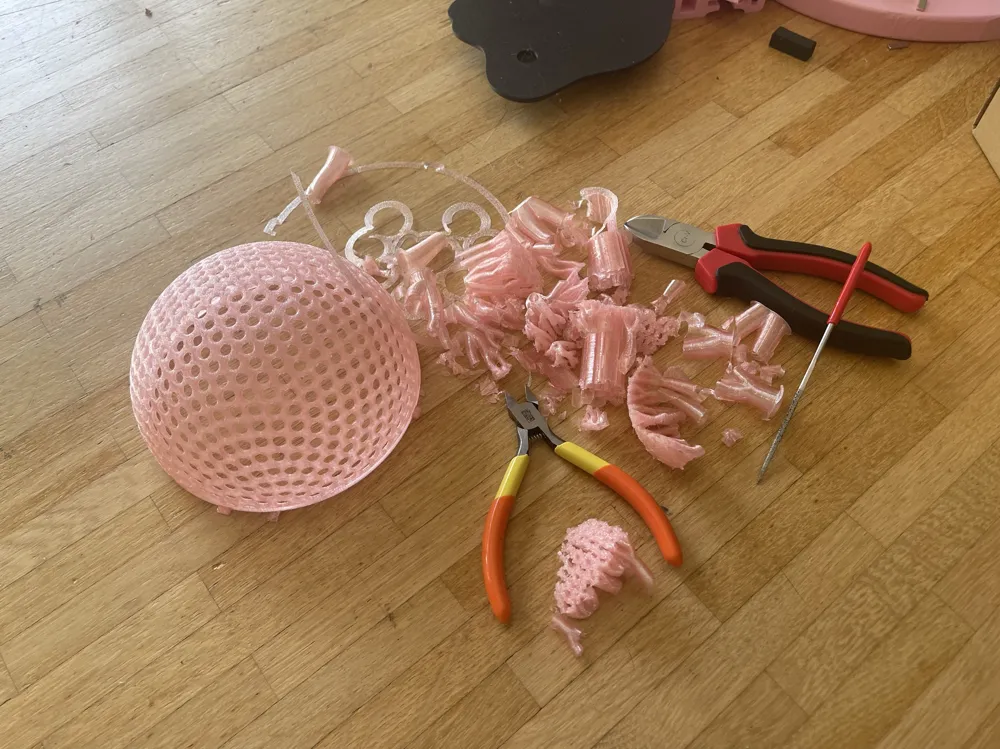
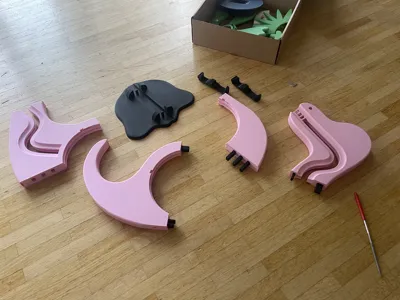
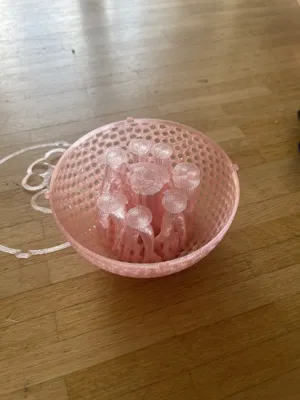
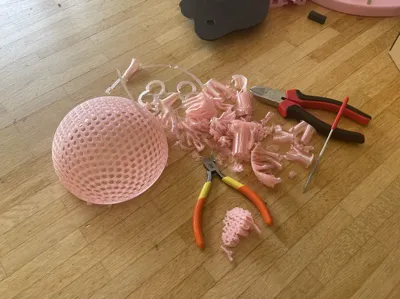
First, attach the belly, then the neck, and finally the tail. Then, place it on the feet. Attach the head last! Then especially glue on the necklace. This is the foundation! After that, consider which gadget you want to add. You need to print the sphere half twice. I used PETG Translucent for this. One half has an additional opening for banknotes.
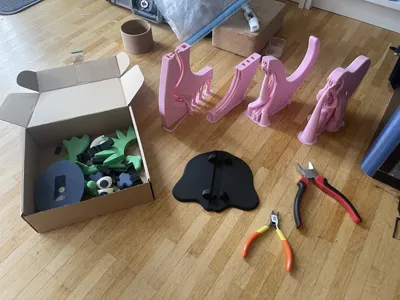
Here are the step-by-step instructions. Apply glue to all joints and pins!
The belly with the 5 pins. No magnets!
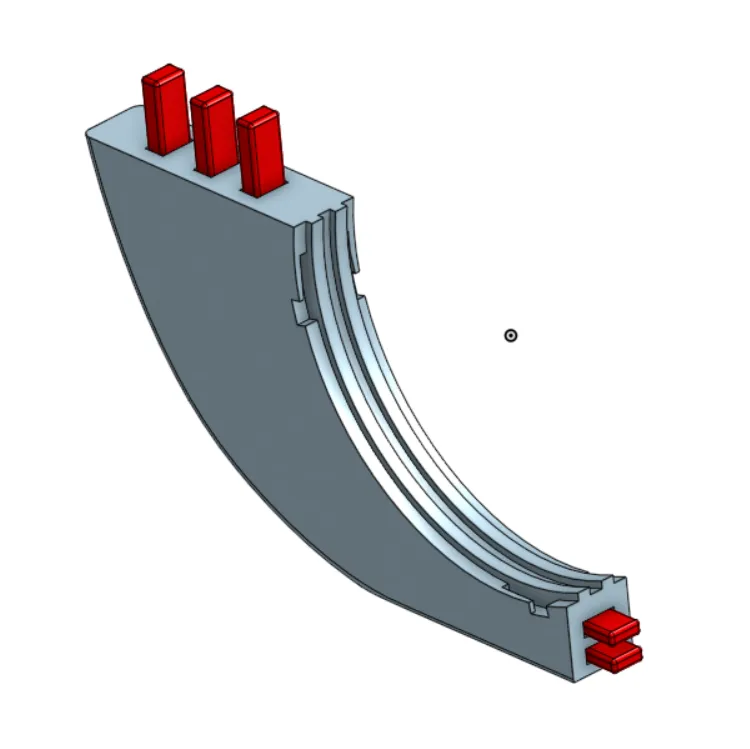
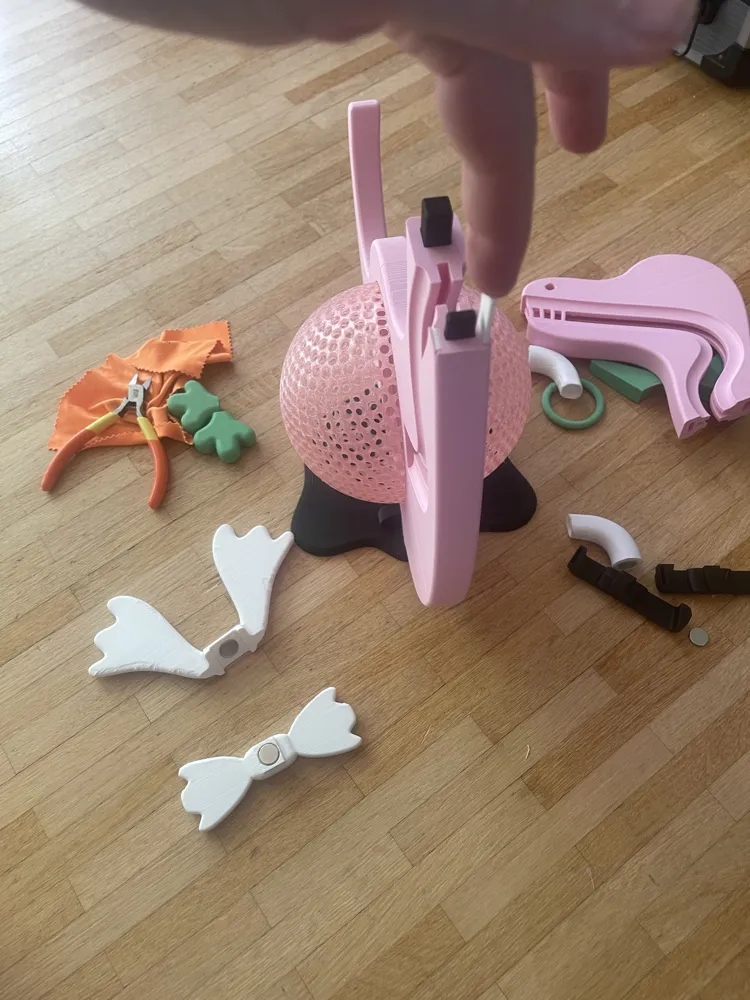
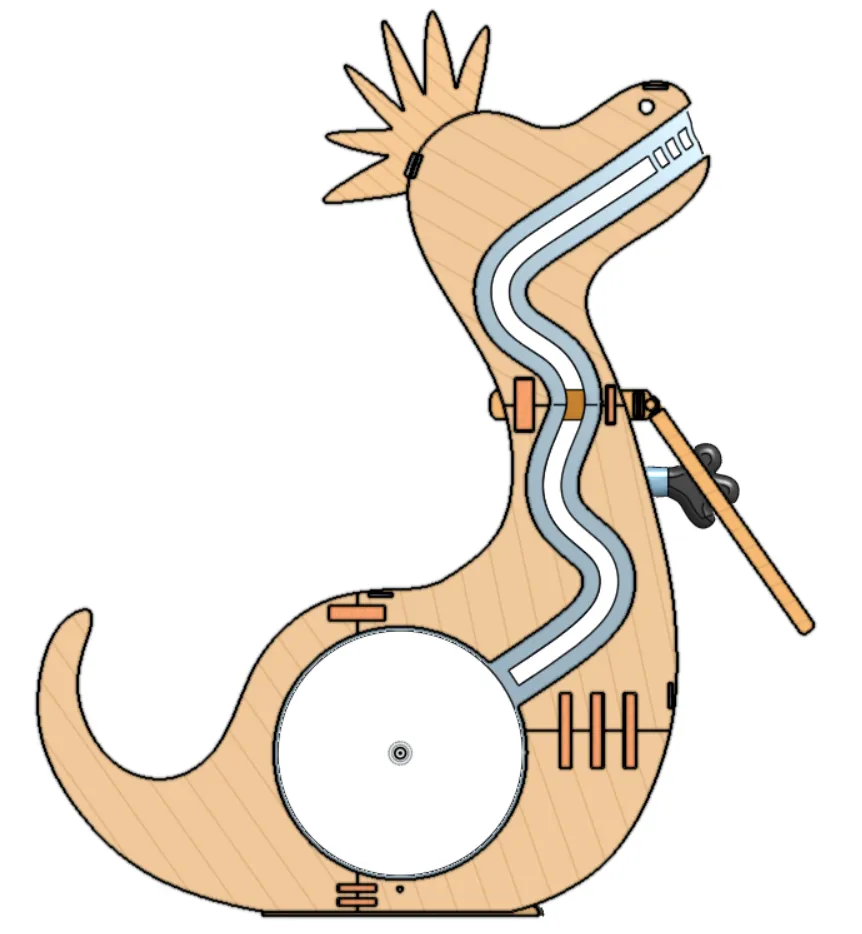
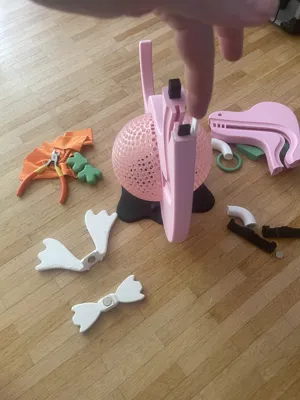
Attach the neck. Insert 2 rectangular magnets onto the underside of the neck. 2 rectangular magnets on the back. Let 2 rectangular magnets fall into the top of each side of the body. They must remain side-by-side! Do not stack vertically! They must be positioned vertically next to each other! This may require several attempts; refer to the video above. Afterwards, you can insert the thin rectangle from plate 1. 3 pins for this.
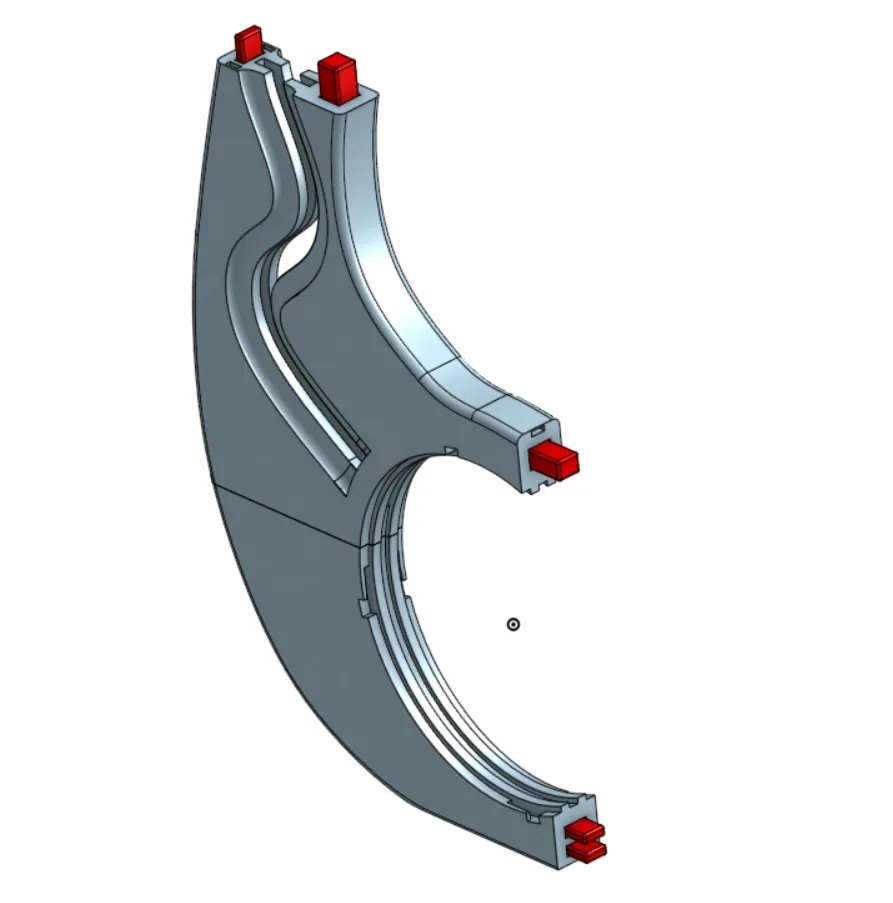
Insert the tail. No magnets.
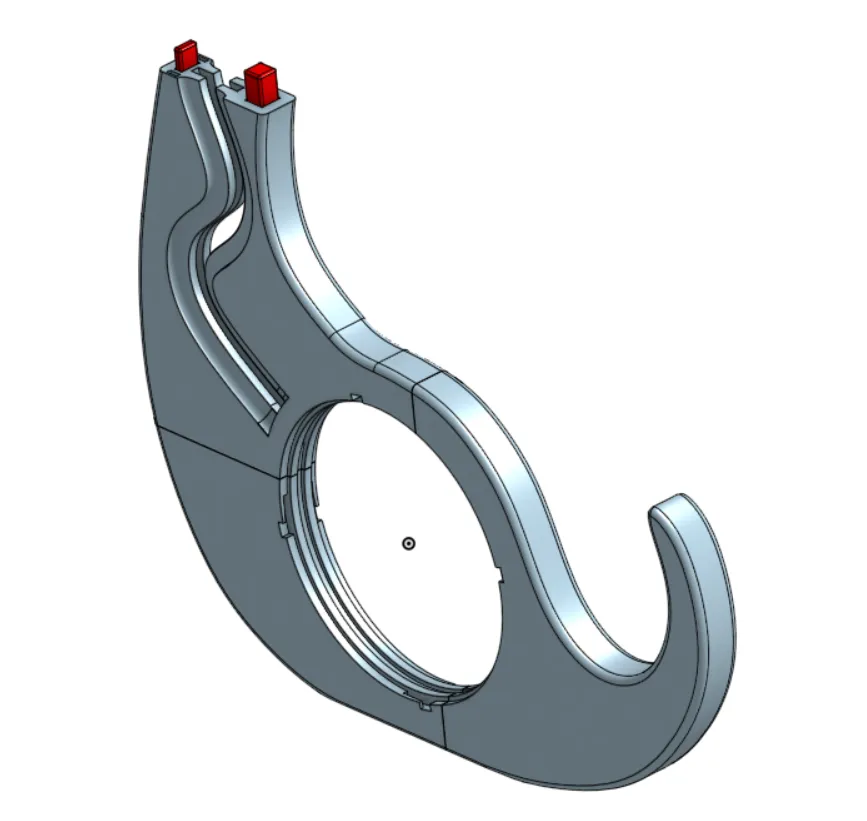
Now attach the feet. You could add 2 magnets to the underside. However, I haven't created a gadget for this yet. I'm thinking of toes, shoes, claws, or something similar.
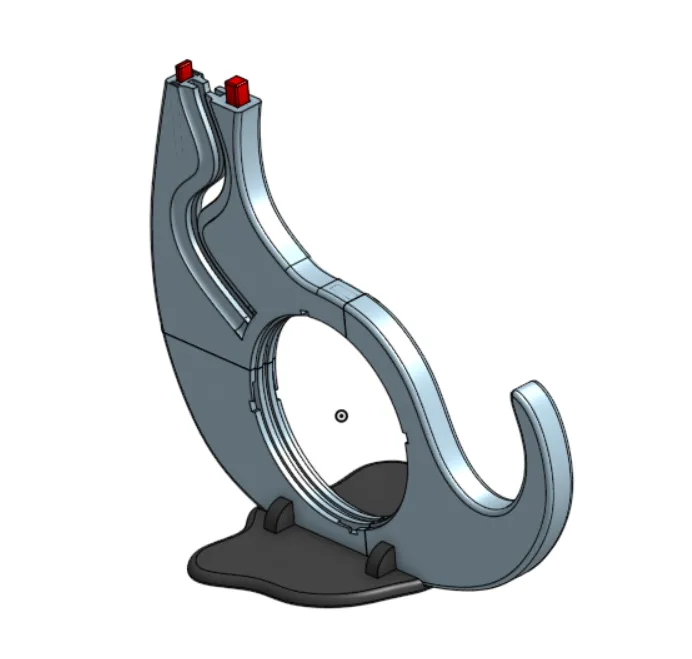
Attach the head. During printing, there is a pause at approximately 5 hours and 40 minutes so that you can insert the magnets. At the back of the head, you must insert 2 rectangular magnets vertically. So that it holds better afterwards. Only one magnet per eye.
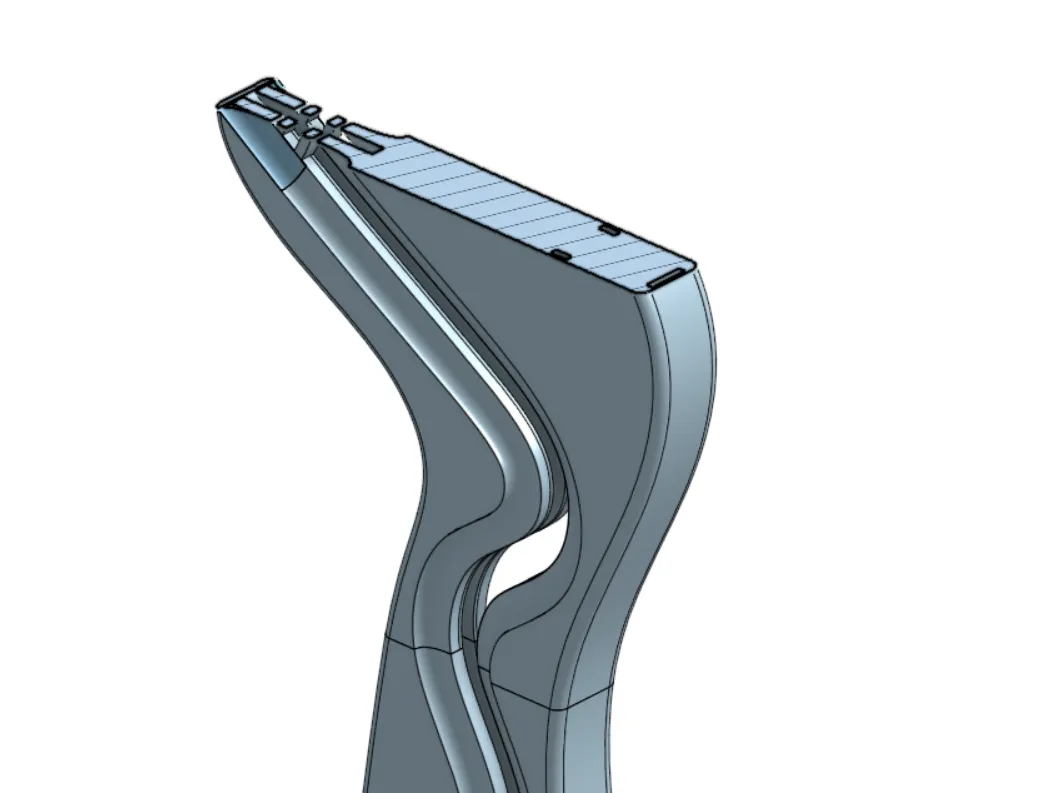
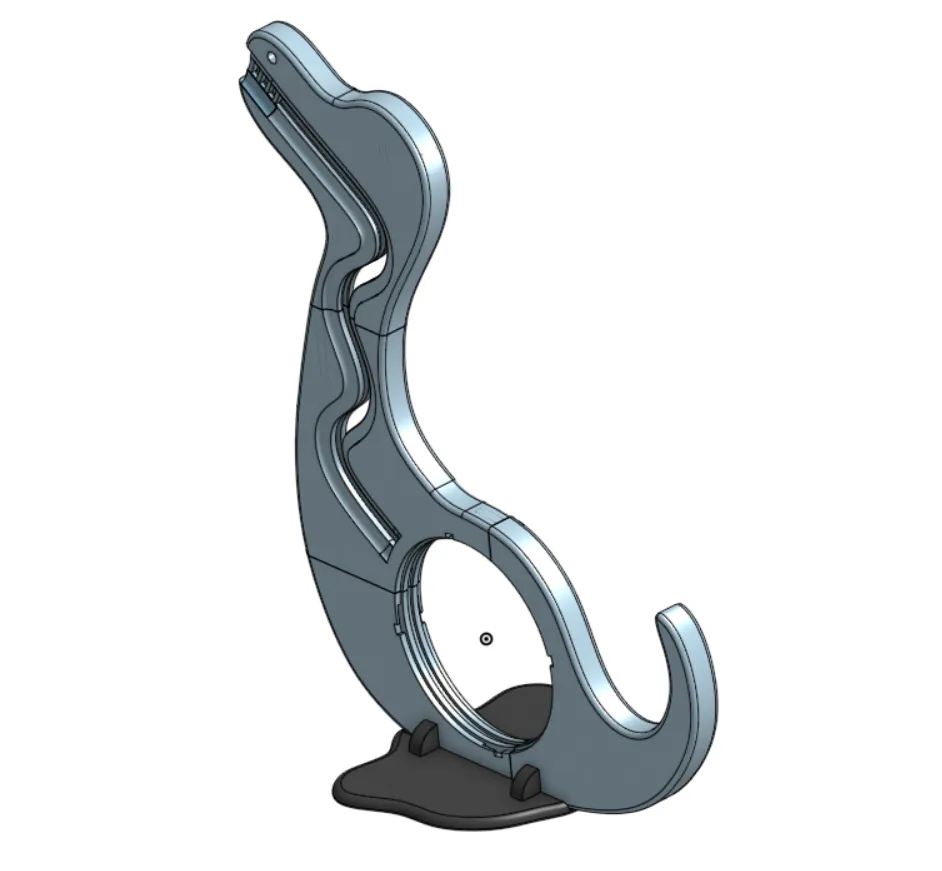
Then hold one side of the necklace over the joint, insert a round magnet in the front, and glue on the second half of the necklace. Press firmly!
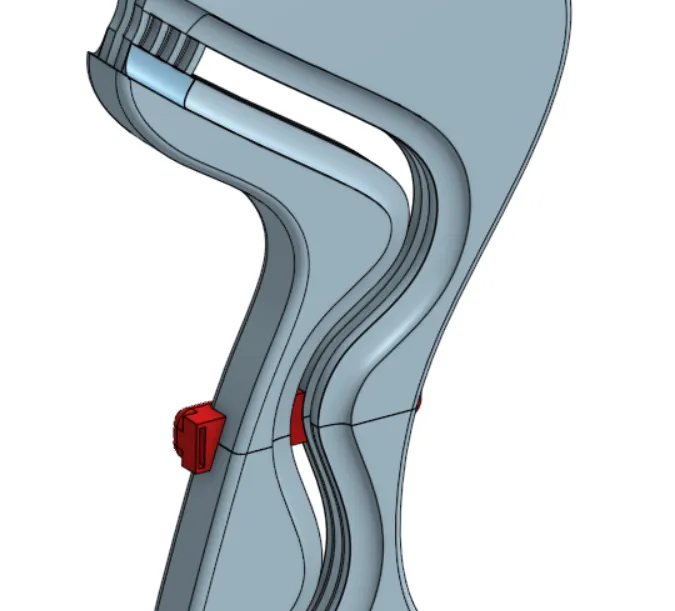
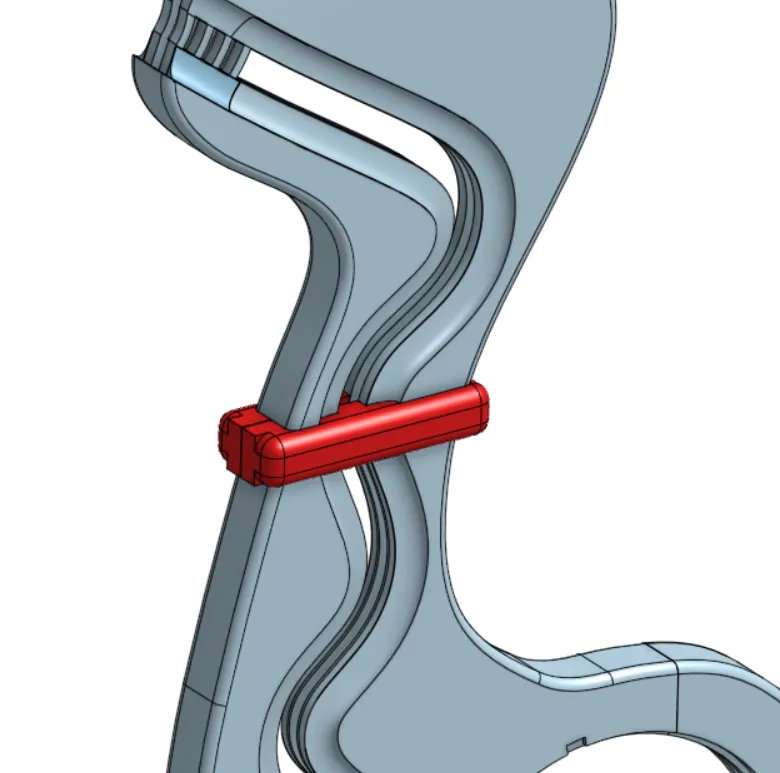
And screw on the remaining belly halves.
And thus you have the basic framework of the dinosaur. For the arms, hands, and other parts, it's self-explanatory where a magnet needs to be glued. In the dinosaur's body, I had to use rectangular magnets to prevent an arm from rotating downwards due to its weight.
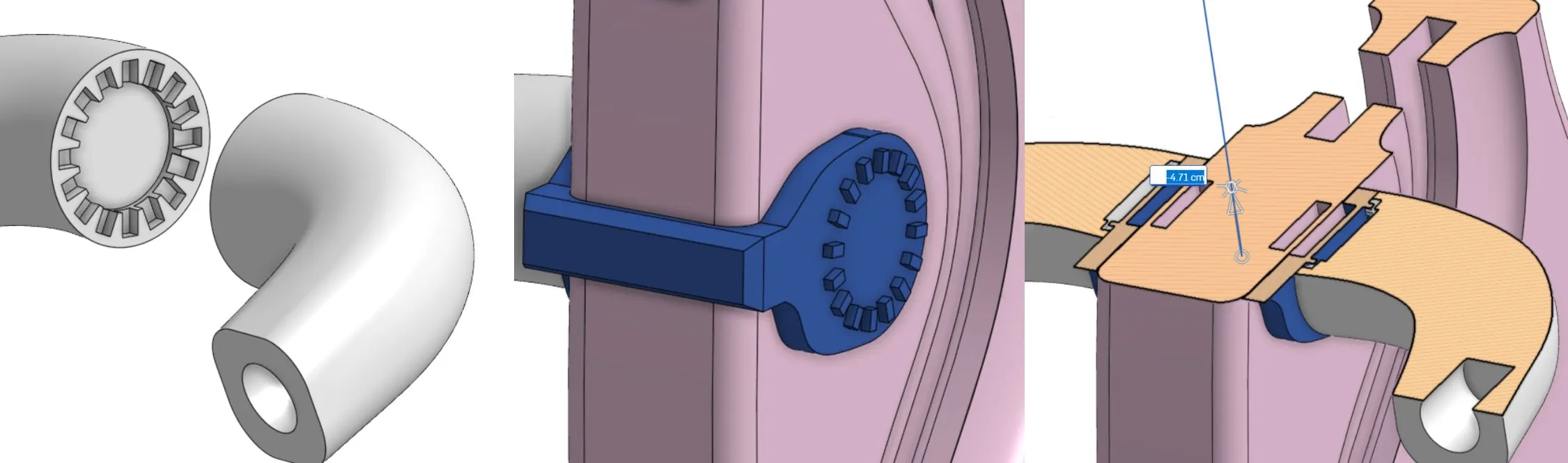
Unfortunately, the arms kept rotating downwards, regardless of my design. Therefore, I had to incorporate arm supports. This means there's a magnet in the body, then a magnet in the arm support, and a magnet in the arm. It has a kind of ratchet mechanism, allowing you to lock the arm into 16 different positions.
Boost Me (for free)
Elliot loves to get boosted! Me too...
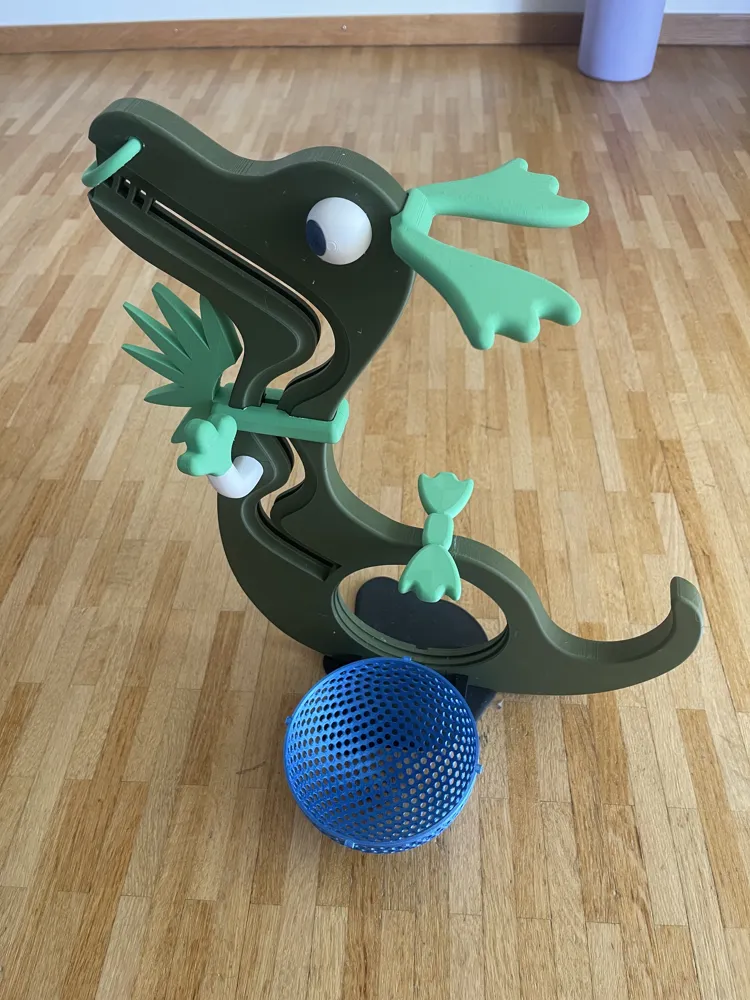
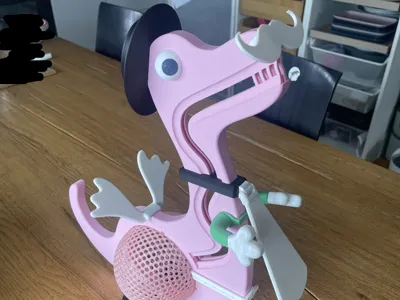
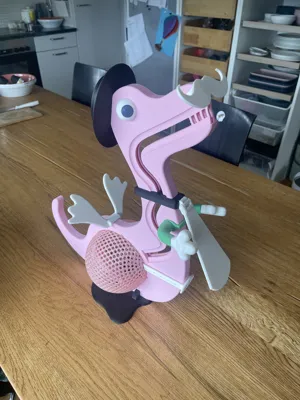
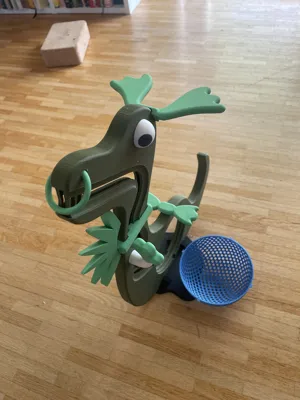
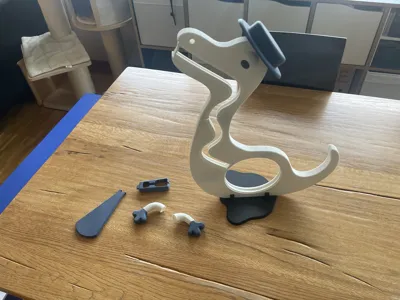
Afterwards, you can place the wings on the head, use the arms as eyes, etc. Design fun things. See photos.
https://youtube.com/shorts/mVX1yXUm4eM
Swap the fly for a tie. The mohawk for a hat. Rotate the eyes or arms. With or without wings.
Feel free to design your own accessories and publish them as a print profile. Other headwear? Other wings? Other hands? Mustache? Glasses? Necklace? Saddle? Belly bag? Shoes?
Play with colors! Paint it.
You will need a pack of round magnets 12 x 2 mm, a pack of rectangular magnets 12 x 5 x 2 mm, and glue. I have linked rectangular magnets with 10 x 2 in the Bambu Store because 12 x 2 are unavailable. They are simply a little smaller.
The maximum coin diameter corresponds to the 2 franc coin of Switzerland. You must test how small the coin can be.
Larger coins taste better anyway and are therefore more beloved by children. ;-)
Banknotes also fit inside. Directly into the belly! The same goes for the 5-franc Swiss coin.
| Diameter | Thickness | |
| 2 Franc | 27.4 mm | 2.15 mm |
| 2 Euro | 25.75 mm | 2.2 mm |
| 1 Dollar | 26.5 mm | 2.0 mm |
Have fun printing and assembling!
Please provide me with feedback!! And photos
Also check out my other models: Fanki The Printer
Boost Me (for free)
I would appreciate it...
License

You shall not share, sub-license, sell, rent, host, transfer, or distribute in any way the digital or 3D printed versions of this object, nor any other derivative work of this object in its digital or physical format (including - but not limited to - remixes of this object, and hosting on other digital platforms). The objects may not be used without permission in any way whatsoever in which you charge money, or collect fees.


Comment & Rating (1)