
Fully Parametric Server/Network Device Rack Mount
Print Profile(1)

Description
______________________________________________________________________________________________
EDIT 5/28/2026
- Fixed the issue where there was a small gap between the device shelf/gussets and the front panel, creating a failure point
- Added multi device support! (up to 4 devices side-by-side)
- Added keystone jack support (up to 4 keystone cutouts per side – left and right of the device cutouts)
______________________________________________________________________________________________
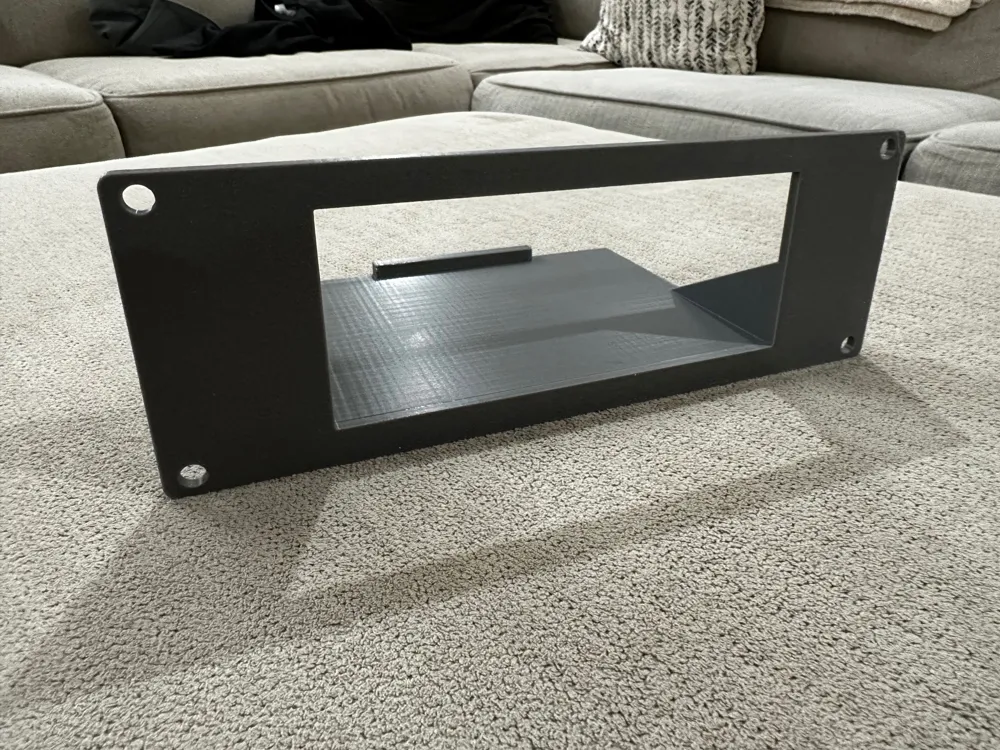
Parametric 19" Rack Mount Panel with Device Shelves & Keystone Holes
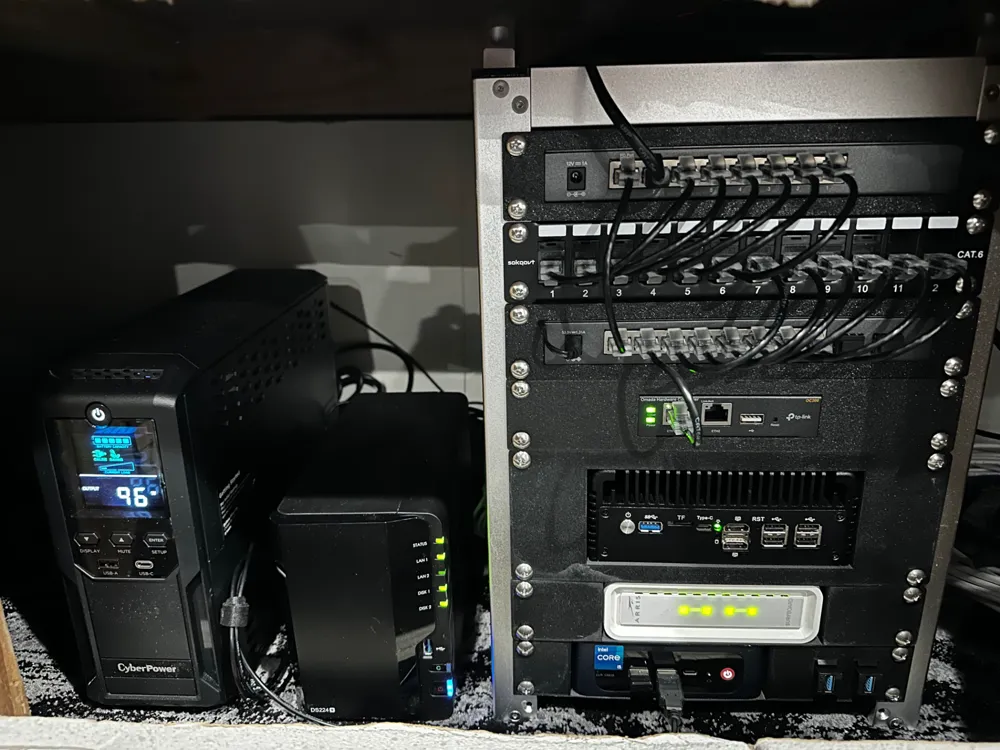
A fully parametric rack panel for mounting equipment and keystone jacks in a mini 10-inch or standard 19-inch server rack. Everything is configured through the MakerWorld Customizer — no CAD software needed. Print one panel to fit your exact gear.
What makes this different
Most rack panel models are static — one fixed cutout, one fixed size. This one lets you dial in up to four device openings and up to eight keystone jacks, each positioned and sized exactly how you need them. Change the number of devices and the spacing recalculates automatically. Add keystones and they fall neatly to the sides. Every cutout stays clear of the mounting rail area.
What you can configure
Panel
- Rack height: 1U through 8U
- Panel width and thickness
- Rail margin — keeps all cutouts safely clear of the screw rails
Devices (up to 4)
Set num_devices to 1, 2, 3, or 4. Each active slot gets its own:
- Cutout width and height
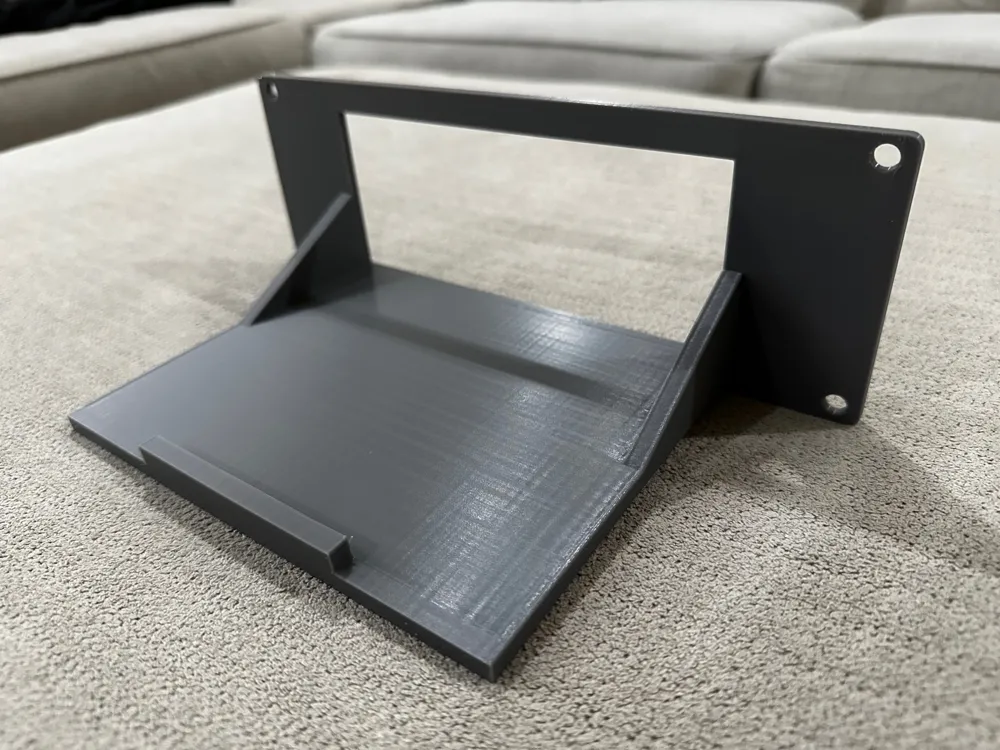
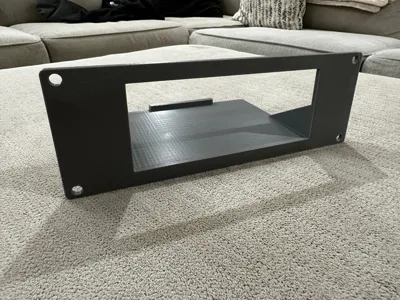
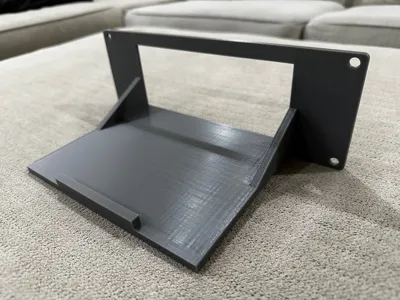
- Support shelf (depth adjustable to match your device)
- Rear stop lip
- Triangular side gussets
- Optional top retaining shelf
All device openings are automatically distributed with equal spacing across the usable panel width.
Keystone Jacks (up to 4 per side)
Set num_keystones_left and num_keystones_right independently. Keystones always appear outside the device openings and are always vertically centred on the panel. Each hole includes a back-face relief pocket sized so the plastic snap clip can travel and latch — even on a thick printed panel.
Print settings
| Setting | Recommendation |
|---|---|
| Material | PLA, PETG, ABS, ASA |
| Layer height | 0.2 mm |
| Infill | 15% Gyroid |
| Supports | Tree (auto) |
| Wall Loops | 3-4 |
| Orientation | Panel face down |
The default panel thickness is ~3.5 mm (0.1378 in), which balances rigidity with keystone clip clearance. If you adjust the thickness, update keystone_recess_depth to match.
Compatibility
- 10-inch server racks like GeeekPi
- Standard 19-inch EIA rack (10-32 or M6 mounting holes; diameter is configurable)
- TIA-568 keystone jacks (Ethernet, USB, HDMI, audio, fiber, etc.)
- All major slicers via STL export from OpenSCAD or direct MakerWorld Customizer
Example configurations
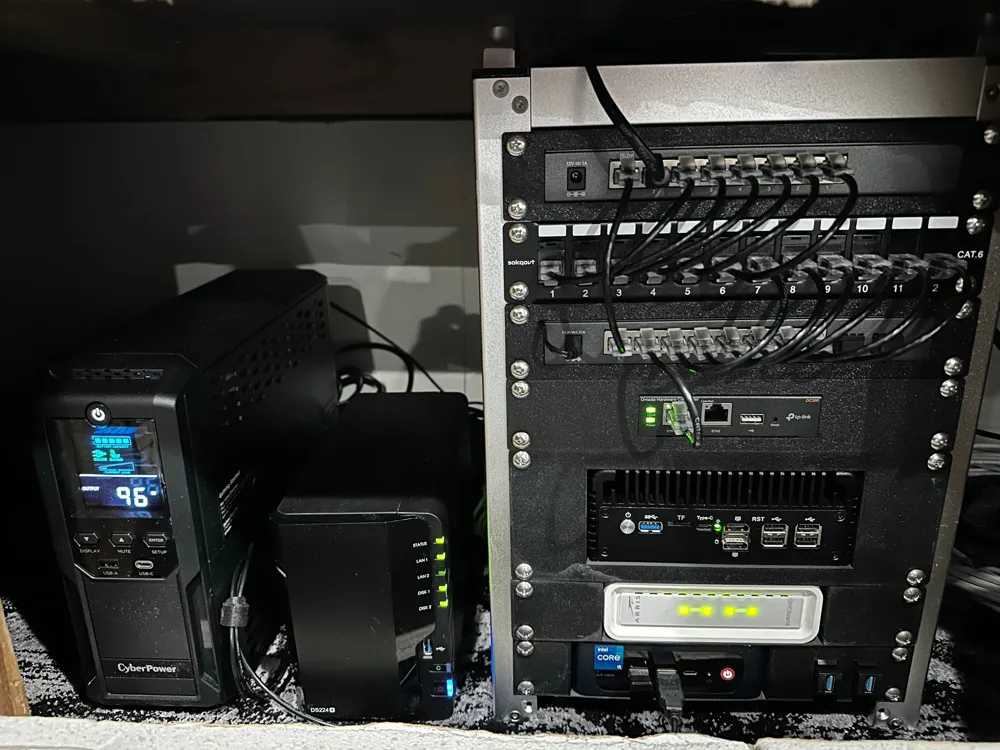
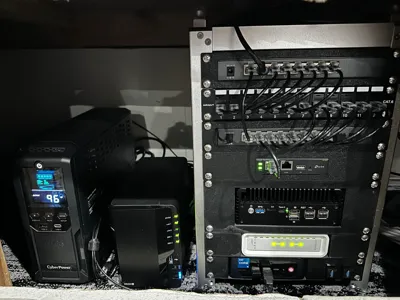
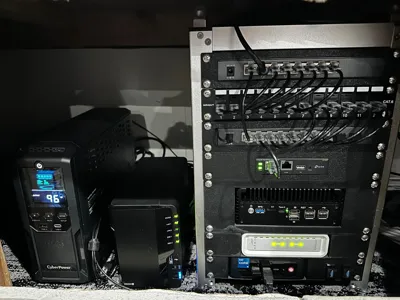
Single-device panel — one NUC or small appliance centred in a 2U panel with a shelf and gussets holding it in place.
Patch panel — zero devices, four keystones per side, for a clean eight-port keystone row in a 1U panel.
Mixed panel — two devices side by side with two keystones on the right for pass-through connections without extra rack space.
License

You shall not share, sub-license, sell, rent, host, transfer, or distribute in any way the digital or 3D printed versions of this object, nor any other derivative work of this object in its digital or physical format (including - but not limited to - remixes of this object, and hosting on other digital platforms). The objects may not be used without permission in any way whatsoever in which you charge money, or collect fees.


Comment & Rating (15)