


Search models, users, collections, and posts

Keyboard Wrist Rest - Wood Style

IP Report

Print Profile(2)

All
P1S
P1P
H2D
X1E
X1 Carbon
X1
A1
H2D Pro
H2S
P2S
H2C
X2D
A2L

Solid Style
Solid Style
Designer
6.5 h
1 plate
5.0(21)

Wood Style
Wood Style
Designer
15.4 h
1 plate
5.0(4)

Open in Bambu Studio
Boost
567
1398
59
42
1.2 k
393
Released 

Bill of Materials

Bambu Filaments
Select all
Matte Dark Chocolate (11802) / Refill / 1kg
Black (10101) / Refill / 1kg
Dark Gray (10105) / Refill / 1kg

Description

Keyboard Wrist Rest - Wood Style
Boost Me (for free)

to support future, better projects

Membership

Check out how to be part of my world! Every bit of support is a huge boost to my motivation, helping me design even better models

Join

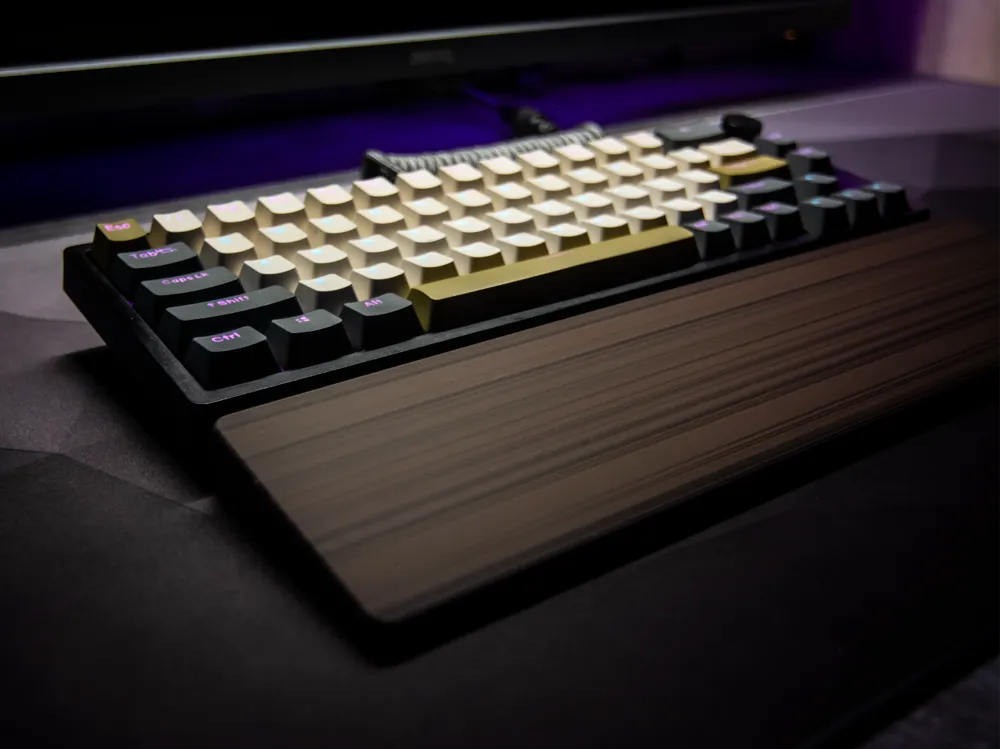
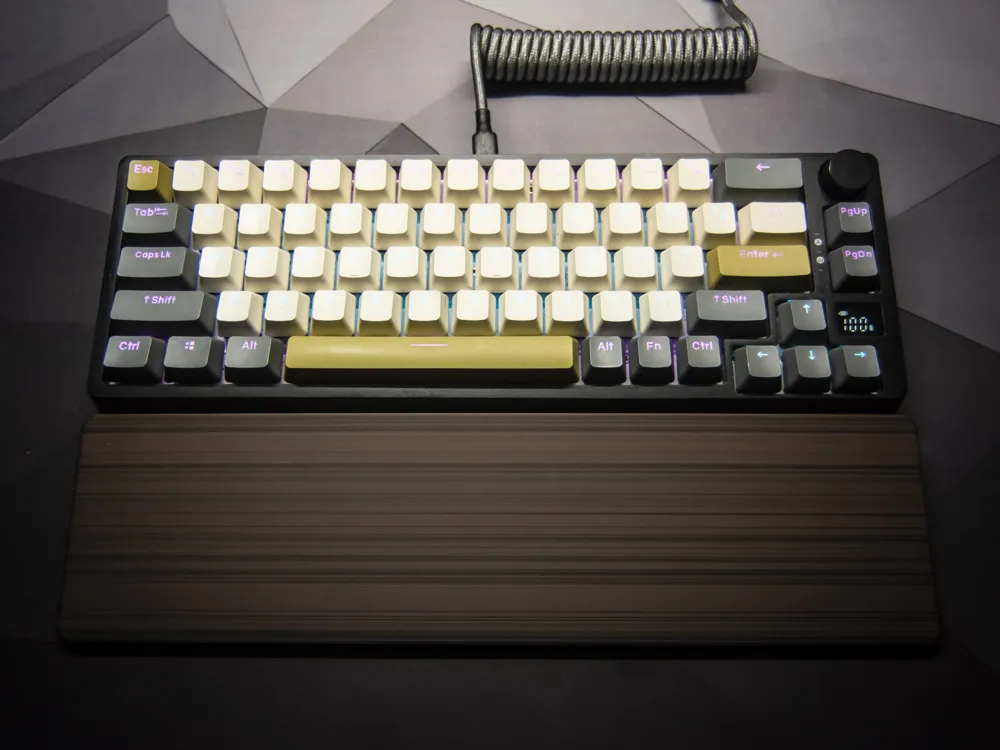
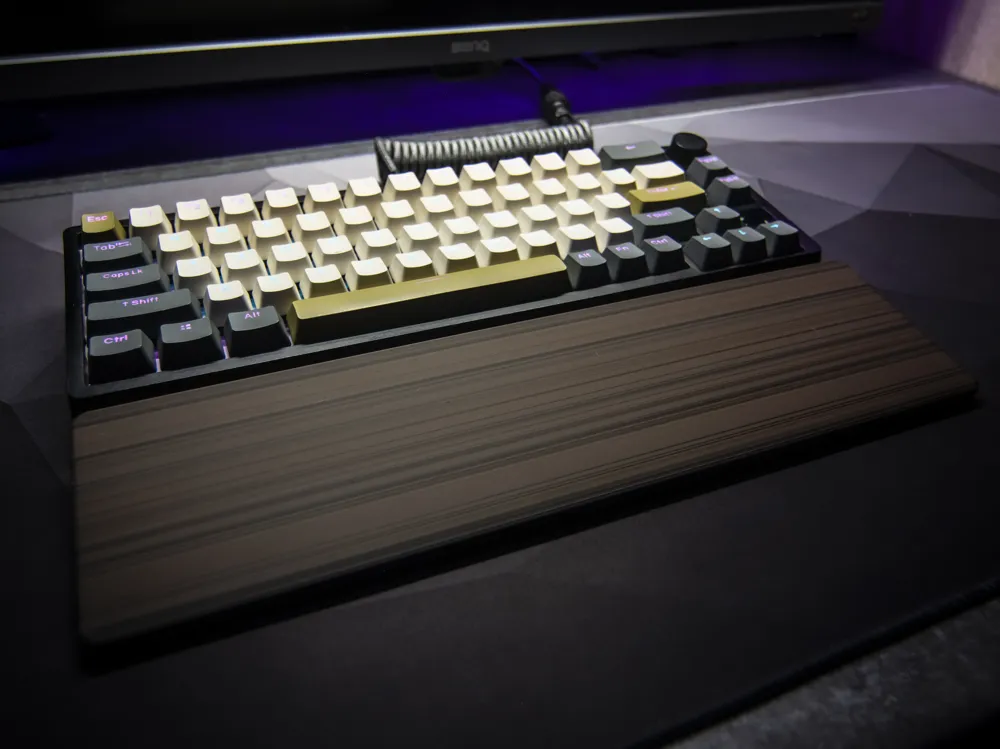
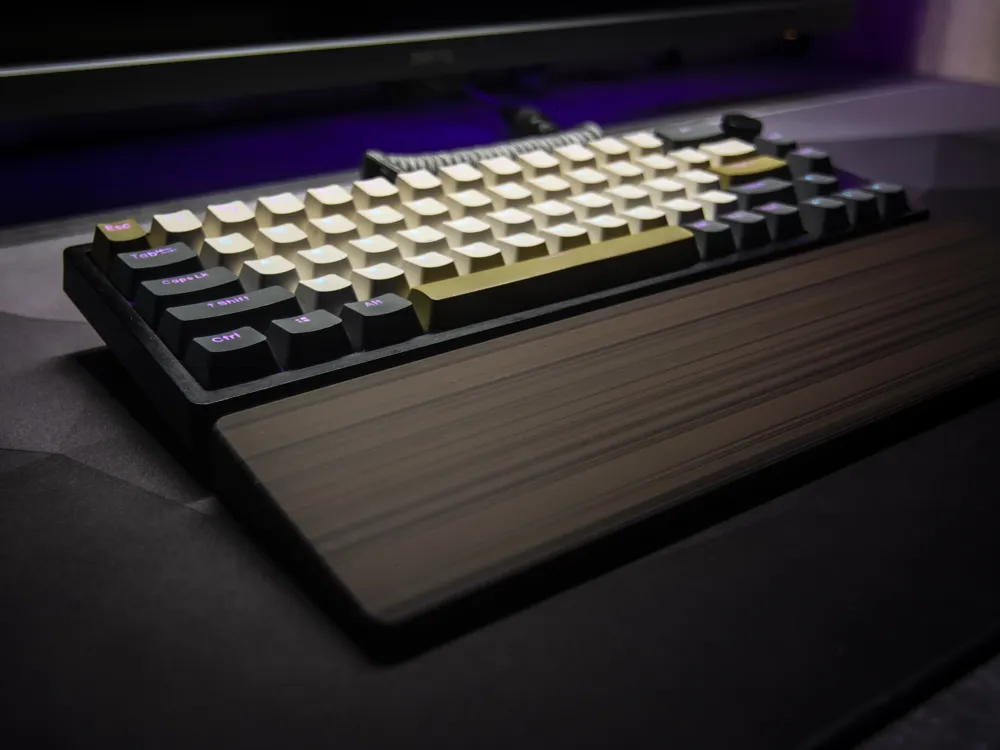
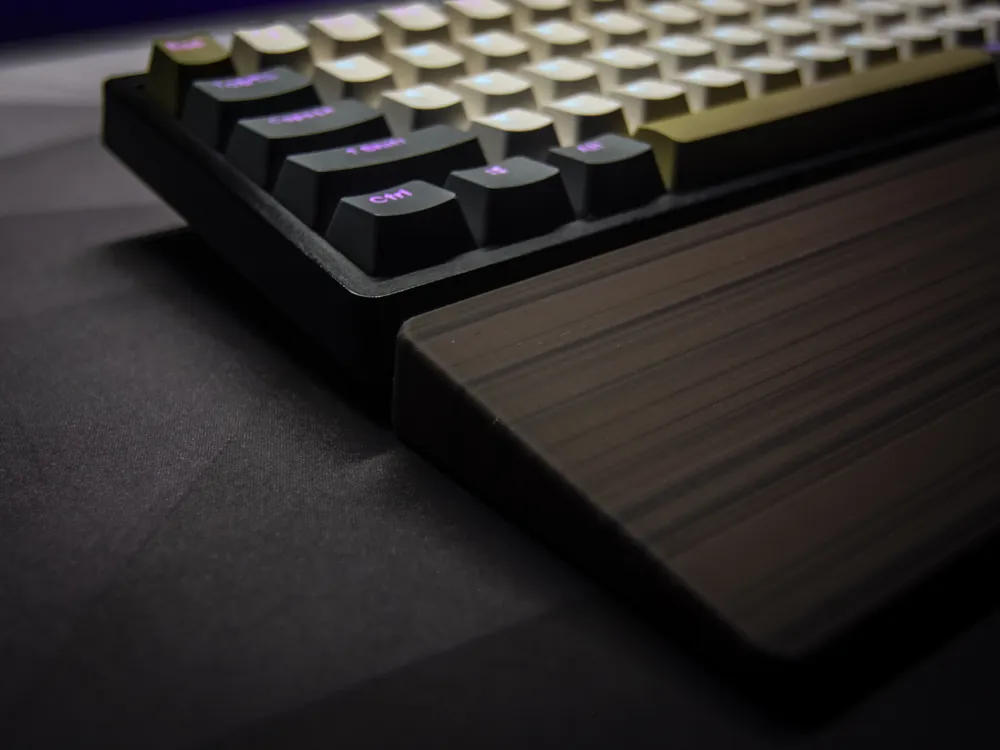
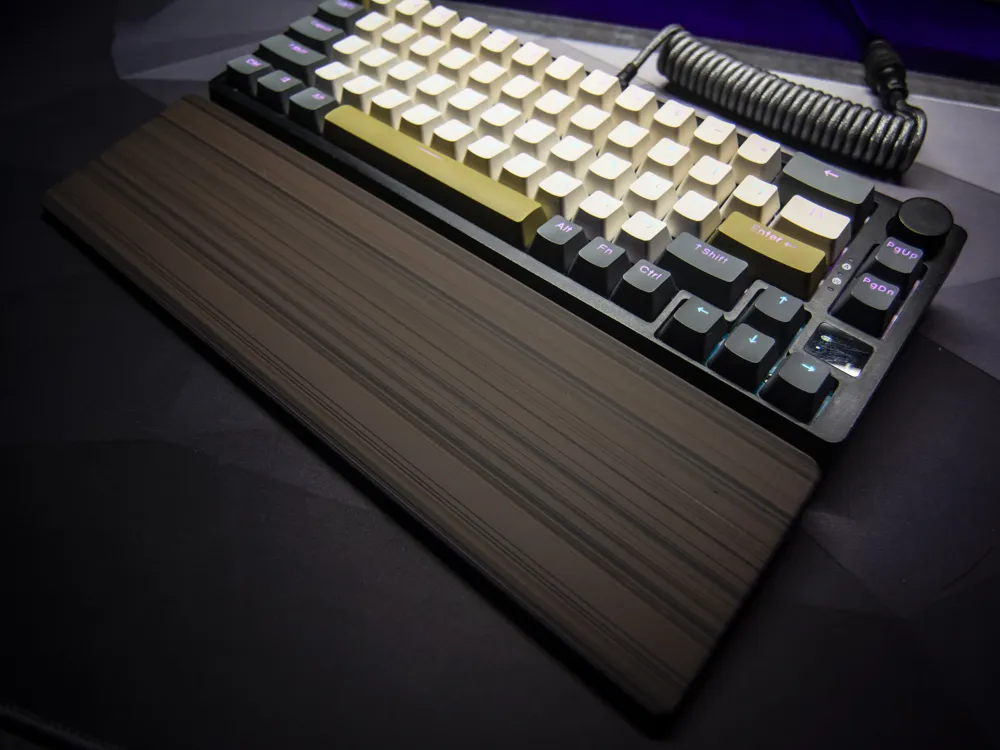
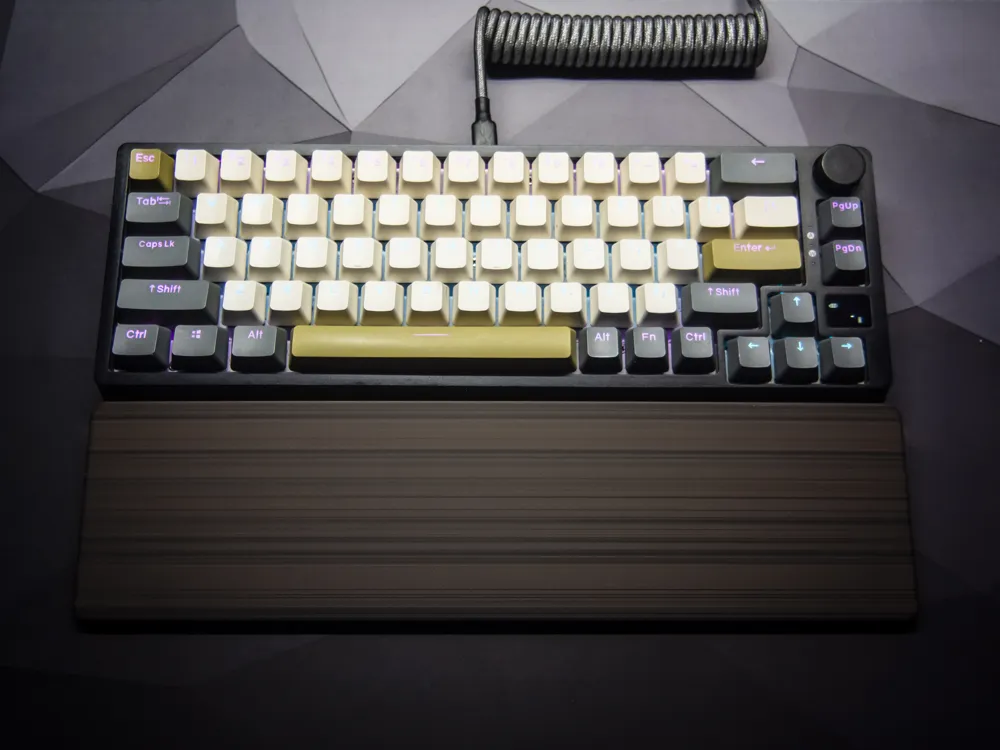
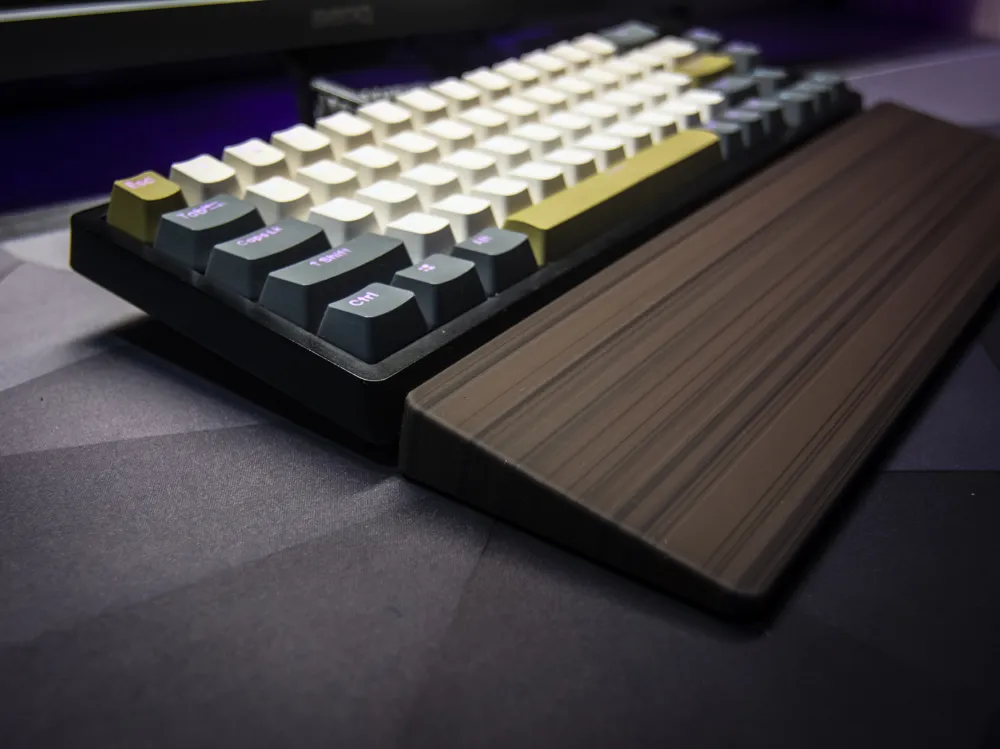
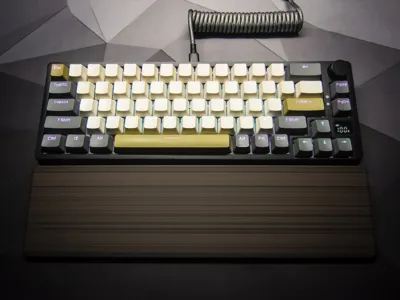
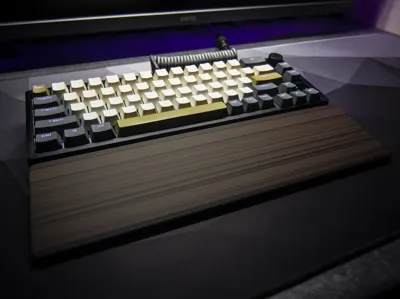
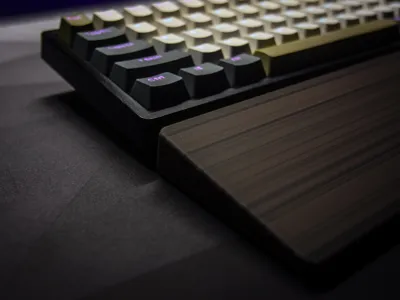
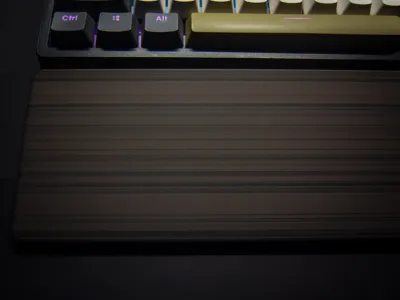
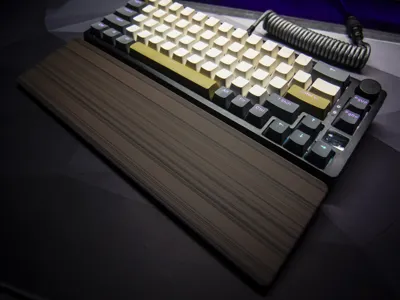
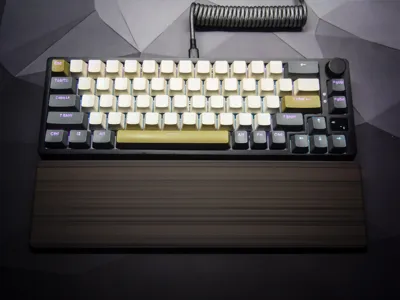
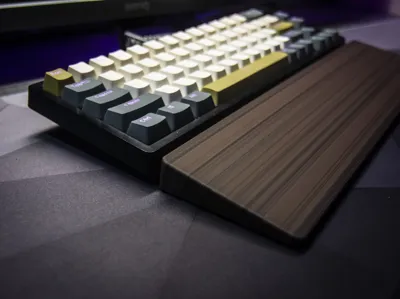
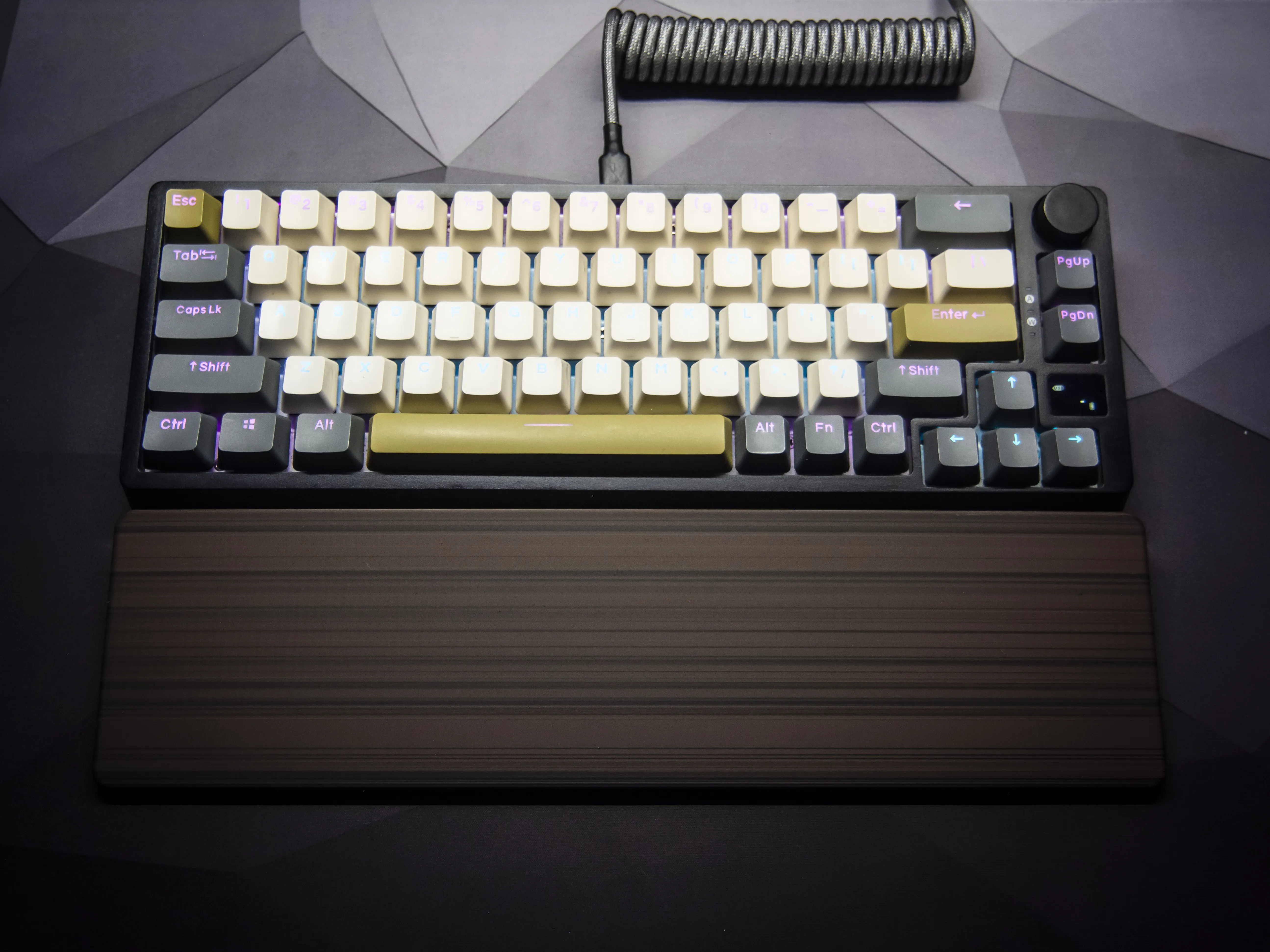
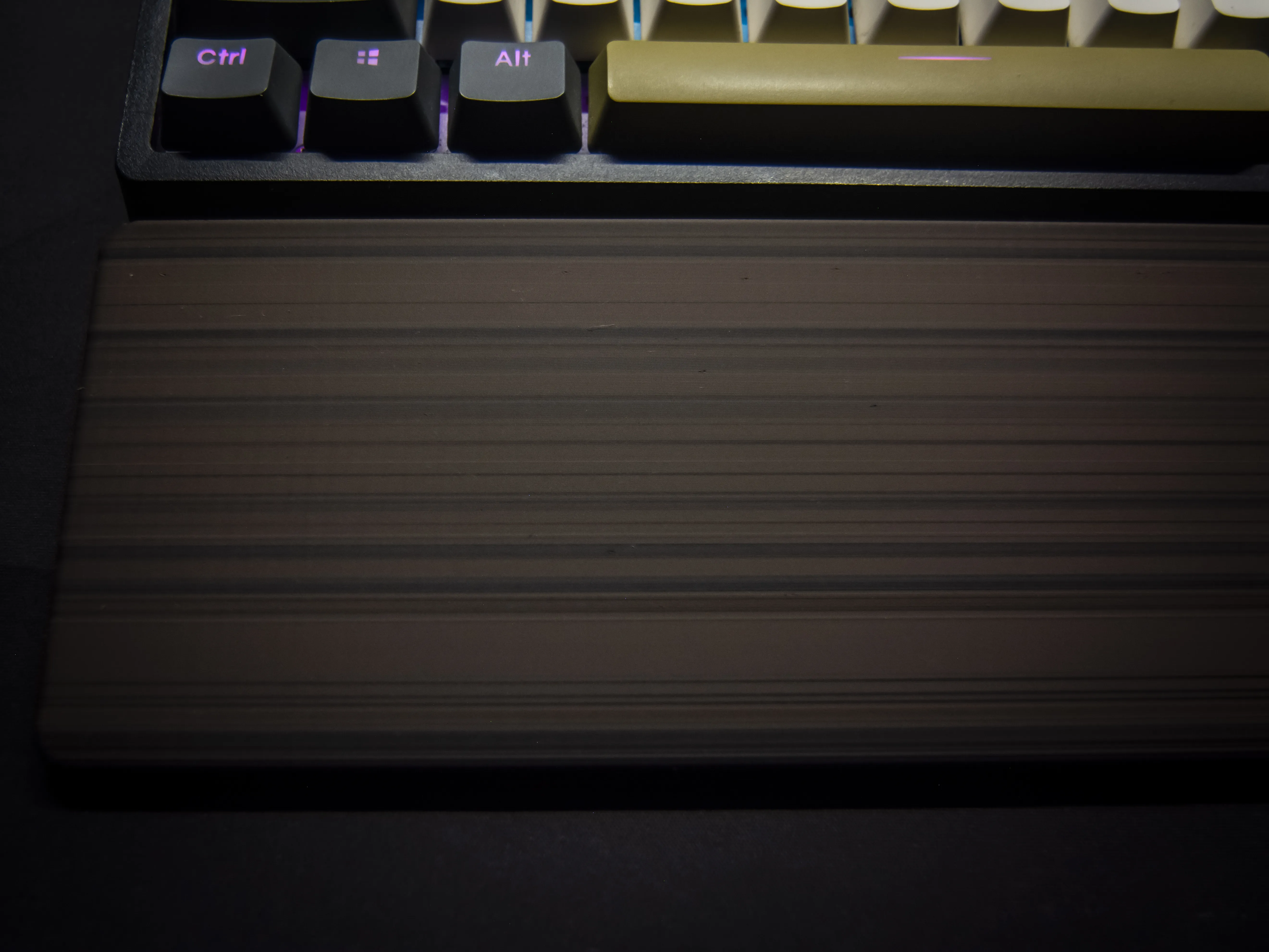
This is a 3D model of a wrist rest designed to imitate the look of natural wood, without requiring wood-filled filaments. It can also be printed in a smooth, single-color version if desired.


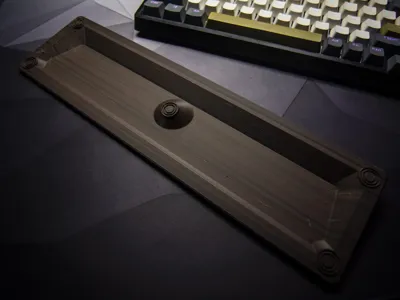
The default dimensions of the wrist rest are 328 mm in length, 88 mm in width, and 20 mm in height.
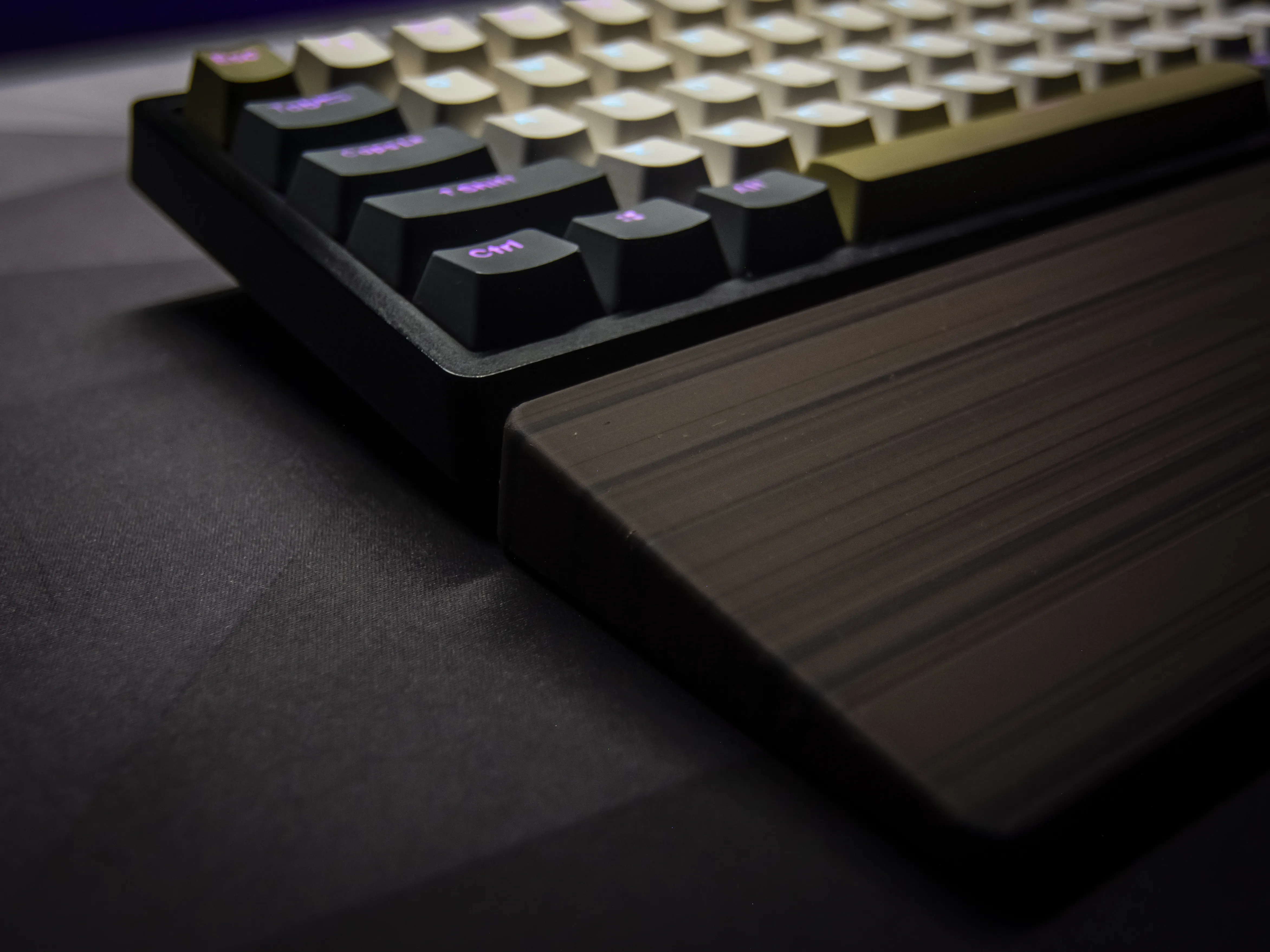
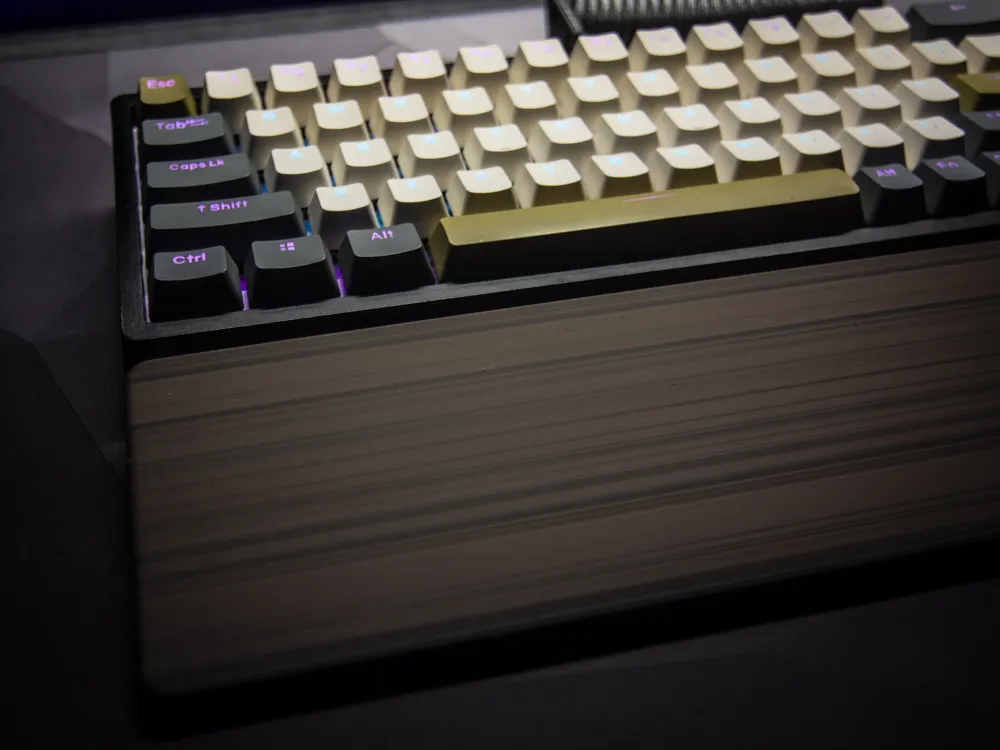
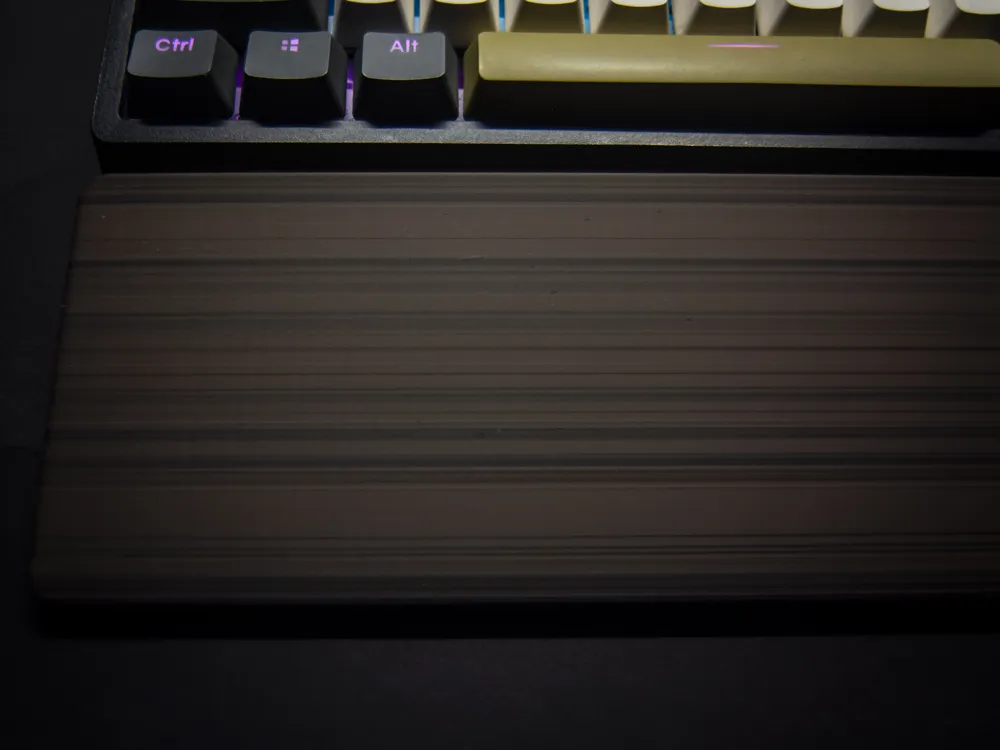
For a more realistic wood effect, it's recommended to use an AMS with three different PLA colors. The print profile is optimized so that nozzle purging is minimal—when the printer switches colors, it continues printing with the previous filament, allowing the colors to blend inside the nozzle. This creates unique, unpredictable shades that closely resemble wood grain.


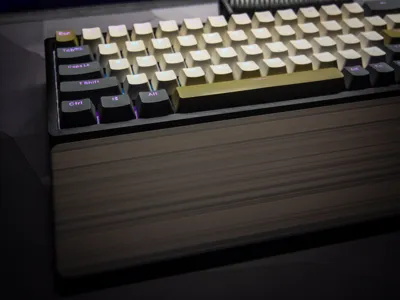
Additionally, the wall printing order goes from outer to inner layers, which causes subtle shifts when changing colors. These slight imperfections enhance the final look by mimicking the organic texture and layered rings of real wood.

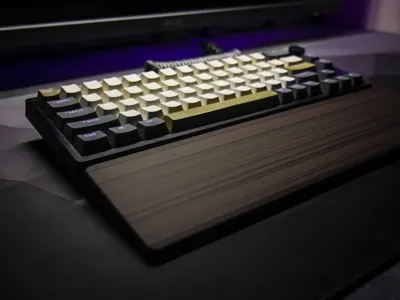
Perfect for adding a natural touch to your desk setup—stylish, functional, and fully 3D printable.
Customization
fghdfgh

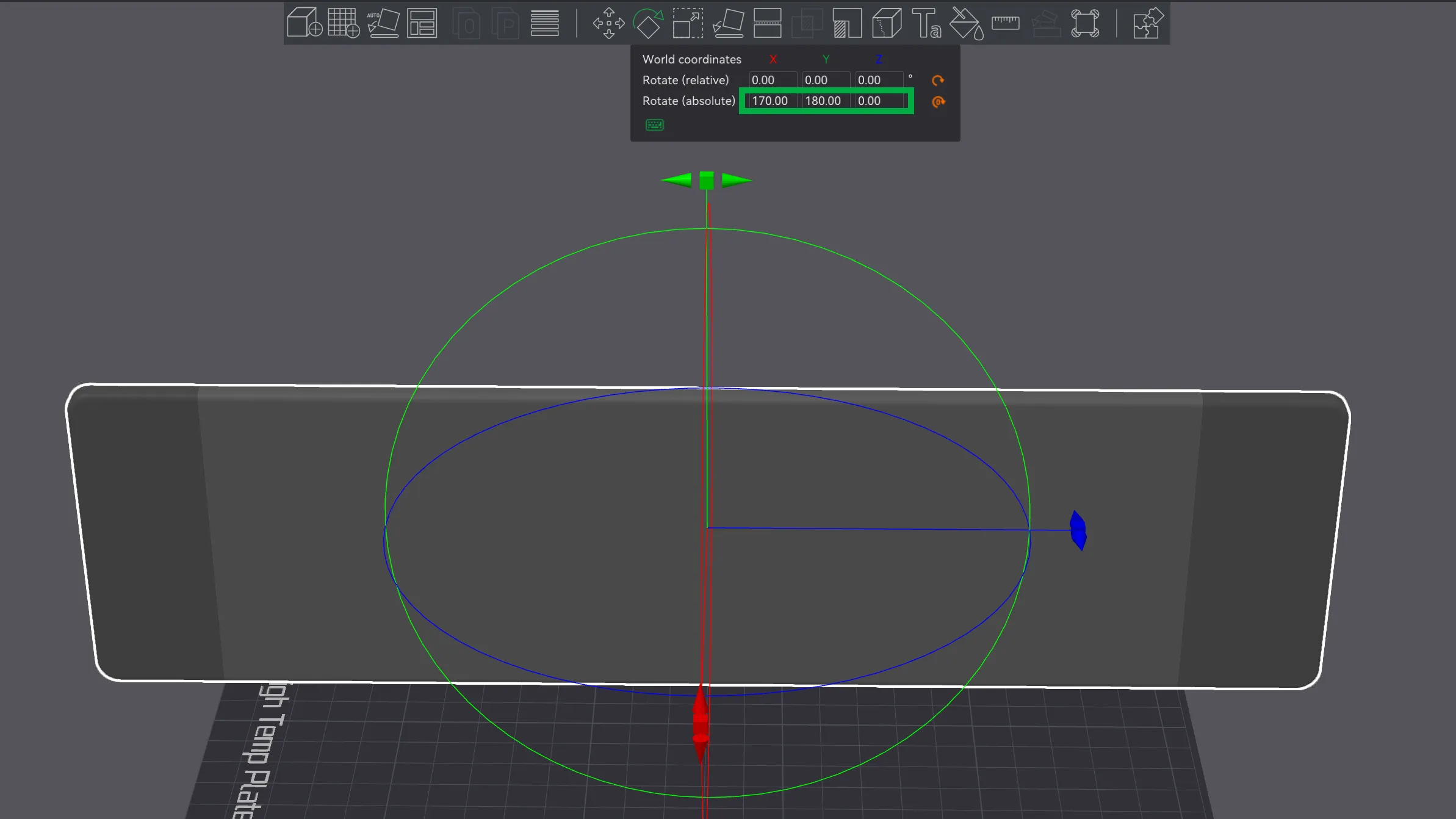
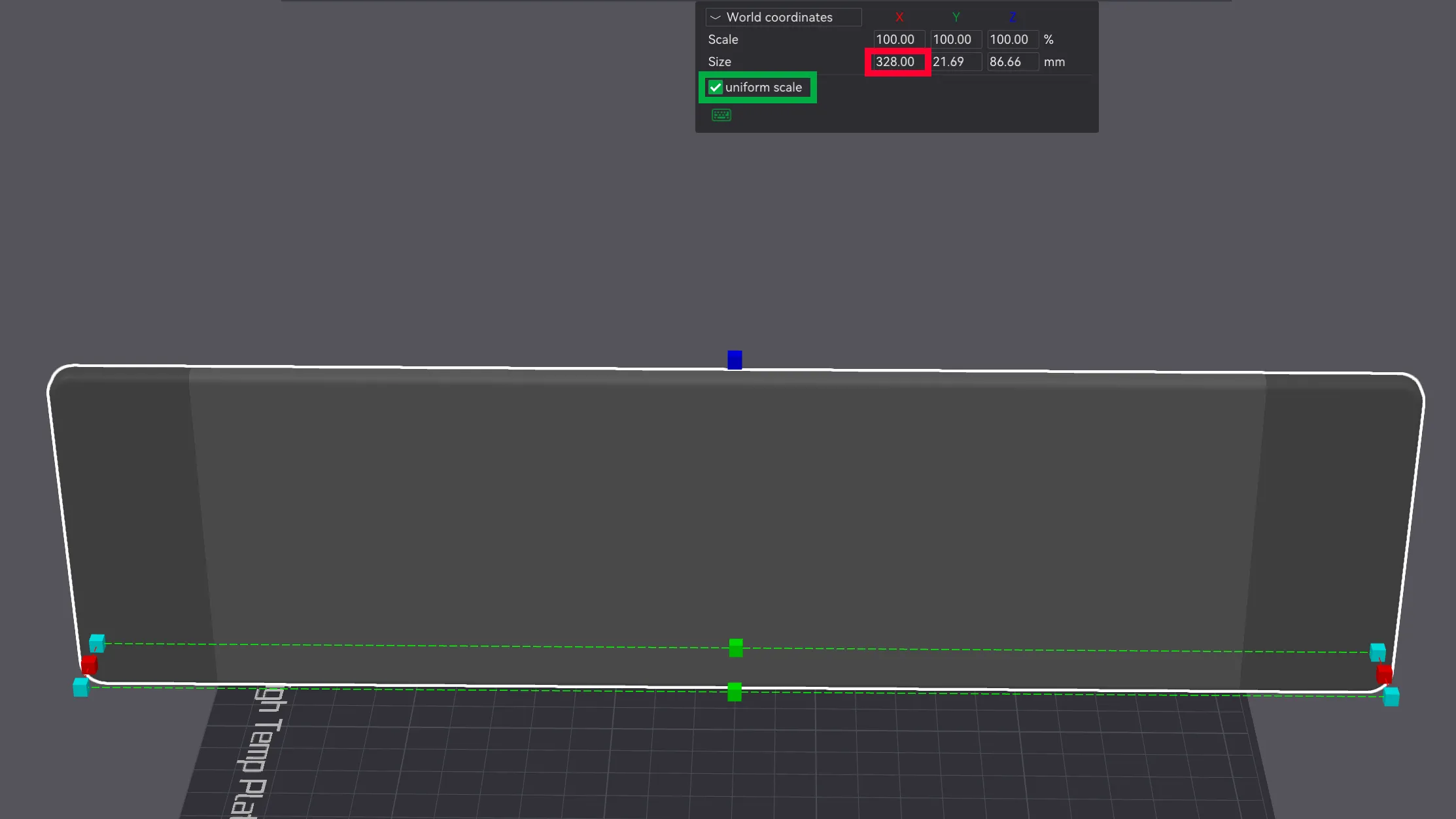
The original length of the wrist rest is 328 mm. To adjust the size, it's recommended to rotate the model in Bambu Studio as shown in the preview image, go to dimension editing, uncheck the "uniform scale" box, and then set the desired length to match your keyboard. This way, the color transitions and print behavior remain unchanged.
Important Information Before You Start Printing!

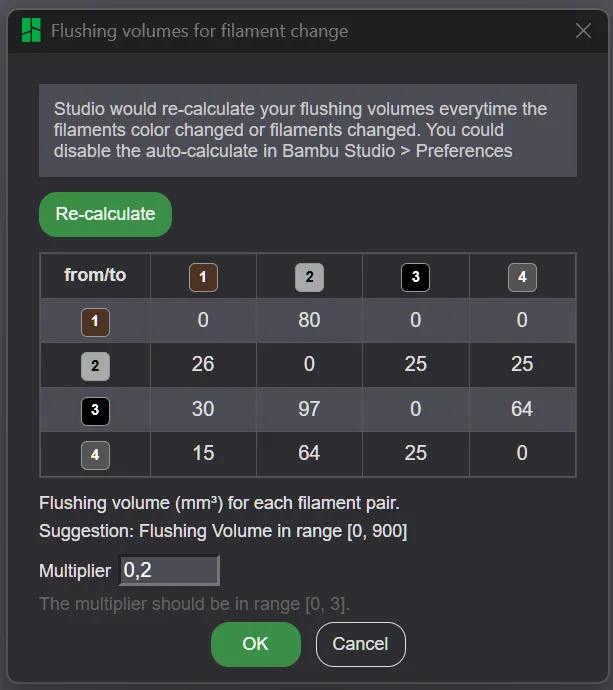
Make sure the flushing volumes are set as shown in the screenshot (or at least close to those values). If the slicer or printer resets them to default, you’ll end up with harsh color transitions instead of a smooth wood-like blend. These values may reset when changing printers, filaments, or even restarting the software—so double-check before printing.

The screenshot shows the settings that work well with my specific filaments. A color list is included with the model. If you’re using different materials, these settings might not produce the same effect, and you may need to adjust them.

It’s recommended to print a small test piece (about 1 cm tall) first. If the color blending looks good, proceed with the full print. If not, stop and tweak the settings until you're satisfied


Good Luck!


Comment & Rating (59)

(0/1000)

Great Model :D I didn't have any wood like filament on me so I painted it. Feels really comfortable using it
The designer has replied
2
Reply
Impressive
1
Reply
Replying to @user_3275604210 :
Thank you :)
0
Reply
You've created a work of art
1
Reply
Boosted
i want to print this with PLA walnut wood filament, and other ones, which would you reccomend? i have black, dark brown, brown, dark green, ash grey, olive green, light brown and more. will provide pics once successfully done! I have it sized and ready to go, waiting for filament reccomendations and also if the “order” matters, since your profile uses 4? (i have ams lite)
The designer has replied
0
Reply
In my AMS I had 4 loaded, but only 3 were actually used, the main color and two accents. You can probably skip the green ones. Ideally, it would look best with 3 different wood filaments. Pick whichever you like most as the base, for example brown or dark brown, and then add two accents: one slightly darker and one slightly lighter. The smaller the color difference between the main tone and the accents, the more natural it will look. Recently I printed something this way using dark brown, black, and light gray. The light gray ended up being too bright, so I wouldn’t recommend going that far. Just make sure before printing that in your profile the color-mixing settings carried over correctly, the multiplier shouldn’t be set to 1, but more like around 0.2
0
Reply
Boosted
Replying to @Megatiks :
will go read this back tomorrow. thank you. do I need to print it “on it’s side”, without support? just checking, am very new to printing (2weeks in )
0
Reply
Replying to @MrSB87 :
yea, no support
0
Reply
Boosted
Print Profile
Wood Style
It was a little bit unclear, results were awesome! Boost after this review. Before you print: 1. Make sure flush values are as described by author, it resets before printing. 2. Profile loads 4(?) colors at first. leave it like that, it will only ask for 3 colors before you send it from laptop to printer. 3. Make sure to select wood style, the default was 1-color, not wood (I didn’t noticeg 4. Look up in your slicer which color is the main color, mine was Bambu PLA walnut wood. 5. The main color uses 80% or more of total filament or so, i estimated this from memory. 6. Supertack plate was canceled, didn’t start very well but the orignal plate (golden) was fine. Personally sized it a little bit more narrow, a little bit less tall. (31.5cm x 19mm x orignal depth) I used; Bambu walnut pla, eSun brown pla+, eSun light brown pla+. There is a sizeable amount of small poop after a full (15.5h) print on Bambu A1. I dried all filaments 10h+ before starting this.
3
Reply
Boosted
Won't let me review, so I'll just write it here 9.5/10 stars This perfectly fits with my keyboard and is very comfortable to use. I did initially do the design of the three filaments (although i used two instead of 3), I didn't particularly like the look (nothing to do with the model, was just the filament I chose) so I decided to add a texture of wood to the model with negative parts and it looks and feels great.
The designer has replied
1
Reply
very nice idea
0
Reply
Print Profile
Wood Style
Turned out great. Will be a nice addition to the office. went for a “white wood” look. used white, wood, and green filament.
profile
1
Reply
Print Profile
Wood Style
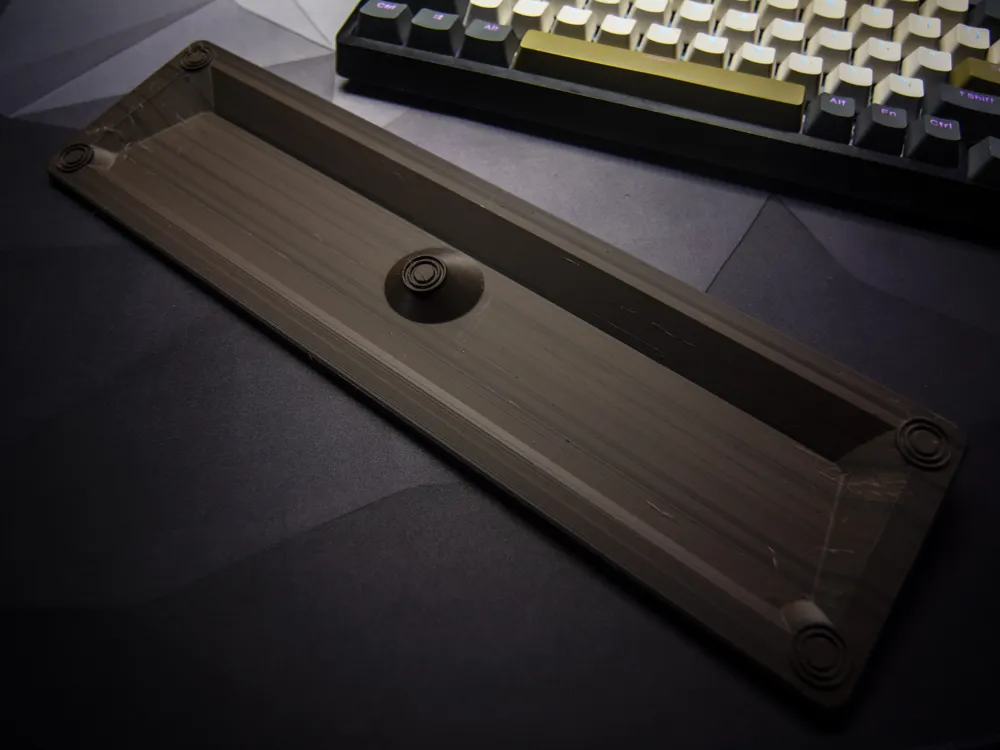
The wrist rest doesn't look anything like wood but it does look cool. 😄 The top side of it look really good but the underside is crappy. Though only the top matters so it's whatever. I added some rubber feet to it and it works great. Without the rubber feet it would move around too much so they are necessary.
1
Reply
Print Profile
Solid Style
Excellent print White PLA was perfect for the keyboard
Show original
profile
1
Reply
Boosted
Print Profile
Wood Style
turned out great. but the colours are a bit off that would be my fault though, also neat the end it got a bit messed up but that would also be my fault, I did change the size to fit my keyboard better.
0
Reply
It fit perfectly on my Royal Kludge keyboard It's very comfortable and it even looks good in this purple and blue dual color filament
Show original
0
Reply
Print Profile
Solid Style
0
Reply

License

If you want to use this model commercially, please join my membership.
Join Now
This user content is licensed under a Standard Digital File License.

You shall not share, sub-license, sell, rent, host, transfer, or distribute in any way the digital or 3D printed versions of this object, nor any other derivative work of this object in its digital or physical format (including - but not limited to - remixes of this object, and hosting on other digital platforms). The objects may not be used without permission in any way whatsoever in which you charge money, or collect fees.
