
Water Drop Splash Crown (No Supports)
Print Profile(1)

Description
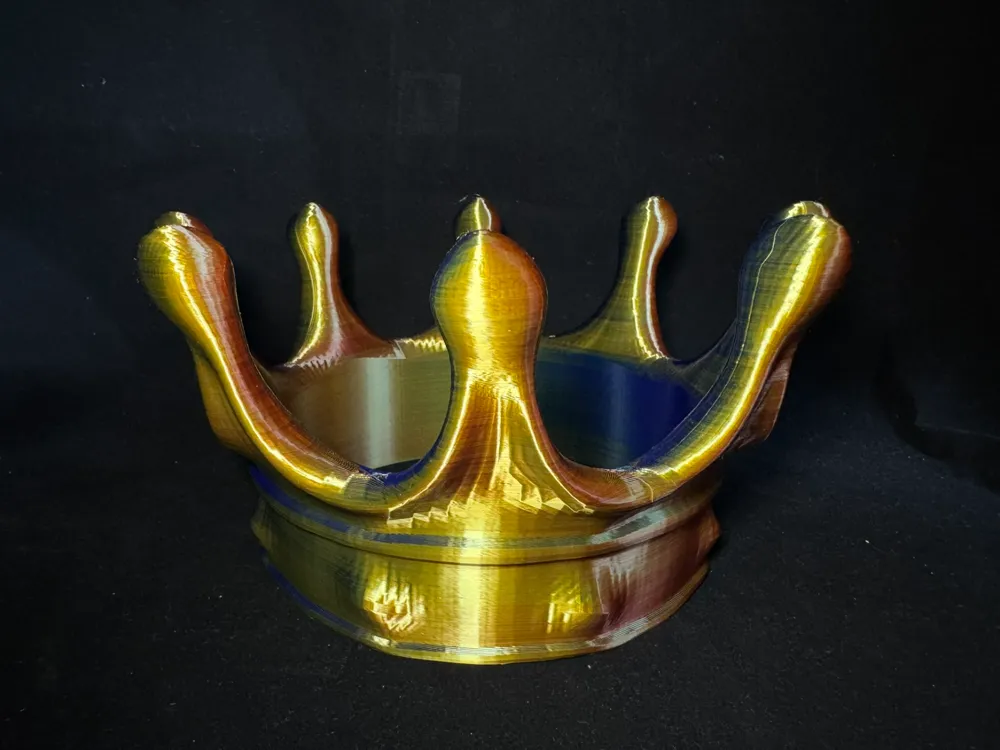
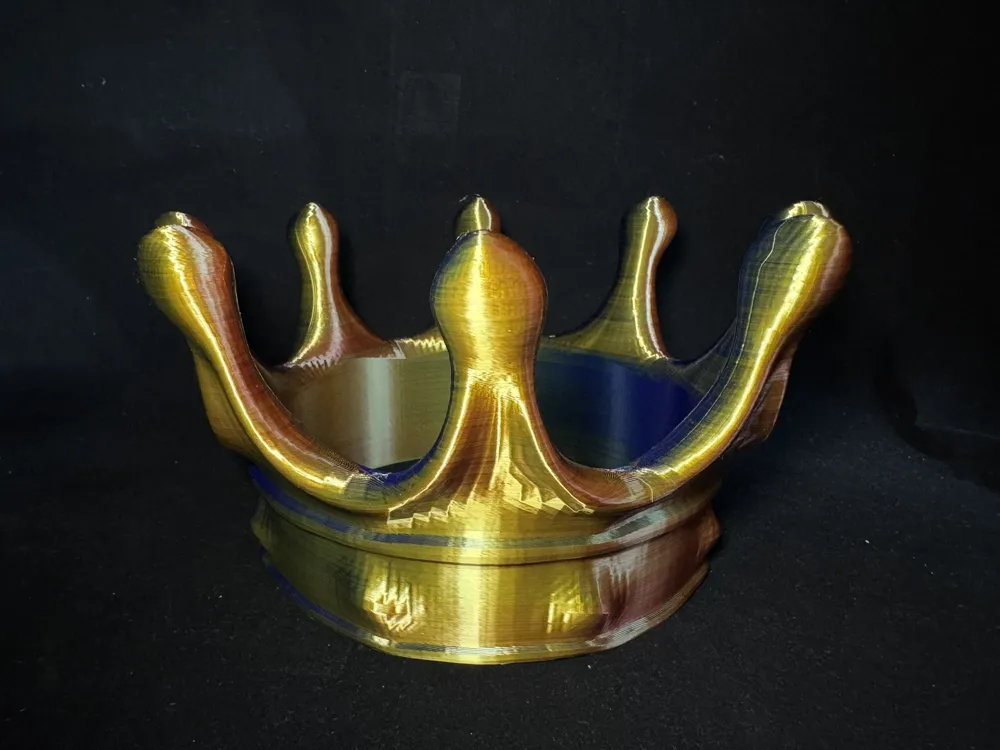
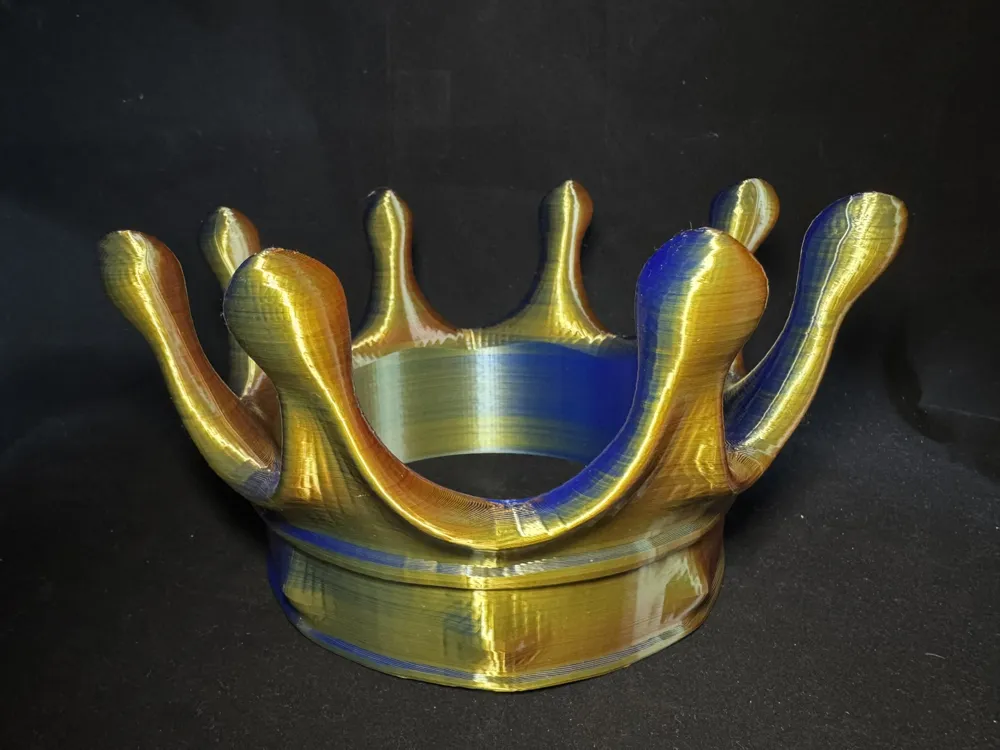
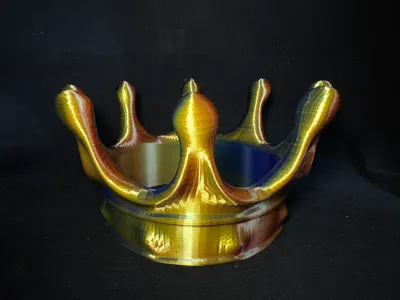
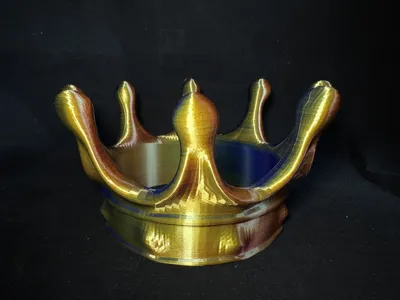
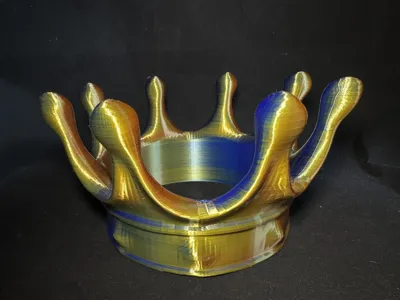
Water Drop Splash Crown Headpiece
(Supportless) Print, One-Click Remote Printing via Mobile
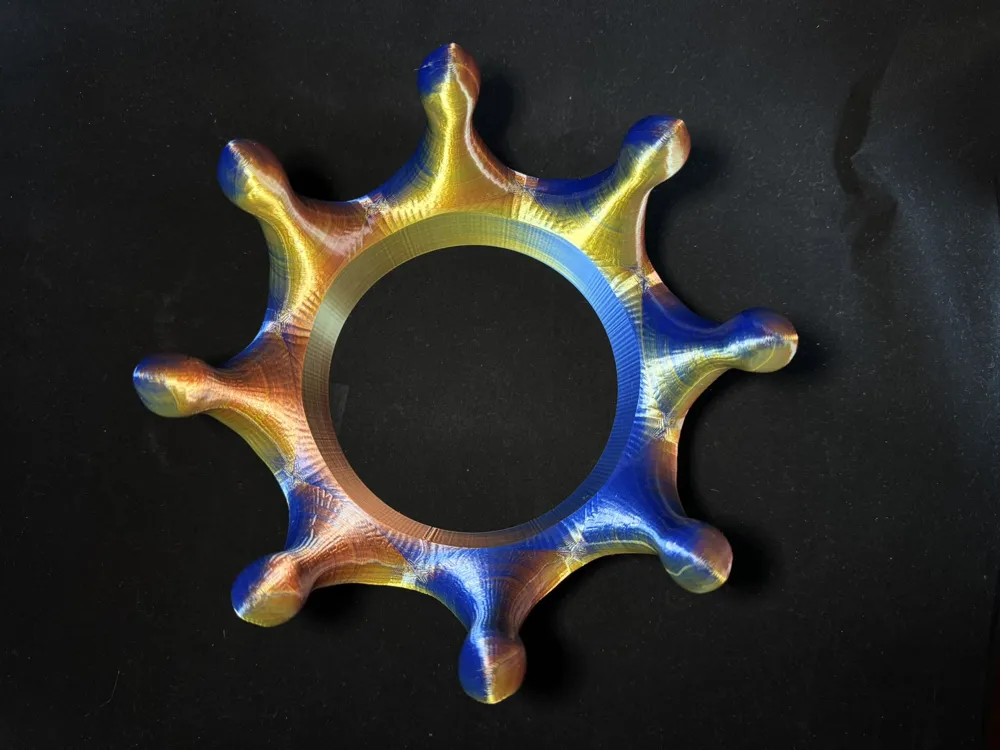
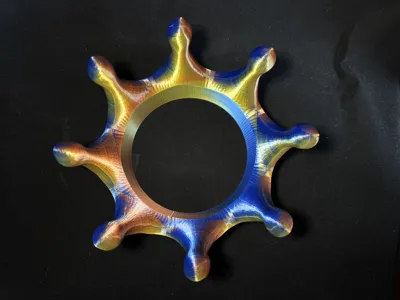
- The overall shape of this crown resembles water droplets splashing outwards upon impact, tested using three-color silk filament—experiment with diverse color combinations
- Default layer height: 0.20mm, recommended print speed: 100%
- Provided dimensions: 212X212X117mm , corresponding to an inner diameter of 144mm for wear. Scalable to your needs; post-printing coloration is also an option
- If scaling proves inconvenient, specify your desired dimensions in the comments; I can adjust and upload the sliced configuration for you
- For suboptimal overhang quality, prioritize cooling! Calibrate flow rate and ensure filament dryness!
- Raise any questions in the comments section; I will promptly address them
Boost Me (for free)
If you appreciate this model, consider boosting me—treat me to a奶茶, thank you!
Printing Tips and Preparatory Notes
(Model has been tested; feel free to discuss any issues in the comments section)
I’ve outlined some key considerations below; for further inquiries, consult customer service or explore the Bambu Wiki—a wealth of knowledge awaitsPrint Quality and Troubleshooting | Bambu Lab Wiki
- Ensure the build plate is clean; regular cleaning is recommended! Oil residue from touching the print bed significantly reduces adhesion. Likewise, prior print debris and minute remnants impact first-layer quality, thereby lowering yield.
- Dry your filament—this dramatically impacts print quality and experience! Prolonged storage inevitably leads to moisture absorption; if stringing occurs, consult the manufacturer for drying parameters. Furthermore, most filaments are not dried before packaging, hence a slight dampness upon opening is common, warranting pre-use drying.
- When using new filament, immediately calibrate flow rate and adjust the calibration coefficient; this significantly affects print quality, also vital for acclimating new filament to your printer.
- Should print quality decline and yield decrease, check for nozzle clogging and recalibrate the printer if needed.
- Adhere to the recommended print speed in the model description; overhang quality is directly related to print speed; an appropriate speed (avoiding both excessive speed and sluggishness) allows ample cooling time during deposition.
- Set appropriate bed and nozzle temperatures based on the filament used. Excessively high or low temperatures can lead to warping, layer deformation, or adhesion problems, ultimately affecting print quality and success rate.
License

You shall not share, sub-license, sell, rent, host, transfer, or distribute in any way the digital or 3D printed versions of this object, nor any other derivative work of this object in its digital or physical format (including - but not limited to - remixes of this object, and hosting on other digital platforms). The objects may not be used without permission in any way whatsoever in which you charge money, or collect fees.


Comment & Rating (0)