
LUMOR Core | Arc | Flux | Orbit


Print Profile(3)


Bill of Materials




- M6 Screws 25mm x 2:
- M6 Screws 35mm x 2:
- ESP 32 C3 x 1:
Description
Prologue
This description will be more detailed from time to time. I roughly added all necessary basics but there is many more I want to say. So come back any time and maybe learn something new. In this project I will primary talk about designing patterns. My previous project targetted printing styleguides.
Boost Me (for free)
As always - feel free to boost me any time :)
Description
Hi guys :)
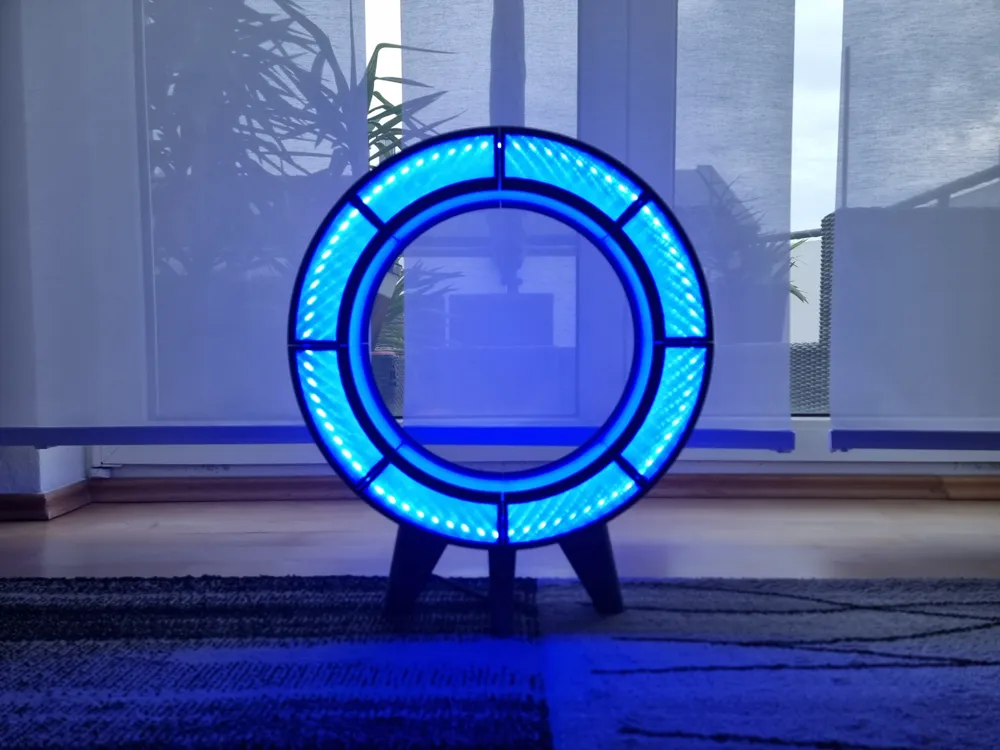
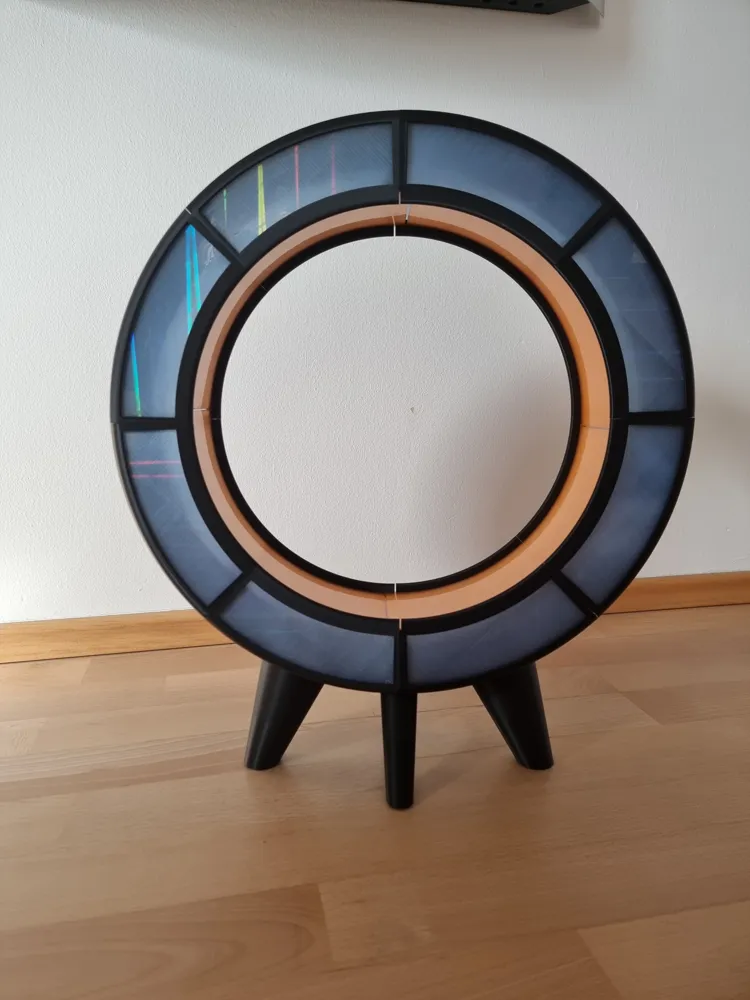
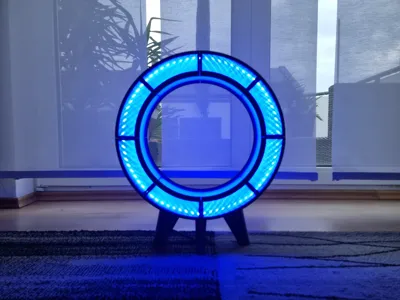
this is my new light system called “LUMORIS - Light. Shape. Change!”.
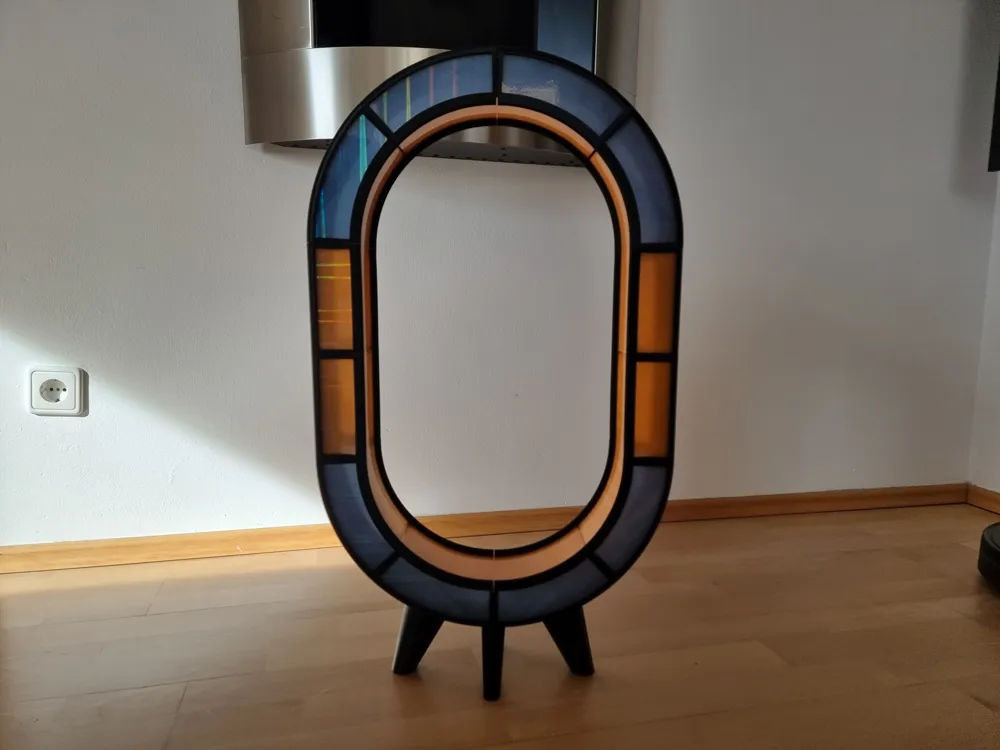
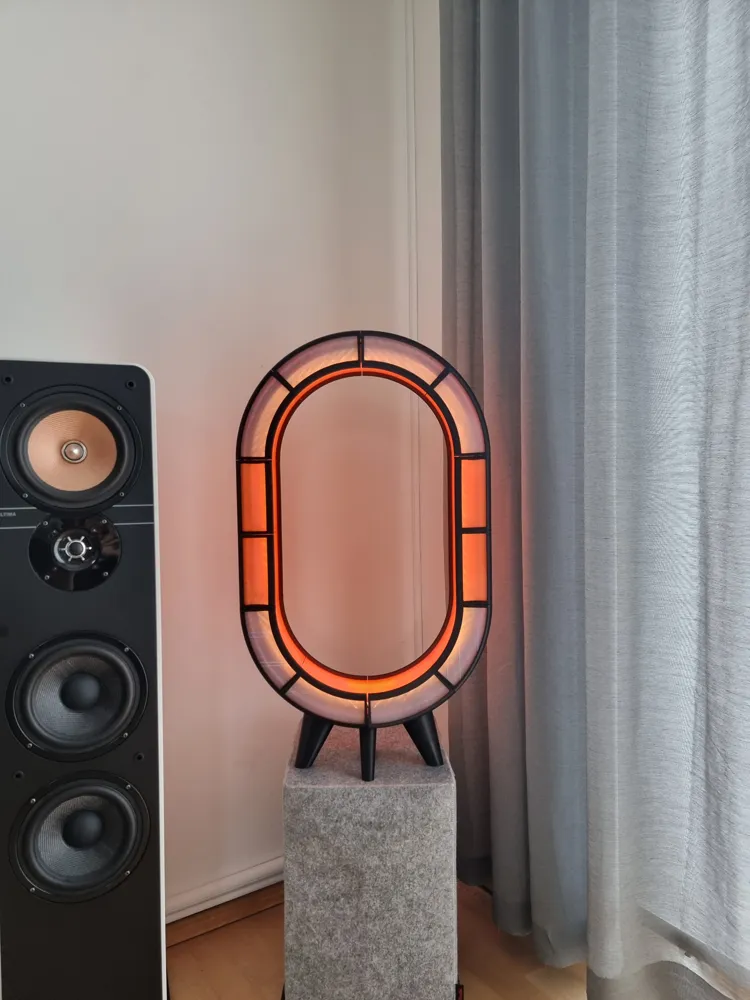
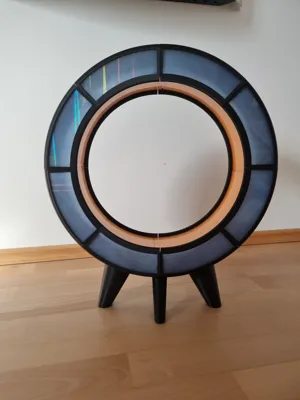
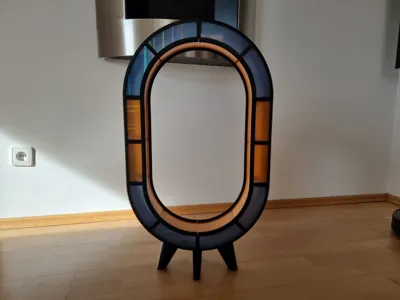
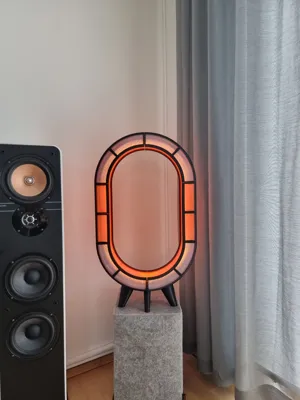
You can extend the LUMOR Core (40cm diameter + 8cm feet) version by as many extensions as you like:
- "LUMOR Arc" (1 extension +12cm in height)
- “LUMOR Flux” (2 extensions + 24cm in height)
- “LUMOR Orbit” (3 and more extensions + I think you got it :P)
You can roughly calculate the lenght of the overall LED stripe by
3 * ((2 π * 20cm) + (2 * 12cm) * |extension|)
- 3 * because inside there are three rails for three stripes (side, middle, side)
- 2 π * 20cm → well this is the core
- 2 * 12 per extension
- in the end you need ~ +5cm for the side stripes (or in other words 3 LEDs more for a 60 LEDS per meter stripe) as these have a different length (45° degrees within the circle)
=> so the Core edition needs about 222 LEDs (75, 72, 75) having a 60 LEDs per meter stripe. I also describe this in the video. Time will tell whether this information is enough :P
BOM
- 1 x ESP 32 C3
- 1 x 5m WS2812B LED Stripe (is enough for Core Edition | Arc Edition; Flux Edition needs about 5.20m)
- 2 x M6 á 25mm
- 2 x M6 á 35mm
- ~1KG of filament for the base (Core)
- ~250g of filament for the diffusors (Core)
- 3 x 10cm LED wires
Skills
- soldering skills (you can also leave the side stripes and use the Bambulab LED Controller)
- patience
DOs & DONTs
- calibrate your printer!!! (otherwise the diffusors wont fit!)
- dry your filament!!! (otherwise the diffusors will look ugly. also the circular parts can get ugly)
- clean your plate!!!!!!!!!!!!! (otherwise the circular parts will not stick completely to the plate and you will have wasted a lot of filament. pictures will follow)
- do NOT CHANGE any printing parameters!!!! (NOT using the brim will get the same result as the “clean your plate” point)
- print all parts before starting the assembly
- do NOT speed up printing!!!!!
- …more will follow
Flashing & Configuring WLED
- Flash the ESP 32 C3 board like described here:
- Download the flasher software
- Download the binary (this is the one fore ESP 32 C3 - if you use a different board then you have to select another binary. If you would like to have a matching feet for your board just send me the sizes)
- Flash how it is described
- Configuration
- usually you would need a standalone power supply as the ESP 32 can't deliver enough power (850ma should not be passed!). ..but we will reduce the power consumption per LED from 55ma to 4 or 5ma. you will not get the complete brightness but this is still enough. Sometimes I'm still wondering why this is working as the stripe is still really really bright!! so all you really need is the board and a usual smartphone USB charger (1A should be enough).
- power the lamp, search for a new WIFI called something like WLED and connect. then navigate to 4.3.2.1 via your webbrowser
- you can now configure WIFI, the lamps name, …
- in the following video I show you how you should configure the LED stripes
Design Patterns
WILL COME SOON. There is so many stuff I want to talk about :)
Assembly
I hope you enjoy my new light system as much as I do :)
Happy printing!
B@sti
License

You shall not share, sub-license, sell, rent, host, transfer, or distribute in any way the digital or 3D printed versions of this object, nor any other derivative work of this object in its digital or physical format (including - but not limited to - remixes of this object, and hosting on other digital platforms). The objects may not be used without permission in any way whatsoever in which you charge money, or collect fees.


Comment & Rating (0)