
Print Profile(2)


Description
READ THE DESCRIPTION 👇
Boost Me (for free)
❤️ If you loved it, Boost it! 🚀
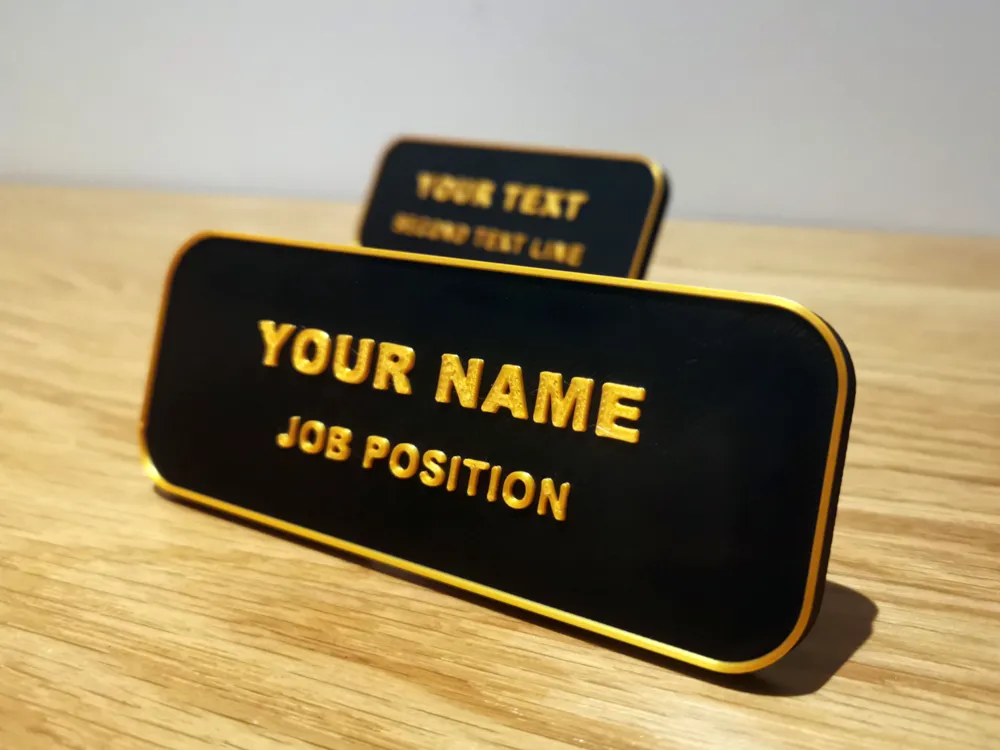
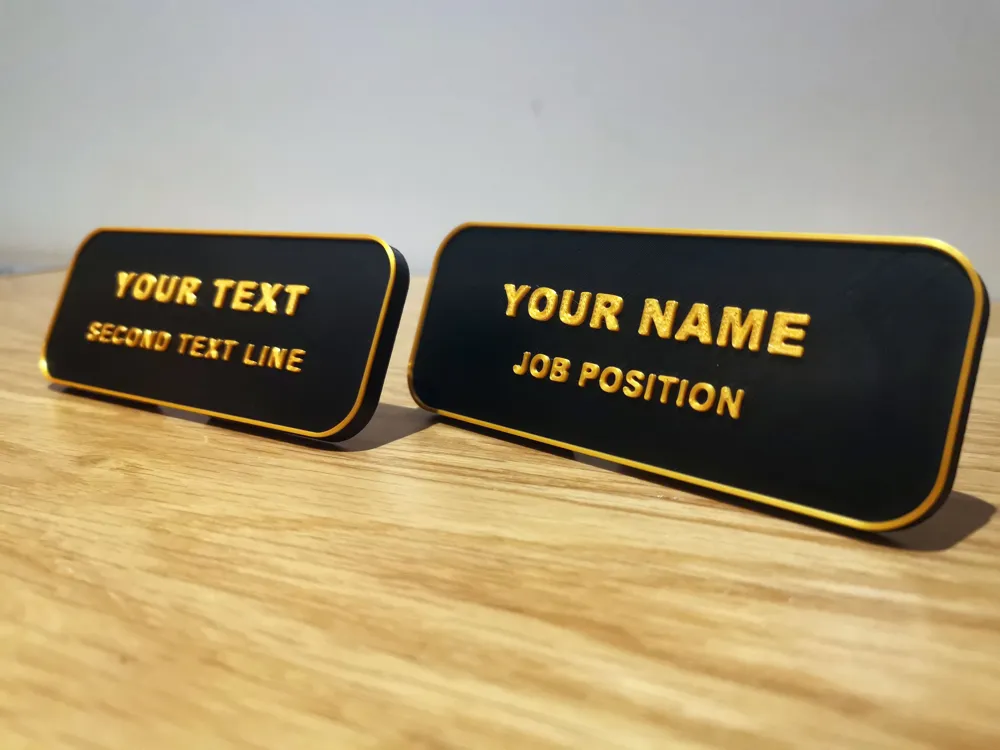
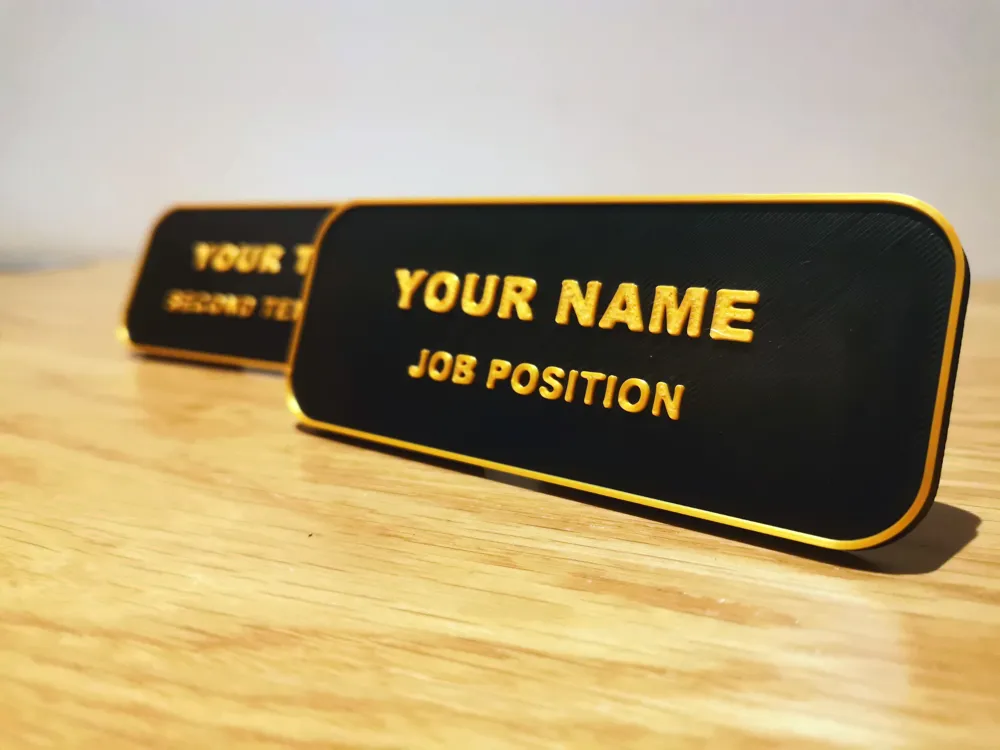
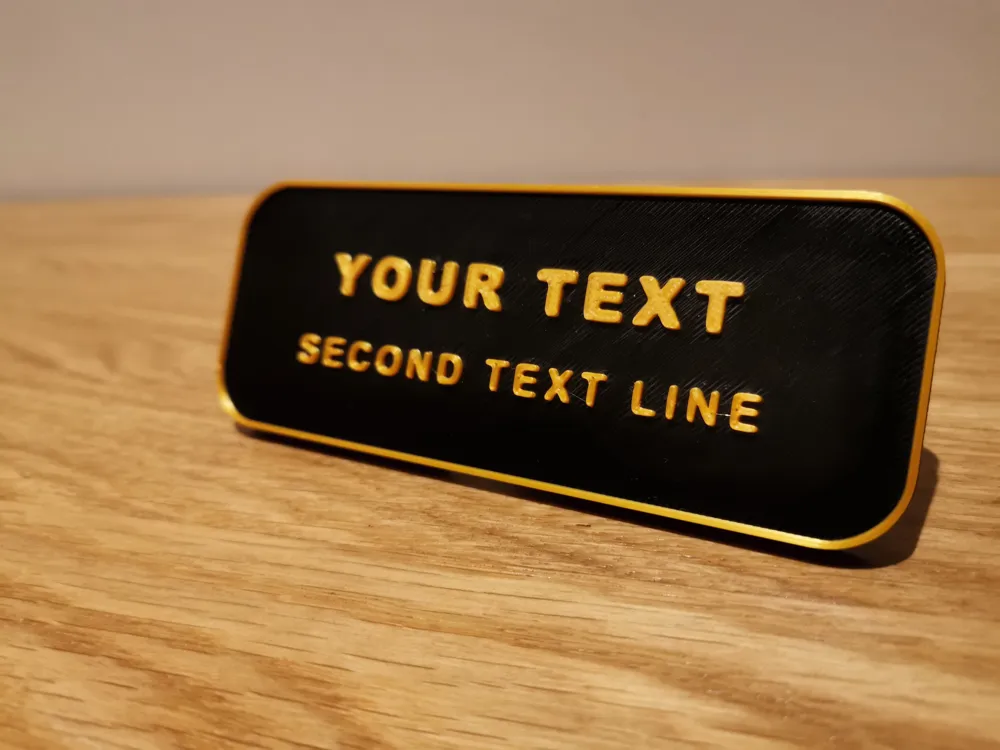
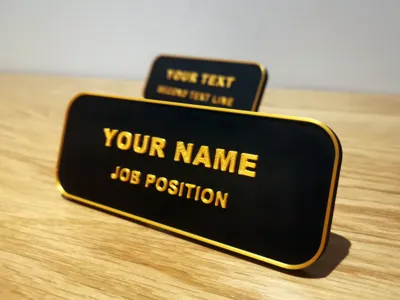
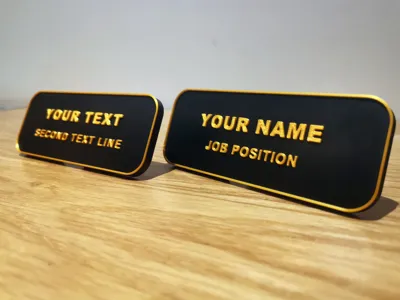
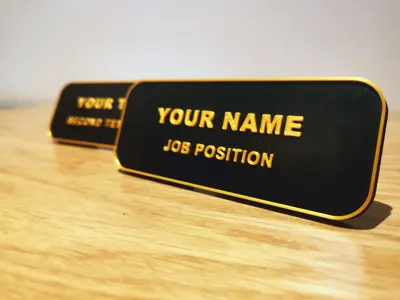
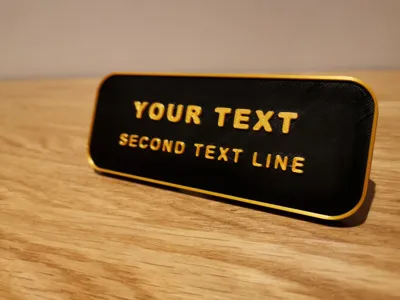
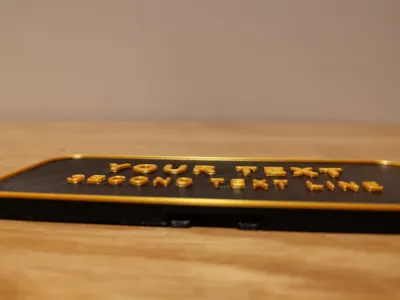
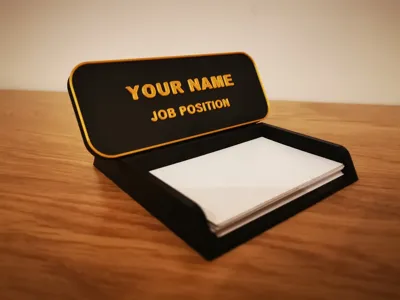
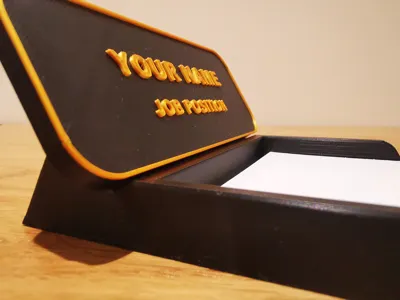
Office desk nameplate, easy and economical to print, in two colors, with color change set at layer 26, without filament waste
FULLY CUSTOMIZABLE: in addition to colors, you can customize the text directly from Bambu Studio.
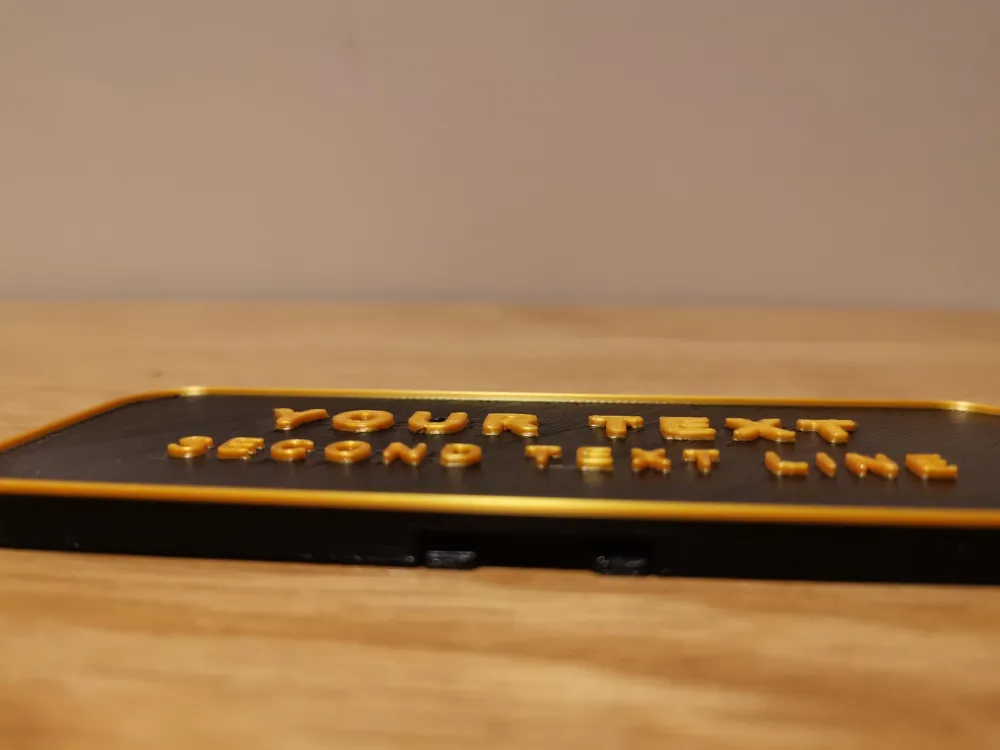
It prints all in a short time, if you like the project download it and try customizing it right away: for example, you could also move the text and add a company logo, as long as the height is 1mm.
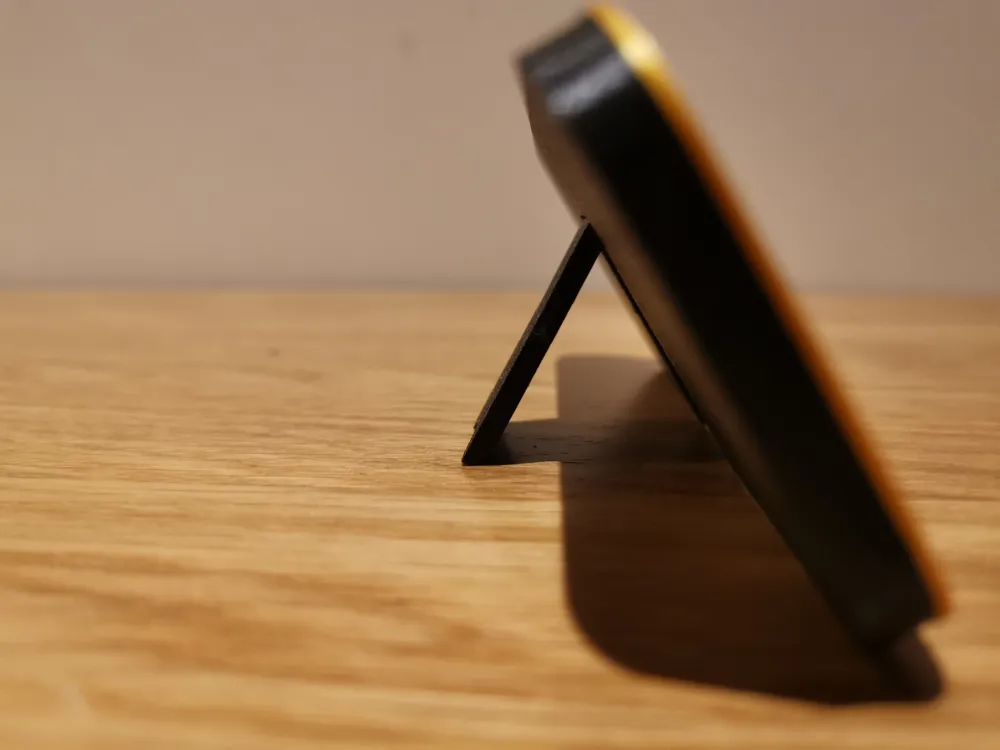
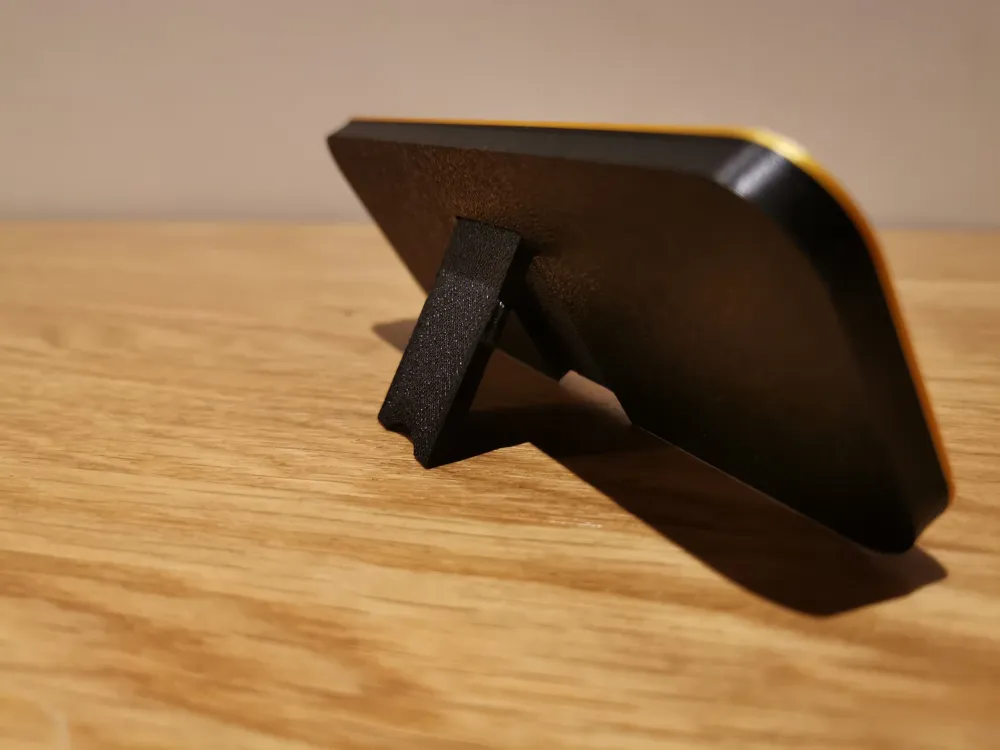
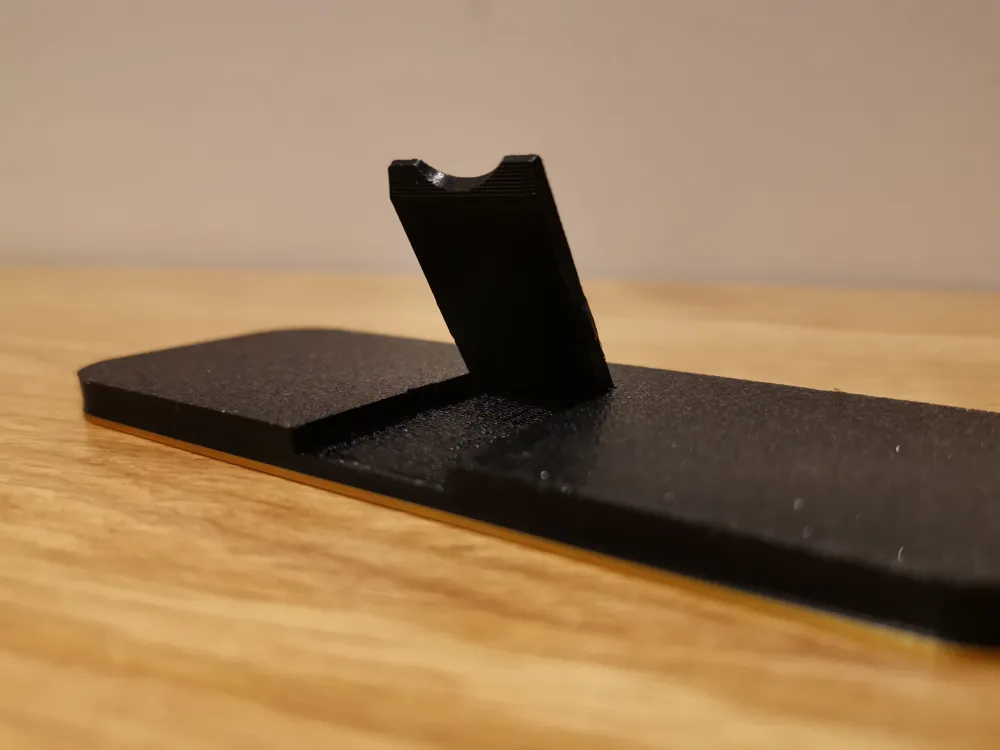
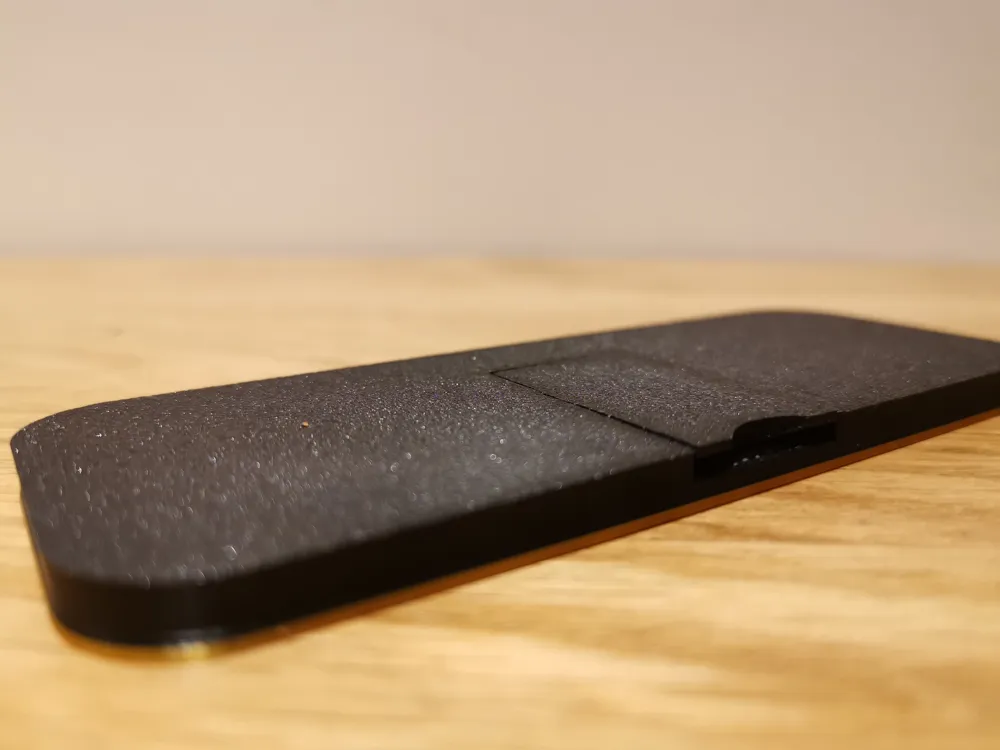
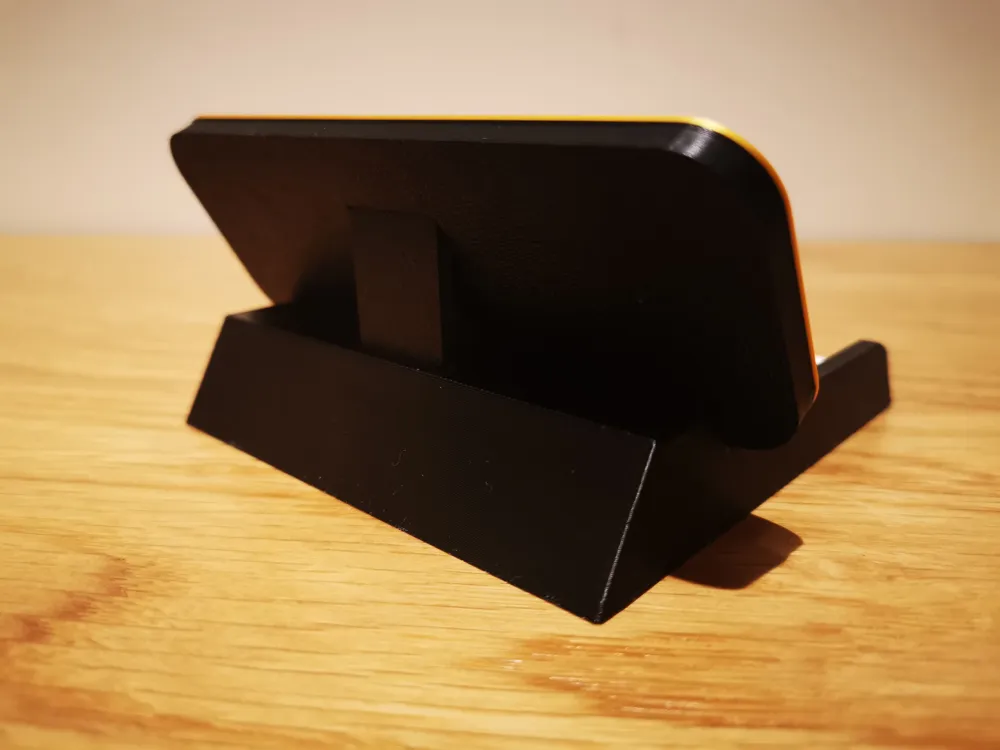
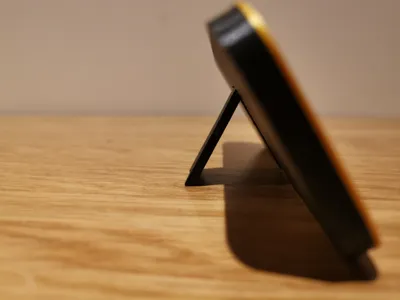
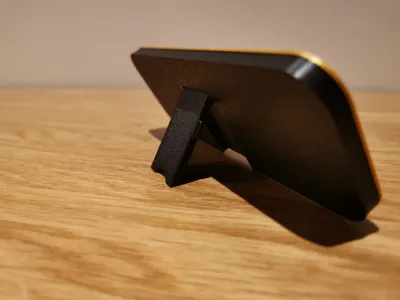
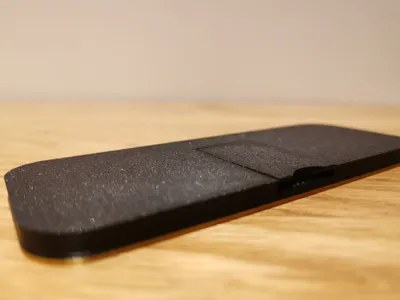
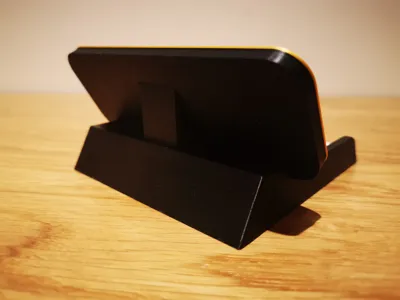
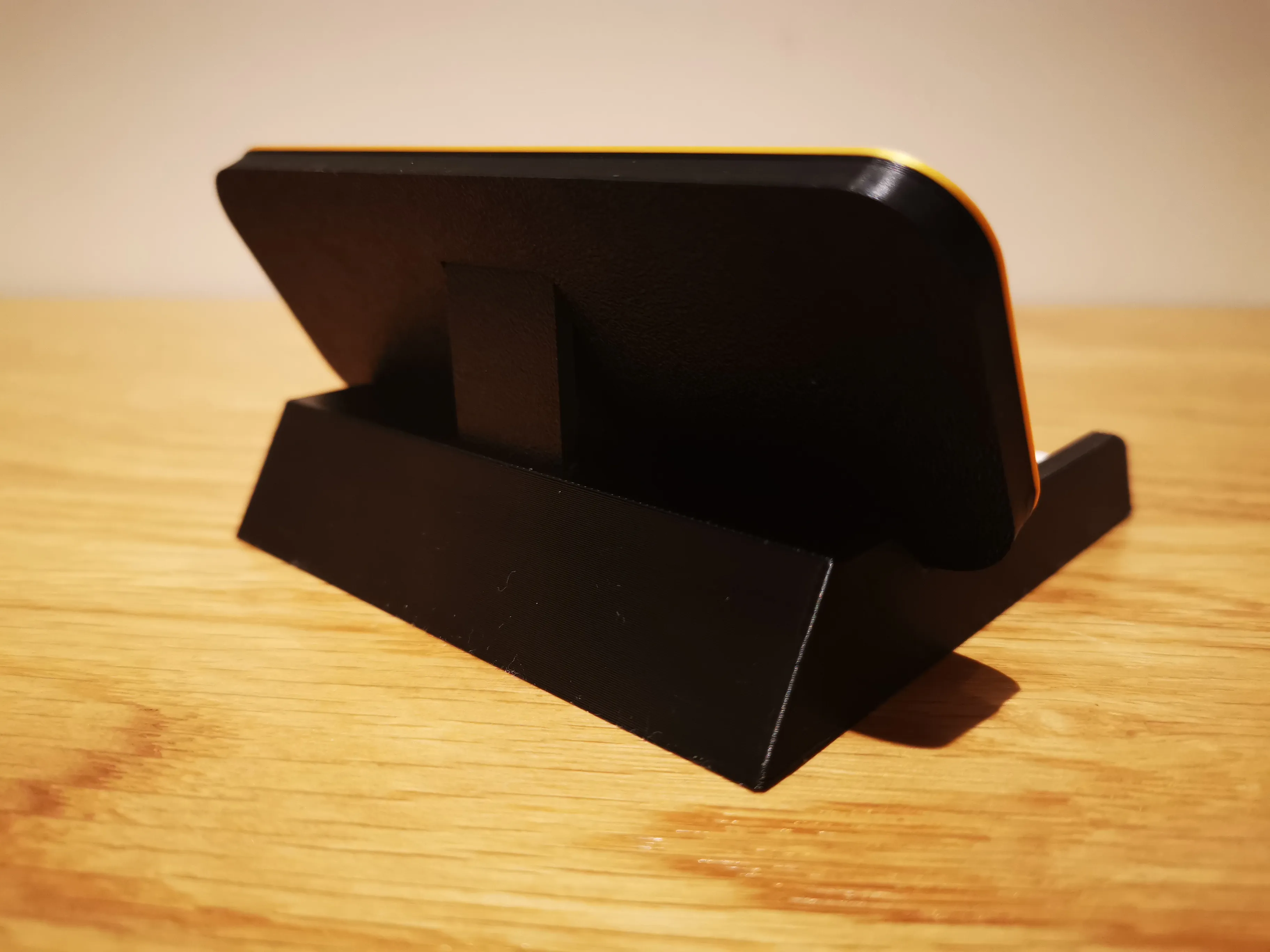
This elegant office / shop / desk nameplate uses a practical retractable STAND that allows it to be held upright in a ROBUST manner. Also, I would like to point out a fantastic update: 01/12/2025 - NEW UPGRADE - BUSINESS CARD HOLDER BASE, you can download it from the second print profile (read description below)
Thanks to this solution you save filament and get an elegant but low-cost print
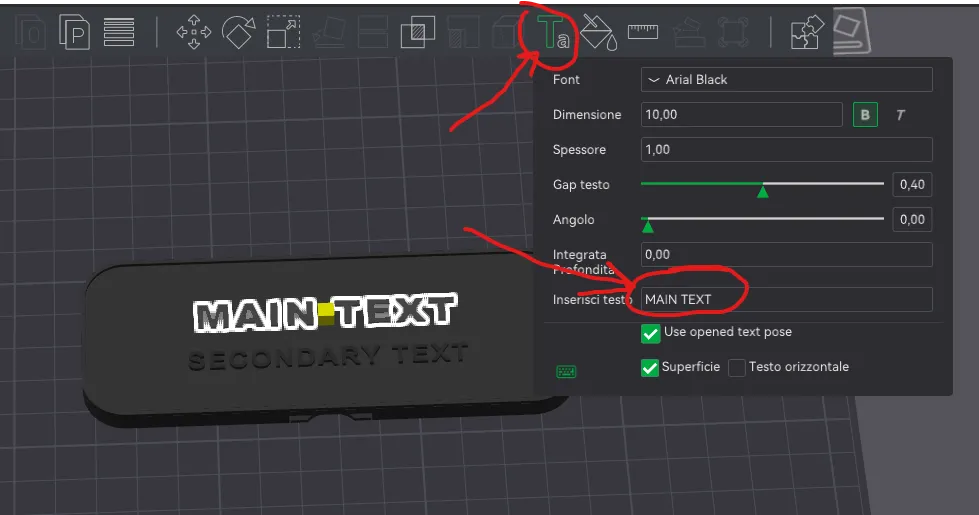
To customize the name IN BAMBU STUDIO:
click on Objects and then on main_text and secondary_text
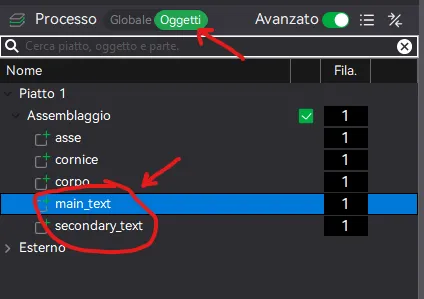
- open text editor and change YOUR NAME with your name and do the same for JOB POSITION
APPLICATIONS AND USAGE
This nameplate was designed to be easily foldable without having to assemble a bulky stand
A nice idea as a gift for a colleague, even as a funny prank.
I leave any other applications to your imagination!
USEFUL TIPS
- Do not change the layer height, it was created and optimized for a layer height of 0.20
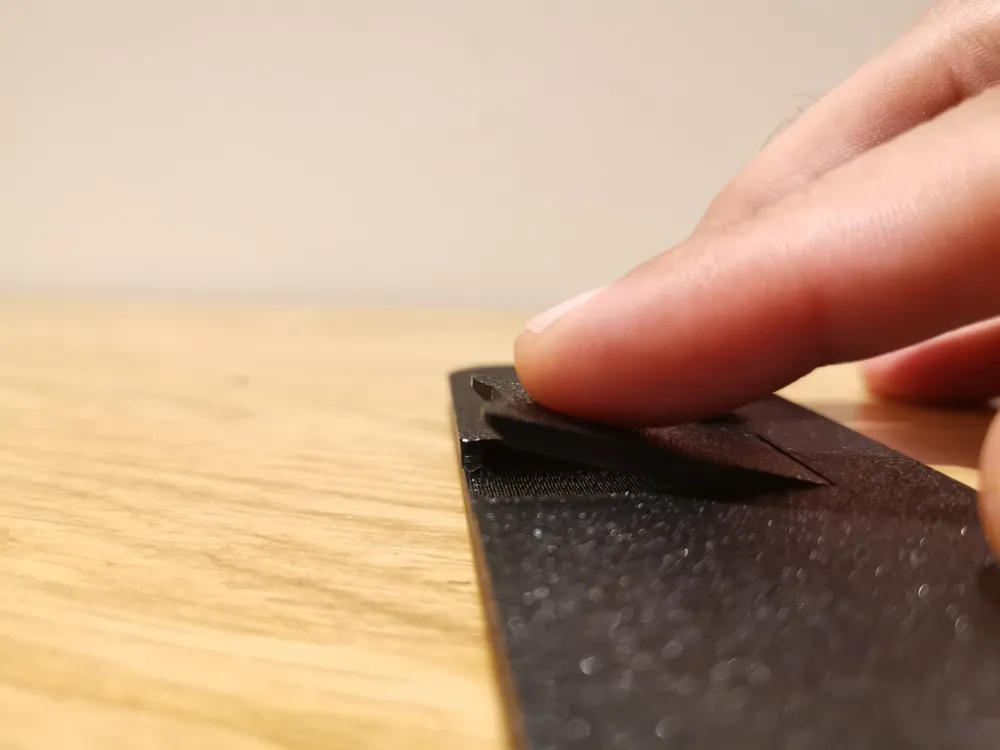
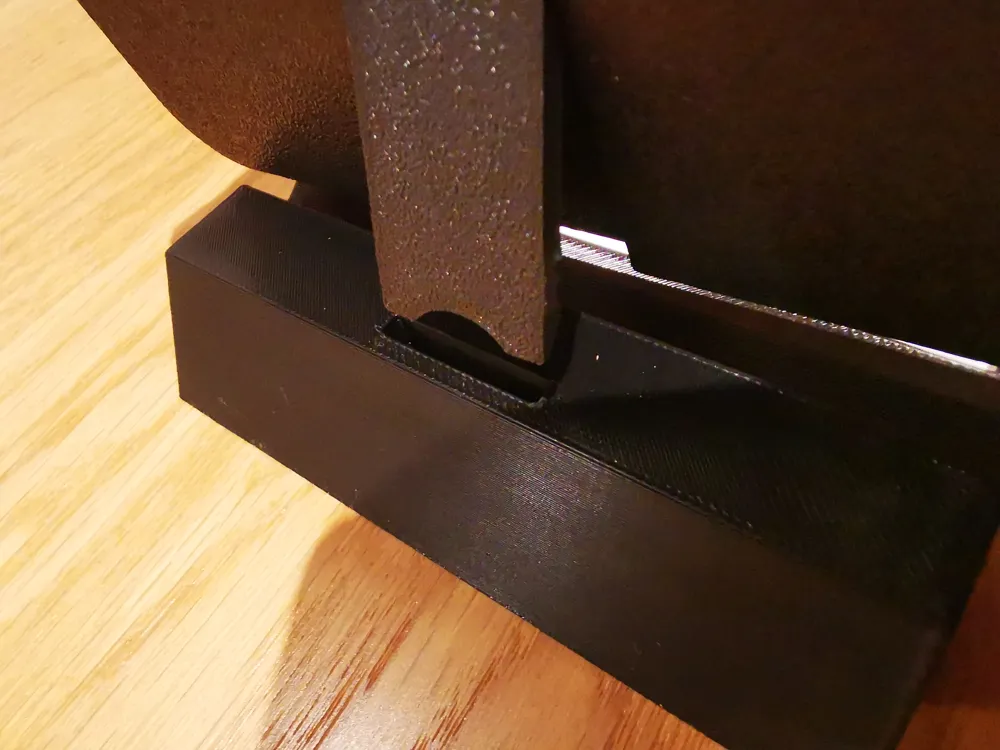
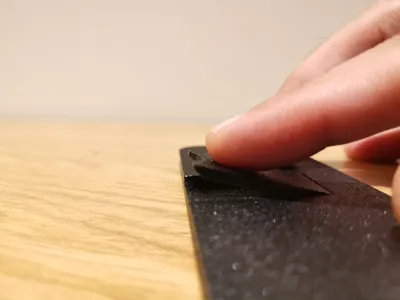
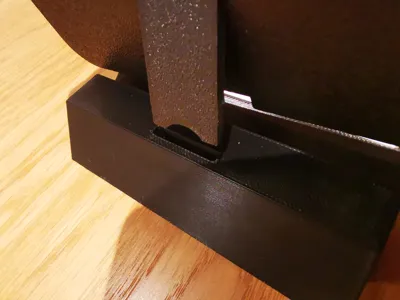
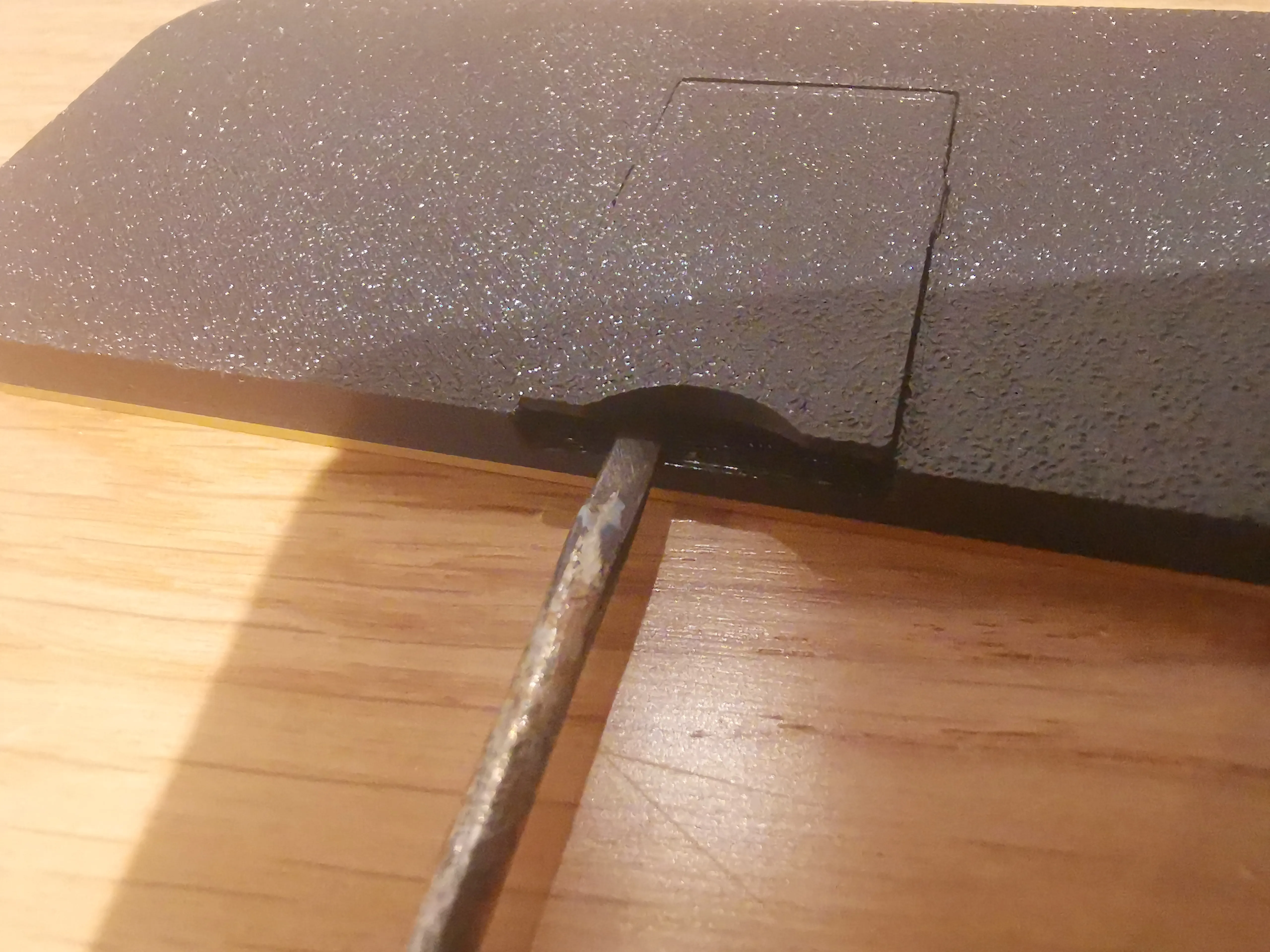
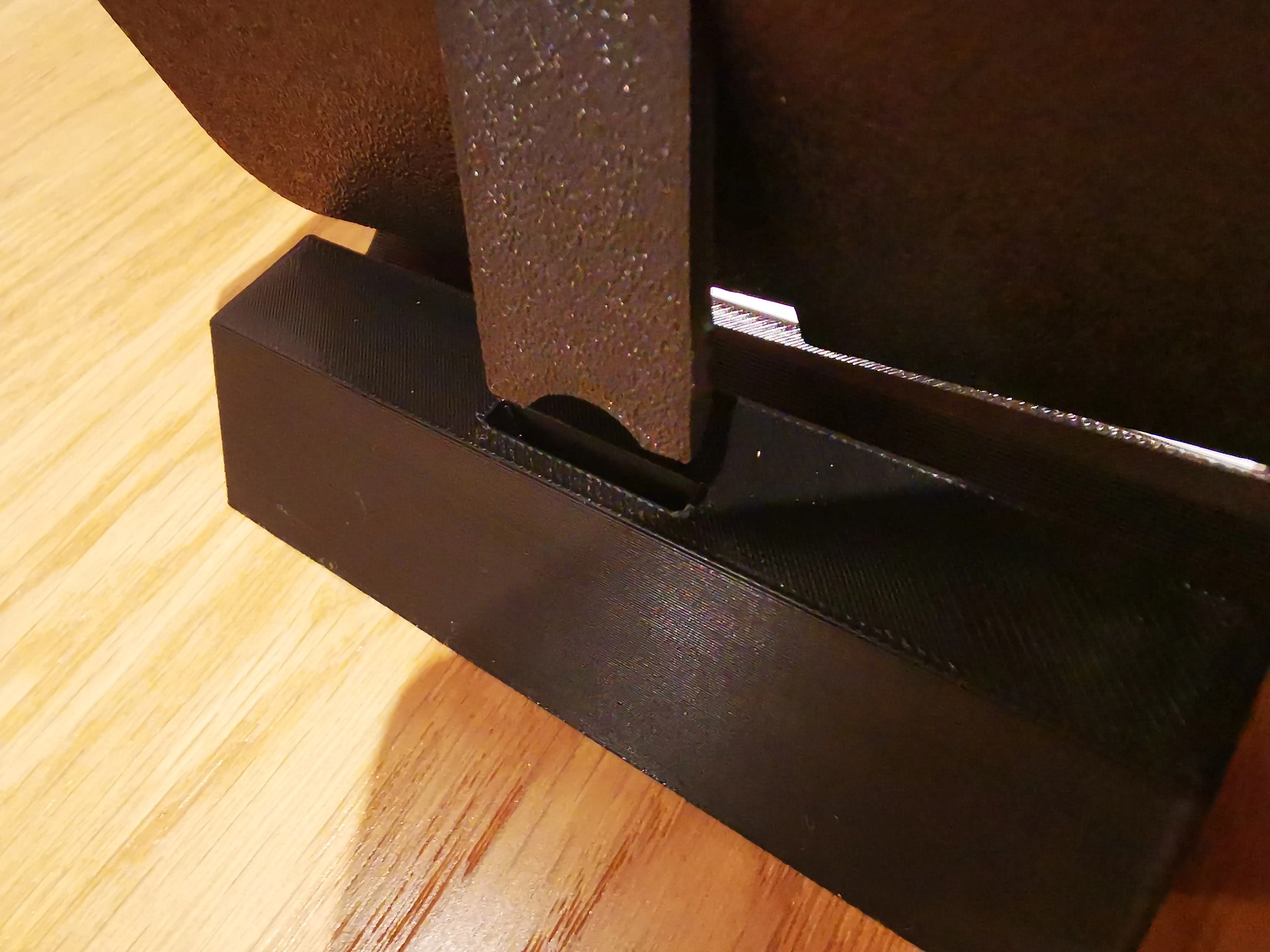
- Use a flat-head screwdriver with a thin tip (as shown in the photo) if you have difficulty detaching the stand after printing (the filament might weld to the nameplate). I did 8 test prints on the mechanism and had no problems whatsoever with my A1.
- Open and close the stand mechanism several times until the click is less stiff.
___________________________
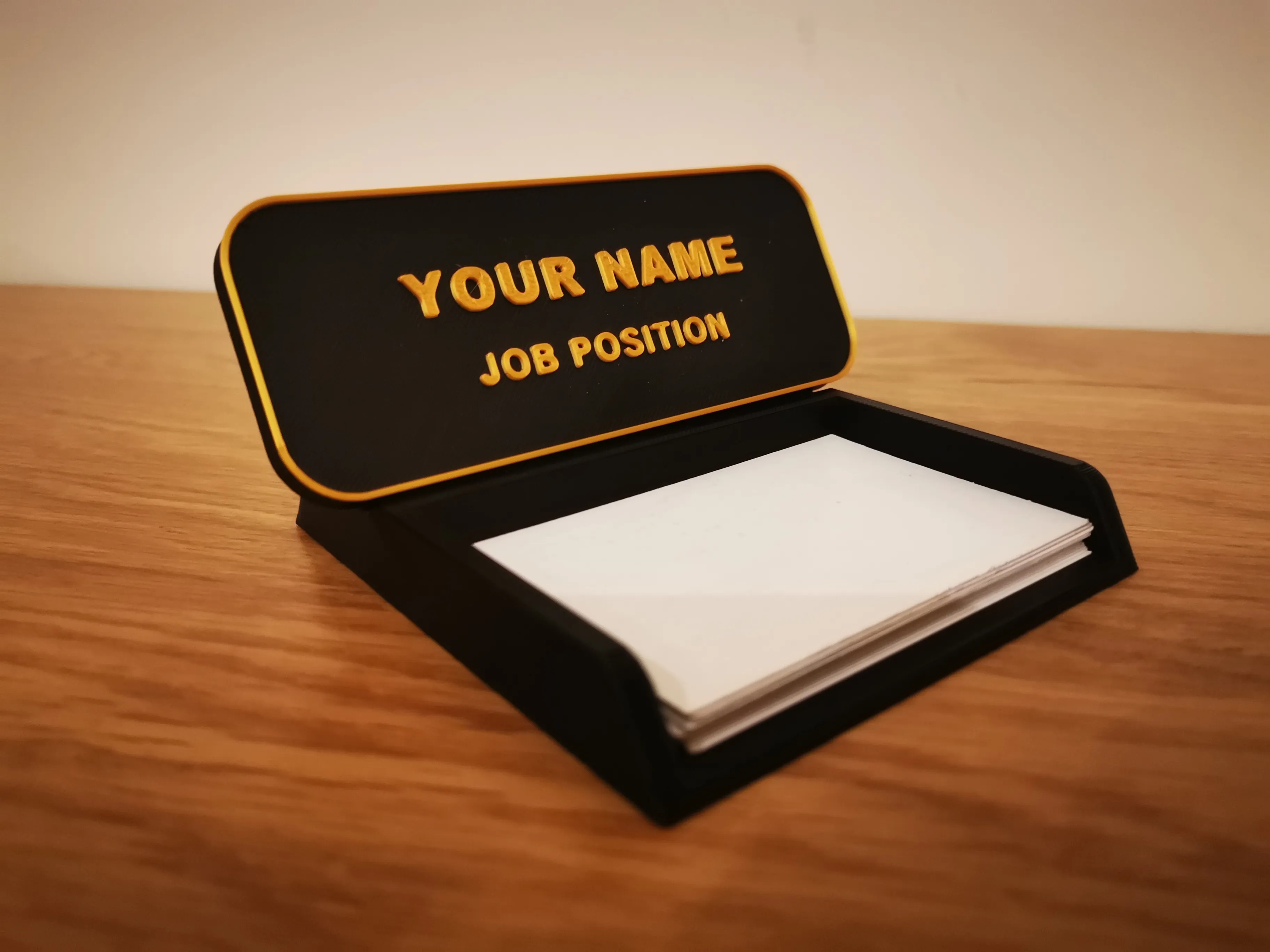
NEW UPGRADE - BUSINESS CARD HOLDER BASE
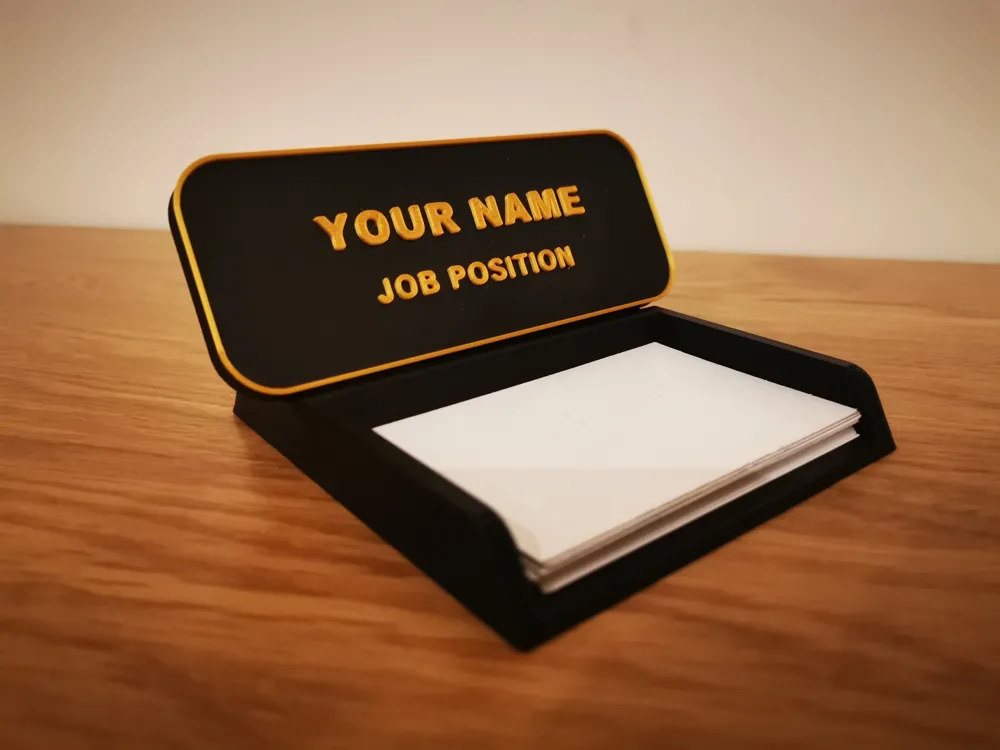
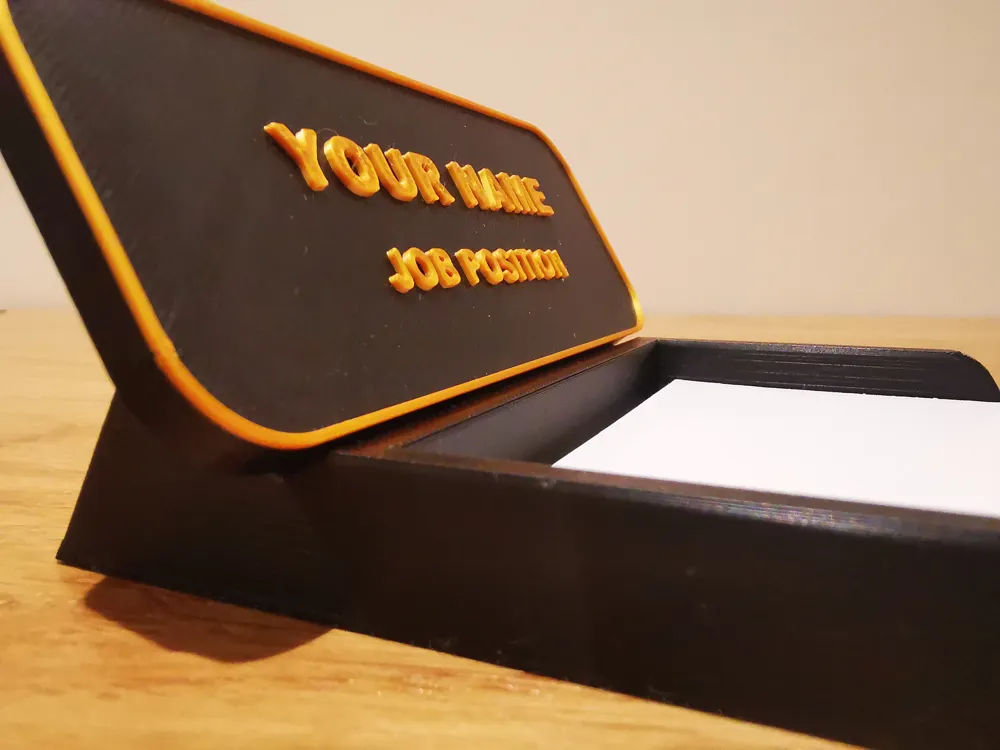
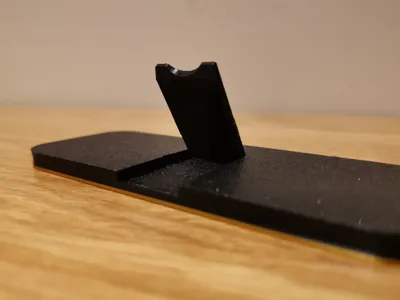
I have also created a BEAUTIFUL BUSINESS CARD HOLDER BASE made specifically for this nameplate: with a PERFECT INTERLOCKING FIT.
DOWNLOAD NOW!
The nameplate is placed with the stand open in its dedicated slot. A touch of class and functionality for your desk!
VIEW MY COLLECTION OF OFFICE PROJECTS
▄▄▄▄▄▄▄▄▄▄▄▄▄▄▄▄▄▄▄▄▄▄▄▄▄▄▄▄▄▄▄▄▄▄▄▄▄▄▄▄▄▄▄▄▄▄▄
Useful tips for optimal printing:
ALWAYS DRY the filament and keep the bed CLEAN
check the EXTRUDER TIGHTENING
I STRIVE to create useful or fun objects If it was worth it for you, reward my time:
Boost Me (for free)
❤️Fuel my passion ✨
See my other works on my PROFILE: https://makerworld.com/en/@kaledo
▄▄▄▄▄▄▄▄▄▄▄▄▄▄▄▄▄▄▄▄▄▄▄▄▄▄▄▄▄▄▄▄▄▄▄▄▄▄▄▄▄▄▄▄▄▄▄
License

You shall not share, sub-license, sell, rent, host, transfer, or distribute in any way the digital or 3D printed versions of this object, nor any other derivative work of this object in its digital or physical format (including - but not limited to - remixes of this object, and hosting on other digital platforms). The objects may not be used without permission in any way whatsoever in which you charge money, or collect fees.


Comment & Rating (410)