
Fully Customizable IKEA Components Parametric


Print Profile(4)



Description
Boost Me (for free)
Thanks for checking out my print!
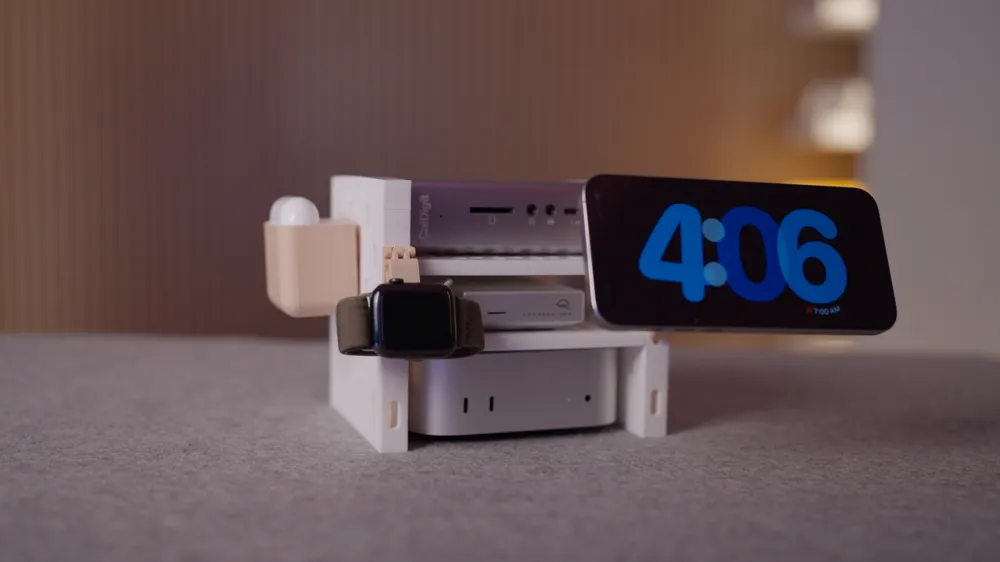
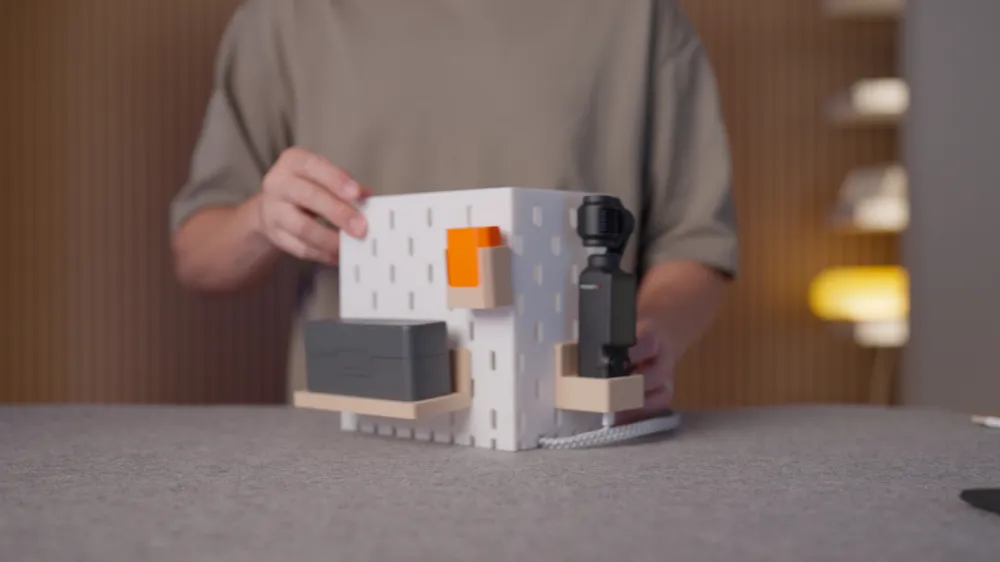
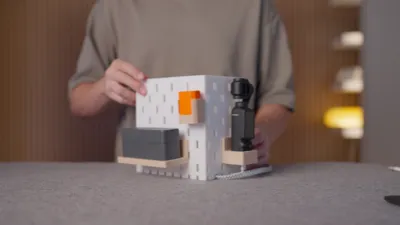
Build Your Own IKEA Pieces using this fully parametric SKADIS component library!
As this is still a work in progress, there may be some small hiccups. All feedback is more than welcome to make it better! Thank you for checking it out!
This is my first pass at creating building blocks using IKEAs SKADIS design as uprights.
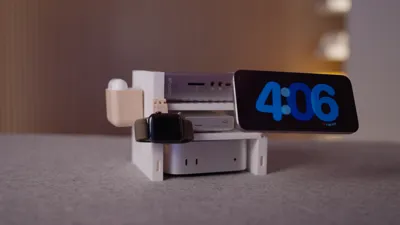
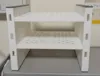
The OpenScad model's default parameters will create a Mac Mini Rack.
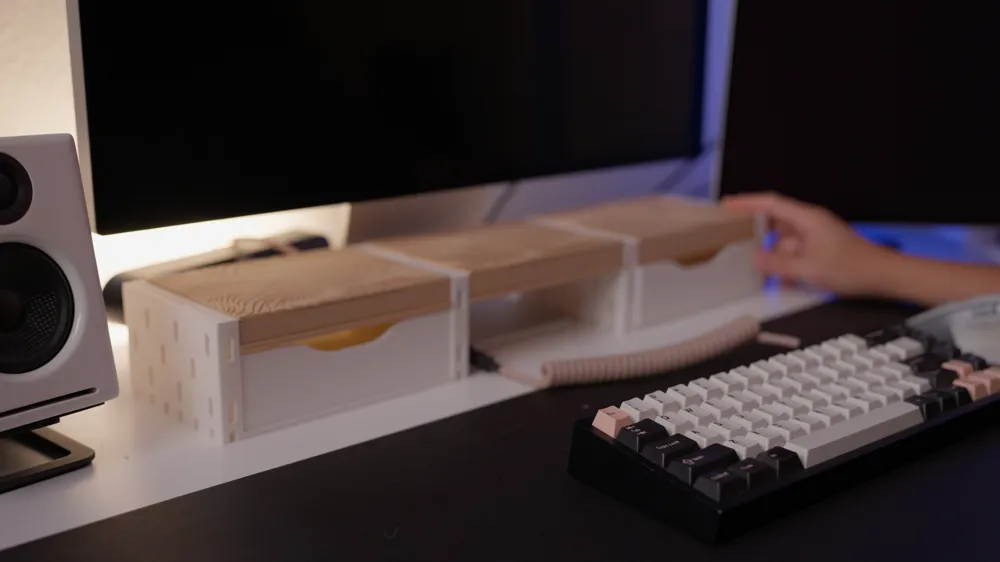
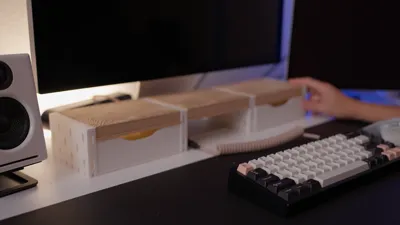
I've also included a build for a Desk Riser which also includes Alex Drawers.
I've uploaded a parametric model of the Alex Drawers as well but it can get a little wonky if the ratios are off so it's still a work in progress.
Few things to note!
- Would advise to print with a brim
- The default view shows "All" Components - It shows how it is assembled. Please select and download each individual component.
- "Upper Beam" and "Lower Beam" - In some cases when adjusting the Upright Width, you may have different number of pegs for each row which means you will need two different beams (Ex upright_width of 70 and alternate_pattern is false)
- If you're doing a thin upright (15 mm), I'd recommend turning on alternate_pattern. This will offset the peg hole pattern so you can use both sides of the upright. If you do not enable this, you will not be able to use the opposite peg hole as the pegs will collide inside the upright.
- To ensure a shelf is stable, it's best to have at least two beams connecting the uprights. If you only want one shelf, you can turn on has_bottom_holes and connect a bottom beam
- End caps will need support when printing
- This is still a work in progress so feedback is more than welcome! Thanks for printing!!
Changelog:
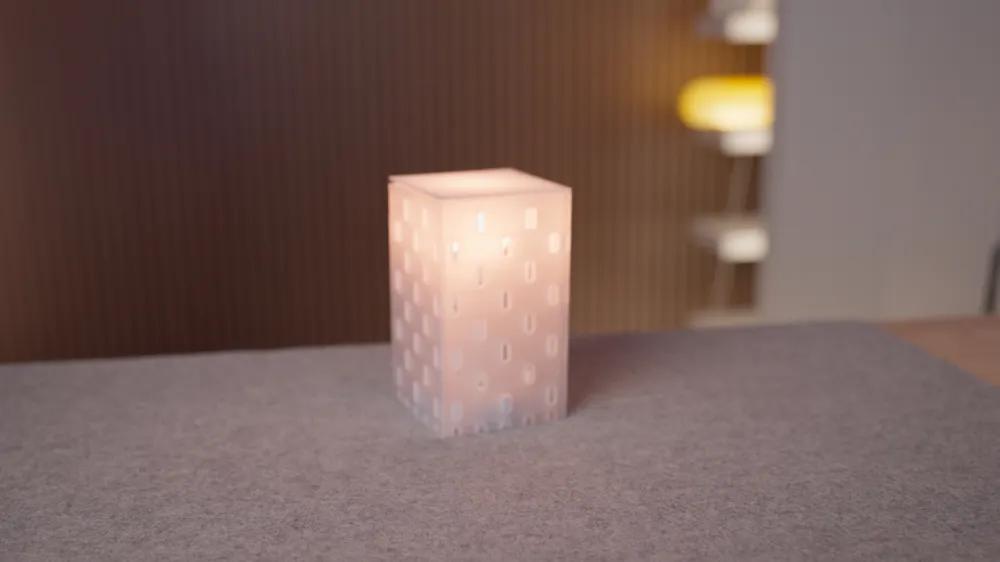
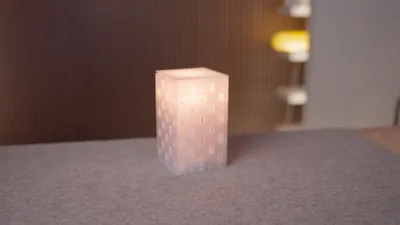
- August 4, 2025: Simplified the OpenSCAD files and separated for use case: a basic self model and a box with a lid.
- June 24, 2025: Toggling on alternate_pattern will automatically update one side of the beam to alternate pegs. No need to mirror the uprights anymore!!!
Check out my video on how I designed it and it also includes a short tutorial on how to use it!
The Alex Drawers need to reference this SVG for the front design. Unfortunately, you won't be able to use it on the online customizer. You'll have to download the file and add a file called “drawer.svg” in the same directory including this information. If someone knows how to inline the code into OpenScad, please let me know!:
<svg xmlns="http://www.w3.org/2000/svg" id="Layer_1" version="1.1" viewBox="0 0 215.35 70.36">
<!-- Generator: Adobe Illustrator 29.4.0, SVG Export Plug-In . SVG Version: 2.1.0 Build 152) -->
<path d="M215.35.83h-37.14c-13.03,0-24.17,1.63-34.53,9.32-5.86,4.35-12.69,7.11-20.1,7.23-5.34,0-10.62,0-15.9.01-5.28,0-10.56-.01-15.9-.01-7.41-.12-14.24-2.88-20.1-7.23C61.31,2.46,50.16.83,37.14.83H0V.23s0,70.13,0,70.13h215.35V.23v.6Z"/>
</svg>
License



Comment & Rating (213)