
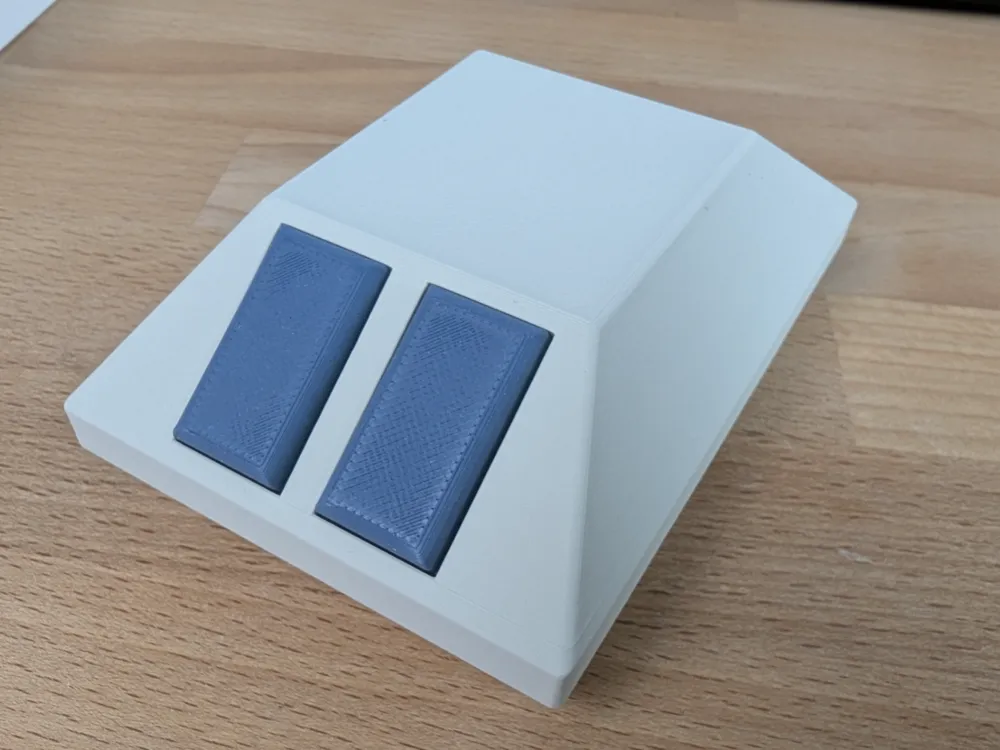
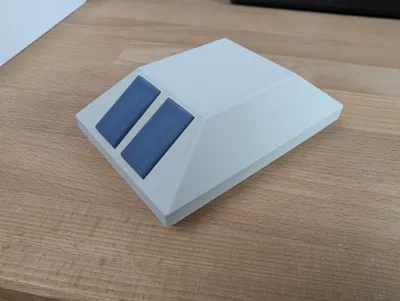
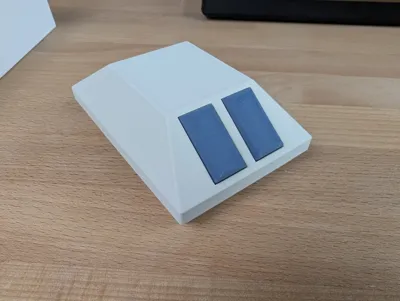
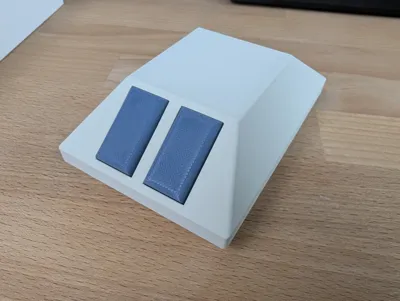
Retro mouse Logitech M185
Print Profile(1)

Description
!!!WARNING!!!
This model will only work with this model of the Logitech M185 mouse. The version I had is not the same as the newest versions you can buy currently. Check what verison of the mouse you have before printing.
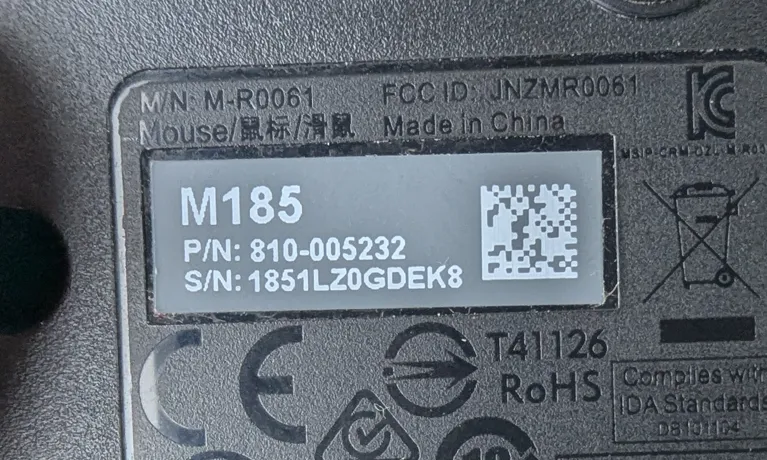
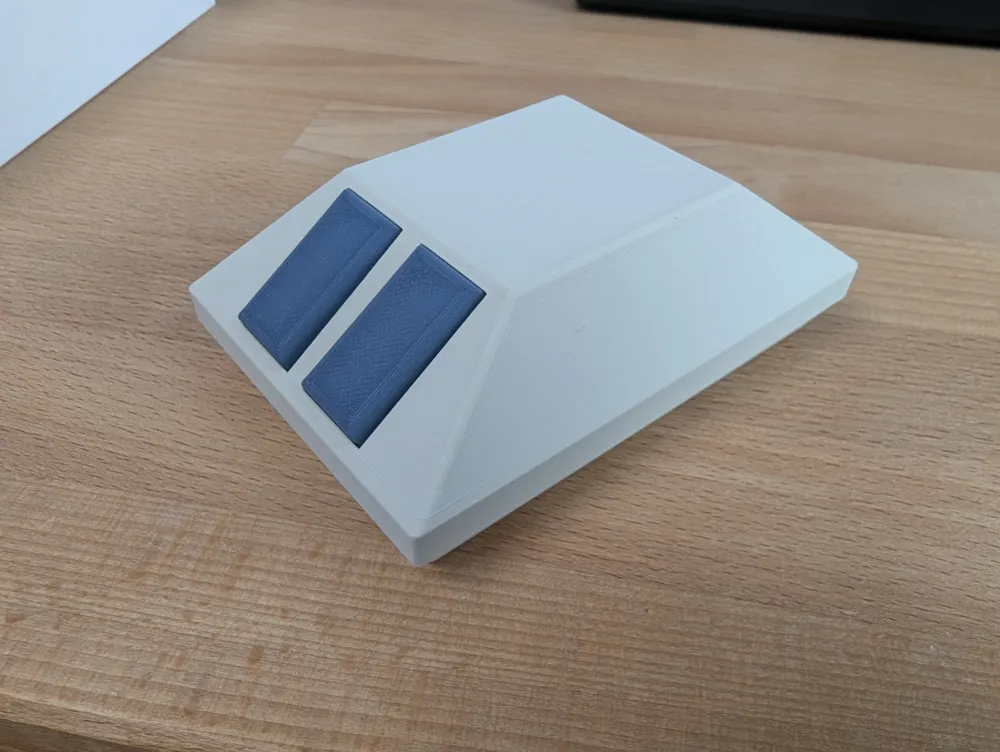
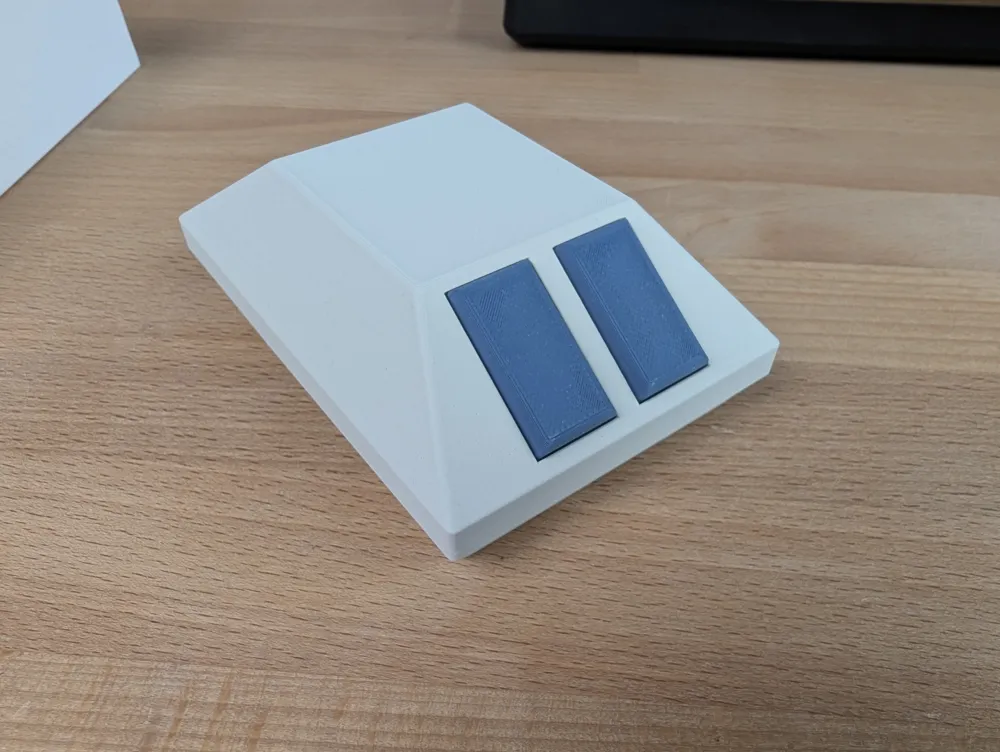
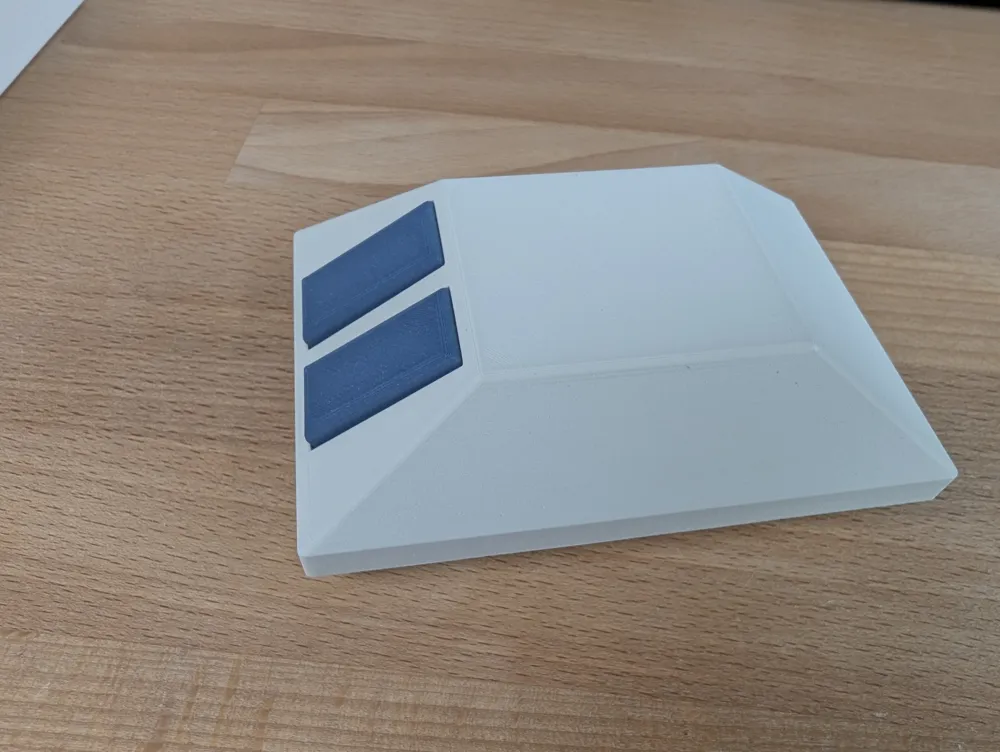
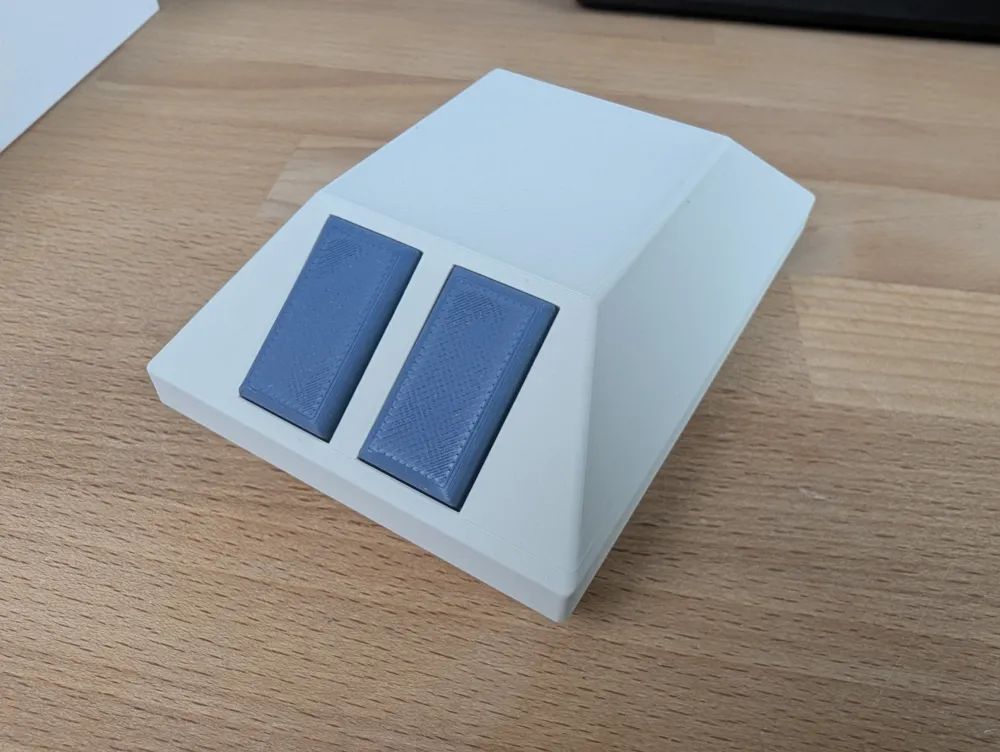
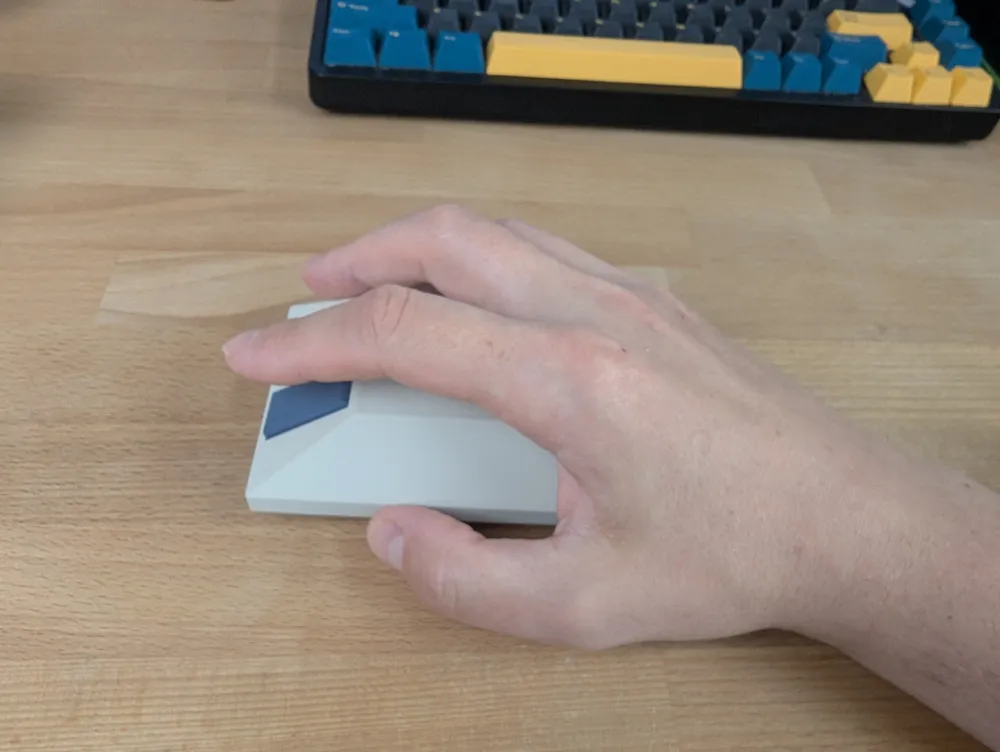
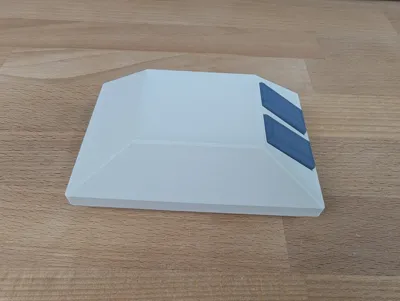
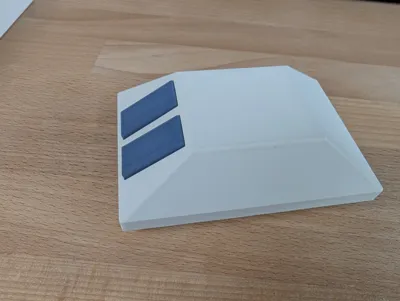
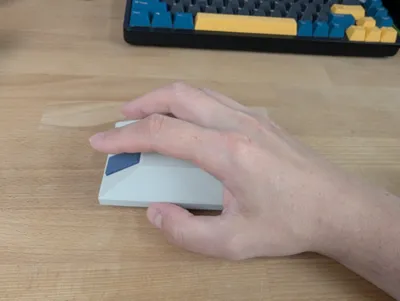
I had this Logitech M185 mouse laying around and decide to design a different, retro shell for it. I came up with this design.
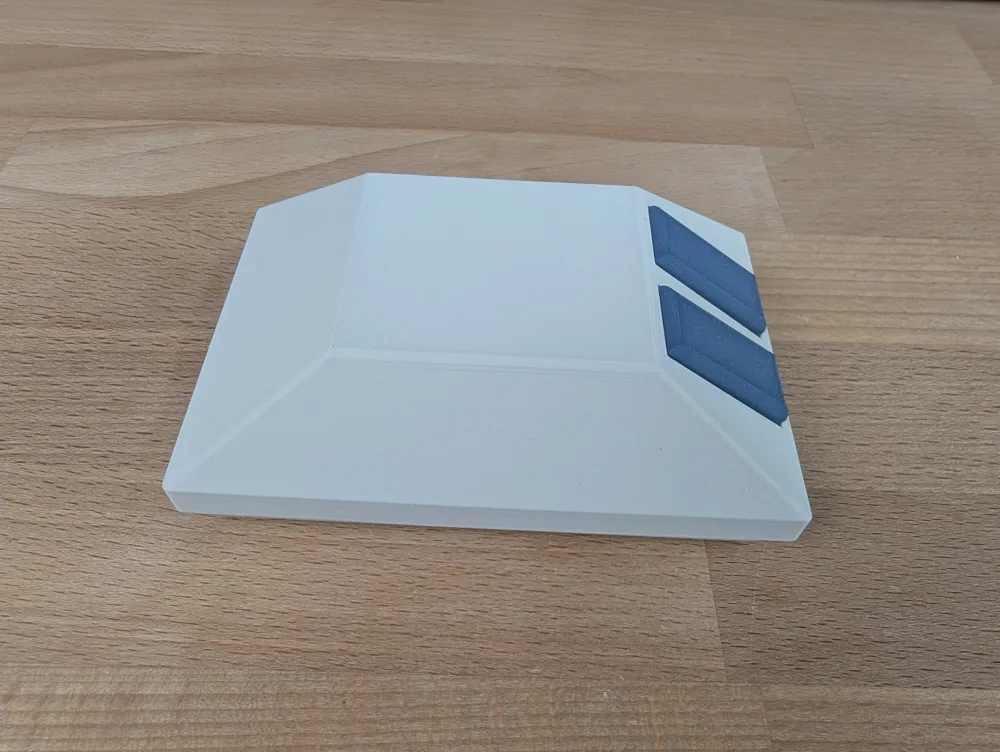
I printed it flat with use of supports as this gave me the best quality of finish of the top part. If you decide to print it the same way, watch out when removing the supports to not to break the column that hold both parts together.
The mouse utilizes the screw that came with the original mouse to close both parts of the shell together.
To assemble the mouse follow these steps:
Take off the latch
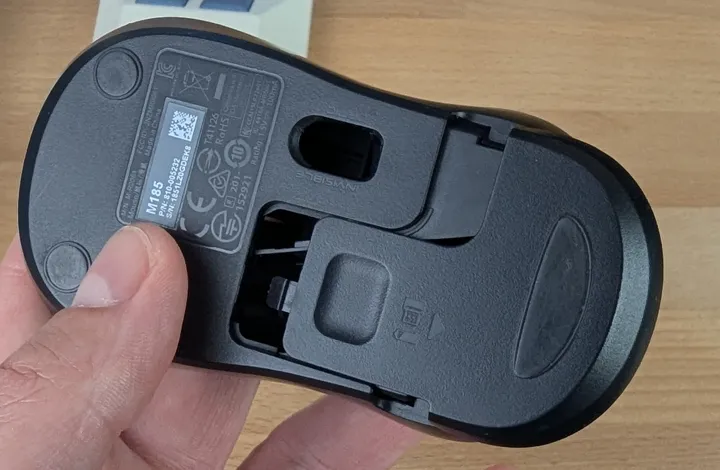
- Take out the dongle
Unscrew this screw
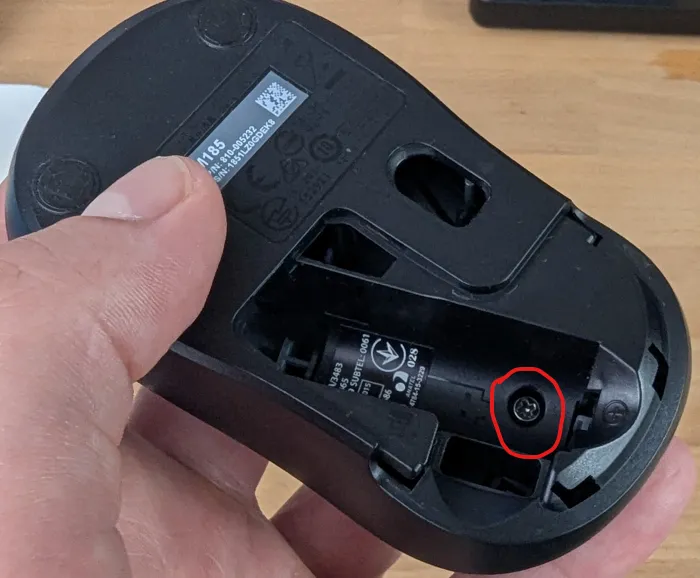
Open the mouse
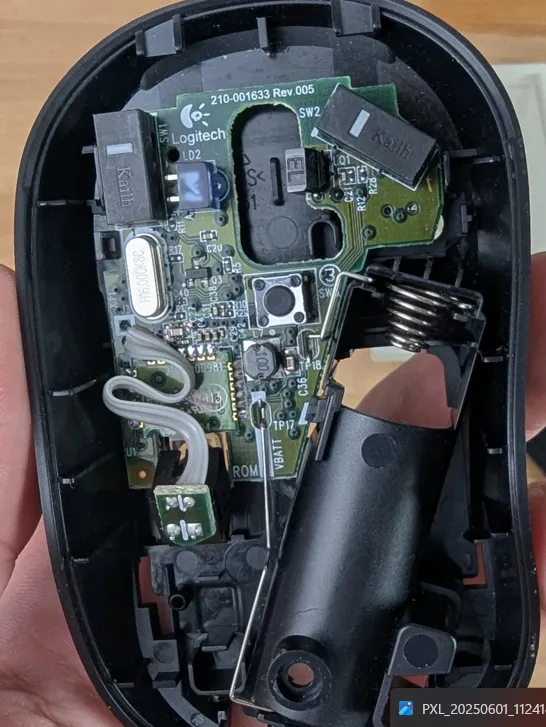
Press on this latch and take out the PCB
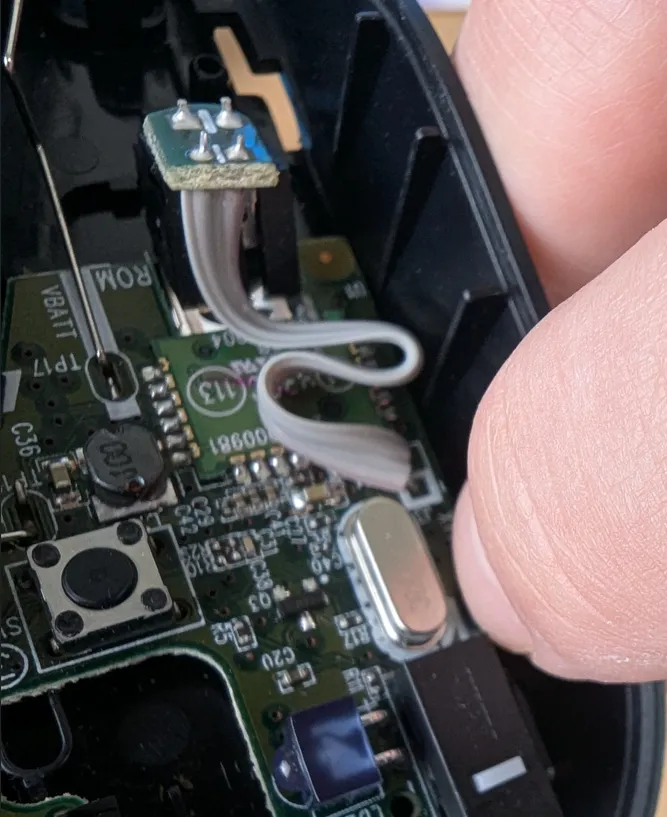
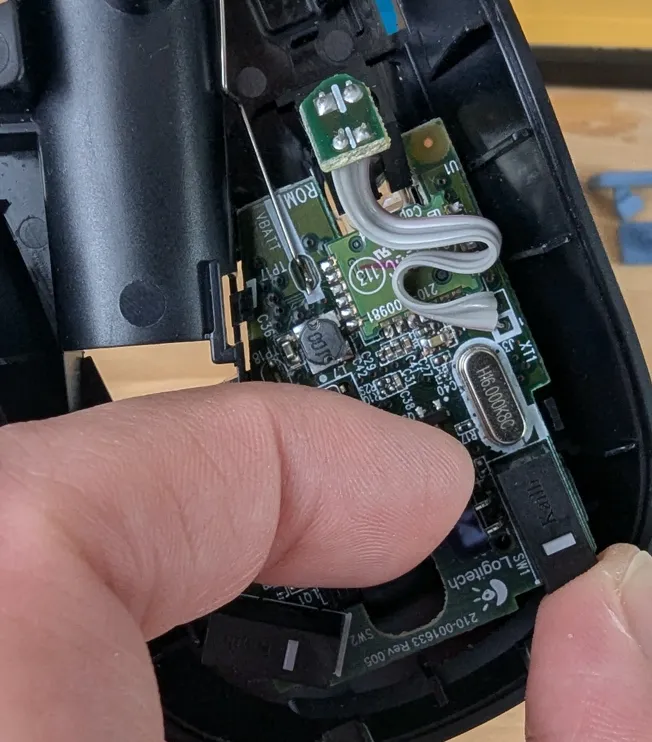
You will only need these 3 parts from the mouse
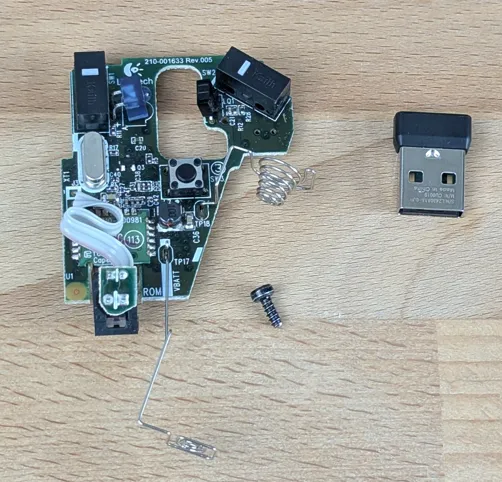
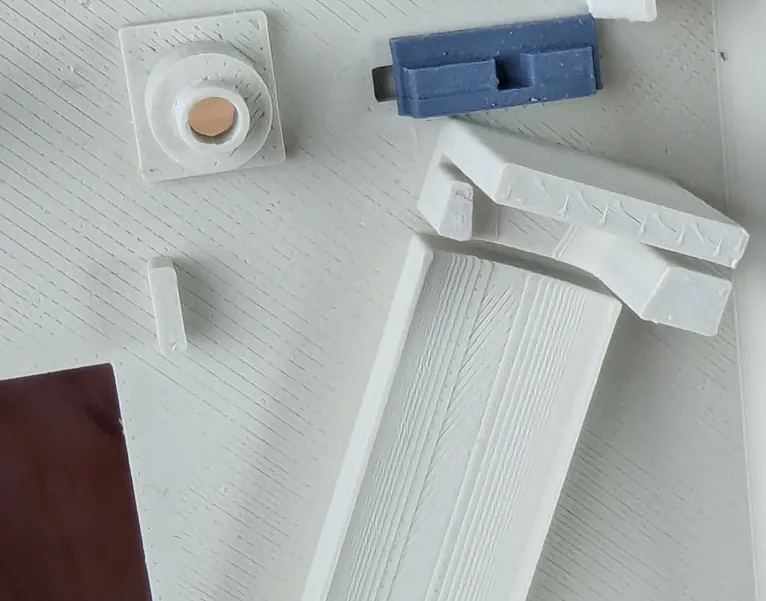
- Remove all supports from the print
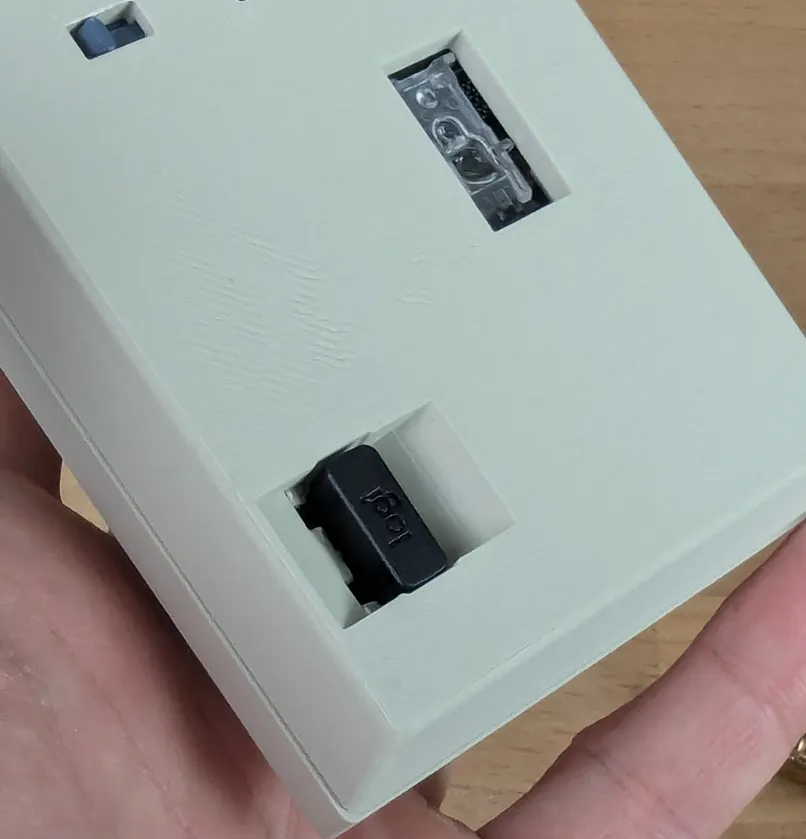
- Place the switch on/off button in, mind the orientation
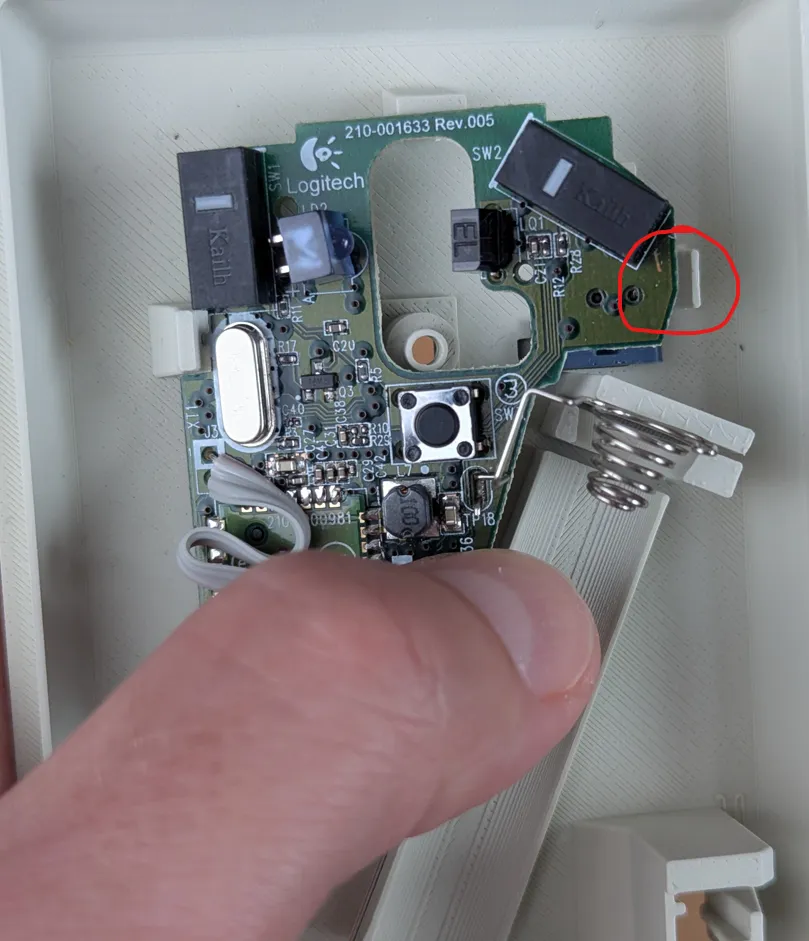
Place the PCB in, watch out not to use too much force on the latch on the right.
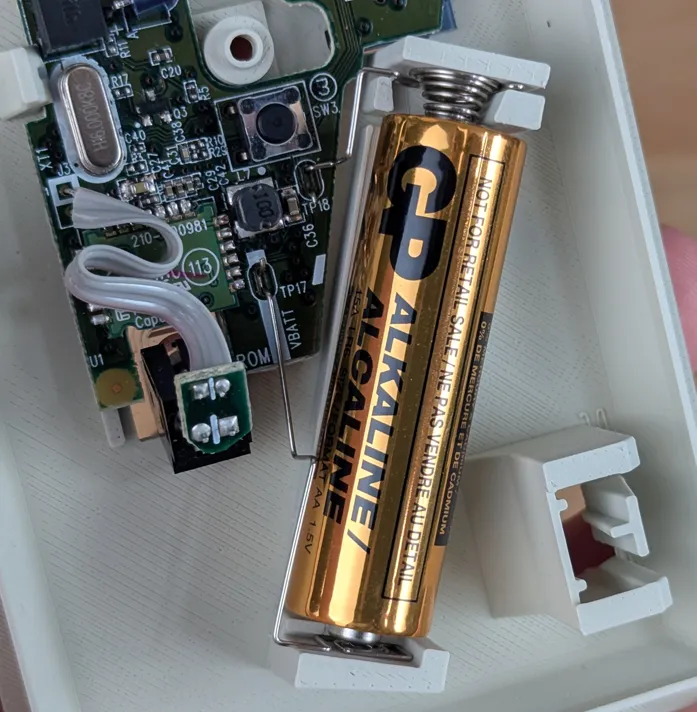
Insert the battery.
Take the buttons and insert the pushers into the slots.
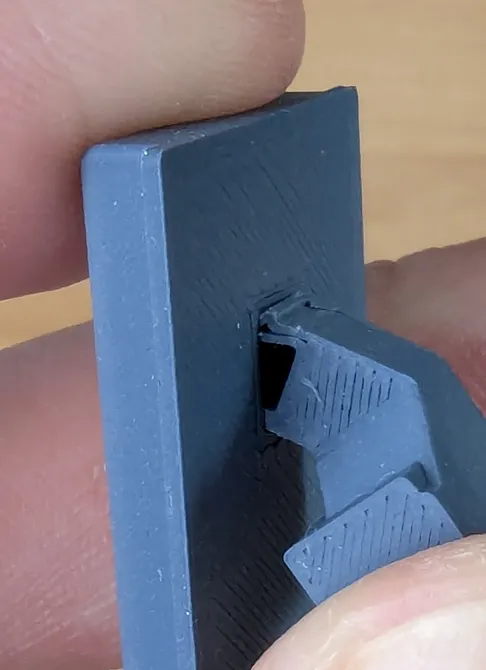
Place the buttons into the slots in the top part, mind the positions of them as they are different for the left and right buttons.
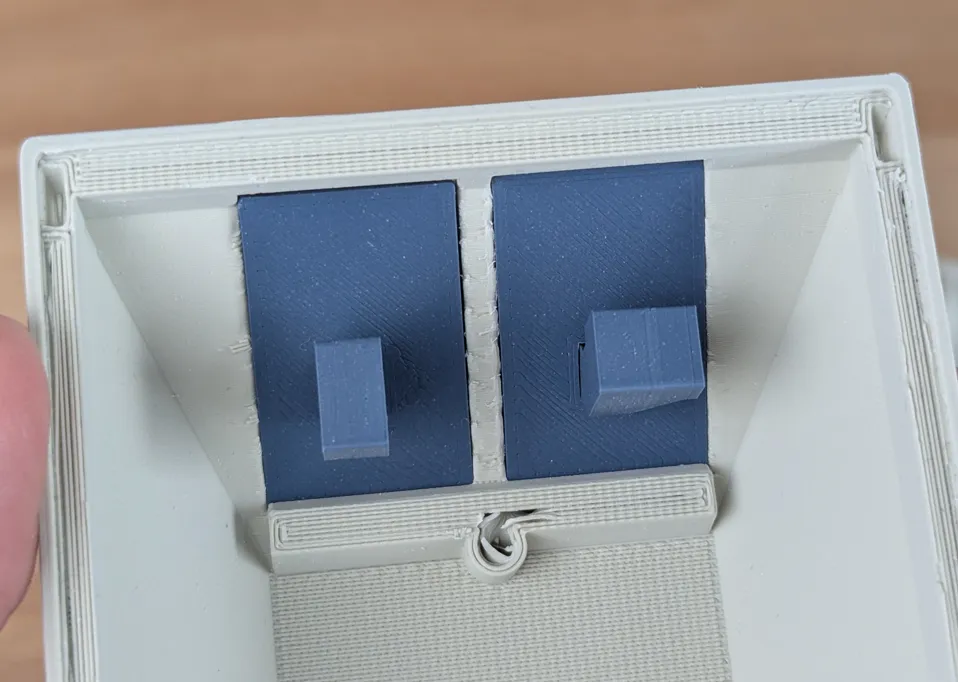
With the top part upside-down take both parts of the mouse and close it until it clicks in.
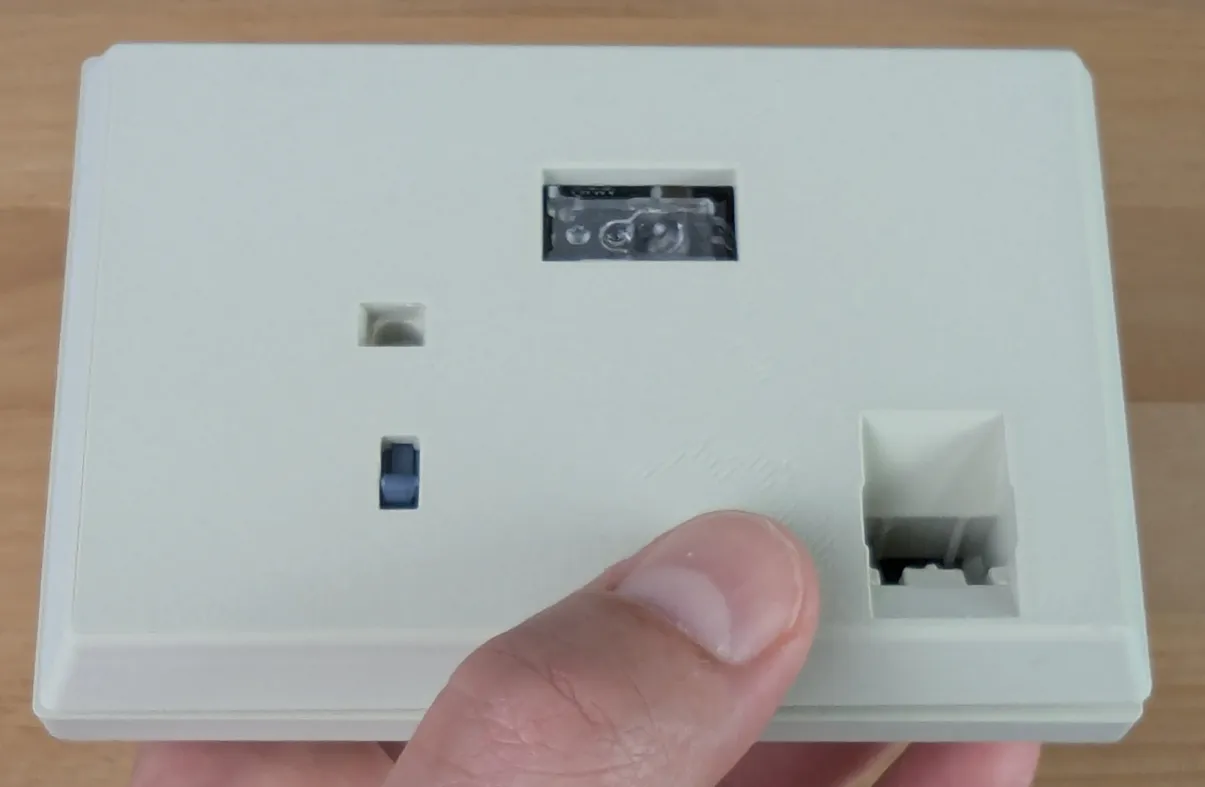
Take screw and screw it in into this slot sceuring both parts together.
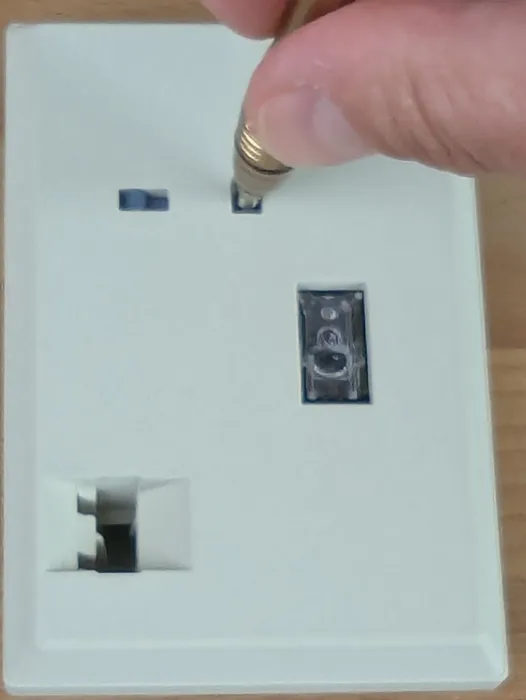
Place the dongle into the slot on the bottom.
License

You shall not share, sub-license, sell, rent, host, transfer, or distribute in any way the digital or 3D printed versions of this object, nor any other derivative work of this object in its digital or physical format (including - but not limited to - remixes of this object, and hosting on other digital platforms). The objects may not be used without permission in any way whatsoever in which you charge money, or collect fees.


Comment & Rating (5)