
Creatine Scoop *PARAMETRIC DESIGN*
Print Profile(2)



Description
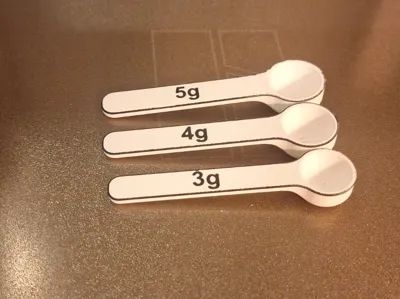
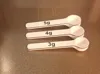
Get ready to scoop up your gains with the ultimate Parametric Creatine Powder Scoop! 🚀
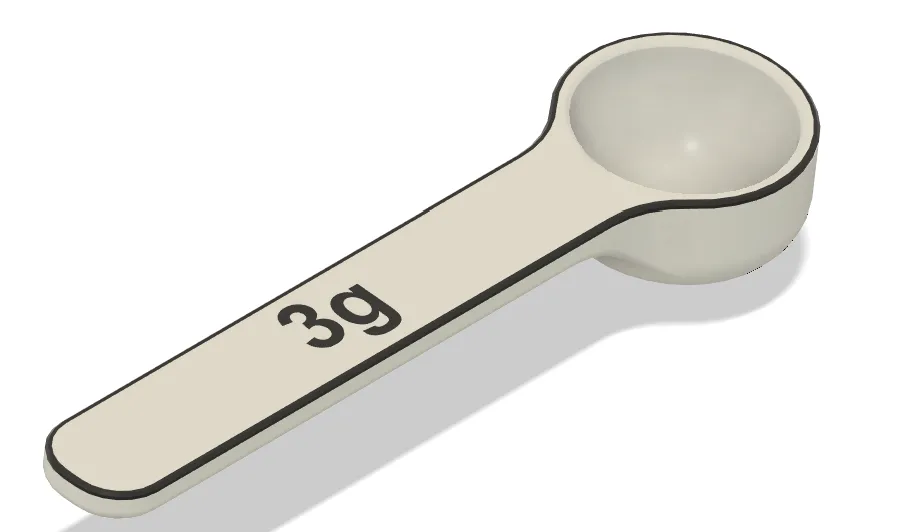
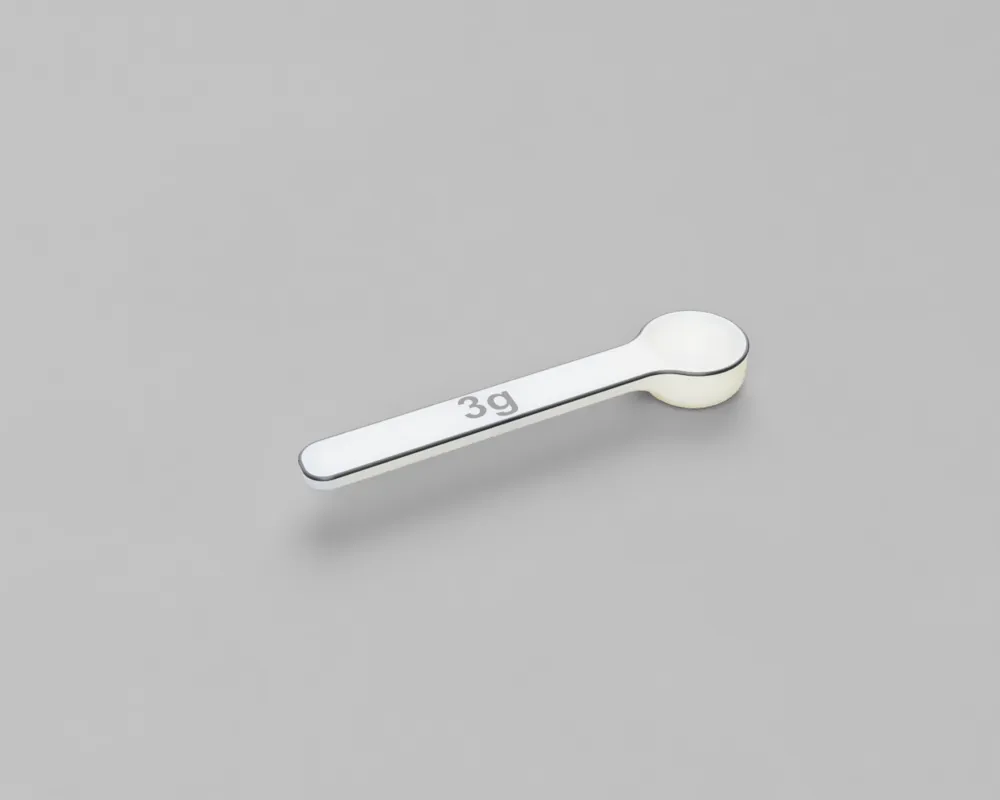
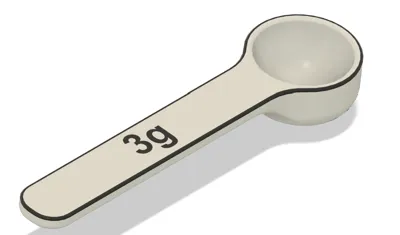
Get ready to scoop up your gains with the ultimate Parametric Creatine Powder Scoop! 🚀 This isn't just any scoop; it's a design revolution for your supplement routine, crafted to perfection in Fusion 360.
Here's why you'll love it:
- Fully Customizable in Fusion 360: Say goodbye to guesswork! 🤯 Easily tweak the scoop's capacity to perfectly match your needs directly within Fusion 360.
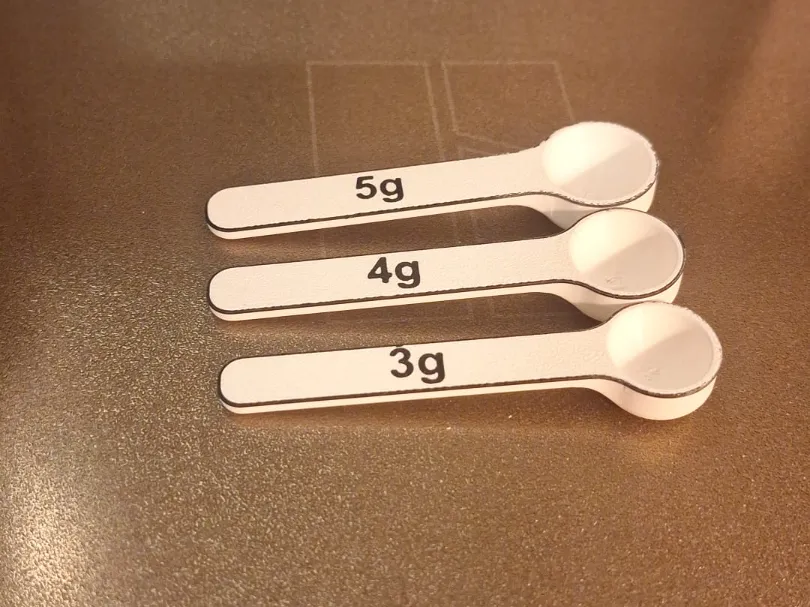
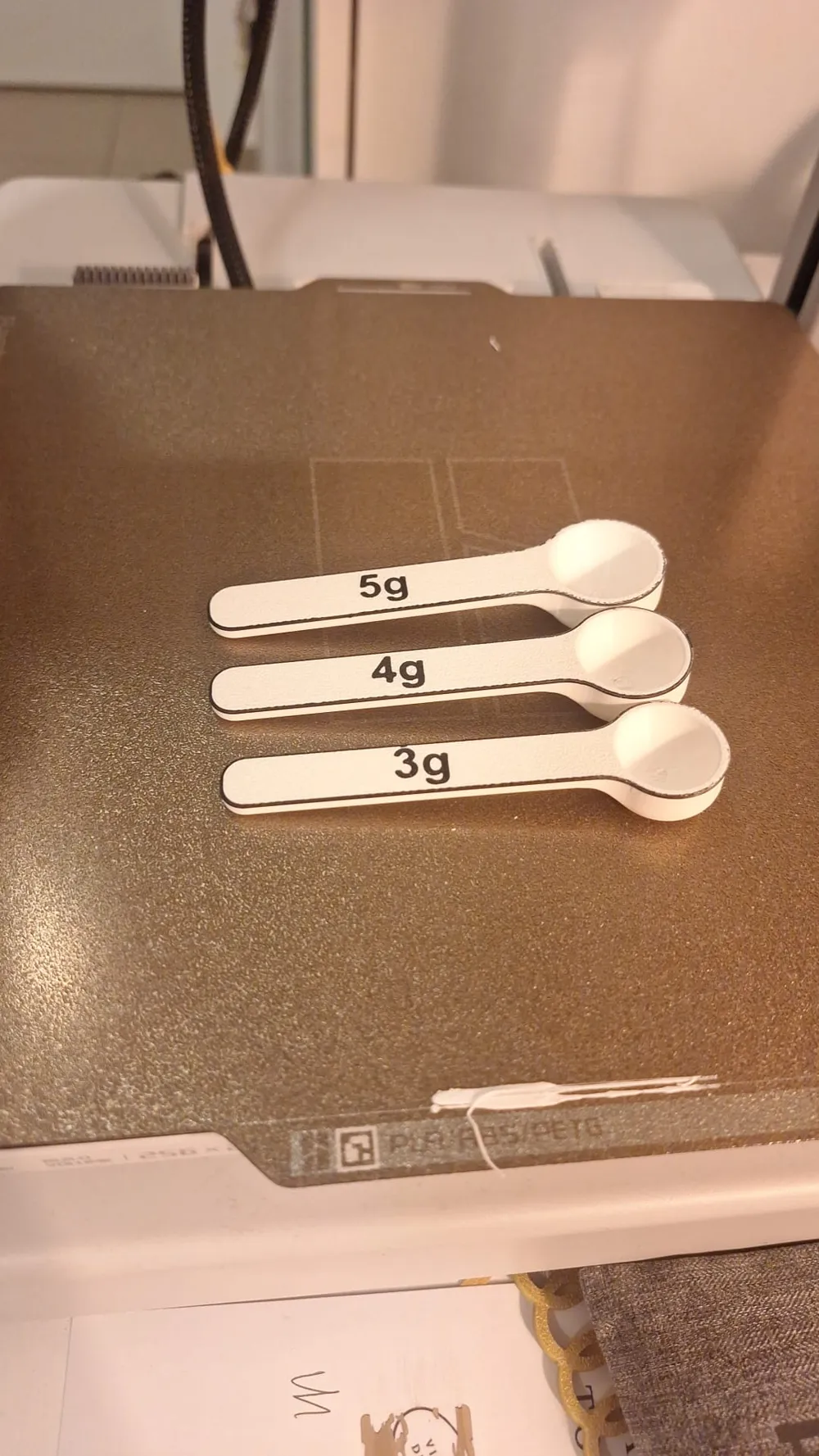
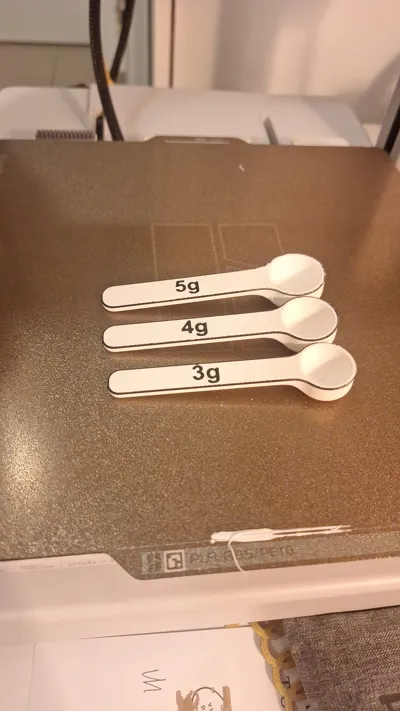
- Pre-Configured for Popular Doses: We've made it even simpler! You'll find ready-to-print files for popular 3, 4, and 5-gram servings, making your life easier from the get-go.
- Super EASY and FAST print! No support, brim is even optional.
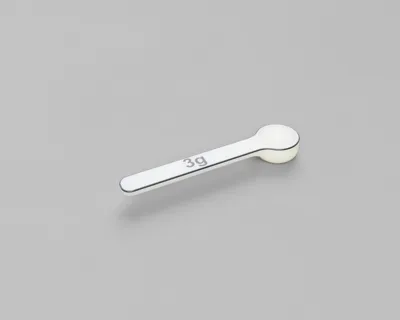
- Style Your Scoop: Express yourself with versatile printing options! Choose between sleek, minimalist one-color designs or make a statement with vibrant, eye-catching two-color versions that'll stand out in your gym bag. 💪
- Density of Creatine is 1.33 g/cm³, feel free to use powder of similar density or tweak in Fusion 360
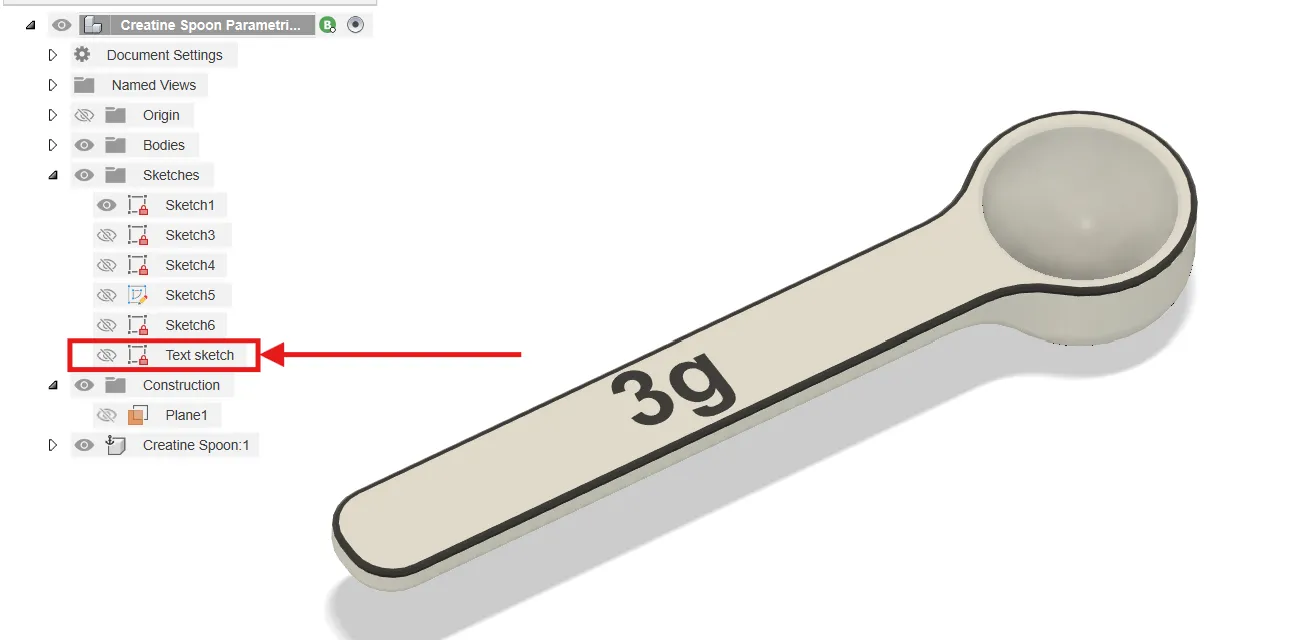
To change the text on your design:
- Enter the Sketch: Find the sketch that contains the text you want to edit and double-click on it to enter sketch editing mode. (The sketch will likely be highlighted).
Edit the Text: Once inside the sketch, double-click directly on the text itself. This will open a text editor window where you can type in your new text
Important Note: Unlike other dimensions in Fusion 360, the actual content of text (the words or numbers themselves) cannot be linked to parameters. This means you'll need to manually re-type the text each time you want to change it.
How to Customize Your Scoop (Change Parameters)
Your scoop design is smart! You can easily adjust it to fit your needs.
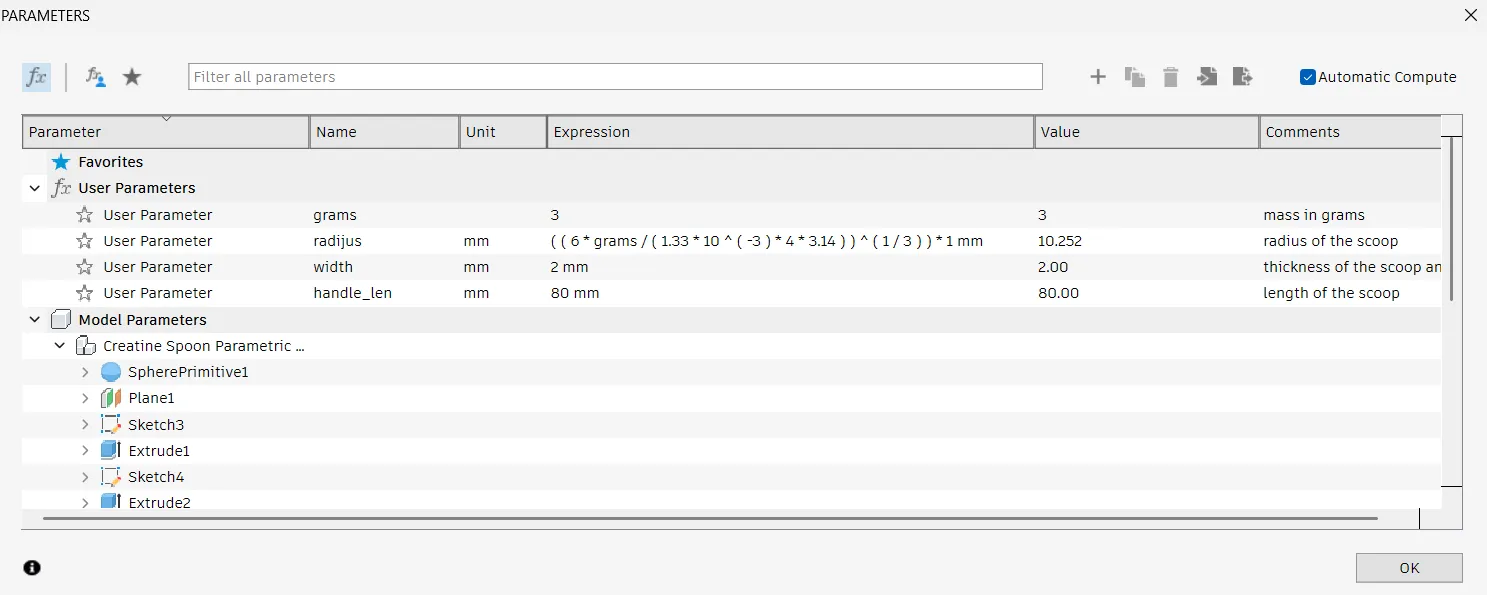
- Open the Parameters Window:
- Press the "S" key on your keyboard.
- Type "Change Parameters" in the search bar that appears.
- Select "Change Parameters" from the results.
- Adjust the Grams:
- In the "Change Parameters" window, find the parameter named "gram".
- Simply type in the desired weight (e.g., 3, 4, 5, or any other number) that you want your scoop to hold. The scoop's size will automatically update!
- For Different Powder Densities:
- If you're using a powder with a different density than creatine (which your scoop is designed for by default), you'll need to make a small adjustment.
- In the "Change Parameters" window, look for the formula associated with the "radius" parameter.
Inside that formula, you'll see a specific number (it's likely related to creatine's density). Change this number to match the density of your new powder. This will ensure your scoop still measures the correct weight!

Play with parameters:
License



Comment & Rating (18)